· 19 min read
Best Cvent Alternatives

The best Cvent alternative depends on which parts of your event business need a different setup. Selling paid admission, managing a conference agenda and sourcing venues are different jobs. Start with the workflows you use, then compare the complete replacement.
We recommend Loopyah first for paid-event operators who want ticket sales, returning-buyer marketing and event finances connected. Swoogo, Bizzabo, Whova, Accelevents and RegFox address more specialised registration and conference requirements. This guide compares six alternatives, explains when staying with Cvent makes sense and shows how to evaluate the cost without treating a ticketing fee as equivalent to a conference software licence.
When should you switch from Cvent?
Switch when you can name the improvement you need. Perhaps your paid workshop series does not use the conference tools you are paying for. Perhaps several people need to build events and the account structure no longer fits. Or your next conference needs a different registration, attendee-app or onsite workflow.
Cvent already covers personalised registration paths, agendas, sessions, email marketing, attendee engagement and onsite check-in. Its wider offering includes housing, venue sourcing, room blocks and abstract management. A replacement needs to cover the Cvent functions you actually rely on, including any connected services.
Staying can make sense when those workflows are central to your event and work well together. An unfamiliar interface or an attractive starting price elsewhere is not enough evidence that changing platforms will improve the operation.
Separate the decision into requirements you must keep and work you want to improve. For a paid professional conference, session access and badge printing may be essential. For a recurring seminar, a straightforward purchase and a useful customer record may matter more. Compare each alternative against the event you run, rather than the longest feature list.
The best Cvent alternatives at a glance
Product information and published prices checked on 17 November 2026. Dollar figures below use published US schedules. Annual licences, per-event software and transaction fees cover different things; processing, equipment, services and optional modules need their own check.
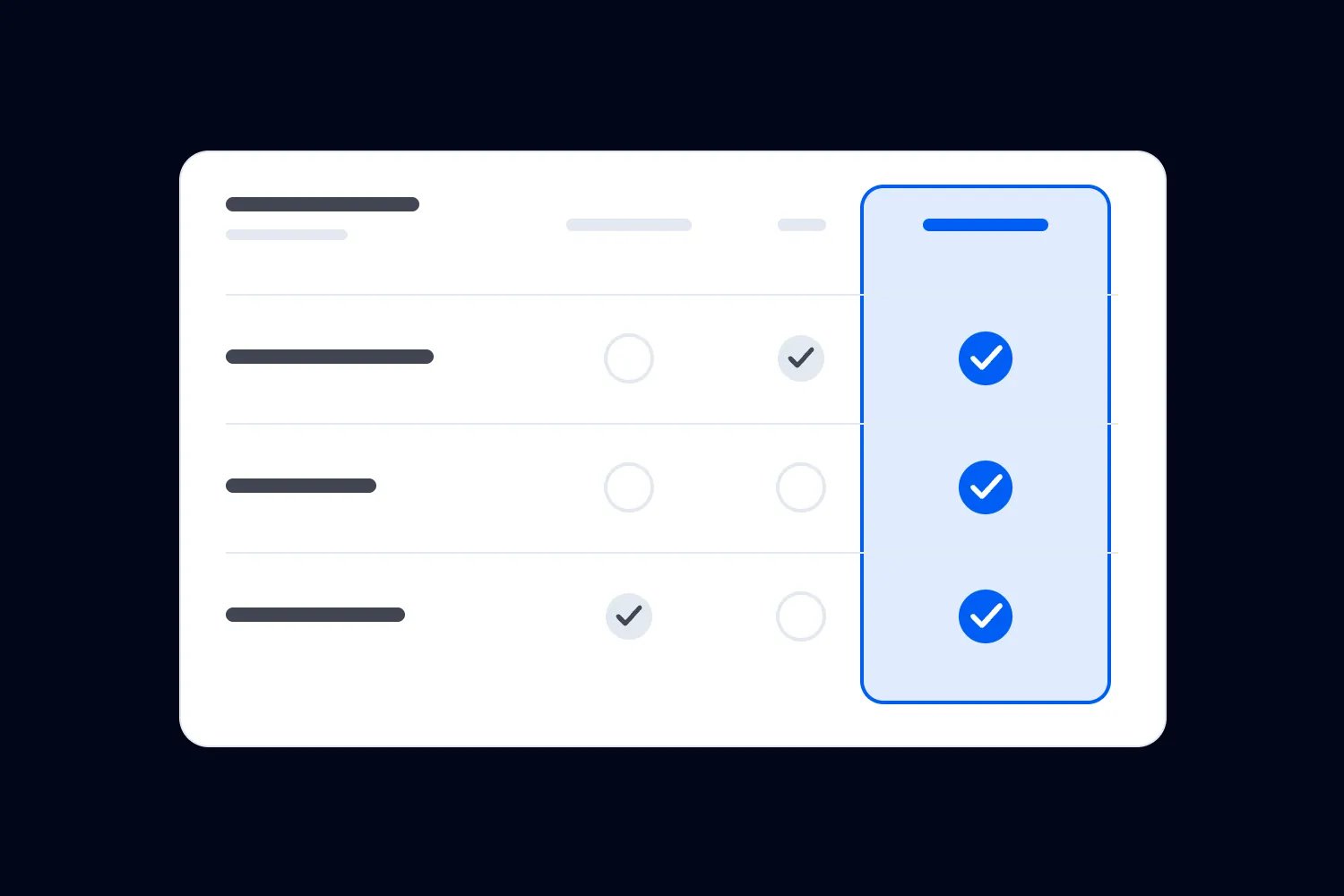
Alternative | Best-fit situation | Relevant published price | Main limitation |
|---|---|---|---|
Loopyah | Paid-event businesses building repeat attendance and tracking profit | US$1.15 + 4.75% per paid ticket, processing included | Specialist conference workflows need a separate demonstration |
Swoogo | Teams running repeated events with configurable registration | Professional US$11,800/year, one Full and one Reporting User | User mix and paid onsite/app upgrades affect the total |
Bizzabo | Conference portfolios needing registration and attendee experience | From US$17,999/year, billed annually, three-user minimum | Advanced onsite, integrations and other capabilities are add-ons |
Whova | Conferences where the attendee app and networking are central | Event-specific quote | Registration, app and exhibitor scope need confirming together |
Accelevents | A conference needing registration, check-in and badges | Professional from US$7,500 for one event | Virtual delivery is an add-on; higher-tier requirements change cost |
RegFox | Conditional registration with usage-based pricing | Premium US$1.99 + 1%/registrant, capped at US$5.99, plus processing | Platform cap excludes processing; broader conference needs require checking |
How we selected the alternatives
We researched official product pages, pricing and help documentation. We have not run a conference on every platform. The recommendations serve organizers running paid events as a business, including commercial conferences, courses and recurring seminars.
We compared how each product handles the purchase, attendee information, follow-up and event-day delivery. Where relevant, we also checked sessions, badges, networking, speakers and exhibitors. We distinguished included functionality from an upgrade, a separate service and a requirement that still needs verification.
For the broader choice of a platform to sell admission, see our ticketing platform comparison. Here, the question is what changes when you replace an existing Cvent setup.
1. Loopyah: best for the business behind your paid events
Loopyah is our first recommendation when the main reason to leave Cvent is to connect paid attendance with repeat customers and event finances. It suits an operator who wants to understand the business across events, rather than treating registration as a task that ends when someone pays.
Our published ticketing price is US$1.15 + 4.75% per paid ticket in the US, with card processing included. Australian standard pricing is A$0.95 + 4.25%. There is no platform subscription, setup fee or minimum. The first 500 marketing email sends each month are included; higher allowances are paid. Sponsorship payments and Tap to Pay sales have separate charges. Ticket payouts follow a weekly schedule.
Suppose your business runs a paid seminar every month and a larger annual event. Before announcing the next seminar, you want to reach previous buyers who agreed to marketing. Loopyah's event CRM keeps a buyer's purchases, spend and permission across events. You can select a segment, send the announcement and see the tickets that campaign sold.
Its finance tools combine recorded revenue and fees with the event costs you supply. That supports profit and break-even planning, provided you keep supplier costs current. An event selling well can still need a different budget if its costs have increased.
For sponsor income, Loopyah's sponsorship pages let brands choose a package and buy or apply through the configured approval process. That is a way to sell sponsorships. It should not be confused with exhibitor lead retrieval or an attendee matchmaking app, which are separate requirements.
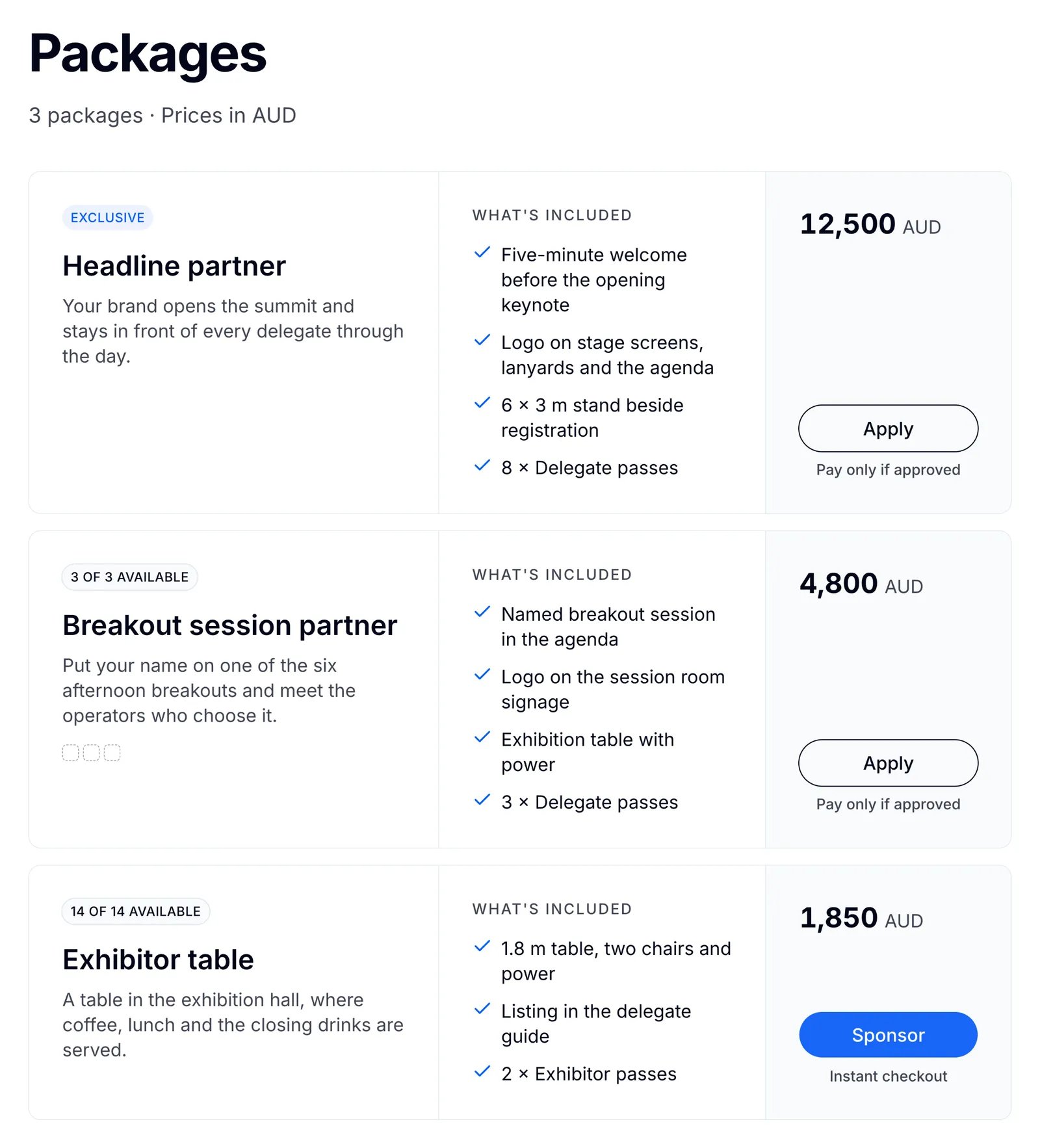
The ticketing workflow includes guest checkout, ticket releases and QR admission. The important test is whether that covers your event. Buying a place at the conference and reserving access to a limited-capacity session are different transactions. If the annual event needs specialist conference operations, demonstrate those before replacing the corresponding Cvent setup.
We put Loopyah first for the continuing paid-event business. Its commercial case depends on the tools you use and the workflows it covers, rather than an assumption that it is the cheapest choice at every ticket price or a complete substitute for every Cvent product.
2. Swoogo: best for repeated events with configurable registration
Swoogo is worth considering when registration is a substantial job across your calendar. Its offering combines event websites, configurable registration, approvals and workflows under a user-based annual licence. That gives a team a different cost structure to assess alongside Cvent.
Professional is published at US$11,800 a year for one Full User and one Reporting User, with unlimited events and registrations. Full Users can build registration paths and websites and send communications; Reporting Users have a different administrative role. Enterprise is quoted separately. Mobile event apps and Go Onsite Pro are listed as premium upgrades, so price the users and upgrades your team will need.
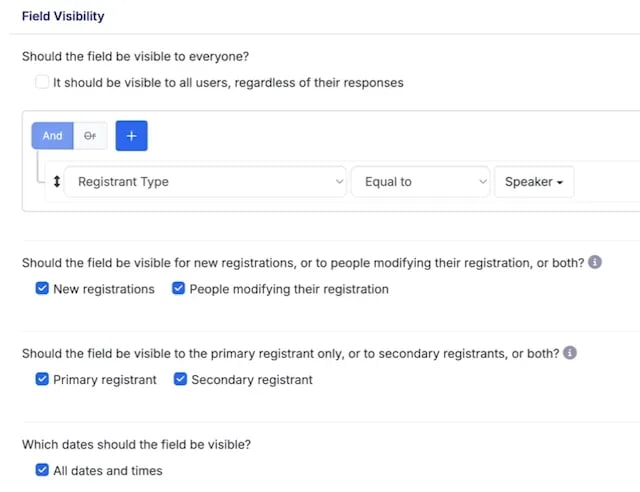
Imagine a training business with several event managers. They need different registration categories, relevant questions and an approval step for a particular workshop. Swoogo's registration tools and published approval workflows provide specific functions to evaluate. Show the provider what happens when an attendee changes an answer, a staff member approves an application and the confirmation needs updating.
The account roles matter in that example. Someone reviewing reports does not necessarily need the same access as the colleague creating websites and registration paths. Count the people who need to do each job before comparing licence prices. An annual fee can look attractive until the actual team is priced.
Swoogo also has onsite check-in and badge tools. Its pricing distinguishes the included check-in basics from Go Onsite Pro, and mobile event apps are an upgrade. Demonstrate the required badge and entry setup on the package you intend to buy, including equipment and any services.
The reason to switch is a registration process and operating model that suits the team better. It is not a promise that every Cvent housing, sourcing or specialist conference workflow transfers unchanged. For events with several attendee paths, our conditional registration questions guide can help define the rules worth demonstrating.
3. Bizzabo: best for a recurring conference portfolio
Bizzabo merits consideration when you need conference registration, content and attendee experience across a recurring program. It is a more relevant comparison with a substantial Cvent conference setup than a checkout-only product, provided you scope the modules and services correctly.
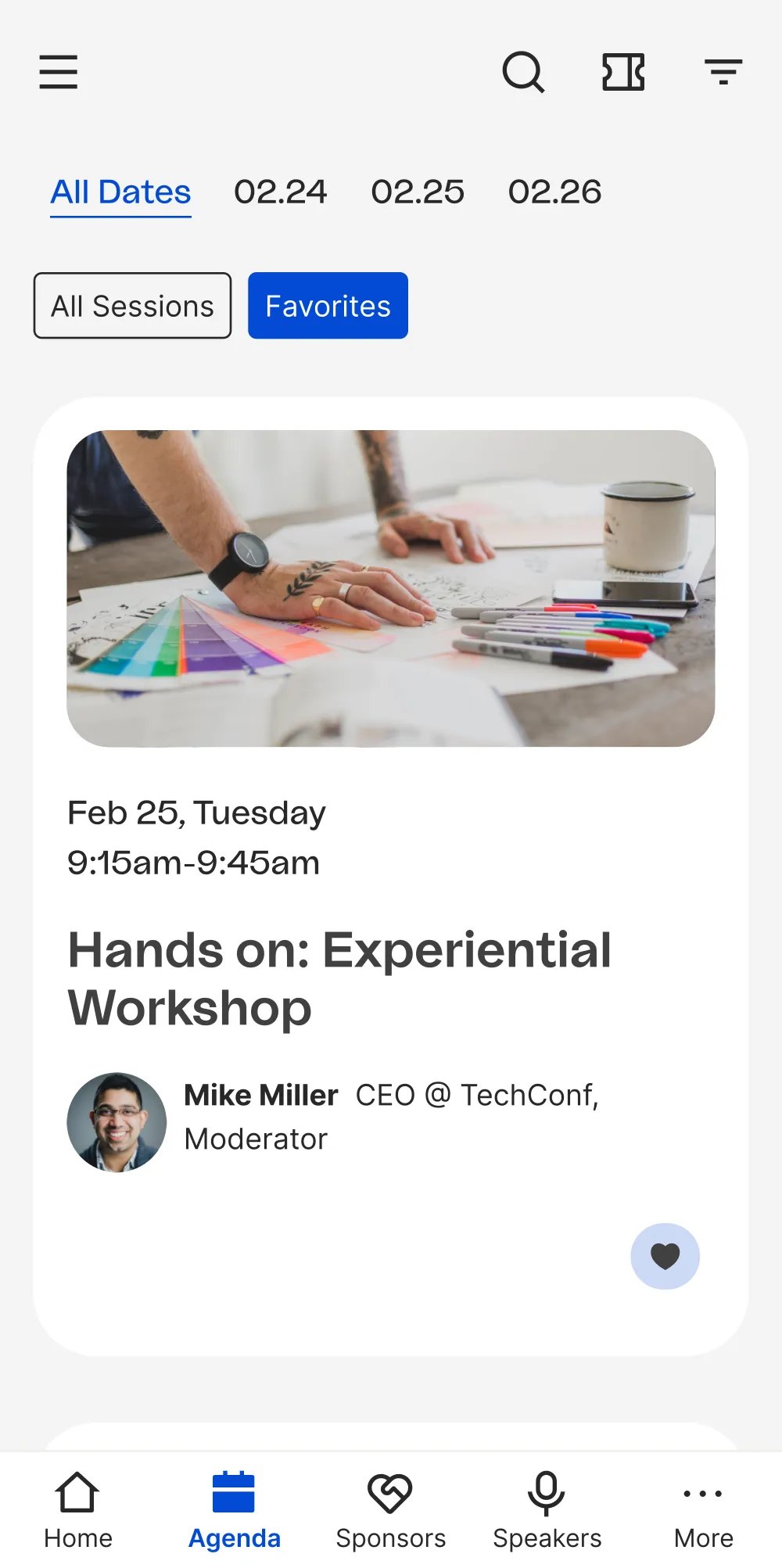
The Event Experience OS has a published starting price of US$17,999 a year, billed annually, with a three-user minimum. Its base listing includes unlimited events and registrations, a mobile app and registration tools. Advanced Onsite, marketing and CRM integrations, Sponsor ROI and other capabilities appear as premium add-ons. Klik SmartBadge pricing is separate. Get the required package in writing rather than treating the starting licence as the complete conference cost.
Consider a business running a flagship paid conference and several related events. Delegates need a personal agenda, organizers need registration information and the team wants to see how people participate. Bizzabo's product offering provides concrete attendee and onsite workflows to investigate, including agenda access and event or session check-in.
The useful demonstration follows the same delegate through those jobs. Register them, give them the relevant access, show their agenda and check them into a session. Then find the resulting record in the report your team will use. That reveals more than separate demonstrations of registration and an attractive attendee app.
Exhibitor and sponsor work deserves the same treatment. Selling a package, promoting a sponsor in the app and collecting leads are different functions. Establish which of Bizzabo's add-ons and services you need to deliver the benefits you have sold.
The main tradeoff is the annual commitment and complete package cost. Bizzabo's pricing FAQ says its software requires an annual subscription. Hardware, onsite services and premium capabilities can change the financial comparison. It is a strong candidate when those conference functions are necessary across your program; a simpler paid-event operation may have less reason to buy them.
4. Whova: best for an attendee app and conference networking
Whova is worth shortlisting when much of the event's value depends on helping attendees find sessions, meet people and interact with exhibitors. Its conference app gives you a specific attendee experience to compare with Cvent's Attendee Hub.
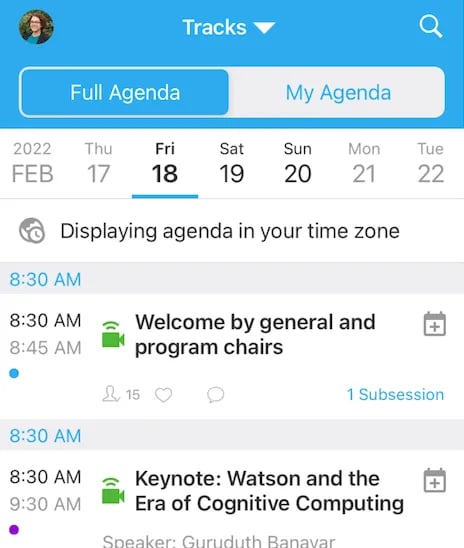
Whova's pricing page asks for an event-specific quote. Its app guidance says pricing depends on event size and selected add-ons. Request one proposal covering the app, registration, exhibitor requirements and onsite work you need. Attendees being able to download the app or use a browser version free does not mean the organizer's event software is free.
Imagine a specialist conference where people buy partly to meet peers and suppliers. An app can help them identify sessions and arrange meetings before arrival. Whova documents personal agendas, messaging, meeting scheduling and community discussions. Those are useful functions to assess against the experience you promised, rather than proof that networking will happen automatically.
Its exhibitor offering also includes digital profiles, lead retrieval and sponsor visibility. Ask to see how a delegate interacts with an exhibitor, which data the exhibitor receives and what the organizer can report afterward. The point is to verify delivery of a sponsor benefit, not to equate an app impression with a qualified sales lead.
Whova also offers registration and event-management tools. If you intend to replace those Cvent functions too, include them in the demonstration and quote. Check how attendee changes reach the app and badge record; a program that looks correct on a phone does not establish that the underlying booking is correct.
The tradeoff is needing to establish the full package before comparing costs. Keep a route for people who cannot or prefer not to use the app, and decide which event information must also be available elsewhere. Our guide to making a conference app optional covers that operating decision.
5. Accelevents: best for a conference needing registration and onsite tools
Accelevents is a relevant alternative when your next paid conference needs registration, check-in and badge printing together. Its published single-event starting plan gives you a clearer initial budget reference than a proposal with no public starting figure, although the final scope still matters.
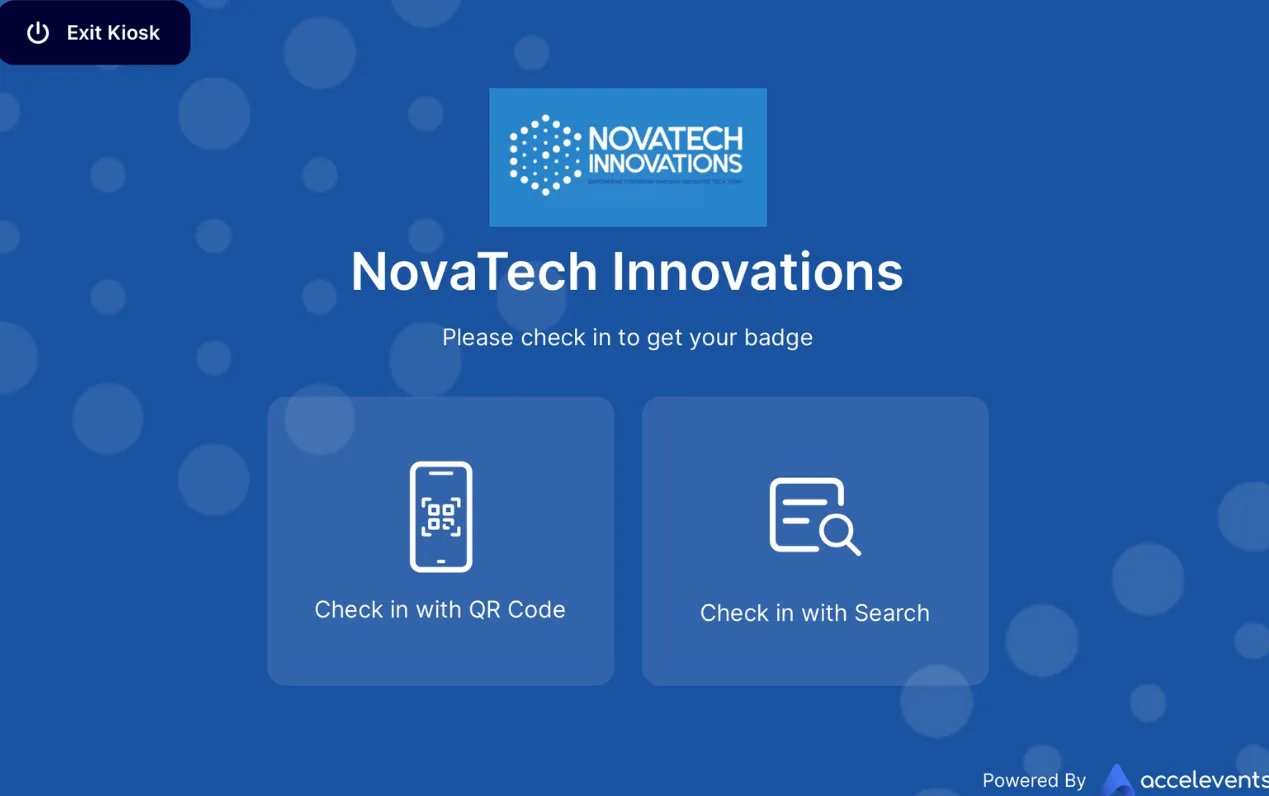
Professional starts at US$7,500 for one event and lists unlimited admin seats, registration types and custom fields, plus staffed or kiosk check-in and badge printing. Virtual event functionality is a paid add-on. The pricing page places approval workflows and call for speakers in Enterprise's listed additions. Confirm the complete package, payment charges, equipment and services in the proposal.
Suppose your conference has several ticket categories and every delegate needs a printed badge. The operational question is how a registration change reaches the check-in record. Accelevents' registration and onsite offering gives you a workflow to demonstrate: purchase a place, update a detail, find the delegate at arrival and print the correct badge.
Bring the unusual cases as well as the straightforward booking. An employer might pay for several people, one attendee might need a substitution and another might arrive with an unresolved payment. Establish who can make those changes and what each person sees. Our conference group registration guide explains the records behind those purchases.
If you also need speaker submissions, review or approval, demonstrate that process on the relevant tier. A speaker portal, a call-for-speakers application and an accepted session in the agenda are related but different tasks. Do not infer that the presence of one covers all three.
The main limitation is how requirements beyond the initial onsite setup change the package. Virtual delivery, branding, higher-tier workflows and event services need explicit scope. Compare Accelevents with the parts of Cvent you use, rather than assuming a public starting figure is the cost of an entire specialist conference operation.
6. RegFox: best for conditional registration without an annual platform licence
RegFox is worth considering when the registration page carries most of the complexity. Its conditional logic can change questions, choices and prices according to the attendee's path. Usage-based plans give you another cost model to compare with an annual Cvent arrangement.
Standard is US$0.99 + 1% per paid registrant, capped at US$4.99. Premium is US$1.99 + 1%, capped at US$5.99. Both have US$0 monthly platform fees. Webconnex Payments adds 2.9% + US$0.30 per transaction, outside those caps. Premium is the relevant starting comparison here when you need badge printing, payment plans and its attendee app. A separate Professional subscription is also available.
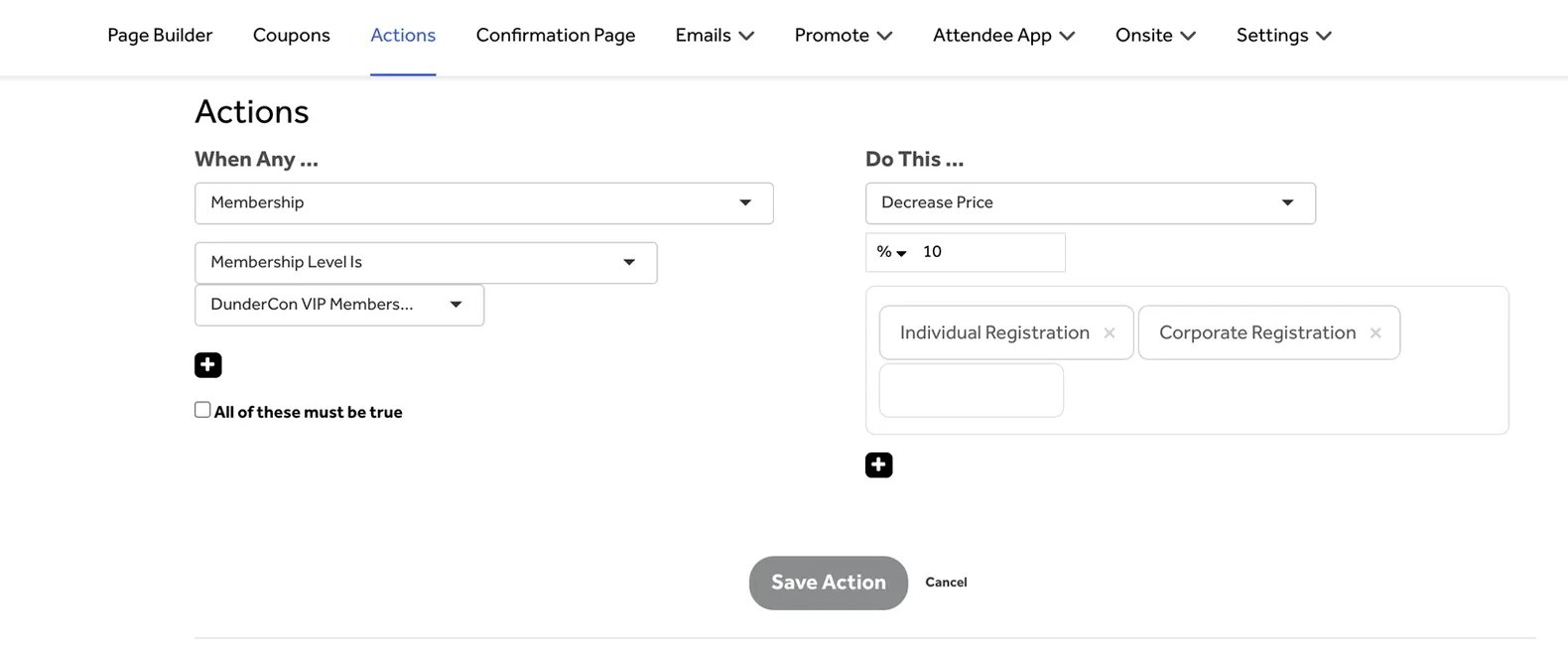
For example, a training conference might have member and non-member prices, an optional practical activity and different questions for different participants. RegFox's conditional logic provides the means to configure those paths. Walk through changes to an earlier answer as well as the first completed form, because that is where conflicting selections can emerge.
Premium also supports deposits and payment plans. If you use them, confirm how the booking status, later collections and failed payments affect the attendee's place. Offering an installment option creates a collection process your team must understand.
For arrival, demonstrate the badge workflow on the right plan with the actual printer and supplies. RegFox describes advance or on-demand badge printing from attendee records. Check how a substitution or name correction reaches the printed badge rather than evaluating the form and printer separately.
Its limitation as a Cvent replacement is the remaining event scope. List the agenda, session-access, networking, speaker and room-block requirements you need, then establish which are covered and how. RegFox can be a useful choice when registration is the central problem; it should earn the recommendation through that workflow, not an unsupported promise to replace every Cvent product at the headline fee.
How to compare Cvent alternatives without missing costs
Cvent's pricing page asks for a quote for the solutions and services required. That makes your actual account and renewal proposal the useful baseline. An old estimate from another organizer will not tell you what your replacement needs to cost.
Build the comparison around the same events, attendance and staffing. For annual software, count the people who need to create events separately from those who only need reporting or check-in access. For per-registration pricing, use paid registrants, ticket values and expected orders. State who pays the fees.
Cost area | What to include |
|---|---|
Software | Annual or per-event licence, user roles and required modules |
Registration revenue | Platform fees, payment processing, fee treatment and taxes |
Onsite delivery | Check-in software, printers, badges, devices and connectivity |
Conference experience | App, sessions, networking, speakers and exhibitor tools |
Services and data | Setup, training, integrations, migration and event-hour support |
Cash and exceptions | Payout schedule, reserves, refunds and cancellation arrangements |
The number of events changes how an annual licence affects the budget. Using Swoogo's published US$11,800 starting annual software price, one event with 500 registrations allocates US$23.60 of that licence to each registration. Four events with 500 registrations each allocate US$5.90 per registration across the year. Those are illustrative allocations of the base licence, not total processing-inclusive costs. Additional users, upgrades and services can change the result.
For a separate transaction example, one US$100 ticket on Loopyah has a US$5.90 standard ticket fee. With absorbed fees and no tax or extras, the buyer pays US$100 and you receive US$94.10 before event costs. That does not make it equivalent to the software licence above: the features and annual usage still need matching.
The useful comparison is the complete cost of the work your event requires. An annual plan can be sensible across a busy calendar. A per-ticket model can fit a smaller or uncertain schedule. Neither pricing structure alone establishes which setup is better.
Use our total ticketing cost guide for the transaction and wider-cost calculation. Confirm settlement timing separately with the payment provider or software vendor. A paid registration does not always mean the money is already available in your bank.
What must a replacement demonstrate?
Use one representative paid conference for every demonstration. Give it your actual attendee categories, session rules and team roles. Begin with a purchase and follow the same record through confirmation, amendments, arrival and reporting.
For registration, check a buyer booking several people, an attendee correcting a detail and a booking that has not completed payment. Decide which information belongs to the purchaser and which must belong to each delegate. A buyer's email address is not a complete delegate record for every place they purchased.
For sessions, demonstrate the relationship between conference admission and a limited-capacity booking. Show a full room, a change and the access check at the door. A personal agenda does not automatically establish a reserved place or permission to enter. Our conference session registration guide explains that distinction.
For sponsors and exhibitors, follow the benefit you have sold. Selling a sponsorship package, displaying a logo and delivering a lead report are separate jobs. Ask who manages each step and what evidence you can provide afterward. Avoid promising a sponsor a report that your chosen package does not produce.
For speakers or hotel blocks, demonstrate the full process if it matters to the event. Cvent has products in those areas, so removing them from a replacement plan is a change in scope, not proof of a saving. Include the people who perform those jobs in the decision.
Finally, ask staff to handle an attendee problem on the equipment they will use. A changed name should reach the badge, a refunded booking should have the right access status and a completed purchase should appear in the financial records. Use our registration-testing guide to build the checks.
Which Cvent alternative should you choose?
Start with Loopyah when the priority is running a paid-event business with connected ticket revenue, customer marketing and finances. Confirm any specialist conference requirements separately, then compare the tools you will actually use.
Choose Swoogo when repeated events and configurable registration make its user-based annual model useful. Shortlist Bizzabo for a recurring conference portfolio where the attendee experience and the relevant premium capabilities justify the full package.
Choose Whova when the app, networking and exhibitor experience are central to the event's offer. Consider Accelevents when registration, check-in and badges need to work together for a conference, with extra requirements priced on the appropriate plan. Consider RegFox when conditional registration is the main problem and a usage-based arrangement fits the business.
Stay with Cvent when its wider conference and sourcing workflows are necessary and the current arrangement serves you well. Before changing providers, make sure the comparison includes everything you would need to replace.
How to switch without losing registration information
Start with a future event where possible. Keep the system responsible for existing purchases, refunds and attendee access clear while you move. Our platform-switching guide covers the wider transition.
List the records each team needs. Separate buyers, individual attendees, payments, session bookings, speakers, exhibitors and recorded marketing permissions. Decide which information will be imported and which must remain accessible as history.
Rebuild one event's essential workflows before transferring the calendar. Check ticket categories, registration paths, emails, permissions, session rules and the onsite setup on the package you are buying.
Map and test a small export. Confirm that attendee names, booking status and permissions reach the right fields. An imported contact does not automatically recreate an old payment, session booking or valid ticket.
Update the event website, registration links and connected systems. If two platforms remain active, specify where each registration is managed and how capacity is controlled.
Reconcile the first event. Check bookings, amendments, printed badges, session access and bank receipts before moving the rest. Keep an agreed route for supporting buyers who registered in the previous system.
Our ticketing data migration guide develops the records and reconciliation checks. Treat conference-specific data as an explicit part of that plan rather than assuming a general contact import covers it.
Suggest a tool or send a correction. Include the paid-event workflow and current product or pricing evidence. Inclusion and order remain editorial decisions.

Author: By the Loopyah Content Team
The Loopyah Content Team shares expert insights, practical guides, and industry updates to help event organizers create unforgettable experiences and stay ahead in the event planning world.