Switch from Posh. Keep more of every ticket.
Posh charges 10% of every ticket plus US$0.99. Loopyah charges 4.75% plus US$1.15, with card processing included in both.
Posh is built to make going out social, with a feed to find the night and a cut for every friend who buys. Loopyah is built for the business behind the night. It charges less to sell your tickets and turns every buyer into a customer for your next event.
Passing the fee on doesn't make it free.
Buyers judge the total at checkout, and Posh's fee is part of it. Loopyah's fee is smaller, so the same total leaves more for you.
Everything that changes when you switch.
What each platform charges, how buyers pay and what it gives you to sell the next event, for organizers in the US.
Fee in the US
Per paid ticket
- Loopyah
- US$1.15 + 4.75%, card processing included.
- Posh
- US$0.99 + 10%, card processing included.
Checkout
What a buyer does to pay
- Loopyah
- Guest checkout with a name and email. Card, Apple Pay, Google Pay or Afterpay.
- Posh
- Buyers log in to a Posh account with a one-time code before they pay.
Payouts
When ticket money reaches you
- Loopyah
- Every Monday from your first event. The last 10% follows the day after the event starts.
- Posh
- You transfer your balance as tickets sell. Standard transfers are free and instant ones cost 5%.
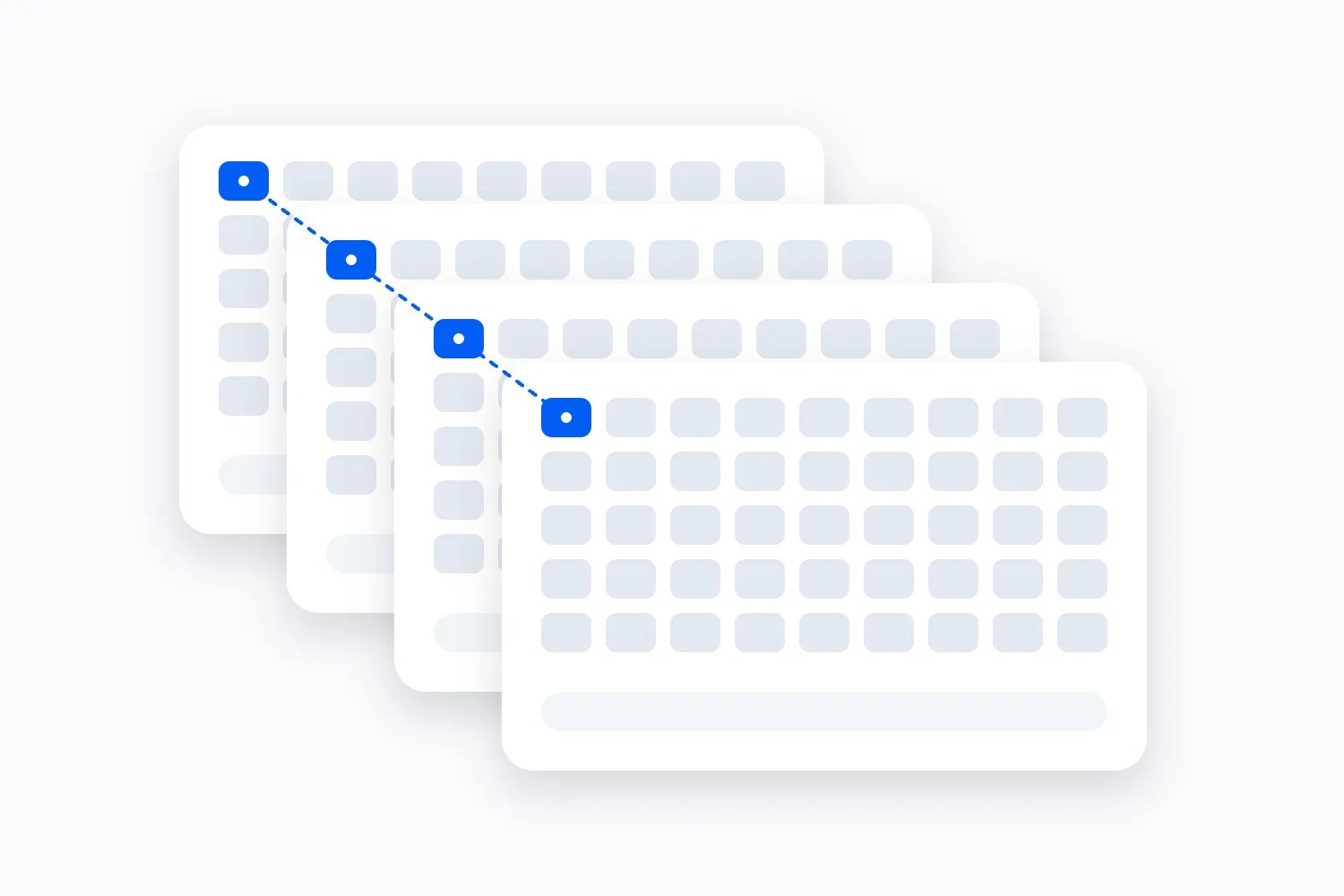
Seat maps
Reserved seats and tables
- Loopyah
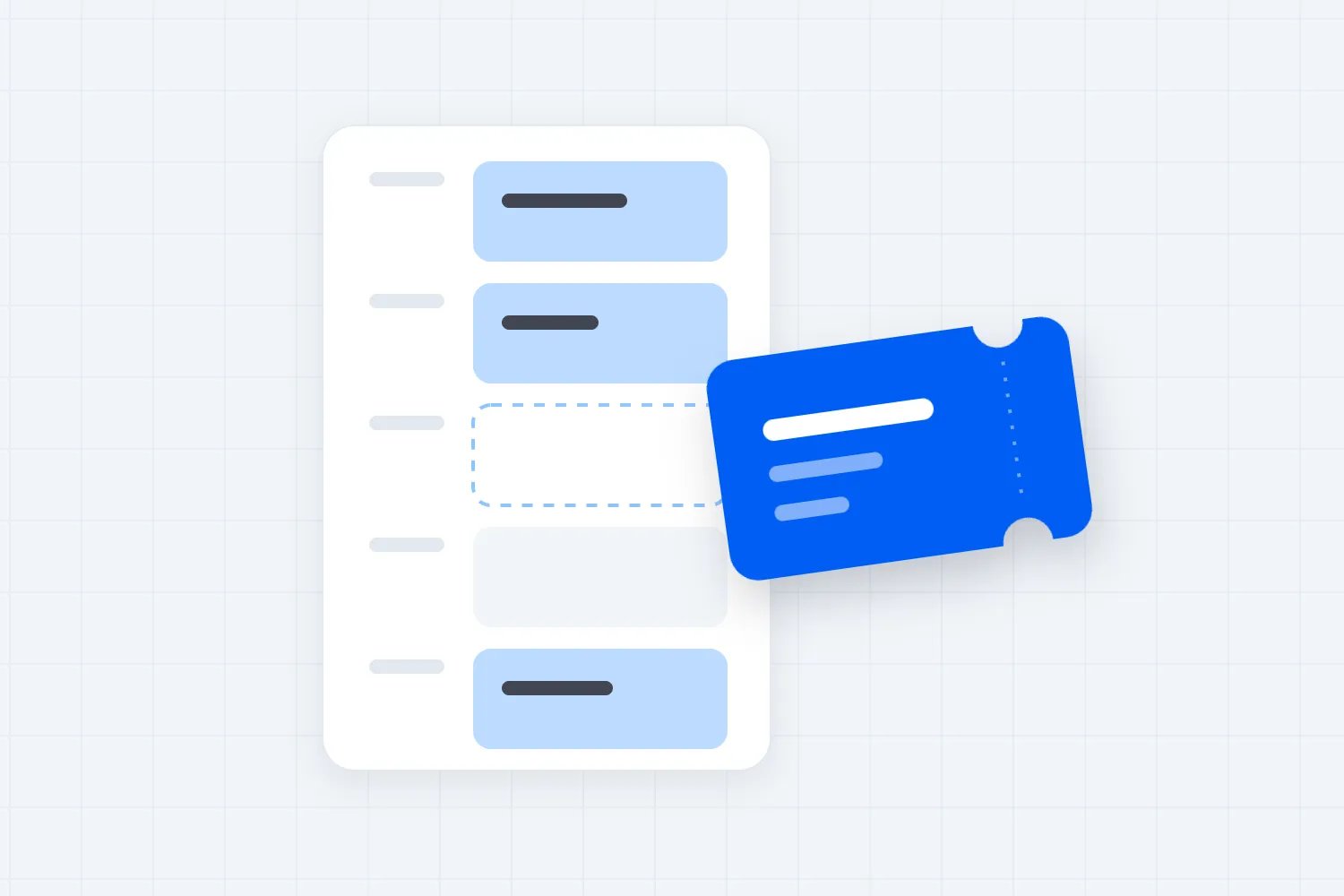
- A seat map designer for any room, from club tables to theatre sections and floors. Buyers pick their seat, held while they pay. No extra fee.
- Posh
- A floor-plan image you send Posh's support team, with tables placed on it. Each table sells as one booking with one QR code, not a seat per guest.
CRM
What you know about your buyers
- Loopyah
- One record per buyer across your events, with their spend and email permission. Segments, campaigns and automations built in.
- Posh
- An attendee list you can sort by spend, text in bulk and export as a CSV.
Marketing to past buyers
Email and text
- Loopyah
- Email campaigns and automations to everyone who opted in. 500 emails a month free, then from US$9 a month.
- Posh
- Unlimited free texts to past attendees. Email goes through an email marketing tool.
Sponsorship
Selling to brands
- Loopyah
- Packages on their own page. Brands buy or apply, pay by card and you're paid with your tickets. 4.5% per deal.
- Posh
- No sponsorship sales. Its guides cover pitching brands yourself.
Promoters
Selling on commission
- Loopyah
- A link for each promoter. Loopyah works out their commission and pays it from your payout.
- Posh
- Kickback links for promoters and attendees, with a commission per ticket or order that Posh pays out.
Ads
Meta, Google and TikTok
- Loopyah
- The AI Ads Manager runs your own ad accounts against tickets sold, with no markup on spend.
- Posh
- Connects your ad pixels to track sales. Running the ads is up to you.
Ad funding
Ads the platform pays for
- Loopyah
- Kite pays for ads on events with real demand and takes its money back only from tickets they sell.
- Posh
- None.
Resale
After you sell out
- Loopyah
- Built in. Resold at your price with a new QR code, and you earn 0.5% + $0.50 on each.
- Posh
- None. Buyers can pass tickets to other Posh accounts if you allow it, and a waitlist takes over once you sell out.
Posh details from its help pages, terms and Posh University guides, checked 19 September 2026. Posh publishes its fee in US dollars only.
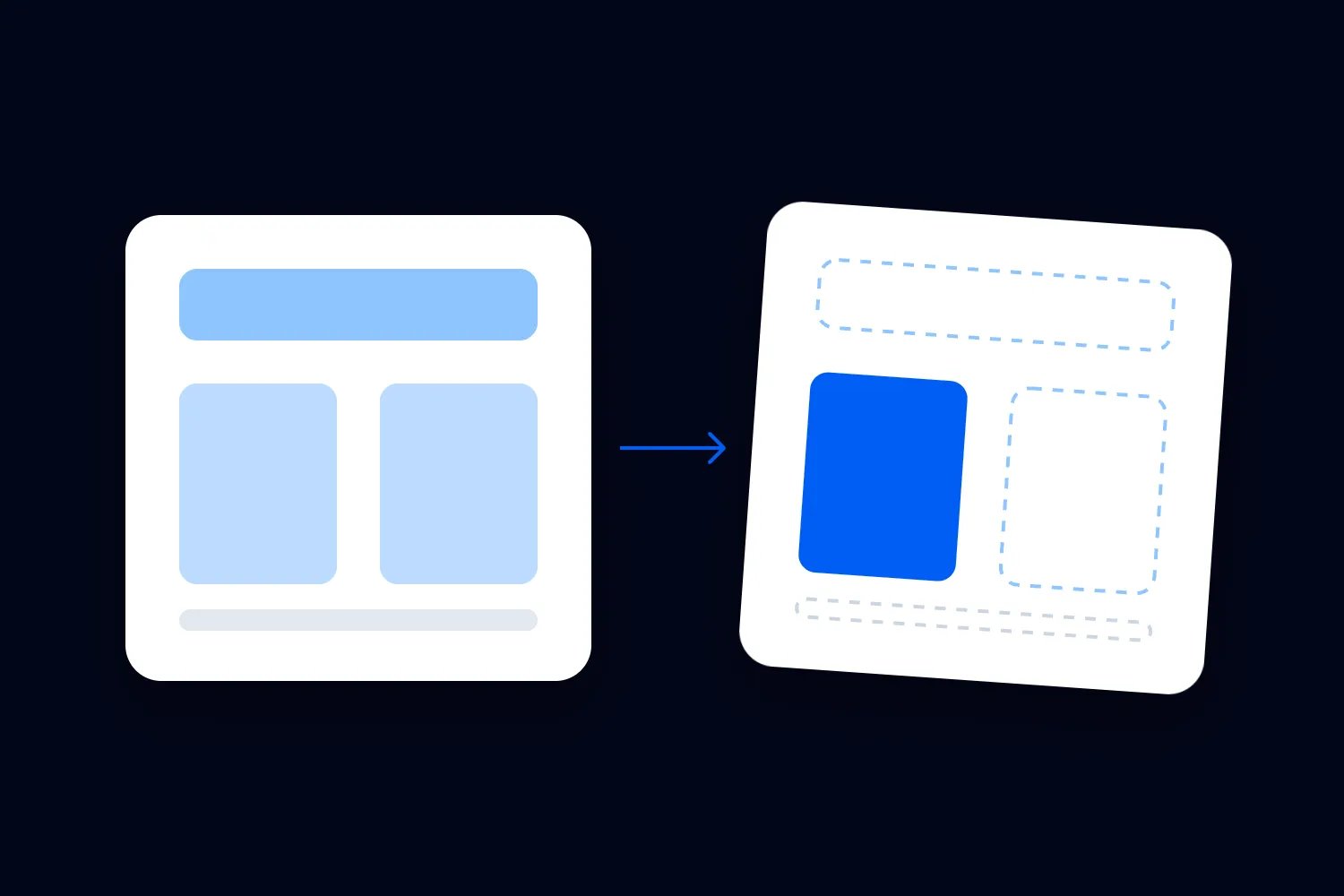
Move your next event in one paste.
Paste the link to your Posh event. Loopyah reads the page and builds a draft with the title, date, venue, description and refund policy filled in.

Questions about switching from Posh.
Every Loopyah fee is on one page, from tickets to Tap to Pay at the door.
See pricingYes, on any ticket priced at US$4 or more. Loopyah charges US$1.15 + 4.75% per paid ticket in the US and Posh charges US$0.99 + 10%, both with card processing included. On a US$59 ticket that's US$3.95 against US$6.89, and on a US$119 ticket it's US$6.80 against US$12.89. Free tickets carry no fee on either.
Start with your next event.
Publishing is free. You pay a fee only when a paid ticket sells.
- 01
Import your event
Paste the link to the page you sell on today.
- 02
Set tickets and payouts
Ticket types and bank account for payouts.
- 03
Publish and share
Buyers pay with payment options they prefer.