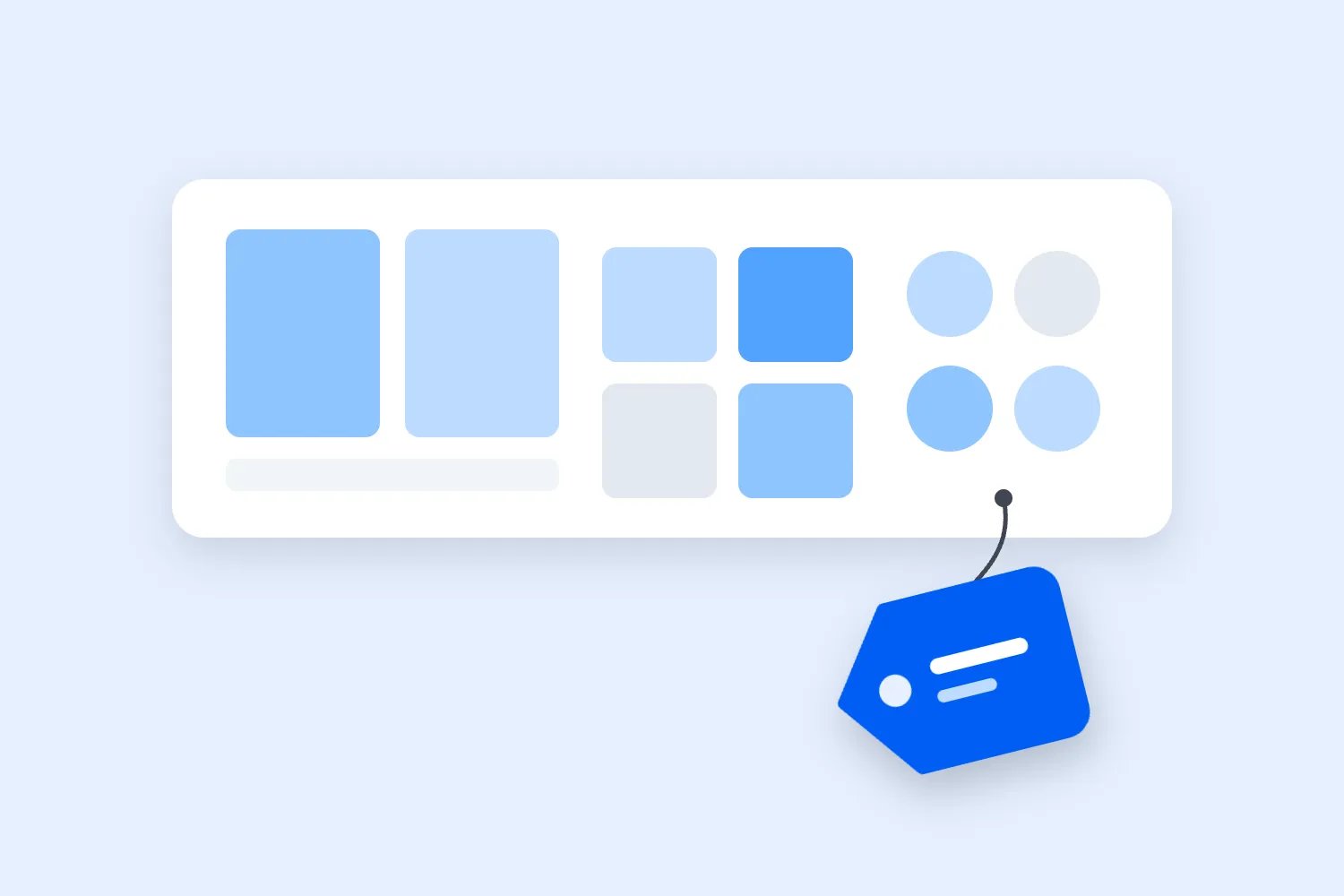
Price the room, not the ticket.
Draw the venue once and give every part of it its own price. Buyers pick their exact seat, and it is theirs the moment they tap.
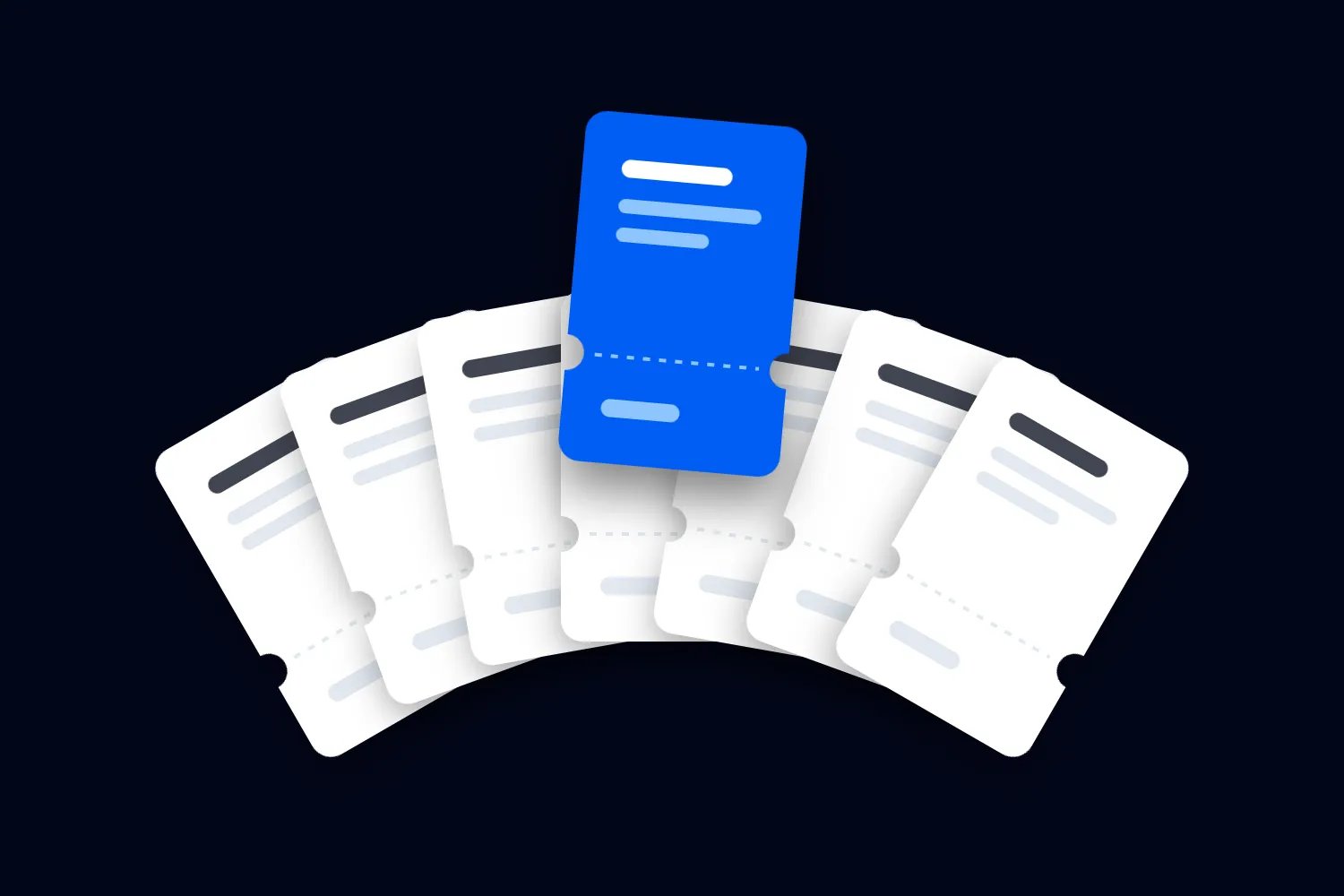
One price for the room is a compromise.
Charge the whole house the same and you either empty the balcony or hand away the front row. A seat map lets every part of the room carry its own price.
$3,100 more a night
$27,900 across the 9-night run
Draw the room once, run it all season.
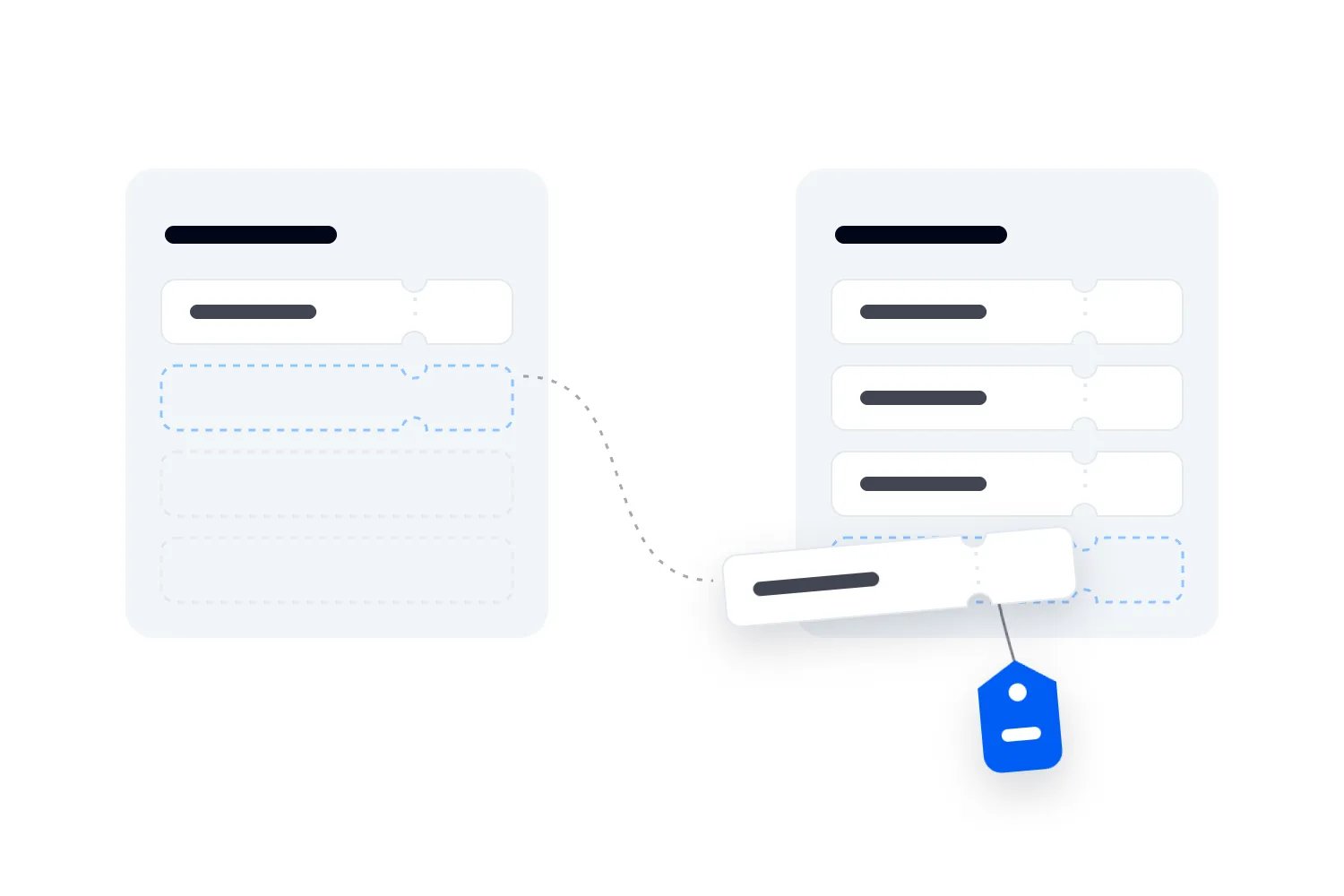
Charts live in your account, not inside an event, so every night of the run picks the same one.
- 01
Pick the shape
Simple for a room under a thousand, sections and floors for a theatre, zones for standing ground.
- 02
Draw the room
Rows, seats, tables and standing areas, labelled the way your doors and tickets already are.
- 03
Name the categories
Front stalls, stalls, balcony. Each one becomes a ticket type you price on its own.
- 04
Publish it
A duplicated object, an unlabelled seat or a seat with no category is flagged before it goes live.
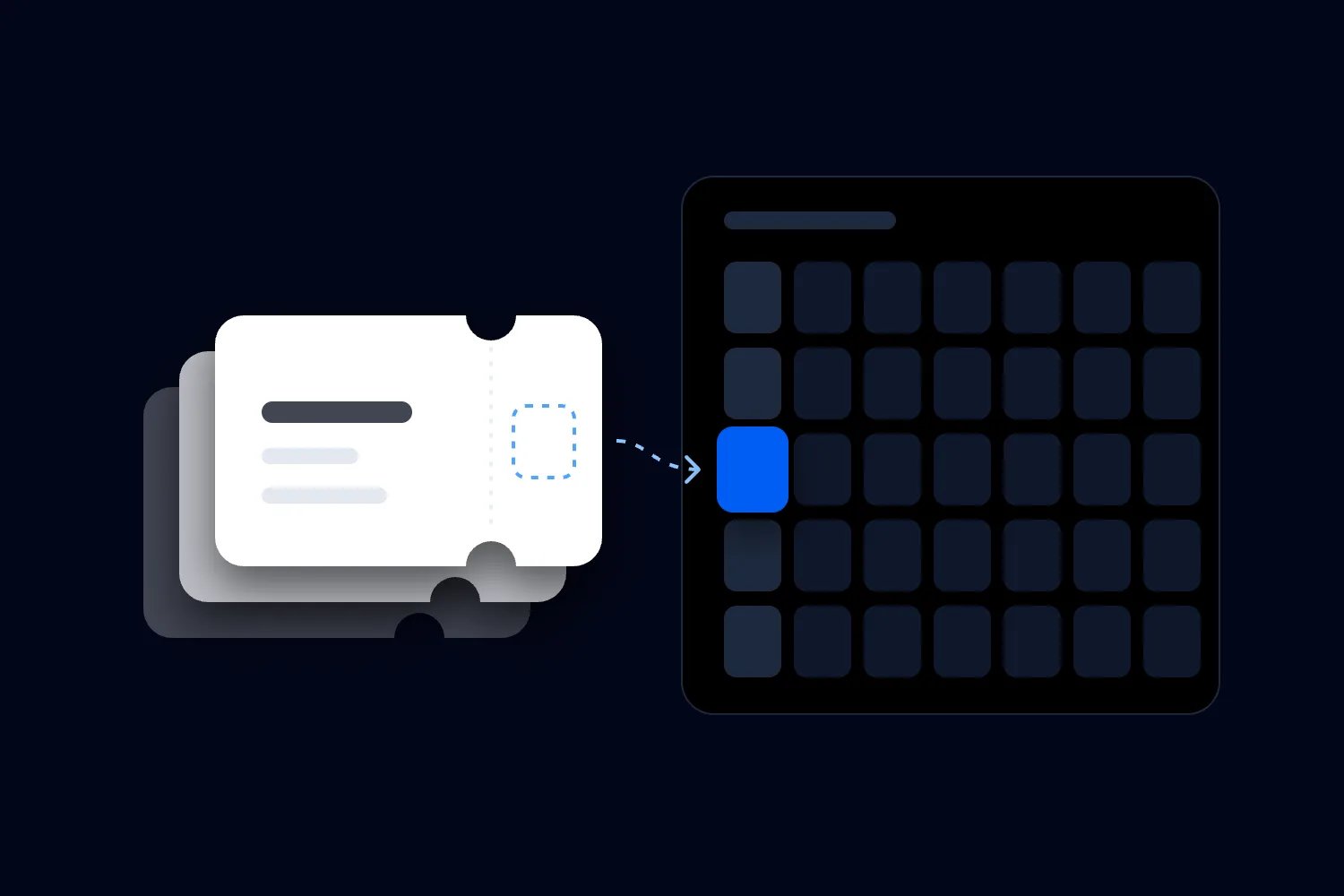
The moment they tap, the seat is theirs.
Loopyah holds the seat while they pay and drops it off every other screen at once. Two people never buy the same chair, so you never spend a Monday writing refund emails.
Every line in the cart is a seat.
They see the exact seats they picked and what each one costs, with the total in front of them before they pay.
Let the price follow the room.
Every section is its own ticket type with its own releases. When one runs out, the seats left in it go back on at the price you set next, and the map shows it.
Everything else the room needs.
Every seat chart comes with these, in the same dashboard as your event.
Three room shapes
Simple for a room under a thousand, sections and floors for a theatre, zones for standing ground.
One chart, every event
Every night of a run picks the same chart, and so does the show you put on next year.
Checked before it goes live
Duplicated objects, seats with no label and seats with no category are flagged against the chart.
Two prices on one seat
Put adult and concession on the same section and the buyer picks which one they are.
No price, no seat
A seat with no ticket type behind it can't be selected, so nothing sells out of a section you haven't priced.
Locked while it sells
A published chart opens read-only, so a map people are buying from can't move underneath them.
Questions you're probably asking.
You draw the room in the chart designer and name its categories, then create an event that uses that chart. Each category becomes a ticket type you price with releases. Buyers open the map on your event page, pick the seats they want and check out as guests.
Start with your next event.
Publishing is free. You pay a fee only when a paid ticket sells.
- 01
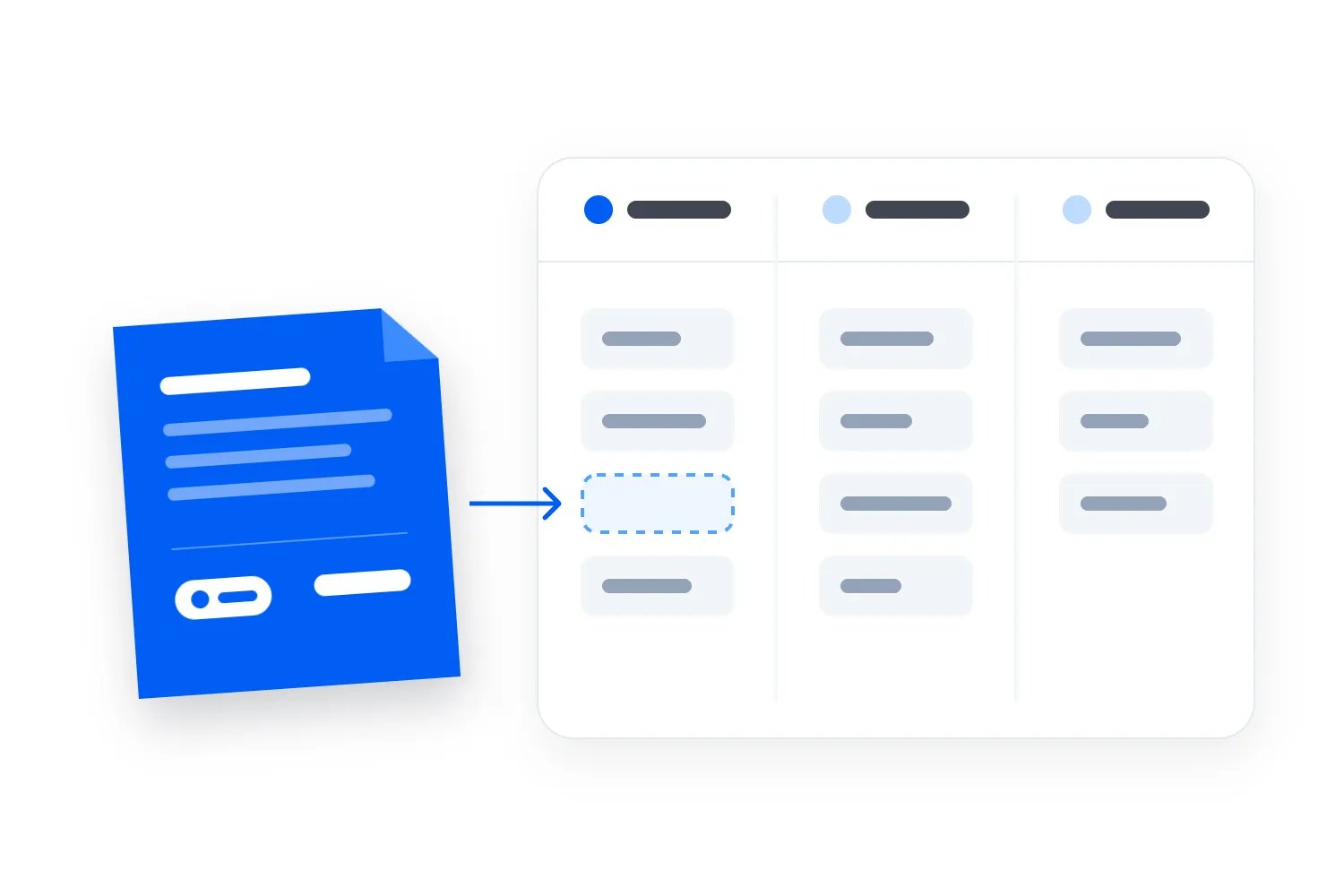
Import your event
Paste the link to the page you sell on today.
- 02
Set tickets and payouts
Ticket types and bank account for payouts.
- 03
Publish and share
Buyers pay with payment options they prefer.