· 28 min read
Event tap-to-pay: how it works and how to plan your rollout
If you're looking at a bar queue while people are missing the show they paid to see, tap-to-pay sounds like an obvious fix. Let people tap a card or phone, take the money and get them back inside. It's a useful change, provided payment is actually the part of service holding everyone up.
Event tap-to-pay lets attendees make contactless payments at the door, bar or merch stand using a supported card, phone or wearable. It can simplify taking money and reduce cash handling. Whether it improves your event's revenue depends on the whole sale, including how quickly staff take orders, prepare drinks, find stock and deal with problems.
This guide explains how the technology works, when a phone is enough, where wristbands differ, and how to test a setup before you commit to it. We'll also work through a hypothetical bar example so you can judge the cost against the extra sales your team could realistically fulfil.
What event tap-to-pay actually means
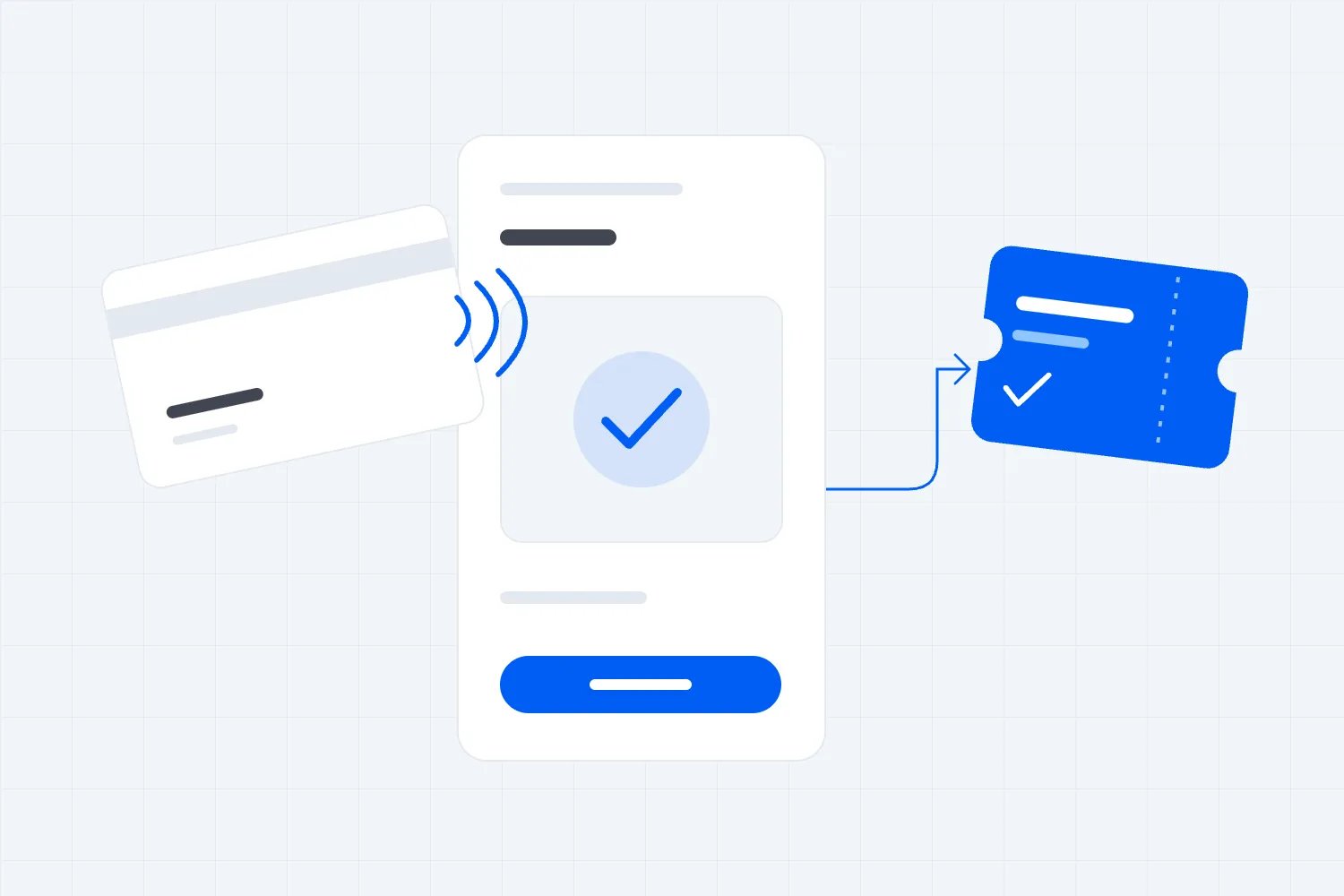
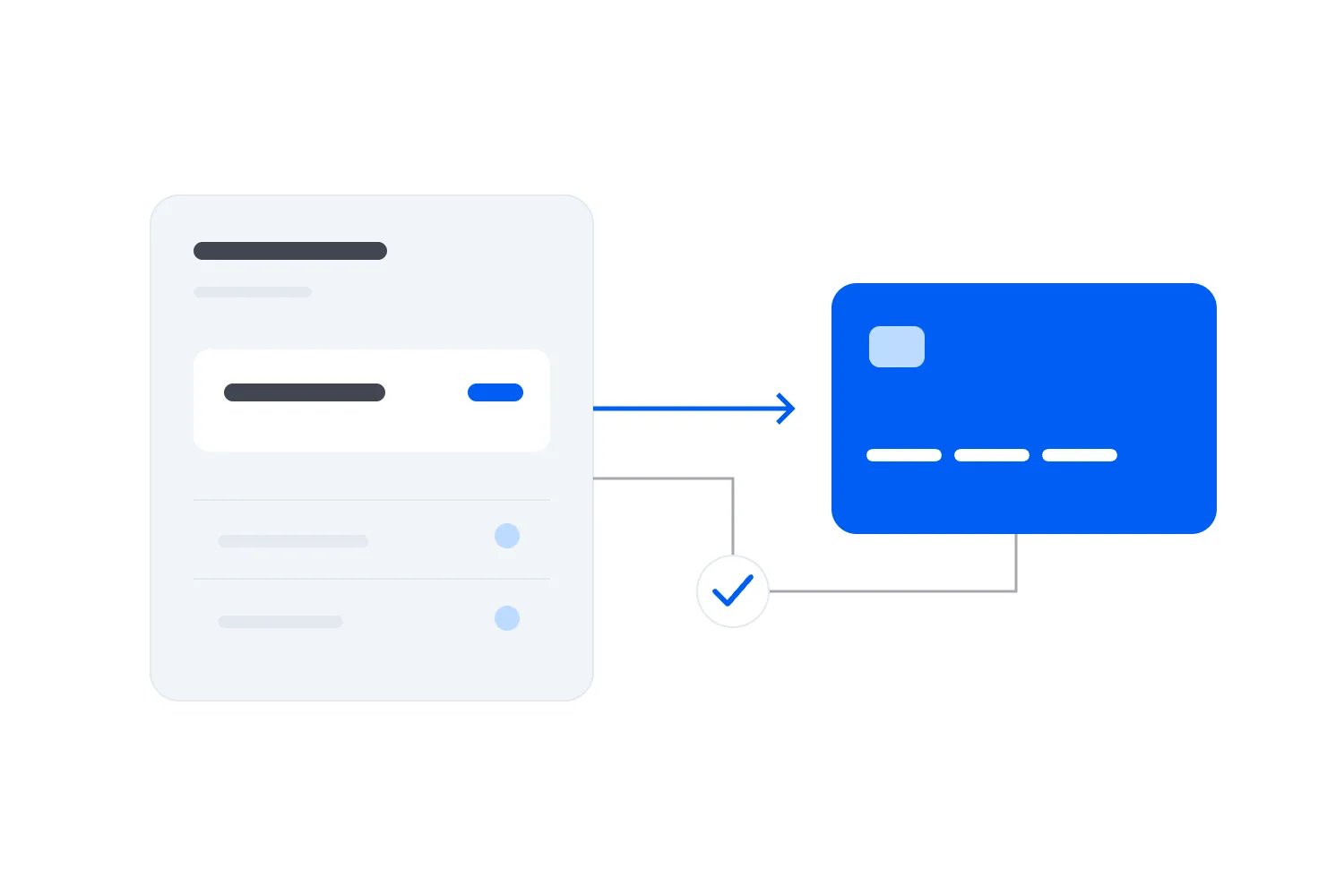
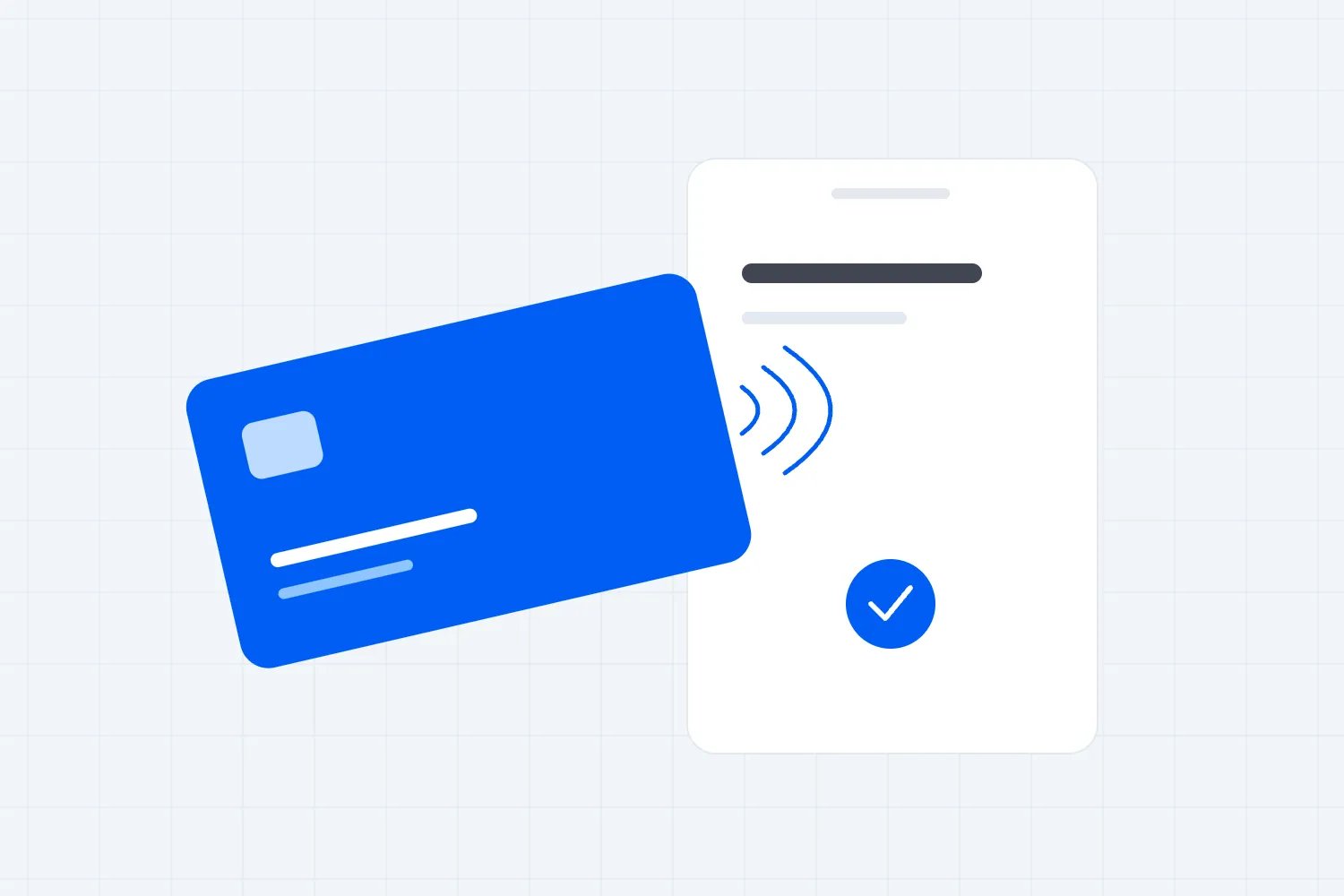
Tap-to-pay describes the payment action. An attendee holds a supported contactless card or device near a reader, and the payment system processes the purchase. The reader may be a dedicated card terminal or a compatible phone running a supported payment app. Having a phone with contactless hardware doesn't, by itself, make it a business payment terminal.
EMVCo's explanation of contactless chip payments describes how contactless cards and devices communicate with a terminal and generate a security code for each transaction. NFC means near-field communication, the short-range technology involved. Staff don't need to explain that at the counter. They do need to know where the attendee should hold their card and what an approved payment looks like.
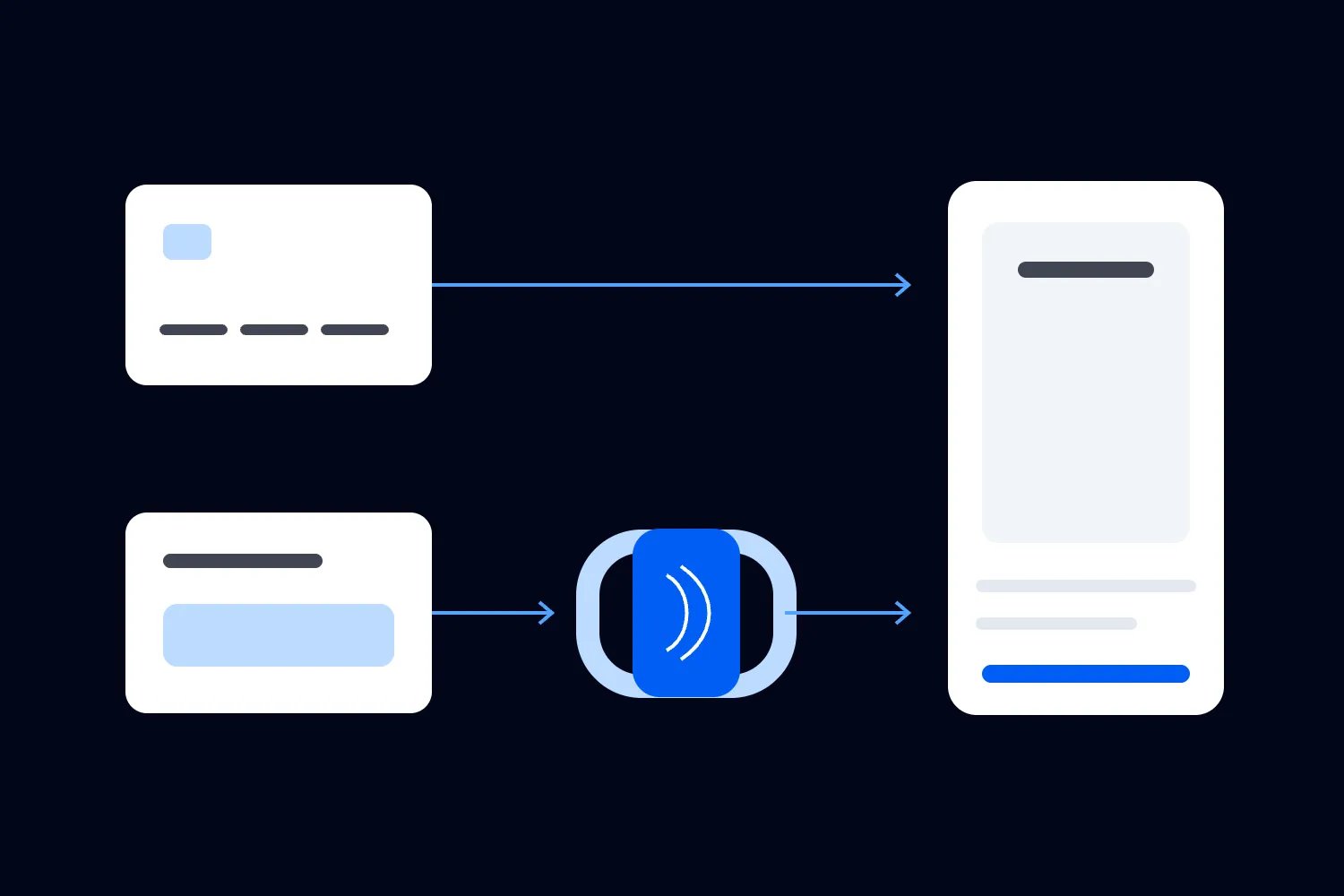
There are several experiences that look similar from across the room but work differently behind the counter. With an ordinary contactless card payment, the buyer uses their own card or mobile wallet. A festival wristband may instead access a balance that the attendee topped up, or an account linked to another payment method. RFID is a broader radio-identification technology, and an RFID wristband is not automatically a bank card.
That difference matters when you compare suppliers. A prepaid wristband system introduces questions about loading funds, unused balances, lost bands and refunds. An ordinary contactless sale introduces questions about supported cards, authorisation, receipts and refunds to the original payment method. Both require planning, but buying one doesn't give you all the functions of the other.
A payment is different from admission
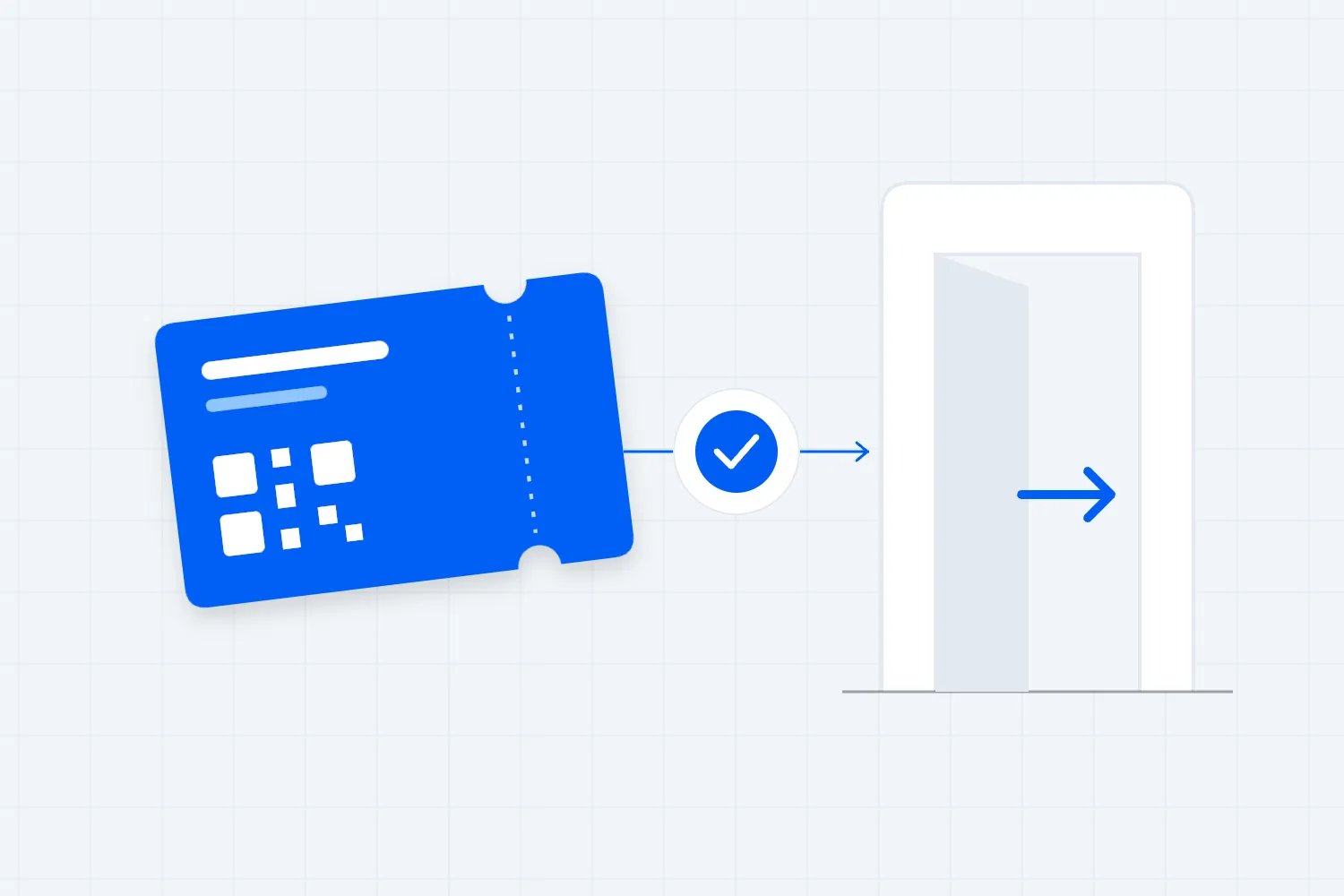
A tap at an entrance might validate a ticket, charge for entry, or do both through a particular system. Never assume those actions are connected because they use similar-looking devices. Someone who has already bought a ticket needs admission checked. A walk-up buyer needs a purchase completed and a valid ticket issued before they enter.
If the same staff member handles those jobs, the app needs to make the difference clear. Otherwise, an unpaid order can look like an admission, or a paid guest can be asked to buy again. Your door rehearsal should include an existing ticket holder, a walk-up purchase and someone whose payment was declined. Follow each person all the way through to entry rather than stopping when a terminal beeps.
What the attendee does
The normal purchase starts with staff selecting the right item or entering the amount. The buyer checks the total, presents their card or device and waits for the app or terminal to confirm the result. Once staff can see approval, they complete the handover and offer the available receipt option.
A phone wallet may ask the buyer to authenticate on their own device. A physical card can have different verification requirements, and a terminal can ask for another method. Train staff to follow the payment app's instructions. A smooth checkout includes knowing what to do when the first tap doesn't finish the purchase.
Don't teach people that every payment completes instantly or that every contactless card hides its number in the same way as a mobile wallet. Apple's security and privacy overview explains the device account number and transaction security used by Apple Pay. Those details describe that wallet's operation, rather than every possible contactless product. None of them removes the need to check the amount, protect the device or handle a disputed sale properly.
Are attendees ready to pay this way?
It's reasonable to offer contactless payments without declaring that everyone has abandoned their wallet. A fan can prefer paying by card and still carry cash. Another might pay for tickets with a wallet online but arrive with a physical card because their phone battery is nearly empty. Build the policy around the people attending your event.
Worldpay's 2024 Global Payments Report provides historical background on payment habits across markets. It doesn't establish how many people at your next event will use a mobile wallet, or how much faster your bar will operate. Your own trial and the questions ticket buyers ask before arrival are more useful for those decisions.
In Loopyah's Event Attendee US 2025-2026 survey, fielded on November 11, 2025 among 500 US respondents, 413 selected credit or debit card as a preferred way to pay for tickets. Mobile wallets were selected by 153 people. The chart shows respondents as percentages of that sample, using the raw response counts. People could choose more than one answer.
| Label | Respondents (%) |
|---|---|
| Card | 82.6 |
| Mobile wallet | 30.6 |
| PayPal | 37.8 |
| Pay later | 12.6 |
| Bank transfer | 3.8 |
Source: Loopyah Event Attendee Survey, November 11, 2025, n=500 US respondents, Q15. Multiple selections were allowed, so the percentages do not add to 100%. Pay later means buy now, pay later. This question concerns ticket purchases, not in-venue contactless usage. Card preference also does not tell us whether respondents would tap, insert or pay online.
The useful conclusion is that your payment plan should accommodate more than a phone wallet. A clear card-payment option can serve someone who doesn't use a wallet at all. If you make the event cashless, explain that separately and confirm a workable alternative for people who arrive with cash. Contactless availability and a cashless-only policy are different decisions.
Where tap-to-pay helps the attendee experience
The benefit is easy to understand when you've been the person waiting to pay while a staff member looks for change. Removing that task can make the sale simpler. But an attendee experiences the time from joining the queue to leaving with their order, not just the seconds spent near the reader.
At a merch stand, they may wait while someone checks whether a shirt is available in their size. At a bar, the delay may be pouring several different drinks. Payment can become quicker while the queue barely changes. That's why a before-and-after test should time complete orders as well as the payment step.
The interesting thing about a phone accepting payments is the flexibility it can give a small team. You may be able to take payment beside a merch display instead of directing everyone to a fixed till. That only works if the staff member can confirm stock, provide the item and keep the queue clear. A roaming seller who has to walk back to the same stockroom for every order hasn't removed much of the delay.
Make the price and payment result easy to see
Crowded, noisy rooms make simple misunderstandings more likely. Put readable prices where people order, confirm quantities and show the final amount before the tap. If a service charge or other fee applies, explain it before the guest reaches payment. Discovering an extra charge at that moment creates an argument that the contactless reader cannot solve.
The same care applies to tips. The buyer should be able to understand the screen and make their own selection without feeling hurried. A queue isn't a reason to let staff choose for them. If a payment fails, staff should say what the app shows and offer the agreed alternative without announcing the customer's financial situation to everyone nearby.
A visible result helps both sides. If the buyer's phone displays activity but the seller's app has not confirmed approval, check the transaction before trying again. Repeated taps can create confusion about whether there is a duplicate payment, a pending authorisation or no completed purchase. The supervisor needs a way to investigate while the next customer is served elsewhere.
Keep help available for people who need it
A payment policy affects attendance as well as concession sales. Think about the person whose phone has died, the guest whose card isn't supported and someone who cannot comfortably reach the reader. Staff need an answer that leads to a real way to complete a purchase, or an honest explanation of the limitation before the attendee travels.
A cash-to-card service can be part of that answer at some venues. It also creates another queue, equipment requirement and support job. Check the applicable fees, unused-balance terms and actual card acceptance before describing it as a convenient fallback. For a smaller event, maintaining an appropriately controlled cash point may be more practical, where venue policy and local requirements allow it.
Will faster payments improve your event's profit?
The commercial question is whether the change helps you fulfil profitable orders or cuts a cost you actually incur. A faster tap doesn't create an extra sale if the bar cannot prepare another drink. Nor is an additional dollar of sales the same as an additional dollar available to pay for the payment system.
Mercedes-Benz Stadium's March 2020 cashless initiative report describes a stadium-wide move to cashless transactions, including cash-to-card machines. It is a useful example of treating payment as an operational change. The stadium's reported results shouldn't be treated as a forecast for your event, and the report doesn't isolate the effect of tapping from everything else involved in going cashless.
Your own event has a different menu, team, audience and trading window. Start with where people are currently giving up. If there are unsold shirts and an abandoned merch queue after the show, faster selling may help. If every shirt already sells out, a payment change may improve the experience without increasing the quantity sold. That's still a benefit, but it belongs in a different part of the business case.
Work through a complete service example
Consider a hypothetical bar where a complete order currently takes 60 seconds. Suppose an observed trial suggests changing the payment step could reduce the total to 50 seconds. These are illustrative assumptions, not an event-industry benchmark or a promise about any payment product.
At uninterrupted service, 60 seconds per order allows 60 orders an hour. At 50 seconds, the arithmetic allows 72. The difference is 12 orders for a station during that hour. Treat this as a possible capacity increase under those assumptions. It doesn't tell you whether 12 extra customers will arrive, whether stock will last or whether the team can sustain the pace.
Now suppose each additional completed order produces $6 after the cost of the drinks, disposables and payment charges. Twelve genuinely additional orders would contribute $72 towards other event costs. If your extra equipment and staffing cost more than that for the period, the extra sales alone would not cover them. Change the assumptions to your own observed times, costs and trading hours before deciding.
The next check is whether you have moved the delay to preparation. Staff might take payments faster and leave a growing crowd waiting for drinks beside the counter. You would then need a better collection process, a simpler menu or more preparation capacity. Adding another payment device would allow more people to pay into the same unresolved wait.
Compare the full cost with your current setup
Cash handling can require floats, counting, secure storage and investigation when totals don't match. The size of that work varies enormously. A small venue with an existing cash process should price its own workload rather than borrow a stadium's savings claim.
Digital payments have costs too. Compare processing charges, device rental or purchase, connectivity, support, refunds, disputes and any minimum contract commitment. Ask which fees still apply to a refunded transaction. Check how the supplier charges for a small merch purchase as well as a larger ticket order, because a fixed fee can matter more on a low-value sale.
Include the setup work your team will actually do. Someone has to configure items, check accounts, charge devices and train staff. If switching payment methods removes cash collection but adds a lengthy manual reconciliation between vendors, include that labour. The better option is the one that improves the event after those tasks and costs are counted.
Use the sales record without inventing a customer profile
An itemised payment record can help you understand what sold and when, if your chosen system records that information. It will not necessarily identify the buyer, tell you which ticket they hold or explain why they bought. Ask what the report contains before planning decisions around it.
For example, a rush of transactions after a session may justify moving staff to that period at the next edition. It doesn't prove that everyone in that session bought something. Keep those distinctions clear when reporting to partners or planning future communications. Our guide to event operations covers the broader work of matching staffing, supplies and the attendee journey.
Less cash can reduce the amount that needs to be secured on site. It doesn't remove refund misuse, incorrect prices, missing stock or unauthorised staff actions. Assign permissions carefully and keep a clear record of adjustments. You still need to know who can take money, who can issue a refund and who checks the final totals.
Choose the setup for the way your event trades
A paid workshop, a club night and a festival have very different selling problems. The right starting point is a map of where your business takes money and who is responsible at each location. Separate your own sales from the sales of independent food traders, exhibitors or venue concessionaires. You may not control their payment systems, and you shouldn't assume their revenue will appear in your account.
Small venues, workshops and conferences
For a small paid event, a supported phone payment app may be sufficient for a merch table or extra purchases. The attraction is avoiding equipment that the team uses only occasionally. Check the supported device, operating system, country and account requirements before relying on a staff member's personal phone. Someone saying that their phone has NFC is not a completed compatibility check.
Keep walk-up purchases out of the queue for people who have already paid where the layout allows it. A guest choosing a ticket and paying usually needs more attention than someone presenting an existing ticket for scanning. Put a member of staff where arriving guests can see the distinction, rather than expecting them to read a small sign after joining the wrong line.
At a conference, an upgrade also needs an entitlement. If someone pays for a workshop, staff must be able to establish that they can attend it and that capacity remains. A generic card receipt isn't necessarily the workshop ticket. Explain the actual upgrade process to the registration team, including what happens if the customer changes their mind before the workshop begins.
This is part of delivering what your promotion promised. Our guide to how to market conferences covers how to explain the event offer. Carry that same clarity into the registration desk, where people need to know which sessions and extras are included in their purchase.
Festivals with several traders
A festival needs to decide whether each trader will take payment through their own merchant account or whether the organiser will collect money and pay them later. The choice affects contracts, reporting, refunds and who answers a complaint. It is more consequential than choosing the appearance of the wristband or terminal.
If you consider prepaid wristbands, ask suppliers to demonstrate the complete attendee experience. That includes an online top-up if offered, topping up on site, checking a balance, replacing a lost band and claiming unused money afterwards. Read the terms for each action. A fast transaction at the food stall doesn't compensate for a confusing refund process after the event.
For ordinary card acceptance, ask how each trader's devices will connect and whether the site can support them during busy periods. Don't promise a shared payment report until you have seen how the proposed setup produces it. A central event budget can include concession income without pretending that every trader's sale is your event's gross revenue.
Sports venues and short intervals
A scheduled interval creates a concentrated trading window. You need to know what staff can sell, prepare and hand over before spectators want to return. A system that performs well during a quiet afternoon test may still fail to make that window work if everyone orders a complicated product at once.
Consider what can be simplified without damaging the offer. Clear prices, visible stock and an organised collection point may do as much for service as changing the payment method. If you add self-service checkout, someone still needs to resolve failed payments, answer product questions and manage the space around it. Include that person in the staffing plan.
Paid charity events and donation points
At a paid fundraiser, keep tickets, merchandise and donations clear to buyers and staff. A guest buying entry should receive whatever confirmation is required for admission. Someone making a donation should understand the recipient and the amount. Any tax-related receipt requires the appropriate charity process, rather than an assumption that a generic payment receipt is enough.
If volunteers accept contactless payments, use the same device permissions and refund controls you would use with paid staff. Brief them on the exact request they are making. They should be able to explain whether the amount is a donation or a purchase and where the guest can get help afterwards.
Set up tap-to-pay before you announce it
A sensible rollout starts with a limited, useful job. That might be replacing cash collection at a merch table or giving your own bar a supported phone payment option. Proving that job works is more valuable than promising contactless payments everywhere before suppliers and staff have agreed on the details.
Confirm the account and money flow
Ask who is taking the payment as the merchant and where the money will arrive. Confirm that the right business and bank details have been approved, and check any identity or account checks well before event day. A device can be ready to accept a tap while the business is still waiting for an account restriction to be resolved.
Read the settlement terms, which explain when collected money becomes available to your business. Compare them with when you must pay stock suppliers and staff. A successful payment at the event is not the same as cash already available in your bank account. Build that timing into your cash plan rather than counting every sale as immediately spendable money.
Get answers about refunds, disputes and support in writing. Who can refund a purchase during the event? Who answers an email after it? If an independent trader took the payment, can your help desk identify the right seller? These questions matter when a guest only remembers that they bought something at your festival.
Check devices under realistic conditions
Run the payment app on the actual devices that staff will use. Confirm charging arrangements, battery health, cases and a safe place to store spare equipment. A phone needs to remain available for its assigned work. If a staff member must also use it for personal calls, photography and messaging, account for those interruptions before you rely on it at the busiest till.
Try the device at the counter, in the lighting and orientation you expect on the day. Staff should be able to read the amount without turning the screen away from the customer awkwardly. The customer should be able to reach the payment area without passing their phone into someone else's hands or leaning over an unstable barrier.
Check a normal purchase, a declined payment and an authorised refund. If the supplier offers a test environment, use its instructions. If you perform a real transaction, follow the account's rules and record any fees. The point is to understand what staff will see at each stage, including how they find a previous purchase when a guest returns.
Test connectivity where the sale happens
A successful payment in the event office doesn't establish that a terminal will work behind a bar or in a field. Test at the actual selling points. Ask the venue or network provider how payment traffic will be supported when attendees arrive, because a connection that works during setup may behave differently under load.
Agree who deals with a lost connection and how staff reach that person. Consider a separate supported connection or spare device where it is practical, but avoid calling any arrangement an outage guarantee. Extra connectivity is useful only if someone knows how to switch to it and it has been tested with the payment setup.
Offline acceptance is a specific supplier and device capability. Some systems do not support it; others impose conditions and expose the merchant to later payment failure. Get confirmation for your exact setup, including what is stored, what limits apply, how queued payments are processed later and who bears the loss if they fail. Do not let staff invent an offline process by writing down card details.
Configure the products people will actually buy
Create clear item names, prices and any supported variations before the rehearsal. Check bundles and staff discounts if you offer them. A shirt in the wrong size is a stock and customer-service problem even if the payment itself went through perfectly. Decide how staff record an exchange so it does not look like another sale.
If you already use Loopyah, the current Sell Tickets page describes taking Tap to Pay payments for merch, drinks and extras from an iPhone or Android phone. Buyers tap their card or phone. That is a relevant option when your team needs to take those payments without hiring a separate card reader. Confirm the requirements for your event and devices before you plan the shift around it.
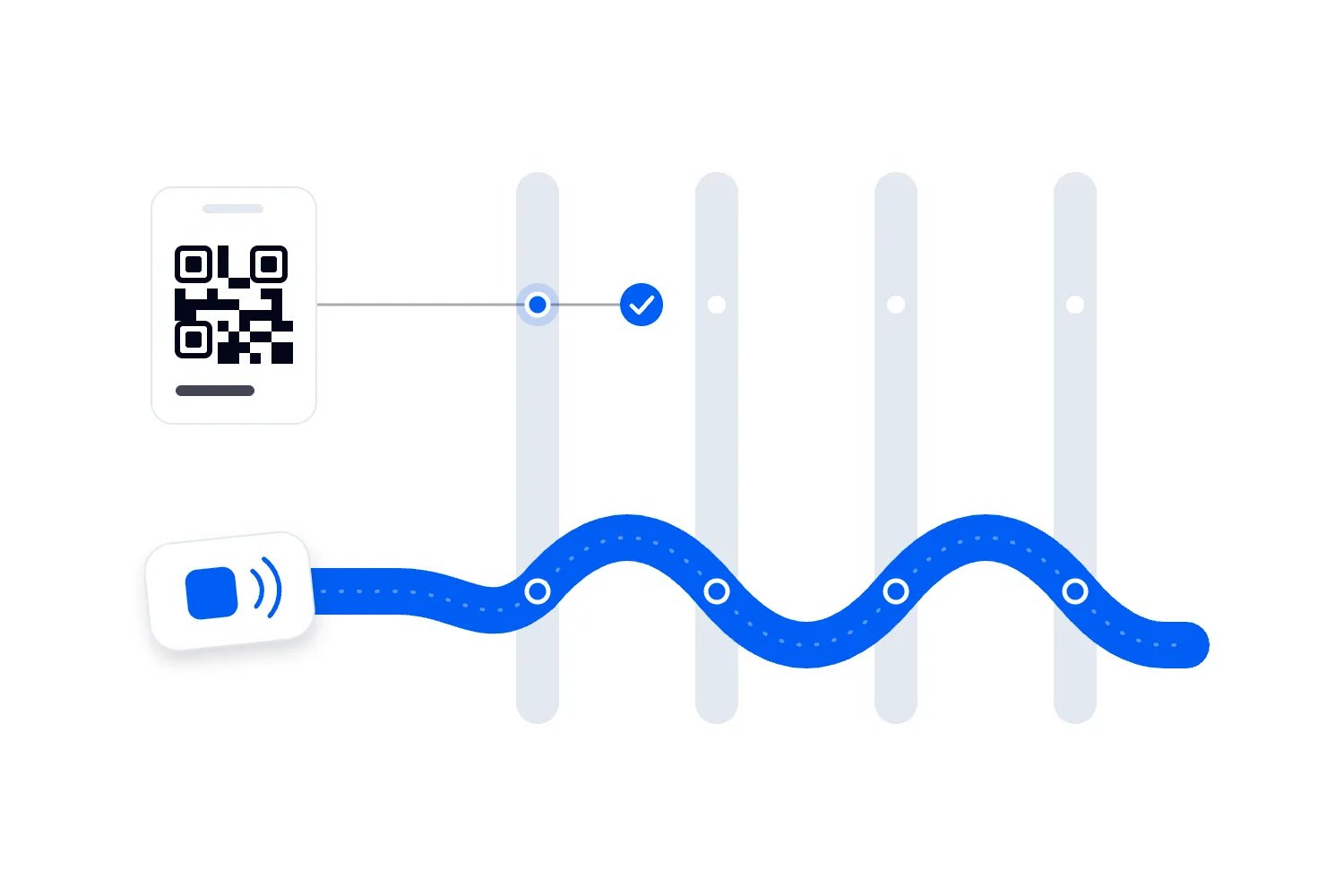
The same live page describes ticket scanning and door-staff access. Those are useful capabilities to assess alongside payment, but they do not establish that every payment, admission and trader settlement automatically becomes one workflow. Our broader event software page is a starting point for assessing the rest of your event's requirements; verify the exact connection you need before changing an existing process.
Rehearse with the people working the shift
Training should use complete situations. Ask a staff member to sell the wrong item, correct it before payment and finish the purchase. Then rehearse a customer who has already tapped but isn't sure whether payment succeeded. Include a refund request that the staff member is not authorised to approve.
You will quickly find where people need clearer instructions. Perhaps the decline message is hard to hear in a loud room, or the supervisor is the only person who knows how to find a transaction. Resolve that before opening. A page of instructions at the counter helps, but it cannot replace someone having used the app themselves.
Agree the boundary for each role. Sellers need to know when to keep helping, when to refer to a supervisor and where the guest should wait. A problem-solving point beside the main queue can keep a single disputed payment from stopping every sale, provided a real person is assigned to it.
Include the selling layout in your event operations plan. The UK's Health and Safety Executive's event crowd-management guidance treats crowd safety as a planned responsibility with clear roles. A faster till still needs a queue that does not block exits, cross an access route or spill into another busy activity.
Explain the policy before people arrive
Write the payment information on the event page and in your practical arrival information. Say which methods are accepted, where people can use cash if applicable, and how to ask for help. If the venue has a separate policy for its own bars, distinguish that from your merch table or box office. Guests should not have to discover the difference while trying to pay.
Make the message specific enough to use. "Card and phone payments accepted at our merch stand" tells someone more than "a frictionless cashless experience." If an alternative involves a service desk, explain where it is and when it opens. Staff should repeat the same information on site, with signs positioned before people join the queue.
Keep security and customer support practical
Contactless payment security doesn't excuse weak event operations. The payment app may protect card handling while staff share an account password, leave a phone unattended or approve refunds without checking the original purchase. Review those ordinary actions before investing time in promises about futuristic fraud prevention.
The PCI Security Standards Council's merchant resources are a useful starting point for understanding payment-data responsibilities. Ask your payment provider which requirements apply to your setup and what you must do. A provider advertising secure payments is not a blanket statement that your business has nothing left to manage.
Staff should never photograph a card or copy its details into a personal message because the terminal is unavailable. The approved failure procedure needs to be easier to follow than that improvisation. Use individual access where supported, keep devices locked when unattended and remove access promptly when the people working the event no longer need it.
Give the guest a way to identify the sale
Receipts and payment descriptions matter after the event. A customer who cannot recognise a charge may contact their bank before contacting you. Check the merchant name that appears on their statement and explain any legitimate difference from the event name. Tell the help desk how to find a sale without asking the customer to send unnecessary sensitive information.
Agree how stock returns and refunds relate to each other. Staff might accept a returned shirt but forget to process the refund, or refund an item while it remains in the customer's hands. The policy should describe the actual steps, who approves exceptions and where the record is kept. Contactless payment doesn't decide that policy for you.
If your event has several sellers, publish a support route that can direct people to the correct business. A guest shouldn't have to guess which legal entity operated a particular stall. Keep the trader's contact details and trading name available to the event team even if the money never entered your account.
Keep payment data and marketing permissions separate
A sale may generate useful operational data without giving you permission to send advertising to the buyer. Nor does accepting their card necessarily provide an email address or a reliable link to their ticket record. Before planning personalised campaigns, establish what information you actually receive and the rules for using it.
The UK Information Commissioner's Office explains the need to provide clear information about personal-data use in its right-to-be-informed guidance. Requirements depend on where you operate and what you do with the information. Have the responsible person review the intended use rather than assuming that payment consent covers everything.
For operational planning, a report showing item sales by time can often answer the immediate question without identifying individual attendees. If you only need to know when shirts sold, don't build a customer-tracking project to find out. Use the least complicated report that supports the decision you are making.
Run a useful pilot and decide what to change
A pilot works best when you choose the question beforehand. "Can our merch team complete purchases with fewer delays?" is useful. "Did people like the new technology?" is too broad to explain whether you should expand it. Choose a selling point where you can observe the result and where a supervisor can help if something goes wrong.
Record the complete purchase time for a reasonable selection of orders, including slower ones. Note what caused the delay. A failed payment needs a different response from staff searching for a missing shirt. Keep the conditions alongside the numbers, such as whether the show had ended, how many people were selling and which products were available.
Compare like with like as far as you can. A quiet afternoon and a post-show rush will produce different service times even with identical equipment. If you change the menu, staff count and payment method together, describe the result as a change to the whole selling process. Don't credit the tap alone with every improvement.
Watch the queue as well as the report
Completed transactions show the business you took. They don't show every person who looked at the queue and walked away. Ask an observer to note where people hesitate, leave or ask for help. This doesn't need to become intrusive customer tracking. You are looking for problems with signs, layout, stock and service.
Check the handover after payment too. If paid customers wait in the same place as people still deciding what to order, staff can lose track of whose items are ready. A clear collection point or better order identification may make the next trial more useful than adding devices. Let what you observe determine the change.
Ask staff what they found awkward while the details are fresh. They may know that a screen was difficult to read, a product name confused guests or a refund required too many people. Those observations explain why the sales report looks the way it does and help you avoid solving the wrong problem.
Reconcile before calling the pilot a success
At close, compare completed sales, refunds, fees and the money expected from the payment provider. Account for any transactions still awaiting a final result according to the provider's rules. Match product sales with stock movement where your setup supports it, and investigate material differences while the team can still remember what happened.
Then compare the additional contribution and time saved with what the change cost. Use your own sales and cost figures, not the theoretical capacity from the example earlier in this guide. A setup can deserve another trial even if the first one is inconclusive, but record what remains uncertain and what you will measure next time.
Expand when you can explain why it worked and what the next selling point requires. Another bar may have a different connection, menu or staffing problem. Copying the device setup is easy. Confirming that the new team can actually serve the extra orders takes a little more care.
What to consider before adding more technology
Phone payment acceptance, prepaid wristbands, self-service checkout and customer recognition solve different problems. It is tempting to combine them into one description of the future of events, then buy more than your operation needs. Start with the purchase you want to improve and test the smallest change that helps complete it.
The same applies to using AI with transaction reports. Our guide to AI trends in events explores broader applications, but a system can only analyse the data you have recorded. Missing item names or transactions mixed across sellers will not become reliable simply because an AI tool summarises them. Get the reporting useful before asking it to inform staffing or stock decisions.
You also don't need facial recognition or a new customer account to accept a contactless card. If a supplier proposes identity-linked services, assess that as a separate decision with its own purpose, privacy requirements and alternatives. Making a shirt purchase simpler is a perfectly adequate goal on its own.
For a paid event, the next step is to choose one place where taking money is causing a specific problem. Confirm the supported payment method, rehearse the awkward cases and measure the whole sale. If you're assessing Loopyah's event software, use that same practical test. Your team should be able to show how the attendee pays, receives what they bought and gets help when something goes wrong.
Once that works, you have a useful basis for expanding. The reason to bring tap-to-pay into your event is that it makes buying and selling work better for the people there. Your own trial should make that improvement visible before you rely on it in the busiest part of the next event.
Launch Your Event with Tap To Pay
Author: By the Loopyah Content Team
The Loopyah Content Team shares expert insights, practical guides, and industry updates to help event organizers create unforgettable experiences and stay ahead in the event planning world.