· 27 min read
Event Ticket Design Ideas That Impress Guests and Elevate Your Brand
You've sold the ticket. Now someone is standing outside your venue, holding a phone, trying to work out which door to use. Your ticket design has to help them get inside without a conversation with your busiest member of staff.
Start with a clear event name, date, arrival time, entry point, ticket type and admission code. Make those details easy to read on the actual device or printed sheet your buyer will bring. Then use color, illustration and typography to make the ticket feel like your event. That's how you get a ticket that looks considered and works at the door.
This guide explains how to choose a design style, organize the information, protect the scanning area, prepare print and digital versions, and test the whole journey before tickets go out. The examples are practical design briefs you can adapt for paid concerts, exhibitions, conferences and seated shows.
Why event ticket design matters to your operation
A ticket follows the buyer through several different jobs. Immediately after payment, it reassures them that they bought the right event and the right admission. Before leaving home, it helps them plan their arrival. At the entrance, it gives your staff the information needed to check them in.
Those jobs call for different levels of detail. The confirmation can explain the purchase and link to the refund policy. The ticket needs the admission details. A pre-event email can explain road closures, bag restrictions and an updated running order. Putting every message on the ticket usually makes the important information harder to find.
There is a commercial reason to care about this. When a ticket is confusing, someone in your business has to answer the question. That may happen through customer support during the week or through a supervisor while the queue grows. Better design can remove avoidable questions, though it cannot compensate for a missing entrance sign or an untrained door team.
Statista publishes estimates for US smartphone QR-scanner use. Source. Your design decision should depend on whether buyers can retrieve their tickets and staff can validate them at your event. Test the delivered version with the admission equipment you plan to use.
What information belongs on an event ticket?
The first thing you want to do is agree on the information with the people running admission. A designer should not have to guess whether your room name, entrance name or ticket category matters more.
Use the actual names your team will say out loud. If the venue calls an entrance "East gate," use that on the ticket and on the signs. "Festival access point B" introduces another name for the same place and another question for staff to answer.
Make the event and date unambiguous
Include the event name and enough detail to distinguish it from other editions. A recurring club night needs its particular date. A conference with separately sold workshop days needs the purchased session. A theatre production running over several weeks needs the performance date and time.
Write the month as a word when buyers may interpret numeric dates differently. "14 November 2026" is easier to distinguish than a short numeric date. Include a time zone when people travel across regions or when an online component makes the location unclear.
Keep doors opening and the programme starting separate. "Doors 7 pm. Show 8 pm" answers a different question from "8 pm." If your admission policy has a last-entry time, label it directly and make sure buyers see that restriction before purchasing too. The ticket should remind people of agreed conditions, rather than introduce conditions they had no chance to consider.
Show what the person bought
Display the ticket category in words. "General admission," "Balcony reserved seat" and "Friday conference pass" explain access better than internal product codes. Staff may use a short code in the system, but the buyer should not need to learn it.
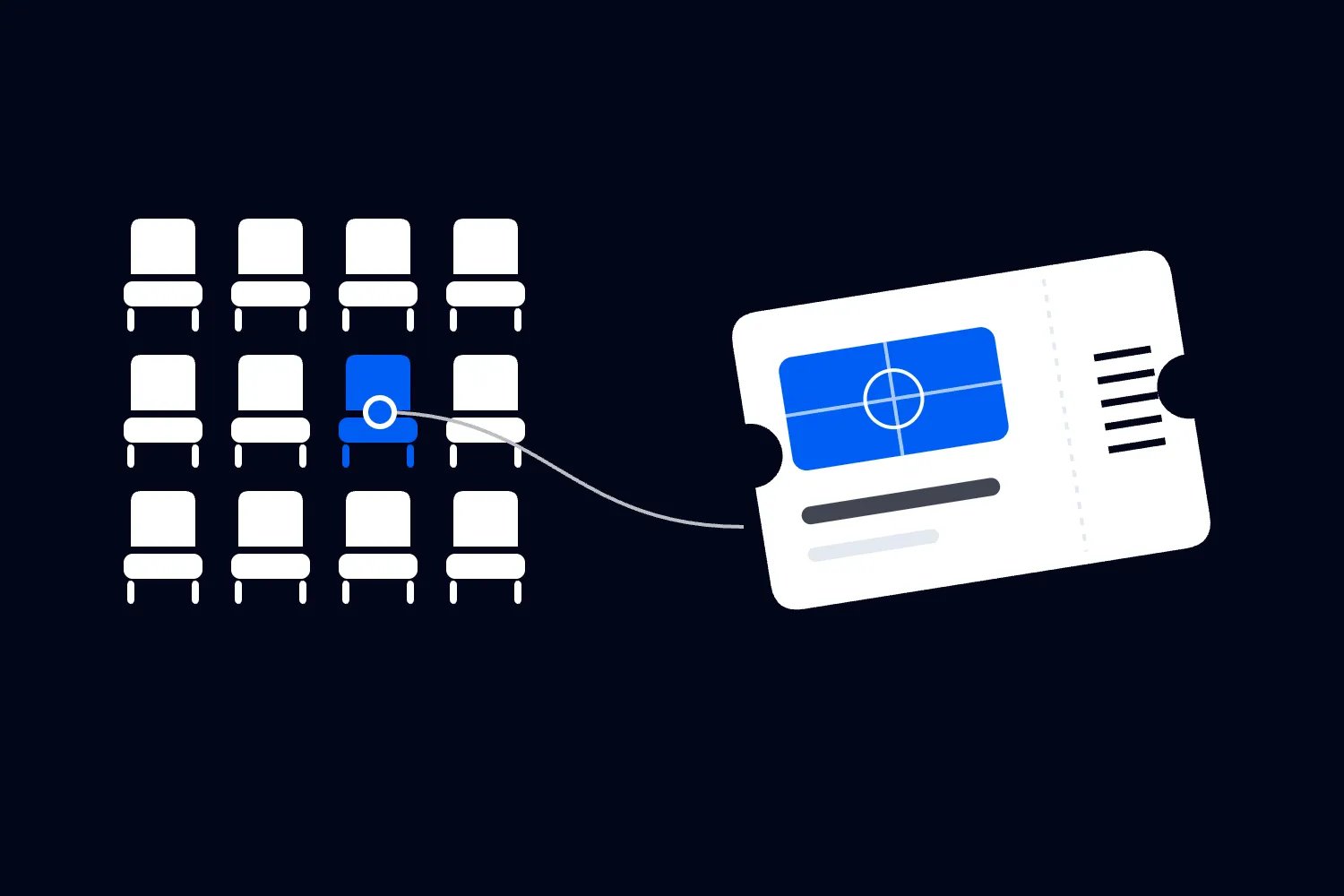
For reserved seating, use separate section, row and seat labels. "Balcony, Row C, Seat 12" is less open to interpretation than "BC12." For standing zones, identify the zone without implying that a particular spot is reserved.
Distinguish an early purchase release from an access benefit. If early-bird and general-release buyers receive the same general admission, do not create layouts that suggest different entrances or privileges. The price release can remain in the order details when it has no role in admission.
Include a fallback people can use
Keep a readable ticket reference near the code when your system supports a manual lookup. Make clear whether that reference identifies a single ticket or the whole order. One person buying several tickets needs to understand which credential belongs to each guest.
Provide a route to help, such as an organizer contact or ticket-support link. The ticket does not need your whole support policy, but a buyer who cannot open their admission code should know what to do before arriving.
Avoid unnecessary personal information on the visible ticket. You may need a name for an identity check, but an attendee's phone number or postal address rarely helps an usher. Ask which information someone actually needs at admission and keep unrelated purchase details in the order record.
Event ticket design ideas you can actually use
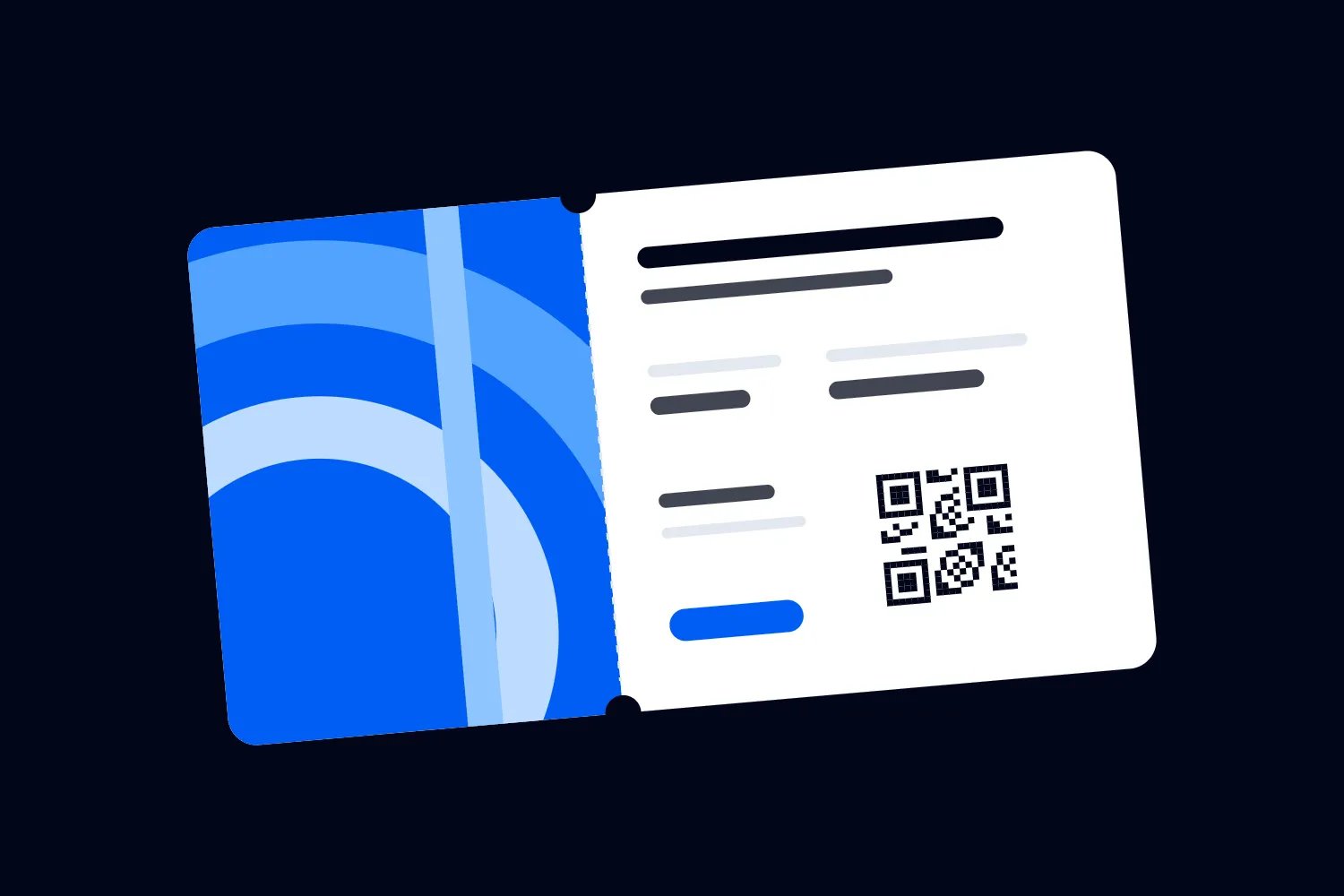
Choose a visual approach around the event and the way people enter it. A bold concert ticket and a restrained conference pass can use the same sensible information order. The style changes; the date and admission code still need to be readable.
1. A minimalist ticket with strong typography
A minimalist layout works well when the event name or programme already provides the character. Use a clear title, a small brand mark and a consistent set of labels. Leave enough space between the arrival details and the code for each to be recognized immediately.
Minimal does not mean making every element tiny. That often produces a beautiful large mockup and an awkward ticket on a phone. Make the useful information prominent at the size people will view it, then remove decoration that competes with it.
For a paid business conference, for example, the ticket could put the conference name at the top, the purchased day immediately below, and venue and arrival details above the code. A restrained accent color can connect it to the website without turning every field into another colored block.
The W3C's Accessibility guideline provides a sound reference for accessible digital content. A tidy layout alone does not establish accessibility. Check the contrast, reading order and behavior of the delivered ticket as well.
2. An illustrated or themed ticket
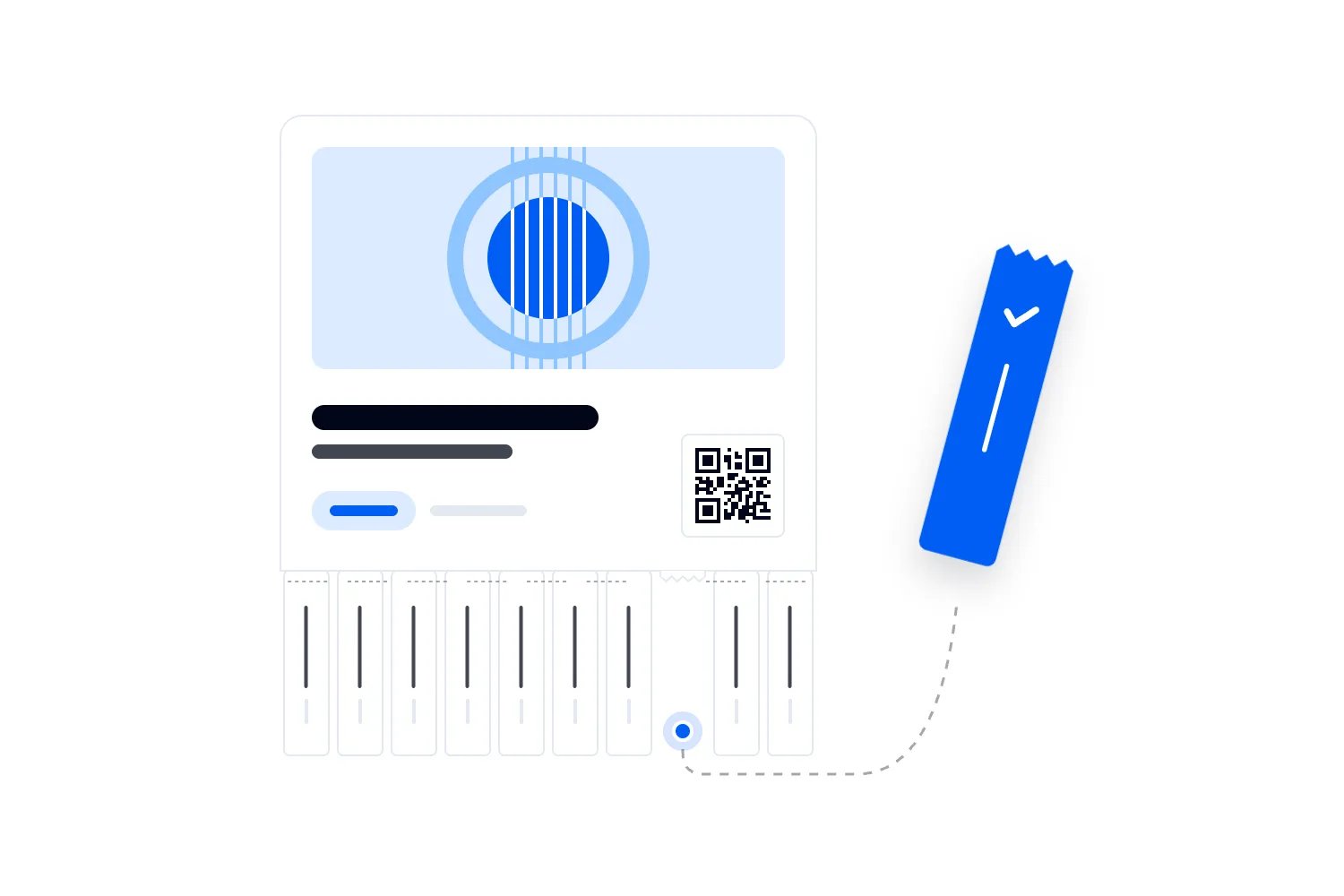
Illustration can make a ticket recognizably yours without requiring a photograph to carry the whole design. A jazz series might use a small instrument drawing. A paid art exhibition could adapt a licensed detail from the exhibition identity. A food festival could use illustrations of the cuisines represented.
Keep the illustrated area separate from the text and admission code. A busy image behind the venue address forces the reader to distinguish letters from decoration. A plain information panel usually solves that problem without losing the character of the artwork.
Use a decorative typeface for a short event title if it remains readable. Keep dates, seat references and entry instructions in a simpler face. Ask a person who has not seen the artwork to read the ticket. Familiarity can make your own design look clearer than it is.
If the event identity changes with each edition, reuse the information layout. Buyers who return should not have to learn where to find their ticket type every month. Your team also benefits from knowing where to look when someone presents an unfamiliar artwork variant.
3. A ticket designed for useful digital actions
Useful interactions answer questions the buyer is likely to have. An "Open ticket" link in the confirmation, a directions link before travelling, or a schedule link for a conference can help. A game or an animated reveal needs a stronger reason, especially if it delays access to admission.
Keep the admission code visually distinct from any link to supporting information. A scanner operator should not have to choose between two equally prominent QR codes. On a phone, a normal link is often a better way to open directions than another code the attendee would need a second device to scan.
A wallet pass is one possible delivery format when your ticketing provider supports it. Google's event-ticket documentation distinguishes barcode scanning from NFC redemption, which needs compatible terminals and integration. Saving a pass to a wallet does not mean that every venue can admit its holder with a tap.
If you offer wallet delivery, test it as a separate format. Check which details appear on the front, which require another action to view, and what happens when you change event information. Avoid promising automatic updates until your provider has demonstrated how your actual tickets behave.
4. A digital-first ticket with a considered print option
Digital delivery can avoid printing tickets that buyers do not need, but some people will still arrive with paper. Provide a practical printable version if your admission system supports it. It should work on an ordinary home printer without requiring special stock or a full-color background.
A simple white page with clear admission details can be more useful than a full-bleed poster squeezed onto a sheet. Reduce decorative ink coverage and keep the code away from edges that a printer might crop. Test a grayscale copy rather than assuming your colors will remain distinguishable.
For physical tickets, ask the printer about paper, coatings, production waste and the specific claims you can substantiate. "Recycled" should describe an actual material choice. An attractive texture does not prove that a ticket can be recycled through the collection available to your guests.
ISO 20121:2024 addresses event sustainability management. It is a useful reference for a wider event policy, rather than evidence that choosing digital tickets makes the entire event sustainable. Keep your public environmental claims as specific as the decisions you have actually made.
5. A keepsake ticket with a special finish
A printed keepsake can make sense for an anniversary performance, a collector edition or a premium package that explicitly includes it. Its purpose and cost should be clear. There is little reason to give every admission ticket an expensive finish if buyers mainly need something they can scan.
Keep foil, embossing and unusual cuts away from the scanning area and essential wording. A reflective finish may look good in a photograph while making it harder to read under the entrance lighting. Ask for a finished sample with a test code, rather than approving a paper swatch and assuming the ticket will behave the same way.
Think about handling too. A narrow shape may be awkward to hold. A delicate edge may tear in a pocket. A commemorative stub should not separate the admission code from the information needed to resolve an entry problem.
If you issue a souvenir alongside digital admission, label its role. A guest should not mistake a decorative keepsake for a second valid credential. Decide whether it has any operational use and explain that consistently in the purchase description and delivery message.
How to lay out a ticket people can read
Start with an unstyled version containing the real fields. It is much easier to see that a long venue name will not fit before illustration and finishing make changes expensive.
Group related information. The venue and entrance belong together. The section, row and seat belong together. Keep the ticket category close enough to the admission code that staff can identify what they are scanning without searching another part of the page.
The largest text should help the reader identify the event, though the precise order can change with the format. A multi-day pass needs its valid day to be prominent. A seated ticket needs a legible seat reference. A timed exhibition needs the entry slot to be hard to overlook.
Choose size and contrast for the delivered version
There is no single font size that proves every ticket readable. A PDF, an email and a wallet pass can scale differently, and a printer can shrink an entire page. Use a comfortable starting size, then inspect the version that a buyer actually receives.
For digital text, W3C's minimum contrast explanation specifies a contrast ratio of at least 4.5:1 for normal text, with a 3:1 threshold for qualifying large text. These are text contrast requirements, not a guarantee that a QR code will scan or that a whole ticket is accessible.
Avoid pale gray venue details, thin decorative lettering and text across patterned artwork. If a field matters enough to include, it should be readable. Moving secondary information lower in the layout is usually better than fading it until people can barely see it.
Do not use color as the only difference between ticket categories. Print the category name, and consider a distinct written access label if door staff must route people quickly. A buyer with a grayscale printout should still know which ticket they have.
Plan for long and missing information
Use deliberately awkward test data. Try a long event title, a long attendee name and a venue with a building name as well as a street address. Check whether the system wraps, clips or reduces the text until it becomes unreadable.
Also test a ticket without a seat, an order with several tickets and any ticket whose access differs from the standard admission. Blank labels such as "Row:" with nothing after them can make a standing ticket look incomplete. A layout should handle an absent field deliberately.
If you abbreviate a field, use an abbreviation buyers will recognize. Saving a little space by turning "General admission" into an internal code rarely helps the person who needs to interpret it. Fix the space allocation first.
QR code design without avoidable scanning problems
A code needs more discipline than the rest of your artwork. Its job is to carry information the admission system can read. Let the ticket platform generate each valid credential and keep designers away from manually inventing or duplicating admission codes.
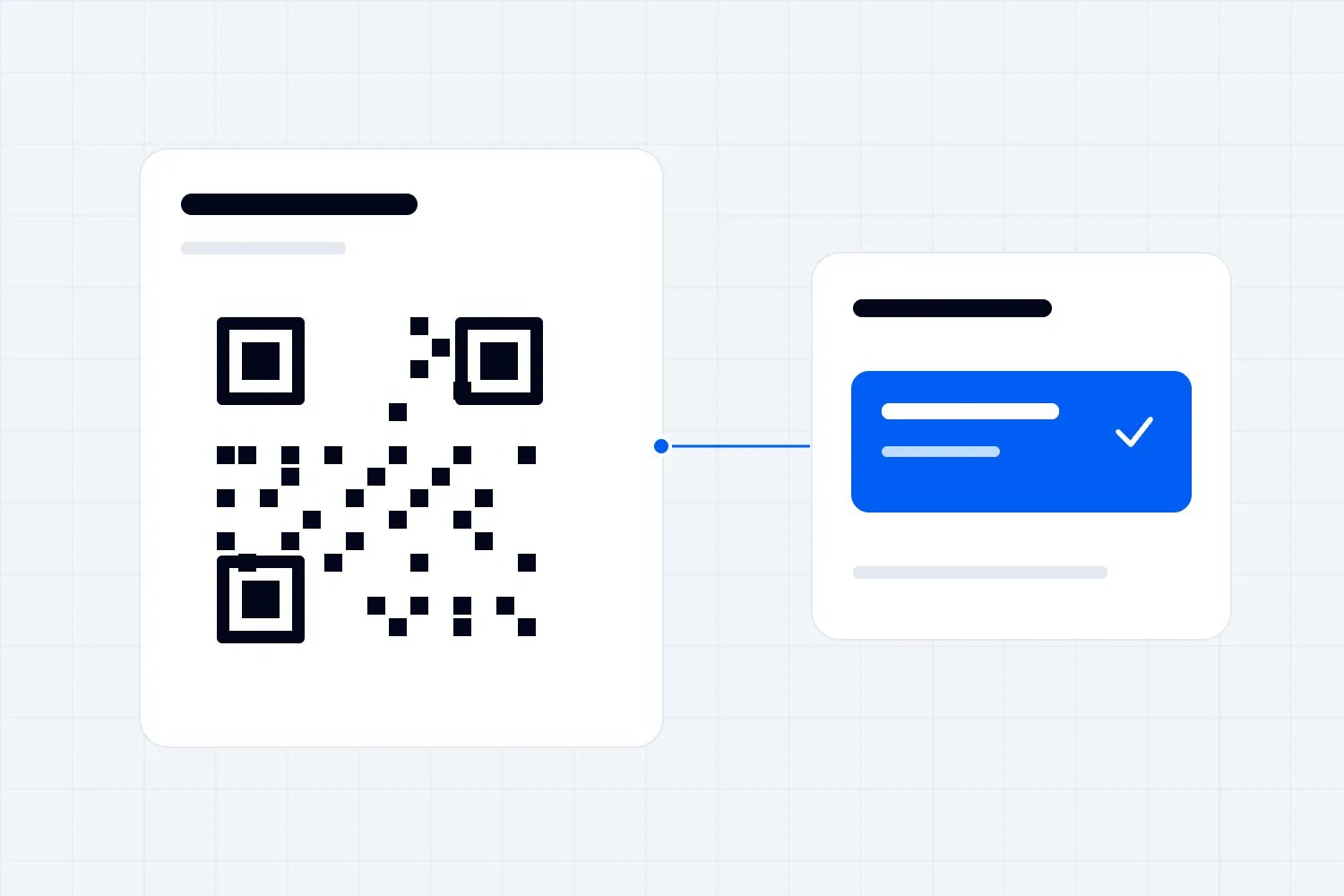
Leave clear space around the code. DENSO WAVE, the QR code developer, describes a quiet zone of four modules on every side. A module is one small square in the code. That clear margin is part of the required space, rather than spare room for a border or sponsor mark.
Use a clean, high-contrast code on a plain background. Avoid placing it across a fold, a tear line or a curved decorative panel. Do not distort the proportions to make it fit an unusually narrow ticket. Change the layout instead.
Do not pick a code size from a mockup
A code that works on a designer's monitor may not work after an email app scales it down or a buyer prints the page. Code density, print quality, screen presentation and scanning distance all affect the real result.
Ask your ticketing or access provider for the supported code format and its recommendations for your delivery format. Then test at the smallest size you expect people to present. If the printer supplies a proof, use it in a scan test before approving the production run.
A useful test begins with a genuine test ticket, passes it through the actual delivery process, and presents the result to the same type of device staff will use. Scanning an enlarged preview skips the very problems you are trying to catch.
Separate appearance from ticket validation
A unique-looking code is not proof of a valid ticket. Admission depends on what the scanning system checks and records. Copying a visible code may copy the credential, even if the artwork around it looks sophisticated.
Ask the provider to demonstrate what staff see for a valid admission, an already-used ticket and a ticket for the wrong event. If you use transfers, refunds or reissues, ask what happens to the earlier credential. Train staff on the demonstrated behavior rather than a generic promise about security.
Do not recommend screenshots without knowing the ticket format. Some static tickets may be presentable as a saved image; a changing code or another supported format may require the live ticket. Your instructions need to match the product you actually issue.
Loopyah's QR ticket delivery and phone check-in connects the confirmation email to the buyer's QR tickets, and lets staff with check-in access scan from their phones. That handles ticket issuance and admission in the same workflow. Your responsibility is to confirm the venue instructions and test how your team will use it for the event.
Worked ticket design examples for paid events
These are hypothetical briefs, not customer case studies or measured results. Each shows how the admission plan changes the design decisions.
A standing concert with a separate VIP entrance
Suppose your concert has general admission and a VIP area, with VIP buyers using a different entrance. Both ticket versions can use the same event artwork and typography. The visible differences should explain the purchased access.
The general-admission version could read "General admission. Main entrance on Market Street." The VIP version could read "VIP admission. Side entrance on King Street." Use the entrance names that appear on your signs and staff briefing. A VIP-colored stripe can help recognition, but the words still need to work without it.
Keep doors and show time visible on both. If VIP has earlier access, show the correct time on that version and explain what early access includes in the purchase description. Do not imply a reserved seat simply because the ticket looks more premium.
Send each buyer the right arrival instructions through the ticketing system where that capability is available. Asking staff to remember which generic email explanation applies to which ticket introduces work you could have avoided before the event.
A seated performance with several price sections
For a seated theatre show, the seat reference needs enough prominence for both admission staff and ushers. Put section, row and seat in a consistent order across the event page, confirmation and ticket. Use the venue's actual section names.
Consider a buyer arriving through the main foyer with two tickets. They should be able to distinguish the tickets, show both admission codes and then identify the seats without opening a separate receipt. A seat label that disappears below an enormous logo makes that journey unnecessarily awkward.
Loopyah's seat charts let operators label rows, seats, tables and standing areas, with categories connected to ticket types. Buyers select seats from the map. Use that same naming in your signs and door briefing, and inspect the issued tickets rather than assuming a manually designed mockup controls the final output.
If the accessible entrance differs from the usual route, describe the route accurately in the relevant arrival information. Do not assume the nearest gate on a stylized venue map is suitable for every attendee. Confirm the practical route with the venue before publishing it.
A conference with separately ticketed days
For a conference, a badge that says "Delegate" may not explain whether someone bought the whole conference or a single day. Use a clear validity label such as "Friday admission" and make the date visible as well.
If the conference includes an optional paid workshop, decide how staff will check workshop access. The main ticket can name the entitlement if the system supports it, but the visual design cannot create permission in the admission record. Agree on the checking process before selling the combination.
Keep the live agenda accessible through a normal link in digital communications. The admission ticket should not become an outdated timetable when a speaker changes rooms. Tell buyers where current information lives and make sure that destination works on a phone.
A staff badge, exhibitor badge and paid delegate ticket may also have different operational roles. Similar branding is fine, but a volunteer's badge should not resemble a paid admission so closely that it creates a dispute over the access granted.
A timed exhibition or paid tasting session
For a timed event, the entry slot can be more useful than the overall opening hours. "Entry 2 pm" tells the buyer when their ticket is valid. "Open noon to 8 pm" describes the venue's day and may suggest more flexibility than you intend.
Explain how early people should arrive and what happens if they miss the slot. These conditions should appear before purchase, with a short reminder on the ticket. If late admission depends on capacity, avoid wording that guarantees entry whenever someone arrives.
Make each session distinguishable in the staff view as well as on the buyer's ticket. An attractive date label cannot help if the scanner is set to a different session and staff do not know how to resolve the refusal.
Tools and resources for event ticket design
Use a design tool for the work it actually controls. You can create a visual brief in Canva, Adobe Express or professional layout software, but a static design file is not a ticketing system. It does not issue unique valid tickets, update admission records or decide whether someone has already entered.
Before a designer starts, open a sample ticket from your chosen platform. Find out which fields and artwork areas are editable. If the platform fixes the code placement or formats seat details automatically, design around those constraints rather than promising buyers a format you cannot deliver.
Loopyah's event software connects ticketing with event operations. For this job, begin with the issued ticket and the admission process, then agree the artwork and wording you can control. Confirm the available artwork areas on a real issued ticket before giving the designer a layout brief.
A professional designer is useful when the event has a distinctive visual identity, several ticket variants or physical production requirements. Give them the field list, example data, output constraints and entry plan before asking for concepts. It is cheaper to explain a second entrance in the brief than to rebuild approved artwork after buyers receive it.
For broader campaign planning, use the guide to creative event promotion ideas. Keep the ticket delivery and admission checks in your complete event planning checklist, with a named owner and a deadline before the first issue.
A ticket design brief you can hand to a designer
A usable brief explains the event, the buyer and the conditions at admission. Include the venue type, the delivery formats and whether staff scan at one entrance or several. Attach a real sample ticket with personal information removed, along with the platform's artwork requirements.
List the required fields in their intended reading order. Mark which fields vary by ticket type, which the platform generates and which a person will supply. Include the longest likely values so the designer does not build around a conveniently short sample.
Then describe the visual direction in specific terms. "Use the event's existing illustrated identity with a plain white admission panel" is more actionable than "make it premium." If you want a keepsake version, explain whether it replaces the normal ticket or accompanies it.
Request a mobile preview and a print proof using the same sample information. Ask the designer to show standard admission and the most complicated variant. Reviewing only the simplest ticket leaves you guessing about the version most likely to cause trouble.
Set an approval order. The ticketing owner checks the fields, the venue or door lead checks entry wording, and the person responsible for the brand checks the artwork. One person should then approve the release version so conflicting feedback does not leave a date or entrance name unresolved.
Design for group orders and separate arrivals
A buyer may purchase tickets for friends who will not arrive together. Your ticket design and delivery instructions need to explain how each person presents their admission. Otherwise the group may discover the problem while the first person is already in the queue.
Check whether your system creates a separate credential for every ticket or uses an order-level admission process. Show the distinction accurately. If each guest needs an individual ticket, make each one identifiable in the order. A buyer should not have to guess whether forwarding the same email gives everyone the same credential.
Use the provider's supported transfer or sharing process when guests need their own tickets. Explain it in the delivery message before the event. Do not design a "transfer" button into a mockup unless that action actually exists, and do not tell buyers that changing the printed name changes the admission record.
The same care applies to upgrades. A guest who buys an upgrade after their original admission needs clear instructions about what to present. Ask the platform how that transaction affects the existing ticket and make the message follow the actual behavior. A separate receipt for an upgrade may not be an admission credential.
For a family or group package, decide whether everyone must enter together. If that is a condition of the offer, explain it before purchase and remind the buyer in the ticket instructions. If guests can enter separately, test the partial arrival process with staff. A bundle price and a group admission rule are different decisions, even when both use the word "group."
Keep these explanations in the place the buyer needs them. The ticket should identify the admission; the delivery message can explain how to distribute it. That avoids filling every individual ticket with instructions that only the original purchaser needs.
Test the whole ticket journey before sending it
Testing is most useful when it follows what the attendee will do. Start with an actual test order through the supported workflow. Open the confirmation on a phone, retrieve each ticket, and check the visible event details against the event setup.
Do this without the designer explaining the layout. Ask someone unfamiliar with it to find their arrival time, entrance and ticket category. Watch where they hesitate. If two people interpret the same field differently, rewrite the label rather than telling yourself they should understand it.
Check delivery and retrieval
Confirm that the email link opens the intended ticket and that a multi-ticket order makes the individual admissions clear. If you offer a printable version or wallet pass, check those separately. A successful website preview tells you little about a clipped email or a different pass layout.
Try a narrow phone screen and the text settings available in the delivered format. Check that long names and addresses remain readable. Where the ticket has meaningful links or controls, make sure the labels explain their destination and that the buyer can operate them in that format.
Check what the buyer sees if they return to the confirmation later. The route back to their ticket should be clear, especially if the email also contains receipts, recommendations or programme information. Your most useful admission instructions do not help if people cannot find the ticket itself.
Rehearse admission and exceptions
Use the actual scanning devices and the expected entrance lighting. Present a phone and, if supported, a printed ticket. Try the ticket at the size guests are likely to show it. Include the less convenient version, such as a printout with reduced contrast, rather than testing only a pristine screen.
Rehearse an already-scanned ticket, a ticket for another date and a guest who cannot retrieve their order. Decide when staff should call a supervisor and where that conversation should happen. You want staff to follow a consistent process without blocking everyone behind the guest.
If your venue has unreliable connectivity, confirm the provider's supported operating behavior in advance. Do not assume that a saved image means the scanning system can validate it without a connection. Ticket display and admission validation are separate parts of the journey.
Record each issue with its cause and owner. "Gate name differs from signage, venue manager to confirm correct wording" is useful. "Ticket needs improvement" is too vague for anyone to resolve before the next rehearsal.
Common event ticket design mistakes worth fixing first
The most expensive mistakes are often ordinary. The ticket names the venue but omits the entrance. The doors time appears as the show time. A single-day pass looks like a full-event pass. A sponsor logo pushes the code into a smaller area after the scan test.
Check those before commissioning a more elaborate visual treatment. Better illustration will not help someone who has arrived at the wrong building. A different font will not resolve contradictory arrival instructions in the email and ticket.
Another mistake is treating ticket appearance as an access rule. A colored badge can help staff recognize a category, but permission still needs a defined checking process. Train staff on what their scanner or attendee record shows, especially when a ticket changes hands or gets reissued.
Watch for duplicate codes in manually prepared artwork. If you make a sample for a designer, label it as a sample and keep it out of production delivery. Have the ticketing platform issue the actual credentials rather than copying the sample into a batch of designs.
Finally, avoid making the ticket responsible for selling every extra. People already paid for admission. A prominent merchandise offer can distract from the code they need now. Use the confirmation or an appropriate follow-up message for optional purchases, while keeping admission easy to retrieve.
How to decide whether a special ticket finish is worth paying for
Compare the extra production cost with the role of the ticket in your offer. If you charge for a collector package that includes a physical keepsake, its presentation is part of what the buyer purchased. If a standard buyer only needs a code, an elaborate print treatment may add cost without solving a meaningful problem.
For a hypothetical budget, suppose a special finish adds $1 per ticket and you print 1,000 tickets. That is an extra $1,000 before any other costs. These are example figures, not supplier quotes. Ask what the extra spend buys and whether the offer would still make sense with a simpler version.
Include proofing, delivery and replacement costs in the decision. Check the production deadline against the on-sale and dispatch schedule. A cheaper supplier is not cheaper if a late delivery forces your team to arrange an unplanned second format.
You can also limit the physical version to buyers who want it. Make that choice clear during purchase and explain how collection or delivery works. Keep the normal admission process usable for everyone else, and avoid creating two valid credentials for one admission unless your system explicitly supports that arrangement.
Keep the ticket and arrival messages consistent
Once you approve the design, check the words wherever the buyer will encounter them. Event page, confirmation, ticket and pre-event instructions should agree about date, venue, access and important conditions. Someone should own the final check rather than assuming each tool has copied the latest wording.
If the venue changes an entrance, identify every affected message and use the platform's supported process to communicate the change. Check whether existing ticket formats update, need reissuing or need a separate message. Do not rely on an updated website to reach someone who saved their ticket weeks earlier.
Use attendee communication tools to send the relevant information to the people affected. Keep sales messages appropriate too. If promoters help you promote your event, make sure their campaign materials describe the same ticket categories and benefits buyers will receive. A polished ticket cannot resolve an offer that was described differently before purchase.
Before releasing your next ticket, put the delivered version in front of the person running the door. Ask them to identify the event, access type and admission code, then scan it with their actual device. Approve the artwork after that check, while there is still time to fix the information that determines whether a buyer gets inside easily.
Create Your Next Event on Loopyah
Author: By the Loopyah Content Team
The Loopyah Content Team shares expert insights, practical guides, and industry updates to help event organizers create unforgettable experiences and stay ahead in the event planning world.