Sell the next event to your last crowd.
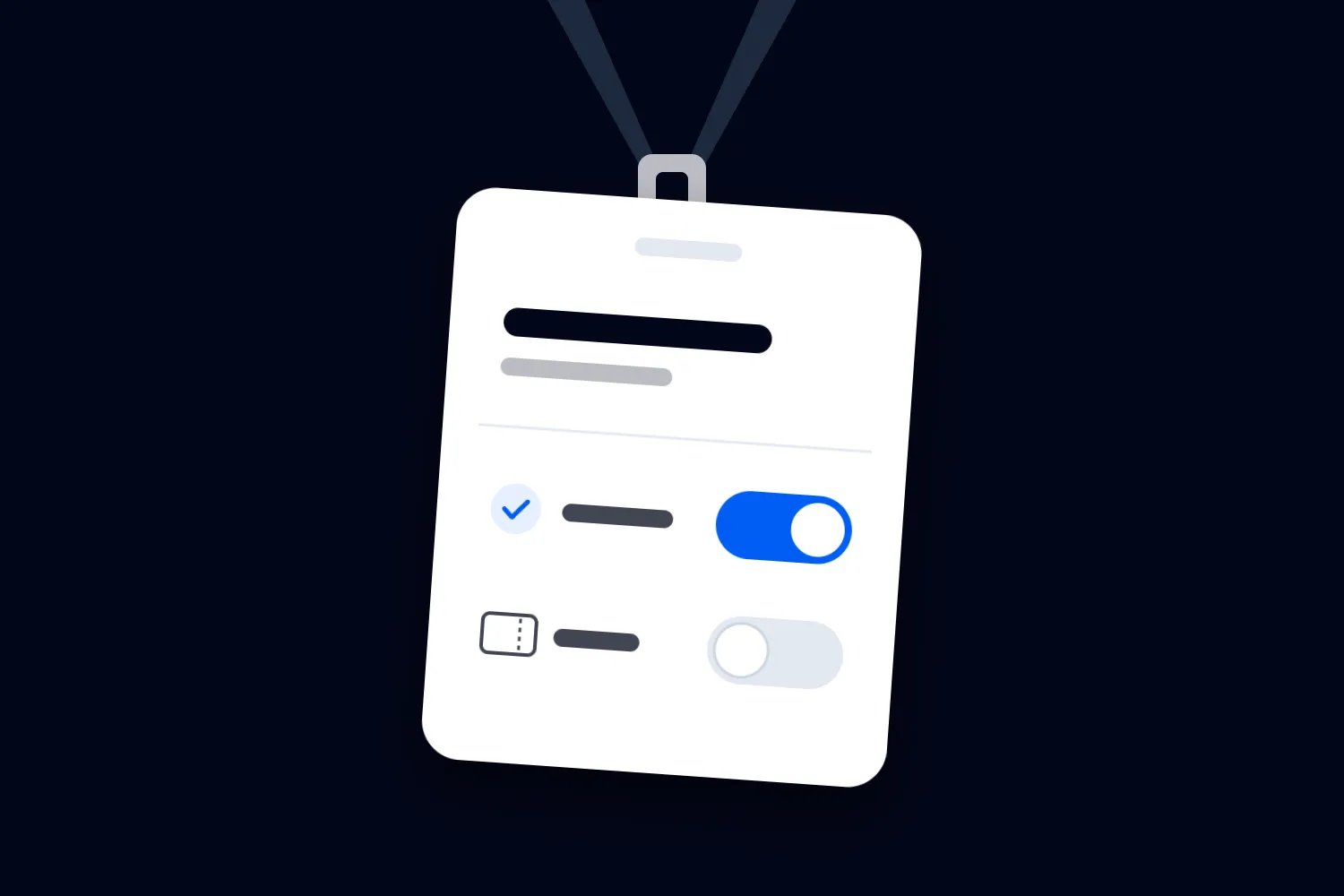
Every ticket buyer becomes a contact with their spend, events and email permission on record. Email them before the public sale, and see what every event earned you.
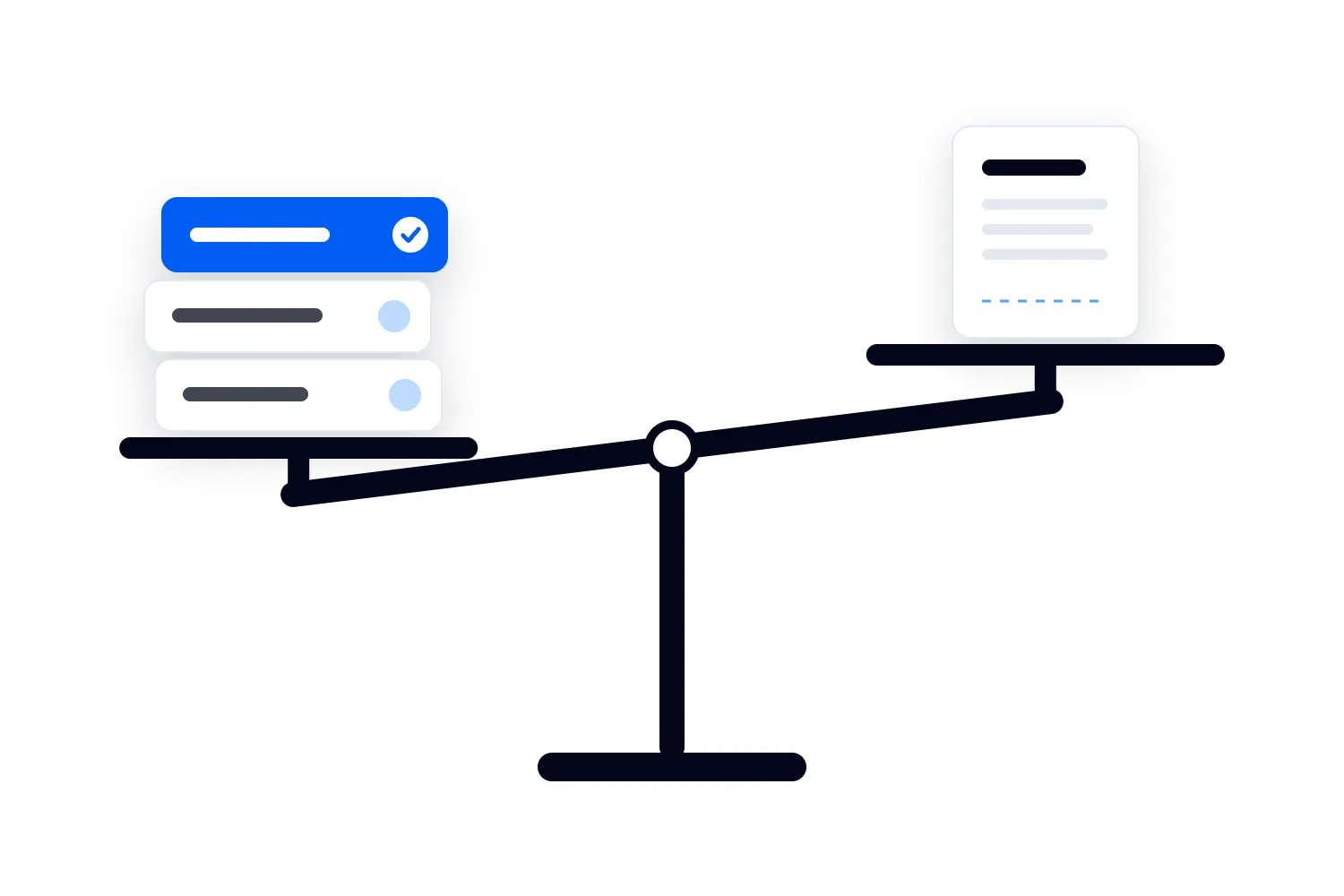
Stop buying the same customers twice.
Ticketing on its own leaves each buyer inside the event they bought for, so your best customer looks new at every launch and you pay for ads to find them again. Loopyah keeps one contact across every event, down to the pages they visit and the checkouts they leave.
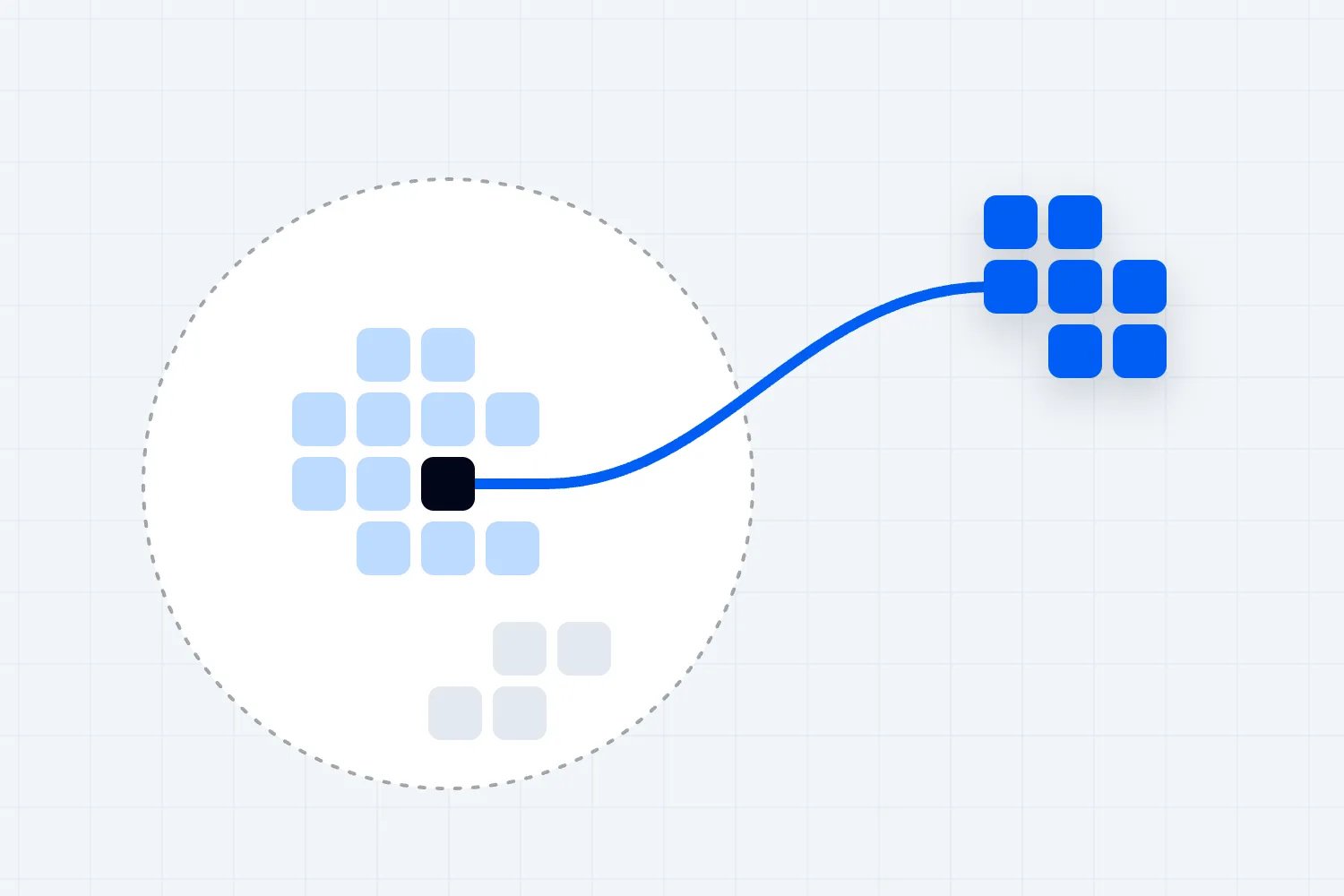
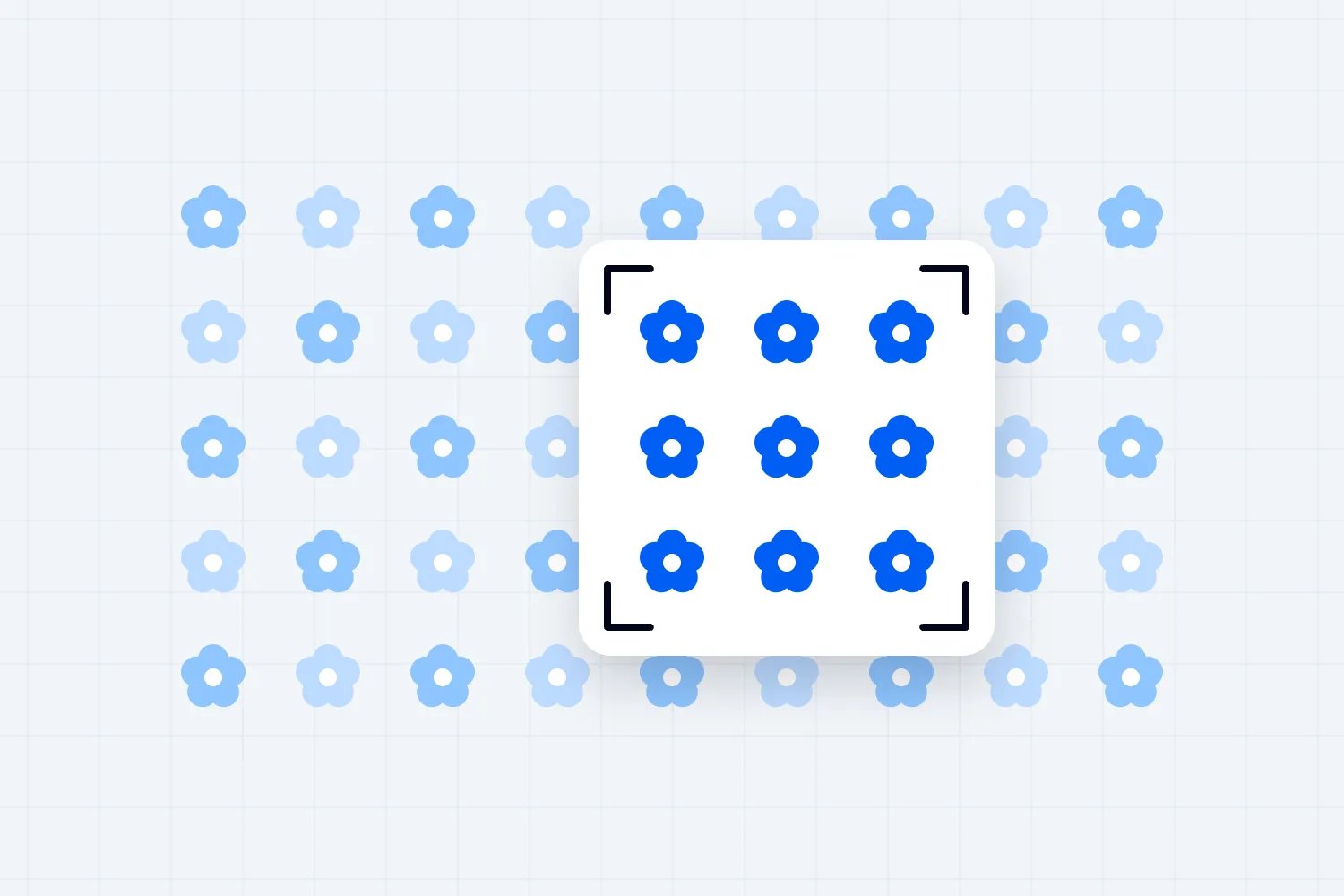
Pick out the people most likely to buy.
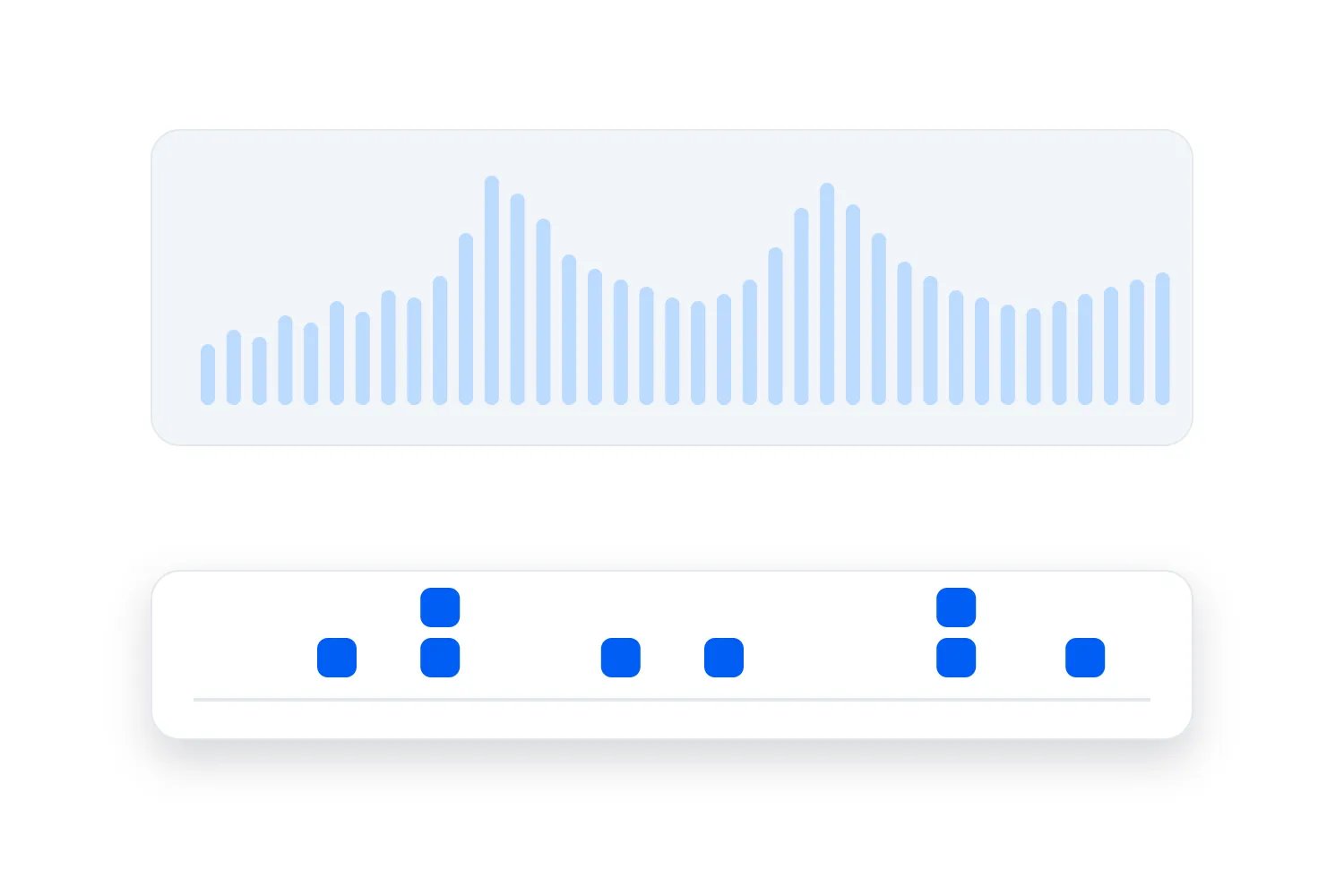
Filter by the events they came to, what they spent and whether they said yes to your emails. Save it as a segment and it updates itself as people buy.
Email them before tickets go public.
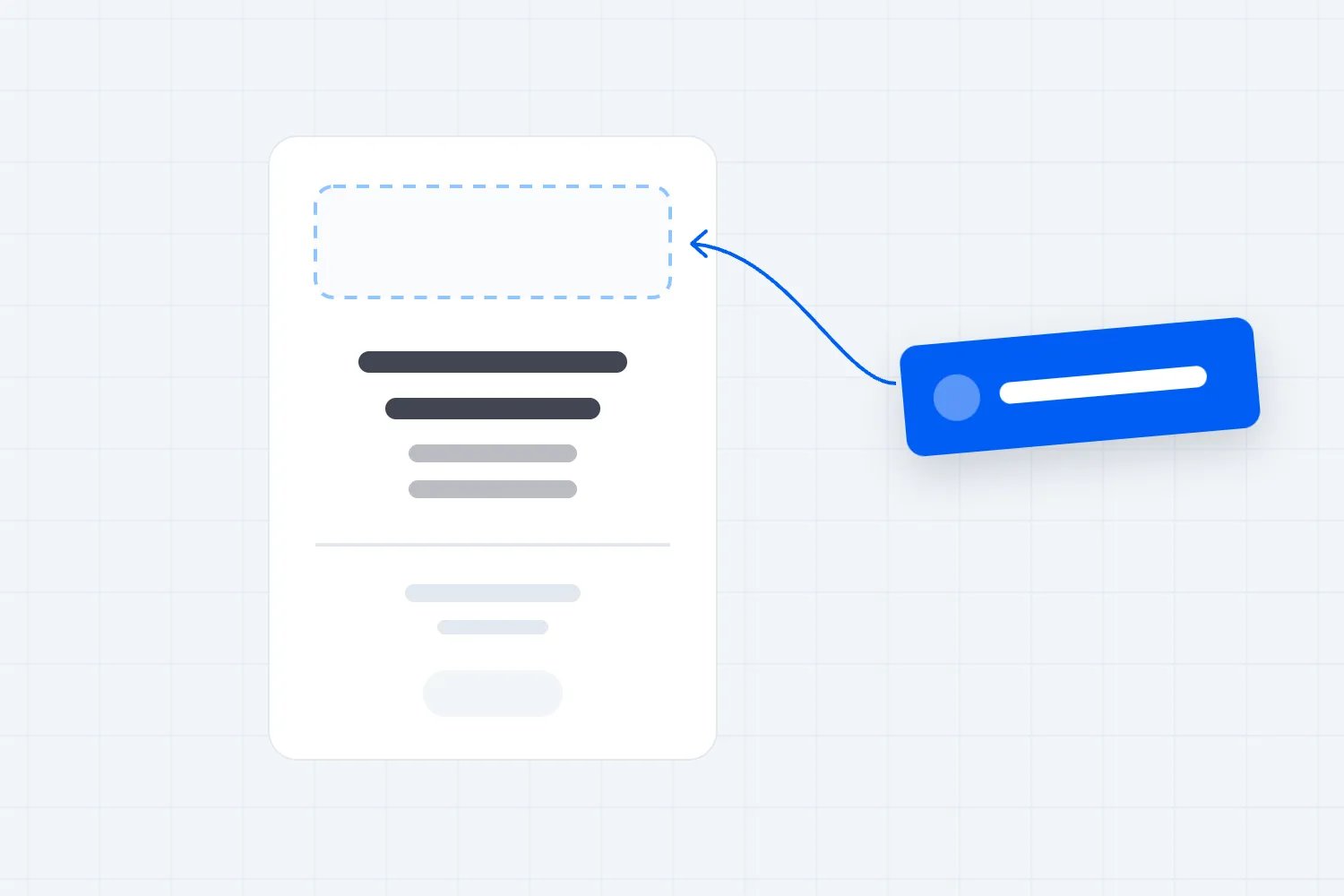
Build the email by dragging in blocks, send it to a segment and see the tickets it sold. Every email gets a content check before it sends, and anything that reads like spam is held with the reason.

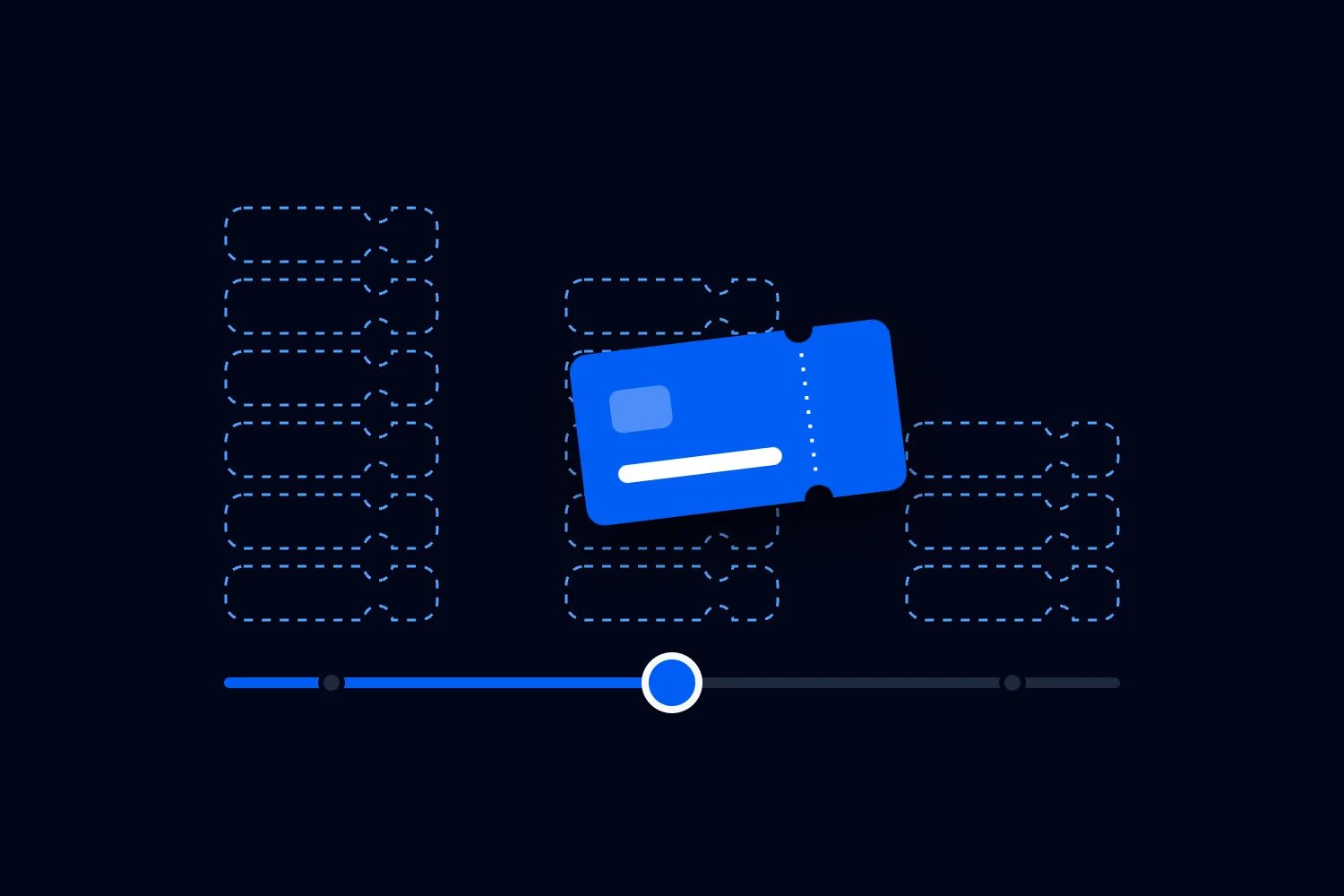
Pay for the emails you send, never for contacts.
Every plan has unlimited contacts and resets each month.
- 500 emails a month
- Free
- 2,500 emails a month
- US$9
- 10,000 emails a month
- US$25
- 25,000 emails a month
- US$49
- 100,000 emails a month
- US$129
In Australia, paid plans are A$15, A$39, A$75 and A$199 a month including GST. Over 100,000 emails a month, talk to us. Test emails don't count.
Set up the follow-up once.
Start an automation when someone buys, starts a checkout, attends or opts in. It sends the emails, waits and updates your lists. Choose what ends it too, so a checkout reminder stops the moment they buy.
See the profit before you sell a ticket.
Ticket, door and sponsor sales, refunds, fees, promoter payments and AI Ads Manager spend come in on their own. Add your costs or copy them from the last event, and you'll know the profit and the tickets you need to break even before the presale. Cash sits apart from profit, so you always know what has reached your bank.
Ready for the business you already run.
Bring your list and your team, see what sold the last event and keep what you know about every customer.
See what sold the last event
Compare ads, promoters and email on the money they brought in, then open the buyers behind each one.
Net revenue by channelHarbour Sessions Vol. 6AI Ads Manager398 tickets$24,3104.6x returnDirect333 tickets$20,299Promoters258 tickets$14,660Email195 tickets$11,940Import your list
Bring in up to 50,000 contacts from a CSV, with column mapping and a report of any rows that failed.
Send from your domain
Verify your own domain, and every promotional email carries a one-click unsubscribe.
Personalize every email
Greet each contact by first name, with a fallback for anyone you don't have a name for.
Custom contact fields
Add the details your business tracks, fill them in from an import and use them in emails.
Notes and tags
Keep what you know about a contact on their record instead of in a spreadsheet.
Team access
Let teammates view contacts, send campaigns or edit finances without your login.
Questions about the CRM.
Yes. It comes with every organizer account that sells tickets, with unlimited contacts and no CRM subscription. Connect your payouts to open it. Email is the only part with a plan, and the first 500 emails each month are free.
Start with your next event.
Publishing is free. You pay a fee only when a paid ticket sells.
- 01
Import your event
Paste the link to the page you sell on today.
- 02
Set tickets and payouts
Ticket types and bank account for payouts.
- 03
Publish and share
Buyers pay with payment options they prefer.