Ads that answer to ticket sales.
Loopyah runs your Meta, Google and TikTok campaigns against the tickets they actually sold, not an estimate. Set a budget and an end date, and the agent does the rest.
Every ticket, traced to the ad that sold it.
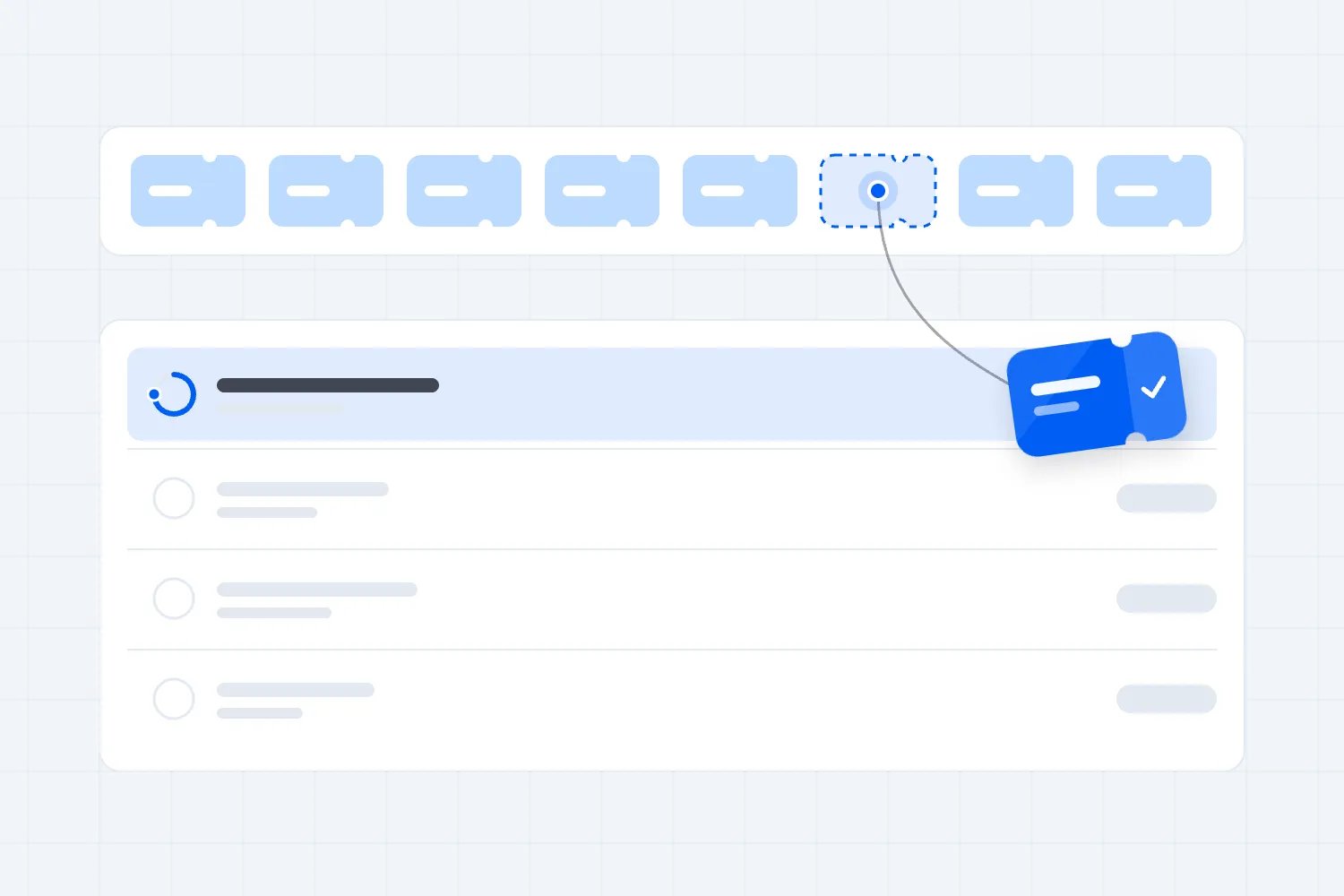
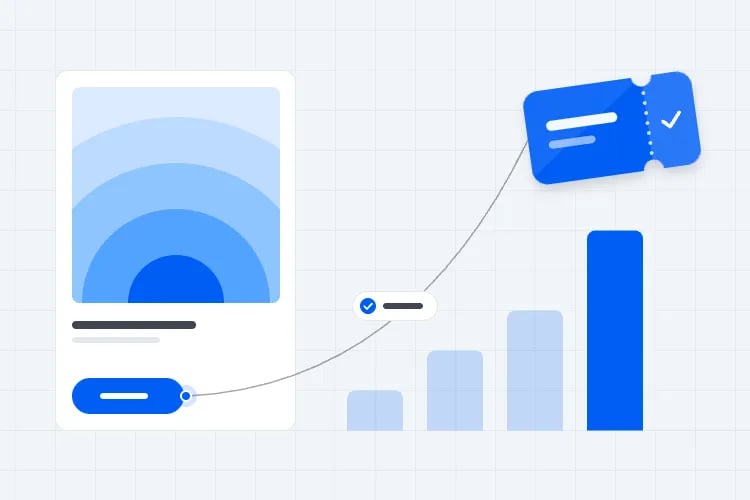
An ad platform reports what it believes it caused. Loopyah owns the checkout, so it reports the orders in your account — and the agent spends against that number instead of a guess.
The ad runs
On Meta, Google or TikTok, pointing at your event page.

The sale lands
They check out on Loopyah. No account, no redirect.
The agent reacts
The order carries the ad, so its return goes up.
That return moves $10 a day onto this ad tomorrow.
Live in five minutes, then hands off.
No campaign structure to plan, no keyword lists to write, no pixel to install. Connect what you already have and the agent builds the rest.
- 01
Connect your ad accounts
Sign in to Meta, Google or TikTok. Use one or all three — the agent runs whatever you give it.
- 02
Set a budget and an end date
The total it can spend and how long it runs, 3 to 30 days. You pay the platforms directly.
- 03
Add your creative
One square image and one vertical image or video covers every placement. Google Search needs neither.
- 04
Turn the agent on
It builds the campaigns, wires up sale tracking and starts spending. Tell it who to reach if you want to.
Read every change, and why it made it.
The agent writes down each run as it happens. No monthly report to chase, and nothing you have to take on trust.
What it read
The results it pulled before deciding.
What it changed
Every budget, keyword, audience and creative it touched.
Why
The reason, in the same words you would use.
It gets sharper every day it runs.
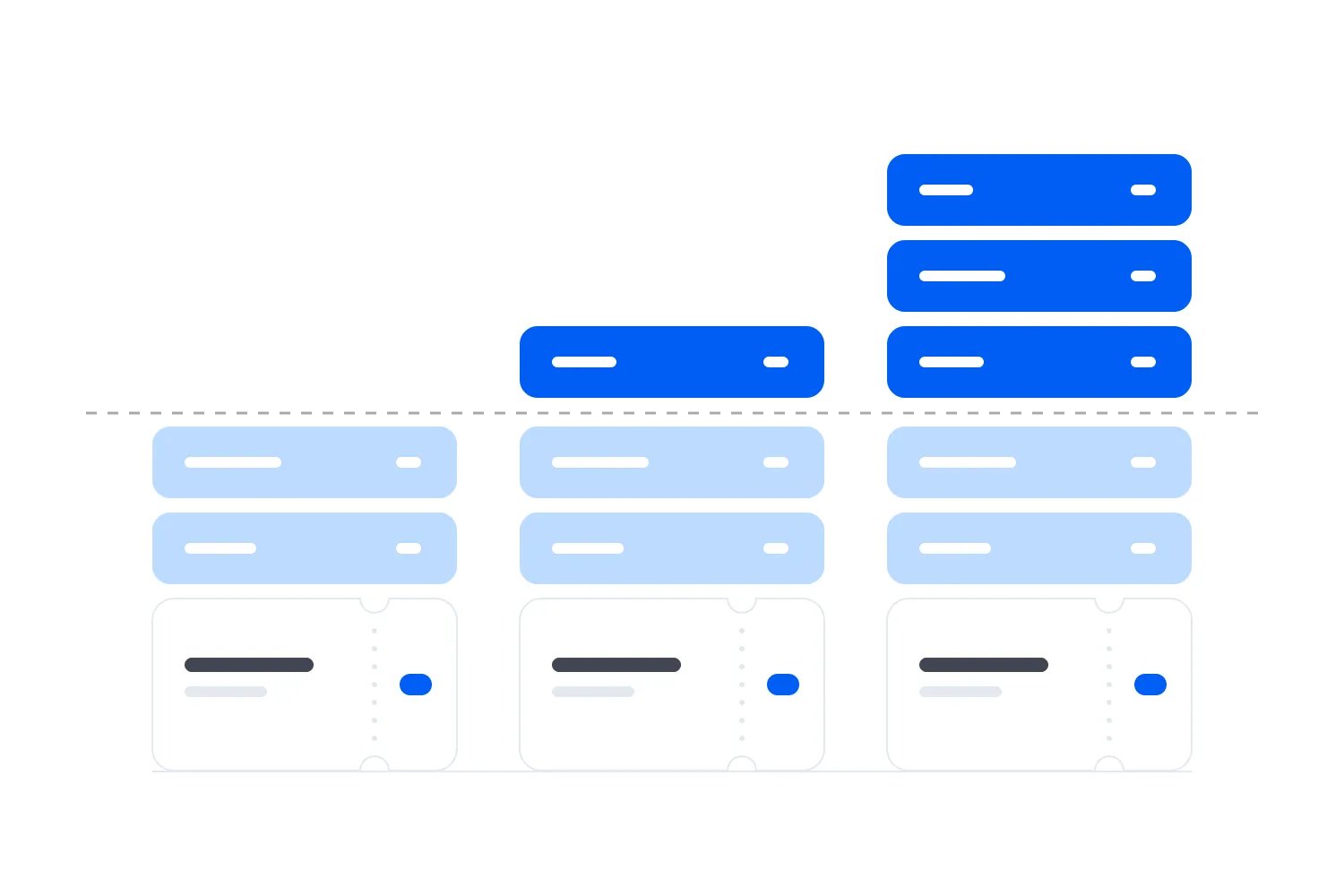
Every ticket sale is sent back to Meta, Google and TikTok, so their bidding learns who actually buys. The agent remembers what it tried, cuts what failed and moves the budget onto what sells.
Same $600 every ten days: $2.60 of tickets for each $1 at the start, $6.20 by the end.
What it does while you are not looking.
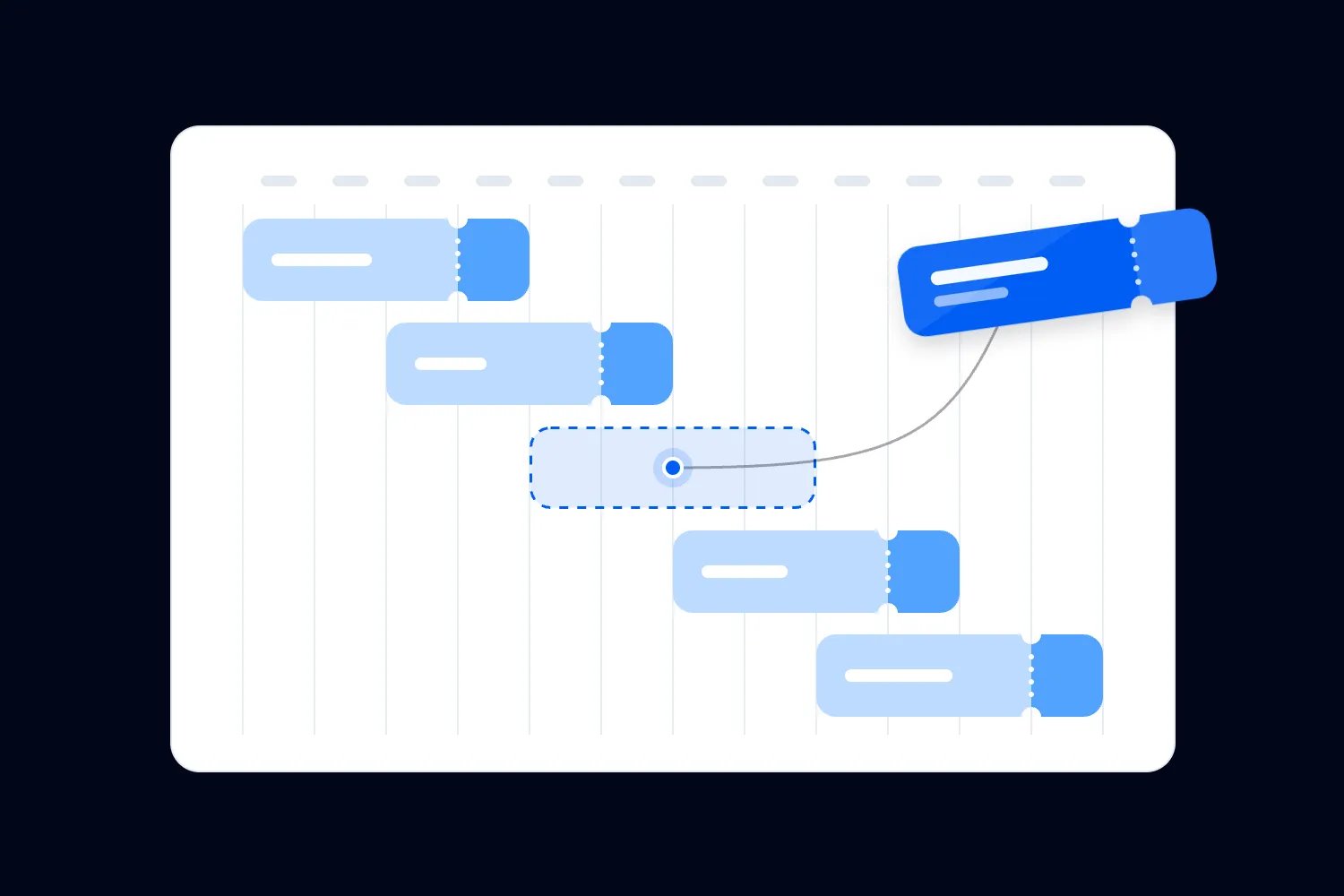
Right up to the end date, it reads your campaign results, decides what to change and changes it.
Scales what sells
Budget moves onto the ads returning the most ticket sales, while they are still working.
Cuts what doesn't
An ad that stops selling is paused before it spends another week of your budget.
Blocks wasted clicks
Search terms that click but never buy become negative keywords, so you stop paying for them.
Tests new angles
New audiences, placements and creative combinations, each measured against tickets sold.
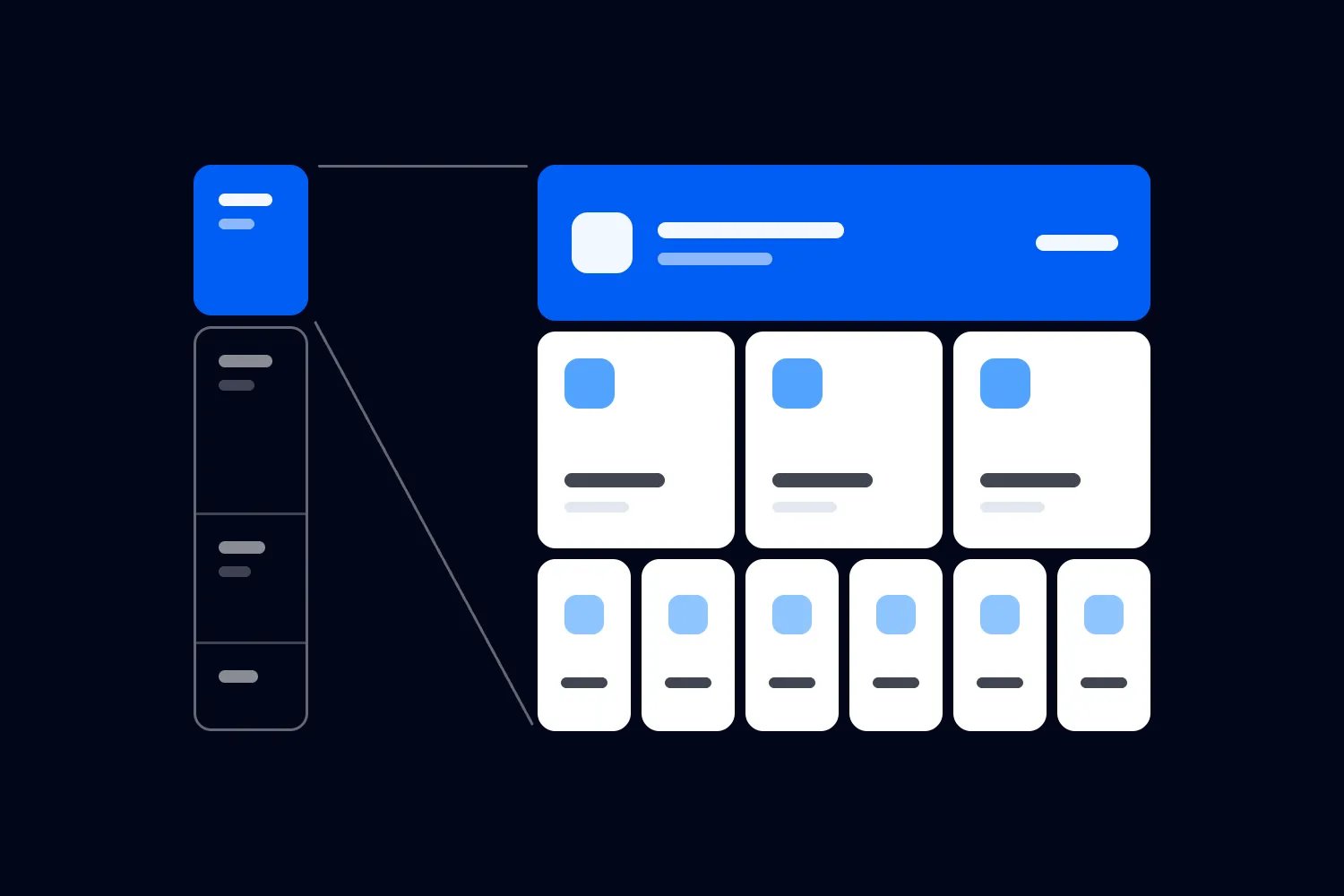
Three platforms, one budget
Meta, Google and TikTok run together, and spend follows whichever is returning most.
Stops when you say so
Pause one campaign or all of them from the dashboard. Nothing is locked in.
The other two ways to run event ads.
You can learn three ad platforms yourself, or pay someone a retainer to learn them for you.
What it costs
Before a cent of ad spend
- With Loopyah
- Included. You pay the platforms directly.
- On your own
- Nothing but your evenings.
- Through an agency
- $2,000–$10,000 a month on top of spend.
What it optimises on
The number it spends against
- With Loopyah
- Tickets sold, from your own checkout.
- On your own
- Whatever each platform reports back.
- Through an agency
- The conversions it can see.
How often it changes
Between decisions
- With Loopyah
- On its own, from day one to the end date.
- On your own
- When you get to it.
- Through an agency
- Weekly, at best.
What you can see
Into the decisions made
- With Loopyah
- Every change and its reason, the same day.
- On your own
- You made it, so you know.
- Through an agency
- A monthly report.
What it takes to start
From nothing to live
- With Loopyah
- Connect an account, add creative, set a budget.
- On your own
- An account and a plan on every platform.
- Through an agency
- A contract, usually three to six months.
Questions about running ads.
No. You connect the accounts, set a budget and an end date, and add your creative. The agent builds the campaigns, writes the targeting, picks the placements and manages the bidding. If you want to steer it, two optional boxes let you say who to reach and what to promote.
Start with your next event.
Publishing is free. You pay a fee only when a paid ticket sells.
- 01
Import your event
Paste the link to the page you sell on today.
- 02
Set tickets and payouts
Ticket types, release prices and the bank account for payouts.
- 03
Publish and share
Buyers check out as guests with Apple Pay, Google Pay or Afterpay.