· 21 min read
Ticketing vs registration: which setup does your paid event need?

You're setting up a paid event, and the software choices are all saying roughly the same thing. Sell tickets. Register attendees. Manage bookings. Somewhere in the middle of that, you still have to decide what your buyers will actually do and what your team needs to know when they arrive.
For most paid events, start with ticketing. You need a reliable way to sell admission, take payment and recognise a valid ticket at the door. Add registration requirements when information about each participant changes how you deliver the event. A professional workshop might need experience levels and equipment choices. A concert usually doesn't need someone's job title before they can buy.
The distinction matters because you can make an ordinary ticket purchase unnecessarily difficult, or sell a complicated programme without collecting the details needed to run it. Both create work later. Choosing the right setup means understanding the purchase and the participant separately, then connecting them wherever the event requires it.
What is the difference between ticketing and registration?
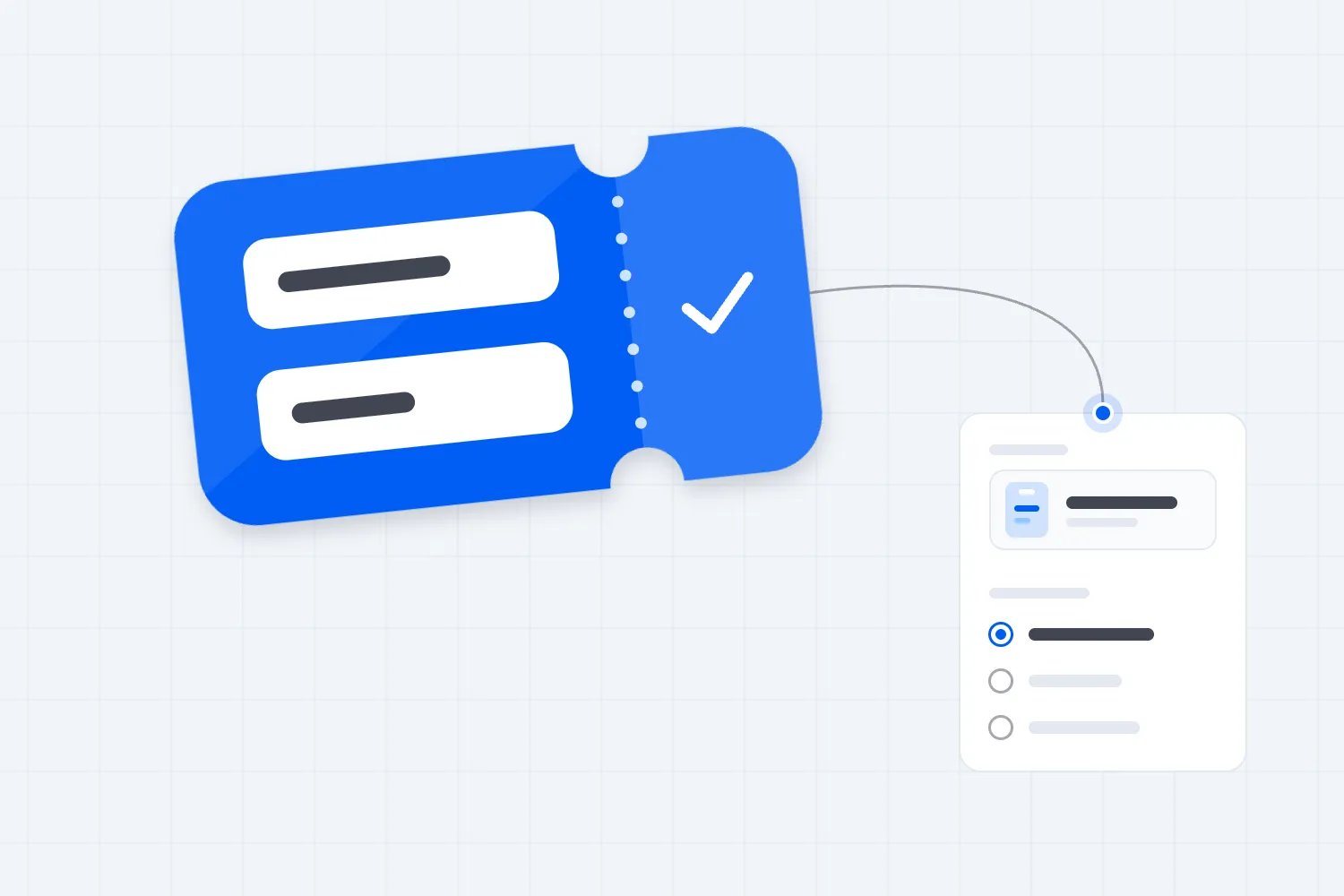
Ticketing manages the right to attend. A ticket represents an admission entitlement, which might cover a particular date, seat, price category or part of an event. The system connects that entitlement to an order and, for a paid ticket, a payment. Your staff need to know whether it remains valid when someone presents it.
Registration manages information about the person attending. Depending on the event, that can include their name, organisation, chosen sessions, qualification, access requirements or other details you need to prepare. Registration can happen before payment, during checkout or after purchase. It can also exist without a paid ticket, as with an application or a request to attend.
These are working definitions, not fixed boundaries between software products. A ticketing platform can collect attendee information. Registration software can accept payments and issue admission credentials. A button labelled "Register" might complete an ordinary ticket sale. A button labelled "Buy tickets" might lead into a detailed participant form.
So don't choose based on the label. Follow an actual buyer through the process. What are they purchasing? When does their place become confirmed? What information do they have to supply? What record does your team check at the entrance? Those answers tell you far more than the category on a software comparison page.
If you sell a general admission ticket to a live show, the purchase can be straightforward. The buyer selects a ticket, pays and receives confirmation. If you sell a training programme where participants must meet an entry requirement, you have another decision to manage. Accepting payment doesn't establish that someone is eligible to take part.
It's also worth separating registration from an expression of interest. Someone joining a waiting list hasn't necessarily booked a place. Someone submitting an application hasn't necessarily been accepted. Your confirmation messages should describe the actual status, because a customer planning travel may interpret "You're registered" as permission to arrive.
Start with what the buyer is paying for
The first thing you want to do is write down the promise attached to the purchase. "Admission to the evening performance" is a different promise from "A place in an advanced practical course, subject to an eligibility check." Your setup has to support the promise you make on the event page.
For a concert, comedy night or public talk, the buyer usually wants access to an event they already understand. Date, venue, programme, ticket type and price do most of the explaining. Your main operational concerns are selling the correct admission, keeping availability accurate and checking tickets when people arrive.
Registration questions still have a place here, but each question needs a reason. An access request can help your team prepare. A company name probably won't affect someone's experience at a comedy night. Asking for it because the software includes a field doesn't make it useful, and your buyer has to do the extra work either way.
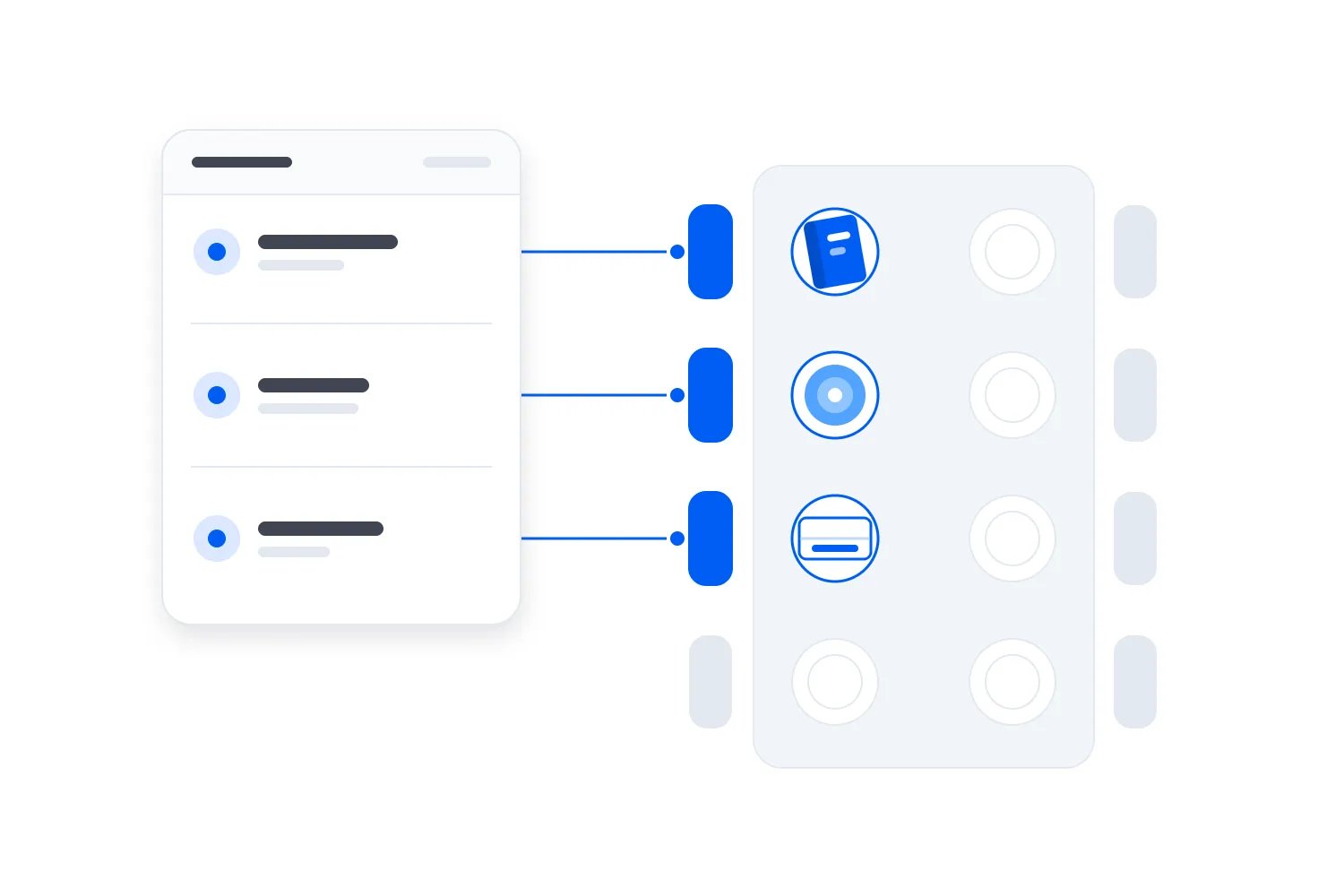
For a paid conference, the event pass might be only part of the purchase. A delegate may need to select a limited workshop, book a meal or provide information for a badge. Ticketing handles the financial transaction and admission. Registration records the participant's choices so your team can deliver what they selected.
For a practical course, registration can come first. You might need to check that someone meets the published prerequisites before you accept them. In that case, explain the application and acceptance process before asking for money. If you take payment earlier, explain exactly what happens when an applicant doesn't qualify and test that process.
An event doesn't need a complicated setup because it costs more. A premium performance can still have a simple purchase. A modestly priced workshop can require detailed preparation. Complexity should follow the work required to deliver the event, rather than the price or the seriousness of its branding.
Decide whether you need information per order or per attendee
This is where a lot of otherwise sensible setups go wrong. The person paying isn't always the person attending, and one order can contain several tickets. A buyer's email address tells you where to send the purchase confirmation. It doesn't automatically identify every participant included in that order.
Imagine an office manager buying passes for a team. You need the office manager's billing details for the purchase. You might need each delegate's name for a badge and each person's workshop selection for the programme. Asking the office manager to answer everything for everyone immediately may produce guesses or stop the purchase entirely.
A friend buying several concert tickets presents a different situation. You may only need the buyer's contact details and valid admission credentials for the group. Requiring a separate biography for every friend would add work without helping you deliver the performance. If tickets must be named, explain that requirement before checkout starts.
Think about what happens when the group arrives separately. Can each attendee access the admission credential they need? Does the buyer have to be present? Can your staff find a particular ticket without treating the entire order as one arrival? You need clear answers even when you collect very little participant information.
Once you've decided which details belong to the buyer and which belong to each participant, use our event registration form template to write the actual questions. It covers field wording and follow-up messages. Here, the decision is whether your event needs that information at all, and whether the chosen system can keep it connected to the correct admission.
Where individual details matter, check how the chosen system connects them to each ticket. A separate questionnaire with a name field may be adequate for a simple request, but names alone are a fragile way to match records. Two attendees can share a name, and a buyer can use different email addresses across different steps.
The important requirement is a dependable connection between the purchase, the attendee and any choices that affect delivery. Ask the provider to demonstrate it using a group booking. If your staff have to identify the matching records manually, include that work when judging whether the setup is suitable.
Keep the purchase form focused
You can probably think of plenty of information that would be interesting to have. That doesn't mean checkout is the right place to ask for it. At that moment, the buyer is trying to complete a purchase, and every additional question makes them spend more time working out what you expect.
The W3C's guidance on accessible forms recommends asking only for information needed to complete the transaction or process. It also warns that irrelevant or excessive requests make people more likely to abandon a form. That supports a practical rule for your event: decide what a question changes before making it mandatory.
An equipment size might be essential if you have to order items before the workshop. An optional question about how someone discovered the event has a different purpose. Both can be useful, but they shouldn't necessarily have the same status or appear at the same stage of the purchase.
Read your form as someone who hasn't attended before. "Delegate category" may mean something to your team and nothing to the buyer. "Will you attend as a student or a professional?" is clearer if those categories actually affect the booking. Explain why you need an answer when the reason isn't obvious.
Consider what the buyer knows right now, too. Someone booking for colleagues may know the ticket quantity but not everyone's dietary requirements. If those answers can follow later, let the relevant people supply them before a clear deadline. Then confirm that your system can tell you whose required information is still missing.
Don't postpone details that determine whether the purchase is valid. If a workshop is restricted to qualified participants, hiding that requirement until after payment creates a different problem. A shorter form isn't automatically a better form. The goal is to ask the right questions at the point where the answers matter.
When ticketing is enough
Ticketing is usually enough when a buyer chooses a defined admission type and your team can deliver the event without a separate participant assessment. You still need event information, payment records, customer support and entry checks. You simply don't need an elaborate registration process to establish what each attendee can do.
A general admission performance is a useful example. The customer needs to understand the event, buy the appropriate ticket and get into the venue. If you have different ticket categories, describe the access each provides. A premium ticket might include a reserved area or an additional activity, so the admission record must reflect that difference.
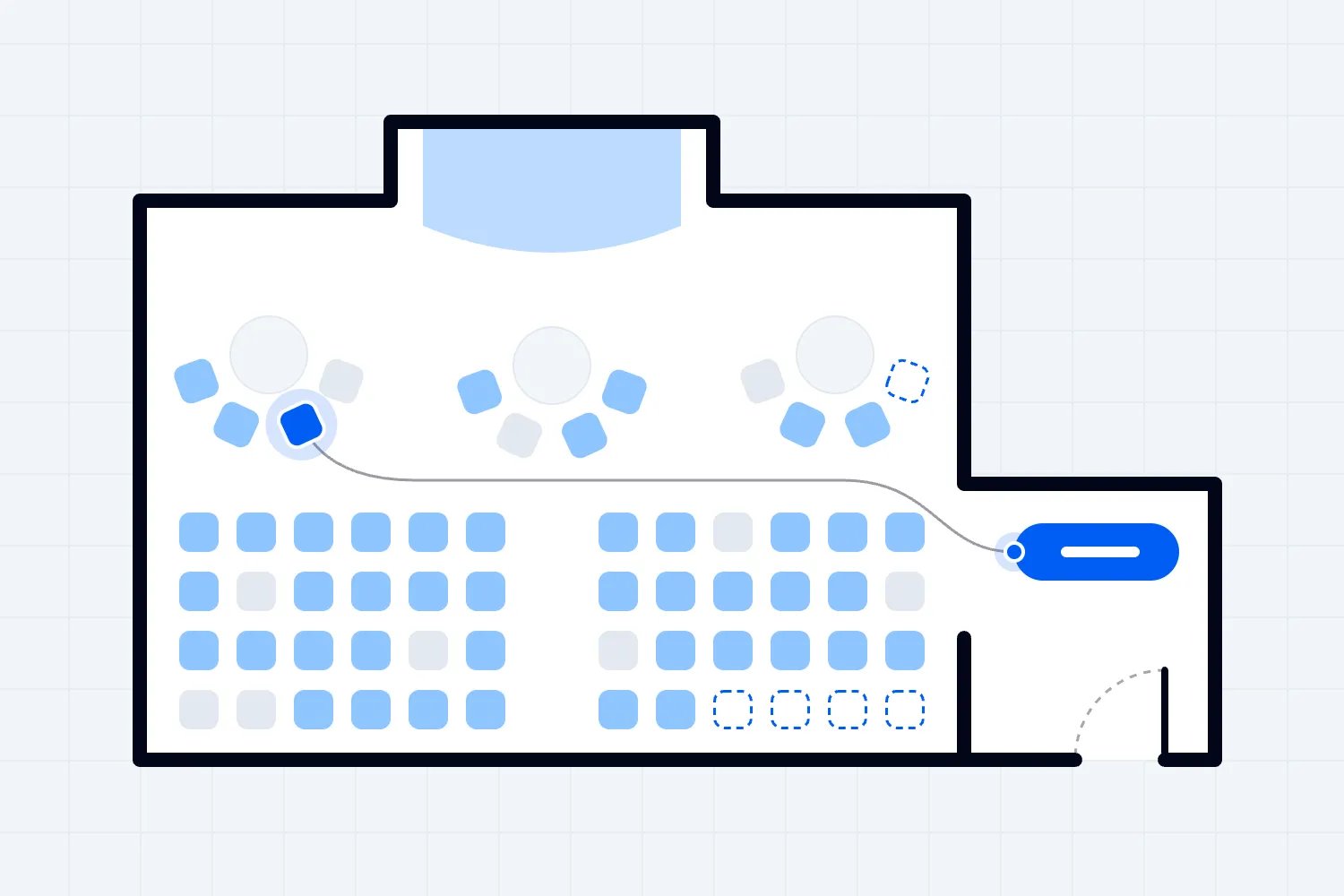
Reserved seating adds another choice, but it doesn't automatically require a registration platform. The buyer needs to select available seats and receive tickets connected to those seats. Loopyah's seating charts let buyers see available seats and choose their positions, with prices set by section. That solves a seating decision within the ticket purchase.
Ticketing can also suit a paid workshop with a simple offer. If every participant receives the same instruction and no prerequisite changes eligibility, selling a place may be enough. You can publish preparation instructions and collect a specific request when needed. Calling it education doesn't, by itself, require a lengthy registration form.
The commercial benefit of keeping this simple is practical. Your team can spend its time explaining the event and supporting buyers rather than maintaining participant fields it doesn't use. Your customers have fewer questions to interpret before paying. Ask your team which collected answers they actually use before requiring customers to supply anything else.
When registration needs more attention
Registration deserves more attention when the event experience depends on decisions made for individual participants. That might mean eligibility checks, programme selections, information for preparation or separate attendance records. The extra work has a clear purpose because your staff will use the answers before or during the event.
Think of a conference with optional practical sessions. Buying the main pass doesn't answer which session a delegate plans to attend. If a room has limited places, a stated preference also isn't necessarily a confirmed booking. You need a process that confirms the selection and respects the limit, rather than a form that merely records interest.
This is an important distinction when assessing software. "Custom questions" can collect a preferred workshop. That feature doesn't prove the system can reserve workshop capacity, prevent conflicting selections or release a session place when someone changes their booking. Ask to see each behaviour your programme depends on.
For professional training, you may need evidence of prior experience. Decide who reviews it and what status the applicant sees while they wait. If acceptance is manual, that is an operating task someone has to own. Your emails and payment process should follow the result of that review, rather than assume every application succeeds.
For a retreat, room choices and arrival arrangements may affect what you can promise. A general admission ticket alone may not represent the booking accurately. Describe the accommodation and programme choices you sell, then establish how the system records each confirmed choice. If a requirement isn't supported, don't hide it in a free text field and hope staff notice.
These examples don't mean every event in those categories needs specialist registration software. They mean the specific requirements deserve a demonstration. Choose the simplest setup that actually handles them, and be cautious when a sales conversation substitutes a broad feature name for an explanation of how your event would work.
Paid registration still needs reliable ticket operations
A registration form that collects payment can look complete during setup. The harder questions appear when someone changes their booking, requests a refund or arrives without their confirmation. For a paid event, you need to know how those changes affect both the financial record and their permission to attend.
Suppose a participant cancels. Does the system show that the place is no longer valid? Is their session allocation released if your policy allows it? What happens to a badge that has already been printed? You don't need the same answer for every event, but your team needs one consistent answer for this event.
The opposite problem happens when a ticket remains valid but participant information is incomplete. Someone may have paid for a course without supplying a preparation requirement. Treat payment status and registration completeness as separate facts. Otherwise, you can end up telling staff that a person is confirmed without showing what still needs attention.
Also distinguish a refund request from a completed refund, and a payment attempt from a completed payment. Your staff shouldn't have to infer those differences from customer emails. Ask what record they can rely on and who can make a change, especially when several people support the event.
For the ordinary purchase and entry side, Loopyah's ticketing tools connect ticket sales with QR ticket check-in and event team access. Door staff can receive check-in access without sharing your account. That is relevant when your main requirement is selling admission and giving the entrance team the information needed to check it.
Specialist participant workflows still need separate verification. A ticketing page doesn't establish support for qualification review, continuing education records or complex session booking. If those functions determine whether your event can run, have the provider demonstrate them before you choose the setup. Buying a broader package won't help if it misses the requirement you actually have.
Use availability to control what you promise
Capacity has several meanings in a complicated event. The venue can have an overall limit, a workshop can have its own limit and a ticket category can have an allocation within that total. If you manage these independently, check what stops different offers from promising more places than you can provide.
An early booking price and a standard price may sell admission to the same room. Those are different prices for the same underlying event capacity. A workshop upgrade can be different again because it also requires a place in a smaller session. Your setup needs to respect the relevant limit at each purchase or selection.
Ask about complimentary tickets and people admitted through other routes. A sponsor guest still takes up space. So does a participant who paid by invoice. Whether you call their record a ticket or a registration, the confirmed booking needs to count wherever the event's capacity planning requires it.
The UK's Health and Safety Executive guidance on crowd controls explains that organisers need suitable controls where arrivals may exceed safe venue capacity. Ticketing can support admission planning, but your safety arrangements also depend on the site, the crowd and the way you manage arrivals. A software availability counter doesn't determine safe capacity for you.
Keep the customer promise specific. If buying a conference pass doesn't guarantee access to a limited workshop, say so before payment. If a session choice is confirmed, show that confirmation clearly. People shouldn't discover at the room entrance that the answer they supplied during registration was only a request.
Make payment and pricing clear in either setup
The buyer should understand the total cost and what it includes before they commit. A registration fee can include admission, materials, meals or several programme elements. A ticket price can include extras too. Explain the offer in ordinary language so the customer can compare it with what they expect to receive.
In the United States, the FTC's guidance on its fees rule says covered live-event ticket offers must display the total price upfront, including calculable mandatory fees. The rule has defined exceptions and scope, so check the guidance for your offer. Describing a purchase as registration doesn't answer whether the underlying transaction is covered.
Your pricing decision also has an operator side. Compare the total costs of the setup you need, including payment processing, required modules and ongoing work. A lower subscription price can still mean more administration if your team has to match payments to registrations or maintain separate attendance records for every event.
Keep card details in the appropriate payment process. Don't add fields for card numbers or security codes to a general participant questionnaire. The PCI Security Standards Council's guidance on card verification codes explains that they cannot be retained after authorisation, including when a customer agrees. Ask your payment provider how your chosen checkout handles payment data and your responsibilities.
If you offer invoicing, explain when a place becomes confirmed and how unpaid orders affect availability. A completed registration form and a paid booking can be different states. That distinction matters when your team is deciding whether to release a place or follow up with an organisation's purchasing department.
Collect participant information with a purpose
Once registration fields are available, it's tempting to keep adding them. You might want better audience profiles for sponsorship, future marketing or programme planning. Those interests deserve consideration, but they don't turn every detail into information you need to deliver the current event.
The UK's Information Commissioner's Office explains data minimisation as collecting personal data that is adequate, relevant and limited to your purpose. Its guidance starts with deciding why you need the information. For an operator, that is a useful question even before you assess the legal requirements that apply to your organisation.
Work through the practical consequence of each answer. If you ask about accessibility requirements, who receives that information and arranges support? If you ask about dietary needs, who confirms the catering arrangements? Collecting an answer without assigning the follow-up can leave the attendee expecting something your team hasn't prepared.
Be careful with information that could reveal health details or other sensitive circumstances. Establish what you actually need, who needs access and how you will handle it. Don't circulate the complete registration export to every supplier just because it is convenient. Each recipient should receive the information needed for their role.
Keep event communication and future marketing separate in your planning. Someone needs information about a booking they already made. An invitation to buy another event has a different purpose. Loopyah's attendee email tools distinguish event updates from promotional messages and use contact information that includes whether people agreed to hear from you.
That connection is useful for recurring events because purchase history can help you contact the appropriate audience without asking unnecessary profiling questions during checkout. You still decide what to say and which event you are promoting. Don't assume a registration question or ticket purchase gives you unrestricted permission to use someone's details.
Compare the work after a customer pays
The easiest setup to launch isn't always the easiest one to run. You can build a separate payment link and participant form quite quickly, then spend the weeks before the event answering whether people have completed both. Consider that support work before you decide the cheaper option is the better commercial choice.
Picture a training organiser who takes payment in one place and collects participant choices somewhere else. When a colleague replaces the original attendee, the organiser needs to know which choices still apply. An equipment request belongs to the person using the equipment. A payment belongs to the order. Copying every answer to the replacement would be convenient, but it could prepare the wrong equipment.
Now consider recurring events. If your team repeats those corrections for every programme, the work becomes part of the cost of delivery. Ask the person who will handle support to review the proposed process before you buy. They may notice an unanswered question that doesn't appear during an ideal demonstration, such as who contacts a participant when required details never arrive.
This is also where clear responsibilities help you compare options fairly. A connected system may remove some matching work, while a specialist registration tool may handle a participant requirement your ticketing setup doesn't support. Pay for the capability your event needs, and account for the work left over. Neither a broad product label nor a long feature list tells you that cost.
Keep the choice proportionate. A simple paid talk with one specific follow-up question can use a simpler process than a programme with eligibility review and limited session places. For the broader operational work after choosing ticketing, our ticket management guide covers the wider event cycle. This decision should come first, so you know which booking requirements that operation has to support.
Test a real booking before you choose
A demonstration is most useful when you supply the scenario. Ask the provider to show a purchase that resembles your event, including the part that could go wrong. A smooth individual booking tells you very little about whether the system supports a group order with participant information supplied later.
Start with the ordinary customer journey on a phone. Read the event page, choose the admission and complete the form. Pay attention to moments where the buyer has to guess. If a field is required, can they understand why? If a selection has limited capacity, can they tell whether their place is confirmed?
Then follow the booking into your team's view. Find the payment, the tickets and any participant details. Check whether the person responsible for preparation can identify missing information without opening every record. Show the entrance team what they would see on event day, including a ticket that has already been used.
Test a change that your published policy allows. That might be correcting an attendee name, changing a participant choice or cancelling a booking. You are checking whether the records your staff depend on reflect the change. If an action requires support from the provider, understand that requirement before you promise customers an immediate answer.
Include an unsuccessful payment and an incomplete form. Find out what the customer receives and whether either attempt occupies a place. Then check what your support team can see. A buyer who contacts you shouldn't have to reconstruct the entire purchase because your staff can't distinguish an attempt from a confirmed booking.
Finally, ask for the total cost of running that exact scenario. Include the staff time required when different tools don't share booking information reliably. You don't need to reject every separate tool. You need to know who maintains the connection and what happens when a change fails to reach the other system.
Record the requirements that the demonstration confirmed, the ones it failed and any work your team would still have to do. Include the full cost beside each extra product you need. That record lets you compare providers against the same specific event requirements, rather than remembering whichever presentation felt most convincing. Share it with the people handling customer support and event preparation before deciding. They need to understand any manual steps they would inherit. If an essential requirement remains unanswered, ask for a demonstration of that specific task. An assurance that the product is flexible cannot tell you how your team will deliver the booking your customer expects.
Choose the setup your event actually requires
For a paid event with defined admission and straightforward entry, start with ticketing and keep the purchase focused. Add participant questions when your team needs the answers to deliver the event. If eligibility, programme choices or preparation depend on individual information, assess registration as a substantial part of the booking process.
Before committing, write the most demanding ordinary booking your event expects. A team purchase with session choices may tell you more than a long feature comparison. Ask the provider to demonstrate that booking, the confirmation and a later change. You'll be able to judge whether the setup supports your customer promise and how much work it leaves for your team.

Author: By the Loopyah Content Team
The Loopyah Content Team shares expert insights, practical guides, and industry updates to help event organizers create unforgettable experiences and stay ahead in the event planning world.