· 21 min read
How to choose a ticketing platform for DJ and live music events
Choose a ticketing platform by testing a real version of your next show, including the purchase, ticket releases, door operation and money you receive. The best choice is the one that lets your fans buy easily, gives your team control on the night and fits how you pay artists and suppliers.
So you're putting on a DJ night or a live show. The venue wants its deposit, the lineup announcement is ready, and every ticketing demo sounds like it will solve everything. How do you tell which platform will actually help your business?
Start with the parts of the show where a mistake costs you money. A confusing checkout can lose a buyer. A release left open can sell tickets below the price you planned. A payout arriving after your artist deposit is due can leave you borrowing against a show that's selling well.
This guide walks you through the buying experience, release controls, door operation, money, audience access and the demo tests that make the choice easier. You'll leave with a way to compare providers using your own event, rather than somebody else's feature list.
Start with the show you actually run
The first thing you want to do is write a short brief for the provider. Use your next event, or a recent one you know well. Give them enough detail to show how their platform would work for your business.
A recurring club night needs each date to be unmistakable. Fans may recognise your night before they recognise the headliner. A touring show has a different problem. Buyers may arrive through an artist announcement and need the right city, venue and date immediately. If you sell both, test both.
Describe the ticket types you genuinely need. General admission, early entry and a balcony ticket mean different things at the door. A meet and greet may have its own limit and arrival time. Don't add ticket types just because the software makes them available.
Write down who does the work. You might create the event while a co-promoter runs marketing and venue staff scan tickets. Another team might have an accountant reconciling payouts and an artist manager checking sales. Each person needs particular information, and some shouldn't see the rest.
Include the awkward bits too. Your headliner announces another show in the same city. A support act changes. A buyer turns up for last month's night. Someone arrives after the cutoff on an early entry ticket. These situations belong in the demo because they're where vague promises stop helping.
Then decide which requirements can rule a provider out. If the venue requires reserved seats, show the exact seating arrangement. If your business or bank account isn't supported, the rest of the conversation is pointless. Confirm your country, selling currency and payment setup before spending time comparing extras.
Your brief should also say what success looks like after the event. Can you explain the ticket income, pay the people you owe and reach the appropriate audience for the next announcement? A platform that handles the sale but leaves those jobs unclear can still create expensive work.
Keep the brief short enough to send before a demo. You're asking the provider to demonstrate your show, not asking them to design the business for you.
Buy tickets on your own phone
A fan sees the artist announcement, opens your ticket link and decides whether to pay. Walk through that journey yourself. Use the phone and browser you normally use, then try another device. Don't judge the buying experience only from the provider's presentation screen.
Start with the event page. Is the date obvious? Does it distinguish doors from the first performance? Can someone tell which city they're buying for without scrolling through the description? Club events that run past midnight deserve particular care. The calendar date must match the night you're selling.
Now select a ticket. Check whether the name explains what the buyer gets and whether sold out options are clearly unavailable. A lower price is only useful if buyers understand its conditions. An early entry ticket needs its arrival deadline next to the choice, where someone will see it before paying.
Continue through checkout without logging in. Note what you're asked to type, whether your preferred payment method appears and whether optional purchases are genuinely optional. Try buying several tickets in one order. Ask the provider to explain any extra information it collects and what you can remove.
Loopyah's ticket checkout lets buyers purchase as guests using card, Apple Pay or Google Pay. The confirmation email links to their QR tickets. For your demo, make the purchase yourself and open the confirmation on the same phone you'll bring to the door.
Check the total price throughout the journey. Who covers a booking fee is one decision; how you show the payable price is another. In the US, the FTC's ticket fee rule guidance says mandatory fees generally belong in the displayed total price. Ask the provider how its pages support the requirements for your market.
Don't forget buyers who use assistive technology. W3C's WCAG accessibility reference includes requirements for keyboard operation and accessible form instructions. Ask for an accessibility review covering the actual purchase journey. A statement about the company website doesn't show whether someone can select tickets and finish checkout.
Finally, make a mistake on purpose. Enter an invalid email format, miss a required field or interrupt the payment. You want clear instructions about what happened and what to do next. Fans shouldn't have to guess whether they've paid or buy again because the confirmation isn't obvious.
Test releases and limits before announcing them
Ticket releases are a commercial decision. You're choosing how many tickets to sell at each price and what must happen before the next price becomes available. The platform should carry out that plan without someone watching the dashboard all evening.
Use a fictional DJ night as a test. You plan to sell an early release first, followed by a higher priced general release. Ask the provider to configure both, then finish the early release in the test environment. Does the next release become available in the way you agreed?
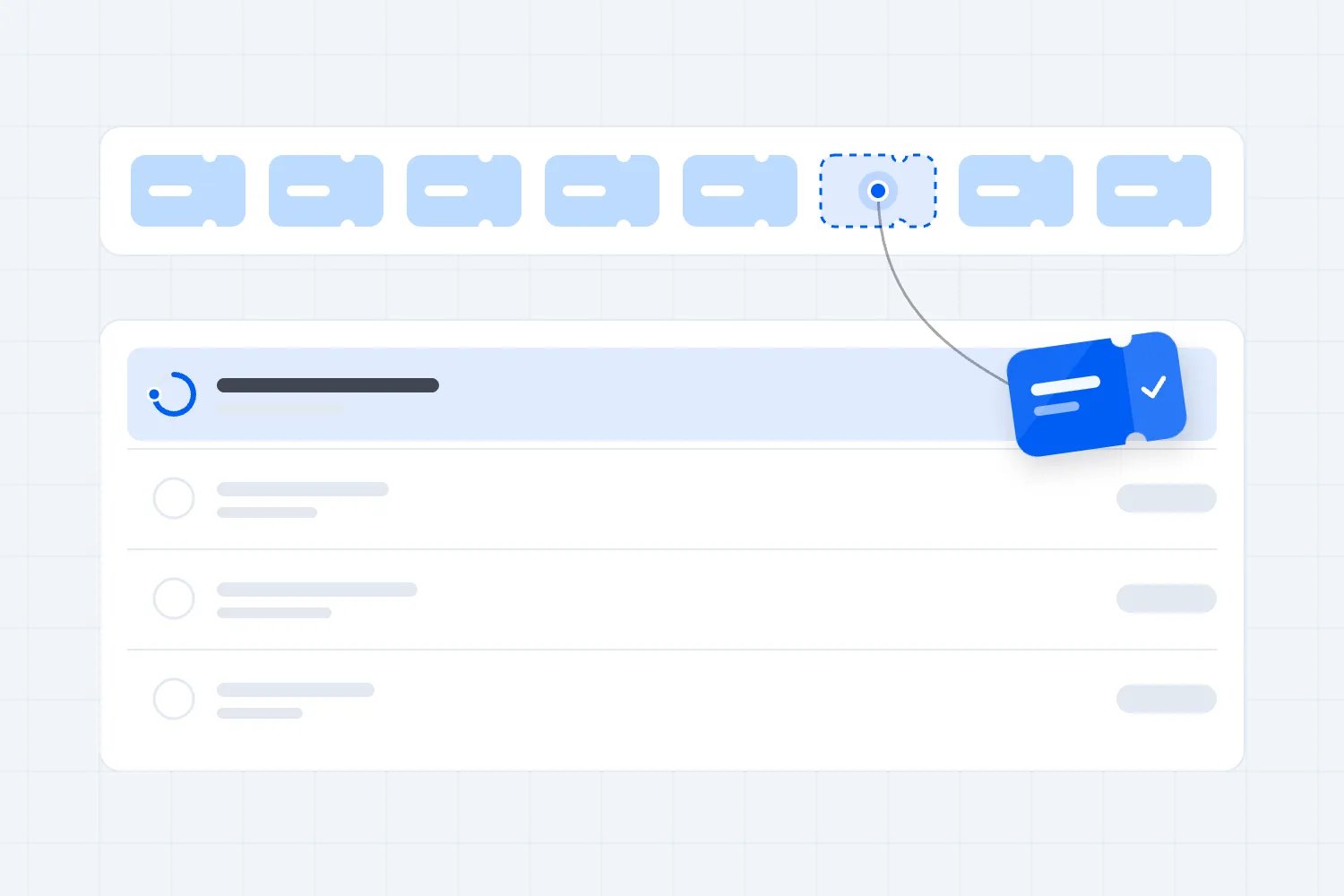
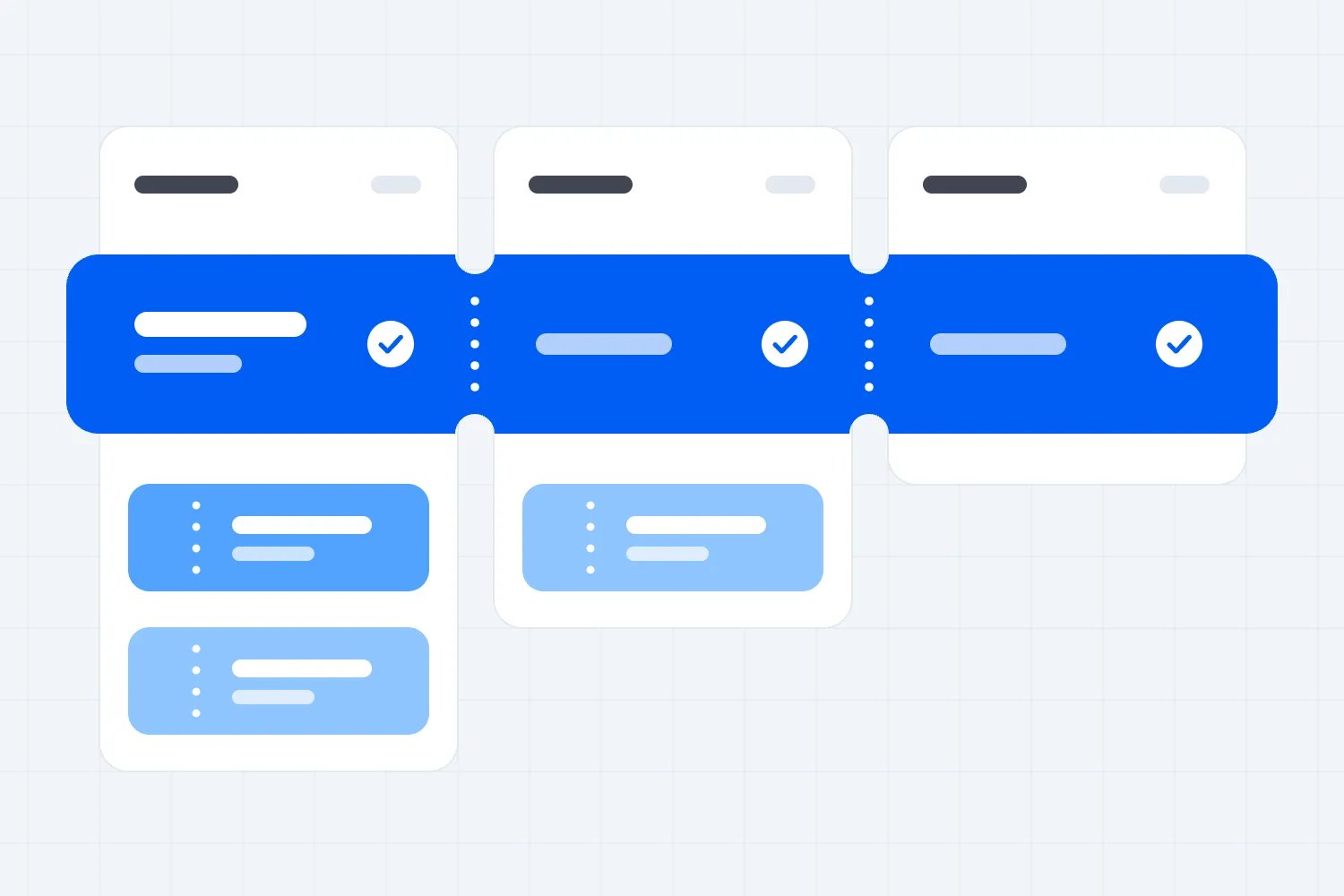
In Loopyah, a ticket type can have several releases with separate prices and quantities. The ticketing page states that when one sells out, the next opens automatically. If your plan depends on a time deadline instead, ask to see that particular setup rather than assuming it works the same way.
Check the buyer's view as well as your settings. The first release should show its current status, and the next price should be clear when it opens. If your announcement promises a limited release, make sure the settings actually limit it. A label saying early bird doesn't create a limit by itself.
Ask what happens when someone has tickets in their basket as the release sells out. Can they complete the purchase, at which price, and for how long? You're looking for a clear answer about reservation and payment behaviour. You also need to know what fans see when a payment fails.
Next, explain the venue's available capacity and every allocation that uses it. Paid admission, guest list places, artist guests and tickets sold elsewhere can all affect the number of people you expect. Ask the provider to show which allocations it counts together and which require a separate control.
Never infer a shared capacity limit from several ticket types appearing on the same event page. The provider needs to demonstrate what stops the combined allocations exceeding your agreed limit. Keep venue safety requirements and any separate limits in your event plan, regardless of what the sales dashboard reports.
For advice on deciding the prices themselves, use our ticket pricing guide. Here, your job is to establish whether the platform can execute the pricing plan you've chosen.
Finish the test by checking permissions. Who can change a release quantity or price, and can you see when it changed? A co-promoter making a helpful edit can still undo your plan if the controls and responsibilities aren't clear.
Give door staff a proper trial
Your door team needs to admit the right people, resolve ticket problems and keep the queue moving. A successful scan in a quiet office proves only that a successful scan is possible. Test the difficult cases with the people who will actually handle them.
Set up a valid ticket, a ticket for another date and a ticket that has already been scanned. Ask a member of the door team to work through each one using the proposed device. They should understand the result without calling the person who configured the event.
Then try a group order. Some friends arrive together and another arrives later. Does staff search by buyer, attendee or order? What happens if the person holding the confirmation email hasn't arrived? The provider should show the process, including what information staff can use to resolve the booking.
Check duplicate handling across the devices you'll use. Scan the same test ticket at different entrances and ask what each device shows. Don't assume that a duplicate warning on one phone proves how several devices behave together. Ask about connection requirements, delays and the approved process if connectivity fails.
If someone promises offline scanning, ask them to demonstrate its limits. Which tickets are available, when must the device connect and what happens when two devices scan the same ticket without communicating? Get the answer in writing. A feature name won't help the supervisor decide what to do outside the venue.
Loopyah lets you give door staff check-in access so they can scan QR tickets on their own phones. Its event team access means staff don't need to share your login. Test those permissions with a staff account, rather than watching the organiser scan a ticket while signed in as an administrator.
Keep ticket validation separate from the admission rules staff must enforce. A valid QR code doesn't establish someone's age, entitle them to ignore an arrival deadline or replace the venue's security decision. Your team still needs the agreed policy and a supervisor for exceptions.
The UK's Health and Safety Executive treats crowd management as a planning and operational responsibility. Use its guidance alongside local requirements when planning entrances and queues. Ticketing helps you process admission; it doesn't decide whether the entrance arrangement is safe.
Before choosing, take the devices to the venue if possible. Check connectivity, lighting, charging and the working position for staff. Ask the door supervisor what would slow them down before doors. Their answer is more useful than another polished screenshot of the app.
Check the money against your payment dates
A sold ticket and money in your bank account are different things. Your artist doesn't accept a dashboard balance as a deposit. Get the provider's payout terms for your actual business, bank country and event before relying on advance sales to fund the show.
Ask when an order becomes available for payout, when the provider sends the payout and when the bank is expected to receive it. Also ask whether the first payout follows different rules, whether the provider holds a reserve and what happens if it needs more account verification.
Stripe's payout documentation distinguishes the payout schedule from the time funds take to become available, and notes that banks can add time. A ticketing provider using a payment processor may have its own arrangements too. Confirm the provider's terms rather than borrowing the processor's general schedule.
Put those dates beside the bills for your show. Include the venue deposit, talent deposit, production hire and any payments due before doors. Our event budget guide can help you list the costs, but the cash question is when each payment has to leave your bank.
Here's a fictional example. Your venue deposit is due on Tuesday and the expected ticket payout arrives on Friday. Even if the event has already sold enough tickets to cover the deposit, that payout won't fund Tuesday's payment. You need another agreed source of money or a different payment date.
Ask what changes if the show is postponed or cancelled. Can the provider hold future payouts, recover money already paid or deduct refunds from another event? Who funds the refunds while the balance is unavailable? These are practical contract questions, and the answer should name the responsible business.
Then compare costs using your actual ticket mix. Include processing, ticketing, optional tools you need, refund charges and any fixed subscription. Ask whether fees apply per ticket or per order. If you sell group bookings, that difference can change the comparison.
For another fictional example, suppose one quoted arrangement costs $1 per paid ticket and another costs $2, with all other costs equal. On 500 paid tickets, the difference is $500. That arithmetic doesn't prove either provider is better. It tells you what the more expensive option must earn or save to justify itself.
Don't quietly turn a fee passed to buyers into free ticketing. Buyers still pay it, and the total can affect whether they buy. Compare what the fan pays and what you receive. You need both figures to make a sensible choice.
Make settlement readable for your partners
After the show, somebody needs to explain the money. That could be you, your bookkeeper, a venue manager or an artist representative. Choose a platform whose reports let that person trace sales and deductions without reconstructing the night from messages.
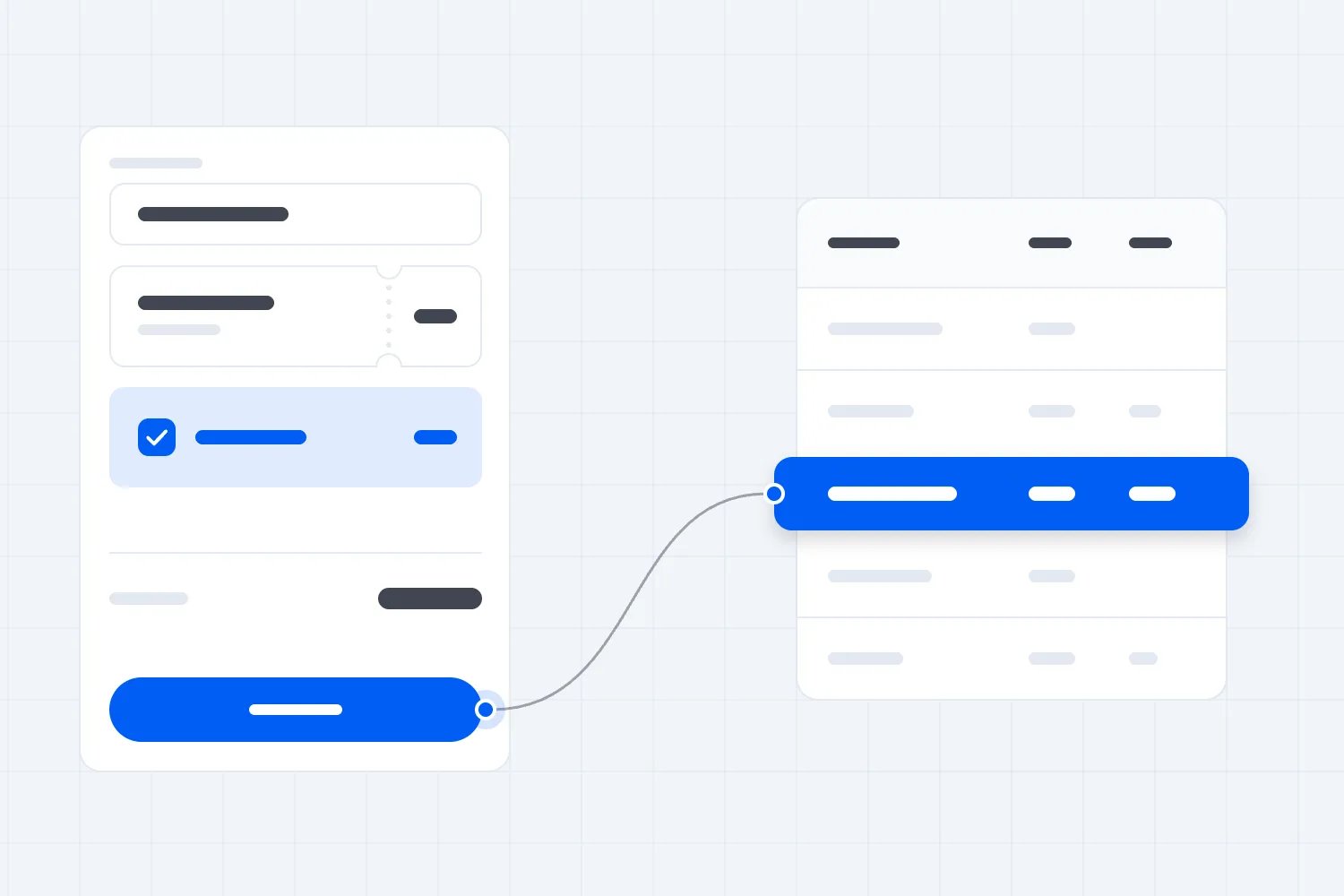
Bring a sample of the settlement you use today. Remove personal details if you're sharing it in a demo. Show which ticket sales count towards the artist or venue agreement and which deductions you need to explain. The provider should identify the reports that supply each figure.
Be specific about gross sales and money available to distribute. Your contract might define a deduction differently from the platform. A report calling something net revenue doesn't settle that question. Ask your accountant or booking partner to agree the calculation before you promise that a dashboard figure is the settlement figure.
Try an order with several tickets, a discount and a refund. Check whether the reports show the original sale and the later change clearly. If the artist's settlement uses paid attendance or eligible ticket revenue, establish how refunded tickets and complimentary places appear.
Separate sales dates from event dates. A fan might buy in one month for a show in another. Your bank might receive the money later again. Ask whether reports can group the records in the way your accounts require, and whether you can explain differences between those totals.
Co-promoters deserve particular care. Decide which business sells the ticket, receives payouts, handles disputes and owes the venue. A platform account doesn't establish your partnership agreement. If the provider offers split payments, ask precisely what it splits and what you still need to settle yourselves.
Request a sample export and open it. Can you identify an order, ticket type, amount, deduction and refund without translating unfamiliar labels? Check whether you can retain records after the event and what access remains if you stop using the service.
You don't need the prettiest financial dashboard. You need figures your partners can agree on and a trail back to the transactions. If the demo team can't explain a sample payout, ask the provider's finance or support team before signing.
Find out what marketing results you can trust
Music events often have several people promoting the same show. Your venue posts, the artist posts, your own ads run and a local promoter shares a link. You need to understand which activity is producing ticket sales before deciding where the next dollar goes.
Ask how the provider tracks links, promo codes and purchases. Have it show an actual test journey using a link you created. Then ask what happens if someone returns later through another link or buys on another device. The answer should describe the limits as clearly as the capability.
A promo code can tell you which code a buyer used. That isn't automatically proof that the person who distributed it created the sale. Codes get shared. A tracked link has limits too. Treat attribution as evidence to guide a decision, and ask the provider what its reports actually measure.
If you pay promoters, write down what counts as an eligible sale before setting up the campaign. Does a refund reverse the commission? Are fees included in the calculation? Who approves the amount, and when is payment due? The software needs to match your agreement, rather than becoming the agreement by accident.
Use a fictional promoter test. Send the agreed link, buy a ticket, view the resulting record and then refund that purchase through the provider's approved test process. Ask to see what changes in the promoter report. If the workflow can't be tested, request written documentation before relying on it.
Look at reporting speed as well. If you need to decide whether to spend more before an artist announcement, a report that arrives after the show is too late. Ask when each report updates and distinguish estimated results from completed paid orders.
You'll also want to separate the event's sales from your wider audience growth. A strong show can bring new people into your business, but the ticketing platform doesn't guarantee they'll return. Ask which buyer and attendee records you can use, with what permissions, to understand repeat purchases.
When a provider claims it will bring its own audience, ask what that means for your city and type of show. Request a demonstration of where your event would appear and how resulting sales are recorded. Treat predicted sales as a claim requiring evidence, rather than adding them to the budget.
Keep your audience usable for the next show
Rotating lineups make audience access particularly valuable. Some fans follow the artist, some follow your night and some simply liked the last event. You want to tell the appropriate people about the next show without starting the audience again every time.
Ask what the platform gives you about buyers and attendees, when you can access it and what you can export. A group purchase can contain several tickets but only one buyer email. Don't count every ticket as a separately contactable person unless the records actually support that conclusion.
Then look at marketing permissions. Can you see how someone agreed to receive messages, keep an unsubscribe attached to their record and separate ticket updates from promotions? Ask what happens if you import an older list after someone has unsubscribed. That is a useful test of whether preferences survive normal operations.
In the US, the FTC's CAN-SPAM guidance explains requirements for marketing emails, including opt-out handling. Other markets have their own rules. Ask the provider how its tools support the rules that apply to your audience, and keep the permission records your business needs.
Be careful when the venue, promoter and artist all want the same contact list. Agree who can use the information and for what purpose. A partnership on one show doesn't automatically give every partner permission to promote everything they run next year.
Check your access after the event too. Can you retain the records needed for refunds, accounts and customer support? What changes if you stop paying for an optional service or close the account? Get the answer before those records become urgent.
You should also be able to contact current ticket holders when doors change or a performance is rescheduled. Ask the provider to demonstrate selecting the affected event and sending the operational message. Check which people receive it and how failed delivery is shown.
The useful question is whether you can keep serving the audience you've earned. A list you can't interpret or use appropriately won't help the next announcement, however large the export looks.
Test a lineup change before it happens
A DJ night or live show can change after tickets go on sale. A support act pulls out, the running order moves or a headline artist can't perform. Test what you can edit and how you reach the people who have already bought, before a real change puts everyone under pressure.
Ask the provider to change the test event's doors time and description. Check the public page, the confirmation and the ticket view. Which details update, and which remain as they were when someone bought? Your team needs to know where an old time might still appear so the announcement addresses it clearly.
Next, ask how refunds work for an affected ticket holder. Don't assume your standard policy settles every change. The nature of the change, your promises and applicable consumer requirements all matter. Agree the response with the people responsible for the show and check that the platform can carry it out.
Try one refund in the approved test environment. What does the buyer receive, how does the ticket status change and where does the deduction appear? If a ticket becomes invalid, door staff need to see that. Ask what happens to its allocated place before selling a replacement ticket.
A postponement needs particular care when several dates are already selling. Ask the provider to demonstrate how a buyer finds the updated event and what staff see when scanning their original ticket. If the proposed process involves reissuing tickets, establish which ticket remains valid and how buyers receive the replacement.
Keep your communications specific. Tell ticket holders which event changed, what changed, what choices they have and where to get help. A general social post can support that message, but shouldn't be the only way someone with a paid ticket learns about a change.
Also test an early entry condition with the door supervisor. Imagine a fictional ticket that requires arrival before eleven. Ask what the platform displays when the buyer arrives later and whether staff must make the decision themselves. If an extra payment is required under your published terms, ask how staff record it and explain it to the buyer.
You aren't looking for software to make judgment calls about your artists or customers. You're checking that once your team makes a decision, it can apply it consistently, contact affected buyers and keep the ticket and financial records understandable.
Run one demo that makes the decision clear
Send the same show brief to your shortlisted providers and ask for the same demonstration. Keep your buyer, door supervisor and accounts person involved where they own the decision. This gives you comparable evidence and stops every conversation drifting towards a different set of strengths.
Ask each provider to create the event, configure releases, complete a purchase and deliver the ticket. Then have staff validate it, resolve a duplicate and find the booking. Finish by tracing the order into the sales report and explaining the expected payout. Add the particular exception that matters most for your show.
Record what you actually saw. Mark each requirement as demonstrated, documented or still unanswered. An emailed promise isn't the same as a working demonstration, but it may be enough for a contract detail that can't reasonably be simulated. Keep those differences visible when choosing.
Judge important requirements individually. A platform doesn't earn permission to miss a necessary door control because it has attractive marketing tools. If a requirement is essential to running your show, an unresolved answer means the provider hasn't passed that requirement yet.
Finally, check support when you need it. Your event may run on a Saturday night while the sales team works office hours. Ask which channel handles urgent problems, who can use it and what response commitment applies to your account. Explain a realistic problem and ask how they would handle it.
Choose the platform that passes your show
Choose using the evidence from your test, the written money terms and the people who will operate the event. A lower fee is useful when the checkout, releases and door work properly. Better tools earn their cost when they solve a problem your team actually has.
Before you announce the link, settle the unanswered essentials. Confirm the account is ready, your release plan is correct, staff have tested access and the payout arrangements fit your bills. Keep the provider's answers with the event plan so your team can use them later.
You don't need every ticketing feature. You need fans to buy the right ticket, staff to admit them properly and money you can explain and plan around. Ask a provider to prove those things on your next show, on the devices your team actually uses. That's how you choose with confidence.

Author: By the Loopyah Content Team
The Loopyah Content Team shares expert insights, practical guides, and industry updates to help event organizers create unforgettable experiences and stay ahead in the event planning world.