· 21 min read
How to choose ticketing software for a small performance venue
Choose ticketing software for a small performance venue by making each provider run your actual room, including its different layouts, seat limits, box office and awkward customer requests. Pick the system your small team can operate confidently, with clear costs and evidence that its seating and sales controls work together.
So you're running a room that hosts comedy on Thursday, a seated performance on Friday and a standing show on Saturday. The building hasn't changed, but almost everything you sell has. Someone needs a particular seat, an artist needs guest tickets, and your box office person is also answering the phone.
A tidy ticket page is a good start. What you need to find out is whether the software still makes sense when the room changes and you're doing several jobs at once. This guide walks through the venue setup, customer purchase, staffing, money and demo questions that help you make that decision.
Start with the room, then look at the software
The first thing you want to do is describe the room you actually operate. Leave the provider's feature list closed for now. Write down your usual performance formats, your approved capacity for each layout, how customers buy and who runs the box office.
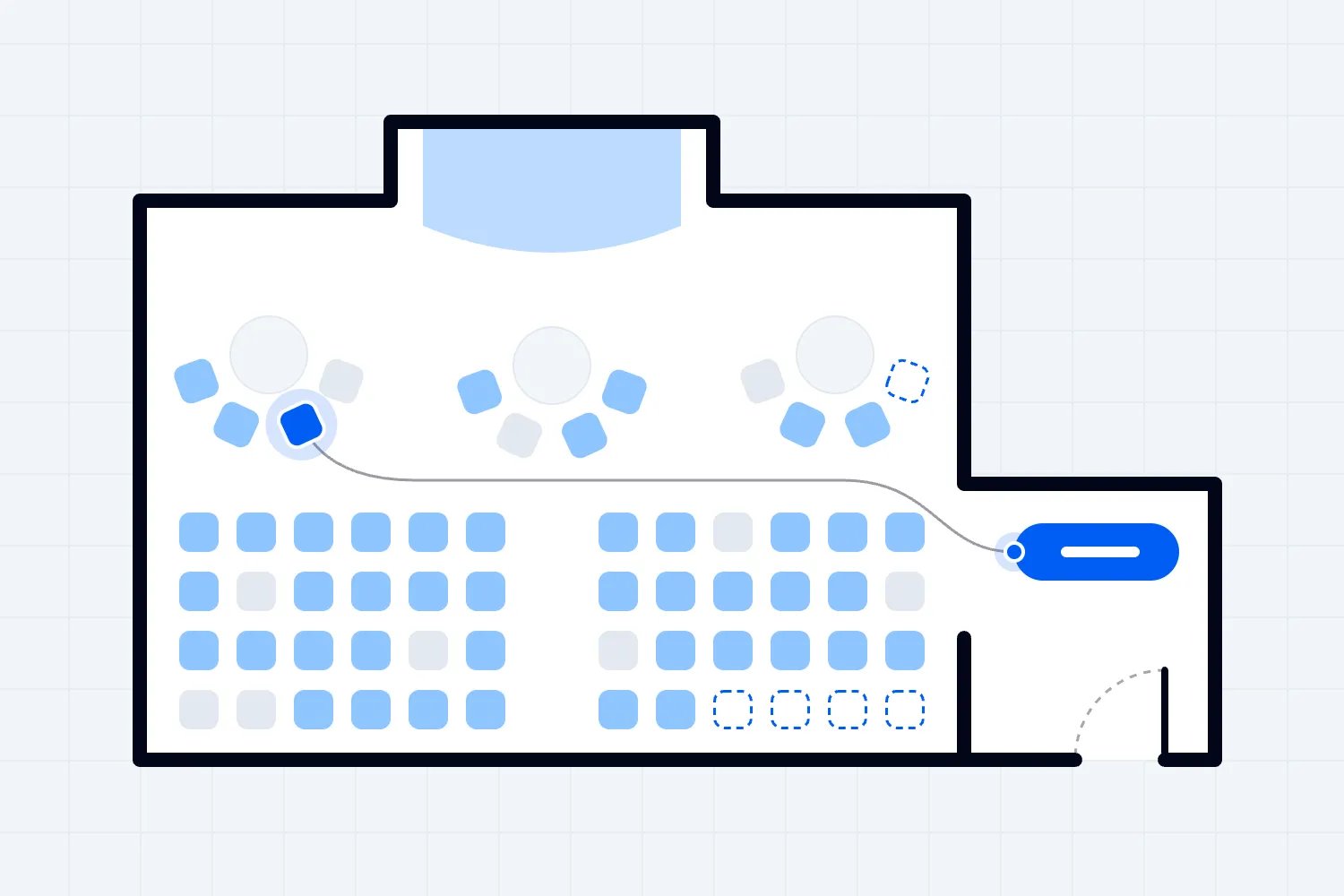
A small performance venue might be a theatre with fixed seats, a black box room with movable chairs, or a cabaret space with tables. Those are different ticketing jobs. Selling a specific chair requires seat identity. Selling a shared table needs clear rules about whether customers buy seats individually or book the table. Standing admission needs a controlled quantity without pretending every ticket corresponds to a chair.
Use the layouts you already have permission to operate. Software capacity settings don't establish the safe or lawful capacity of your building. Get that information from the people responsible for the venue, then make the selling limit match the approved arrangement for the performance.
Bring a real floor plan and a recent sales report to the conversation. Include a show that was straightforward and one that generated box office questions. You're giving the provider enough detail to demonstrate the work, rather than inviting a presentation about every feature it sells.
Decide what would rule a system out immediately. That might be an unsupported selling country, an unusable reserved seating flow, or no practical way to sell the last available seat at the box office. Check those requirements before comparing marketing extras.
Make every layout a separate selling decision
When chairs move, ticketing needs to follow the arrangement people will find when they arrive. A map that looks roughly like the room can still sell a chair that isn't there, label a blocked view as unrestricted, or show an aisle where your team has placed a table.
Build the most demanding configuration first. If that works, test the simpler one. Ask the provider to change the room between a seated performance and a standing show while keeping the existing event's purchases intact. Watch which settings belong to the venue and which belong to an individual performance.
Here's an illustrative example. Your room has an approved seated layout with 120 places, including the accessible spaces shown in that layout. A production needs to remove a row of 10 ordinary chairs for equipment, leaving 110 places before guest allocations and production holds. Your ticketing setup must reflect the smaller layout before sales start.
Now imagine that 6 of those 110 places are confirmed guest tickets and another 4 ordinary seats are held for production. You have 100 places available for public sale. The system should let your team explain those categories without a spreadsheet that disagrees with the customer page.
Our event seating chart guide goes further into planning the layout. For the software decision, keep asking one practical question. Can your team show that the map, the available tickets and the room prepared for this performance describe the same arrangement?
Test seat selection with ordinary customer requests
A seat map demo often starts with someone buying a single seat in an empty room. That's easy. Your customers will want to sit together, understand the view and know whether a table ticket includes the whole table.
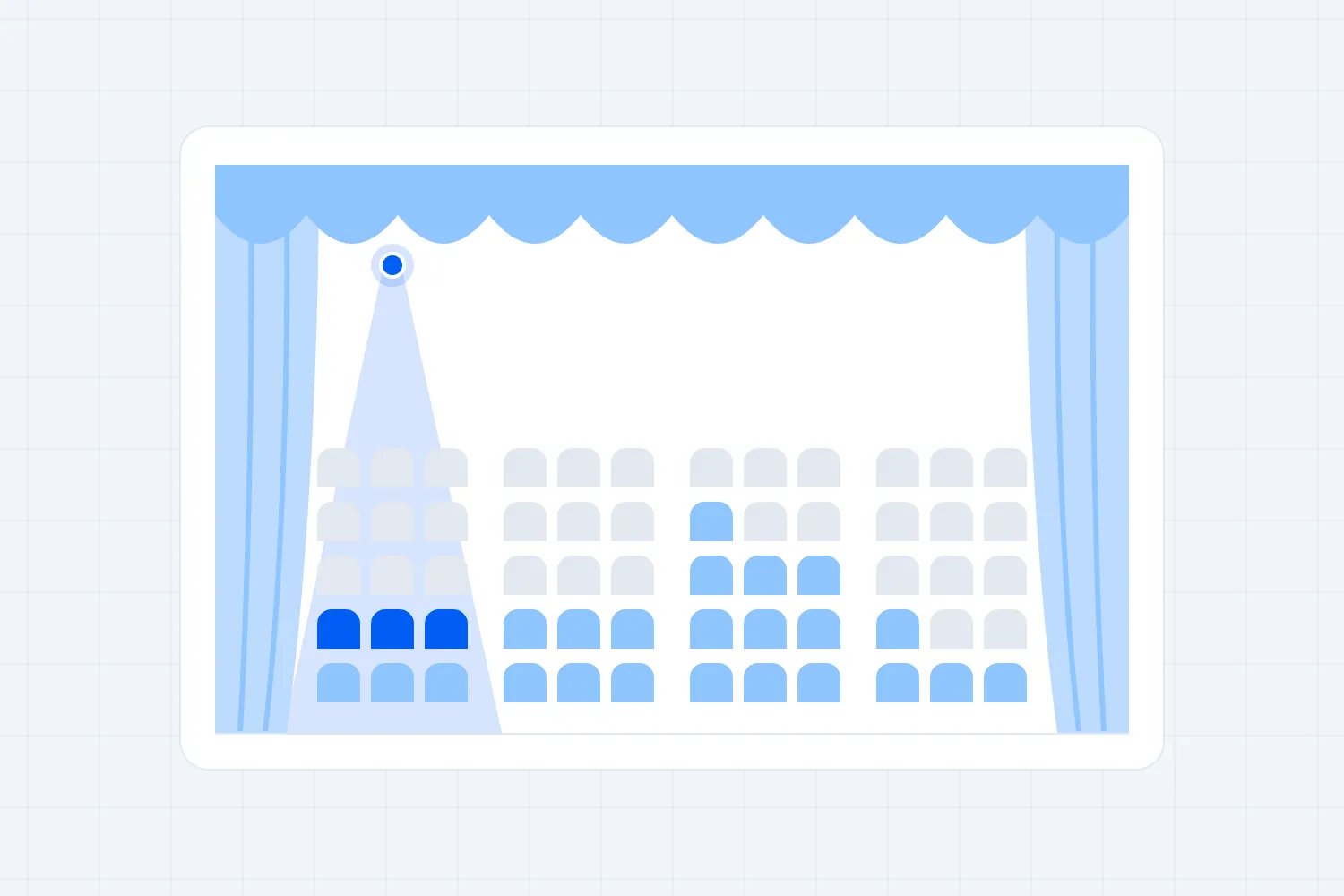
Make the demonstration use requests your box office hears. Buy a pair beside each other. Look for a group when only scattered seats remain. Try a seat with a restricted view and check what the buyer sees before payment. On a cabaret layout, ask someone who hasn't seen the room to explain what they're purchasing.
Don't assume a rule about empty single seats is automatically useful. Preventing every purchase that leaves one empty chair can also reject the remaining arrangement a customer can reasonably afford. If the provider offers such controls, test the exact restriction and how your staff can handle an exception. You should understand the tradeoff before switching it on.
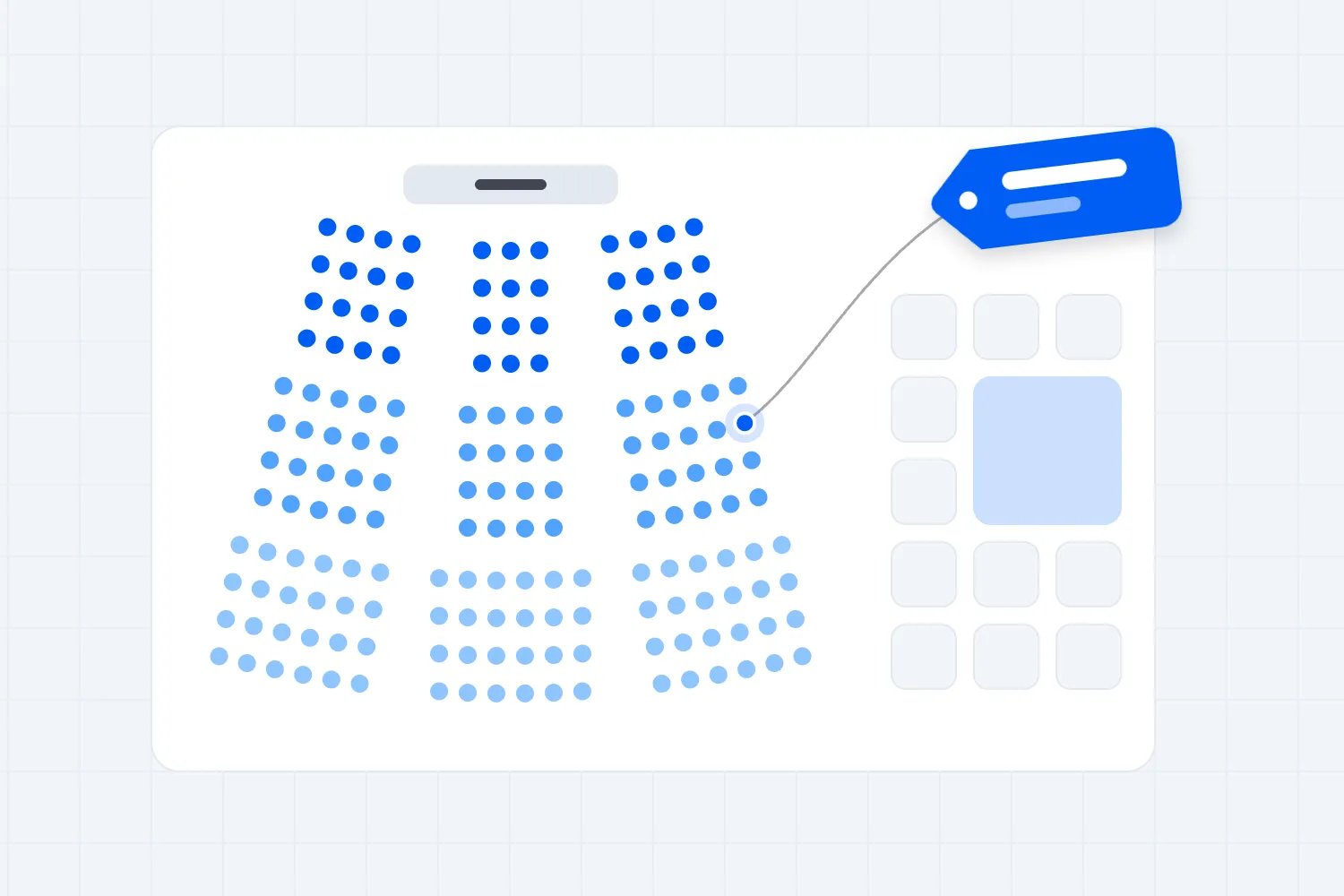
Loopyah's seat charts support custom layouts, reserved seating and general admission, with buyers choosing seats on the map. That gives you a concrete starting point for the demo. Bring your floor plan and test your specific combination of seats, sections and prices.
A provider's general support for seat maps doesn't prove it handles whole table bookings, automatic group placement or every rule your venue uses. Ask those questions separately. A clear answer about a limitation is much more useful than discovering it after tickets have sold.
Treat accessible buying as part of the main journey
If a buyer needs an accessible space, the purchase should make sense without them having to negotiate an unexplained exception. Start with accurate information about the room, then check how the software presents the location and lets someone buy an appropriate ticket.
For US venues selling assigned seating, the Department of Justice's ADA ticket sales guidance explains that accessible tickets must be offered through the same purchase methods, hours and sales stages as other tickets. It also covers companion seats, prices and the specific circumstances for releasing accessible seating. The venue cannot require proof of disability as a condition of purchase.
Those requirements belong in your provider conversation. Ask how its setup implements your accessible seating policy and how staff handle a booking with companions. Have the arrangement reviewed against the requirements that apply where you operate. A seat map symbol by itself doesn't answer the purchasing questions.
Separately, ask the provider for evidence about the accessibility of its purchase flow. The W3C's guidance on labeling form controls explains why fields and controls need associated labels that assistive technology can identify. Ask someone familiar with accessibility testing to review the actual booking journey, including seat selection and payment.
Keep customer support available for questions about access. Use it to help people understand the venue and resolve problems. Don't let a vague promise that staff will sort things out substitute for a working purchase process.
Check holds, comps and the final seats
Small rooms make guest allocations very visible in the budget. A seat you promise to an artist, sponsor or reviewer is a place you can't also sell to the public. The software should make that commitment clear to the people selling tickets.
Decide what your team means by a hold and a complimentary ticket. A hold reserves inventory while a decision is pending. A complimentary ticket is an issued admission without a ticket charge. If your system combines them under one label, make sure staff can still tell which guests are confirmed and which places may return to sale.
Continue the illustrative 110 place performance. The 6 issued guest tickets remain committed. Production later confirms it only needs 2 of its 4 held ordinary seats. Releasing the other 2 makes public availability 102 places. It doesn't change the room's approved layout or create extra capacity.
Ask the provider to demonstrate that release. Can the box office identify the held seats, see why they're unavailable and make the right seats purchasable? Does the public map update? Does the sales report distinguish paid tickets from guest admissions?
Don't copy the ordinary production hold process onto accessible seating. Its release conditions need their own treatment. Your internal convenience shouldn't become the rule customers have to live with.
Then sell the last available ordinary seat through the customer page while another staff member tries to sell it at the counter. Ask the provider to explain what prevents conflicting sales and show the result. This matters far more than a dashboard animation.
Give the smallest team the right controls
Your venue might have a manager, a part time box office person and a rotating door team. Everyone needs to do their job, but they don't all need to change prices, download customer information or edit payout details.
Ask for the access levels you actually need. Have the provider create a staff account and let that person try the intended tasks. Then try something they shouldn't be allowed to do. A list of permissions is useful; seeing the boundary work is better.
Loopyah's ticketing tools let you add event admins and door staff without sharing your login, and give check-in staff access to scanning. Use that separation in the trial. Confirm any additional box office, refund or reporting permissions your own staffing arrangement requires.
Ask about protecting management accounts too. The UK's National Cyber Security Centre recommends securing important business accounts with passkeys where available, or strong unique passwords and two step verification. Two step verification adds another check when someone signs in. Find out which protections the provider supports and how account recovery works.
The everyday staffing test is simple. If the manager is absent, can the authorized person open the box office, find a booking and resolve a routine problem? If only one person understands the setup, your venue has bought software that still depends on that person being available.
Run a box office test on your own devices
The box office is where vague software promises meet a queue. Put the trial on the phone, tablet or computer your staff will use, in the place where they'll use it. An office connection doesn't tell you what happens beside the entrance.
Start with an ordinary sale for a customer standing at the counter. Select the correct performance, choose the remaining seat or admission, take payment and issue the ticket. Check how the transaction appears in the event's sales records. Then make another purchase online and confirm the box office sees the updated availability.
Next, bring a customer who can't find their confirmation. Search using the details your staff are allowed to access. Check whether staff can identify the correct order without exposing another buyer's information. Try a misspelled email address and ask which corrections are permitted.
Now test the difficult transactions. Someone needs to move seats. Another customer wants to change performance. A card payment fails halfway through the sale. Ask what the software records, what remains reserved and what the customer receives. Don't assume every system supports every exchange; make the provider show the supported route.
Our introduction to in-venue checkout is useful background for a phone based counter. Before choosing your own setup, verify the supported devices, payment methods and exact ticket sale flow with the provider. Taking a contactless payment and assigning a particular seat are separate parts of the job.
Make online buying explain the performance
A buyer might know the performer and know your venue, yet still choose the wrong date. Small venues often present similar event names across several performances. The page needs to distinguish the booking before the buyer gets comfortable enough to stop checking.
Use the full performance date and clear start time wherever the customer makes a choice. Explain when doors open if it differs from the performance time. Include the information that changes their decision, such as a seated or standing format, age restrictions or a genuinely restricted view.
Try the link from your website on a phone. Can someone tell what they're buying without opening another page? Select several tickets and check that the total and selected seats remain understandable. If a customer opens a second performance to compare, can they return without mistaking one date for another?
Keep optional questions under control. Ask the provider which fields you can remove and which it needs for payment or ticket delivery. A short purchase form is easier to assess when each field has an obvious purpose. Don't collect information just because there's a blank space available.
Finish a test purchase and read the confirmation as a customer. The performance date, ticket quantity and any seat information should be clear. Find the ticket again later from the confirmation. Your staff will spend less time answering questions when the receipt gives customers the information they need to arrive correctly.
Compare costs using your real mix of tickets
Ask every shortlisted provider to price the same ordinary month. Include your mix of ticket prices, the number of performances, box office transactions and the paid tools you'd actually use. A single headline fee rarely describes that whole cost.
Use your own expected sales, clearly labeled as an estimate. Here's an illustrative calculation with invented fees in US dollars, not a quote from any provider. If you sell 800 paid tickets at $25 each, ticket revenue before deductions is $20,000. A hypothetical $1 fixed fee plus 4% per ticket totals $2 per ticket, or $1,600 across those sales.
A different hypothetical offer of a $100 monthly charge plus $1.50 per ticket would total $1,300 for the same 800 tickets. That comparison only holds if both offers include the same payment processing and required tools. Refund charges, hardware, taxes and other costs could change it. Ask for an itemized quote rather than treating this example as a market benchmark.
Also compare a quiet month. The monthly charge still exists when performances sell poorly. Your expected busy month and quiet month should both be affordable under the arrangement you choose.
| Label | $1 + 4% per ticket | $100 a month + $1.50 per ticket |
|---|---|---|
| 0 tickets | 0 | 100 |
| 200 tickets | 400 | 400 |
| 400 tickets | 800 | 700 |
| 600 tickets | 1200 | 1000 |
| 800 tickets | 1600 | 1300 |
Then decide who pays the ticketing fee and how the final price appears. Covering it reduces what you retain from the stated ticket price. Passing it to buyers changes what they pay. Whichever policy you choose, make the cost visible and consistent with the rules that apply to your sales.
Check price display and the money timeline
For US live performance tickets, the FTC's fees rule questions and answers explain the requirements for showing the total price with mandatory charges. The rule permits certain exclusions, including government charges, but those have their own disclosure requirements. Give the provider your actual price setup and ask it to demonstrate the applicable display.
Don't treat every format in a mixed programme identically without checking. The FTC guidance distinguishes live performances from prerecorded screenings. Your venue may also face state requirements or rules in another country. Price presentation needs to follow the relevant sale, rather than whichever default looks most attractive.
The money timeline deserves an equally concrete answer. Ask when ticket proceeds become available, when payouts are sent and what might delay them. Confirm whether the terms change for a new account, a postponed performance or a disputed payment.
Put those dates beside your expenses. If the performer needs a deposit before the proceeds arrive, ticket sales haven't solved that cash requirement yet. You'll need another arrangement for the gap. Ask for written terms that let you plan, rather than relying on a representative's description of what usually happens.
Refunds also affect available money. Find out which fees are returned, how long the customer waits and who funds the refund if proceeds have already been paid out. Those details help you compare providers before a cancellation makes them urgent.
Make reports answer venue questions
You don't need a wall of charts to run a small room. You need reliable answers about each performance and a sensible way to explain the money afterwards. Start the reporting demo with questions your manager and bookkeeper already ask.
How many places have sold? How many are guest admissions? Which ordinary seats are held? What's still available to purchase? A sold ticket and a checked-in ticket answer different questions, so make sure staff can distinguish sales from attendance.
Ask the provider to produce a report for the illustrative seated show. It should explain the public sales, issued guest tickets and remaining holds without making them look like paid revenue. If the report uses unfamiliar terms, ask what each total includes and have the bookkeeper confirm the export is usable.
Then check a performance that had refunds and box office sales. Can you trace the order, payment and refund? Can you connect the amount received to the associated deductions? A net payout may cover several events, which makes a clean performance report especially helpful.
Discuss what a visiting producer should receive. They might need sales and settlement information for their show, without access to other performances or the venue's customer list. Demonstrate the way you'll share that information and check whether extra staff accounts cost money.
Our ticket management guide explains the wider operational work. For procurement, keep the report test focused on whether your team can answer its ordinary questions without rebuilding every total outside the system.
Keep customer communications and permissions clear
A small venue can build an audience across comedy, theatre, spoken word and music. That doesn't mean everyone wants every announcement. Ask whether the software can help you select the relevant customers and keep service messages distinct from promotion.
Start with a necessary performance update. If the start time changes, can staff reach the people holding tickets for that date? What happens to a refunded buyer or someone whose order has changed? Make the provider show the audience selection so you understand who receives the message.
Now test a promotional announcement for the next programme. Check how the software records permission and exclusions, how customers unsubscribe and what the export contains. Your ticket database is valuable only if you can use it appropriately and understand the conditions attached to its records.
For UK individual subscribers, the ICO's electronic mail marketing guidance explains the consent rule and the conditions for exceptions such as the products and services soft opt-in. A ticket purchase alone isn't a reason to assume unrestricted marketing permission. Confirm the rules for your circumstances and location.
Ask what happens when you leave. Can you export the customer records you're entitled to retain, together with the permission information you need? Can you keep the sales history your bookkeeping requires? Get that answer before signing. Moving a venue's ticketing shouldn't leave you unable to explain old transactions or honor existing customer choices.
Test a changed performance before you need one
A small room can have a full audience and still need to change the plan. A production loses a performer, a technical problem affects a row, or a show moves to another date. Ask the provider to demonstrate the change using bookings already in the trial.
Start with a seat that becomes unusable. Identify the affected bookings, check the replacement options and show what the customer receives after the change. Keep the original purchase traceable so staff can explain why the seat differs. Ask whether the system supports the exchange directly or whether the provider recommends another process.
For a postponed performance, check the date shown on the ticket, the customer message and the refund route. Make sure staff know which actions change existing bookings and which only edit the public description. Updating a page doesn't necessarily update a customer's downloaded ticket.
Cancellation is another separate test. Ask how staff identify every affected paid order, what happens to guest admissions and how they verify refunds. Request the report that would let your bookkeeper reconcile the canceled performance. If refund processing needs approval or available funds, establish those conditions now.
Find out who answers during your programme
Support matters most when your own team has run out of ways to solve the problem. Tell the provider when your box office operates, including evenings and weekends, and ask which support channels are staffed at those times.
Separate a response promise from a resolution promise. An acknowledgement that someone received your message doesn't tell you when the problem will be fixed. Ask how an urgent selling problem reaches the right person and what details staff should have ready.
Keep the supported fallback procedure with your venue instructions. Confirm what your team should do if payment, ticket lookup or scanning is unavailable. Check exactly what the software can do without a connection and how records reconcile afterwards; don't infer offline operation from a mobile app.
Before the pilot, have a second authorized staff member find these instructions and explain the escalation route. This small rehearsal tells you whether the plan survives the manager being occupied with a performer. It also gives the provider a chance to correct misunderstandings while nobody is waiting at the entrance.
Give providers the same demonstration brief
A useful demo is repeatable. Every provider gets the same room, performance and requests. You can then compare what your team actually did, instead of comparing one provider's best presentation with another provider's casual walkthrough.
Send your approved floor plan and the illustrative performance allocation in advance, clearly marked as a test. Include the ticket price, the guest allocation, ordinary production holds and accessible buying requirements. Ask which parts the provider can demonstrate in a trial and which require written confirmation.
During the session, let your box office person operate the system. Have them create the performance, buy a pair of seats and issue a guest admission. Release an ordinary held seat, make a counter sale and produce the report. Use the same sequence each time.
Take notes in the words your staff use. "Couldn't find the customer without switching screens" tells you more than "moderate usability." Record the task, what happened and whether staff needed help. If something fails, ask whether the problem was configuration, training or a capability the system doesn't have.
Keep unresolved questions visible. A feature promised for later isn't part of the working system you can buy today. A process that requires the provider to intervene every time might still suit an occasional task, but it deserves scrutiny if you do it for every performance.
Keep screenshots of the trial's booking results alongside your notes. They're useful when staff disagree about what the demonstration showed, especially after demos. Ask each provider to confirm the final scope and costs in writing after the demonstration. That creates a clear basis for the decision and gives your team something concrete to check during the trial.
Agree the decision before running the pilot
Once several providers can run the demonstration, it's tempting to choose whichever screen felt nicest. Design matters, but your decision should also reflect what staff must do repeatedly and what failure would cost the venue.
Give each requirement a plain outcome. It works with ordinary staff access. It works only with an agreed extra step. It doesn't work. For any extra step, identify who does it and when. If nobody owns it, the process isn't ready for a performance.
Keep essential failures separate from preferences. A missing export your bookkeeper requires can rule out a provider. A less attractive report layout usually can't. Likewise, a beautiful seat map doesn't compensate for a booking process that fails your venue's accessible purchasing requirements.
Run the preferred system on a manageable performance before moving the whole programme. Use the team and devices you intend to keep. Follow the provider's supported trial and payment procedures, and check any real transactions carefully. A quiet rehearsal should still contain the awkward tasks that matter on a busy night.
Afterwards, ask staff where they hesitated and ask the bookkeeper whether the records made sense. Resolve those points while the provider's attention is on your setup. If the same essential task still requires an unreliable workaround, go back to the shortlist.
Choose a start date that gives you room to train and correct mistakes. Keep existing paid bookings intact unless the provider has demonstrated a supported migration process and you have verified the result.
Choose the software your room can rely on
The right ticketing software for a small performance venue follows the room you actually sell. It handles the layout you approved, gives buyers a clear purchase, keeps allocations understandable and lets a small team work without constantly asking the manager for help.
Start with your floor plan and a real performance brief. Ask providers to demonstrate the difficult transactions, compare the complete costs and check what arrives in your bank account. Then pilot the choice with the people who'll run it.
If you're considering Loopyah, bring us your floor plan. Let your box office team test the seats and staff tools, then ask us to confirm specialist requirements before you commit.

Author: By the Loopyah Content Team
The Loopyah Content Team shares expert insights, practical guides, and industry updates to help event organizers create unforgettable experiences and stay ahead in the event planning world.