· 21 min read
How to choose ticketing software for a venue with recurring shows

Choose venue ticketing software by testing a whole run of performances, including separate availability for each date, changes after bookings, and the reports you need to pay everyone correctly. Pick the system your box office can run throughout a season, with clear control over who sells, who attends, and who receives the money.
So you're running a venue with a programme that keeps moving. Friday's comedy is selling, next month's theatre run is about to open, and a visiting promoter wants access to their show. Meanwhile, someone has booked the wrong Saturday. A demo of one event won't tell you how the software handles that week.
The recurring part matters because mistakes travel. An old price gets copied into the next production. A former contractor still has access. A change to the venue layout affects tickets you've already sold. When you choose software, you need to see where the system saves work and where it expects your team to remember something.
This guide walks you through testing a real programme, checking performance inventory and setup, handling changes, comparing money and access, and moving future bookings safely. We're assuming you already run paid shows. The question here is which ticketing software can support the way your venue operates across dates and seasons.
Give the provider a programme to demonstrate
The first thing you want to do is choose a stretch of your calendar. Include an ordinary house show, a production with repeated performances, and a date operated by somebody else if that happens at your venue. You're choosing examples because they involve different responsibilities, rather than because they look impressive in a presentation.
Use a fictional version if you don't want to share commercial details. Your seated theatre run could have an evening performance and a matinee, with a different ticket price for each. Your visiting show could use the same room but hold some places for the promoter. Your house show could sell general admission with a standing layout.
Write down what changes between those events. That might include the seating arrangement, the organization receiving ticket income, the person answering buyer questions, or which team can issue refunds. Tell the provider which parts stay consistent too. The venue address and access information shouldn't need someone to type them again for every performance.
Ask them to prepare that programme before the demo, then let your box office manager operate it. Someone who runs the venue every week will notice problems a sales presentation can glide past. They know when a ticket name is ambiguous and which report the visiting producer will request after the show.
Set your requirements before seeing extras. A theatre that sells assigned seats across a run needs dependable performance inventory. A venue hiring its room to independent producers may need separate accounts or restricted access. Decide which requirements rule out a provider and which are conveniences you can live without.
Keep future plans in proportion. If season subscriptions are an approved part of next year's programme, test them now. If they're an idea somebody mentioned once, don't sacrifice a workable system for them. Software should support a plan for the business, with a clear answer about any capability you expect to need later.
Check that every performance has its own availability
The production and the performance are different things. The production has a title, artwork, description, and perhaps a shared seating layout. Each performance has its own date, buyers, sold places, holds, and door list. You want the provider to show how those records relate without letting one performance change another accidentally.
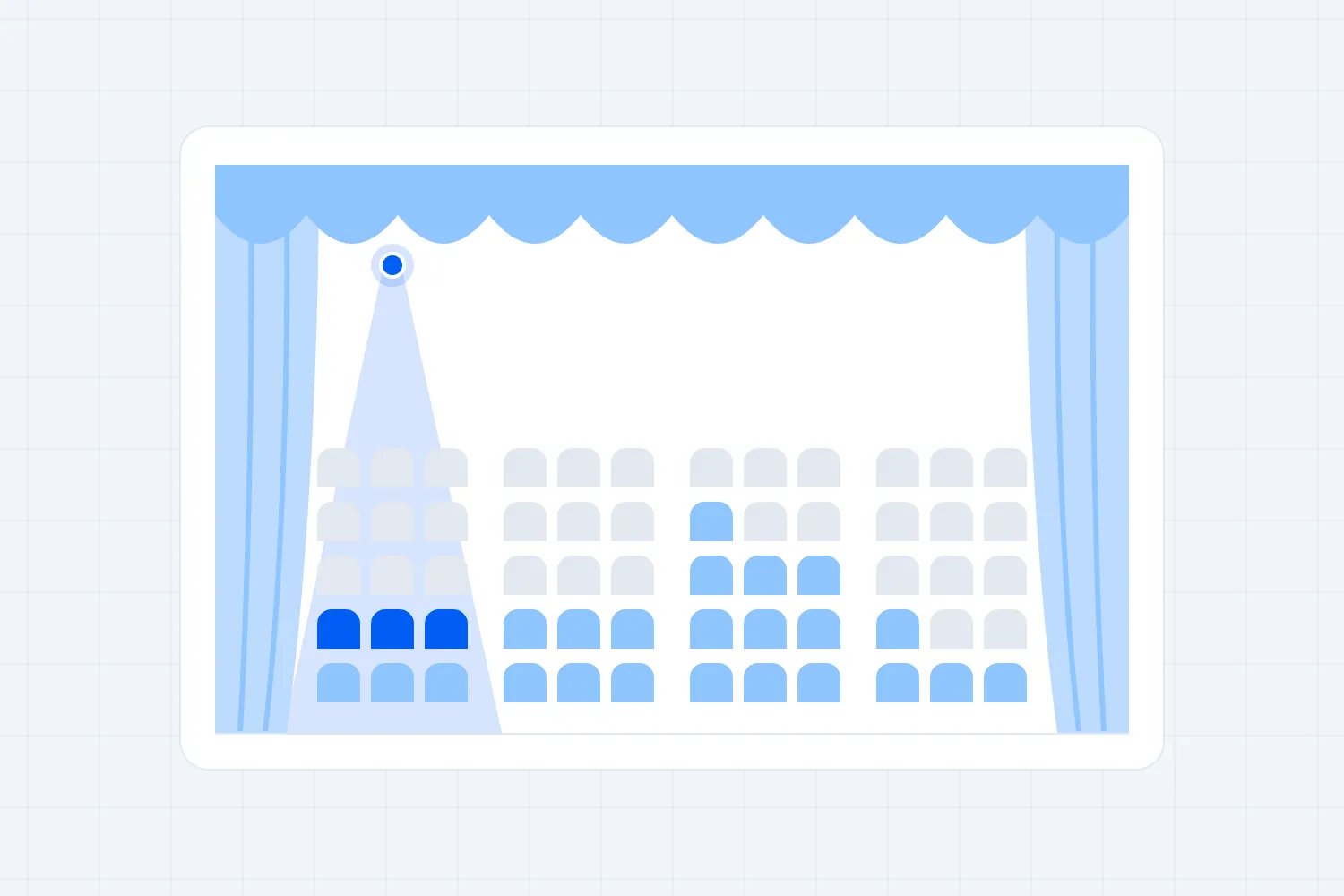
Buy a seat for the evening performance. Then open the matinee and find the same seat. It should still be available unless your offer deliberately reserves it across both dates. Next, hold a block for the visiting producer on their date and check the house show. A hold for one booking mustn't quietly remove inventory elsewhere.
Don't stop at the seat chart. If you sell several ticket types into one room, ask how their limits relate to the room's sellable capacity. A discount ticket and a full price ticket may both admit someone to the same performance. Separate ticket limits shouldn't allow the combined sales to exceed what that performance can accommodate.
Run the same test through each sales channel you actually use. Sell online while a box office colleague books a place. Ask what happens when both try to reserve the last available seat. The provider should explain when a place is held during checkout, how it becomes available again, and what staff see while that happens.
A sold place, an unpaid reservation, a complimentary ticket, and a production hold mean different things commercially. Ask to view them separately. If the dashboard calls all of them sold, you can't judge paid demand. If it ignores holds when showing availability, someone may promise places the venue has already committed elsewhere.
For repeated shows, clarity at the door matters too. Scan a valid ticket against the correct performance, then try it against the wrong date. Give staff a ticket from an earlier show with the same title. You need a clear result and a sensible route for helping the buyer, without turning a mistaken date into automatic admission.
Reuse the room without copying yesterday's mistakes
Repeated setup should save time. You shouldn't need to redraw the balcony every time a show goes on sale. But reusing a room and copying an event are separate jobs. The room can stay the same while prices, holds, age rules, access information, and the person receiving income change.
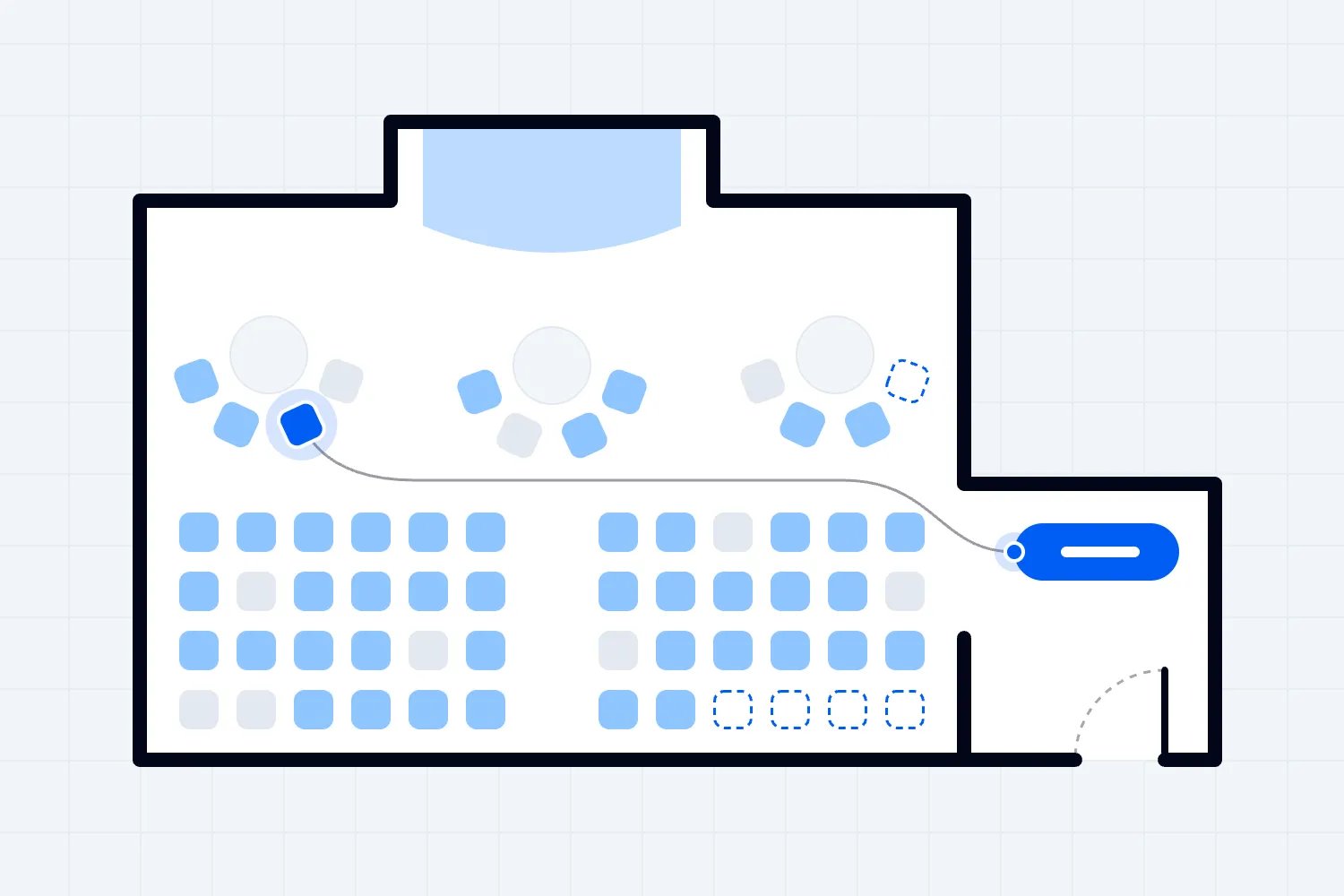
Loopyah's seating charts provide custom venue layouts and let buyers choose available seats. For recurring performances, ask us to demonstrate how your events use the same room plan and what happens when the arrangement changes. Reusing the physical layout should be part of the test, with existing bookings included.
Ask the provider to create a new performance using an existing setup. Before publishing it, inspect every copied setting. An expired promotional code, an old presale deadline, or a guest allocation for last month's artist can all look harmless until the next show starts selling. Find out which settings copy and which require a fresh decision.
Then change the source setup. Does the existing performance change too? Does the change affect only future copies? Is there a warning when tickets already exist? These answers determine whether your team can keep a standard room plan without accidentally changing what earlier buyers purchased.
Choose a setup process with a final check. Your venue should be able to identify the performance date, sellable places, prices, sales deadlines, and payment destination before opening sales. Whether the provider calls this a template, a duplicate, or a series is less important than what your operator can verify.
Keep a named owner for shared venue information. If a step-free entrance changes or the parking instructions become wrong, you need to know which future event pages require an update. Ask the provider to show the supported way to make that correction. A promise that copying is easy doesn't answer how corrections reach the programme.
Make the date obvious throughout the purchase
A regular customer may recognise the show name and buy without reading the whole description. That's exactly why date selection deserves attention. When several performances share the same title and image, the software has to help people choose the one they mean, then confirm that choice throughout the purchase.
Start with your venue's programme page on a phone. Find the production, choose the matinee, and inspect the ticket selection, payment summary, confirmation, and ticket. Check whether the day, date, and start time remain obvious. Someone buying late at night shouldn't need to compare tiny calendar cells to know what they've selected.
Try entering through a link to a particular performance instead of the programme page. Does that link preserve the date? If the chosen performance sells out, does the page explain which alternatives remain? Watch for a system that quietly defaults to another date when the buyer returns or changes ticket type.
Accessibility belongs in this test. W3C's date picker example explains keyboard navigation and how a selected date can be announced to screen reader users. It also warns that examples need testing with assistive technology. Ask for evidence covering the provider's actual date selection, rather than accepting the example as proof of compliance.
Price changes between performances need equal care. A buyer choosing a cheaper matinee should see the price for that date throughout. In the US, the FTC's ticket pricing guidance addresses mandatory fees and how qualifying discounts appear. Ask how the provider displays total prices across your calendar and checkout for the market you serve.
Finally, give the purchase to someone who hasn't seen your setup. Ask them which date they booked, when they need to arrive, and where they'll find the ticket. If those answers require your explanation, the page needs work before you use it for a programme full of similar performances.
Treat accessibility as a performance decision
A venue layout can stay consistent while access arrangements change by performance. You might programme an audio described show, reserve a different area because of staging, or change the available entrance. Software needs to keep the information buyers rely on attached to the correct date and the places they're choosing.
For US venues with assigned seating, the Department of Justice's accessible ticket sales guidance covers individual events and series, including subscriptions. It addresses comparable purchasing opportunities and information about accessible seating. That makes accessibility part of software selection across a season, rather than something to add to the event description after setting up ordinary seats.
Ask the provider to demonstrate an accessible booking for your room. Use the same purchase channels and sales stages your other buyers use. Check whether someone can understand the place offered, select companion seating where appropriate, and receive the right performance details. Bring your box office team into the test because they'll support these bookings.
Now change the staging for another performance. Can you identify which places are unavailable and update the relevant information without damaging existing reservations? If a buyer needs help changing their booking, can staff see what was purchased and what suitable availability remains? The demonstration should use your actual access arrangements.
Be careful with automatic reuse. A copied seating plan doesn't establish that the production layout still works for the people attending. Someone at the venue must approve the physical arrangement and the information sold with it. Choose software that makes this responsibility manageable and visible, then train staff on your venue's policy.
If you sell subscriptions, ask how renewal and accessible seating interact. The DOJ guidance discusses circumstances for releasing accessible places and renewal arrangements. Have the provider demonstrate the process your venue needs, and get appropriate local advice on your policy. Don't accept a general promise that season tickets support every seating requirement.
Move or cancel one date without losing the others
A venue programme changes. A performer gets ill, a production needs another rehearsal, or a building issue closes one evening. The selection test is whether staff can deal with the affected performance while protecting the rest of the run and giving each buyer a clear answer.
Start with a date that already has bookings. Ask the provider to postpone it. Find out whether this updates the existing performance or creates a replacement, what happens to tickets, and whether the change appears in the customer's account and confirmation. Then check the adjacent dates to make sure their information hasn't changed.
Next, move a buyer to a different performance. Use an assigned seat if your venue sells them. Can staff check suitable availability, preserve a clear history, and explain any price difference? The old entitlement needs to stop working according to your policy, while the new booking must identify the correct performance.
Don't assume a ticket transfer solves this. Transferring a ticket to another person and exchanging it for another performance are different operations. Likewise, editing a date on an event page doesn't demonstrate a complete postponement process. Ask the provider to show the supported action and its effect on admission, communication, and money.
Test the message audience before sending anything. A notice about the postponed matinee should reach the people affected by that performance. Buyers attending the evening show need different information, if any. Check what happens when one customer holds tickets for both, because duplicate or contradictory emails create avoidable questions for your team.
A full cancellation deserves its own demonstration. Ask how staff identify orders requiring action, record refunds, and see cases still unresolved. Then inspect the report for the remaining run. Cancelled tickets shouldn't continue appearing as paid attendance expected on a different night, and refund records shouldn't vanish from your financial history.
Separate a season offer from a discount code
A season pass can mean several different things. It might reserve the same seat for every performance, let a buyer choose a limited number of shows, or grant entry whenever space remains. Tell the provider exactly what you're selling. A checkbox labelled season pass doesn't explain which places become unavailable or when.
For a fixed package, book it and inspect every included performance. Does the buyer have a valid entitlement for each date? Are the promised places reserved on each one? Can staff see the package purchase and the individual admissions? You want to understand the arrangement before buyers start relying on it.
For a flexible package, test redemption. Let a customer choose a performance, then try choosing one that's sold out. Check what happens when they cancel a reservation or switch dates. Your policy should specify whether that restores a remaining use and whether a deadline applies. The software must carry out the policy consistently.
A discount code can reduce a ticket price. It doesn't necessarily reserve a place, record package usage, or admit someone across several performances. If the provider proposes codes as the solution, walk through the entire process with your team. It might be acceptable for a simple offer, but you should understand the work involved.
Ask how a cancelled included performance affects the package. You may offer a replacement, partial refund, or another remedy according to your terms and local rules. Whatever you choose, staff need to identify affected buyers and keep the remaining entitlements accurate. This gets awkward quickly if everything lives in an email attachment.
Basic ticketing doesn't establish that a provider supports your subscription or exchange arrangements. Demonstrate the complete offer you need before choosing. If your venue relies on complex renewals, make them a requirement and ask the provider to show the supported process. Get limitations written down before announcing subscriptions to buyers.
Follow the money across dates and producers
Your programme dashboard and your bank account answer different questions. Sales tell you what customers bought. Refunds change what you've retained. Payouts tell you what reached the bank. For recurring shows, ask the provider to connect those records so your accountant can explain each performance without rebuilding the story from screenshots.
Use a purchase made today for a performance next month, then refund part of that order. Inspect the sales report, refund record, and payout detail. Ask which dates each report uses. A report grouped by purchase date can be useful for cash planning but won't automatically tell you the income attributable to each performance.
If your account receives income from several dates in one payout, ask for the supporting breakdown. Your team should be able to trace an order through fees and adjustments to the payment received. For US businesses, the IRS's recordkeeping guidance explains the role of supporting transaction documents. For your venue, test whether the available records give your accountant what they need.
Visiting productions add another question. Who sold the ticket, who receives the customer payment, and who owes whom under the hire or promotion agreement? Those responsibilities come from your commercial arrangement. Ask the provider to show how its accounts and reports support that arrangement without assuming a report automatically makes payments between parties.
Have the person preparing settlements inspect an export during the demo. They may need performance identifiers, ticket types, complimentary admissions, refunds, fees, and channel information. Ask them to reconcile the example you just created. A colourful dashboard can look convincing while leaving out the particular field your producer needs.
Check payout terms against deposits and payroll for future shows. Ask about any reserves, delayed transfers, refunds, and account restrictions relevant to your business. Use the provider's current terms for your country and account. Advance ticket income can help fund operations, but you'll still need a plan for obligations to buyers if performances change.
Give people access for the work they're doing
A recurring venue has people joining and leaving the programme. A visiting producer may need sales visibility for their production. A box office assistant needs to help buyers. Door staff need to verify tonight's admissions. Someone handling finance needs money records. Ask what each person can see and change, using separate accounts in the demonstration.
Start with the visiting producer. Give them access to their show, then ask them to open another tenant's performance. Try viewing customer details, changing prices, and issuing refunds. The boundaries should match your agreement. If the software only offers broad administrative access, decide whether that fits your venue before sharing anything.
Now use a door staff account. Can the operator find tonight's performance without seeing future productions? What happens when they select the wrong date? Ask whether they need authority to issue tickets or refunds to perform a simple check-in. Broad permissions can create problems even when everyone has good intentions.
Remove one temporary colleague after their booking ends. Confirm that their access stops, then check whether scheduled activity or connected devices need separate attention. Ask how you review existing access before a new season starts. Account removal should be a normal venue task, with a clear owner and a supported process.
Look for a useful history of important changes. If someone alters capacity, changes a ticket price, or refunds an order, can you establish what happened? You don't need to monitor every click. You do need enough information to resolve a buyer complaint or a settlement disagreement without asking the whole team to reconstruct their afternoon.
Have staff carry out these tests themselves. Training requirements become clearer when a box office colleague tries to exchange a booking and gets stuck. Ask the provider how training and support work for temporary staff, and whether help is available during your operating hours. A venue's busy period may fall outside a provider's ordinary working day.
Keep the audience useful between performances
Recurring shows give you a chance to sell another date to someone who already enjoyed the venue. The software should help you understand their booking history without treating every purchase as a new customer. During selection, find one person who bought several shows and inspect how those purchases appear.
You might want to reach last season's theatre buyers about the new programme, or contact the comedy audience about another date in the same series. Loopyah's attendee email tools support audience selection and campaign reporting. Test the relevant selection against your own events so the message reaches the people you actually intend to contact.
Keep promotional messages separate from the practical need to tell ticket holders their performance has moved. Ask what happens to each audience when somebody unsubscribes from marketing. Loopyah distinguishes event updates from promotions and removes opt-outs from promotional audiences. Confirm how that works for your performance and the rules relevant to your market.
In the UK, the ICO's email marketing guidance explains consent and the limited existing-customer exception, with conditions about similar offers and opportunities to opt out. Buying a ticket doesn't give every organization involved unlimited marketing permission. That matters when an independent producer hires your room and customer information passes between organizations.
Ask how the venue's customer records differ from a tenant's records and who can export them. Your agreements and privacy information should match the actual arrangement. You can't fix unclear permission by choosing a platform with a large export button. The demonstration should establish both what is technically possible and what your business is authorized to do.
Then test an export you might need when leaving. Check whether booking history, performance references, and relevant permission records remain understandable outside the dashboard. Reaching the right people next season depends on keeping useful records, not merely possessing a list of email addresses with no explanation of where they came from.
Plan the switch around bookings already sold
The difficult part of changing venue ticketing software is often next month's audience. Those customers have already paid, received tickets, and chosen seats. Before signing, decide which future performances will stay with the existing provider and which will begin with the new one. Give the box office a clear schedule for that transition.
Keeping already selling performances on the old system can be a sensible choice if it avoids disrupting valid tickets. You can start new performances on the new system and close the old account after remaining obligations finish. Check the cost and support implications of that overlap before assuming it will be simple.
If you need to move an existing performance, require a demonstration using a test set of bookings. Confirm what can be imported, whether existing tickets remain valid, and what buyers receive if tickets must change. Reserved seats need particular attention. A customer who bought a particular place should retain the booking you've promised.
Reconcile the move before making new sales. Match paid bookings, available places, holds, refunds, and outstanding customer cases. Test old and replacement tickets according to the agreed process. Somebody should own the decision that the performance is ready, rather than assuming a successful file upload proves the whole move worked.
Update public links and staff instructions as part of the same plan. Loopyah's ticket selling tools support event pages and ticket checkout. Whichever provider you choose, make sure venue listings, confirmation instructions, and the box office direct buyers to the correct place for each performance during the overlap.
Keep historical financial records and access arrangements in the plan too. Ask how long you can retrieve information from the old provider and what happens when the account closes. Finish unresolved refunds and settlements through an agreed process. A clean launch on the new system doesn't remove responsibilities attached to tickets sold earlier.
Choose after the box office has finished the test
Ask support to handle a realistic problem before you sign. Give them a buyer who has two performances in one order and needs help with only one booking. See whether they understand the situation, explain the available action, and identify what your staff must do. You aren't testing how quickly somebody can paste a help article. You're checking whether the help gets the box office moving again.
Also agree who owns unresolved questions. A promised answer about package refunds or importing bookings needs a named contact and a date for resolution. Keep sales closed on any performance that depends on an untested assumption. Your next announcement deadline is a reason to settle those questions early, rather than an excuse to skip them.
Bring the programme back to the people who will operate it. Can they create repeated performances safely, find the right booking, change one date, and explain the money? Ask each person to name any step that requires a workaround. Then decide whether that work is occasional, acceptable, or likely to become a problem every week.
Compare quotes using the same expected programme and sales mix. Include any charges for reserved seating, support, extra accounts, equipment, exports, and the overlap during migration. Confirm how refunds and package sales affect those charges. A lower headline fee can still leave you paying for tools your venue needs throughout the season.
Keep the strongest evidence from the demonstration with the decision. That's the completed booking, the export your accountant reconciled, and the explanation of what happens when a performance changes. If a required capability depends on a future release, treat it as unavailable for this decision until you can use it.
Choose the provider that makes your actual programme manageable for the people running it. Repeated shows should let your team reuse good work, preserve accurate bookings, and see how each date contributes to the business. Test those jobs across a season, get the remaining questions answered, and you'll have a decision you can defend before the next on-sale.

Author: By the Loopyah Content Team
The Loopyah Content Team shares expert insights, practical guides, and industry updates to help event organizers create unforgettable experiences and stay ahead in the event planning world.