· 21 min read
When should event registration forms use conditional questions?
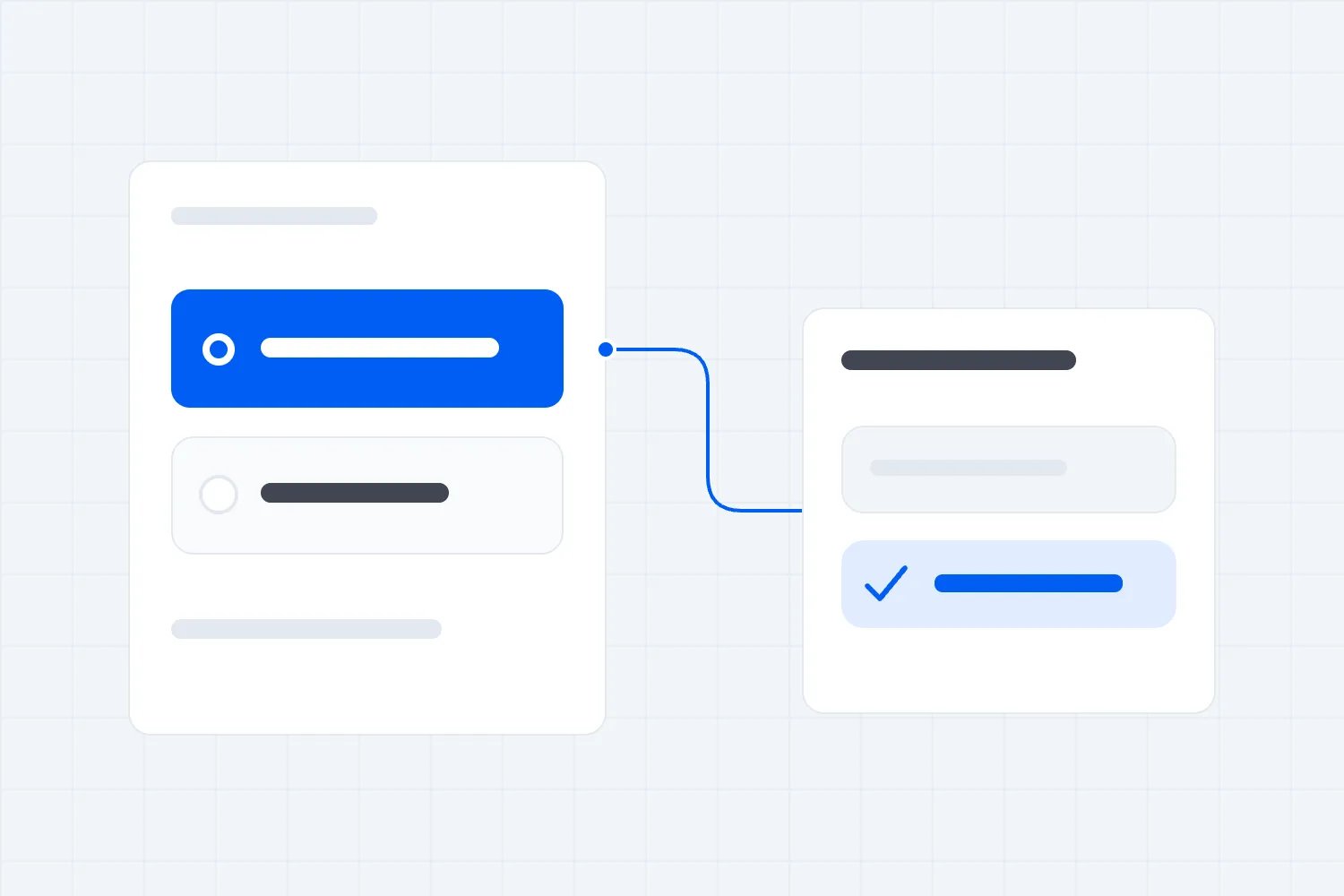
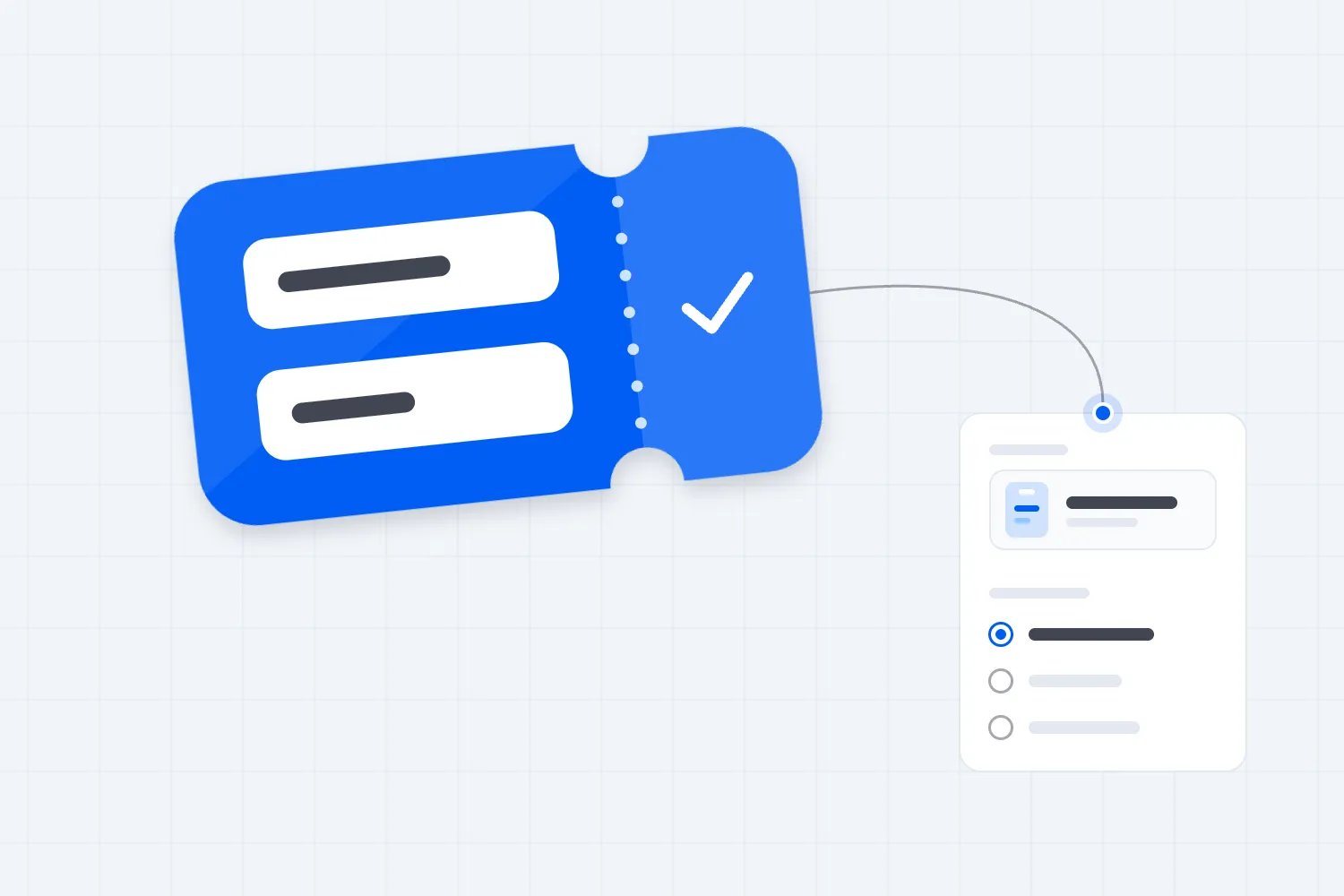
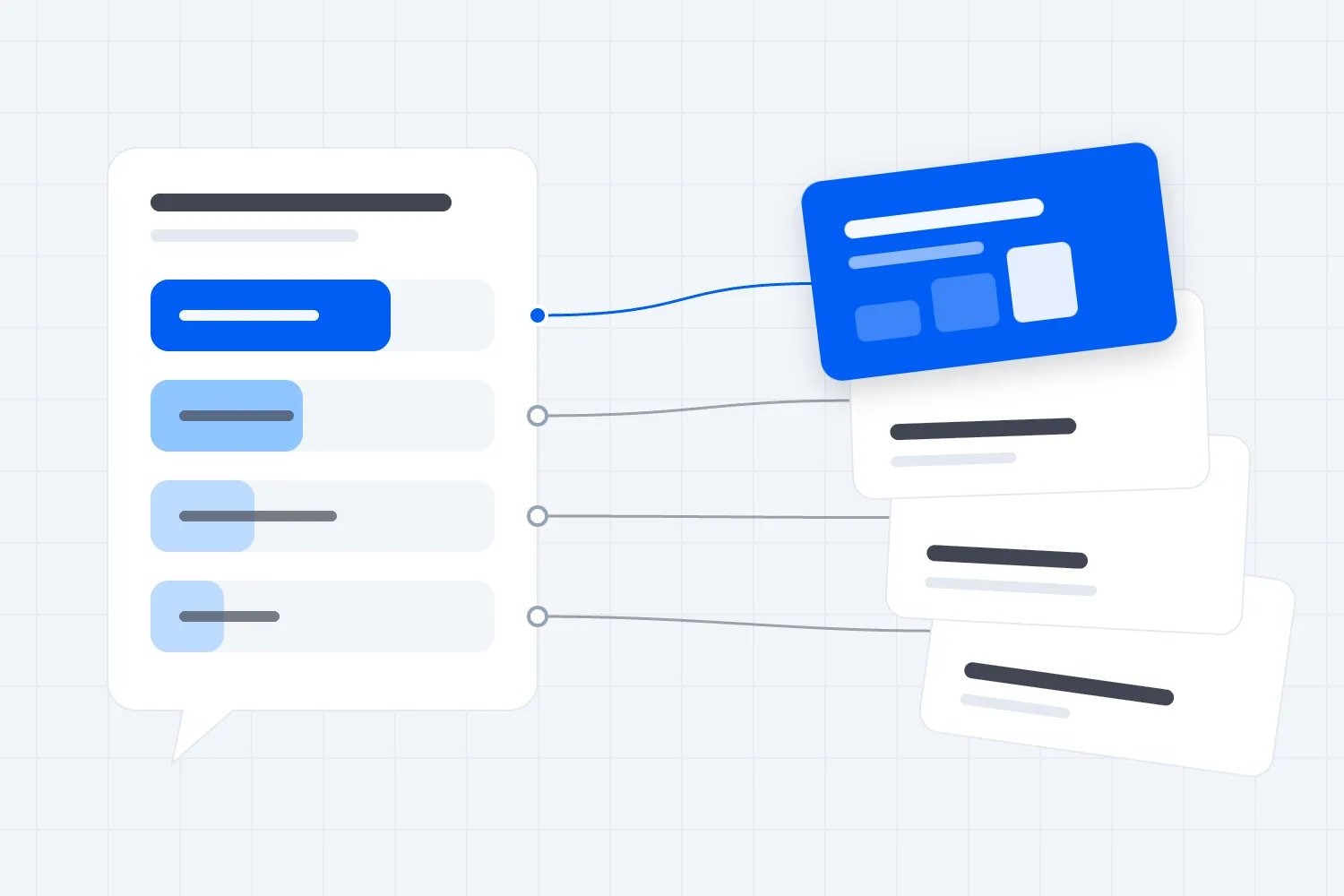
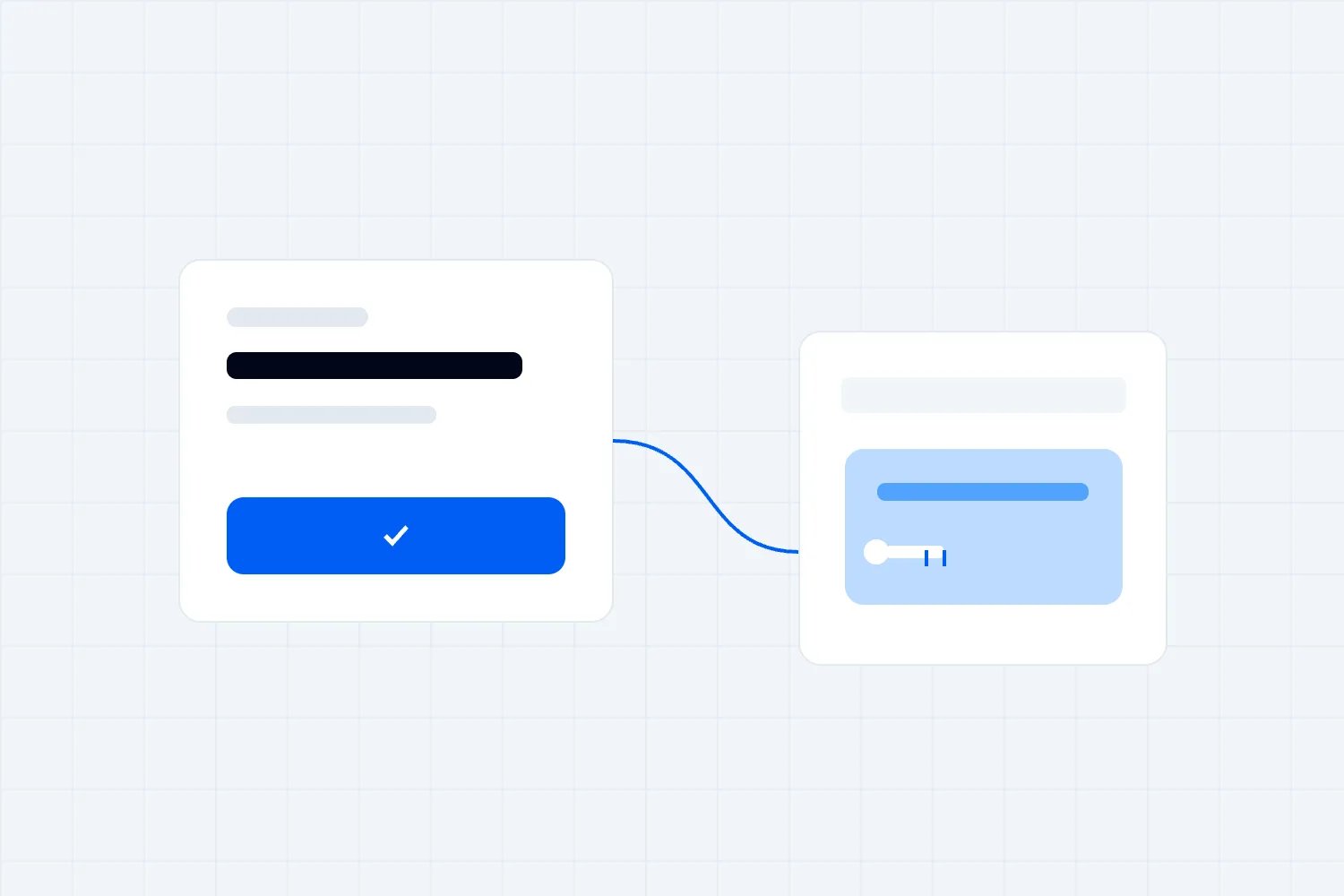
Use conditional questions when an earlier answer changes what you need to know next. Someone booking a dinner ticket may need to choose a meal. Someone buying admission without dinner doesn't. Show the follow-up to the person it concerns, and let everyone else continue.
The harder decision is whether the question belongs in registration at all. Hiding a long questionnaire behind a few choices doesn't make it necessary. For a paid event, every branch should help you sell the right ticket or deliver something the attendee has actually booked. If you can't name what your team will do with the answer, remove the question.
Here's where this gets interesting. A form can look shorter while becoming harder to run. Your team now has different routes to test, answers that can become outdated, and customers who change their minds halfway through. Good conditional logic accounts for those changes before the first booking arrives.
This guide explains when to use it, how to write the rules, and how to test the answers all the way through to the people delivering your event. If you're still deciding which details to collect, start with our event registration form template. Here, we're dealing with what happens when the next question depends on the last answer.
What conditional questions actually change
Conditional logic means the form shows or skips a question because of an answer or booking detail it already has. The condition might be a selected ticket type, a workshop choice, or an answer such as "I'm booking for someone else."
Imagine a paid conference offering standard admission and admission with an evening dinner. The dinner choice determines whether the attendee sees the meal question. It shouldn't determine whether they can find the venue address, read access information, or understand the refund terms. Those facts belong in the information you publish for buyers.
There are different ways to present the follow-up. A short field can appear directly below the choice. A longer sequence may work better on a separate page. The right choice depends on how much explanation the attendee needs and whether they can easily understand what changed.
Don't confuse showing a question with delivering the service it describes. A form can ask which workshop someone wants without reserving a workshop place. It can collect a dinner preference without adding dinner to the order. Your booking process must handle prices, availability and entitlements separately and correctly.
That distinction matters commercially. If a customer reads "Choose your workshop" as a confirmed reservation, you need a process that actually reserves it or wording that clearly explains the request. A neat form can't repair a promise the ticketing system never made.
Decide whether you need a branch
Start with the task your team has to complete. Then identify which attendees the task applies to and what information is missing. That gives you a useful condition. Starting with everything your form builder can do usually produces more questions than your event needs.
For a conference dinner, the task is to tell the caterer what to prepare for people whose bookings include dinner. Ticket entitlement identifies the relevant attendees. The meal choice supplies the missing detail. That's a sensible branch, provided the question arrives before your catering deadline.
Now consider a job title question followed by company size and purchasing budget. If those answers won't change the event you're delivering, this is audience research. It may have a legitimate use elsewhere, but making the fields conditional doesn't justify delaying a ticket purchase to collect them.
The GOV.UK question page guidance recommends asking only for information you need and making the reason clear. Apply that discipline before you design the routes. The easiest branch to maintain is the unnecessary one you never build.
Ask your operations lead to explain the result of each answer. "This tells us whether to order a vegetarian meal" is concrete. "This gives us better insight" needs another conversation. What decision changes, who makes it, and when? If nobody can answer, take the question out until there is a defined use.
Use existing booking information first
You may already know the condition. If a ticket includes dinner, don't ask "Are you attending dinner?" merely to decide whether to show dinner questions. Use the confirmed booking detail where your software supports that connection. Asking again creates an opportunity for the two answers to disagree.
Be careful with what the ticket name actually proves. A "Premium" ticket might include a reception, reserved seating, or both. Write the entitlement down clearly before using the ticket as a condition. A member of staff should be able to explain the rule without interpreting a marketing label.
For group orders, apply the condition to each relevant attendee. A buyer holding standard and dinner tickets shouldn't receive one meal question for the whole order. The answer needs to belong to the attendee using the dinner ticket, even when someone else paid for it.
If your tools can't connect those records reliably, simplify the approach. Send a clearly identified follow-up to the relevant booking contact and explain which ticket needs a response. Don't ask customers to guess what your internal ticket categories mean or type information your team cannot confidently match later.
The same principle applies to changes. An upgrade may create a new question, and a refund may make a previous answer irrelevant. Decide who checks those changes before suppliers receive final instructions. Otherwise, your form can be perfectly accurate when submitted and still produce the wrong dinner list a week later.
Keep the first version small
A useful first version handles a real difference between attendees without trying to anticipate every preference. For a paid workshop, the booking might include equipment hire or require participants to bring their own. Only those hiring equipment need the available size question. Everyone receives the preparation information that applies to attendance.
Write the rule in ordinary language before touching the form settings. "If this attendee has equipment hire on their booking, ask which available size they need." Then write what happens otherwise. "If hire isn't included, skip the size question and show the bring-your-own instructions."
That second sentence is easy to overlook. A skipped question still leaves the attendee needing to understand their booking. They should know whether equipment is included and where to change it, rather than infer the answer from a field they never saw.
The GOV.UK radios guidance says conditionally revealed questions should be simple and related to the selected option. It also cautions against hiding unrelated content this way. Treat a long set of follow-ups as a reason to reconsider the page structure, rather than squeeze everything below a small choice.
Keep a copy of the approved wording and rules where the team configuring registration can use it. You don't need a technical specification for a meal preference. You do need everyone to agree that an attendee whose booking doesn't include dinner sees no meal question and creates no catering instruction.
Make combined conditions readable
Some questions apply only when more than one fact is true. An advanced workshop preparation question might concern attendees who booked that workshop and selected equipment hire. Both conditions must hold. In form settings, this is often called an AND rule.
Other questions apply when either choice is enough. A preparation question might concern attendees booked into either of two practical sessions. That's usually called an OR rule. The names describe how the conditions combine; they don't tell you whether the underlying question is worth asking.
Read the completed rule aloud using ticket and activity names. "Ask for a hire size when the attendee has booked the practical session and added equipment hire." If you have to pause to explain exceptions, write those exceptions down before building. They won't become clearer once they're hidden in settings.
Watch for contradictory combinations. A person may change their session after choosing equipment. A group buyer may add a ticket with a different entitlement. Your rule needs to use the current booking, rather than whichever answer happened to be collected first.
When the explanation becomes difficult, split the task. A booking decision can stay in the booking process while a preparation question arrives later. An optional interest survey can have its own invitation. You're allowed to use different collection moments when that makes the customer's job easier and gives your staff a more reliable answer.
Choose useful answers, including uncertainty
The words on the options decide which route people take. If the choices are vague, the logic faithfully sends them down the wrong one. "Business attendee" and "Other" might make sense to your team while leaving a freelancer unsure what to choose.
Use options that describe the actual decision. If you're asking about an invoice, ask whether the buyer needs the available invoice arrangement. Don't ask for their employment category as an indirect way to infer it. Every extra interpretation increases the chance of collecting information you won't use.
Include "I don't know yet" when that is a legitimate answer. A group booking lead may know which colleagues are attending without knowing everyone's equipment size. Let the answer create a defined follow-up task if your event can accommodate that timing. Explain the deadline and the correction route beside the question.
Uncertainty isn't always compatible with purchase. If a paid practical session has a genuine participation requirement, explain it before payment and provide a way to resolve questions. Don't make "Not sure" silently count as acceptance of a requirement the customer hasn't understood.
Avoid preselecting an answer just to keep the form moving. A default can be mistaken for something the attendee actively chose. For decisions that change an order or preparation, ask the person to make a clear selection and show the result. Convenience is useful only when the resulting booking still represents what they meant to buy.
Put required questions on the correct route
A conditional field can be required for the people who see it without being required for everybody. If dinner is included and your menu requires a choice, the meal selection may need an answer. Someone without dinner should be able to continue without supplying one.
Test this explicitly. A hidden required field can stop a customer from completing the form while giving them no visible way to fix it. The support message sounds absurd because it is: "Please choose your meal" when the customer never booked a meal and can't see the question.
The reverse problem is easier to miss. The field appears, looks compulsory, and accepts an empty answer. Your operations team discovers the gap when preparing its supplier list. Decide which missing answers genuinely prevent completion and make the wording and actual behaviour agree.
W3C's form validation guidance explains that required inputs should be identified and that checking information in the browser alone doesn't provide security. For your event, ask the software provider how the submitted answers are checked against the rules, rather than assuming a hidden field is enough protection.
An optional question should remain optional on every route where it appears. Don't give it a friendly optional label and then block submission with an error. Equally, don't use "Other" to force people into a long explanation when the information has no bearing on their booking or the event you're delivering.
Decide what happens when someone goes back
People change their answers. They select dinner, enter a meal choice, then remove dinner before completing the booking. What should happen to the old meal answer? Decide that now, because hiding the field doesn't necessarily remove the information behind it.
Your operational rule should be clear. When dinner is no longer included, the previous meal choice must not create a catering instruction. The software might clear the value, mark it inactive, or retain a history while excluding it from current outputs. Confirm which behaviour it supports and test the result in the actual export.
There is a separate usability decision about returning to an earlier choice. If someone switches back to dinner during the same session, keeping their earlier meal selection may save retyping. That can work, provided the person can see and confirm it and your final record reflects the current booking.
Sensitive answers need more care than a harmless display preference. Don't assume information can be stored indefinitely because the customer once typed it. Decide whether retaining it serves a defined purpose and how your privacy arrangements apply. A hidden box is a display choice, not a retention policy.
Test page refresh, browser back, and any save-and-return option your tool offers. You want people to correct their booking without losing unrelated work or accidentally submitting twice. If your chosen tool can't support a dependable correction route, reduce the branching and provide a clear way to contact the team about changes.
Test accessibility through the changing form
A branch that works with a mouse may still be difficult to use with a keyboard or screen reader. The customer needs to know a question appeared, understand which choice it belongs to, and reach it in a sensible order. Seeing a field slide onto the screen isn't enough evidence.
Ask someone to complete the task using only the keyboard. Have them choose an option that reveals a follow-up, answer it, change the original choice, and continue. Check whether the keyboard moves through the current questions sensibly and whether hidden fields still interrupt the route.
Repeat the relevant journeys with assistive technology and test on a small screen. Long explanations can separate a follow-up from the choice that caused it to appear. Labels that look clear on a wide preview can become confusing when choices wrap across several lines.
W3C's user notification guidance recommends clear feedback about submission results and errors, including instructions for fixing mistakes. Apply that to every branch. An error should identify the current question and explain what to change, rather than report an internal field name or refer to something now hidden.
Publish access information outside the form, too. An attendee shouldn't need to disclose a personal requirement before learning whether the venue has an accessible route. Our event accessibility checklist covers the wider preparation. The registration form supports that work, while public information and a monitored contact help people decide what arrangements they want to discuss.
Keep sensitive requests separate from routine preferences
A meal choice and an allergy discussion aren't interchangeable. Nor is a request for seating support the same as asking everyone for a medical explanation. Build a route that lets attendees describe the practical arrangement they want and contact the responsible person privately where appropriate.
For example, someone may choose a listed meal and still need to discuss whether it meets a requirement. Give them a clear contact route rather than imply that selecting a label guarantees suitability. Your event team and supplier need to confirm what they can provide before making that promise.
Collecting fewer visible fields doesn't automatically mean collecting less information. A free-text box can invite a long personal history. Ask a focused question, explain why you need the answer, and tell attendees who will handle the request. Avoid sending these responses to everyone who can access ordinary registration reports.
The ICO's data minimisation guidance explains the UK GDPR principle that personal information should be adequate, relevant and limited to what is necessary for its purpose. Where those rules apply, conditional questions don't remove your responsibilities. They help limit collection only when the questions and subsequent use are properly defined.
Keep the form's access request separate from marketing questions or sponsor profiling. If an attendee changes their activity selection, don't interpret that as permission for a new marketing purpose. A branch should make a relevant task easier, without quietly changing what the attendee has agreed their information will be used for.
Check the record your delivery team receives
The form isn't finished when the attendee presses submit. Open the record your operations team will actually use. Can the catering lead distinguish a current meal choice from an answer that became irrelevant when the booking changed? Can the equipment team identify the attendee and the correct session?
A blank cell can mean several things. The question didn't apply, the attendee skipped it, the response is still outstanding, or the information failed to reach the report. Those situations require different actions. Ask your provider how the relevant reports distinguish them before your team starts treating every blank as a missing answer.
Keep booking status visible to the person preparing delivery lists. A completed preparation form doesn't prove a ticket is paid, valid, or still assigned to the same attendee. Use the booking system to establish that, and associate the additional answers with the right current record.
Limit each output to the information needed for the job. A supplier receiving equipment sizes doesn't automatically need invoice details or private correspondence. Where a branch collects information for a different team, verify the access arrangements and delivery process rather than forwarding the entire registration export as a shortcut.
Also check corrections made by staff. If your support team updates a session booking, does the form recognise the new condition? If it doesn't, who requests the missing answer? Write that responsibility into the event preparation process so a helpful manual change doesn't leave the attendee missing the equipment or meal they now expect.
Don't use a question as a ticket entitlement
Suppose your paid conference includes an optional practical session with limited places. Asking "Would you like to join?" can establish interest, but it doesn't tell you whether a place remains. If the answer changes what someone buys, use the booking process that manages that purchase and its availability.
The same applies to an upgrade. A question that reveals premium benefits shouldn't let a standard ticket holder claim them without the necessary booking change. Showing or hiding fields is part of presenting the form. It isn't a reliable way to decide who has paid for something or who should receive access.
Ask your provider to show you what happens when someone changes the page, submits an outdated form, or chooses an option after the last place sells. You don't need to inspect the software yourself. You do need a clear explanation of which system checks availability and confirms the order before your team acts on it.
Separate requests from confirmations in the wording. "Tell us if you're interested in a place" describes a request. "Your place is booked" describes a completed reservation. If a team member must approve something, state that and explain how the attendee will hear the result. Don't leave the distinction to a small line of general terms.
For questions that only help preparation, keep the promise equally precise. A preferred equipment size can be a request pending confirmation if that's how your supplier works. Tell the attendee that before they submit it. Otherwise the form may collect a useful preference while creating an expectation your team cannot meet.
Once those responsibilities are clear, the branch becomes easier to design. The booking determines the entitlement. The relevant question collects the remaining preparation detail. Your staff can then explain both without having to reinterpret a customer's answer after payment.
Give group buyers a workable route
A person buying for colleagues may hold information about the order and almost none about the people attending. Conditional questions need to reflect that. Asking whether they are attending can help explain the next step, but their answer shouldn't become a shortcut for copying personal preferences across the group.
Let the buyer identify which person or ticket an answer concerns. If names will arrive later, use a reference the team can reliably connect to the booking. Don't make "Attendee details to follow" behave like a completed personal response in your preparation report. Someone still needs to collect the actual answer.
Tell the buyer which questions they can reasonably answer and which should go to the attendee. An invoice address usually belongs to the purchasing task. An access discussion may need a private exchange with the person attending. Giving a booking lead a convenient form doesn't make them the right person to provide every answer.
Now test a mixed group. One colleague attends the practical session, another attends the talk, and the buyer isn't coming. Each person should receive only the preparation questions relevant to their own booking. The buyer still needs the order confirmation and a clear explanation of any outstanding tasks they are responsible for coordinating.
Before launch, ask a colleague unfamiliar with the setup to complete that journey. Watch where they hesitate and which details they guess. Those moments tell you where the form needs clearer wording, a later collection step, or a better correction route. Fix them before inviting paying customers through the same process.
Run a complete test before opening sales
Use realistic bookings rather than clicking through whichever route is easiest. Include a standard ticket, a ticket with the relevant extra, and an order containing both. Complete each journey, then inspect the confirmation and final operational record. They should all describe the same current purchase and preparation details.
Next, deliberately change the answer that controls the follow-up. Remove the extra, switch sessions, or change who is attending. Confirm that old answers stop affecting delivery and that any newly necessary question appears. Check the route for someone who legitimately doesn't know an answer yet.
Test errors as well as successful submissions. Leave a current required question empty. Enter an answer in the wrong format. Try continuing after hiding a previously required field. You are checking whether a buyer can understand and fix a problem without abandoning the booking or contacting support.
Ask the person who will use each answer to approve a sample output. A form preview won't tell you whether an equipment export omits the session date or whether a catering report mixes cancelled and current bookings. The delivery team can spot those problems before you have real customers depending on the answers.
Also test a late booking after your preparation deadline. The available route may need different wording because a supplier can no longer offer every choice. Explain what remains possible and where the attendee can ask for help. Don't keep collecting preferences that your team has already stopped processing, then leave the customer assuming those arrangements are confirmed. Check the late buyer's confirmation, too, so an old meal promise doesn't survive in the email.
Keep the approved test cases with the event setup. Repeat the affected checks whenever you change tickets, options, wording or rules. A late decision to rename a workshop may seem cosmetic, but if the condition depends on the old option, the preparation question can disappear precisely when your team most needs it.
Measure the branch without inventing a success story
After sales open, look for evidence that the question helps people complete a useful task. Review relevant completion problems, support requests, missing answers and corrections. A shorter form is encouraging, but it doesn't prove that the event now sells more tickets or costs less to deliver.
Compare similar journeys where possible. Dinner buyers have a different task from admission-only buyers, so their completion rates don't form a clean test of conditional logic. Changes in price, traffic source, ticket availability or device can also affect what you see. Record the context before crediting the form with the difference.
If your tool provides branch-level information, inspect the routes that fail. If it doesn't, use support themes and controlled test bookings to find specific problems. Don't collect sensitive answers in analytics merely to understand which field people find difficult. Usually the question identifier and an error category are more appropriate to investigate.
Review whether the operational benefit actually happened. Did your caterer receive usable choices before the agreed deadline? Did staff stop chasing attendees who never needed to answer? Those are observable improvements you can describe internally without turning them into an unsupported promise about every event's revenue.
For straightforward ticket sales, you may decide the best registration journey needs no conditional questionnaire. Loopyah's ticket checkout lets buyers choose tickets and check out as guests, with a name and email as the typed contact details. If your event needs additional preparation questions, verify a suitable collection process and its connection to the booking before promising that experience to attendees.
Start with the next question you plan to add. Write down who sees it, what makes it appear, and what your team does with the answer. Then test what happens when the attendee changes that decision. If you can't explain or verify those steps, keep the booking simpler until you can.

Author: By the Loopyah Content Team
The Loopyah Content Team shares expert insights, practical guides, and industry updates to help event organizers create unforgettable experiences and stay ahead in the event planning world.