· 28 min read
Event Accessibility Checklist: How To Make Your Events Inclusive
You've booked a venue, opened ticket sales, and planned the show. Then a buyer asks whether they can reach their seat without using stairs. Your venue contact says the building is accessible, but nobody can explain which entrance to use or whether the lift will be available after the main doors close.
That's the kind of gap an event accessibility checklist should catch. Start with the whole visit: finding information, buying a ticket, arriving, taking part, using the facilities, and leaving. For each stage, check what actually works, name the person responsible, and tell attendees what they can expect before they spend money or travel.
This guide is for organizers running paid, ticketed events, including gigs, festivals, conferences, and performances. It covers the planning decisions, practical checks, staff preparation, and follow-up that help you turn an accessibility statement into arrangements people can use. Your venue and local requirements will affect the detail. A checklist helps you manage the work; it doesn't certify compliance.
Loopyah's Event Attendee Study 2025–2026 gives some useful context about attendance decisions. Its findings support clearer planning and communication, but they don't tell you what any individual disabled attendee needs. You'll need to check that with the person and the people delivering the event.
The first thing you want to do is choose someone to own this work. They need the authority to get answers from the venue, ask suppliers to change a plan, and raise unresolved problems before tickets go on sale. For a small show, that might be you. For a festival, it will involve several teams, with one person coordinating their decisions.
What the attendee research actually tells us
In our survey of 500 US respondents, fielded through Pollfish on November 11, 2025, 41.4% of event goers say accessibility or convenience was "Very important" when deciding whether to attend. The survey used the combined phrase "Accessibility / convenience". That includes a broader idea than disability access, so don't treat this percentage as the share of attendees who need an accommodation.
The full distribution is more helpful than the headline alone. It shows that respondents rated the combined factor differently, and it gives you a reason to explain practical arrangements clearly. It doesn't measure whether your venue is accessible or show how many sales a particular improvement would generate.
| Label | Respondents (%) |
|---|---|
| Not important | 5.6 |
| Slightly important | 18.4 |
| Moderately important | 34.6 |
| Very important | 41.4 |
Source: Loopyah Event Attendee Insights Report, Q7, "When deciding whether to attend an event, how important are the following factors?" The chart shows the "Accessibility / convenience" row, using raw respondent percentages. Pollfish, n=500, November 11, 2025. Each respondent selected one importance level for this factor. The sample included people who reported attending no live events in the preceding 12 months. The question combined accessibility with convenience and did not measure disability access separately.
Understanding event accessibility
Event accessibility means identifying and removing barriers to participating in your event. A wheelchair space matters, but so does whether someone can buy it, reach it, sit with their friends, follow the performance, and get home afterwards.
People may have mobility, hearing, sight, communication, cognitive, or sensory access requirements. Chronic illness and conditions that affect stamina can matter too. Requirements can overlap, vary through the day, or change between buying a ticket and attending. You can't judge them by looking at someone in the queue.
Think through the visit as a series of actual tasks. Can a buyer find the access information? Can they understand the ticket choices and complete payment? On arrival, can they find the right entrance and reach the facilities they need? During the event, can they follow the content and take a break? If something changes, how will they hear about it?
Don't try to answer those questions by imagining that all disabled people need the same thing. A quiet space may help one person while someone else needs a clear audio feed, a seat near an exit, or information in a format they can enlarge. Ask about the task and the support that would help, rather than requesting a diagnosis.
The W3C Web Accessibility Initiative is a useful starting point for understanding digital access. Physical access, emergency planning, and ticketing policies also need their own checks. An accessible website cannot compensate for a staircase at the only entrance, just as a ramp cannot fix a registration form somebody can't use.
Check the rules that apply to your event
Your obligations depend on the jurisdiction, venue, and organization running the event. For a U.S. event, review the applicable ADA requirements with the venue and appropriate advisers. Don't copy a statement about U.S. rules onto an event in another country and assume it covers your responsibilities there.
The U.S. Department of Justice's effective communication guidance explains that covered entities must communicate effectively with people who have communication disabilities. The suitable aid or service depends on the context and the person's usual method of communication. Discuss requests properly; don't make a blanket decision that every deaf attendee needs the same service.
Use the guidance to prepare decisions before the sales launch. Decide who receives requests, who approves arrangements, and who checks delivery. Staff should have someone to contact when a situation falls outside their training. Leaving a difficult decision to an unbriefed volunteer at the door is unfair to the volunteer and the attendee.
Pre-event planning: check the venue and budget
Walk the route from arrival to departure
Ask for a site visit with someone who knows how the venue operates during an actual event. A tour of an empty building can hide problems that appear when barriers, merchandise tables, production cases, and queues arrive. Take the proposed event layout with you and follow the routes it creates.
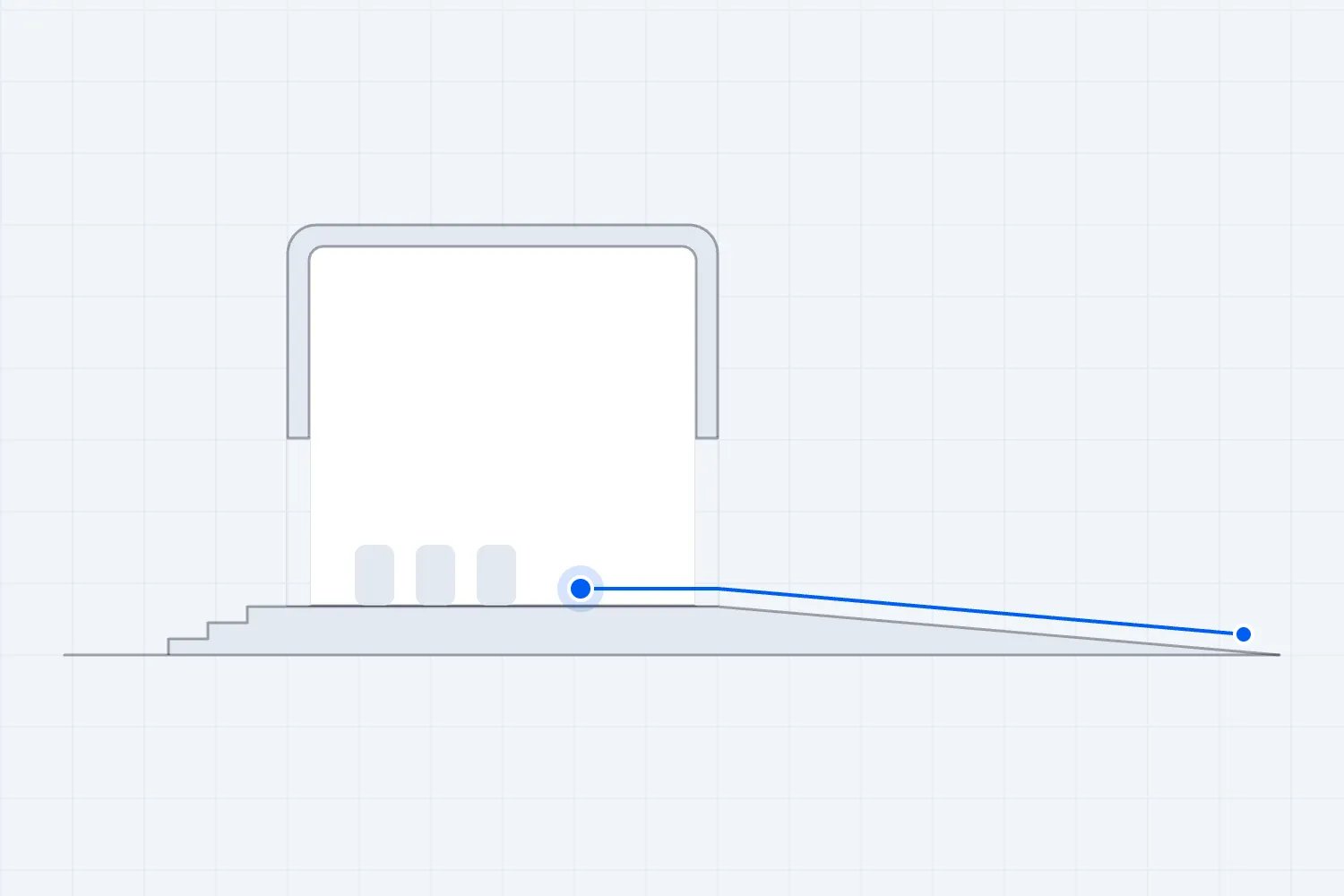
Start at the arrival points you will advertise. Check the path from parking, public transport, and drop-off locations to the entrance. If the step-free route uses a different door, find out whether that door is staffed, how attendees identify it, and whether they can use it throughout the event. "Someone will come and open it" needs a named person and a working way to contact them.
Inside, follow the route to check-in, seating or viewing positions, refreshments, toilets, and the exit. Check door operation, surfaces, gradients, turning areas, lighting, and any places where people will have to wait. Ask a qualified access professional about measurements and compliance where needed. Guessing whether a ramp looks manageable isn't an inspection.
Include the journey back out. A venue might keep the main doors open during arrivals and then route everyone through a different exit after the show. Check whether the lift, lighting, and staff support will still be available. Ask what happens if the normal route becomes unavailable and who decides whether the alternative is suitable.
Verify the facilities people will actually use
An accessible toilet on a floor your event doesn't open is not a usable arrangement. Find out where facilities are, how people reach them, whether a key is required, and who keeps them available. On the day, check for stored equipment, blocked approaches, and signs that send attendees somewhere locked.
For outdoor events, look beyond the position of the portable toilet on a drawing. Check the route, the ground conditions, lighting after dark, servicing arrangements, and whether queues will block the approach. Discuss rain and ground protection with the site team. A route that works during a dry site visit may need a different plan on event day.
Refreshment areas deserve the same attention. Can someone approach the counter and communicate their order? Is there a way to receive assistance without calling across a crowd? Ask vendors how they provide ingredient and allergen information, and make sure the information matches what they actually serve. Don't promise a food provision until the supplier has confirmed it.
Include speakers, performers, exhibitors, and crew in the site review. A public room may have step-free entry while the stage has stairs and the backstage toilet is inaccessible. Ask invited participants privately about what they need to do their job, then confirm how production and venue teams will provide it.
Ask suppliers to confirm the handover
A confirmed service still needs a workable handover between the people supplying it and the people running the event. Ask each supplier what they need on arrival, who meets them, and when they can test. Check access to the room, power, audio connections, and any equipment the venue has agreed to provide. Put those answers in the production schedule.
Imagine you've booked a captioner for the opening talk. The supplier has the right date and time, but the sound engineer expects them to bring a separate microphone, while the captioner expects a feed from the desk. You can discover that disagreement during a planning call or while the audience waits. Ask both sides to confirm the connection and test it together.
Decide who stays responsible during breaks and staff changes. A replacement door supervisor should know about the entrance arrangement without relying on the person who has just left. Give them the current instructions and contact details, then ask them to explain the procedure back. That checks whether the handover makes sense.
Keep an event-day version of the agreed plan where the relevant leads can find it. Date it, name the owner, and remove superseded instructions from the staff briefing. If a supplier reports a change, make sure the access lead, venue, and affected attendee receive the information they need. A private email exchange between two people can leave everybody else working to the old arrangement.
Decide how seating and viewing will work
A ticket buyer needs enough information to choose a place that works for them. Describe the relevant route, level, seating type, and view. If people are likely to stand during a performance, check the view from the wheelchair spaces under those conditions. A clear sightline in an empty seated room can become a blocked view once the crowd stands.
Plan companion seating and explain the available arrangements. Someone attending with friends should be able to understand their options before booking. Keep the seating plan accurate when production changes the stage position or adds a camera platform. The person answering access questions needs the latest approved layout, not last month's version.
For covered U.S. assigned-seat events, the Department of Justice's ticket sales guidance addresses accessible seating information, sales methods, prices, companions, and release policies. Review it before deciding to sell accessible places only through a separate email process. It requires accessible tickets to be available through the same purchase methods and sales stages as other tickets.
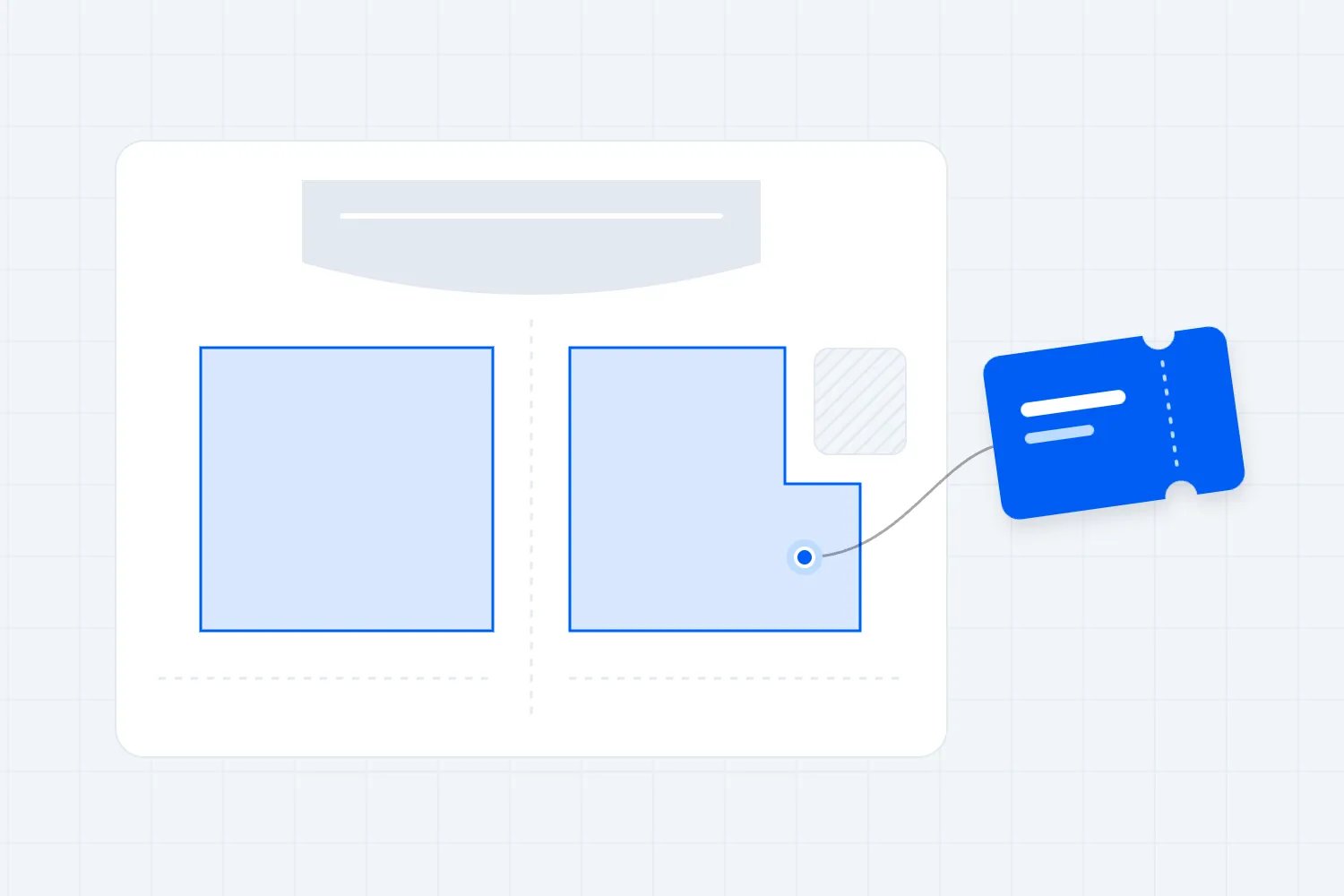
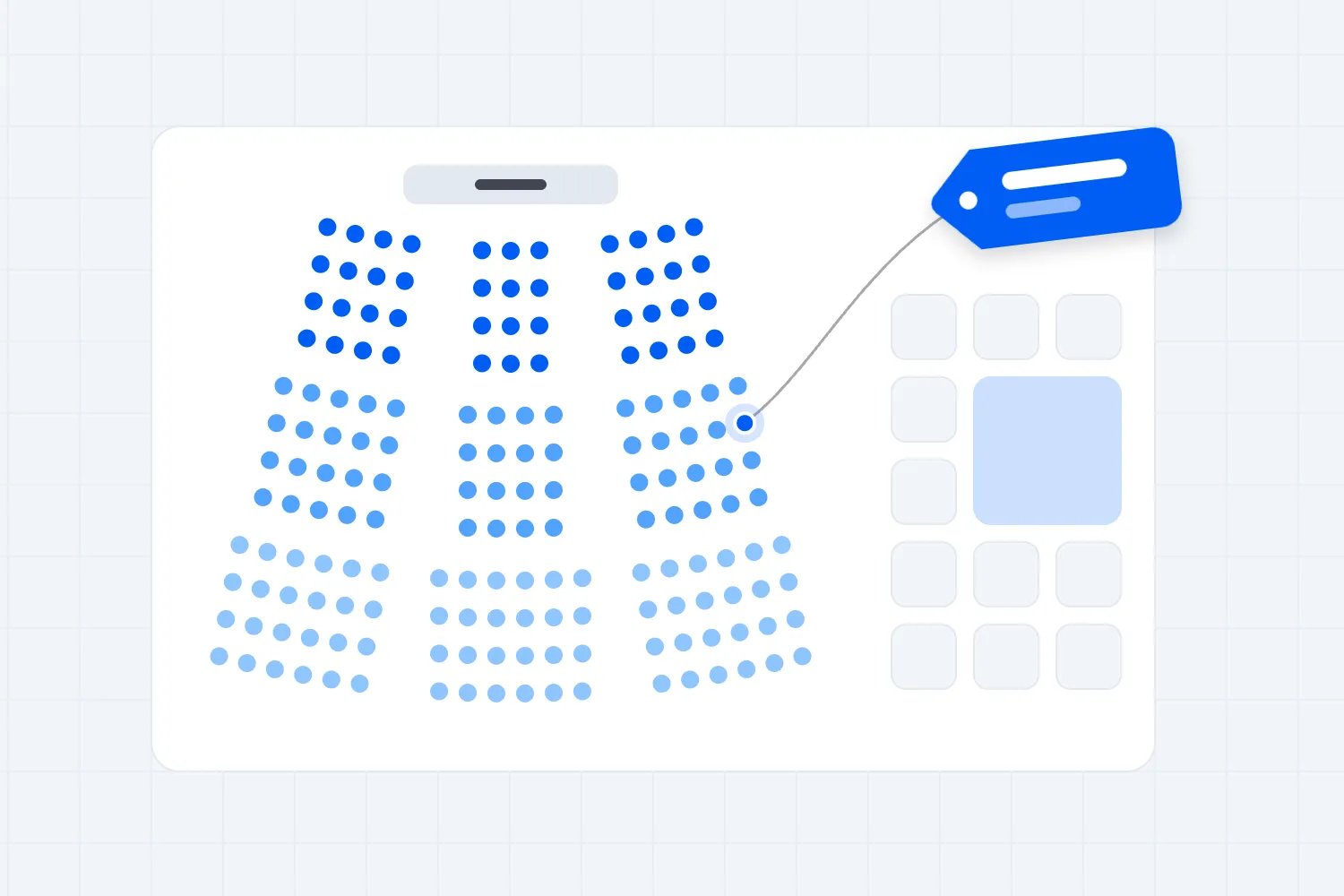
A well-labeled digital map can help buyers understand the room. Loopyah's interactive seat charts let organizers draw rows, seats, tables, and standing areas, then name categories that become ticket types. That supports clearer seat choice. You'll still need to verify the physical arrangements and test the actual purchase journey with relevant assistive technology. The presence of a seat map doesn't establish accessibility.
Put access arrangements in the event budget
Ask for quotes while you're making production decisions. Depending on the event and confirmed requirements, costs might include communication support, additional staffing, suitable temporary facilities, access equipment, or professional advice. Record who supplies each item and what the quote includes, including setup, testing, operating hours, and backup cover.
This is easier to manage when the cost belongs to the team delivering it. For example, the production budget should show the agreed captioning setup and audio connections. The site budget should include the confirmed route treatment. A single unexplained "accessibility" allowance makes it harder to see what's missing or who needs to approve a change.
Discuss changes before treating access arrangements as spare budget. If you remove a service that has already been confirmed to an attendee, somebody needs to review what that means for their participation and the event's obligations. Don't leave the access contact apologizing for a decision they weren't told about.
Communication and promotion: explain what is available
Publish useful access information before ticket sales
Your access information should answer practical questions. Name the entrance, explain how to reach it, describe the relevant facilities, and say how buyers can ask about anything you haven't covered. Put the information on the event page where someone deciding whether to buy can find it.
Compare these descriptions. "Our venue welcomes everyone" tells a buyer about your intention. "Use the entrance on Market Street for step-free access to the main hall; the balcony is reached by stairs" gives them information they can use. Add measurements or detailed route descriptions when verified and relevant. Avoid broad claims such as "fully accessible" that leave the actual conditions unexplained.
Be honest about arrangements still being confirmed. Give a date for an update and make sure someone provides it. If an unresolved issue could affect whether a person can attend, answer their question before asking them to book. A vague promise creates an obligation your team may struggle to deliver and gives the buyer no basis for a decision.
Keep your event landing page, confirmation email, and staff information consistent. People should get the same answer whichever channel they use. When something changes, update the main information and tell affected attendees directly, rather than relying on them to notice a new sentence on the website.
Make the online information usable
Start with the tasks somebody needs to complete. They must be able to read the access details, choose a ticket, understand the price, enter the required information, pay, and retrieve their ticket. Test the whole process. An attractive event page is only one part of it.
The WCAG 2.2 quick reference covers requirements including keyboard operation, visible focus, contrast, text alternatives, and error identification. Use it with people who can evaluate the site properly. An automated scan is useful for finding some problems, but it isn't evidence that every task works for every user.
Keep essential information as readable page text. If the poster contains the date, entry instructions, and access contact, repeat those details in the event description. Write image alternatives that communicate useful information. Avoid making a buyer decipher a floor plan without an accompanying explanation of the route they need.
Social posts and ads should send people to the current access information. Include this work in your event marketing plan, with an owner who checks the wording before launch. An early ad can continue circulating after the plan changes, so pay attention to any specific access promises in the creative itself.
Test registration and ticket delivery
Try booking with a keyboard and with the assistive technologies your evaluator recommends. Include ticket selection, seat selection if relevant, payment errors, confirmation, and retrieving the ticket later. Ask testers to describe where they got stuck and what they expected to happen, rather than whether the site "felt accessible" overall.
The W3C's accessible forms tutorial explains the role of labels, instructions, useful error messages, and manageable forms. A buyer should know what a field asks, whether it's required, and how to fix a mistake. Keep unrelated questions out of the purchase process. A long form creates more work before the person can complete the task they came to do.
Check ticket delivery beyond the confirmation screen. Can the buyer find the entry credential in the email? Can they access it without downloading an image or installing an app? What happens if they arrive with an uncharged phone? Agree a secure lookup process and brief the door team so a missing QR code doesn't become a public argument.
If a tester needs assistance, use what happened to fix the purchase process. Offering a contact route is helpful, but it doesn't resolve a broken booking task on its own. Keep a record of the issue and its owner, then repeat the affected task after the fix.
Handle requests without collecting unnecessary personal details
Ask what support or arrangement would help the person attend. Offer examples relevant to your event, such as a step-free route, seating information, or communication support. Make it clear how to contact you privately if the registration form doesn't cover the request. People shouldn't have to describe their medical history to the entire event team.
Limit access to request information to the people who need it for delivery. The door supervisor may need to know that a confirmed arrangement exists and who to contact, while a supplier needs only the details required for their task. Decide how to retain and remove those records under your applicable privacy requirements.
Acknowledge the request, explain what you're checking, and confirm the agreed arrangement. If you don't yet have an answer, give the person a realistic follow-up time. Keep the exchange available to the access lead so a staff change doesn't force the attendee to explain everything again.
For communication aids at covered U.S. events, the Department of Justice allows reasonable advance notice based on the time needed to arrange the service, but warns against excessive notice requirements. It also says walk-in requests must be honored to the extent possible. Explain a preferred planning date without turning it into an automatic refusal of later requests.
During the event: make the arrangements work
Brief staff using real situations
Send staff the access plan, then talk through the decisions they will face. A document alone won't tell a new volunteer what to do when someone cannot stand in the queue or when the lift stops working. Run a short briefing with the venue, security, ticketing, and production leads before doors open.
Give each team a direct contact and an escalation route. Security needs the agreed bag and entry policies. Check-in needs the ticket lookup procedure and the location of assistance. Production needs to know how to report a captioning or audio failure. The access lead needs the authority to get a response from all of them.
Practice respectful communication. Speak to the attendee directly, ask before helping, and wait for their answer. Don't grab a wheelchair or take someone's arm without permission. If a person needs more time to communicate, allow it. Staff should be comfortable saying they will check an answer instead of guessing.
For example, an attendee asks for a chair while waiting. A useful response explains where they can sit and how staff will preserve their place in the entry process. "You need to join that queue like everyone else" ignores the problem. Agree the arrangement beforehand so the person at the door has something practical to offer.
Keep check-in usable when the crowd arrives
Set up a check-in position with an approach and working height suitable for attendees who need it. Check that signs can be read from the route people actually take. Use words and clear directions, rather than a color alone, to identify entrances and help points.
Walk the queue layout after barriers are installed. Look for narrow turns, uneven ground, crossings with vehicle routes, and places where people waiting will block the step-free entrance. If you offer an alternative waiting arrangement, explain how to access it discreetly and who will manage it during the busiest period.
A ticket-scanning system can support entry operations, but the surrounding procedure still matters. Our event check-in app guide explains what to consider when choosing the tools. For access planning, test your fallback for unreadable codes, network problems, and attendees who need help presenting their ticket.
Monitor the door after opening. A route that was clear at the briefing may fill with waiting guests, discarded signage, or equipment. Give a supervisor responsibility for correcting these problems and recording anything that needs a more substantial change. Staff should know who can pause admissions if an immediate issue needs attention.
Plan the sound, captions, and presentation together
For talks and content-led sessions, prepare speakers for the arrangements you have promised. Tell them how questions will reach the microphone, what materials they need to provide, and how much time to allow for communication support. Rehearse the important connections, rather than assuming every supplier's equipment will work together.
W3C's Making Events Accessible checklist recommends microphones, description of relevant visual information, accessible materials, and coordination with interpreters and captioners. Give service providers the running order, names, and specialist terms beforehand. Test what an attendee will hear and see from their actual position.
For example, a speaker may explain a chart by pointing at a red line and saying, "You can see the problem here." Ask them to describe the relevant change aloud. That makes the point available to someone who cannot see the screen and to someone reviewing an audio recording later.
Don't assume automatic captions are sufficient for the situation. Check accuracy with the names, audio conditions, and language the session will use. If you've arranged professional support, confirm the audio feed and display before admitting the audience. Decide who notices a failure and how they tell the session chair to respond.
Give people time to move and participate
Look at the schedule from the perspective of someone taking a longer route between rooms. If the step-free route uses a lift at the opposite end of the building, a short session change may make punctual arrival difficult. Review room allocations and breaks while you still have time to change them.
Explain how participants can ask questions or join activities. A workshop that asks everyone to stand, move quickly between tables, or respond through an inaccessible polling tool may exclude someone after they have successfully reached the room. Ask the facilitator to prepare another way of participating that preserves the purpose of the exercise.
Your event agenda should show the information people need to plan their day, including room locations and break times. Publish a readable version and explain changes in the room as well as online. If a session moves, station someone at the original location until people have had a reasonable chance to find the change.
For music and performance events, consider the parts of the visit around the show too. Queues for drinks, merchandise, or re-entry may create the same access difficulties as the entrance. Check how any wristband or re-entry policy works for someone who needs a break away from the performance area.
Run quiet spaces and assistance points properly
If you advertise a quiet room, decide what that promise means. Confirm its location, opening hours, seating, lighting, expected noise, and who checks it. Explain whether someone can take a companion and how they return to the event afterwards. Avoid describing an ordinary overflow room as a sensory provision without checking its conditions.
Protect the space during setup. A quiet room can become a convenient place for crew lunches or spare boxes unless the team knows it has a specific purpose. Inspect it before doors open and check it during the event. If a nearby activity makes the room unsuitable, the access lead needs to know and arrange a response.
Make assistance points easy to find and staff them during the hours you publish. If you provide a text or phone contact, test reception at the site and agree who answers it. A printed number is little help if the phone stays in an unattended office while the crowd arrives.
Tell attendees about relevant conditions honestly. Loud sound, flashing effects, smoke effects, heat, and long walking distances may affect their planning. Work with production and qualified safety advisers on the actual arrangements and warnings. Don't label an event safe for a particular condition based on a general checklist.
Prepare security for service animals and policy exceptions
Security teams need the applicable rules before the first arrival. For U.S. events, the Department of Justice's service animal FAQs explain that staff cannot require service-animal certification or a special vest. When the animal's role isn't obvious, only the two permitted questions apply. Include the actual guidance in training rather than inventing your own certification check.
Confirm the route to any designated relief area and tell the relevant staff where it is. Ask the venue how its operating policies work in practice, including arrangements around entry checks and food service. Escalate uncertain situations to the trained supervisor. The attendee shouldn't have to educate a succession of different guards.
Review other event policies for situations that need an individual response. A standard bag rule, for example, may raise questions about medical supplies. Agree who can answer those questions and how an attendee can discuss them privately. Don't publish an exception unless the security contractor and venue can deliver the agreed procedure.
Include access in emergency planning
Work with the venue and qualified safety team on how disabled attendees will receive instructions and reach safety. Check the plan for the actual rooms and audience layout, including temporary structures. Don't assume the normal arrival route will work in every emergency or that an ordinary passenger lift can be used.
The UK's Health and Safety Executive includes evacuation of disabled people, clear staff responsibilities, unobstructed escape routes, and testing in its event emergency planning guidance. Use the relevant local requirements and competent advice for your site. The checklist cannot specify a safe evacuation procedure for an unfamiliar building.
Ask the team to talk through a realistic failure before opening. If the normal access route becomes unavailable, who receives that report, who instructs staff, and how do attendees get usable information? Record unresolved questions and fix them before relying on the plan. Staff must know their role and the limits of their training.
Post-event: gather feedback and make changes
Ask about the tasks that worked and failed
Ask attendees what made participation easier or harder. Useful questions include whether they found the access information before booking, whether a confirmed arrangement was available, and where they had difficulty moving or communicating. Make disclosure optional and provide a private route for a follow-up conversation.
Avoid requiring someone to identify as disabled before they can report a barrier. A person may want to explain that the route to the viewing area was blocked without sharing anything about their health. Ask which part of the visit was affected and leave room for them to describe what happened.
Keep the survey itself usable. Our guide to post-event survey questions can help you build a focused follow-up. Include an alternative contact method for someone who cannot use the form, and tell respondents whether you will reply personally or use answers for planning.
Don't ask attendees to solve every problem for you. Their account can identify the failure, while your team remains responsible for investigating it with the venue or supplier. If someone reports a specific incident and wants a response, acknowledge it and explain what you will check before promising an outcome.
Turn feedback into a decision before the next booking
Review the access issues alongside staff observations and supplier reports. Separate what was confirmed in advance from what happened on the day. If captioning was available but nobody could find the display, you have a different problem from a service that never arrived. The fix needs to address the actual failure.
Name an owner, a due date, and a way to verify each change. "Improve signage" is too vague. "Venue manager to approve signs showing the step-free entrance before the next ticket launch" gives someone a defined task. Keep the resulting information available to the next event team.
Bring recurring issues into your strategic event management. They may affect venue choice, supplier contracts, production layouts, or the booking process. If the venue cannot provide what your audience needs, that's a decision to make before renewing the booking, rather than a note to revisit after the next event.
Review the cost of the failure as well as the fix
When you review the event budget, record access-related problems accurately. Separate the amount spent on the original arrangement from the cost of dealing with its failure. A replacement supplier, additional staff time, or a refund may each need a different explanation. Keep personal information out of the budget notes; record the operational issue and the decision.
This helps when comparing venues or supplier quotes for the next event. A lower quote may exclude setup or testing that another supplier includes. Ask what each price covers before choosing. You don't need to invent a return on investment for access provision to compare the actual services and responsibilities.
Check completion of the agreed changes before the next event goes on sale. If the same issue remains unresolved, update the plan and public information honestly. A note saying the team learned a lesson is not evidence that an attendee will have a different experience next time.
Event accessibility checklist
Use this as the final working check, alongside the detailed venue and professional assessments your event needs. Add an owner and evidence to each item. A tick should mean somebody has checked the arrangement, not that you hope the venue will handle it.
Venue and arrival
Follow the advertised route from transport, parking, and drop-off points to the entrance.
Verify the step-free entrance, opening hours, staffing, signs, and contact process.
Check the installed layout for blocked routes, difficult surfaces, and queue conflicts.
Confirm the relevant toilets, their location, availability, and servicing arrangements.
Check seating, viewing positions, companion arrangements, and sightlines during the show.
Include stages, backstage areas, exhibitor spaces, and crew facilities where relevant.
Confirm how weather or a route closure changes the plan at outdoor sites.
Verify that departure arrangements work after the final session or performance.
Information and booking
Publish specific, verified access information before selling tickets.
Keep the event page, confirmations, supplier instructions, and staff answers consistent.
Provide a monitored contact route for questions and requests.
Explain confirmed facilities and remaining limitations without broad accessibility guarantees.
Test ticket choice, payment, error handling, confirmation, and ticket retrieval.
Check keyboard use and relevant assistive technology with a competent evaluator.
Describe seating and purchase arrangements clearly, including companion options.
Record requests privately and confirm the arrangements with the attendee.
Production and participation
Agree communication support with attendees and qualified providers as appropriate.
Test microphones, audio feeds, captions, displays, and any assistive listening setup.
Send speakers the presentation requirements and share materials with providers in time.
Ask presenters to describe meaningful visual information and use microphones for questions.
Review activities for alternatives that let people participate in the same session.
Allow realistic movement and break times in the published schedule.
Check quiet spaces, help points, contact numbers, and re-entry arrangements.
Explain relevant production conditions without making unsupported safety promises.
Staff and safety
Name the access lead and brief venue, security, ticketing, and production supervisors.
Practice how staff respond to a request, a failed arrangement, and an uncertain answer.
Provide the ticket lookup process and an agreed way to support attendees who cannot queue.
Train relevant staff on service-animal rules and your approved policy exceptions.
Review emergency arrangements with the venue and competent safety team.
Check staff roles, communication methods, and the response to an unavailable route.
Inspect again after setup and monitor the arrangements while the event is open.
Record problems, owners, and follow-up decisions before planning the next event.
Resources for further learning
Use the official guidance for the subject you're checking. ADA help and resources can help U.S. organizers find the appropriate starting point. W3C's resources address digital information and presentation access. Venue assessments and emergency procedures need people qualified to check the physical site and its risks.
Loopyah's Event Attendee Study 2025–2026 provides audience research for wider planning decisions. Keep its survey results separate from individual access requirements. You can't use the percentage who rated a combined convenience question as a substitute for asking an attendee what they need.
Make the next event's arrangements clear
Before your next ticket launch, walk the full visit with your venue and event leads. Write the access information from what you've verified, assign the unresolved work, and decide when each answer must be ready. Then check again once the actual event setup is in place.
The aim is for a buyer to understand their options before paying and for staff to deliver what you confirmed. That takes attention across booking, production, the venue, and the door. Your checklist becomes useful when those teams can answer a practical question without sending the attendee through the same conversation repeatedly.
Make your next event easier to attend
Author: By the Loopyah Content Team
The Loopyah Content Team shares expert insights, practical guides, and industry updates to help event organizers create unforgettable experiences and stay ahead in the event planning world.