· 19 min read
Best Ticketmaster Alternatives

For event organizers, the best Ticketmaster alternative is the platform that helps you sell your event profitably and run it properly. Your choice depends on whether you control the ticketing decision, how buyers find the event and what the venue needs at the door.
We recommend Loopyah first for paid-event businesses that want ticket sales, returning-buyer marketing and event finances connected. AXS and Tixr are worth considering for venue operations and more complex inventory, DICE for music discovery, Eventbrite for a broader marketplace, and Ticket Tailor for flat-fee selling to your own audience. This guide compares six alternatives and explains what to check before moving.
Can you choose a different ticketing provider?
Before comparing fees, confirm who can appoint the ticketing provider for your event. Ask the venue which sales channels you can use, who controls the ticket inventory and whether its existing ticketing arrangement applies to your booking.
If you operate the venue, you may be choosing a new partner for the whole calendar. If you are hiring the room for one show, your choice may be narrower. An independent checkout is only a useful alternative when you can actually use it for the tickets you need to sell.
Also establish what you would be replacing. Ticketmaster's TM1 tools already support event creation, seating inventory, presales, box-office work and entry reporting. Its SafeTix system uses mobile ticketing and rotating barcodes. A replacement needs to cover the parts of that setup your event relies on, including any equipment and staff support.
Staying with Ticketmaster can make sense when the venue arrangement, audience reach and operational support work for the event. Switch when you can identify a better commercial or operating arrangement and demonstrate that the replacement handles your real requirements.
The best Ticketmaster alternatives at a glance
Product information and published prices checked on 17 November 2026. Dollar rates are standard US schedules unless marked otherwise. Quote-based arrangements need their own fee and payout comparison; taxes and optional services can change the bill.
Alternative | Best-fit situation | Price to compare | Main limitation |
|---|---|---|---|
Loopyah | Paid-event businesses building repeat audiences and tracking profit | US$1.15 + 4.75% per paid ticket, processing included | Specialist venue requirements need a separate demonstration |
AXS | Venues seeking a ticketing and event-day partner | Request a proposal; no standard public rate verified | Requires a sales-led assessment of services, costs and setup |
Tixr | Mixed seating, premium inventory and season-ticket workflows | Request a proposal; no standard public rate verified | Price and included services need confirmation for your event |
DICE | Music events suited to app-based discovery and ticket delivery | US self-sign-up: 13% outside commission on face value, processing included | Those terms do not cover separate negotiated agreements |
Eventbrite | Organizers seeking a broad event-discovery marketplace | 3.7% + US$1.79/ticket, plus 2.9% processing/order | Marketplace relevance and fees need evaluating together |
Ticket Tailor | Operators selling mainly through their own audience | US$0.85/ticket Pay as you go, plus processing | Additional usage for reserved seats; separate marketing services |
How we selected these alternatives
We researched official product pages, help documentation and published pricing or terms. We have not run an event on every platform, and a product-page demonstration is not evidence of performance at your event.
The shortlist includes both platforms you can assess for an individual event and providers worth considering for a venue-wide ticketing arrangement. We compared customer acquisition, purchase and ticket delivery, inventory, event-day work, customer records and costs. A service included in a negotiated venue agreement is different from a self-service feature with a public transaction fee.
This is a guide for organizers appointing a primary ticketing provider. A resale marketplace where a fan finds an existing ticket does not answer that question. For the wider category, see our best event ticketing platforms guide.
1. Loopyah: best for building a profitable event business
Loopyah is our first recommendation for operators who want each event to contribute to a stronger repeat business. It connects the sale with what happens next: understanding the buyer, inviting them back and assessing what the event earned after its costs.
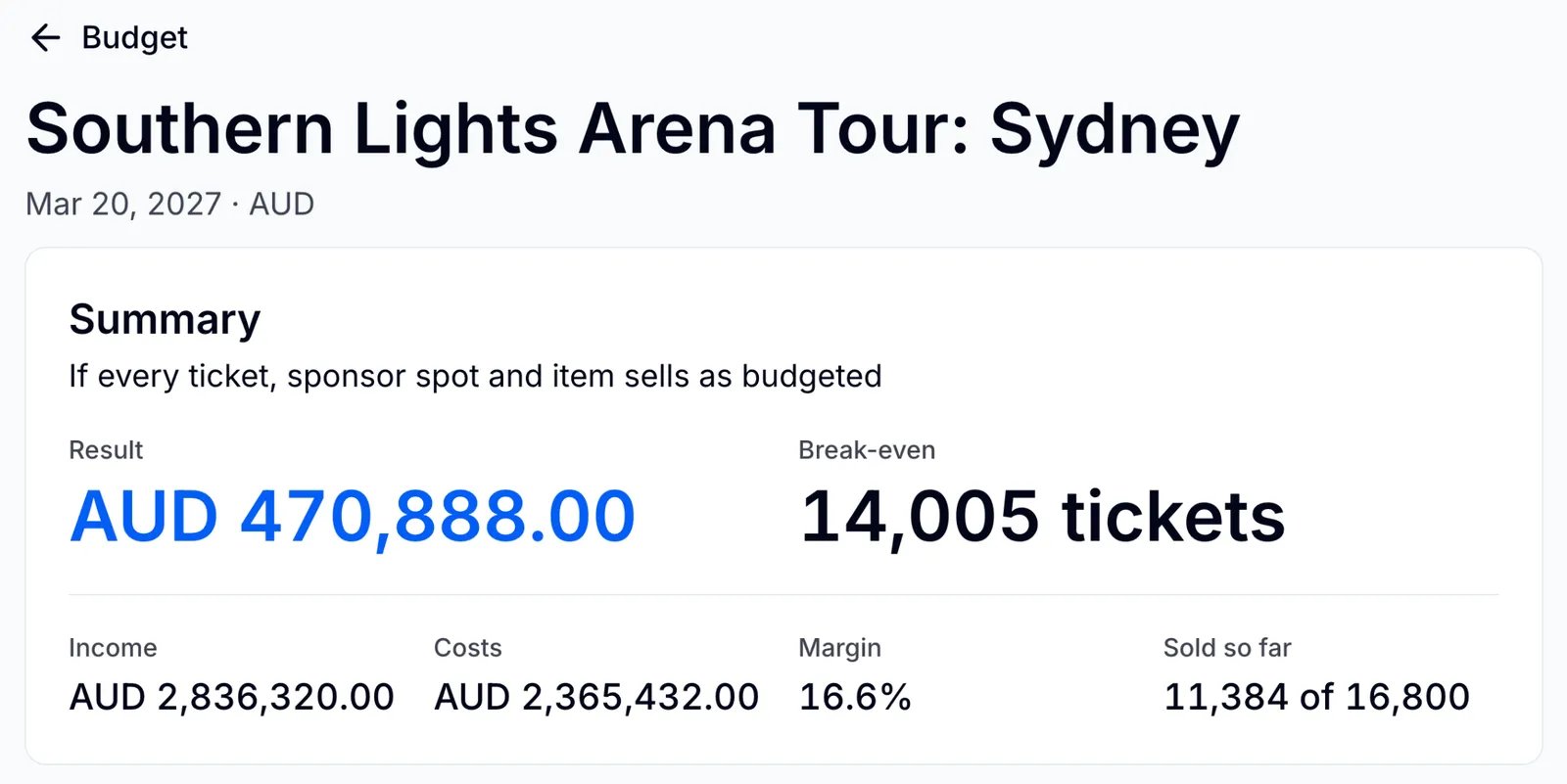
Our published ticketing rate is US$1.15 + 4.75% per paid ticket in the US, with card processing included. Australian standard pricing is A$0.95 + 4.25%. There is no platform subscription, setup fee or minimum. Marketing includes 500 email sends a month; higher allowances cost extra. Sponsorship payments and Tap to Pay sales have separate charges. Ticket payouts follow a weekly schedule.
Imagine you promote a series of live shows. At the end of one event, the next useful questions are who came back, which promotion sold tickets and how much remained after the bills. Loopyah's event CRM keeps one buyer record across events, including purchase history, spend and marketing permission. You can select an opted-in audience for the next announcement and track the tickets that campaign sells.
The finance tools bring recorded transactions together with the costs you enter. You can assess projected profit and the tickets needed to break even, then update the figures as the event develops. The result depends on keeping your costs current; ticket revenue alone does not establish profit.
For seated shows, Loopyah's seat charts support reusable layouts with rows, sections, tables and standing areas. Ticket releases can move to the next price and quantity when a release sells out. For acquisition, the AI Ads Manager works with your connected Meta, Google and TikTok accounts, budget and supplied creative. Ad spend remains yours to fund.
Moving still changes your sales routes and event-day setup. Demonstrate the layout, access permissions and purchase flow you need, and identify how you will reach buyers. We do not assume Ticketmaster's audience or a venue's existing equipment will transfer with the event. Loopyah is strongest when you will use its business tools and control the decision to move.
2. AXS: best for a venue-level ticketing partnership
AXS belongs on the shortlist when you are reviewing the ticketing partner behind a venue or event program. Its public offering spans ticket purchase and management, mobile entry, reporting and venue operations. Those are relevant areas to investigate when replacing more than a standalone checkout.
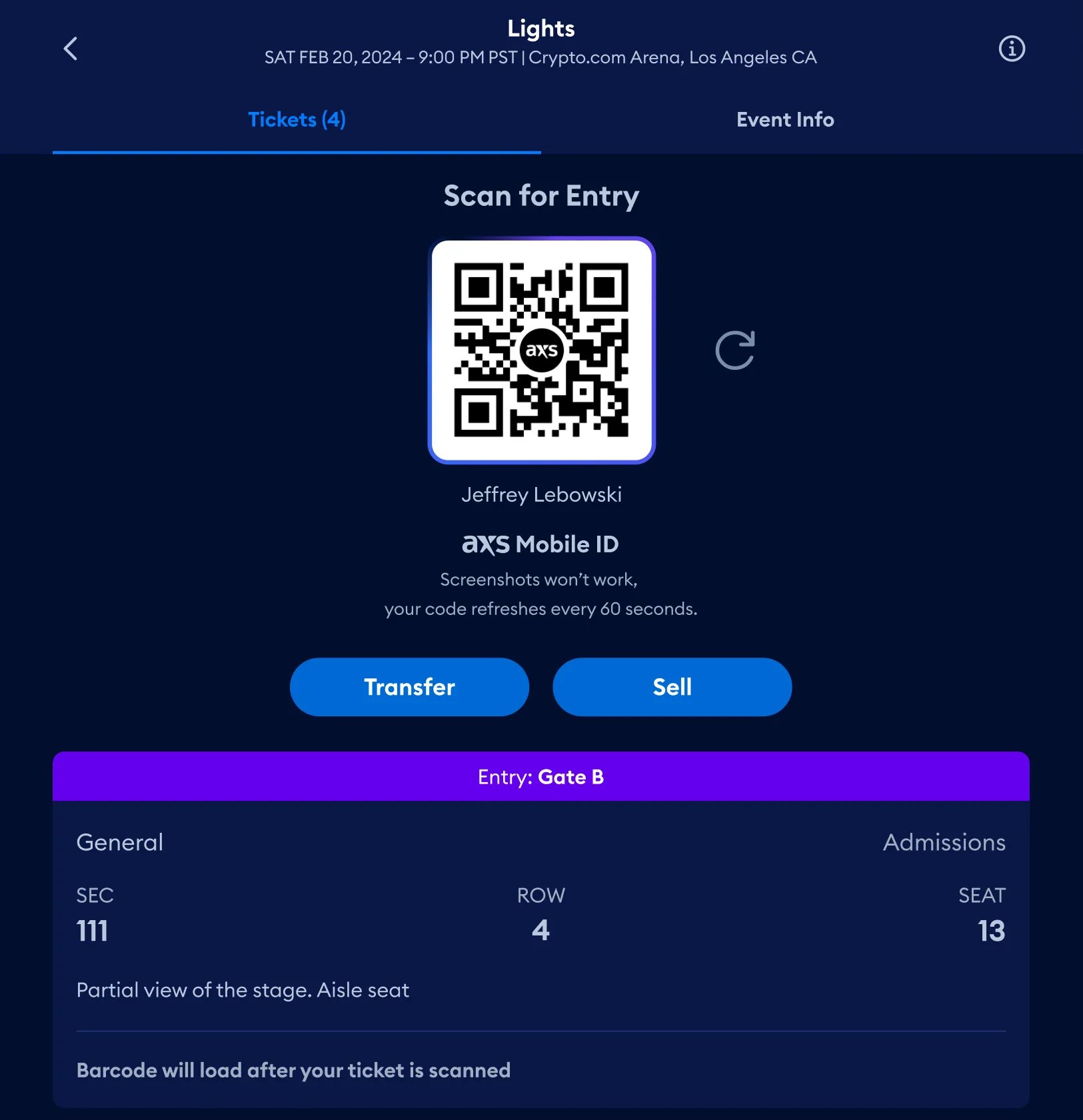
We did not verify a standard public organizer transaction rate for AXS. Its business site directs prospective clients to request a demonstration. Ask for a written proposal covering your market, event types, ticket volumes, payment processing, equipment and services. A fee a fan paid on one AXS order is not a reliable substitute for that proposal.
Suppose your venue runs standing shows alongside seated performances. The buying question includes how staff handle tickets before the event, how fans access and transfer them, and what the team can see as people arrive. AXS Mobile ID brings buying, ticket management and entry into its fan app. Its analytics offering also includes reporting and data feeds for business integrations.
That makes it a relevant conversation for a venue replacing several connected processes. It does not establish that every integration, service or payment arrangement you need comes with the same offer. Bring your actual event manifest, staffing requirements and current systems to the demonstration.
Ask the provider to show how a staff member resolves a ticket problem at the door, how transaction data reaches your reporting tools and what happens when a customer changes their ticket. Include implementation, training and the support available during your event hours in the proposal.
The limitation is the amount you must establish before you can compare the commercial case. AXS may be a suitable replacement, but a marketplace name and a list of product suites do not tell you the final cost or the work of moving. Choose it after evaluating the complete venue arrangement against your current one.
3. Tixr: best for complex seating and premium inventory
Tixr is worth considering when your sale combines different kinds of inventory and the rules continue after the first purchase. Its reserved-seating tools cover layouts, holds, group sales and season-ticket reservations or renewals. That gives you specific workflows to compare with a venue's existing Ticketmaster setup.
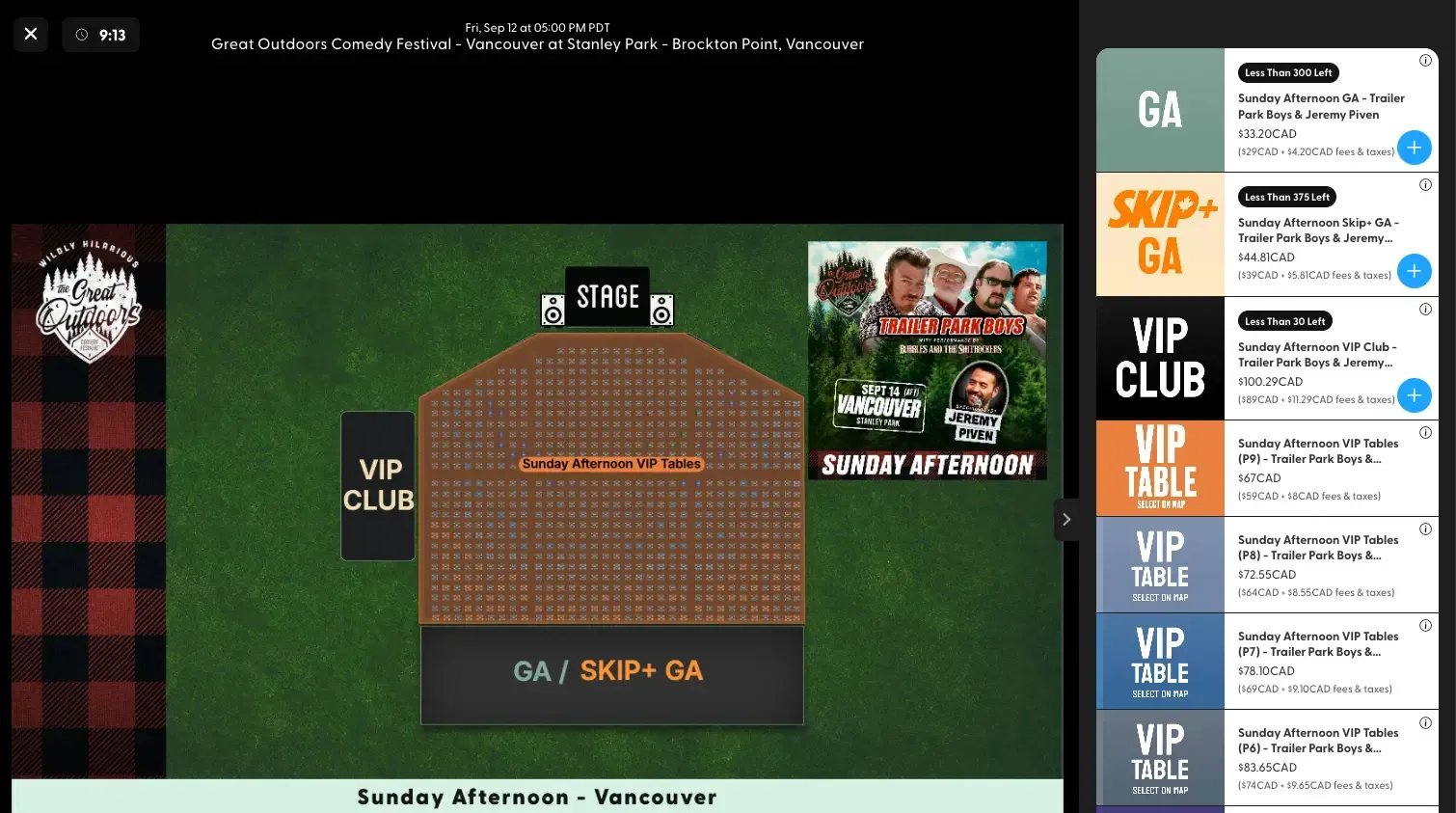
We did not verify a standard public organizer fee for the configuration reviewed here. Tixr's creator site offers a demonstration route. Request pricing for your ticketing, seating, payment, box-office and support requirements together. Confirm which services and equipment are included rather than deriving an organizer rate from a buyer's receipt.
Consider a venue selling seated admission, standing tickets and reserved tables for the same event. A useful demonstration should show how staff hold inventory for a group, release it when the hold expires and complete the purchase without selling the same places elsewhere. Tixr's public seating documentation describes mixed seated and general-admission events, live availability controls and agent checkout for staff-assisted sales.
For a recurring seated program, ask to see the renewal process with your own rules. Tixr describes reserving inventory for returning season-ticket holders and issuing renewal invoices with payment options. Those are more useful points of comparison than a generic claim that both platforms support seats.
Event-day equipment also matters. Tixr's Door documentation distinguishes offline scanning on iOS from the internet requirement for its Android JANAM XT4 setup. A promise that a platform supports offline scanning is incomplete without the device and workflow you will use.
Tixr's limitation in this comparison is the need to confirm the commercial and implementation details. Make the provider demonstrate the full event, including door sales, order lookup, a seat change and reporting. If you only sell straightforward general admission, a simpler setup may serve you with less configuration work.
4. DICE: best for music discovery and an app-led fan experience
DICE is worth considering for live music and club events when its fan experience suits the audience. Music recommendations, artist and venue follows, mobile tickets and waiting lists are central reasons to investigate it. The decision is about how fans discover and manage the event as well as the ticketing charge.
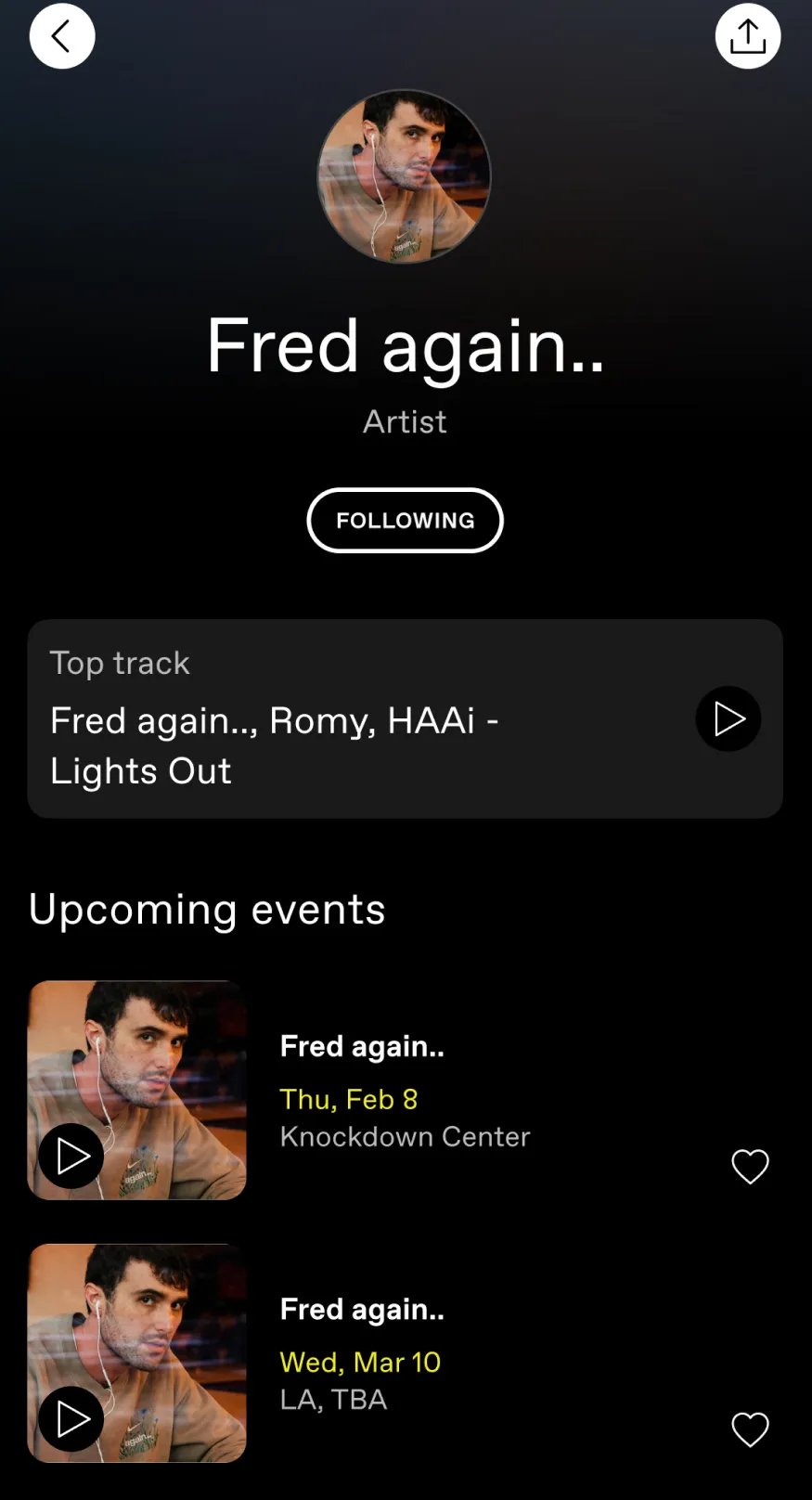
The published US self-sign-up terms specify a 13% service fee as outside commission on ticket face value, including payment processing. They expressly exclude vendors with a separate ticketing agreement. Box-office and door sales have separate terms. Confirm the offer, market and sales channels that apply to your account before comparing it with another provider's online rate.
Imagine a promoter announcing a club show to people who already follow the artist. DICE lets fans follow artists and venues, connect their music preferences and receive recommendations. Investigate how relevant that audience is in your city. A discovery feature does not establish the number of sales your show will receive.
For sold-out events with the waiting list enabled, ticket holders can return tickets for another fan to buy. DICE's help guidance makes the limits clear: the organizer controls availability of that function, and returning a ticket does not guarantee it will sell. The refund depends on another buyer purchasing it.
This is an app-led ticketing model. Explain to customers how to access their tickets and give door staff a process for people who cannot open the app or arrive without their phone. DICE describes alternative ways to help those buyers, so it would be inaccurate to treat a phone problem as an automatic refusal of entry.
Before switching, compare the buyer journey, agreement and customer-marketing permissions with what you use today. DICE may be a strong fit for a music audience while another platform better suits the wider event business. Our Loopyah versus DICE comparison develops that direct choice.
5. Eventbrite: best for a broad discovery marketplace
Eventbrite is a practical alternative to assess when you can appoint your own ticketing provider and want a public marketplace alongside your direct promotion. It suits a different purchase from replacing a venue-wide ticketing agreement: you can evaluate whether its event listing and marketing tools serve an individual event or series.
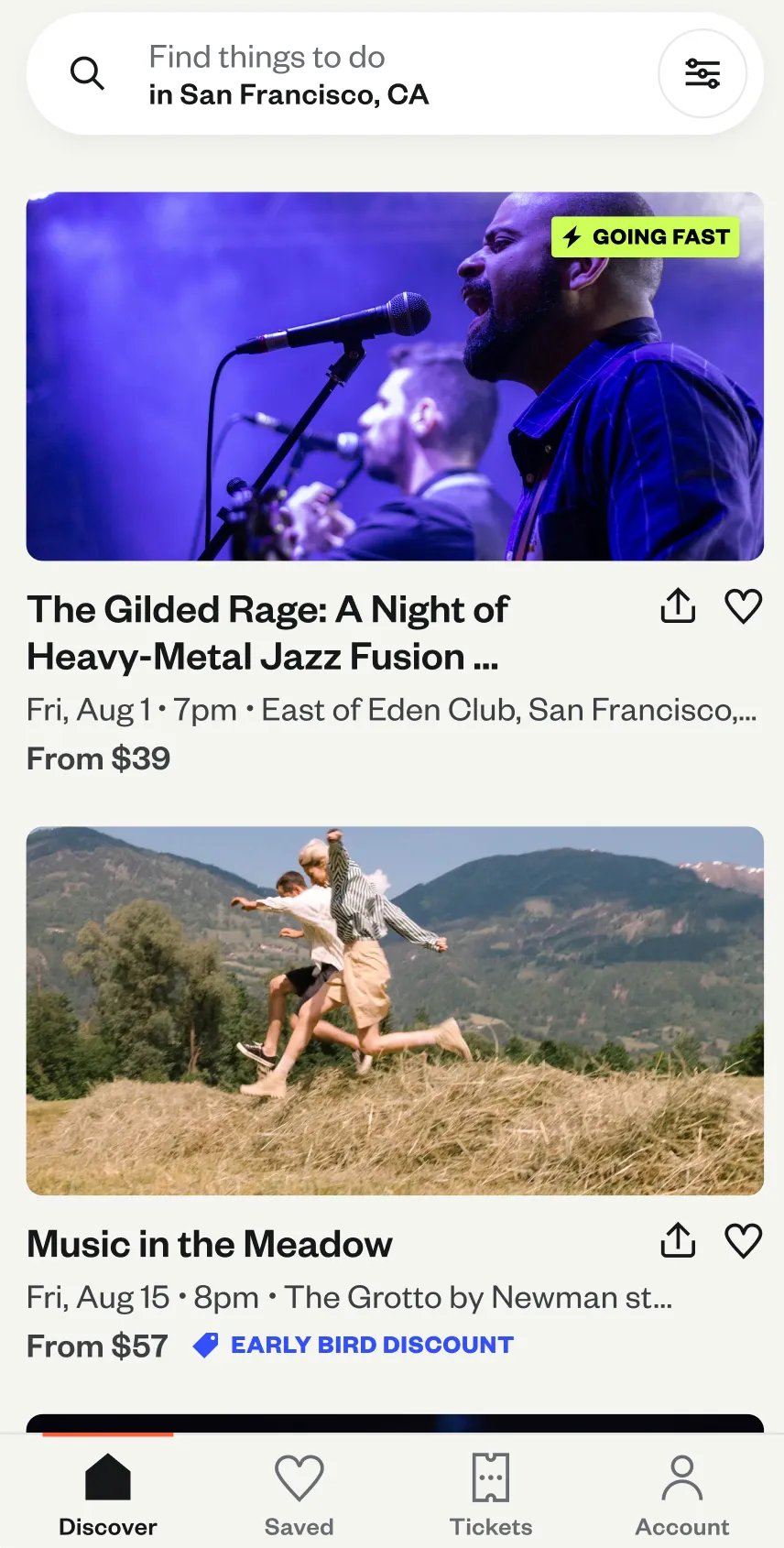
Its standard published US pricing is a 3.7% + US$1.79 service fee per paid ticket, plus 2.9% payment processing per order. Processing applies to the total order. Free tickets have no ticketing fee. Additional marketing services and advertising can cost extra, and rates or account arrangements differ by market.
For example, a producer running a series of paid talks might want buyers to find the event while browsing locally, then return for future speakers. Eventbrite combines public event listings with recommendations, email campaigns and other promotion tools. You should still investigate the relevant category and location rather than treating a large marketplace as guaranteed demand.
The commercial question is how those sales routes contribute alongside your own website, email and paid advertising. Use reporting from your events to understand where purchases come from, then assess fees against the value of that distribution. Paying a higher fee on buyers you already bring is a different decision from paying it on sales a marketplace helps you reach.
Eventbrite also has embedded checkout and mobile check-in tools. Those can support an independently promoted event, but they are not proof that a complex venue transition is complete. Check your seating, access and reporting requirements in the actual setup you plan to buy.
Confirm payout timing and any reserve before budgeting supplier payments. The terms for the account you will use matter more than a general promise of pre-event access to money. See our Loopyah versus Eventbrite comparison for the direct product choice and our Eventbrite alternatives guide for that separate switching decision.
6. Ticket Tailor: best for flat-fee sales to your own audience
Ticket Tailor is a strong candidate when your website, venue reputation, artist relationships or mailing list already bring the buyers. Its flat platform charge separates the ticketing cost from the payment processor's charge. That can suit an operator who wants to retain existing marketing and payment relationships.
The published US Pay as you go usage rate is US$0.85 per paid general-admission ticket, plus payment processing. Prepaid options can reduce the platform component. Paid reserved-seat sales use an additional usage, making the platform component US$1.70 at that Pay as you go rate. Confirm local taxes and any extras for your setup.
An independent promoter with a website and a loyal audience may need a reliable box office more than another marketplace. Ticket Tailor's embed lets that audience begin buying through the promoter's site. Stripe, PayPal and Square connections give you a separate payment-provider relationship, with bank timing governed by that provider and account.
Its email marketing integrations can sync buyers automatically to services such as Mailchimp or HubSpot. You do not have to export and rebuild the list manually for every event. The tradeoff is maintaining the connected services and checking that fields and recorded permissions serve the campaigns you want to run.
Ticket Tailor also supports reserved seating and a check-in app. The relevant question is whether those workflows cover your venue, devices and staffing needs, rather than whether it has ticket scanning in principle. Include seat usage, processor fees, marketing services and any equipment in the cost comparison.
We would shortlist Ticket Tailor for an operator with strong direct demand and a working setup of other business tools. Loopyah is our first recommendation when connecting those business jobs is the reason to change. See Loopyah versus Ticket Tailor for the direct comparison.
How to compare the real cost of leaving Ticketmaster
There is no single Ticketmaster fee you can apply to every event in this comparison. Its own fee explanation describes service fees as negotiated and shared between parties, and distinguishes venue facility charges. Replacing the ticketing provider does not automatically remove every charge associated with using the venue.
Start with a recent settlement statement and the agreement that applies to your event. Separate what buyers paid from what the organizer received and any amounts retained by other parties. Then ask each shortlisted provider to price the same event.
Comparison input | Specify it before asking for a price |
|---|---|
Market and payment | Country, currency, domestic or international cards |
Sales pattern | Ticket prices, volume, tickets per order and sales channels |
Fee treatment | Buyer-paid or absorbed, taxes and required venue charges |
Inventory | General admission, seats, holds, packages and renewals |
Event-day work | Devices, scanning, box-office sales, training and support |
Cash and exceptions | Payouts, reserves, refunds, disputes and cancellation |
For a simple hypothetical US example, one US$40 ticket sold on Loopyah has a US$3.05 fee at the published standard rate. If you absorb it and there are no taxes or extras, the buyer pays US$40 and you receive US$36.95 before other costs. Across 500 identical one-ticket orders, that is US$1,525 in ticket fees and US$18,475 remaining before event costs.
That is a replacement-cost example, not a claim about your Ticketmaster savings. Compare it with the amounts attributable to the existing arrangement, including services you must now buy elsewhere. Our total ticketing cost guide explains the wider calculation.
Run a separate calculation for Australian events using Australian rates and tax treatment. Do not convert a US fee example into an Australian quote. Likewise, a percentage charged on ticket face value is different from one applied to an order total, especially when buyers pay fees on top.
Payout timing deserves its own check. A lower total fee does not help pay a deposit due before the funds arrive. Confirm verification, reserves, bank timing and responsibility for refunds using the actual agreement. Our ticketing payouts guide explains those differences.
What should you demonstrate before switching?
Give each provider one representative event and ask it to handle the same decisions. Include the people who run the box office and entry points, because their requirements can be easy to miss during an online-sales demonstration.
For a seated event, show a public allocation, a group hold and an accessible seating requirement. Ask how staff release inventory, amend an order and prevent a place from being sold twice. For general admission, show your price releases, capacity and door-sale process. Treat a specialist requirement as unverified until the provider demonstrates it.
Follow one purchase through ticket delivery and entry. Check what the buyer needs on their phone, what staff can do when it is unavailable and what happens to validity after a transfer or resale. If offline entry matters, use the actual devices and connectivity conditions planned for the event.
Then inspect the customer record and settlement. Find the purchase, recorded permissions, applicable fees and payment status. Ask which information you can export and how you would use it for the next event. Having a CSV file is different from having usable purchase history in another platform.
For venue-wide proposals, put the operating requirements in writing. Include the integrations, equipment, implementation help, training and event-hour support you need. Do not assume every service in the current arrangement is included in a transaction fee from the replacement.
Which alternative should you choose?
Start with Loopyah if you control your event's ticketing and want sales, returning-buyer marketing and event finances connected. Its case is the ongoing event business, with a published processing-inclusive fee you can budget against.
Shortlist AXS when you are replacing a venue ticketing partnership and need to evaluate sales, fan ticket management and operations together. Include Tixr when mixed inventory, premium spaces or renewal workflows are central to the decision.
Choose DICE for a music event when its discovery and app-led experience suit your buyers. Choose Eventbrite when its broader marketplace is relevant to your category and location. Choose Ticket Tailor when you already bring the audience and prefer flat platform pricing alongside your own tools.
Keep Ticketmaster when the arrangement works commercially and operationally, or when your venue booking does not give you the ticketing choice you expected. Establishing who controls that decision is the first step toward a useful comparison.
How to move without confusing existing ticket holders
Where practical, start with an unsold event or a future part of the calendar. A new sales page does not replace the system that issued tickets for an existing show. Our platform-switching guide covers the migration process in more detail.
Confirm the inventory you can move and who will support existing orders. Agree which provider handles entry, refunds, transfers and changes for tickets already issued.
Rebuild the event from its current manifest, including holds, ticket releases, seating rules and any access arrangements. Use a supported test process before changing public links.
Bring across the records the new provider supports, preserving recorded marketing permissions. Do not assume a contact import recreates Ticketmaster transactions or validates its tickets in another scanner.
Update event pages, website embeds, artist links, ads, emails and promoter materials. If two systems continue selling, assign inventory explicitly instead of assuming they share capacity automatically.
Brief customer-support and door staff on each ticket type they will encounter. Verify purchases, entry records and bank payments from the first event before extending the move across the calendar.
Use our ticketing data migration guide to check the records and responsibilities that need reconciling.
Are these alternatives useful if I just want to buy a ticket?
These recommendations are for organizers choosing where to sell their events. If you are buying a ticket to a particular show, start with the artist's or venue's official event page to find its appointed seller. An organizer's ability to choose another platform does not mean the same ticket is available through every provider listed here.
Suggest a tool or send a correction. Include the event workflow and current product or pricing evidence. Inclusion and order remain editorial decisions.

Author: By the Loopyah Content Team
The Loopyah Content Team shares expert insights, practical guides, and industry updates to help event organizers create unforgettable experiences and stay ahead in the event planning world.