· 21 min read
When should a paid conference use self-check-in kiosks?
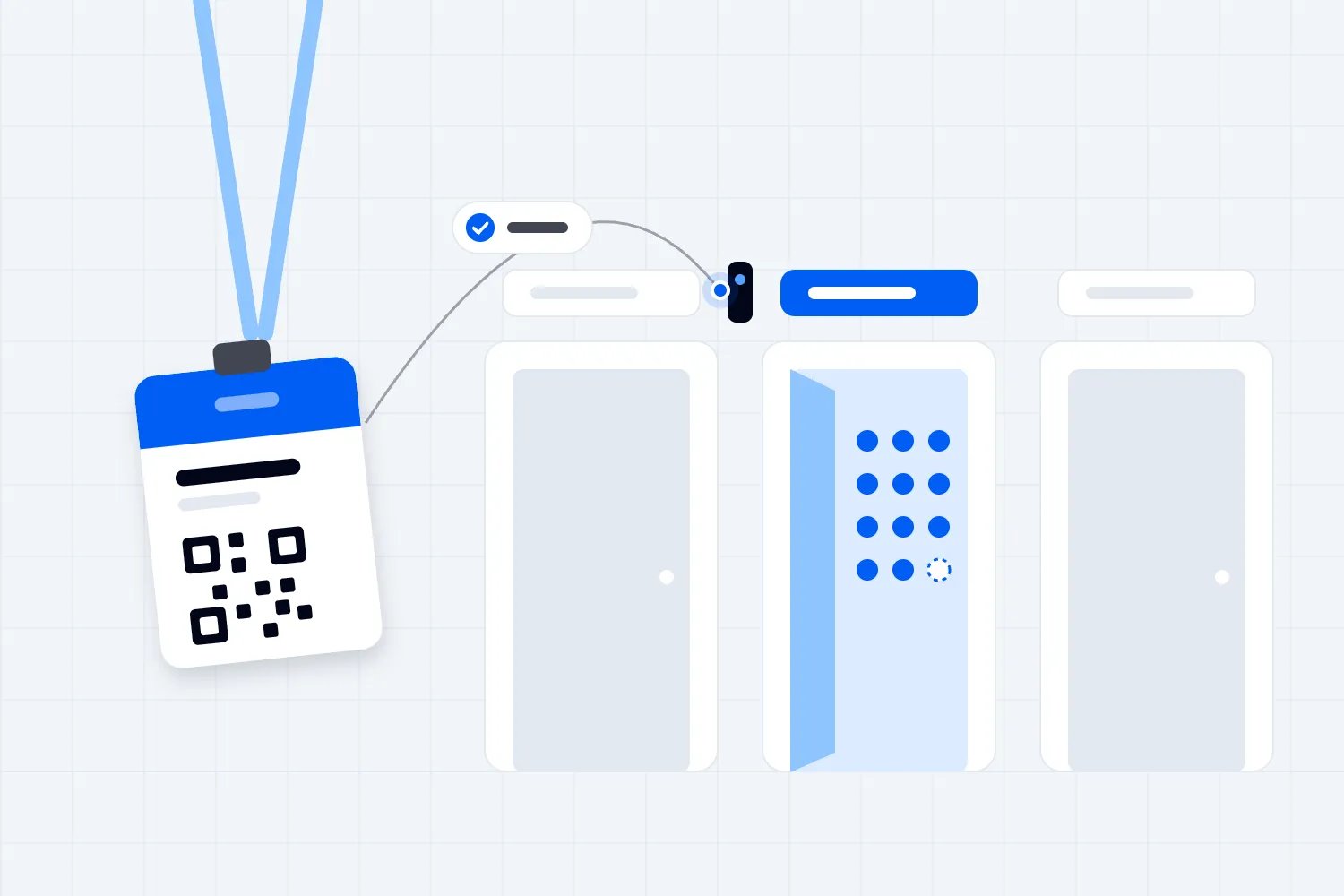
You're opening registration before the keynote, and a queue is already forming. Some attendees have their tickets ready. Others need their company name changed, can't find their confirmation email or want to register a colleague. A row of self-check-in kiosks looks like a way to get everyone through faster. Whether it actually helps depends on which of those jobs you expect the kiosks to do.
Use self-check-in kiosks when a substantial part of your audience can complete a short, predictable arrival process independently, and your team can resolve the remaining problems without blocking those people. They become a poor purchase when you're automating a process that still needs someone to explain, approve or repair it at almost every step.
For a paid conference, the decision comes down to the experience you can deliver at your busiest arrival period and what that experience costs. A kiosk that frees a registration colleague to solve difficult bookings can be useful. A kiosk that needs that colleague standing beside it throughout registration may still help, but you need to budget for the service you're actually buying.
Start with the job attendees need to finish
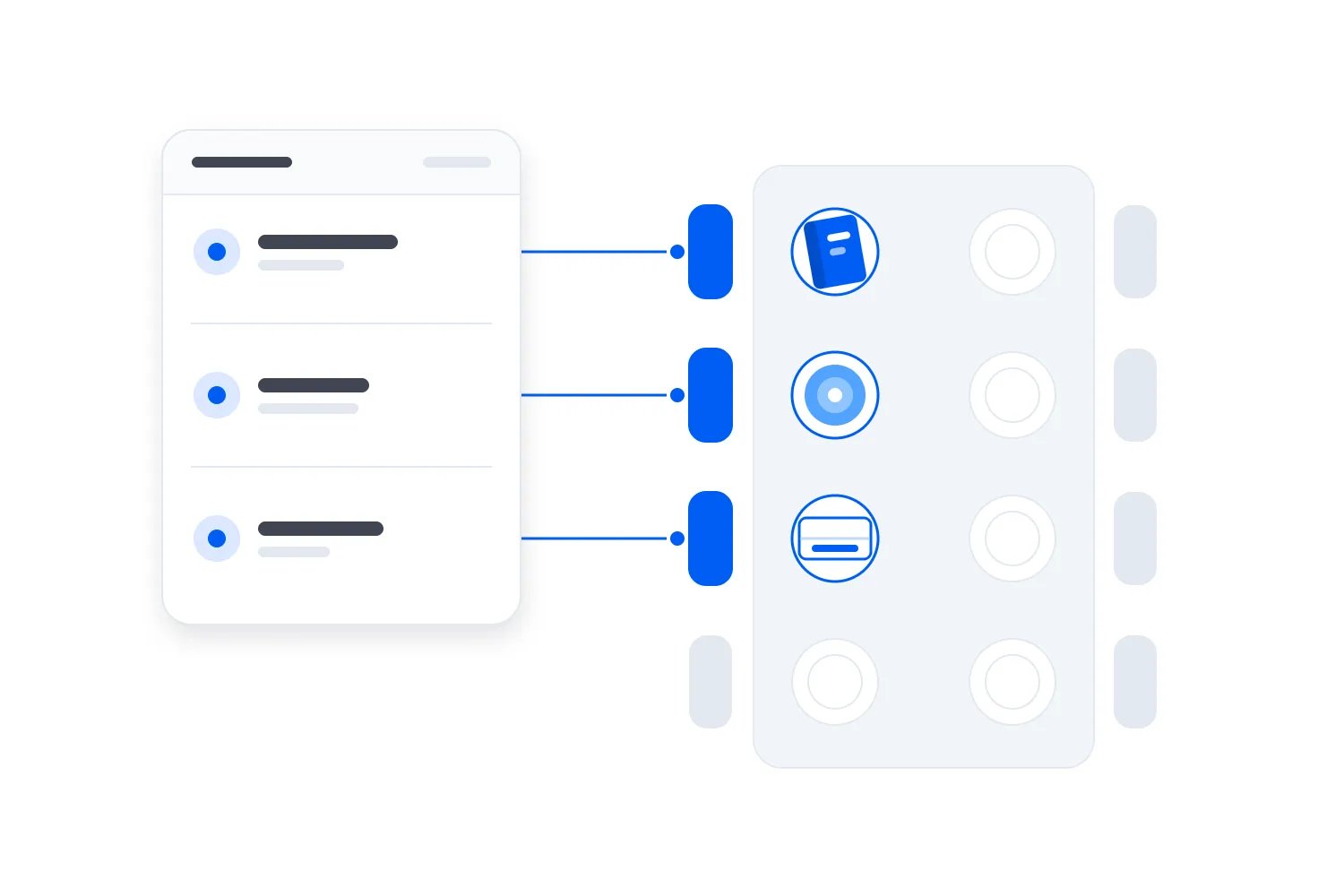
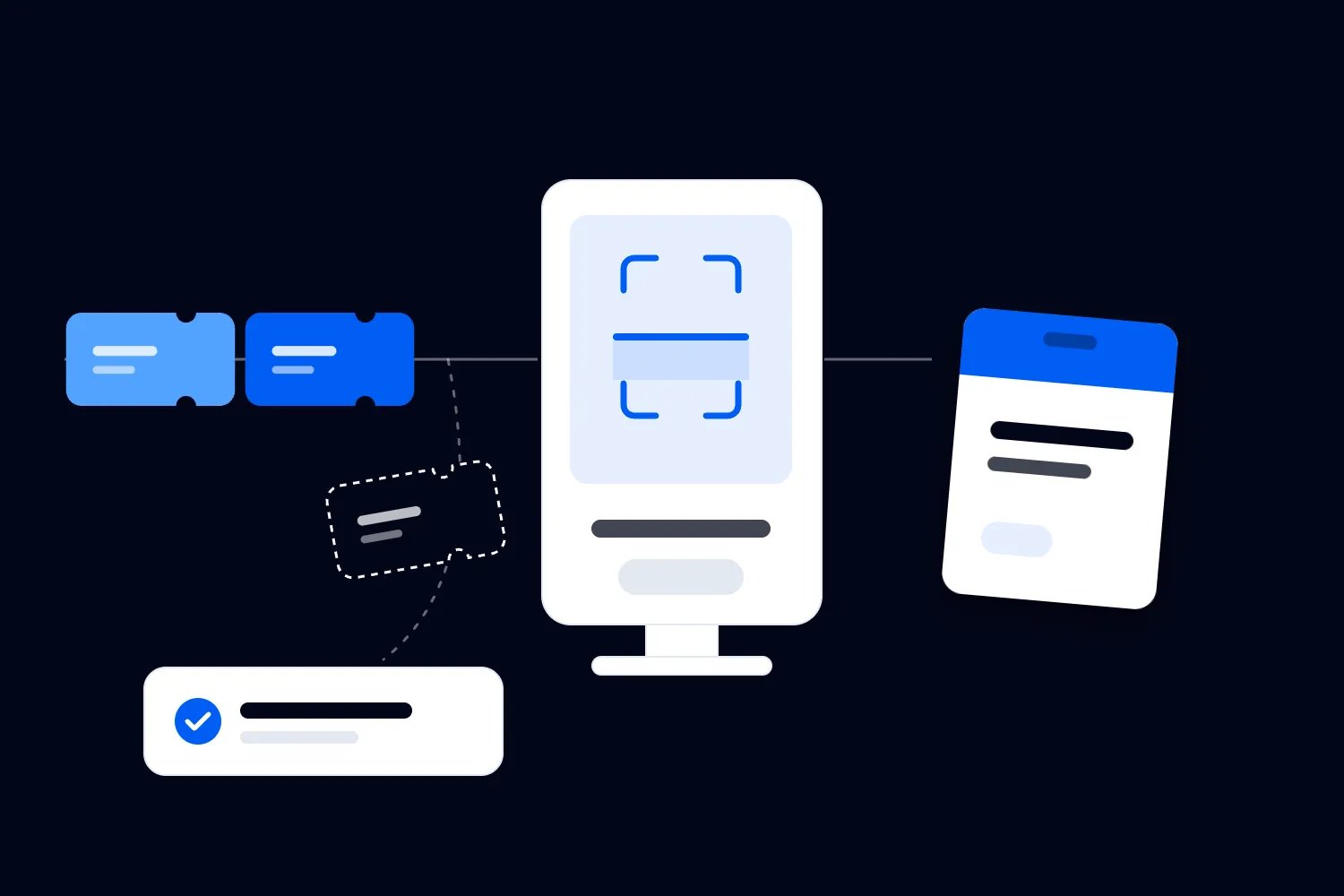
A self-check-in kiosk is a device an attendee operates to find their registration and complete an arrival task. That might mean scanning a ticket, confirming a name or requesting a badge. Those are different tasks, with different equipment and different reasons for someone to need help. Buying a kiosk doesn't establish which ones your conference should make self-service.
Write down what has to happen before someone can enter. Perhaps you need to verify a valid paid ticket and hand over a preprinted badge. Perhaps each attendee needs a badge printed with an approved company name. Perhaps admission requires a separate identity check. Start there, because the useful question is whether a guest can finish that particular process independently.
Imagine a returning delegate who has a valid ticket and no details to change. Self-service may suit them well. Now imagine someone whose employer bought a group order but hasn't assigned the individual tickets. A lookup screen can't settle which person should receive which access rights unless the system and your admission rules already handle that situation. The missing work belongs before arrival or with an authorized colleague.
Keep the kiosk's purpose narrow enough to explain on a sign. "Scan your ticket and collect your badge" gives attendees a clear expectation. If the actual process includes answering fresh registration questions, choosing sessions and accepting unrelated offers, you've added work to the busiest part of their morning. Remove those requests or complete them before the event unless they're necessary for admission.
Use our QR code ticketing guide when you're deciding what a ticket scan needs to verify. Then describe the extra job the kiosk would perform. If you can't identify one beyond what a colleague already does quickly, test your existing check-in process before renting more equipment.
Before you choose hardware, send a test attendee through the booking and arrival instructions. Can they identify the right ticket, understand whether it covers their colleagues and find the collection point? If you have to explain these things verbally, improve the instructions before testing self-service. Otherwise the kiosk trial will mostly measure confusion created earlier. A reminder that tells delegates which entrance to use and what to have ready can help whichever check-in method you choose. Keep those instructions consistent with the signs they will actually see.
Match self-service to your arrival pattern
Total ticket sales don't tell you whether kiosks will help. A conference can have a manageable registration desk throughout the day and still struggle immediately before its opening session. You need to know when people arrive together, what they need at that moment and whether the lobby has room for them to wait.
Look at your previous event's arrival records alongside the programme and transport arrangements. Did an early workshop spread arrivals, or did almost everyone come for the keynote? Did a hotel shuttle deliver groups? If this is a new event, use the information you have about ticket holders and how they'll travel, then state what remains uncertain. A daily attendance total conceals the pressure you're trying to handle.
Next, separate the repeatable arrivals from the ones likely to require a decision. A settled delegate list with individual tickets and approved badge details is a stronger self-service candidate than a list with unresolved transfers and group allocations. The distinction is about the booking process. Don't assume a particular age group or job title will be comfortable with the device.
You may find that self-service belongs in one part of registration. Delegates with completed bookings could collect badges independently, while a staffed desk handles new purchases and changes. Speakers might need a briefing as well as a credential. Exhibitor teams might arrive through a different entrance. Make these choices because the arrival tasks differ, and tell people where to go before they join a queue.
If arrivals are spread out and your existing desk handles them comfortably, the cost of a kiosk may be difficult to justify. You could still prefer one for an unattended collection period, subject to testing and available help. But don't describe that purchase as a queue reduction measure when you haven't established a queue problem.
Time the whole visit to registration
A supplier demonstration often starts with a readable ticket held in exactly the right position. Your attendee starts with a bag, a phone and a question about where to stand. The time between those situations matters. Measure the complete task you expect them to finish, rather than using the scan itself as a promise about registration speed.
Start timing when the attendee begins using the station. Include finding the scanner, presenting the ticket, reading any confirmation, waiting for a badge, taking it and moving away so the next person can begin. If someone needs help, keep that time in the record. Also measure the queue separately, because a quick transaction can follow a long wait.
Try the same task at a staffed station. Use the actual badge, ticket types and admission checks for both. An experienced colleague may be quicker at recognizing a booking problem or handing over a prepared badge. Self-service may perform better for uncomplicated arrivals when people can use several stations at once. You need the comparison to choose a setup, not to prove that either method always wins.
Record which attempts finish without help and which stop. A useful test result explains the problem behind the delay. Was the ticket unreadable? Was the screen unclear? Did the printer run out? Did the attendee need an approval? Each answer suggests a different change. Adding devices won't fix all of them.
Pay attention to the slower completions as well as the average. A station can handle most people quickly and still become unavailable when a small group needs lengthy assistance. Watch what the next attendee does while that happens. If they can't tell whether the kiosk is free, or they wait behind a failed print, the physical arrangement needs work too.
Run part of the trial without coaching people through the screen. You need to see what they understand on their own. Then repeat the difficult task after changing the wording or position of the equipment. Keep a note of what changed so you can distinguish a better process from a test group that has learned how to use it. A colleague who has practiced the same scan repeatedly is useful for testing equipment, but their speed doesn't represent a delegate encountering the station for the first time.
Keep help close, visible and able to decide
Self-service changes what your registration team spends time doing. Someone still needs to spot confusion, replenish supplies and deal with ticket problems. Work out who will do those jobs before you reduce the staffed desk. Otherwise you may remove the people attendees need at the exact moment the new process asks more of them.
Make the help route obvious before the screen displays an error. A delegate shouldn't have to repeat failed attempts to discover there's a desk for missing tickets. Position a colleague where they can offer assistance without reaching across another attendee's screen. Provide a route to the desk that doesn't send people back through the queue carrying their bags.
Give that colleague clear authority. A missing confirmation may be a simple lookup; a ticket already marked as used may need a supervisor's decision. A requested name correction might be permitted, while transferring admission to someone else requires a different check. Write the policy in words the team can use with guests, including who can approve an exception and how to record it.
Consider a group buyer who arrives with several colleagues. They may have an order confirmation rather than each person's ticket. If you expect individual self-check-in, explain how the group receives its individual credentials beforehand. If that hasn't happened, send the group to someone who can resolve the booking together. Making each colleague search separately at a kiosk spreads the same unresolved problem across several stations.
During the test, watch whether the help desk can keep up with the problems the kiosks send it. A clear kiosk area can conceal a growing queue of attendees who still can't enter. Include those people when you assess the result. You haven't improved registration if straightforward arrivals are faster but everyone with a problem misses the opening session.
Decide whether you need badge printing
On-demand badge printing can be the reason to consider kiosks. It can also add the most equipment and the most failure points. Decide first whether your conference needs a badge printed at arrival, whether a prepared badge would work and whether badge changes should happen in the main flow.
For a conference where names and companies help delegates meet, badge accuracy has a practical purpose. Allowing attendees to review those details may be useful. But distinguish a display correction from changing who owns a ticket. If a name change can also change admission, the process needs an approval rule. A text field alone doesn't provide one.
Test the complete print process with your actual badge design. Long company names, punctuation and different writing systems can expose problems that a short demonstration name won't show. Confirm that the printed name is readable and the credential contains the information your door team needs. Include the time spent removing the badge and attaching whatever holder or lanyard you're supplying.
Ask how the kiosk and printer share work. If several kiosks send badges to one printer, attendees need to know which badge belongs to them and where to collect it. If each kiosk has a printer, each station needs supplies and a recovery process. Neither arrangement automatically solves your arrival problem. Rehearse the one you intend to buy.
Be especially careful with reprints. If the system records check-in before a failed print, the delegate needs a replacement badge without a second admission record. If a replacement badge has an access function, decide what happens to the original. Ask the provider to demonstrate this sequence rather than accepting "reprints supported" as the whole answer.
A conference using prepared badges may get more value from improving collection than adding printing. You might arrange a staffed handover after ticket verification and keep corrections elsewhere. Compare that complete process with the kiosk proposal. The cheapest device quote can become expensive once you add printing equipment, consumables, support and the people who keep it running.
Decide when badge details become final for printing. You can invite attendees to correct their displayed company beforehand, then send changes requiring approval to the registration team. That makes arrival more predictable without preventing legitimate corrections. Ask the supplier how it imports those updates and which version the kiosk uses. A badge approved in your registration record is of little use if the printing system still holds an older export. Test a change made shortly before arrival, since that is when a delayed update becomes a desk problem.
Check that people can use the actual station
A usable screen doesn't guarantee a usable kiosk. The scanner might be beyond someone's reach, glare might obscure the instructions or the badge tray might require an awkward grip. Review the stand, screen and collection point together, in the layout where your attendees will encounter them.
The US Access Board's guide to operable parts explains how clear floor space, reach and operation relate to covered elements under US accessibility standards. Its legal scope depends on the element and applicable requirements. Use qualified advice for your venue and setup; a supplier's general claim that a tablet is accessible doesn't settle the whole installation.
As an operational check, ask people with different access needs to try the proposed task. Can someone approach using a mobility aid and reach both the screen and scanner? Can they read the instructions or use the available alternative? Can they request more time without losing their progress? Ask what help they want instead of assuming that a colleague taking over the device is an adequate answer.
Screen errors deserve the same attention. The W3C's guidance on form validation calls for clear feedback and opportunities to check and correct input. Apply that idea to your kiosk trial. "Ticket not found" should lead to a useful action your team can support, rather than leave someone guessing whether to scan again.
Keep a staffed route available for people who need or prefer assistance. It should be visible and offer the same admission outcome. If someone can't use the kiosk, sending them to an unmarked desk elsewhere in the building creates a problem you could have prevented. Include that route in your signs and pre-arrival instructions so attendees can choose it without having to explain themselves publicly.
Protect the space around the kiosks
Once attendees complete check-in, they still need somewhere to go. Badge collection, lanyard assembly and directions to the keynote can keep people standing in front of devices that are technically available. Draw the arrival route through to the point where guests can move into the conference, then walk it with the venue team.
Crowding is the complaint to design against. In Loopyah's November 2025 survey of 500 US event attendees, 63% named overcrowding among their biggest frustrations at events and 57% named long lines or waiting times. Each person could choose up to three answers.
| Label | % of respondents |
|---|---|
| Overcrowding | 63 |
| Long lines or waiting times | 57 |
| Expensive food and drinks | 56 |
| Poor sound or visibility | 37 |
| Safety concerns | 14 |
| Poor communication or unclear information | 11 |
The UK's Health and Safety Executive advises organizers to plan crowd controls for arrivals and entrances. Its guidance includes keeping emergency access routes clear and providing a safe way out of a queue. Those considerations belong in the kiosk layout, alongside your event's local safety requirements and venue arrangements.
Check what happens when a guest needs to leave the line, a printer needs attention or a station closes. Staff must be able to reach the equipment without blocking an accessible route. Attendees should be able to move to help without crossing an active entrance. A layout that works with empty stands can behave differently once people arrive with luggage and stop to talk.
Signs should explain eligibility and the next action. If self-service is for people with an individual ticket ready, say that before the queue divides. Avoid asking attendees to interpret your internal registration categories. Someone looking for their badge needs recognizable words, especially when they've just arrived in an unfamiliar building.
Also look beyond the registration desk. A fast badge process can send people into a slower bag check or a narrow doorway. Coordinate those steps with the teams responsible for them. Kiosks can improve one task, but your arrival plan has to account for every place people may wait before they reach the programme.
Walk the route in both directions. A returning attendee who needs a replacement badge may approach registration differently from someone entering for the first time. A delegate leaving a session to meet a colleague may stop at the same information point used by new arrivals. If those movements cross the kiosk queue, change the collection or help location before fixing the barriers in place. Explain the arrangement to the venue team so they can flag conflicts with doors, other events and the building's normal use that morning.
Limit what a public screen can reveal
A self-service device puts some part of your attendee process in public. Decide what a stranger should be able to see and do before you approve name search, badge changes or reprints. You don't need to expose a full delegate directory to help someone recover a missing ticket.
For organizations subject to UK GDPR, the Information Commissioner's Office explains data minimisation as collecting and holding personal data that is adequate, relevant and limited to what's necessary for the purpose. Apply the relevant privacy rules for your event. In the kiosk decision, the practical question is which details the guest needs to complete admission and which should remain in the staff system.
Ask the provider to show what appears after a partial name search, after a completed check-in and after someone walks away midway through the process. Check whether the next person can see the previous guest's details. Then ask how the device returns to its starting screen and what happens to any saved information when the rental ends.
Keep administrative access away from public operation. The US Federal Trade Commission's Start with Security guide advises businesses to restrict access according to legitimate need and limit administrative access. For your event, ask who can leave kiosk mode, export attendee details or change admission settings. Those controls need to suit the device you're actually renting.
Badge output needs attention too. Uncollected badges and failed prints can display names and employers. Decide who clears the printer area and handles discarded copies. If the self-service proposal introduces another supplier, establish who receives attendee data, why they need it and how the service ends. Resolve those questions before sending a real attendee list for setup.
Require a demonstrated fallback
A fallback is an agreed way to continue or pause registration when the planned process fails. It needs an owner, available equipment and clear limits. "We'll switch to manual" leaves too much unanswered when the lobby is filling and nobody knows which admissions the system has already recorded.
Test a disconnected kiosk, an unavailable printer and a device restart separately. These failures can have different consequences. Ask whether ticket verification still works, whether the attendance record updates and whether printing continues. An offline claim for one function doesn't establish that every other function remains available.
Use test tickets to check what happens when another station encounters the same credential. If devices can't exchange updates, your team needs to understand the duplicate admission risk and the provider's supported response. Don't ask staff to improvise permission to admit someone because a screen looks unfamiliar. Agree who makes that decision and what evidence they need.
Keep the fallback appropriate to your admission rules. A staffed verification point using a tested connection may work for one conference. Another may need to stop a particular transaction until it can verify the booking. A printed list also creates privacy, version and reconciliation questions. Choose deliberately with your provider and venue team rather than assuming any backup is interchangeable.
Rehearse the communication as well. The person directing arrivals needs to know when to close a station, where to send guests and who will confirm recovery. Once service resumes, check the affected attendance and badge records. The event still needs an accurate account of what happened during the interruption, even if the queue has disappeared.
Also decide what happens to a transaction interrupted halfway through. The screen may stop after accepting a ticket but before showing success. Have the provider demonstrate how a colleague checks its status and completes the correct next step. Repeatedly scanning until something appears to work can make the record harder to interpret. Your team needs an instruction they can follow without guessing, particularly if the attendee has already collected a badge. Test that recovery with the people who will actually be answering questions at registration.
Compare the full cost with a staffed alternative
Put the kiosk proposal and a realistic staffed alternative in the same event budget. Include equipment hire, software access, delivery, setup, testing, consumables, connectivity and support. Include internal preparation time and any supplier travel or event-day charges. Ask which costs change if registration opens earlier or stays open longer than planned.
Then account for the people who remain. You may need fewer colleagues repeatedly scanning straightforward tickets, while retaining help, supervision and equipment support. Count the hours you expect to schedule for each arrangement. Time saved is useful, but it becomes a cash saving only where it changes what you actually pay or avoids an additional cost.
There's also a simpler baseline to consider. Our current ticketing service lets door staff scan QR tickets using their own phones with check-in access. That provides a staffed option to evaluate before adding dedicated hardware. Ask separately about the requirements of any proposed kiosk or badge-printing setup; don't assume a phone check-in workflow establishes support for those functions.
If kiosks cost more, state the reason you'd accept that premium. You might need to handle a concentrated arrival period, offer independent badge collection or reduce repetitive work for a scarce registration team. Test whether the proposed service achieves that purpose. Don't assign a revenue increase to a better-looking lobby or assume a shorter registration queue will pay for itself through future ticket sales.
For recurring conferences, ask whether buying equipment is preferable to renting. Ownership also means storage, transport, maintenance and responsibility for keeping devices ready. A successful rental pilot can give you useful evidence before that commitment. Compare costs across the events you can reasonably plan, including the work needed to move the equipment between venues.
Ask for a breakdown of support charges as carefully as the equipment charges. Remote help may require a member of your team to diagnose the problem and replace parts, while an on-site technician may have a defined attendance window. Check whether that window covers setup, the peak arrival period and late collection. If your team is expected to reload printers or restart devices, include the necessary training and practice in preparation. A support number is only useful when someone can answer it and act while attendees are waiting.
Run a pilot that can change your decision
Before signing for the full setup, ask for a pilot using the proposed hardware, software and badge process. A guided sales demonstration can't tell you whether attendees will understand the station independently. Let test users attempt the task, observe where they stop and record the help they receive.
Include straightforward tickets and the awkward cases your own registration process creates. Try a missing confirmation, a group booking, a corrected name, a duplicate scan and a failed badge print. These are test scenarios, not a prediction about how often each will happen. Your previous arrival records and the pilot can help you judge which deserve the most attention.
Set acceptance conditions before watching the results. Specify the task people must complete, the waiting time your event can tolerate and the failures that would make you reject the setup. Include the assisted route and help queue. If the test changes your process, repeat the affected part before treating the earlier result as evidence that everything now works.
Get the delivery responsibilities in writing once you've chosen the arrangement. Identify who configures the event, approves the badge, supplies the network, replaces faulty equipment and answers during registration. Confirm when everything will be ready for your team to test. If the supplier can only demonstrate the important parts after the equipment arrives on event morning, you're accepting a large unresolved risk.
Include the cancellation terms, too. If a pilot fails, you need to know whether you can reduce the order, change the equipment or end the arrangement before paying for a service your conference cannot use safely.
Keep the pilot findings with the final order. Record unresolved conditions, the person responsible for each one and when you will check completion. If the delivered equipment or software differs from what you tested, review the affected tasks again. Your event manager should know which results still apply before opening registration, rather than discovering the change with the first paying delegate.
Before you sign, approve self-check-in kiosks when the pilot shows that attendees can finish the intended task, help remains available and the full cost makes sense for your conference. If the problems are unfinished registrations or unclear admission rules, fix those first and test again. You'll then be choosing equipment for a process you understand, with evidence your team can use when doors open.

Author: By the Loopyah Content Team
The Loopyah Content Team shares expert insights, practical guides, and industry updates to help event organizers create unforgettable experiences and stay ahead in the event planning world.