· 21 min read
When should an event use an attendee support chatbot?
Use an attendee support chatbot when you have enough repeat questions to justify maintaining it, the answers come from approved event information, and people can reach your team when their problem needs a decision. Start with public questions about arrival, ticket types and the programme. Keep refunds, account changes, individual access arrangements and urgent incidents with the people responsible for them.
So you're an event organizer, ticket sales are moving, and your inbox is full of people asking where to park. Someone suggests adding an AI chatbot. It sounds useful. Your team could spend less time repeating the same answer and more time fixing the problems that actually need them.
But somebody still has to tell the chatbot which car park is open. Somebody has to update it when the entrance changes. And somebody has to answer the attendee who arrives with a ticket that won't scan.
The decision comes down to whether the chatbot improves that whole experience at a cost your event can support. This guide walks you through checking your support workload, choosing the right kind of chatbot, setting its limits and running a useful pilot before you depend on it during your event.
Start with the questions you're already getting
The first thing you want to do is read your recent attendee messages. Pick a period that includes ordinary ticket sales and the rush before an event. Your support load on a quiet Tuesday won't tell you much about the queue an hour before doors open.
Sort messages by the job the attendee needs done. "Where is the venue?" and "Which entrance do I use?" both concern arrival, but they need different answers. "Can I bring a bag?" needs your bag policy. "Your team lost my bag" needs somebody to investigate.
A simple working list is enough. Record the question, how often it comes up, where it arrives, how long a useful reply takes and who owns the answer. Include direct messages and phone calls if those are substantial parts of your workload. Otherwise, the inbox can look quiet while your event manager's phone never stops.
Look for repeated questions with stable, public answers. Opening times, ticket inclusions, parking directions and the published programme are sensible candidates. Questions about a particular purchase, a disputed charge or an exception to admission rules belong in a different group.
Then ask why the repeated questions exist. If buyers keep asking whether their ticket includes the evening reception, your ticket description may be unclear. If everyone asks for the venue address, the confirmation email might be missing it. Fix those problems first. You may remove enough demand that a chatbot becomes unnecessary.
This is where your event communication plan earns its keep. Put the important information where attendees already look, decide who updates it and send changes to the people affected. A chatbot should help people find that information when they still need assistance.
Don't use attendance alone to make the decision. A large event with straightforward entry and clear communications may have manageable support. A smaller conference with several ticket types, separate venues and international visitors may generate complicated questions. Your messages tell you which event you have.
Choose the simplest chatbot that can do the job
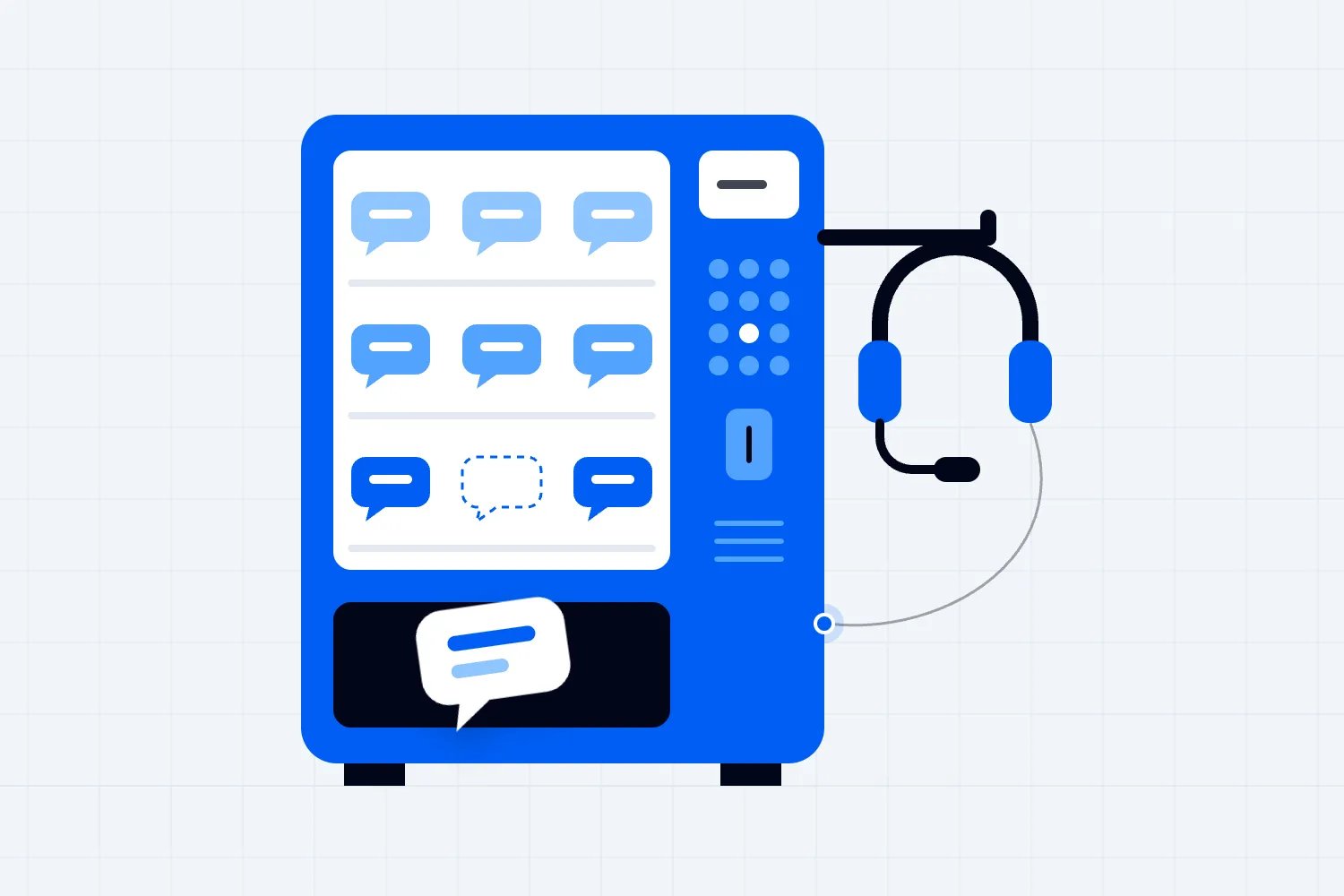
"Chatbot" covers several different products. You need to know which one you're buying because their strengths, upkeep and mistakes are different.
A menu-based chatbot offers buttons and approved replies. The attendee chooses "Getting here", then "Parking", and sees your parking instructions. It can feel restrictive when someone wants to ask an unusual question, but you can check the exact wording of every answer. For a short list of common questions, that can be a perfectly good choice.
An AI chatbot lets people type questions in their own words and writes a response using information you provide. This can help when attendees describe the same problem in different ways. It can also combine information from several pages, which means you need to check whether the combination is accurate.
A chatbot connected to account or ticket systems goes further. It might retrieve an order or carry out an action. That requires permission checks, reliable connections and clear limits on what the tool can change. Showing somebody their own order is a different job from explaining where to find an order confirmation.
Start with the smallest job that would make a noticeable difference. If most questions fit a dozen approved answers, test a menu or a searchable FAQ before buying a more complicated system. If attendees struggle to find information across a long programme, an AI assistant may be worth testing.
Ask the supplier to demonstrate your actual questions using your actual event information. A demonstration about a fictional conference doesn't show how the tool handles your venue documents or ticket rules. Give it an unanswered question too. You need to see what it does when the right answer isn't available.
The NIST Generative AI Profile, published in July 2024, identifies confidently incorrect output as a risk of generative AI. For your event, that could mean a convincing answer about a refund you never approved. The practical response is to narrow its job and verify its answers before attendees rely on them.
Before you agree to buy, get the commercial terms in writing. Ask what counts as a conversation, whether usage has a limit and what happens when demand exceeds it. Check whether the event day falls inside the subscription period. A monthly fee can look affordable until the busy weekend requires a different plan.
Ask to export the questions and answers from your pilot. You need enough information to review accuracy and understand repeat demand without depending on a sales presentation. Confirm that the export can exclude personal details when you share findings with the wider team.
Also check who helps when the service fails. If support is only available during weekday office hours, decide whether that fits your event. Get the pause procedure and backup contact route into the staff brief, then have someone other than the setup owner try both before launch.
Work out whether the time saved pays for the work added
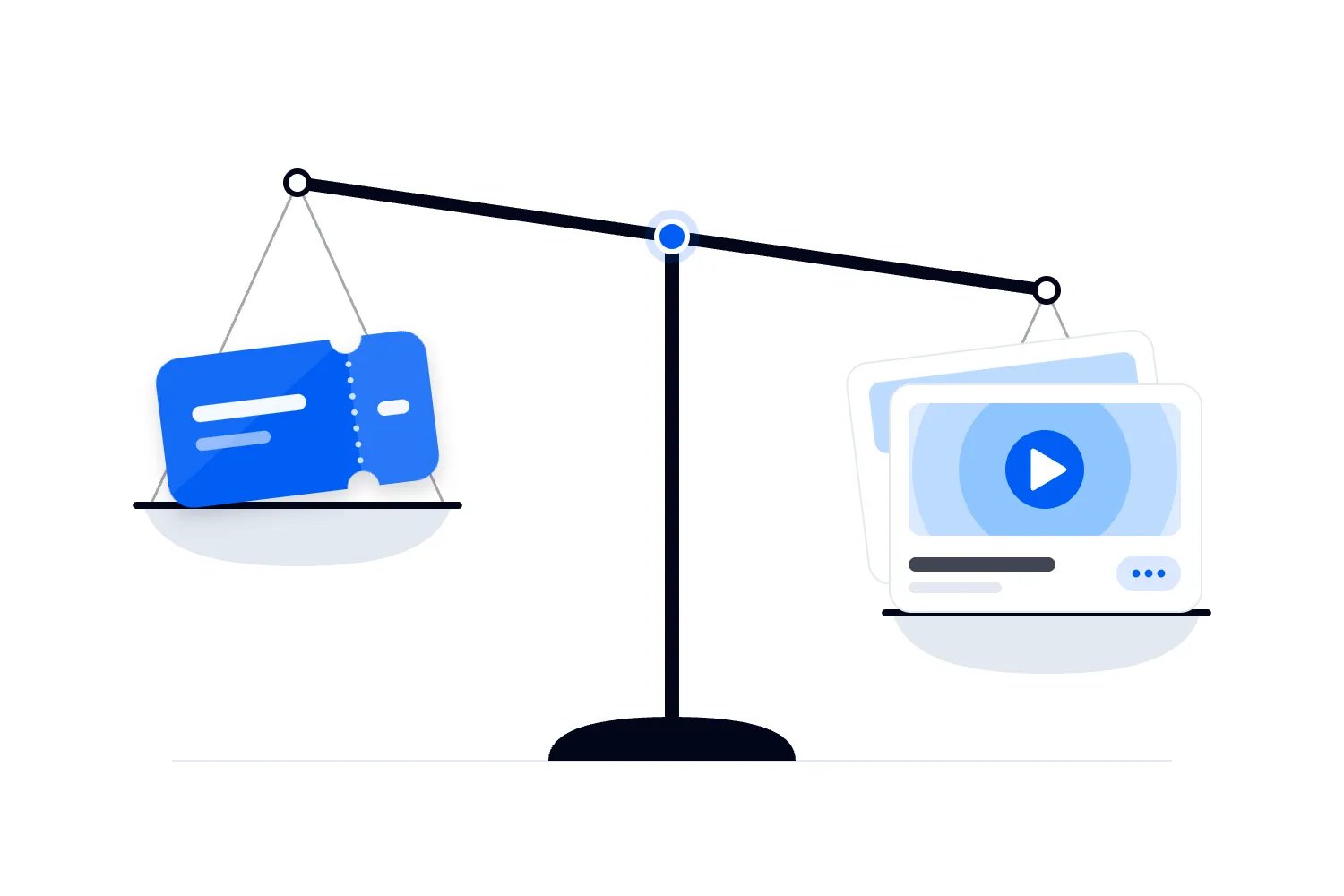
A chatbot brings a subscription cost and an operating job. Include setup, testing, updates, reviewing conversations and correcting mistakes. If you leave those out, your comparison will make automation look cheaper than it is.
Use your own support records to estimate the time currently spent on questions the chatbot could answer. Then reduce that estimate to allow for people who won't use the chatbot, questions it can't resolve and cases that still reach your team. The whole inbox is rarely available for automation.
Here's an illustrative calculation, with made-up assumptions to show the method. Suppose an event receives 600 routine questions, and each takes four minutes to handle. That is 40 hours of staff time. If your pilot genuinely resolves half of those questions without a later staff reply, the gross time saved is 20 hours.
Now suppose setup and testing take eight hours, while updates and conversation reviews take another six. You have saved six hours after that work. At an assumed staff cost of $25 an hour, those six hours represent $150. If the tool costs $200 for that event, the example doesn't pay for itself through staff time alone.
| Label | Hours |
|---|---|
| Handling 600 questions by hand | 40 |
| Saved when the chatbot resolves half | 20 |
| Spent on setup and upkeep | 14 |
| Net time saved | 6 |
Those are illustrative inputs, not an industry benchmark or a forecast for your event. Replace every one with your figures. Remember that paid staff hours only become a cash saving if you can actually reduce the expense. Freeing an event manager for other work has value, but it doesn't automatically lower payroll.
For a recurring series, setup may serve several events. You can spread reusable work across them, while counting the updates each event still needs. Changing the date is easy. Verifying a different venue's entry rules may take considerably longer.
There may be another reason to proceed. Buyers may need basic answers outside your staffed hours. The team may be losing production time to the same question during a sales peak. State that benefit honestly and decide what you're willing to pay for it.
Be careful with ticket-sales claims. A chatbot answering a purchase question doesn't prove it caused the purchase. Compare the experience and measure outcomes, but don't turn every conversation followed by checkout into revenue generated by the chatbot.
Write down what it can answer and what it must hand over
Give the chatbot a defined job before you load documents into it. "Help attendees" is too broad to test. "Answer public arrival and programme questions from these approved pages" gives you something you can check.
Public facts are usually the easiest place to begin. Think venue address, door time, published schedule, ticket inclusions, bag rules and the location of the help desk. Each answer should come from a source your team has approved and can update.
Published policies need more care. The bot can point someone to your refund policy or explain the steps for requesting help. An individual case may involve facts it doesn't know. "What is your refund policy?" and "Will you refund my ticket because my train was cancelled?" shouldn't receive the same kind of response.
Use your event refund policy as the approved reference. Keep the decision about a particular request with an authorized person unless you have deliberately built and verified a separate process for it. The chatbot shouldn't invent a sympathetic exception to close the conversation.
Individual access needs deserve a direct route to your team. A public answer can explain the confirmed accessible entrance or published facilities. An attendee asking about a specific adjustment may need a conversation with someone who can arrange it. Don't make them argue with a chatbot that only knows the general venue description.
Urgent incidents need the event's approved instructions and responsible staff. Someone reporting a medical problem, a threat or a missing child should reach the appropriate on-site response immediately. A chatbot isn't the place to diagnose the situation or improvise a safety procedure.
For each category, decide the expected action. Answer using approved information, link to an official process, collect a minimal request for the team, or direct the attendee to immediate help. Test that action with realistic wording before launch.
Finally, make "I can't confirm that" an acceptable result. A tool that always produces an answer will eventually answer something it shouldn't. An honest limit with a working next step is far more useful to an attendee than confident guesswork.
Build one approved set of event information
The chatbot needs current event facts. So do your support team, venue staff and ticket buyers. Treat this as part of running the event, with the chatbot reading the same approved information where the tool supports it.
Start with the event name and date, arrival instructions, programme, ticket descriptions, admission policies and contact routes. Identify who can approve each subject. Your venue may own bag restrictions, while your production lead owns the running order and your ticketing lead owns purchase guidance.
Be specific about times. Doors, first session and last admission may all be different. "The event starts at seven" doesn't tell a buyer whether they can arrive at eight. Include the time zone when people may be reading from another country.
Remove old versions before testing. A supplier folder containing last year's programme, a draft schedule and the final schedule invites conflicting answers. Keep archived documents elsewhere. The chatbot doesn't need every file the event has ever produced.
For changing information, agree how the tool receives updates and how you verify them. Some tools refresh connected pages. Others need a new upload or a manual action. Ask the supplier what happens between an update being submitted and an attendee receiving the changed answer.
Here's a useful rehearsal. Change an approved entrance from the south gate to the east gate in your test information. Ask the chatbot where to arrive through every channel you intend to use. Check follow-up questions too. If the old answer persists, you have found a problem to fix before event day.
Make conflicting sources a stop condition for that topic. If your event page and venue guide disagree about entry, establish the correct instruction before allowing the chatbot to answer. A smoother sentence won't resolve the disagreement.
In Loopyah, you can add frequently asked questions to your event page. Put the public answers there so buyers can find them without starting a conversation. That is a useful first step when support demand comes from missing or scattered information. It doesn't require a chatbot to deliver value.
Make the handoff to your team work
A human handoff needs a destination and an owner. A button saying "Contact support" doesn't help much if it opens an inbox nobody checks while your team is on site.
Decide who receives each kind of request and when they are available. Before the event, that may be your attendee support inbox. During the event, entry problems may need the check-in supervisor, while a programme question can go to the help desk.
Tell attendees what happens next. If the bot is creating a request for later review, say that. If somebody is available in live chat, show the staffed hours. Don't describe an email form as an immediate conversation with a person.
Pass useful context with the request where your tool supports it. The team should see the attendee's question, the answer already given and the reason for escalation. Otherwise, the attendee has to explain everything again and the staff member can't spot a misleading reply.
Collect only the details needed for that route. A general parking question needs no order information. A purchase investigation may need an order reference through an appropriate support process. Don't ask for passwords, complete card details or a photograph of identification just to explain the next step.
Give attendees a direct way to reach your team too. Some will prefer it, and some will need it because the chatbot doesn't work for them. You can still encourage people to try common answers without making automation a compulsory obstacle.
Check the failed handoff, as well as the successful one. What appears when your team is offline? What if the ticketing system is unavailable? What if a message fails to send? The attendee needs an accurate explanation and an available alternative.
The useful test is whether a member of your team can receive the request and finish the job. Run that test end to end. A chatbot that recognizes an escalation but never delivers it has only moved the delay out of sight.
Check privacy and access before connecting ticket records
An attendee can ask a public question without giving you their identity. Keep that option. Adding account access should solve a specific problem that simpler guidance can't solve.
For any connection to orders, ask how the system verifies the person requesting information. Knowing an email address or an order number shouldn't automatically expose everything about that purchase. Your supplier and technical team need to demonstrate what an authorized user can see and how another user is refused.
Find out what the supplier stores, where it stores it, who can access it and whether conversations or uploaded files are used to improve other systems. Agree a retention period and a deletion process suitable for your event and its requirements. Don't assume a setting exists because a salesperson says the product is private.
Public event information and attendee records should have different access rules. You may be comfortable uploading a published programme. A spreadsheet of attendees, access requests and staff notes needs a much stronger reason and a reviewed process.
The ICO's AI and data protection guidance covers questions about personal data in AI systems. Use it as a starting point for the privacy review where UK requirements apply, and check the rules relevant to your own event. The operating choice here is straightforward: avoid sending the chatbot personal information it doesn't need.
There is a separate security issue called prompt injection. This means someone tries to make an AI tool follow instructions hidden in their question or in material the tool reads. For example, they might ask it to ignore your rules and reveal records.
The UK National Cyber Security Centre explains the risk. For an organizer, the useful question is what the chatbot can access or change if its conversational rules fail. Ask your technical team to check those permissions outside the wording of the prompt. Start a pilot with public information and no authority to alter bookings.
Test whether attendees can actually use it
Open the chatbot on a phone and try it as a buyer arriving at the venue. The text needs to be readable, the controls need to work, and the tool shouldn't cover the ticket or directions the person is trying to use.
Check keyboard access, including opening the chat, entering a question, using links and closing it. W3C's guidance on keyboard accessibility explains why people must be able to operate functionality without relying on a mouse. Ask the supplier to demonstrate this in the version you will deploy.
Check how new replies behave with a screen reader. A response arriving on screen isn't useful if the attendee cannot tell that it arrived. W3C's guidance on status messages is relevant to how updates are communicated to assistive technology. Have someone competent test the actual conversation flow, including the handoff.
Keep a normal FAQ and contact route available. Accessibility also includes the person whose phone has poor reception, whose battery is dying or who finds typing difficult. The chatbot can be one route to an answer without becoming the only route.
If you intend to offer several languages, test each one against approved answers. Don't assume a fluent translation preserves your ticket conditions or entrance instructions. Have a competent reader check the languages your attendees will use, especially any terms with practical consequences.
Tell people they are using an automated assistant. You don't need a long announcement. A clear introduction can say what it helps with and how to contact your team. Avoid a human name and biography that make the attendee think a staff member is reading the conversation.
Make the bot's tone fit support. Friendly is fine. Long introductions, jokes and repeated expressions of sympathy can feel irritating when someone needs a gate number. Give the answer, provide the official link where useful and explain the next step.
Run a small pilot with real questions
Choose a limited set of public questions and test the chatbot before sending attendees to it. Use messages from previous events after removing personal details. Add the awkward variations your support team recognizes.
Someone might ask "When does it start?", "What time can I get in?" or "I'm coming after work, will I miss entry?" Those questions may need different parts of the same arrival policy. Your test should check whether the chatbot understands the distinction.
Include questions with false assumptions. "The ticket includes free parking, right?" should receive your approved parking information. It shouldn't agree because the attendee sounds confident. Test another event with a similar name, an old date and a session that isn't on the programme.
Test the boundaries you've written down. Ask for a refund exception, an account change and a private attendee list. Then test the approved urgent-help wording with your responsible team. The desired result is the right route, without invented authority or disclosure.
Keep a record of each question, the expected answer or action and the actual result. If a wrong answer can send people to the wrong venue, change their admission expectation or reveal personal information, don't launch that part of the service until the cause is fixed and retested.
Once the internal test works, expose the tool to a limited audience or a limited part of your website. Keep staff support available and review the conversations. A live pilot tells you whether people find the tool, whether their questions resemble your test set and whether the handoff works under real conditions.
Agree the review date before starting. Without one, a pilot can quietly become permanent because nobody wants to reopen the decision. At the review, look at the workload and attendee outcomes alongside the bill. Expand only the subjects that have earned their place.
Measure resolved questions, not just conversations
A chatbot dashboard can report lots of activity while your team is still doing the same work. Conversation count tells you people used it. It doesn't tell you they received a correct answer or stopped needing help.
Define resolution for the subjects in your pilot. For a public arrival question, that means the attendee received the correct instruction and didn't need a later staff reply about the same issue. You may not be able to observe every later contact, so record that measurement limit rather than claiming certainty.
Review a sample of answers for accuracy. Include different topics, busy periods and conversations that ended without feedback. Somebody leaving the chat could mean they found the answer. It could also mean they gave up.
Track repeat contact where you can do so appropriately, completed human handoffs and the time your team spends maintaining the tool. Record mistakes by consequence. An awkward phrase and an incorrect refund promise don't deserve the same response.
Keep your support channels in the comparison. If chatbot conversations rise while emails, calls and direct messages stay unchanged, the bot may have created another channel instead of reducing workload. That can still help attendees, but it changes the reason you're paying for it.
Look at demand per event or per ticket sold when attendance varies. Comparing raw message totals from a small event and a much larger one can hide what's happening. Also note changes to your FAQs, emails or staffing, because they may explain the result better than the chatbot does.
Use the findings to make specific decisions. Update a confusing answer, improve the handoff, remove an unreliable topic or stop the service if its cost outweighs its benefit. Your event doesn't need a chatbot simply because you have already spent time setting one up.
Plan for changes during the event
During an event, an outdated answer can cause trouble much faster than it does during planning. A room change, delayed opening or closed entrance can affect people who are already on their way.
Put the chatbot into your existing change process. When the responsible person approves an update, change the official attendee information and refresh the chatbot's source. Then ask the relevant question yourself to verify what it now says.
Send important changes directly to affected attendees as well. You can't assume everybody will open the chatbot and ask whether anything changed. Loopyah's attendee email tools let you choose an audience and schedule a message. Use that for planned communications and check the appropriate sending process for urgent updates. Keep your on-site announcements and staff briefings aligned.
If you can't verify a changing subject, stop the chatbot answering it until you can. Point people to the current official update or staffed help route instead. Have the supplier show you how to pause a subject or the whole chatbot before you need that control.
Brief your help desk on what the bot covers and what it cannot do. Staff need a way to report an incorrect answer and a named person who can act. An attendee's screenshot can help establish what they were told, but your team should fix their immediate problem before debating the tool.
After the event, update the contact routes and remaining topics. Arrival guidance has less value now. Receipts, feedback and unresolved support may matter more. Remove event-day promises about live availability if the team has finished its shift.
Decide whether to use it for your next event
An attendee support chatbot is worth using when the repeat workload is real, its answers are dependable and someone owns the service. You should be able to explain which questions it handles, which ones reach your team and what benefit justifies its cost.
Start by improving the information attendees already receive. If the same public questions still consume time, pilot the simplest chatbot that answers them well. Check its replies, follow a request all the way to a person and count the maintenance work.
Once you have that evidence, the decision gets easier. Keep the parts that help attendees and give your team useful time back. Drop the parts that create more work. Your buyers need clear answers and a working route to help. Review recent attendee questions and improve your public answers before buying a chatbot.

Author: By the Loopyah Content Team
The Loopyah Content Team shares expert insights, practical guides, and industry updates to help event organizers create unforgettable experiences and stay ahead in the event planning world.