· 21 min read
How to sell restricted-view seats with clear buyer information
You've nearly sold out the room, but there are still seats behind a pillar and a few along the side of the stage. Production thinks they could go on sale. The box office wants to know what to call them. And you need to decide whether the extra ticket revenue is worth offering an experience some buyers won't enjoy.
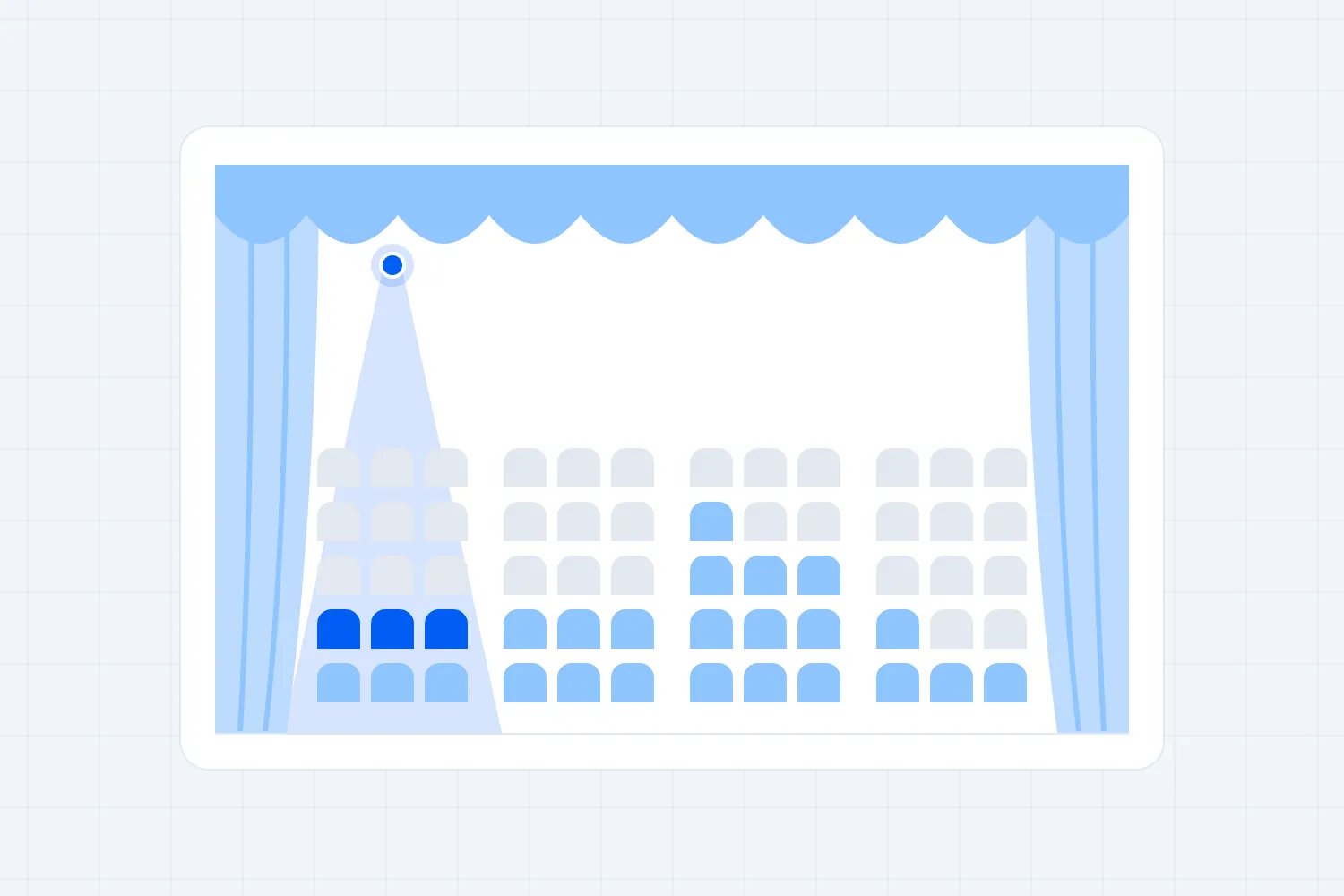
You can sell a restricted-view seat when it remains suitable for the event and you explain the actual limitation clearly before the buyer chooses it. Start by checking the view for your production, decide which places you can honestly offer, then carry that description through seat selection, booking and the event itself.
A cheaper price doesn't explain what's missing. Neither does a warning hidden in your terms. Someone choosing a lower-priced ticket should understand the trade-off they're accepting, without having to guess whether "restricted" means a railing across the stage or a performer they won't see at all.
This guide is for organizers deciding what to release and how to describe it. Consumer and accessibility requirements depend on where you operate. The regulator examples below identify their jurisdictions; check the rules relevant to your event before setting your sales and remedy policies.
Decide what the buyer needs to see
The first thing you want to establish is what makes the event worth attending from that seat. A concert, a subtitled film and a practical demonstration ask different things of the audience. Being able to see the middle of the stage doesn't necessarily mean someone can follow the programme you're selling.
For a spoken performance, check the actor's movements and any projected text. At a conference, check whether presentation slides remain readable and whether the interpreter is visible where provided. At a dance performance, losing sight of a lower section of the stage may affect much of the experience. Assess the actual content with the production team.
Imagine a paid cooking demonstration in a converted theatre. The audience can see the presenter from the side balcony, but the workbench hides their hands. If the advertised benefit is watching the technique, that matters more than whether the presenter's face remains visible. Calling the seat "side view" leaves the main problem unexplained.
Write down what a buyer would miss, when they would miss it, and whether another part of the production genuinely provides the same information. A relay screen might help, but you need to confirm its position, content and operation. Don't describe it as a solution before production has agreed to deliver it.
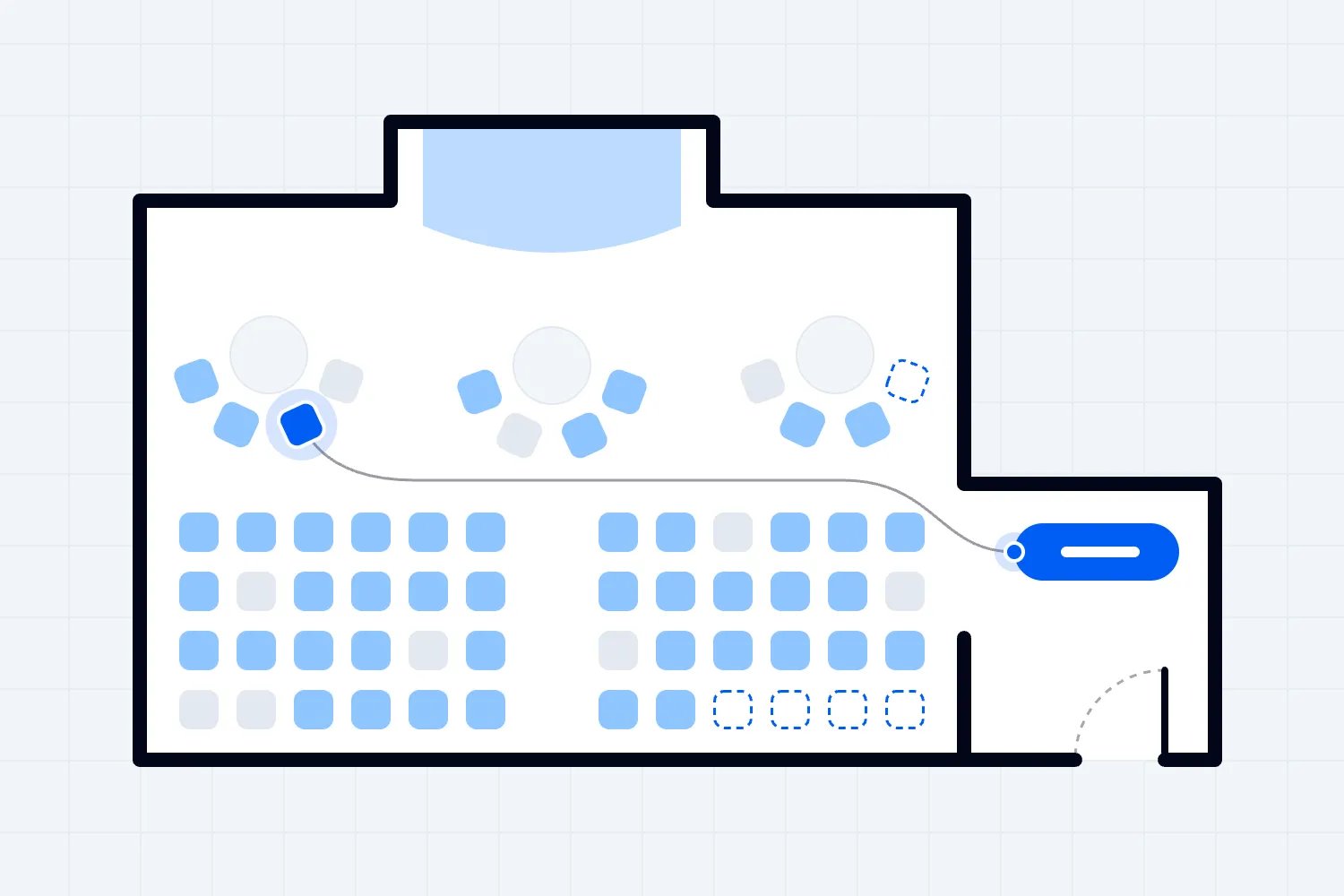
Our wider event seating chart guide covers the layout and inventory decisions. For restricted-view inventory, take the assessment further. You need an answer about these particular seats, for this production, with enough detail to support a buying decision.
Check the seats in the production you will actually build
A venue's existing seating notes are a useful starting point. They may identify columns, balcony edges and other permanent features. Ask when those notes were checked and which configuration they describe. A clear view at another event doesn't establish that the same seat works with your stage extension, cameras or screens.
Bring the venue and production leads into the review. Identify temporary equipment that could change the audience's view, including camera platforms, speaker positions and scenery. Agree who confirms the final positions and who tells ticketing when something changes. Otherwise the seating offer can stay unchanged while the physical event becomes a different experience.
Check from the actual seated position, using the relevant furniture where possible. Standing in an aisle or leaning over a balcony gives you information about another position. It doesn't show what someone buying that chair can expect while using it normally. Discuss any differences in likely eye height rather than treating one person's view as universal.
At a filming night, a camera may be parked during your inspection and moving during the show. Ask production about its working position and movement. If the obstruction is intermittent, describe that honestly. Don't invent a percentage of the performance affected unless you have a reliable basis for that figure.
Some seats need to remain unavailable until the build or rehearsal resolves an uncertainty. Agree that decision before releasing them. A provisional revenue forecast can show the potential income separately, but it shouldn't depend on selling places nobody has yet confirmed are suitable.
Separate restricted views from seats you shouldn't sell
You don't have to turn every physical chair into paid inventory. Some locations may fail the venue's approved layout, access requirements or safety conditions. Others may be permitted positions but provide too little of your particular programme to support the offer you want to make. These are different questions, and both need resolving.
Ask the appropriate venue and qualified advisers to confirm the relevant physical requirements. A viewing discount cannot authorize a chair in a route that must remain clear. Nor can a ticket description fix a layout that hasn't been approved. Complete those reviews before deciding how a remaining limitation should affect the offer.
Then make the editorial and commercial decision about the experience. Could you describe the seat plainly and still expect the intended buyer to understand why they might want it? If the description requires several optimistic qualifications, reconsider the release. You may need to change the production position or leave the seat unsold.
A listening-only offer is a substantially different proposition from a seat with a limited stage view. If your event can genuinely support that offer, name it accurately and explain what buyers will experience. Don't use an ambiguous restricted-view label to sell a ticket whose essential benefit is hearing rather than seeing.
Royal Ballet and Opera's auditorium information distinguishes viewing restrictions caused by side positions, rails, pillars and other features, and separately mentions listening seats. It's a useful example of describing different experiences. Your own categories should follow the conditions you have actually checked, rather than copying another venue's labels.
Consider who is buying for somebody else, too. The person paying may never sit in the affected seat. They need information they can pass to their guest without adding an interpretation. A clear seat description makes that possible; a general discount label tells the recipient very little about the evening ahead.
Keep a record of the limitation for each affected location
Before writing sales copy, create one agreed record of the affected seats. Use the exact section, row and seat identifiers that ticketing and ushers will use. A note saying "rear balcony affected" is too broad if the problem applies only to seats near one column.
For each location, record the obstruction, the part of the programme affected, the production configuration checked and the person who confirmed it. Keep unresolved questions visible. Include the date and the condition that would require another review, such as moving the camera platform or changing the screen position.
Be careful when grouping seats. Two adjacent chairs can have different views around a narrow obstruction. You can use a common description where the same limitation genuinely applies, but someone needs to check the boundaries of that group. Don't extend a warning across a whole section just because it is quicker to configure.
Use plain location descriptions alongside internal production names. A buyer won't know what "camera position C" means. The public wording might explain that a camera platform blocks the lower right part of the stage. Staff can retain the production reference in their working record so they can locate the cause.
This record also helps when the sales page, box office and event team disagree. They should be able to trace their wording to the same reviewed arrangement. Name one person who approves a revised description, with input from the people who understand the physical change.
Tell buyers before they select the ticket
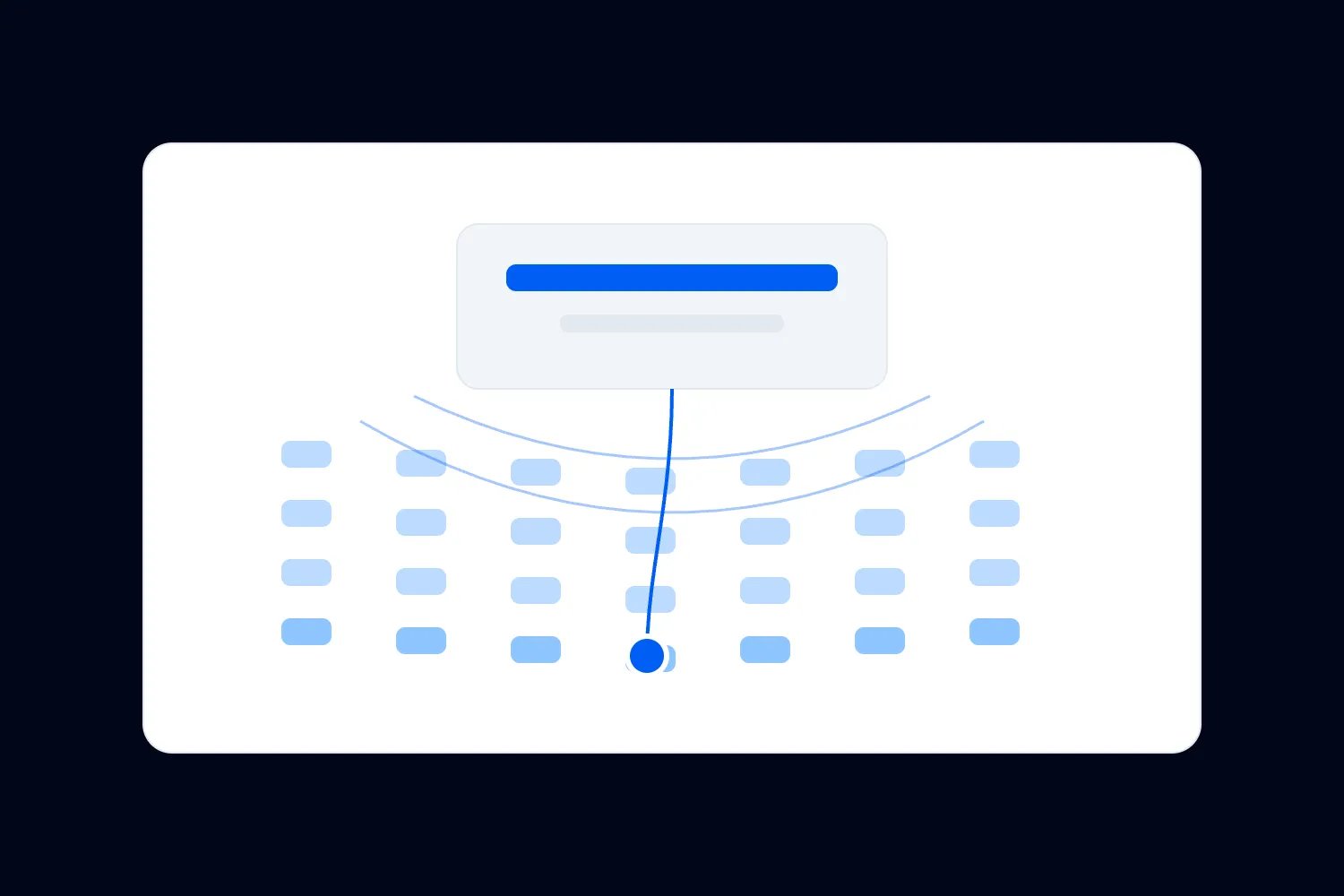
The timing of the explanation matters. Someone comparing available seats needs the restriction while making that comparison. An accurate sentence delivered after payment doesn't help them choose between the limited view and a more expensive clear view they could have bought instead.
The UK's Competition and Markets Authority uses restricted-view event tickets as an unfair-practices example. Its guidance explains that the consumer needs the information before selecting the ticket and that it must appear clearly and in time to affect the choice. Treat that as a specific UK example, then check your local obligations.
Follow the buyer's actual route through your sales setup. They may enter through a section link, select a suggested seat or buy through a partner allocation. Find the first point at which the seat becomes an offer they can choose. Put the relevant explanation there, rather than assuming everyone read the event's introductory text.
Repeat the restriction in the booking summary and confirmation where your system supports it. Repetition helps preserve the information after the buyer leaves the map, but it doesn't replace the earlier explanation. Check that the summary still identifies the affected seat when an order contains several different seat types.
A general statement that some seats have restricted views leaves the buyer with another job. Which seats? What restriction? If the system cannot present that connection clearly, resolve the selling method before release. Sending everyone to support may create work without giving them a reliable opportunity to understand the offer.
For allocated group bookings, send the limitation to the person approving the allocation before they accept it. Ask them to pass the same information to the people attending. Don't quietly include affected places in a sponsor package described as having excellent views. Review the package promise against every seat it contains.
Write the limitation in ordinary language
"Restricted view" is a category, not a complete description. Follow it with the cause and its effect. A buyer needs to picture the difference between their seat and an unobstructed one. You don't need dramatic wording, but you do need more than a reassuring adjective.
For an illustrative pillar obstruction, you might write, "Restricted view. A pillar blocks the left side of the stage from this seat. Performers in that area will not be visible." Only use that description after checking that it is accurate. The detail is useful because it says what disappears from view.
For a camera obstruction, explain whether the equipment stays in place or moves through the view. If you don't know how much it affects the performance, resolve that uncertainty with production. "A camera may occasionally be visible" would understate a platform that blocks the stage throughout the evening.
Avoid "slightly restricted", "good for the price" or "usually fine" unless you can explain the underlying condition. Those phrases ask the buyer to adopt your judgment. A specific description lets them make their own. Someone who knows the production well may accept a limitation that makes a first visit disappointing.
Keep descriptions consistent across channels without forcing every channel into identical formatting. A telephone agent can explain the limitation conversationally; the online listing may use a short paragraph. Both should communicate the same facts and avoid promising a better view than the approved record supports.
Test how the information works on a phone
Open the event as a buyer and select an affected seat. Check whether the restriction is visible without relying on a desktop hover interaction. Read the complete description, compare it with another seat, then continue towards payment. The exercise should reveal the experience a customer actually receives, including any abbreviated labels.
Don't use a colour as the only indication that a seat has a limitation. W3C's guidance on using colour explains why information conveyed through colour also needs another means of communication. Use readable text that identifies the restriction, and test the purchase experience with the accessibility support your site provides.
Ask someone unfamiliar with the room to explain what they think they are buying. Avoid prompting them with the answer. If they notice a warning but cannot describe what it means, improve the wording or its placement. If they miss it entirely, the issue may be visibility rather than the sentence itself.
Test mixed bookings too. A parent may buy several adjacent seats, only one of which has a restriction. Check whether the booking summary makes that distinction understandable. Don't describe the whole order as restricted if that conceals which person will get the affected chair.
Your review should also cover any alternative sales route you actually use. A partner's website or a telephone booking script may omit the information that works well on your own event page. Verify the offer where the customer buys it, and agree how corrected descriptions reach every seller.
Check the language used in any automatic seat suggestions. A system may recommend the cheapest available combination without explaining why it costs less. If that combination includes a restricted seat, the customer still needs the relevant information before accepting it. Test this route even if the main map already works well.
Set a price you can explain
There isn't a universal discount that turns a restricted view into good value. Start with the experience remaining, the available alternatives and the demand for your event. Then decide whether a clearly described lower-priced offer fits your audience. Keep the decision separate from the pressure to reach a revenue target.
Imagine an illustrative performance where unobstructed seats cost $60 and a reviewed side-view group is proposed at $40. Those are planning assumptions, not a market benchmark. Ask what someone gives up for the $20 difference and whether the sales description explains it. A bigger discount won't help someone who needs to see the part of the stage that's hidden.
Build the forecast from the number of seats genuinely available at each price. Include the actual fees and costs relevant to your event, and allow for the uncertainty in how many restricted-view tickets will sell. Don't count every released chair as revenue already earned or use the unobstructed price when forecasting a discounted category.
Compare the likely extra income with any specific cost of selling that group, including the support arrangements you have chosen. This isn't an argument for withholding accurate information to reduce questions. Clear information is part of the offer. If providing an honest, workable offer makes the group unattractive financially, you can choose not to release it.
Watch how the categories interact. A cheap restricted-view option might appeal to someone who otherwise couldn't attend, or it might replace a purchase in an unobstructed section. Your sales results can help you understand that pattern, but they won't prove a buyer's alternative choice without further evidence.
If you change the price later, preserve the explanation. A price release ending doesn't remove the obstruction. Similarly, a promotional code should alter the amount charged without hiding the seat category or its conditions. Review the offer after configuring a promotion, especially if a partner supplies its own description of the ticket.
Configure the offer around the assessed seats
Once you've approved the physical arrangement and descriptions, connect them to the inventory buyers can select. Keep section and seat labels aligned with the venue. Check that an affected seat hasn't accidentally inherited the description or price of an unobstructed group because both came from an earlier event setup.
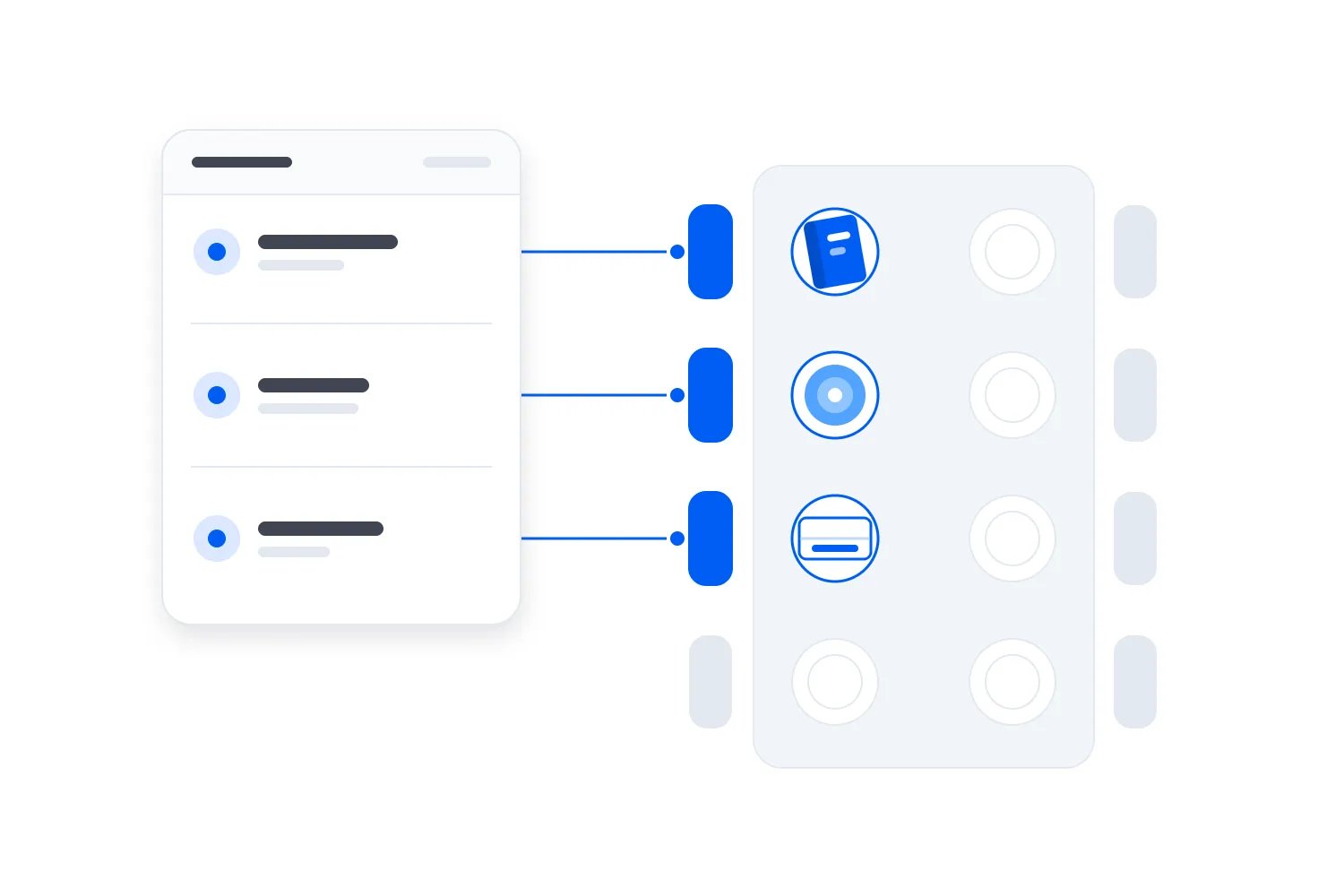
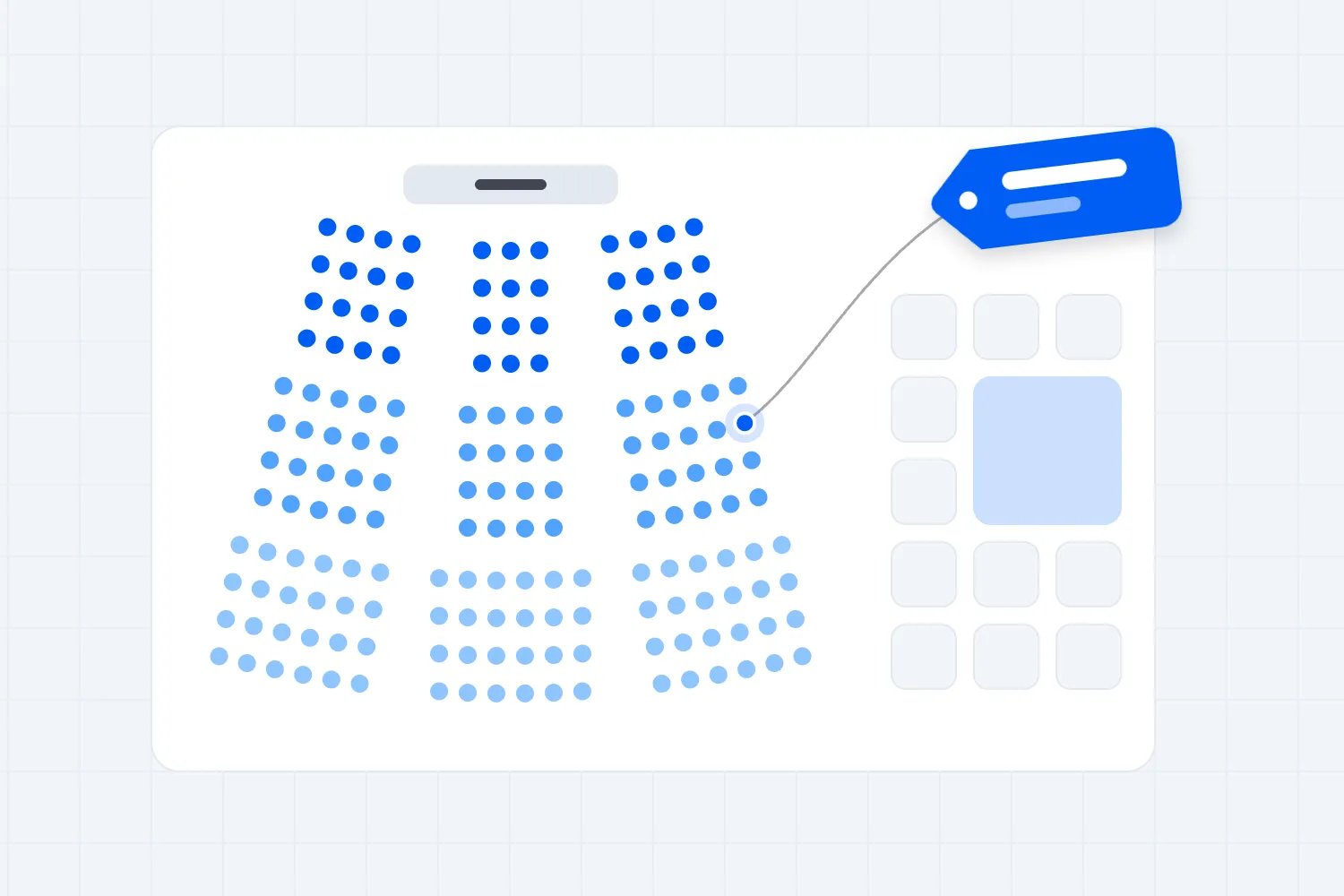
Loopyah's seat charts let you label rows and seats, assign categories that become ticket types, and price those categories separately. Buyers choose exact seats. That gives you a way to connect a reviewed seating offer with the places you're selling; you still need to verify how your restriction information appears throughout your configured purchase experience.
Don't assume the software assesses sightlines or writes the warning for you. The venue and production review supplies those facts. Before building a category around a particular limitation, confirm that the configuration will present it accurately and that a category name won't be truncated into something unhelpful.
Test whether your chosen grouping matches the physical seats. If one row contains several different restrictions, a single category description may be insufficient. Review what the selling setup can communicate and choose an approach that gives buyers the necessary detail before they select. A convenient inventory structure shouldn't decide what customers are told.
Keep a dated reference of the approved offer and its checked purchase route. You'll need it if a buyer asks what was displayed when they booked or production later proposes a change. Record the relevant description without collecting unrelated customer information in your seating file.
Keep accessibility decisions separate from the discount
An accessible location doesn't become a suitable restricted-view offer simply because it costs less. Review its actual features, the relevant access obligations and the experience being sold. A generic warning cannot replace the provision your event must make, or excuse sending people to a location that doesn't meet those requirements.
For US events, the Department of Justice's ADA ticket-sales guidance addresses accessible seating information, sales methods and pricing. It explains that buyers need sufficient detail to determine whether a seat meets their needs. Apply the relevant requirements with the venue and appropriate advisers, including the implications of your particular configuration.
Check the view of an interpreter, captions or other access provision when those are part of the event. A clear view of the main performer doesn't establish that the buyer can use that provision. Ask the relevant access and production leads to review those positions before describing the experience.
Don't assume a person can solve a restricted view by standing, leaning or moving to another location. That may be impossible for them and may disrupt other audience members. Describe the normal seated experience accurately. Any assistance or alternative position needs to be an agreed, suitable arrangement rather than an improvised promise.
Provide a contact for questions your published information doesn't resolve. Staff should know where to obtain a reliable answer, rather than guessing from the seat's price. Use our event accessibility checklist to review the wider journey, while keeping the specific seat and production questions in your seating review.
Ask how the audience is expected to behave during the programme. A position that works while nearby attendees remain seated may change when they stand. Review that expectation with the venue and access leads. Don't describe an unobstructed view based only on an empty room when the production expects a different audience experience.
Control changes after tickets go on sale
Your description can be correct on launch day and wrong after a production change. A sponsor screen, larger speaker stack or new camera position may affect seats already sold. Agree that production tells the ticketing lead before approving a change with audience-view consequences. The team needs time to assess the impact and available responses.
Identify both unsold inventory and existing bookings affected by the proposed arrangement. Holding the remaining seats prevents new customers buying on an inaccurate description, but it doesn't address the people who have already paid. Record which seats and performances are involved so the response reaches the right buyers.
Ask whether production can avoid the obstruction through an acceptable alternative. Review that proposal through the venue's normal approval process. Don't promise a move that creates another access or safety problem, and don't assume that because a change is temporary it is too small to matter.
If the experience must change, agree the customer response under applicable law and your terms. That may require updated information, an appropriate alternative or a refund, depending on the circumstances. Send the confirmed explanation and available options promptly. A reminder email describing an existing restriction is different from notifying someone that their purchase has changed.
Australia's ACCC says ticket sellers must not hide restrictions or other material details and must ensure tickets match the event description. Use its Australian guidance where relevant. For your own process, assign responsibility for checking the current offer and handling changes wherever your event operates.
For a run of performances, identify which dates use the changed configuration. A camera may affect the filmed night only. You don't want to restrict unaffected dates unnecessarily, but you also don't want a correction on one performance to leave another inaccurate. Check the actual booking and production records together before contacting buyers.
Prepare staff to answer and resolve the actual question
Your front-of-house team needs more than a list of discounted seat numbers. Brief them on the reviewed restriction, the wording buyers received and the person authorized to resolve a complaint. Give them current information after production changes, including any bookings already offered a different arrangement.
If someone reports that the view is worse than described, establish the seat and what is happening before deciding on a response. A camera may have moved, a person may be in the wrong place, or the original assessment may have missed something. "You bought restricted view" doesn't answer whether this experience matches what you sold.
Agree how staff request an available alternative and who approves it. They must check that a proposed chair is genuinely available, appropriate for the person and permitted to use. An empty seat may belong to a late arrival or have another legitimate restriction. Don't invite customers to relocate themselves during the performance.
Keep the discussion considerate. A buyer raising a sightline problem shouldn't have to argue about it in front of the audience. Offer the practical support route you've prepared, record the issue accurately and explain the available next step. Avoid making promises that the person managing the booking cannot authorize.
If the complaint can't be resolved immediately, tell the buyer who will follow up and how. Preserve the relevant information about their purchase and the actual obstruction under your normal records policy. Your terms should explain the process without suggesting that a discount removes rights the customer has under applicable law.
Prepare the booking team for requests made before event day as well. Someone may realize the limitation won't suit their guest after reading the confirmation. Apply the agreed policy and applicable rights, explain the available options, and record any accepted change so the ticket and seating assignment remain consistent. Our event refund policy guide covers the wider policy decisions.
For an illustrative complaint, suppose a buyer reports that the performer disappears behind a camera throughout the main demonstration. Your record says the camera blocks only an unused edge of the stage. Investigate that difference with production. The useful question is whether the promised experience and the delivered one match, not whether the ticket carried a warning somewhere.
Keep any remedy connected to the affected booking. If the buyer accepts a different seat, confirm the new assignment and update the records the door team uses. If the booking involves companions, ask what arrangements are needed for them too. Moving one person without understanding the group can create another problem the staff then have to resolve.
A supervisor should also know what to do when several buyers report the same unexpected obstruction. Escalate the common cause to production and ticketing, check the remaining affected inventory, and coordinate the response. Handling every person as an unrelated complaint can leave the next customer buying a seat on the same inaccurate information.
Review the offer before using it again
After the event, compare complaints and staff observations with the seat assessment. Look for a recurring location, an unclear phrase or a production assumption that turned out to be wrong. A small number of complaints doesn't prove that every buyer understood the offer, but a specific report can reveal a fix worth investigating.
Ask the team whether the same description would remain accurate for the next production. A recurring venue layout can still carry different scenery, performer positions or screens. Reuse confirmed information about permanent features, then review the parts affected by the new event before releasing the seats again.
You can also ask buyers a focused question about the description they used. Did it explain the limitation they experienced, and what information would have helped them choose? Keep that separate from whether they liked the show. Someone can enjoy the performance while still finding your seat information misleading.
Assign the resulting changes to the person who controls them. Production may need to review a position; ticketing may need to rewrite a description; front of house may need a clearer authority for seat changes. Verify the correction with the relevant responsible team in the next actual setup rather than treating a note in the debrief as completed work.
Before releasing your next restricted-view allocation, ask someone to buy it in a test journey and explain the offer back to you. They should know which seat they're choosing, what obstructs the view and what part of the experience they'll miss. If any of those answers remains uncertain, keep that allocation off sale while you resolve it.

Author: By the Loopyah Content Team
The Loopyah Content Team shares expert insights, practical guides, and industry updates to help event organizers create unforgettable experiences and stay ahead in the event planning world.