· 21 min read
How to sell ticket upgrades after someone has already booked
Someone bought general admission last month. Now they want the reserved seat, the lounge or the workshop that wasn't part of their booking. You have something else they want to pay for, and you already know they're coming. That should be a sale.
It gets messy when the upgrade creates a second admission, gives away a seat twice or leaves the buyer unsure which ticket to show. An email promising VIP access is no use if the person scanning tickets still sees general admission.
To sell ticket upgrades after purchase, offer a priced change to an eligible booking, confirm the extra capacity and connect the payment to the correct attendee. Finish by updating their access and explaining exactly what they should use at the event. The sale is complete when the booking and the door team agree about what that person bought.
You don't need to offer every possible change. Start with one upgrade your team can fulfil reliably, then work through the exceptions before inviting buyers to pay.
Decide what the upgrade actually changes
The first thing you want to do is separate an upgrade from another ticket sale. A ticket upgrade changes the rights of someone who already has admission. An additional ticket brings another person. A merchandise purchase may change neither admission nor access.
Those distinctions matter when you count attendance. If a general admission buyer upgrades to VIP, your total attendance stays the same. Your VIP allocation increases and your general admission allocation decreases. If you sell a dinner alongside admission, you consume dinner capacity without necessarily changing the person's ticket category.
Write the change as a sentence the buyer can understand. "Move your existing Saturday general admission ticket to a reserved seat in section B" is clearer than "Unlock premium." If the upgrade includes refreshments, state what and how much. If the seat is only an opportunity to use an unreserved area, don't describe it as reserved.
Be just as clear about what stays included. Someone who declines should still receive the experience you sold them originally. Don't move a previously included benefit behind a new payment request and call it an upgrade.
Our guide to VIP ticket packages explains how to choose and price the original premium offer. Here, the question is narrower. How do you move an existing buyer into that offer without losing their original booking, miscounting capacity or charging the wrong amount?
Some events will be better served by an optional extra rather than replacing the ticket. A workshop booking can remain unchanged while the attendee buys a materials pack. Choose the arrangement that reflects what changes, then use that description throughout checkout and fulfilment.
Set eligibility before you promote the offer
An upgrade needs a rule about which existing tickets qualify. Start with the event, date, session and original ticket type. A Friday admission shouldn't buy a Saturday seat upgrade unless you deliberately support that change and have explained the consequences.
Next, decide whether eligibility belongs to the purchaser or the individual attendee. An order containing several tickets doesn't mean everyone wants the same upgrade. Let the purchaser identify the exact ticket being changed, and show the attendee and date back to them before payment.
Work through discounted tickets, complimentary tickets and tickets bought through partners. A complimentary admission might qualify for a paid hospitality extra while receiving no monetary credit toward a higher ticket price. A discounted admission may receive the amount actually paid, rather than the standard price printed on your sales page. Publish the policy you choose.
Transferred tickets require particular care. The person holding the ticket may differ from the person who paid. Verify who can authorize the change and who receives the updated confirmation. Our ticket transfer rules guide covers that ownership question in more detail. Don't send a working change link to an old owner because their address remains in an export.
Exclude refunded, cancelled and already upgraded tickets. Decide what happens to tickets currently offered for resale. They shouldn't remain available for another buyer while their access is changing. Your system needs a supported way to prevent conflicting actions, or your team needs to stop one process before starting the other.
State the sales deadline and any arrival restriction too. Early entry has no remaining value once the early entry window ends. Selling it at the door after that point needs a different description and price, if you sell it at all.
Check every limit the buyer will use
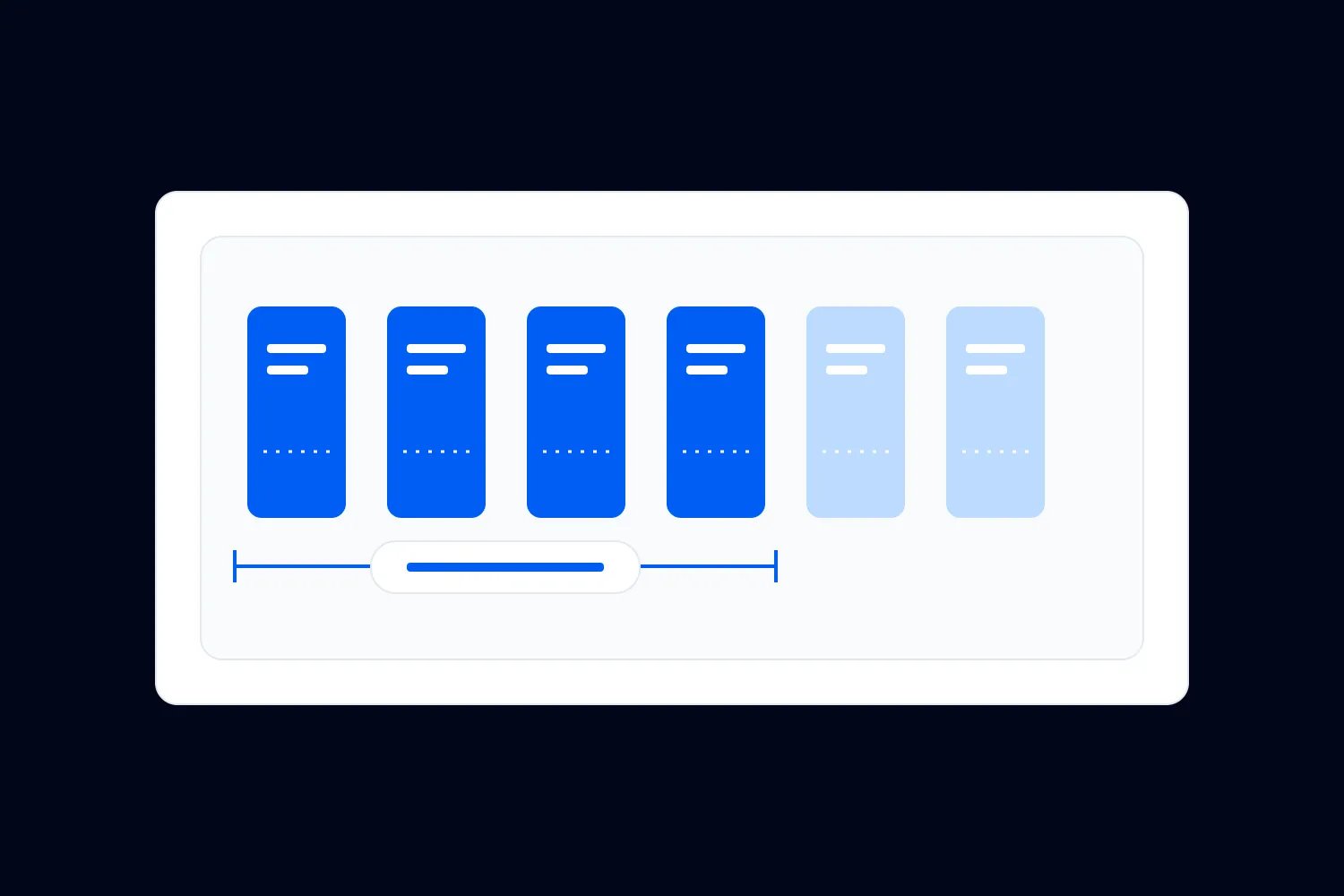
Available admission doesn't prove an upgrade is available. Your venue might have plenty of standing room while every reserved seat is sold. A lounge might have space while the dinner included in the package has reached its catering limit.
List the resources the upgrade promises. Ask the person responsible for each resource how much remains after existing premium sales, supplier allocations and operational holds. Use the smallest remaining quantity as your maximum upgrade allocation when each upgrade consumes one of each resource.
For a fictional concert, suppose the premium section has 60 seats. You have already sold 38 full premium tickets and promised two seats to a sponsor. That leaves 20 seats before other restrictions. If you have only 15 remaining meal packages and every upgrade includes a meal, you can sell 15 of that package, unless the supplier confirms more.
These are invented quantities to explain the decision, not recommended allocations. The important detail is that full premium tickets and upgrades consume the same premium benefits. Creating a separate upgrade product doesn't create more seats or meals.
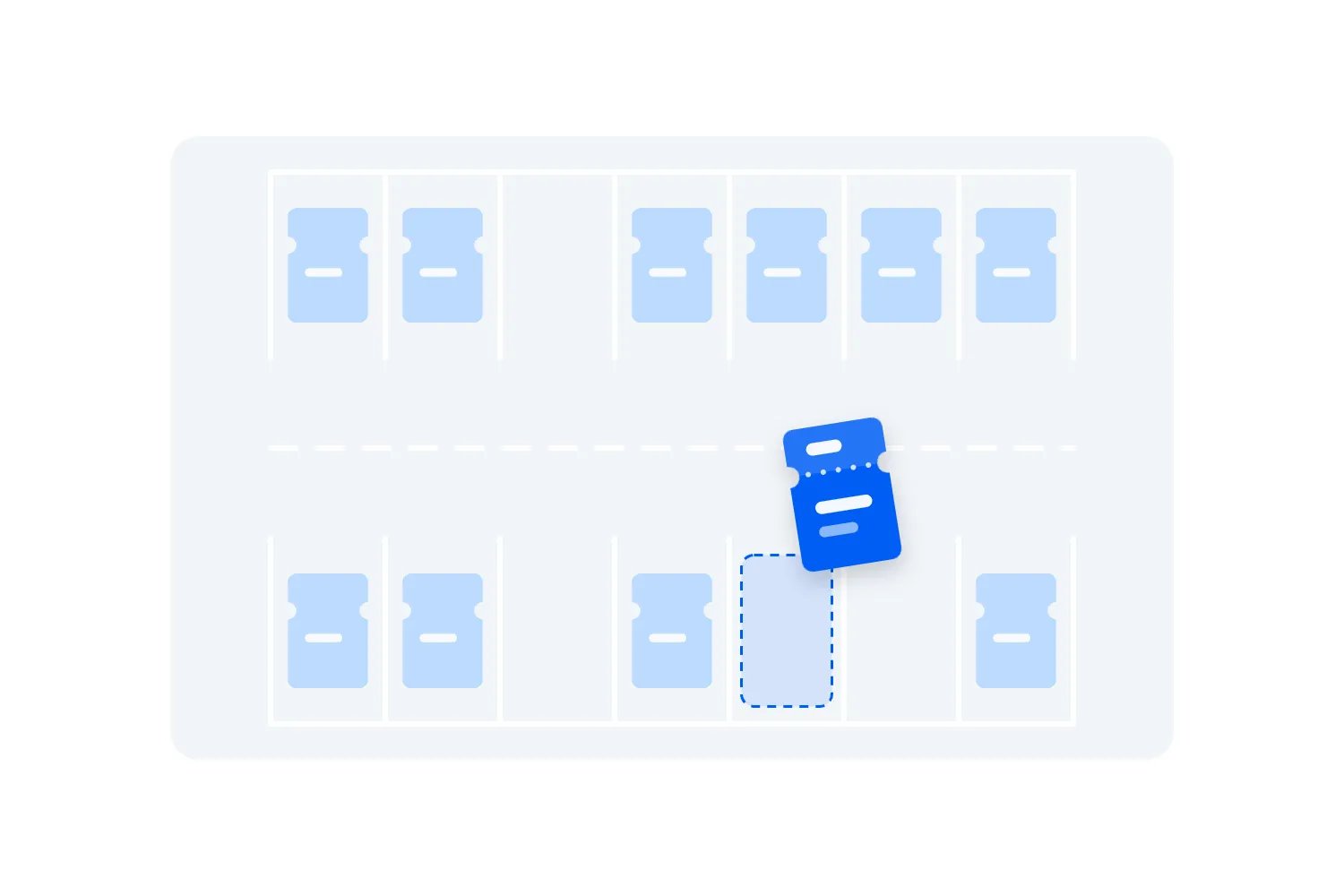
Reserved seating also needs a rule for the original seat. Keep the buyer's current entitlement secure while they consider the offer. After confirmed completion, release the replaced seat according to your agreed process. Don't free it when someone merely opens the upgrade page, or leave it blocked indefinitely after a failed payment.
Treat accessibility as part of the seating plan. For covered US assigned seating, the Department of Justice's ticket sales guidance explains accessible seating availability and pricing requirements. Accessible seats cannot cost more than nonaccessible seats in the same section, including service charges. Don't require someone to buy hospitality simply to obtain the accessible seating they need.
Check the requirements where your event takes place with the venue. Your premium sales target doesn't override those obligations or justify selling protected inventory as a last minute upgrade.
Choose a price and an honest credit policy
There are two useful ways to price the change. You can sell a defined extra for a fixed amount, or charge the difference between the eligible booking credit and the new ticket price. Pick the method before you start making offers.
A fixed price works well when everyone receives the same additional benefit. For example, you might charge existing ticket holders a stated amount for a lounge package, regardless of when they bought admission. Explain that the payment buys the extra package and doesn't replace the admission purchase.
A price difference makes sense when the customer is moving between ticket categories. Suppose, in a fictional USD example, they paid $60 for an eligible ticket and the new category costs $110. If your policy credits the $60 ticket payment, the difference is $50 before any separately applicable charges or taxes. You must calculate and disclose the actual amount payable.
Now suppose another buyer paid $45 for the same original category during an early release. Crediting actual payment produces a $65 difference against that $110 target. Crediting the standard $60 produces $50 instead. Either calculation needs a stated policy and a reason. Don't let a support agent invent the answer halfway through an exchange.
Be precise about fees. The original booking fee might not be refundable or creditable, while a new transaction may incur another charge. Confirm your provider's treatment rather than assuming the difference between advertised ticket prices is the final checkout amount.
For covered US live event tickets, the FTC's fee rule guidance requires upfront total pricing with mandatory calculable fees, subject to its specified exceptions. Display the upgrade payment clearly and disclose the final amount, including permitted exclusions, before asking for payment. Describe the fee treatment truthfully.
Avoid vague "from" prices when most eligible buyers cannot obtain them. A personalized offer can show the original eligible credit, the new price and the amount due. A general promotion should explain what determines the difference and lead to a calculation the buyer can inspect before committing.
Calculate what the upgrade leaves after costs
The original ticket revenue is already part of your event plan. When judging an upgrade campaign, calculate the additional money you collect and the additional costs you incur. Counting the full premium ticket price again makes the campaign look better than it is.
Use the fictional $50 upgrade payment above. If the extra benefits cost $18 per person and additional payment and selling costs are $2, the upgrade leaves $30 toward any extra setup costs and profit. These invented amounts exclude tax, refunds and other event costs. Replace them with your supplier quotes and actual fee calculation.
If opening the premium offer requires an additional $300 host shift, ten such upgrades cover that shift. They haven't covered the whole event budget, and ten sales don't guarantee the campaign was worth the management time. Include extra labour, minimum supplier orders and any customer remedies in your final assessment.
| Label | USD remaining |
|---|---|
| 0 upgrades | -300 |
| 5 upgrades | -150 |
| 10 upgrades | 0 |
| 15 upgrades | 150 |
Consider the alternative use of the premium inventory. If you expect to sell every remaining premium seat to new buyers at full price, a discounted upgrade might replace a stronger sale. If those seats would otherwise remain empty, the comparison changes. You still need to deliver the package at the promised standard.
Don't assume a seat released by an upgrading customer will sell again. It might, but the benefit depends on remaining demand and the time left. Record a later sale as a real result when it occurs. Until then, keep it separate from the upgrade's confirmed additional receipts.
This is why I wouldn't begin with a discount. First check whether buyers understand the additional experience. If they don't know where the seat is or what the lounge includes, reducing the price doesn't answer the question stopping them from buying.
Make the booking change easy to follow
A buyer should be able to understand the process before paying. They need to know whether they select a ticket within their order, receive a replacement ticket or keep their existing ticket with an attached benefit. The arrangement depends on what your ticketing provider actually supports.
The cleanest route usually lets them open their booking, see eligible changes and pay the displayed amount. Ask your provider to demonstrate the full journey with your ticket types. A feature called "upsells" may only offer extras during the original purchase. That doesn't establish support for changing an existing ticket later.
If the supported method uses a separate upgrade product, make "existing admission required" prominent. Match it to one eligible admission and limit duplicate purchases. A standalone payment link with no booking validation can collect money from somebody who doesn't have a qualifying ticket.
For a small pilot, a supported staff assisted change may be sensible. The buyer requests the change, your team verifies the ticket and available benefits, then uses the provider's approved payment and ticket process. Send a written confirmation when complete. Don't ask people to email card details or rely on a message saying they have paid.
Keep the buyer's original valid admission available until the upgrade succeeds. If your provider's supported process requires another sequence, verify how it protects the buyer and reserves the new entitlement before using it. Avoid improvising a refund followed by a new purchase when that creates a period with no secured admission.
The final confirmation should explain what they now own, which ticket or tickets to present and whether the old admission code still works. If they need both admission and a benefit voucher, say so clearly. Don't leave them to infer the entry procedure from two different receipts.
Handle successful payments and failed changes separately
A payment can succeed while a confirmation email fails. A checkout can also display a completion page before a delayed payment is settled. Your operations need to distinguish payment status from the status of the ticket change.
Ask the provider what confirms the transaction and what happens if a buyer closes their browser immediately after paying. In Stripe's fulfilment guidance, the payment provider explains why a return to the success page alone is unreliable. It also explains that repeated payment notifications must not cause repeated fulfilment. You don't need to build that system yourself, but you do need your provider to handle it.
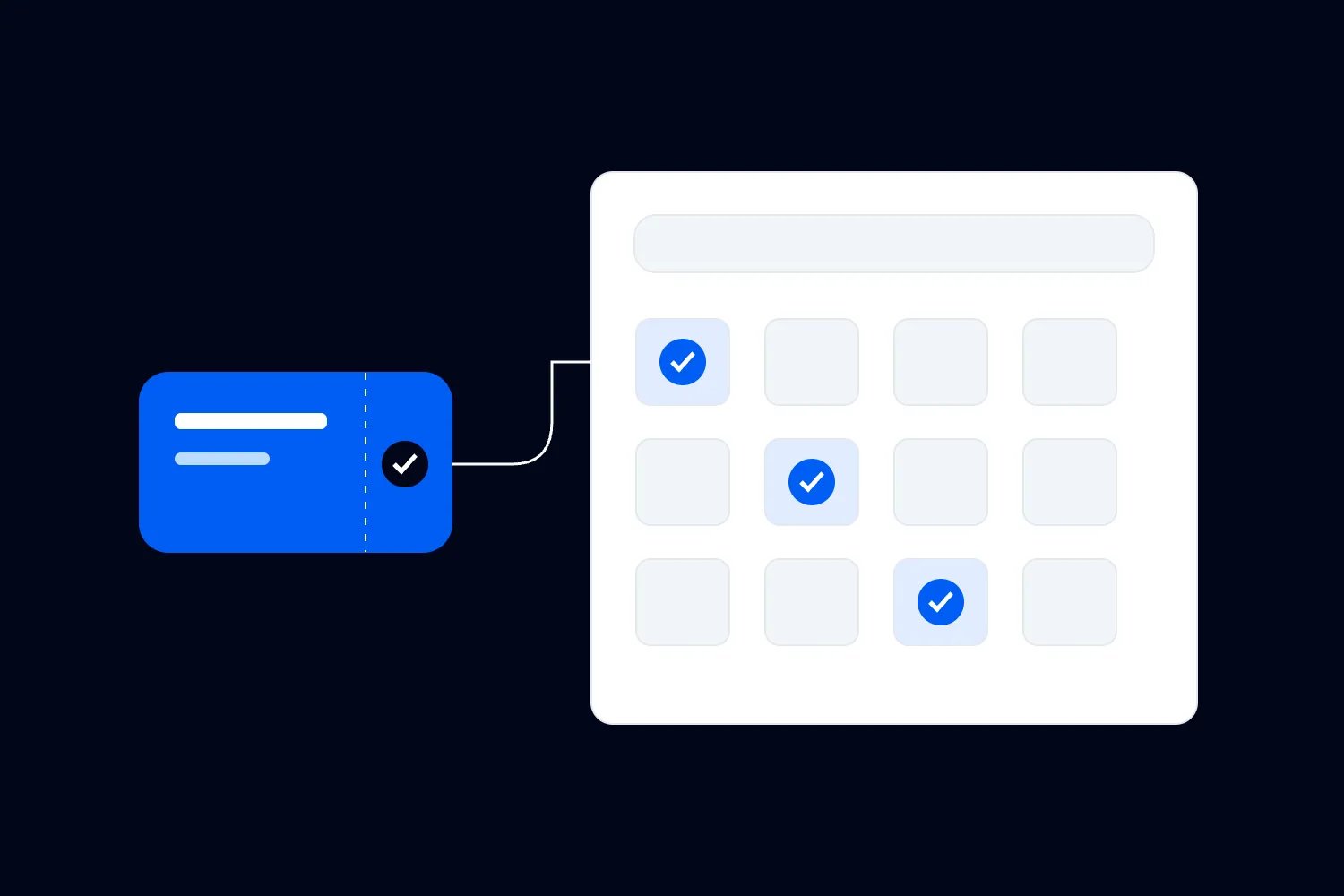
For an upgrade, repeated processing mustn't issue two premium entitlements, release the original seat twice or charge again. Test the supported process with your provider. Ask where staff can see confirmed payment, the original admission and the completed change together.
When payment fails, the buyer should retain the original booking. Any temporary hold on the upgrade needs a defined expiry. When payment remains pending, explain that the upgrade isn't confirmed yet and tell the buyer how they will hear the outcome. Don't tell them to pay again while nobody knows what happened to the first attempt.
Create an exception queue for confirmed money without a completed upgrade. That deserves prompt attention because you have taken payment without delivering the change. Keep a named owner and an agreed response. If the promised benefit can no longer be supplied, resolve the payment and booking using your published terms and applicable rights.
An automated confirmation is useful, but the saved booking is the record your team needs to trust. After completing a manual correction, verify the current ticket and access information rather than assuming sending another email fixed it.
Offer the change when there is a reason to care
Post purchase upgrades work best as a relevant invitation. Someone who booked a concert may care about a newly confirmed premium viewing area. A conference attendee may decide on a paid workshop after the detailed programme is published. Explain the additional experience at the moment they can judge it.
Start with eligible ticket holders who can receive promotional messages. Exclude people who already own the benefit, have refunded their booking or no longer hold the ticket. Stop sending the offer when inventory is gone or fulfilment closes. An attractive email leading to an unavailable product wastes attention and creates support work.
An upgrade invitation is marketing. Don't disguise it as an essential event update. For UK electronic marketing to individuals, the ICO's email marketing guidance explains consent and the conditions for the products and services soft opt in. An existing purchase alone doesn't settle every requirement. Check collection history and opt out arrangements before using that route.
For US commercial email, follow the FTC's CAN-SPAM guidance, including truthful headers and subjects, required identification and address information, and a working opt out. Apply the requirements relevant to your recipients instead of assuming one country's rule covers the whole list.
With Loopyah's attendee email tools, you can segment contacts using purchase information and distinguish promotions from event updates. That helps you reach an appropriate audience. Confirm the specific upgrade purchase and exclusion rules separately; an email segment doesn't itself change ticket access or reserve a premium seat.
Keep the invitation focused. State the event, eligible ticket, extra benefit, payment and deadline. Link to the booking or supported upgrade route. The buyer shouldn't need to revisit your entire sales pitch to understand what you are offering them now.
Write the offer as if you're answering a real buyer
You don't need elaborate copy for an upgrade. You need to answer the questions somebody would ask if they were standing at your box office. What will I get? What will I pay? Will my friends still be with me? Which ticket do I use?
For a fictional concert offer, the substance might be, "Already have Saturday general admission? You can move to a reserved section B seat for an additional $50, including mandatory charges. Your admission stays included. Choose the ticket you want to change in your booking. Upgrades close Thursday at 6pm, unless the remaining seats sell first."
That wording assumes those are the real terms, the fee calculation is correct and the supported journey does what it says. Don't copy a convenient example into a campaign without checking each condition. If seats are allocated rather than selected, replace the selection language. If a new charge varies by booking, show the calculated amount before payment.
For group orders, explain whether a partial upgrade separates people. Show the new location before they confirm. An upsell that quietly splits a party can turn a profitable transaction into a refund request, especially when the original purchase was made to attend together.
Use a real deadline tied to operations. Catering confirmation, seat allocation or the start of an entry window can justify closing sales. A countdown that restarts doesn't help the buyer make a decision and undermines the rest of your promises.
Make the no purchase outcome clear where confusion is likely. Their original ticket remains valid with its original benefits. They don't need to upgrade to attend the event they already bought.
Decide what happens when plans change
Your original refund policy may not explain an upgrade bought weeks later. Decide how the two purchases relate before selling the change. A buyer should be able to find the relevant terms without comparing several confirmations and guessing which one takes priority.
Consider the event being cancelled, the buyer requesting a refund and the premium benefit becoming unavailable while the main event continues. Those are different situations. Explain what you will do in each, check applicable consumer rights and confirm how the provider handles the money. A blanket label saying nonrefundable cannot answer every case.
If the event is postponed, tell buyers whether the upgraded entitlement carries over and what options apply. If a reserved section changes, don't silently substitute standing admission. Contact affected buyers with the actual change and the proposed remedy. Keep a record of what they accepted and update the booking accordingly.
A refund for the upgrade alone should also produce the correct remaining admission. Suppose the buyer keeps general admission after cancelling the extra package under your terms. Your team must remove premium access while preserving the valid admission they retained. Refunding money without changing access leaves an entitlement you no longer intend to provide.
The reverse matters too. If the underlying admission is refunded or cancelled, an attached upgrade must not remain usable on its own. Decide whether the extra payment is refunded, cancelled under another stated arrangement or reviewed by support. Explain that relationship before the original admission can be changed.
Keep the financial history rather than overwriting it with a final ticket price. You need to see the original payment, upgrade payment, credits and refunds to answer a later query. The person preparing settlement should be able to reconcile those transactions without treating the upgrade as another full admission sale.
Transfers need the same attention. If a buyer transfers an upgraded ticket, does the benefit travel with it? A reserved seat often can, while a named workshop or age restricted hospitality package may involve another check. State the rule and make sure the supported transfer process preserves it. Avoid promising flexibility your team cannot deliver.
Choose one person to resolve exceptions during the campaign, with a backup for event day. They need the booking history, current access and your published terms. When support applies an exception, record the reason and tell the teams who fulfil the benefit. Otherwise a refund approved in the office may never reach the person handing out wristbands, and the next guest gets a different answer for the same problem. That is avoidable work for everyone involved.
Test the whole change before sending the invitation
Run a complete test using the ticket types and offer rules you intend to use. Ask someone who didn't configure it to follow the buyer instructions. Watch where they hesitate and compare the result with the original order.
Test a single eligible ticket first, then an order containing several admissions where only one changes. Confirm that attendance doesn't increase, the right premium allocation decreases and any replaced seat returns to sale only when it should. Check the email and ticket on a phone, because that is likely what the buyer will show your staff.
Also test an ineligible date, a cancelled booking, a ticket already upgraded and an upgrade after the deadline. The route should explain why the change isn't available without accepting an unusable payment. Try the last available premium place with your provider's supported testing method to confirm how competing purchases are handled.
Include failure and recovery. What does the buyer see if payment fails? Where does staff find a completed payment when the email doesn't arrive? Can a second attempt create another entitlement? How does the door display the final ticket after a correction?
These checks are more useful than asking whether the upgrade page looks good. A well designed checkout can still produce the wrong ticket. Record the expected outcome and verify it in the saved booking and check in system before sending a live campaign.
At this point, choose a campaign quantity your team can support. A controlled first group lets you spot practical issues before every eligible buyer receives the offer. It doesn't excuse a broken process, but it limits the number of people affected by an unexpected problem.
Make the door team part of the sale
The buyer experiences your upgrade through the people checking them in. Brief those people on the final entitlement, the valid ticket format and the remedy for a mismatch. Marketing cannot finish that job for them.
If the provider replaces the original ticket, confirm what scanning the old code does. If the original remains valid with updated access, confirm that staff see the current category. If admission and the benefit use separate codes, explain where each gets checked and how redemption is recorded.
Don't count a person entering the lounge as another event arrival. Likewise, scanning admission doesn't necessarily record a meal, print or workshop redemption. Give each team the information needed for its task without turning every access point into a second box office.
Loopyah's ticketing tools include QR check in and staff access. Those capabilities support event entry, but you should verify the exact post purchase upgrade workflow and how changed entitlements appear before advertising one. Ask your provider to demonstrate an upgrade against an existing booking before deciding how to sell it.
For last minute upgrades, name who can approve them and confirm the remaining benefit inventory. Stop selling a package when the team can no longer deliver it. If someone has already checked in, record the upgrade against that person rather than admitting them again as a new arrival.
Have a private support route for disputes. Guests shouldn't have to explain a payment problem repeatedly in a queue while staff search several inboxes. The person resolving it needs access to the current booking and transaction, plus authority to apply the agreed remedy.
Measure the extra money and the extra work
After the event, count completed upgrades separately from new premium ticket sales. Compare additional receipts with extra delivery costs, payment costs, refunds and staff time. Include money collected for changes that later failed, then show its resolution rather than leaving it among successful sales.
Review the eligible audience too. How many valid offers reached people who could buy, how many completed the change and how many needed help? Keep those definitions consistent between campaigns. A broad email open rate doesn't tell you whether the upgrade process worked.
Check whether full premium ticket sales changed while the offer ran. You may not be able to prove what would have happened without the campaign, but you can avoid claiming every upgrade payment as entirely new profit. Record the assumptions that remain uncertain.
Read the support requests before repeating the offer. If buyers repeatedly asked which code to use, fix the confirmation. If group members expected adjacent seats, explain allocation earlier. If a meal benefit caused most exceptions, change that part of the package or close it sooner.
For the next event, choose the simplest version that produced worthwhile additional profit and a clear guest experience. Before sending another invitation, take one existing booking through the complete change again. Verify the payment, the updated entitlement and what the scanner shows. Then you can confidently ask more ticket holders whether they'd like to upgrade.

Author: By the Loopyah Content Team
The Loopyah Content Team shares expert insights, practical guides, and industry updates to help event organizers create unforgettable experiences and stay ahead in the event planning world.