· 21 min read
How to manage accessible seats and companion tickets fairly
You're checking ticket sales and someone asks whether they can bring a companion. Another buyer needs a wheelchair space beside their family. Your box office has an answer, your event page says something different, and the person building the seat map has reserved a few places without knowing who can release them.
The first thing you want to do is agree on one booking policy with the venue, then make the ticket offer and admission process follow it. Keep accessible spaces available to people who need their features, explain companion arrangements before checkout, and give staff a clear way to resolve requests. Your local rules decide the legal requirements. Your operation decides whether customers can actually use them.
This matters commercially because every uncertain booking creates work for your team and another reason for a party to abandon the purchase. It also matters without a revenue calculation. Someone buying a ticket should be able to understand what they're buying and arrive to find the arrangement you promised.
Separate the seat, the companion, and the price
An accessible space, a nearby companion seat, and a free essential companion ticket answer different questions. Keep them separate when you write your policy and configure the sale.
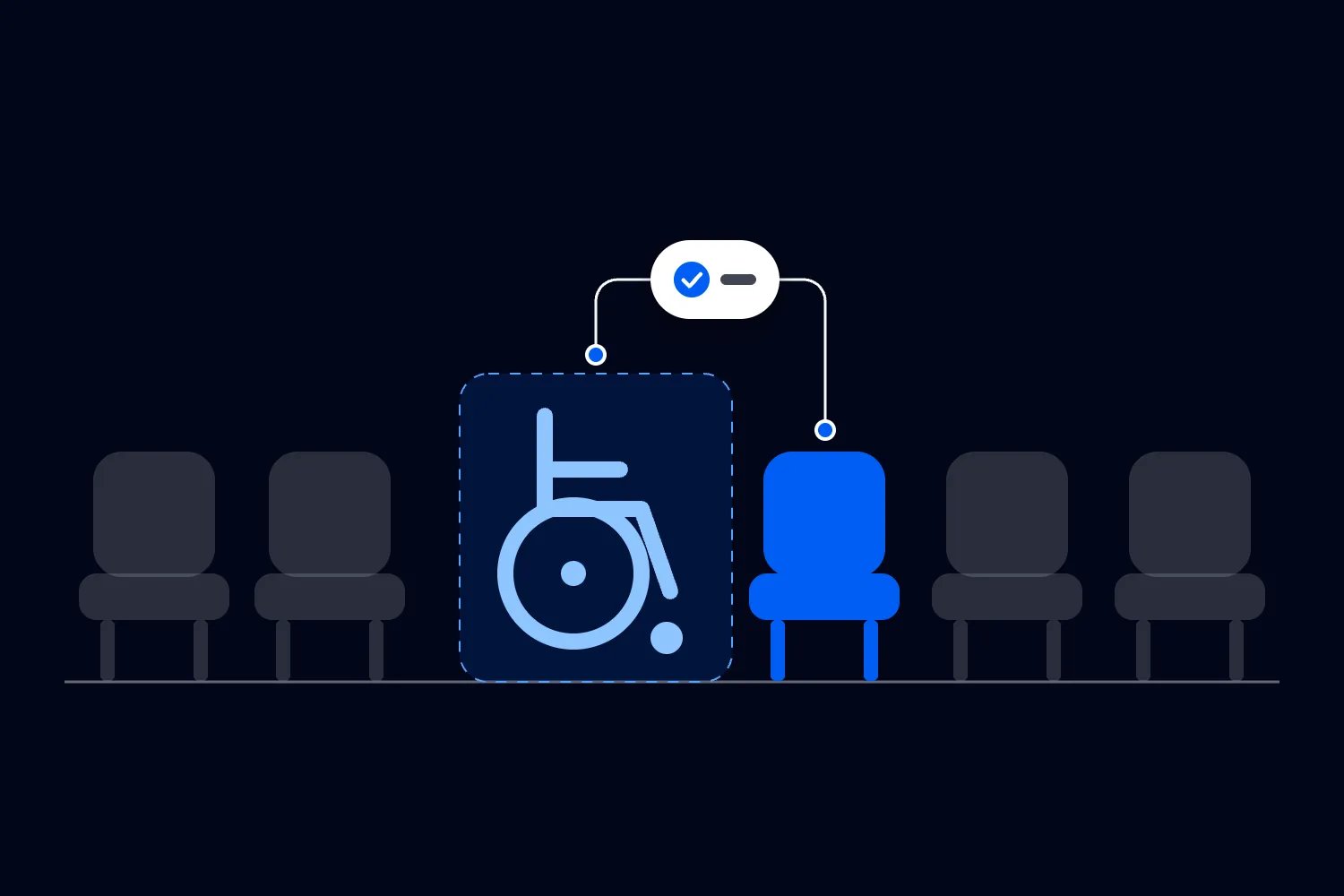
The accessible space concerns the physical features someone needs. A wheelchair space is different from an aisle seat, a seat with no steps on its approach, or a position with a clear view of an interpreter. Describing everything as "accessible seating" leaves the buyer guessing which arrangement is available.
A companion seat concerns sitting together. Someone might attend with their partner, children, friends, or a person providing assistance. Their relationship doesn't tell you whether that companion's admission is paid or free. It also doesn't tell you which neighboring seats the party needs.
An essential companion ticket concerns admission for a person whose assistance enables someone to attend. Whether that ticket must be free, which arrangements apply, and what information you may request depends on the jurisdiction and circumstances. Don't copy a policy from another country because the ticket label sounds familiar.
Decide these points separately with whoever owns accessibility and ticketing at your venue. Otherwise, a zero-price ticket may be issued without a usable place to sit, while a correctly reserved seat still leaves the buyer uncertain about the cost of bringing assistance.
Start with the rules that apply to your event
Write the location and legal scope at the top of your internal policy. A touring producer needs a version for each relevant jurisdiction, with local review where the arrangements differ. This article offers an operating approach, with examples from the United States, Great Britain, and Australia. It doesn't establish that the same ticket rules apply everywhere.
U.S. assigned seating has specific ticketing requirements
The U.S. Department of Justice's accessible ticket sales guidance explains that accessible tickets must use the same sales methods, hours, and stages as other tickets. Comparable pricing includes service charges. Buyers need enough information to judge the seats. Proof of disability cannot be required to purchase an accessible seat; a statement of need may be requested for a single event. The guidance also explains that eligibility concerns needing the accessible features, rather than using a wheelchair specifically.
That has a direct consequence for your launch. An email address for access inquiries can help answer questions, but it doesn't replace equivalent purchasing opportunities. Walk through what happens when tickets open, including a presale. If everyone else can buy immediately while an accessible-seat buyer waits for a reply, your arrangements need review before launch.
For companion seating, the Title III ticketing regulation generally allows someone buying an accessible seat to purchase up to three additional contiguous seats in the same row. When those seats are already sold, offer the closest available seats. Public ticket limits below four also apply, and a higher public limit also applies, although only three companion seats must be contiguous. This purchasing rule doesn't itself make those companion tickets free.
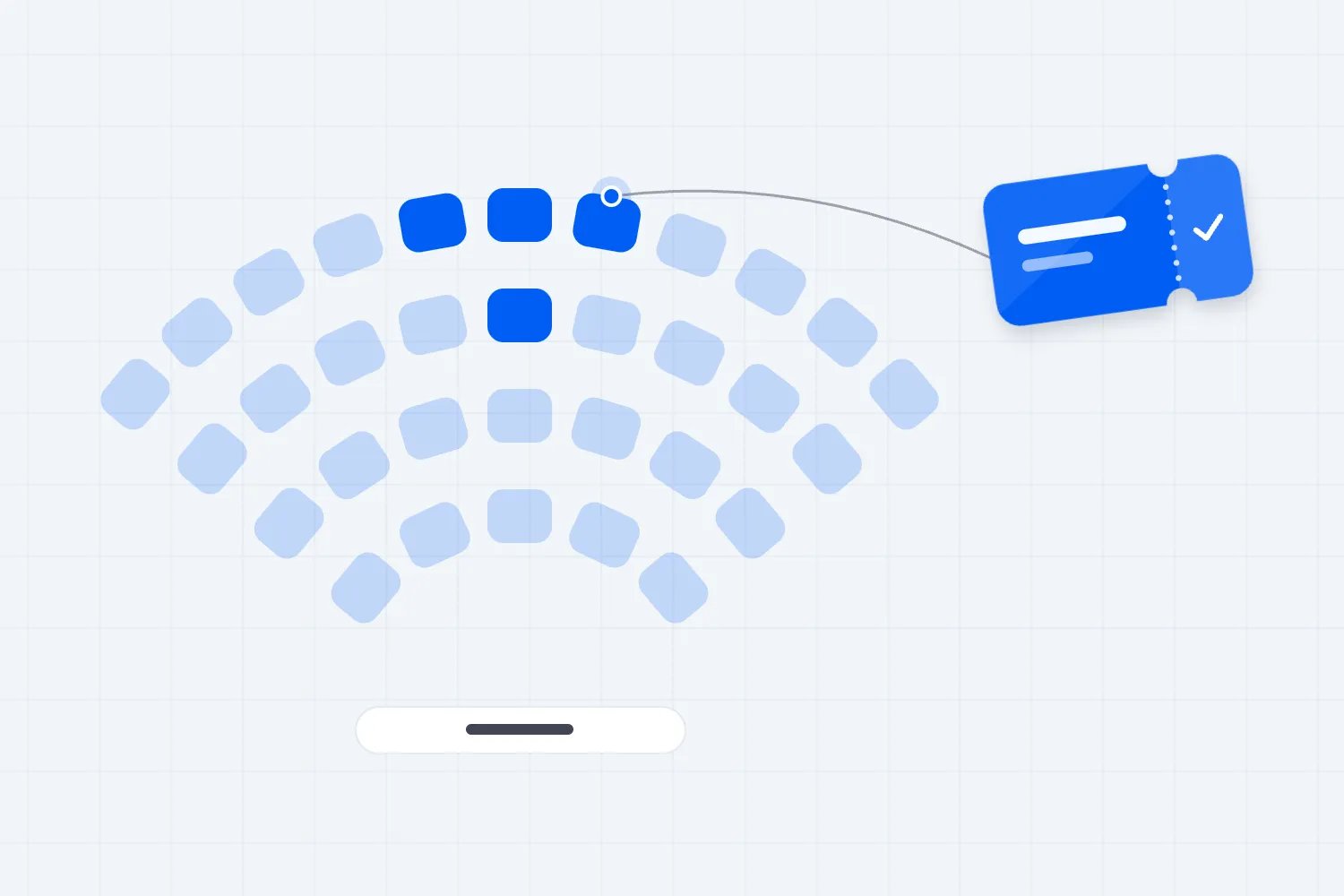
Have your venue confirm how the rules apply to its inventory and your event. The seat map needs to support the agreed arrangement before buyers start selecting isolated neighboring seats.
Great Britain uses a reasonable-adjustment framework
In England, Scotland, and Wales, the Equality and Human Rights Commission's code on reasonable adjustments explains the duty to anticipate barriers and take reasonable steps to overcome them. Reasonableness depends on the circumstances. The code also explains that a provider cannot charge a disabled person for the cost of a required reasonable adjustment. Northern Ireland has a different legal framework.
Review essential companion arrangements within that framework instead of importing the U.S. companion-seat purchasing rule. Ask the venue's responsible person how assistance requests are assessed and how a buyer can challenge a decision. If your answer is simply that every event uses the same restriction, check whether that restriction deals with the person's actual access requirement.
Australian Companion Card participation has its own terms
The NSW Government's Companion Card business guidance says affiliated businesses provide at least one companion ticket free and accept cards issued by any Australian state or territory. It also states that disability discrimination legislation applies whether or not a business is affiliated. The card isn't held by everyone with a disability.
Confirm the conditions of your event's participation and explain the booking route. Also decide how your team handles access requests outside the card scheme. A card program answers a particular eligibility question; it shouldn't become your entire accessibility policy.
Agree responsibilities before tickets go on sale
Bring the venue manager, ticketing lead, and person responsible for access together before you approve the event page. Include the producer when staging or production equipment changes the seating arrangement. Someone needs authority to settle disagreements, because customer support cannot resolve a physical layout problem by changing the wording of an email.
Record which spaces exist in the approved event configuration, which neighboring seats support companion bookings, and which prices apply. Identify who can change each part. A ticketing assistant may be able to correct a booking but should know when moving seats needs venue approval.
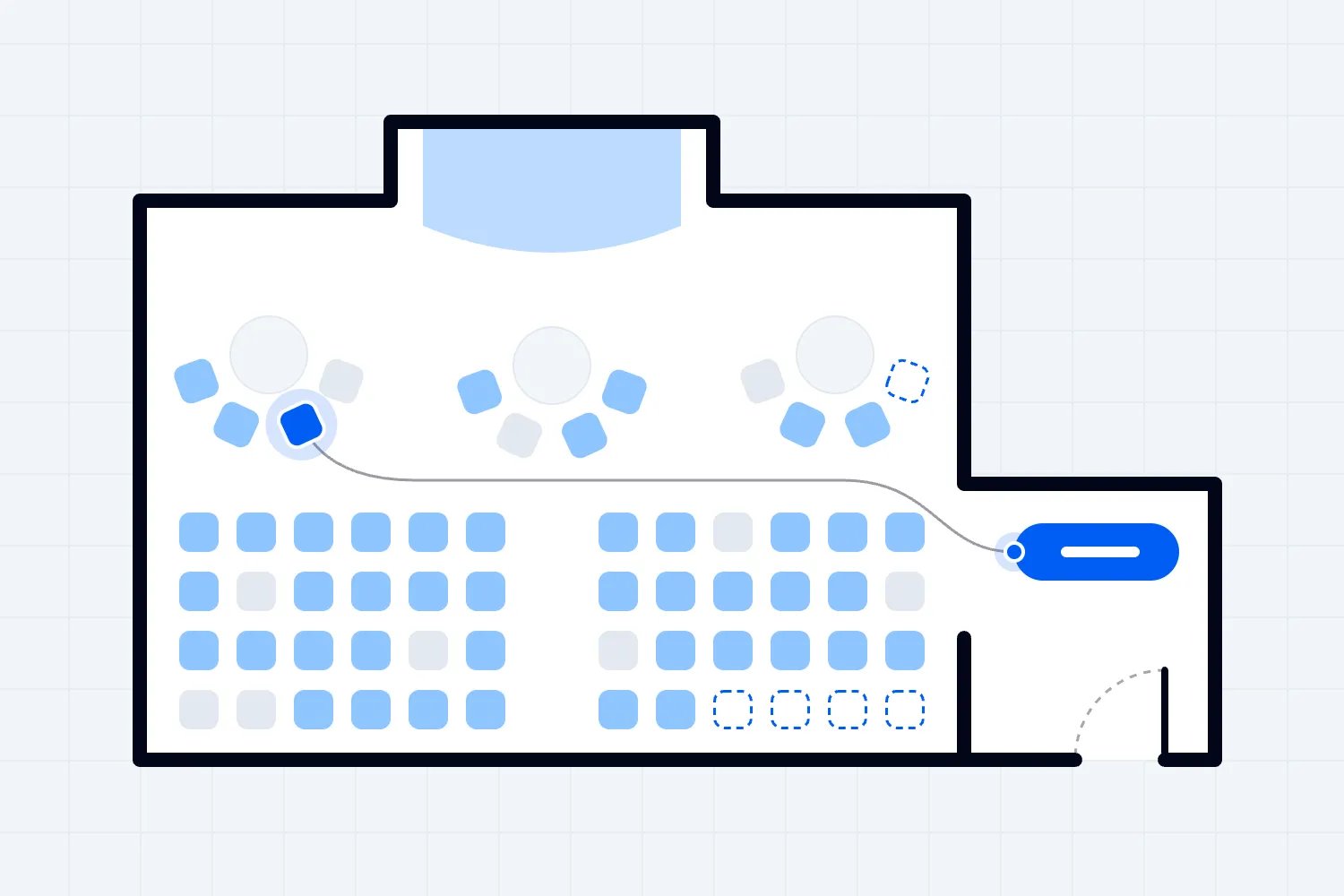
Keep the venue's physical review separate from your sales forecast. You need the actual configuration with the stage, sound desk, temporary barriers, and furniture in place. Last year's layout may be a useful starting point, but it doesn't confirm this event's routes or views. Our event seating chart guide explains how to work through the broader layout and approval process.
Then decide how the teams communicate a change. If production moves a barrier, who checks the affected seats? If a customer changes their party size, who updates the assignment and tells admission staff? Name the person doing the work and the record they update. "We'll let everyone know" is an unreliable plan once different shifts begin answering buyers.
Describe the places people can actually book
A symbol tells a buyer that you've marked something. It doesn't explain whether the place meets their needs. Write seat descriptions around observable features you have checked with the venue.
For a wheelchair space, explain the location and approach, whether the attendee remains in their own wheelchair, and how companion seating works. Describe the view accurately. If you don't know whether the view stays clear when the audience stands, ask the venue and production team rather than calling it unobstructed.
For other seats, state relevant details such as steps on the approach, available handrails, removable armrests, or distance from an entrance where you have confirmed them. Don't assume a person asking for a seat without steps needs a wheelchair space. Give them information and let them explain what works.
Consider a hypothetical theater booking. A buyer needs a wheelchair space and wants to attend with family. They should be able to identify the space, understand the companion options, see the price, and know how to ask about an arrangement the map doesn't explain. They shouldn't have to buy the wrong seats first to secure a place in the sale.
Check that the published description matches the booking confirmation. If the event page says the companion sits beside the attendee, a later email saying "subject to availability on arrival" changes the promise. Fix that before selling the arrangement.
Make the booking process work for the whole party
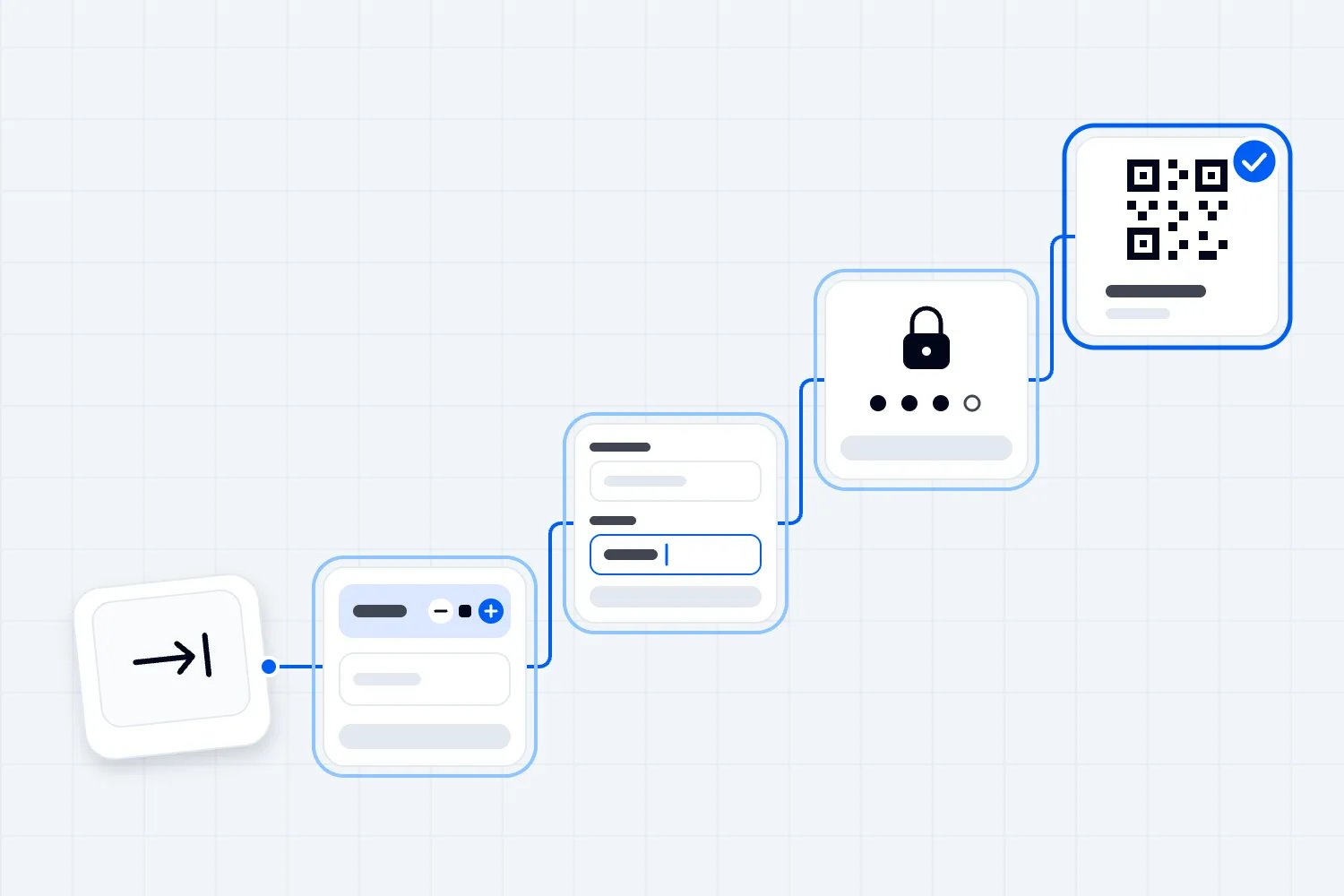
Test a party booking rather than checking whether you can add one accessible ticket to a basket. Select the accessible place, add the companion seats allowed by the applicable policy, complete payment, and read the confirmation. Then test what happens when only scattered seats remain.
This is where a tidy chart can conceal an awkward sale. You may have an accessible space available but no suitable adjacent seats because those were sold individually. Discuss the inventory arrangement with your venue and ticketing provider before it happens. Confirm what buyers can select, what staff can reserve, and how the policy is maintained across different sellers.
Loopyah's ticketing tools include reserved seating, section pricing, and buyer seat selection. Those capabilities help you sell an approved seating arrangement. You still need to verify how your specific setup handles accessible spaces and companion bookings. A seat map alone doesn't establish eligibility, protect neighboring seats, or apply the correct release rules automatically.
Ask your provider to demonstrate the real transaction using your event configuration. Include mobile checkout and the route available to someone who cannot use the visual map. Have a person unfamiliar with the setup try it. Someone who built the event already knows what the labels mean and may unconsciously avoid the confusing steps.
Publish a companion policy people can understand
A useful policy answers the questions buyers ask while deciding whether to book. Explain who the companion arrangement is for, whether admission is paid or free, how to book, and what happens if the companion changes. Include a contact route for arrangements the standard checkout cannot resolve.
Use the words your event actually supports. If the policy covers an essential companion providing assistance, say that. Don't describe every accompanying friend as a carer, and don't require a professional care relationship unless that is a justified part of the applicable arrangement. People may receive assistance from a family member or friend.
Explain what the ticket includes. If the event has separately booked workshops, hospitality areas, or different admission sessions, review how the companion arrangement applies to those activities. Do that with the person responsible for your policy. A buyer should discover a restriction while considering the offer, rather than after paying for an activity they cannot attend without assistance.
Avoid copying a long legal statement into the purchase flow. Provide a short explanation where the ticket is chosen, with a link to the full policy. Keep the contact details visible. The detailed version can explain unusual cases, while the immediate booking information tells someone what to do next.
Ask for useful information without collecting a medical history
Your team usually needs to understand an arrangement, such as a wheelchair space beside a companion seat or an alternative route to the auditorium. Start with that practical question. Collecting a diagnosis doesn't tell an usher which entrance to use.
Where your jurisdiction or participation scheme permits an eligibility check, agree the permitted process before staff begin asking for documents. Keep the U.S. accessible-seat purchase rule separate from a free-companion scheme elsewhere. A request that is allowed in one setting can be inappropriate in another.
For UK personal data, the Information Commissioner's Office explains data minimisation as keeping information adequate, relevant, and limited to what is necessary for the purpose. Its guidance is currently under review following legislative changes. Check the current requirements with the person responsible for privacy when you design the process.
Operationally, separate the decision from unnecessary detail. Admission staff might need to know that a companion ticket has been approved and which booking it belongs to. They don't need a copy of the conversation about someone's health. Set access permissions and retention according to your applicable obligations, and explain to buyers why you're asking for information.
Also make sure the contact route is monitored. A private inbox offers little help if nobody owns it during the onsale or the final days before the event. Tell customers when to expect a response, and arrange cover for the person who normally handles requests.
Protect accessible inventory through the sale
Keep accessible seating out of general production holds and informal guest allocations. A promoter looking for spare seats should be able to see which inventory they may use without treating every unsold place as interchangeable.
For U.S. events, the DOJ guidance sets specific release conditions tied to non-accessible seats selling out across the event, a section, or a price category. The venue may retain accessible seats even when release is permitted. Time before doors alone isn't a release condition.
Turn that into an approval process with the venue. Before anyone changes availability, record which condition applies, the affected seats, who checked it, and who authorized the change. The same discipline helps outside the U.S., although the governing conditions must come from the relevant local policy and requirements.
Imagine your sales lead sees a nearly full section and asks to open its accessible places to general buyers. The ticketing lead needs to inspect the actual inventory and applicable release condition. A dashboard showing "almost sold out" doesn't answer that question. Neither does a request from an artist's guest list.
Check all channels after an approved change. The website, box office, and any authorized seller should reflect the same availability. If one seller still offers a place another team has reassigned, you'll discover the conflict at the moment the customer expects to sit down.
Plan changes, transfers, and separate arrivals
Bookings change. A companion becomes unavailable, a family adds someone, or a buyer discovers that the seat they chose doesn't meet their needs. Explain how customers should contact you, and give staff an agreed process for checking available alternatives.
Start a change by reviewing the actual booking and the person's requested arrangement. Don't promise an upgrade before checking the route, view, and companion position. A more expensive seat can be less usable. Confirm the revised assignment and tell the customer whether the ticket they already received still works.
Have your policy lead review transfer and resale rules for the relevant jurisdiction. The U.S. ticketing regulation allows accessible tickets to be transferred to anyone when transfers are otherwise permitted. It also addresses exchanging a non-accessible ticket bought on the secondary market for comparable accessible seating when available. A blanket rule that every transferred accessible ticket must go to another disabled buyer conflicts with that framework.
Separate arrivals deserve a practical answer too. Where your policy allows them, explain how the attendee and companion identify their related bookings and enter without sharing a phone. Where essential assistance affects the admission arrangement, have your access lead agree the process with the buyer. Avoid leaving a door assistant to invent a rule while both people wait.
Check the price across the complete order
Review the amount the buyer pays across their entire booking, including any companion arrangement and charges added at checkout. Test the actual ticket combination. Looking at the headline ticket price alone can miss a separate fee or an extra purchase the customer wasn't expecting.
Keep the explanation specific. If an ordinary companion seat is paid, show its price where the party selects seats. If an essential companion ticket is free under your approved arrangement, check the completed order rather than assuming a zero ticket price guarantees the intended result. Raise any unexpected charge with the responsible team before the sale opens.
Be careful with packages. A venue may sell admission alongside a meal, merchandise, or a premium experience. Ask your policy lead to review what assistance is needed for the customer to use each part, which charges are appropriate, and what optional purchases remain optional. Don't make the buyer solve that distinction through trial and error at checkout.
For your budget, record complimentary companion admissions in the appropriate attendance and revenue figures. A person attending on a free ticket still needs a place within the approved capacity and may affect staffing or catering. Keeping those records accurate helps you plan the room without treating a companion ticket as an unexplained discount in your sales report.
Work through a booking before approving the policy
Imagine a paid evening performance with reserved seating. A buyer wants a wheelchair space and nearby places for their family. One family member will also provide assistance. The buyer asks whether that person's ticket is free. This is a hypothetical example, and the answer depends on the applicable rules and your approved arrangements.
First, establish the available seating arrangement. Your team checks the wheelchair space and suitable companion positions against the current sale. They explain what can be booked together and any relevant limitation. They don't decide that a family member must sit elsewhere simply because the inquiry arrived through the access contact.
Next, answer the price question separately. The person handling the request checks the essential companion policy that applies to this event. If an approval process is required and permitted, they explain it and identify the person who will make the decision. They don't improvise a demand for medical records because the ticket might be free.
Then complete the booking using the approved process. Check that each person has the right admission and seating assignment. Where the team has reserved places while resolving a request, confirm the conditions of that reservation with the buyer. Don't quietly let it expire while they're waiting for an answer from you.
Finally, send a confirmation that describes the agreed arrangement. Include the event date and session, entrance information relevant to the booking, and a contact for a change. Staff receiving the party should see the necessary booking decision without having to reread private correspondence.
The value of this rehearsal is finding the handoffs that nobody owns. Perhaps customer support can approve a ticket but cannot reserve the adjoining seat. Perhaps the venue sees the seat assignment but never receives the companion decision. Resolve those gaps while everyone can still change the setup.
Give unresolved requests a proper decision route
Some requests won't fit the standard options on your event page. A customer may need assistance for only part of the event, have a changing support arrangement, or ask about a space your venue hasn't previously offered. Treat the question as something to investigate, rather than asking a frontline assistant to accept or refuse it immediately.
Have that assistant record the requested arrangement in plain language, confirm the best way to contact the buyer, and send it to the access lead. The lead can consult the venue, production team, or appropriate adviser. Tell the customer when you expect to respond, and contact them if that timing changes.
Where you cannot provide the arrangement requested, explain the actual constraint and any alternatives that have been checked. "The system won't allow it" doesn't explain whether the issue is a ticket configuration, a physical limitation, or a decision under the event's policy. Those problems need different people to resolve them.
Keep a decision record focused on the request and response. Note what you offered, what the customer said about its suitability, and any follow-up needed. This makes a later conversation more useful and helps the next staff member avoid repeating questions. It also lets your team spot a recurring problem that deserves a change before another event opens.
Keep the public information current
Agree who owns the published access information after launch. Ticketing details can change when you add a performance, alter a layout, or open another section. Review the companion arrangements at the same time instead of assuming they carry over unchanged.
Put a date on your internal approved policy and keep earlier versions where your records policy requires them. Staff need to know which version applies to a booking and what the buyer was told. If a change affects an existing order, contact the buyer directly through your agreed customer service process.
Make the information easy to maintain. A short, accurate event-specific explanation is more useful than copying a venue's entire access page into several places and letting the versions drift. Link to the venue's detailed facilities information where appropriate, but keep responsibility for the ticket offer clear. Buyers should know who can answer questions about their booking.
Train the people who will answer the awkward questions
A policy document doesn't teach someone how to handle a busy queue. Rehearse the conversations your staff are likely to have, using the actual ticket screen and venue plan. Include anyone answering email or social messages, as well as the box office and door team.
Start with a buyer who asks, "Which seats can I reach without stairs?" Staff should know where to find confirmed route information and when to ask the venue. Guessing from a map can send someone to the wrong level.
Next, try a request to change the companion's name. The team should check the policy and booking, make the permitted change, and explain what happens to the old ticket. If approval is needed, the staff member should know who can give it and how quickly that person can respond.
Then rehearse a disagreement about eligibility. Staff should explain the applicable policy calmly, avoid assumptions based on appearance, and contact the designated lead when needed. A public argument about someone's disability is a terrible way to resolve an administrative uncertainty.
Give the team permission to pause a transaction while they check. That pause needs an owner and a response route, especially during a fast sale. A buyer shouldn't lose access to an arrangement because the only person who understands it has gone home.
Include temporary staff in the briefing. A venue's regular box office may understand the policy well, while the agency team at the entrance has only seen a generic ticket sheet. Ask their supervisor to explain the specific arrangements before the shift starts and confirm how replacements receive the same information.
Use a booking example in that briefing. Show the team how to recognize the approved admission, find its related seat assignment, and contact the access lead. Keep the demonstration free of real customer medical information. A fictional booking is enough to show the process without circulating details people have shared privately.
Also decide what happens if the ticket scanner or network fails. Your fallback needs to confirm admission and seating without forcing customers to begin their access request again. Check the permitted backup with your ticketing provider, give the appropriate staff access, and test it during setup before the audience starts arriving at the venue.
Check the real event setup before opening doors
Walk the route after production finishes setting up. Check the seats and spaces against the approved plan, including companion positions. Look for equipment cases, temporary signage, cables, or queue barriers that have appeared since the venue approved the drawing.
Ask the responsible venue and production staff to resolve any obstruction before admitting customers. Don't shift an accessible space to an unreviewed position because it looks empty. A floor area can appear usable while having a poor approach or obstructed view.
Confirm the day-of contact and how door staff reach them. That person needs access to current booking decisions and enough authority to coordinate a fix. The broader event accessibility checklist helps you connect seating with arrival, communication, and support elsewhere at the event.
If something has changed, tell affected buyers what changed and what you can offer. Ask whether the alternative meets their needs. The person who booked knows details about their access requirements that your seating plan doesn't contain. Treat that conversation as part of resolving the problem, rather than seeking agreement to a move you've already made.
Review what happened before the next sale
After the event, compare the published policy with the requests your team actually handled. Which questions kept coming up? Did buyers understand companion eligibility? Were neighboring seats available when people needed them? Did staff have to ask customers to repeat information already supplied?
Review problems by cause. Unclear wording needs an edit. A booking route that cannot reserve the agreed arrangement needs a configuration or provider discussion. A physical access problem needs venue action. Training alone won't fix a sale that your ticketing setup cannot complete.
Invite feedback privately and make the questions practical. Ask whether buyers could understand the seating information, book the arrangement they needed, and find it on arrival. Don't ask them to disclose a diagnosis to explain a confusing ticket label.
Before the next event opens, choose the changes that need action and assign them. The most useful result is an approved policy that your actual event can deliver, a booking process that sells the promised arrangement, and staff who know what to do when a request needs judgment.

Author: By the Loopyah Content Team
The Loopyah Content Team shares expert insights, practical guides, and industry updates to help event organizers create unforgettable experiences and stay ahead in the event planning world.