· 21 min read
Single-event checkout or a ticket shopping cart: which should you use?
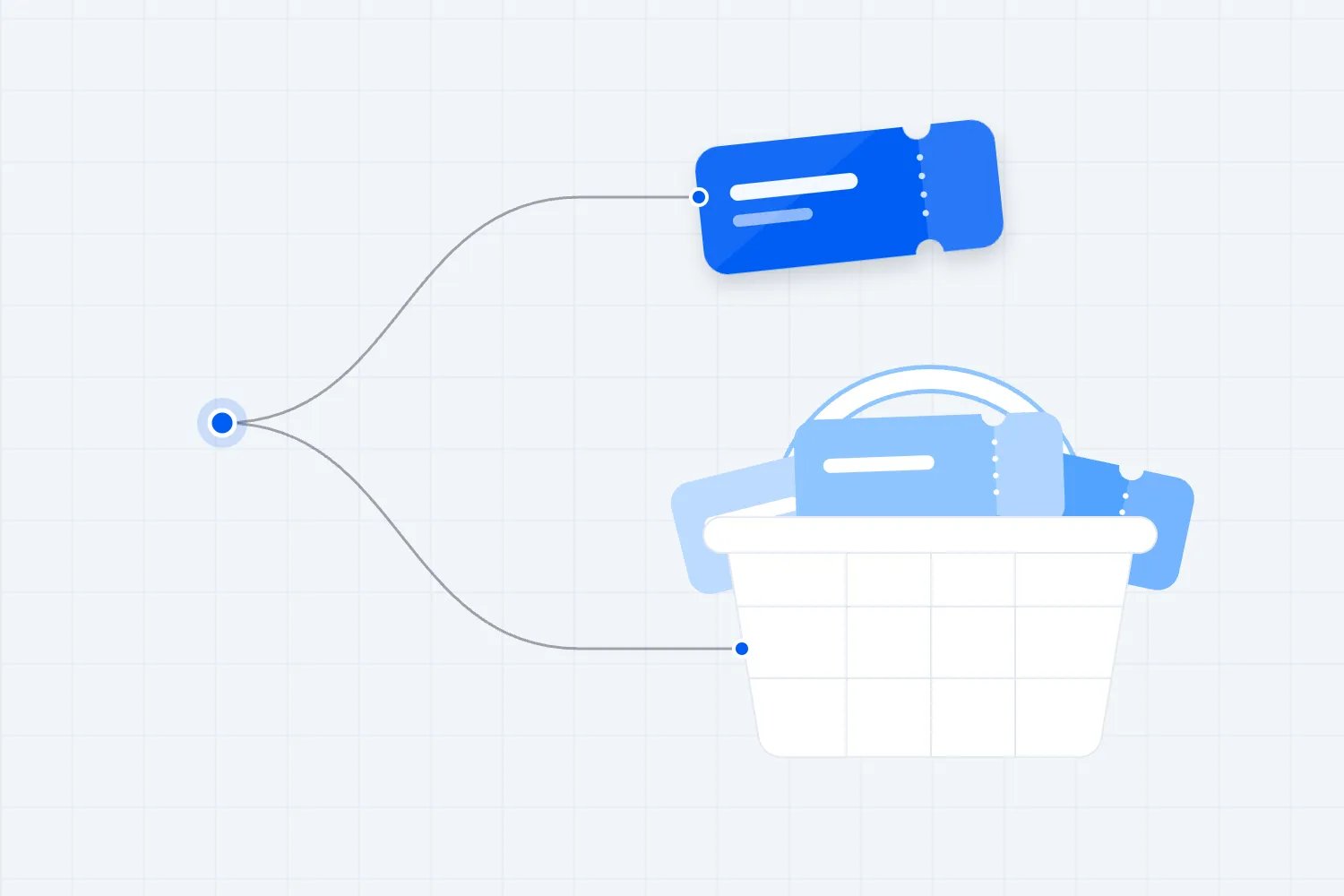
You run several paid events, and a buyer wants tickets for more than one. Should they pay separately each time, or collect everything in a shopping cart and pay once? I'd start with single-event checkout when people arrive wanting a particular show or session. A ticket shopping cart becomes useful when choosing several events is part of the purchase itself.
The interesting part is that both options can be simple. A direct checkout can waste someone's time if they have to repeat it across a programme. A cart can waste someone's time if it sends them browsing when they've already decided what to buy. The right choice depends on what your buyers are doing, and whether your team can deliver the orders that choice creates.
For a venue selling unrelated nights, keep the route to each night clear. For a festival where visitors build a weekend around several separately ticketed performances, a shared cart deserves consideration. You'll still need answers about overlapping times, ticket availability, discounts and refunds. Here's how to make that decision without assuming a bigger order automatically means a better event business.
First, separate the buying decisions
Single-event checkout means the order concerns one event or selected occurrence. The buyer can still purchase several tickets. Someone buying admission for themselves and their friends hasn't created a multi-event order just because there are several tickets in it.
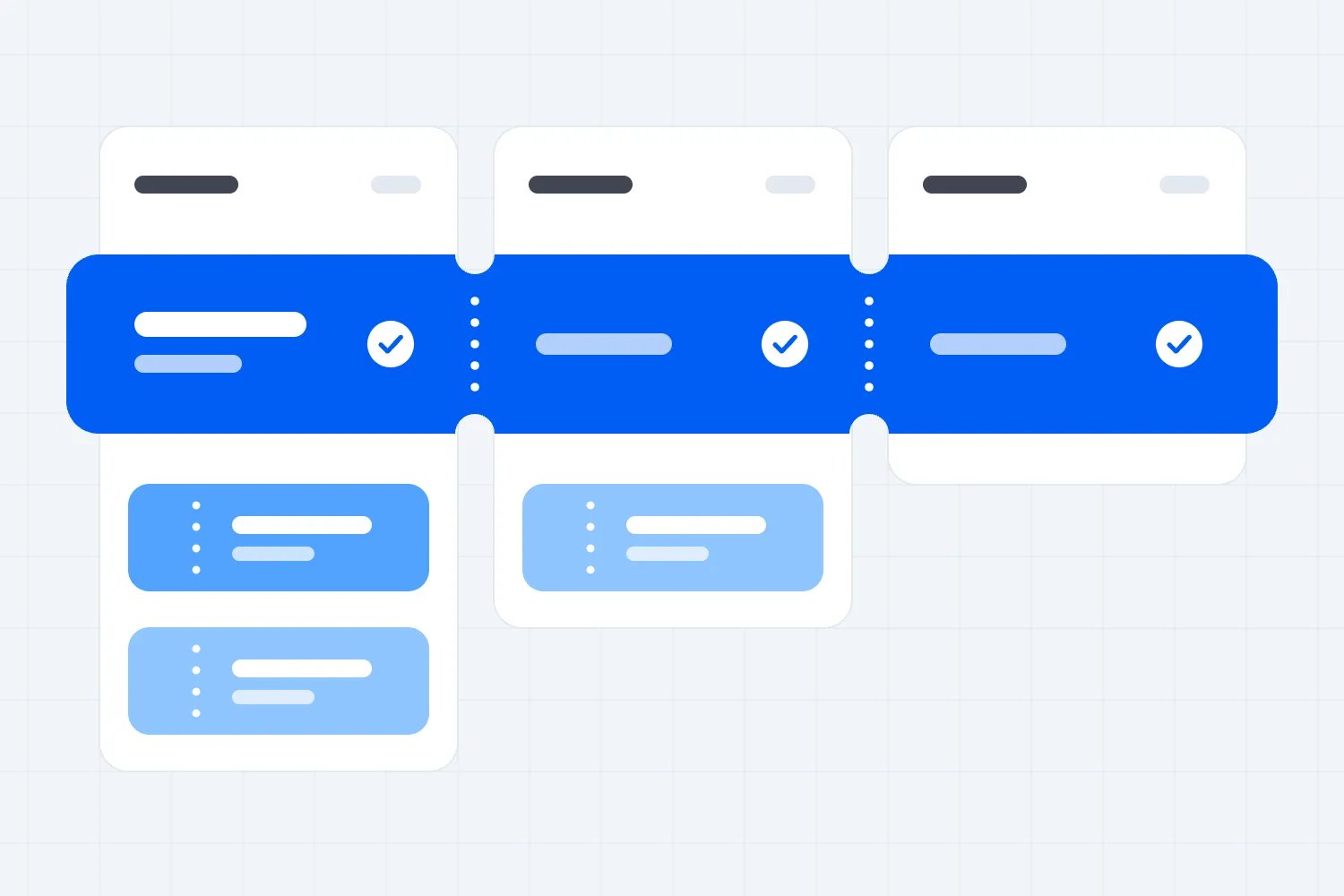
A cross-event shopping cart lets the buyer combine tickets for different events in one order. They might choose a Friday performance, a Saturday workshop and a Sunday screening, then enter payment details once. Each selection needs its own event, date, quantity and admission rules, even though the payment is shared.
Ticket types are another distinction. General admission and VIP for the same concert are choices within that event. A parking pass or optional meal attached to the booking is an extra. Selling these together doesn't, by itself, establish that your platform supports a cart across separate events. Ask for the exact purchase you need to see.
A programme pass is different again. It can be one ticket giving access to several activities under defined rules. A shopping cart containing separate tickets doesn't turn them into a pass. If a customer needs to reserve individual sessions after buying a pass, explain that additional step before they pay.
You'll also hear the phrase express checkout. Sometimes it describes a short ticket purchase; sometimes it means paying through a wallet using saved details. Neither definition tells you whether the order can contain several events. A cart can offer guest checkout and a wallet. A single-event purchase can require an account and a long form.
Keep these questions separate when you compare systems. How many events can an order contain? Must the buyer create an account? What details must they provide? Which payment options work for their device? Otherwise, you may reject a useful cart because of a poor login requirement, or accept a direct checkout that still makes buying difficult.
Follow the buyer's reason for arriving
The first thing you want to do is look at where purchases begin. Someone following an advert for a particular artist usually wants that performance. The event page should confirm the date, place, price and ticket choice, then make paying straightforward. Other events can wait until that booking is secure.
Someone opening your season programme has a different job. They may be deciding which performances fit their calendar and which friends want to join them. Asking them to pay after every selection interrupts that planning. A cart can preserve their choices while they compare the rest of the programme.
Having many events on sale doesn't prove the second behaviour exists. A promoter might operate across several cities while almost every buyer attends only their local show. A venue might sell several genres to audiences with little overlap. Count actual repeat and combined purchase behaviour before building the whole journey around it.
Ask your support team what buyers struggle with. Messages about repeating details, finding earlier selections or combining receipts suggest a cart might help. Messages about choosing the wrong date, unclear ticket types or missing confirmation emails point elsewhere. The checkout type won't solve an event description that leaves people unsure what they're buying.
Watch a few people perform realistic tasks. Ask one to buy tickets for the event in your campaign, and another to plan several visits from your programme. Let them explain what they expect while they work. Don't guide them toward the button you want them to press; their hesitation tells you which part needs explaining.
Your website and checkout also need to agree. A programme page inviting visitors to build a weekend creates an expectation that their selections will stay together. A direct campaign link creates an expectation that the named event remains selected. Our guide to selling tickets on your own website covers the selling routes and installation choices around that handoff.
When single-event checkout makes sense
Single-event checkout is a sensible default when the buyer's decision is already specific. They want that concert, that workshop date or that paid conference. Make the selected event unmistakable and keep the ticket choices related to it. There's little value in adding a programme browsing step merely because you have other events to sell.
It also helps when separate events have very different conditions. A late-night performance may have an age restriction, while a daytime workshop has preparation requirements. Different venues can have different access arrangements. Keeping bookings separate can make each agreement clearer, although you still need to present the relevant conditions properly.
For high-demand releases, think about how much else the buyer should manage while securing tickets. If inventory is scarce, asking them to explore other dates can complicate the purchase. A direct route lets them concentrate on the event they came for. This is a reason to test the journey, not a promise that it will convert better.
Group buying remains possible within that route. The customer can choose several tickets for the same event and pay once, subject to your ticket limits. Make quantity changes easy to understand. If some tickets require different information, explain which detail belongs to the buyer and which belongs to each attendee.
The drawback appears when people genuinely want several events. They may have to repeat payment and confirmation steps, and separate receipts make their overall plan harder to review. You can make returning to the programme easy, but acknowledge that it still creates another purchase. A useful recommendation after payment doesn't remove that repetition.
You don't have to solve every future booking in the first checkout. For a recurring night, a buyer may prefer to attend once before committing to another date. Help them buy today's event confidently, then make the next booking available when it's relevant. Forcing a choice about the whole season can ask for a commitment they haven't decided to make.
When a ticket shopping cart helps
A cart helps when several distinct tickets naturally belong to one planning session. Think of a festival programme with separately priced shows, a venue audience choosing several performances, or a professional training business selling different workshops. The buyer already has a reason to assemble an order; the cart supports that work.
The useful part is retaining decisions. Someone can choose a performance, inspect another event and return without forgetting which date or quantity they selected. They can review the total cost of their plan before paying. That matters when the programme is extensive and selections affect each other.
Make continuing to browse optional. A buyer who wants only one event should be able to pay immediately. If your cart forces them through unrelated recommendations or a second selection page, you've added work to their purchase. The ability to combine events shouldn't become a requirement to consider them.
Keep a clear route back to each selected event. A short title alone may not distinguish a repeated show, a matinee or a workshop with several levels. Show the date, time and place in the order review. Let people correct a selection without rebuilding the rest of their plan.
A cart can also support a genuine multi-event offer, but the offer needs rules. Which events qualify? Does a cancelled event change the discount on the remaining tickets? Can someone buy several tickets for one event and meet the threshold, or must they choose different events? Resolve these questions before advertising the saving.
I wouldn't add a cart simply to increase average order value. Larger orders can include discounts, extra support and tickets that the buyer later refunds. You want more worthwhile purchases from people who understand their selections. If combining events makes that easier and your operations can handle the order, you've got a reason to use it.
Check dates, eligibility and capacity together
The hardest cart problems often appear before payment. A buyer can select two events that overlap, choose an advanced workshop without the required preparation, or add tickets for a sold-out session. Your checkout needs to explain what can proceed and what has to change.
Start with schedule compatibility. If the same attendee plans to attend consecutive sessions in different venues, allow time for travel and entry. A programme can contain two non-overlapping sessions that are still impossible to attend together. Make the information visible so buyers can make a realistic plan.
Be careful about blocking every overlapping selection. Someone may be purchasing for different people, and each person could attend a different event. Ask what the order represents before deciding a clash is an error. A warning may be more appropriate than a prohibition when the platform doesn't know who will use each ticket.
Eligibility works in the same way. An age restriction belongs to the person attending the restricted event. A prerequisite belongs to the participant taking that workshop. A general statement about the buyer doesn't establish that everyone in a mixed order meets each requirement. Keep questions tied to the relevant selection.
Then inspect inventory. Ask whether adding a ticket reserves it, when any reservation starts, and what happens when it expires. Some carts retain a selection without holding stock. Buyers need to know the difference. Don't use a countdown unless it reflects a real reservation with a defined consequence.
Test the point where another customer buys the last place. Does your buyer see the unavailable selection clearly? Can they remove it and keep the rest? Does the total update before payment? The answer should preserve valid choices while making the changed availability obvious. Quietly changing the date or ticket type creates a different order from the one they chose.
Reserved seating adds another dependency. The system needs to preserve the correct seats for each performance, release abandoned holds appropriately and prevent duplicate allocation. Ask for a demonstration involving the same seat across different performances. A general statement that the platform supports seat maps doesn't answer how a mixed order behaves.
Keep the price understandable throughout
A combined order needs a clear total and a clear breakdown. Buyers should be able to see which event costs what, which quantity they've chosen and how a discount changes the amount. If they remove an event, show the new price before they confirm payment.
Decide how discounts work before building the offer. A reduction on every eligible ticket is different from a reduction on the total order. A promotion for attending several events is different from a group discount for several people attending one. These distinctions affect both the explanation at checkout and the refund calculation later.
For covered US live-event tickets, the FTC's fee-rule guidance requires upfront total prices including mandatory fees, with specific exclusions such as government charges. It also explains disclosure of the final payment amount before asking for payment. Combining events in a cart doesn't remove those obligations.
Check requirements for the markets where you sell rather than copying another seller's display. An event price, an optional extra and a payment surcharge may have different treatment. Your team needs to understand which charges apply, when they can be calculated and how they appear as the customer changes the order.
Avoid preselecting paid extras merely to make the order larger. Let buyers choose additional products knowingly and see the effect on the total. A higher initial order value isn't helpful if the first support message asks why something was added. Trust also affects whether the buyer returns for the next event.
Check fee assumptions against your actual agreement. One payment doesn't necessarily mean one ticketing fee. Charges might apply per ticket, per order, per transaction or through a combination. Ask which fees change when someone combines events, and calculate the result before presenting a cart as a way to save money.
Collect the details that each booking needs
Guest checkout means the buyer doesn't have to create an account. It doesn't mean the event can operate without booking details or necessary attendee information. Both direct checkout and a cart need a reliable destination for confirmations, and some events need information specific to the participant.
Separate the payer from the attendees. A person buying for colleagues may know the billing details but not everyone's meal preference or badge name. Requiring all those answers immediately can delay the purchase. Decide what must be known before the booking and what can be collected afterwards through a supported process.
A mixed order makes that separation more important. Your workshop needs preparation details; your concert needs an admission ticket. Don't ask every attendee every question from every event. Tie the information to the ticket it supports so someone buying a concert ticket doesn't face a workshop questionnaire.
Use our event registration form template to decide which questions belong before payment. Keep the full purpose of each question clear. If the answer changes eligibility or whether you can deliver the booking, collect it at the appropriate point. If it only helps optional marketing, treat it separately.
Buying several events together also doesn't make marketing permission universal. Keep transactional communications distinct from promotional messages, and respect the choices and rules that apply. Our guide to event email marketing consent develops that decision without turning the payment form into a catch-all permission request.
For the form itself, the W3C's accessible forms guidance explains labels, instructions and feedback that help people complete the task. Apply that to every event-specific question. A mixed cart becomes harder to understand when repeated fields lose their context or an error message doesn't identify which ticket needs attention.
Verify payment and ticket delivery as one purchase
The checkout isn't finished when the payment screen looks successful. The buyer needs valid tickets for the events they purchased, and your team needs matching records. With a mixed order, inspect every event's admission list and make sure each ticket carries the correct date, type and status.
Ask what happens when payment is pending, fails or succeeds after the buyer closes the page. A customer should receive an accurate status rather than a ticket that appears paid before the payment is confirmed. Your support team also needs a way to find the order without asking the customer to reconstruct the entire attempt.
Stripe's fulfilment documentation explains why delivery mustn't depend only on someone reaching the confirmation page. A buyer can pay successfully and lose their connection before that page loads. For a custom integration, reliable payment notifications and protection against duplicate fulfilment are part of the purchase, not optional finishing work.
You don't need to build those mechanics yourself when a ticketing provider manages them. You do need to verify the result. Complete a test purchase, open the confirmation email and inspect the tickets. Compare the amount with the order record, then check admission separately for each included event.
Decide how the email explains a combined purchase. The receipt can cover the payment, while event information must remain easy to find. A customer shouldn't have to infer which QR code belongs to which date. If several people are attending, check how they receive or access the tickets they need.
For access changes and cancellations, your team should be able to contact the right ticket holders without confusing everyone else in the order. A venue change for the Saturday workshop doesn't require a misleading notice about the Friday performance. Order-level convenience should preserve event-level communication and admission control.
Plan partial refunds before you accept mixed orders
Refunds are where a simple-looking cart can create difficult administration. If one event is cancelled, the customer may still want the others. You need to identify the affected tickets, calculate the correct refund and leave the remaining bookings valid. Refunding the whole payment by habit can cancel more than the customer intended.
Write down how any discount is allocated across tickets. If you only record a reduction against the overall order, your team may struggle to explain a partial refund. They need the amount paid for the affected selection and the treatment of relevant fees, consistent with your terms and applicable rules.
Don't invent a new discount rule after someone requests a refund. If removing an event changes eligibility for a promotion, that condition should have been clear before purchase and checked for compliance. The calculation must also distinguish a customer changing their mind from your business cancelling an event.
Test changes as well as refunds. Moving a ticket to another date can affect capacity, price, event eligibility and the order's discount. Ask whether the original ticket becomes invalid and whether the replacement appears on the correct admission list. A refund that looks right financially can still leave the wrong ticket active.
If several organizers sell through the same programme, clarify who is responsible for each refund and how the money reaches the appropriate party. A shared cart isn't proof that a platform supports different sellers, payout accounts or currencies. Treat those as separate requirements and verify them with the actual provider.
Your staff need a record they can explain. The buyer should hear which event changed, which tickets remain valid, how the refund was calculated and when to expect it through the supported payment process. A combined order has done its job only if your team can manage these changes accurately.
Judge the commercial result beyond order size
Start with completed paid orders, tickets sold and the amount your business retains. Average order value tells you how large orders are; it doesn't tell you whether more people finish buying or whether the additional tickets leave a useful margin. Compare the full purchase result for similar traffic.
Use a clear measurement point. If one route counts checkout starts after ticket selection and another counts them as soon as a cart opens, their completion rates aren't directly comparable. Agree what each step means before claiming a difference. Otherwise, changing the journey can appear to improve results simply by changing who gets counted.
Google's ecommerce measurement guide distinguishes cart actions, checkout starts, purchases and refunds, and supports individual items within a transaction. Your measurement setup needs to preserve that separation. Ask whoever manages reporting to verify a real order and a partial refund against the recorded events.
Keep event revenue separate within a combined order. An advert for one show may bring a buyer who also purchases another. Recording the entire order against both events exaggerates sales. Decide how you report the original campaign, the additional selection and revenue by event, then use that method consistently.
Watch support effort and refunds alongside sales. More combined orders may reduce repeated payment work but increase questions about dates or discount allocation. Count the problems your team actually handles and inspect the causes. A cart that requires regular manual correction can cost more than its additional revenue contributes.
Compare equivalent audiences and selling periods. A programme launch and a final release attract different kinds of demand. Keep major price and campaign changes out of a checkout comparison where possible, and record anything you can't hold steady. If the sample is small, use buyer observation and verified order records rather than declaring a statistical winner.
Try the purchase your busiest programme creates
Imagine a fictional arts programme selling an evening performance and a separate morning workshop. A buyer wants performance tickets for friends and a workshop place for themselves. This is a useful cart test because the selections share a payer while involving different attendees, times and operational needs.
First, ask the buyer to choose the performance. They should recognise the date, select the quantity and understand the price without reading the workshop's conditions. Then ask them to explore the workshop. Check whether the original selection remains visible and whether they can return to it without losing their place in the programme.
At the workshop, the buyer needs to understand the level and any preparation requirement. That information belongs to the workshop participant. If the system asks the payer for a participant's details, the label should make that relationship clear. Someone buying for a friend needs to know whether they can provide missing details later.
Before payment, review the combined order. Both events should retain their dates, quantities and prices. The buyer should be able to remove the workshop without removing the performance tickets. If the workshop makes the order eligible for a discount, inspect what happens to the total when it disappears.
Now test the same programme with separate checkouts. Can the buyer complete the performance purchase and return to the workshop easily? Do the emails make the separate bookings obvious? Does the second purchase require information they've already provided? Compare the work the customer actually does rather than counting screens in isolation.
Finally, ask your staff to cancel only the workshop in the test order. They should identify its payment share, issue the appropriate refund and verify that the performance tickets still work. If the cart makes the buyer's planning easier but staff can't handle this change reliably, resolve that operation before offering combined bookings.
Keep existing bookings safe when you change routes
Changing checkout for a new release doesn't justify changing what earlier customers bought. Preserve their ticket validity, prices and event conditions. If you introduce a programme discount later, decide how you'll handle questions from people who already booked, and make your answer consistent across the team.
Check campaign links, website buttons and confirmation messages when the route changes. An old link should still lead people to the correct event or a clear explanation. A catalogue page shouldn't invite combined booking if the selected events now require separate payment. Inconsistent instructions can create support work even when both checkouts function correctly.
Train the people answering buyer questions on the exact route you launch. They need to know how selections are retained, where customers find their tickets, which changes they can make and when someone must contact support. Let them perform the same test purchase before the programme opens. Include both mobile and desktop buying routes.
If you later remove a cart or switch providers, verify how customers access existing orders. Keep a supported way to resend confirmations and handle outstanding changes. The new checkout may improve future purchases, but your team remains responsible for the bookings already accepted. Include that responsibility in the transition plan rather than discovering it during the next event.
Where Loopyah fits, and what to verify
If buyers arrive for a particular event, Loopyah's ticket checkout provides a guest purchase route with ticket selection, card and supported digital wallet payments, followed by confirmation linking to QR tickets. That supports keeping the purchase connected to the event the customer chose. Payment availability still depends on the buyer's device and relevant market.
The live ticketing page also describes current ticket prices, sold-out ticket types and an event embed for your own website. Those are useful when you want a direct buying route with clear event choices. They don't establish that separate events can be combined into one order.
If a cross-event cart is essential to your programme, verify that exact requirement before choosing a setup. Ask for a demonstration involving your dates, ticket types, required questions and partial refund. Confirm how it works today, who manages it and which limitations affect your business. A feature name is less useful than a completed purchase your team can operate.
For either route, test the buyer's task before launch. Use the event link your campaign will share, buy the intended tickets, inspect delivery and check the admission records. Then change one selection and verify the result. Choose the checkout that makes your actual purchases easier to complete and your actual bookings easier to manage.

Author: By the Loopyah Content Team
The Loopyah Content Team shares expert insights, practical guides, and industry updates to help event organizers create unforgettable experiences and stay ahead in the event planning world.