· 21 min read
What should exhibitors do when badge scanners fail?
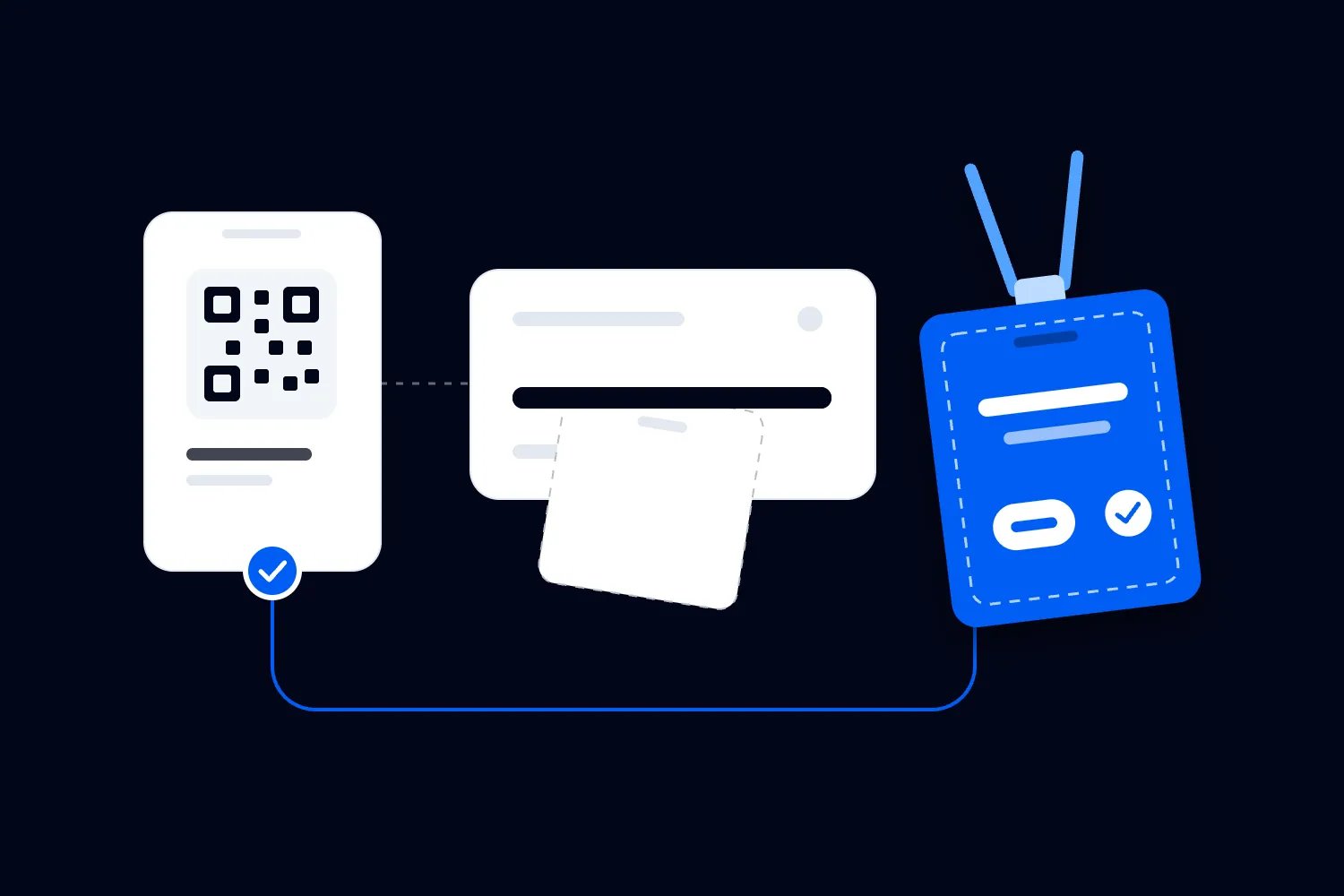
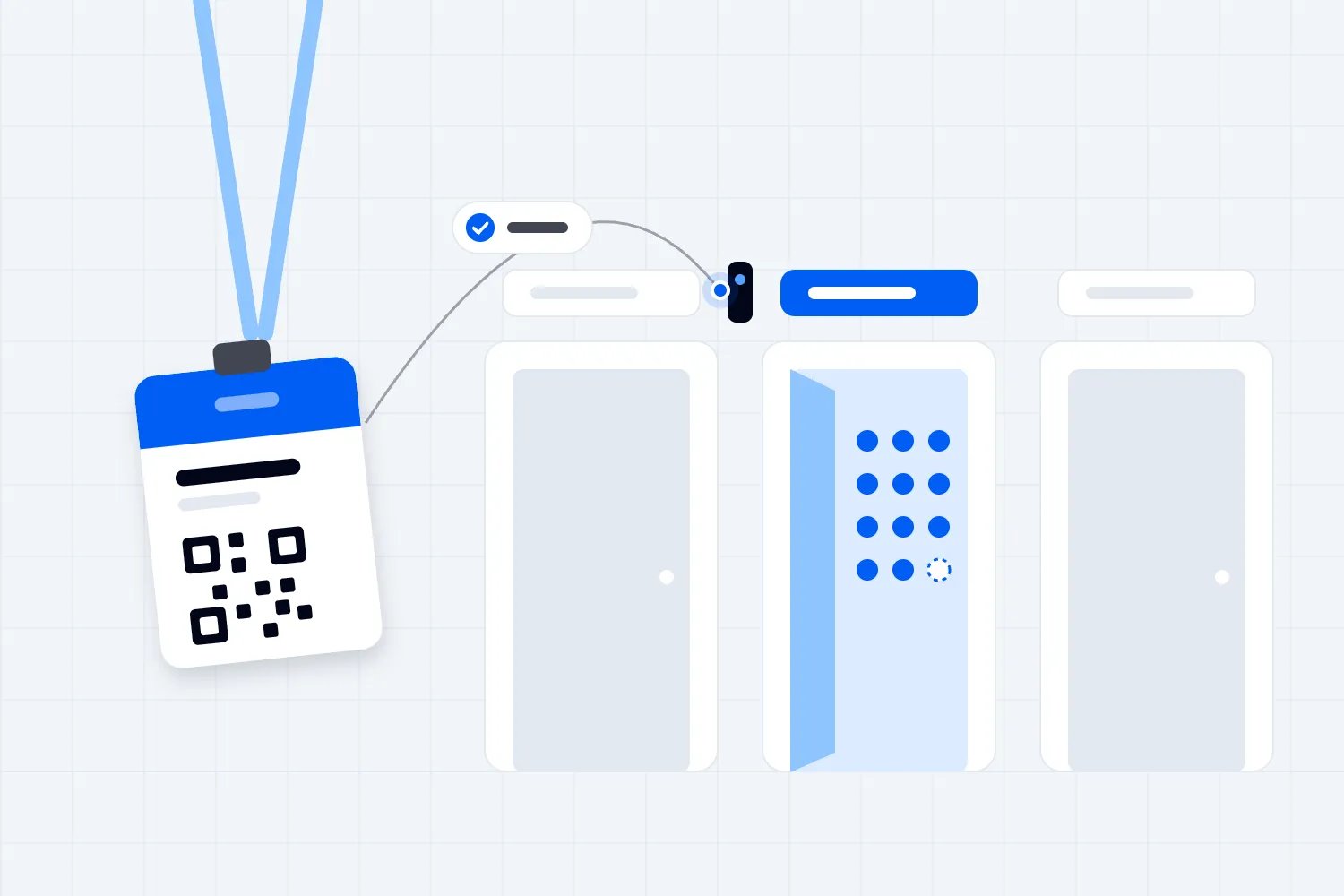
An exhibitor has just finished a useful conversation. The visitor wants a product specification, the representative points a phone at the badge, and nothing happens. Someone suggests restarting. Someone else offers a hotspot. Meanwhile, the visitor is waiting and nobody knows whether the previous conversation actually saved.
The first thing you want to do is protect whatever the device already holds. Then establish what failed, use the fallback you have agreed with the supplier, and confirm the records reached the exhibitor's account before anyone clears data or returns equipment. Getting the scanner moving again is only part of the job.
This is the organizer's plan for handling an exhibitor badge scanner failure at a paid exhibition or conference. It covers collecting leads at stands, where a conversation needs to become a usable follow-up request. Your entry team may use badge scanners too, but admitting ticket holders involves different permissions, records and consequences.
Protect existing records before trying repairs
Ask the representative to stop repeating the failed action long enough to show the screen. Have they saved conversations since the last confirmed upload? Does the app show records waiting to send? Can they still view those records? Keep the device charged and with its authorized user while you establish what it contains.
Don't make signing out, reinstalling, clearing application storage or restarting the device your standard first instruction. Their effect on unsent records depends on the supplier, application and configuration. Ask the supplier which actions preserve those records and which can remove them. A repair that restores access but loses the morning's conversations has created another problem.
You also need to distinguish a record the representative remembers entering from one the application confirms saving. An unfinished form may never have reached local storage. A saved record may be waiting for upload. A successfully uploaded record may be hidden by the current account or filter. Write down the observed state without promising recovery you haven't verified.
If you cannot establish whether a repair is safe, keep that device unchanged and give the representative an approved alternative. The original device can wait for technical support while the stand continues taking requests. Explain why you're retaining it so a helpful colleague doesn't reset it during the next shift.
Work out where the failure starts
Ask what the representative can still do. Can they open the correct event? Does the camera preview appear? Does the application recognize the badge? Can they add a note and save? Can they retrieve an earlier record? Those answers help you choose the next check without treating every complaint as a network outage.
A blank camera view suggests a different investigation from a readable badge followed by a connection error. An access denied message points toward the account or its permissions. An endless saving indicator tells you the action hasn't reached a clear outcome. Capture the exact message, the time and the action that produced it.
Find out how widely it is happening. If another authorized user at the same stand can save a test record, investigate the affected device or account. If several stands encounter the same error at the same time, tell the organizer's service owner. The venue network team and supplier may need to investigate together.
Use those comparisons as clues, not proof. A working browser doesn't establish that the capture service is reachable, and another user's success doesn't establish that all accounts are healthy. Support should record what each test reveals about the fault. Otherwise the next colleague may repeat the same checks while the exhibitor keeps waiting.
Separate reading the badge from finding the contact
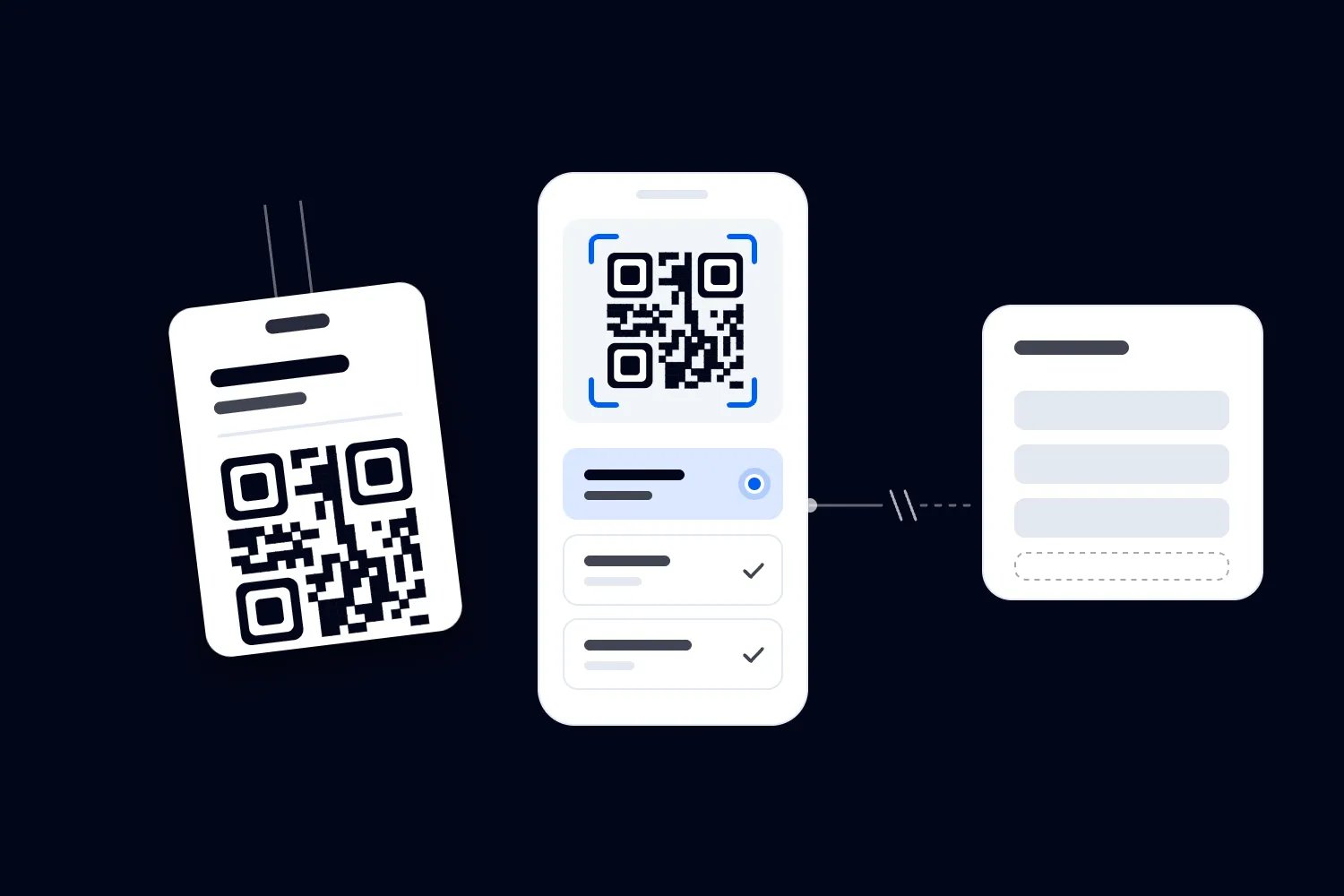
The code printed on a badge does not tell you, by its appearance, whether the attendee's details are stored inside it. DENSO WAVE's explanation of what QR codes can encode describes the format's ability to carry different kinds of data. Your supplier decides what this event's badge actually contains.
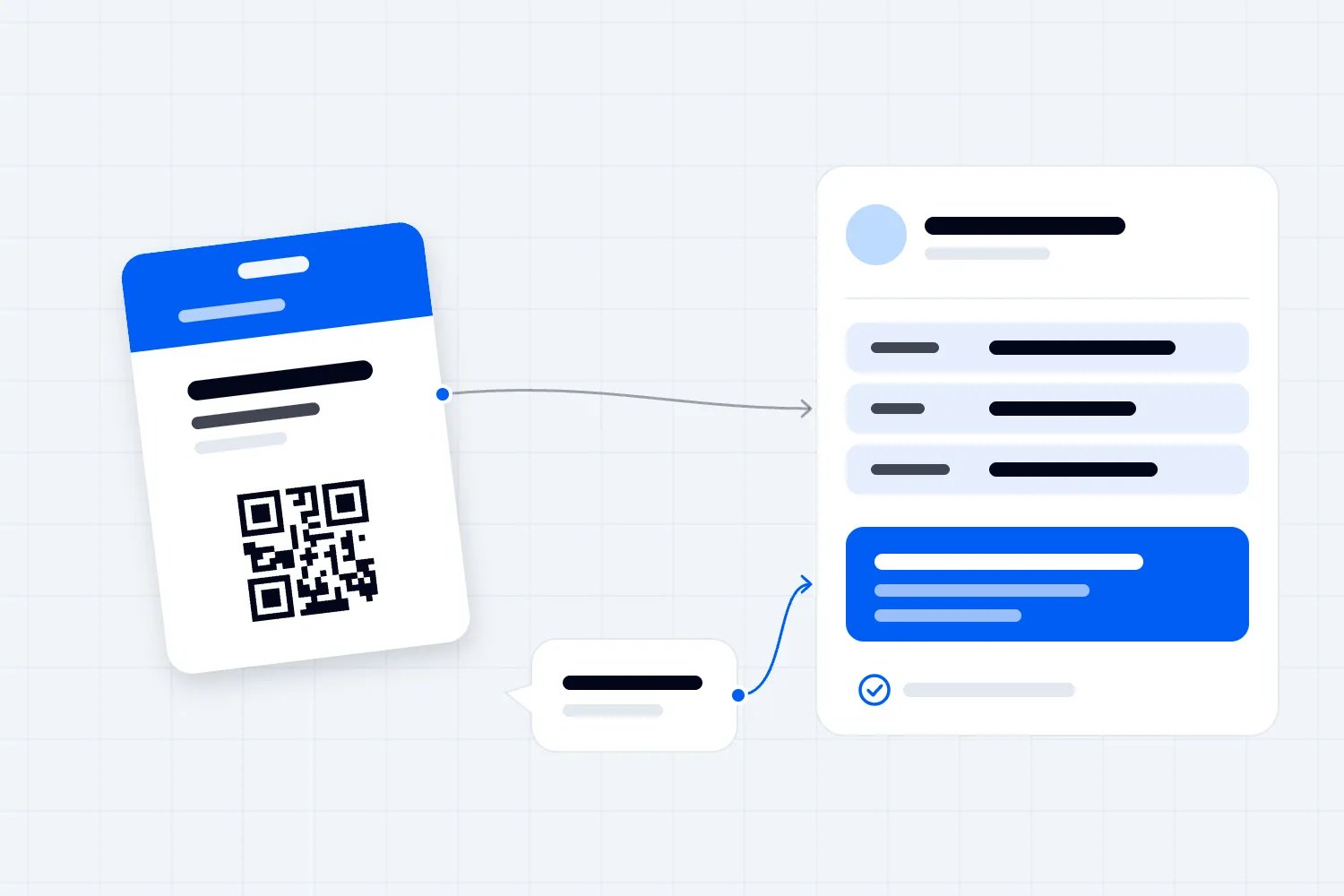
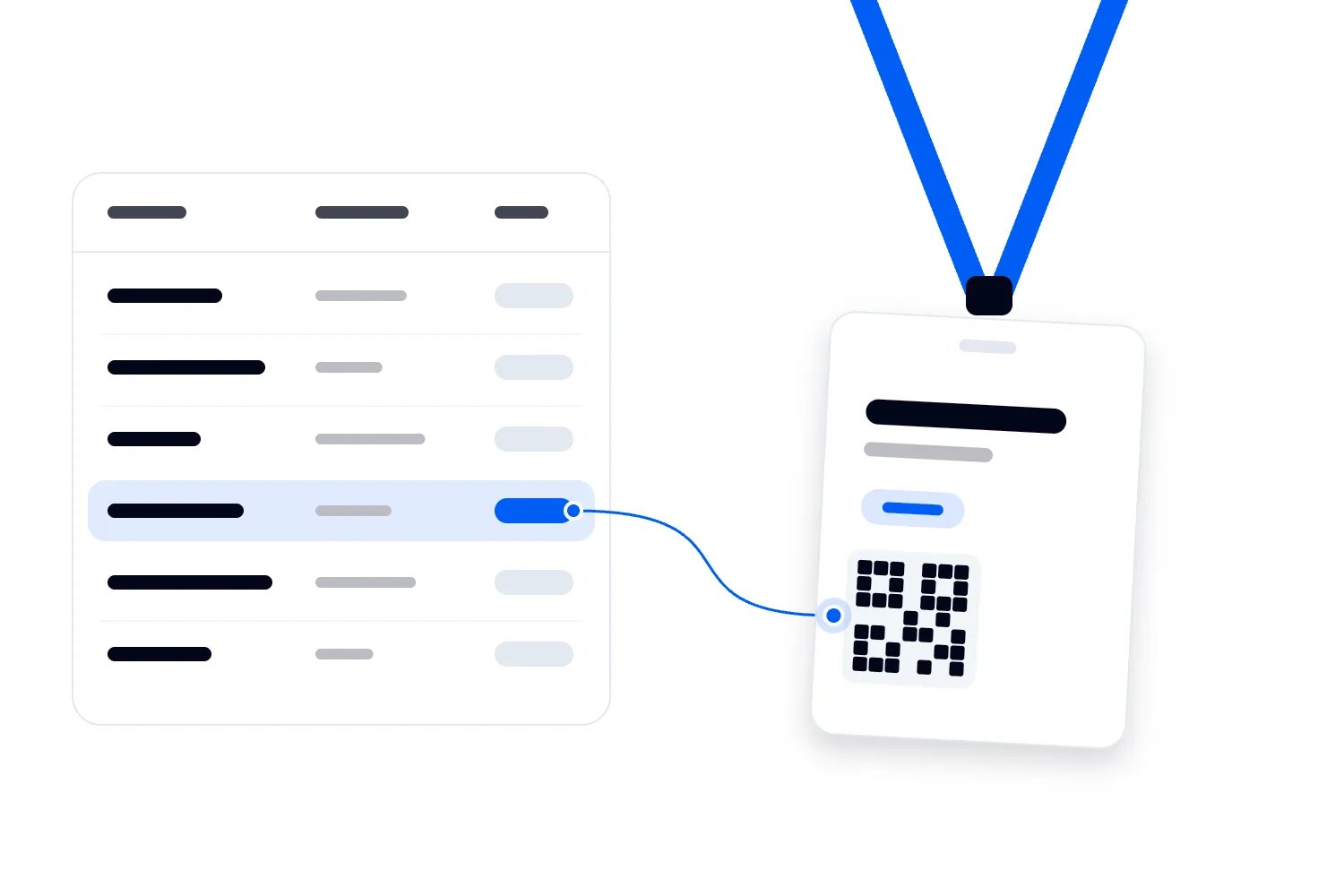
It might contain contact information that the approved application can read directly. It might contain an identifier that the application must look up in an authorized database. The application could also need to interpret protected information. Ask the supplier which arrangement applies, what has been downloaded beforehand and what still requires a connection.
That's why a beep or a recognized code doesn't prove that the representative has a usable lead. The application may have read an identifier without obtaining an email address. It may retain that identifier for later lookup, or it may not support that action offline. Staff need the answer for the service they're actually using.
Keep unapproved scanning apps out of the troubleshooting process. Reading a badge with a general camera or scanner doesn't establish permission to collect its contents, and uploading its image to another service can disclose information unnecessarily. Use supplier-approved test badges to investigate recognition. Real attendee badges should remain within the event's agreed collection process.
Ask specifically about lookup after reconnection. Will a saved identifier resolve automatically, or does the exhibitor need supplier assistance? What happens if the attendee changes their contact details while a record is waiting? Which version will the receiving team see? Document the answer rather than assuming a code stored today guarantees a complete contact tomorrow. These are questions for the supplier, not instructions to copy the registration database onto every stand device.
Check the camera without changing the account
When the camera cannot see a code, begin with the physical conditions. Check the lens, the badge surface and whether glare or a sleeve is obstructing the code. Try an approved test badge under ordinary stand lighting. Give the representative enough room to hold the device steadily without blocking the conversation area.
Then check whether the application has camera access. Apple's guide to hardware permissions on iPhone explains that applications request permission to use the camera and that users can review access in privacy settings. Follow the device's current instructions. Other devices and managed phones may require a different route or administrator help.
Permission to use the camera and permission to view exhibitor contacts are separate questions. Granting camera access cannot resolve a user assigned to the wrong exhibitor. Equally, repeatedly changing a password won't repair a damaged badge. Ask staff to describe the screen instead of jumping straight to the familiar fix.
If a supplier-approved spare device works with test data, let support investigate the original without keeping the attendee waiting. Confirm how the replacement should be authorized before using it for real conversations. A shared organizer login is a poor shortcut when it could expose another exhibitor's records or save requests under the wrong company.
Confirm the account belongs to the right exhibitor
A representative may be signed in successfully and still lack access to the correct event or stand. Ask them to show the event and exhibitor name through the application's normal account view. Check their assignment with the exhibitor's nominated owner. Avoid asking them to send their password to your help desk.
Find out whether access depends on an individual invitation, a license, a device assignment or another supplier rule. Your support team should have the event's answer documented. An account limitation won't become a connectivity problem merely because the representative first noticed it in a crowded hall. Resolve the actual assignment with whoever controls it.
Keep any earlier records in mind before changing accounts. Ask the supplier whether unsent records remain tied to the current user or device and how they will reach the correct exhibitor. If the representative captured conversations under an incorrect assignment, escalate that specifically. Don't move contact lists between companies through an improvised export.
Late replacements are particularly likely to encounter access problems. Connect the resolution to your exhibitor onboarding checklist so the exhibitor owner can authorize the replacement and receive the correct instructions. During the incident, give the incoming representative a working approved route rather than assuming the departing employee's credentials are transferable.
Check connectivity through an approved route
When the application reports a connection problem, ask the venue team which network exhibitors should use and whether a sign-in page or other step is required. A phone showing a wireless connection may still lack usable internet access. Confirm the device completed the venue's approved process before concluding that the application has failed.
If an alternative connection is permitted, test the capture service with approved test data. A managed mobile connection or agreed hotspot can help establish whether the venue connection is involved. Its availability, cost and suitability depend on your event. Don't tell every stand to create a new network without consulting the venue team.
Changing connections also doesn't prove the old records have uploaded. Once the application becomes responsive, inspect its waiting-record status and the receiving account using the supplier's instructions. Let one support owner coordinate the investigation. Repeatedly switching networks while several people try different repairs makes the results harder to interpret.
If a wider fault is confirmed, communicate the fallback to affected exhibitors through a channel they can access. Describe the observed problem and the current permitted action. Avoid giving a restoration time unless the responsible supplier has supplied one. Commit to the next communication time so stand teams know when to expect a clearer answer.
Keep the message readable for someone receiving it halfway through a demonstration. Name the affected service, whether staff should continue scanning, how to use the fallback and where to get help. Say whether previously saved records are still being investigated. If you don't know, say so. Don't describe all data as safe merely because the application has started working on your own phone.
Make the supplier explain what offline actually permits
Before relying on offline capture, ask for a demonstration using your event configuration. Disconnect a test device through the agreed procedure, record a fictional conversation and inspect what remains available. Then reconnect and check the resulting record in the exhibitor account. A feature description cannot answer every question about what this particular setup retains.
Ask whether staff can start the application offline, whether they must authenticate beforehand and whether preparation expires. Find out which badge types work, which fields remain available and how staff recognize a locally saved record. Check what happens if an attendee registers after any earlier download. Avoid promising that every badge can be resolved without a connection.
Have the supplier explain storage limits and the handling of interrupted uploads. What should staff do if the application closes? Can they continue collecting when a previous record is waiting? Which actions are safe with unsent information? Put the confirmed instructions where your floor team can find them without relying on memory.
Your rehearsal also needs a failed recovery. Interrupt the agreed reconnection test and ask the supplier how to identify the records still outstanding. Keep this separate from live attendee information. The useful outcome is a staff member who can show what was saved, what arrived and what still needs help, without guessing from a changing total.
Include a note edited after the original save. Some problems affect the conversation detail rather than the initial scan. Ask whether the update has its own waiting status and how staff can verify the final note reached the receiving account. A contact appearing in the list is incomplete evidence when the exhibitor's actual next action depends on a later addition.
Choose a fallback that preserves the conversation
When the approved scanner cannot save a dependable record, the representative still needs a way to handle a genuine request. Use the fallback agreed with the exhibitor and your privacy reviewer. That might be a controlled paper form or an approved alternative digital form. It needs to work under the failure you're actually experiencing.
A web form is a weak fallback for lost connectivity unless another suitable connection is available. A replacement phone is a weak fallback for an event-wide account problem. Match the alternative to the fault. Ask the representative to complete a test and demonstrate where the record goes before sending attendees through it.
Keep the entry short enough to use during a conversation. The exhibitor needs the contact details required for the agreed response, the product or subject discussed and what the visitor requested. Record the representative and an appropriate time reference so later reconciliation is possible. Avoid adding qualification questions simply because the normal application contains them.
For example, a visitor at a packaging supplier asks for the specification for a particular filling machine. The fallback should preserve that request and the address they want used. It doesn't need their entire registration profile. If the representative cannot collect the minimum information safely, explain another approved way the visitor can request the specification directly.
Explain the temporary collection to the attendee
Tell the visitor why you're using the alternative and what happens next. The representative could explain that the scanner isn't saving reliably and ask whether the visitor wants to provide an address for the requested specification. Use the collection wording your organization has approved. The technical fault shouldn't change the meaning of the request.
For UK processing, the ICO's data minimisation guidance says personal data should be adequate, relevant and limited to the purpose. Apply that principle when deciding which fallback fields are necessary. An outage doesn't create a reason to photograph a complete badge or collect unrelated personal details for later sorting.
Keep a request for information distinct from any separate choice about future marketing. For UK activity, the ICO's business-to-business marketing guidance distinguishes different kinds of business recipient and explains that personal data obligations can still apply. Have the responsible reviewer confirm the collection and follow-up for the jurisdiction and channel involved.
If the approved marketing choice can't be recorded accurately through the fallback, don't invent it later. Preserve the specific request you can evidence and route uncertainty to the person responsible. A representative remembering that the visitor seemed interested doesn't establish what notice they saw or what they agreed to receive. Recovery should retain those distinctions.
Keep temporary records under someone's control
Paper forms need somewhere secure to go immediately after use. Give the stand manager responsibility for completed sheets and a controlled handover to the person entering them. Avoid a clipboard where the next visitor can read the previous person's details. Keep blank forms accessible and completed records away from public view.
The FTC's guide to protecting personal information recommends restricting access to people with a legitimate business need and protecting both paper and electronic records. Apply that thinking to the temporary process. An approved fallback still needs appropriate storage, access and disposal arrangements, including when temporary staff leave the venue.
Don't let personal messaging threads become a second lead database. Sending photographs of forms to a colleague may produce copies on several phones and backups without resolving who will enter them. Use the approved transfer route. If support needs a screenshot, remove unnecessary attendee information and share it through the designated support channel.
Account for the original device as well. If it holds unsent records, identify its custodian, charging arrangement and next review. Tell replacement staff why it must remain available. A device handed back to a rental desk before recovery is complete may be much harder to investigate than one retained with the exhibitor's authorized owner.
Give support enough evidence to investigate
Open an incident record with the exhibitor, affected account, device type, application version if available, error and time. Include the last action known to work and the tests already attempted. Keep unnecessary contact data out of that record. The supplier needs to understand the failure without receiving an uncontrolled copy of the lead list.
State whether the device contains potentially unsent information and ask support to acknowledge that before recommending a repair. If they propose signing out or reinstalling, request confirmation of the effect on those records for this setup. Record their advice and who gave it. Floor staff shouldn't have to infer data safety from a general troubleshooting article.
Give the exhibitor a named contact and a next update time. Saying the supplier is investigating leaves the stand manager unsure whether anyone is still responsible. Make the handover clear when your own staff change shifts. Include unresolved records as well as the device fault so the next person doesn't close only half the problem.
This belongs in your wider event operations plan, with a route for involving venue connectivity support and the capture supplier. A floor marshal can identify the affected stand and activate the fallback. They shouldn't be expected to decide whether a storage reset is safe or authorize access to another company's contacts.
Restore the service before reconciling the records
Once support identifies a fix, confirm it with test data through the normal exhibitor account. Check that a new scan can become a saved record and that the receiving colleague can retrieve it. If the supplier confirms the service works but the exhibitor still cannot complete that action, keep the incident open.
Then recover waiting records through the supplier's supported process. Use the original device and account where required. Don't enter the same conversations manually while an automatic upload may still be running. If you must process fallback requests before recovery finishes, mark them clearly through the approved method and assign someone to check for overlap afterward.
Compare the source records with the destination, preserving conversation notes and collection context. A total that looks plausible doesn't establish that every request arrived correctly. You may have a duplicate, an incomplete lookup or a record saved under the wrong event. Investigate differences rather than editing counts until they match.
Avoid treating a completed upload indicator as permission to erase the device. The exhibitor owner should verify the delivered information is usable, and the supplier should confirm any remaining local handling. Only then follow the approved procedure for ending access or returning equipment. Restored connectivity and completed recovery are separate confirmations worth recording.
Resolve duplicates without losing a useful request
Suppose the packaging visitor's scan remained on a phone while the representative also used a fallback form. After reconnection, the exhibitor may receive both. Check the contact, conversation time, representative and request before combining anything. The goal is to recognize the same interaction while preserving what the visitor actually asked to receive.
The same attendee might also have spoken to another representative about a different machine. Those records can share an identity without representing the same request. Keep both conversations available to the receiving team. Deleting one because the email address appears twice may remove the only note explaining the second discussion.
Set uncertain records aside for review instead of filling gaps from a badge number or a similar company name. Ask the supplier whether an unresolved identifier can be matched through the authorized service. Don't search for a likely employee and manufacture an email address. A smaller verified list is more useful than confident follow-up sent to the wrong people.
Have one authorized person approve the reconciled result and assign the requests to the exhibitor's receiving team. They should know which entries came through the fallback and which uncertainties remain. Keep the record of corrections proportionate to the incident. You need enough explanation to resolve questions without creating another uncontrolled collection of personal information.
Walk a stand manager through the recovery
Take a fictional interruption at the packaging stand. A representative can read badges, but the application stops displaying contact details and shows that a record is waiting. The representative also remembers adding a specification request just before the fault. The organizer's support colleague should record both concerns instead of assuming the unread badge and earlier request share the same outcome.
The stand manager asks another representative to continue conversations through the approved fallback while support examines the affected device. They retain the original phone, keep it charged and note who is responsible for it. Nobody signs out. Support establishes that other stands have the same lookup problem and escalates to the supplier, rather than asking this exhibitor to alter its account repeatedly.
When the supplier confirms restoration and gives the recovery instruction, support follows that instruction with the authorized representative. A fictional test request reaches the account. They then check the waiting records and the earlier specification note. The badge that looked unsuccessful has produced a contact after lookup, so the fallback entry needs comparison before someone sends two responses.
The stand manager finds that both entries describe the same specification request, preserves the correct contact address and records the approved correction. Another waiting identifier remains unresolved. That request stays with support for investigation, with the limitation explained to the exhibitor. Staff don't borrow another visitor's details to make the export look complete.
This example also shows why the person fixing connectivity shouldn't be the only person approving recovery. Technical support can confirm the application is communicating. The exhibitor needs to confirm the specification request and contact are understandable to the receiving colleague. Both checks matter before the original phone is released and the fallback paperwork follows its approved retention or disposal process.
Treat missing equipment as a security incident
A scanner that won't connect and a phone that has disappeared require different responses. If equipment containing attendee information is lost, stolen or accessed unexpectedly, contact the designated security or privacy owner immediately. Preserve what is known about the device and its records. Don't wait for ordinary technical troubleshooting to finish first.
The responsible team needs to establish what information was present, what protection applied and what access can be suspended. Use the organization's approved incident process and supplier assistance. Remote actions may affect recovery, so let the authorized incident owner decide them with the relevant facts. Exhibitor staff shouldn't attempt their own investigation through another person's account.
Your privacy owner should assess any reporting or notification obligations that apply. Those depend on the facts and jurisdiction. Floor staff can report promptly, protect remaining equipment and avoid further disclosure. They should not promise attendees that nothing was exposed or announce a legal conclusion before the responsible team has assessed the incident.
If paper records are missing, report that too. The fallback doesn't become harmless because it has no battery. Identify which forms are affected and who last held them, without circulating copies of the information across the team. Keep the exhibitor informed through the person authorized to manage the response.
Be clear when a request cannot be recovered
Sometimes the supplier cannot restore a record. Ask for a clear statement of what was checked and what remains unavailable, then tell the exhibitor owner. Don't describe an unresolved conversation as recovered because other records arrived. The receiving team needs to know which requests it can act on and which it cannot identify reliably.
If the representative has a permitted fallback containing enough information, use that record for the agreed response after checking for duplicates. If there is no dependable contact route, leave the request unresolved. Guessing an address or sending a broad message to everyone from the same company risks involving people who never had the conversation.
The organizer can still address the service failure with the exhibitor, review the supplier's findings and agree the next operational change. Keep that discussion separate from claiming a particular sale was lost. You may know the capture service failed without knowing whether a visitor would have bought. Honest incident reporting helps you fix the process and handle the commercial complaint on the facts available, including any documented promises and the actual recovery work completed with the exhibitor.
Close the incident with the exhibitor
Before the stand team leaves, review every affected device and temporary collection with the exhibitor owner. Confirm the service works or document its remaining limitation. Confirm recovered requests reached the receiving team. List any unresolved records with an owner and next action. Equipment return and account closure should follow that review.
If you sold lead capture as part of the stand package, compare what happened with the service described in your exhibitor prospectus. Explain the interruption and recovery honestly. Don't promise a credit, compensation or a commercial outcome outside your authority. Route any service complaint to the person who can decide it.
Afterward, review the actual cause with the supplier and venue where relevant. A camera permission issue calls for different preparation from an unavailable lookup service or an unreliable connection. Change the instruction or test that would have caught this failure. Sending exhibitors another general reminder won't repair a technical dependency nobody understood.
Keep the final instruction practical for the next show. A representative should know how to recognize a saved record, protect waiting information and continue an agreed request when scanning fails. Your team should know who restores the service and who verifies recovery. Test those actions together before asking exhibitors to depend on them again.

Author: By the Loopyah Content Team
The Loopyah Content Team shares expert insights, practical guides, and industry updates to help event organizers create unforgettable experiences and stay ahead in the event planning world.