· 21 min read
What should you do when conference badge printers stop working?
Your registration team has found the booking, checked the ticket, and clicked print. Nothing comes out. The attendee waits while someone clicks again, and the people behind them start looking for another desk. You can see how this becomes a much bigger problem before anyone has worked out what actually failed.
When conference badge printers stop working, keep verified admissions moving through an agreed temporary credential process while someone else isolates the printing fault. Keep the original access rules, record what you issue, and bring printing back through a controlled test before sending the waiting crowd towards it.
That response needs preparation, but you can still make sensible decisions during an outage. Start by establishing whether your team can validate admission independently of printing. Then work through the practical choices below. The aim is to protect the experience people paid for without creating an access problem that follows you into every conference room.
First, find out what has actually stopped
Tell the registration lead exactly what staff can still do. Can they open the attendee record? Can they verify the correct ticket and record admission? Is one printer silent, or has every station stopped? Does the printer show an error, produce blank stock, or print the wrong badge? Those answers determine the next move.
If the ticketing application works and one printer has stopped, remove that station from badge production. Keep the working stations running and redirect attendees through the queue manager. Avoid asking everyone to restart their devices because one desk has a problem. A local fault can become a registration outage when well meaning colleagues change several working connections at once.
If every printer has stopped, look for a shared dependency before treating each unit as broken. The common cause might involve power, the local network, the print application, or the device that sends jobs. Tell the technician what changed immediately before the failure, including a stock replacement or a different badge template. Describe observations rather than guessing at a diagnosis.
If you cannot validate admission either, that changes your fallback. A readable name on a phone screen does not establish current entitlement, and a confirmation email might relate to a transferred, cancelled, or refunded ticket. Use only the alternative verification method your admission plan authorizes. If you have no dependable way to check eligibility, hold admission and escalate to the event lead.
This is also where a fresh offline list needs careful handling. It can only tell you what was true when it was produced. Decide who deals with later purchases, refunds, ticket transfers, and duplicate arrivals. Never describe an export as a complete replacement for the live admission record without understanding those gaps.
Put someone in charge of the queue immediately
A printing fault gives your technician a technical job and your registration lead an operational job. Assign them separately. The person fixing the printer should not also answer every attendee question, authorize exceptions, and watch the entrance. That arrangement leaves the crowd unattended whenever the technician bends down to check a cable.
Your queue manager should stop attendees joining a failed station, explain the available route, and keep people away from doors and circulation routes. The UK's Health and Safety Executive advises that queues must not block emergency access and should allow a safe way out. Apply the venue's crowd plan and get its duty manager involved if the waiting area is approaching its agreed limits.
Keep an accessible route through the registration area. Someone who cannot stand for a prolonged wait needs a practical way to receive assistance without losing their place. Offer written instructions as well as spoken updates, and make sure the help point is identifiable from the queue. An announcement over a noisy lobby does not reach everyone equally.
Do not improvise a new queue through an unapproved corridor just because it looks empty. Check where that route leads, whether it crosses other traffic, and who will supervise it. If the crowd cannot wait safely, the event lead and venue need to activate the agreed crowd response. Faster badge production is no substitute for that decision.
Keep admission checks separate from badge production
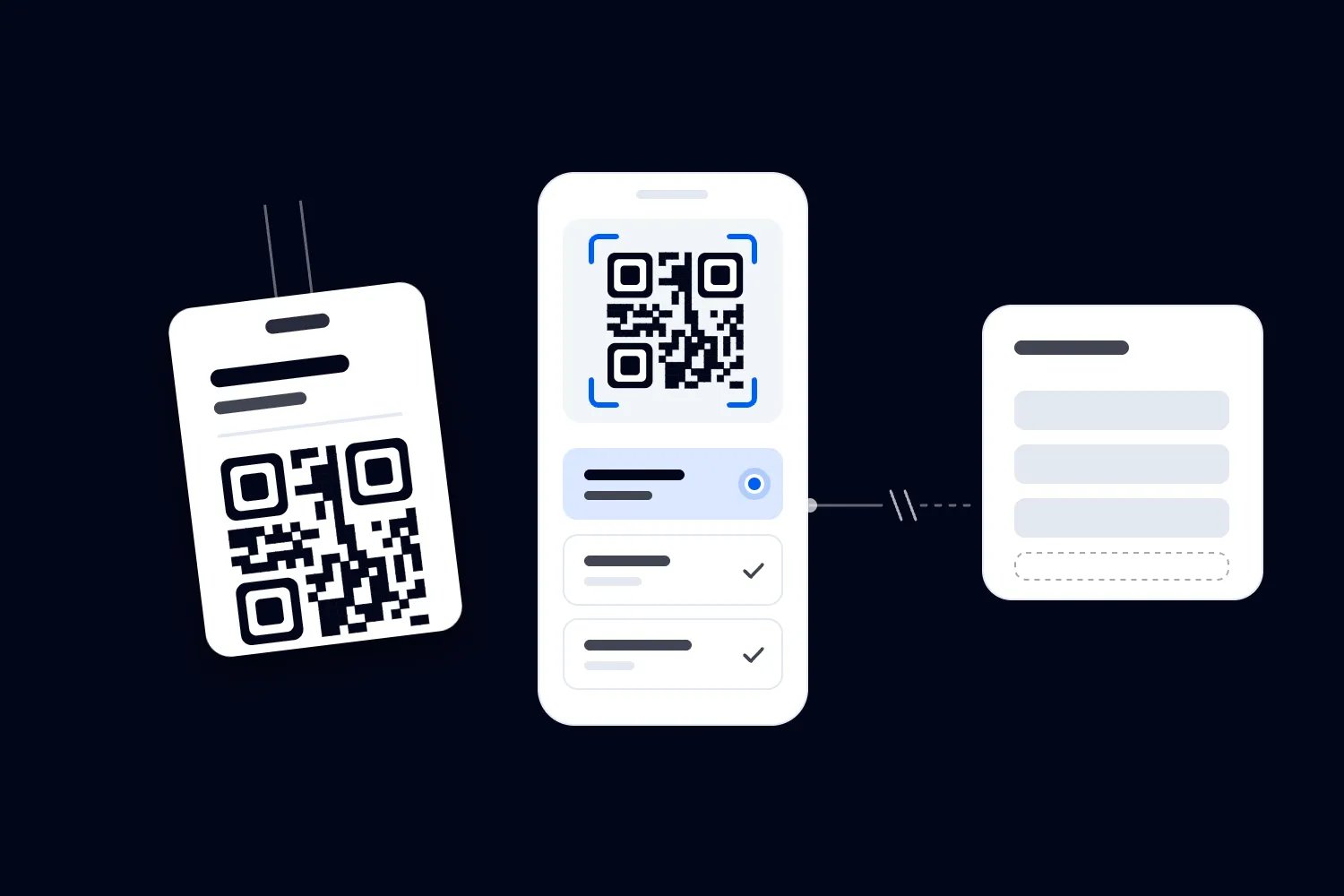
Look at what your conference badge actually does. It may display someone's name, show their ticket category, unlock a restricted session, or connect them to exhibitor lead capture. Those functions need different substitutes. A handwritten name label might support introductions while doing nothing useful for a session scanner.
Where your admission process allows it, validate the ticket, record admission, and issue an approved temporary credential. Make the permitted access explicit. An exhibition pass must not turn into a conference pass because the only blank badge you can find says delegate. Ask the access lead to approve the temporary format before staff start issuing it.
Loopyah's ticketing and check-in tools let authorized door staff scan QR tickets from their phones, with check-in access separate from broader event administration. That covers checking the ticket. Your badge production equipment and the temporary credential procedure still need their own plan, tested with the setup you will actually use at the venue.
A printed badge can also be the credential security staff rely on. If your venue requires an approved badge before entry, do not send people through with an informal substitute. Get the venue and security lead to approve a workable alternative, or keep attendees in the managed waiting area. Registration staff should never have to invent access policy under pressure.
Discuss re-entry as part of the same decision. An attendee who leaves for coffee should not discover that their temporary credential works at the conference entrance but fails when they return. Tell every affected access point what to accept, what to check, and who can resolve a doubtful credential. Record that instruction so relief staff receive it too.
Issue temporary credentials you can account for
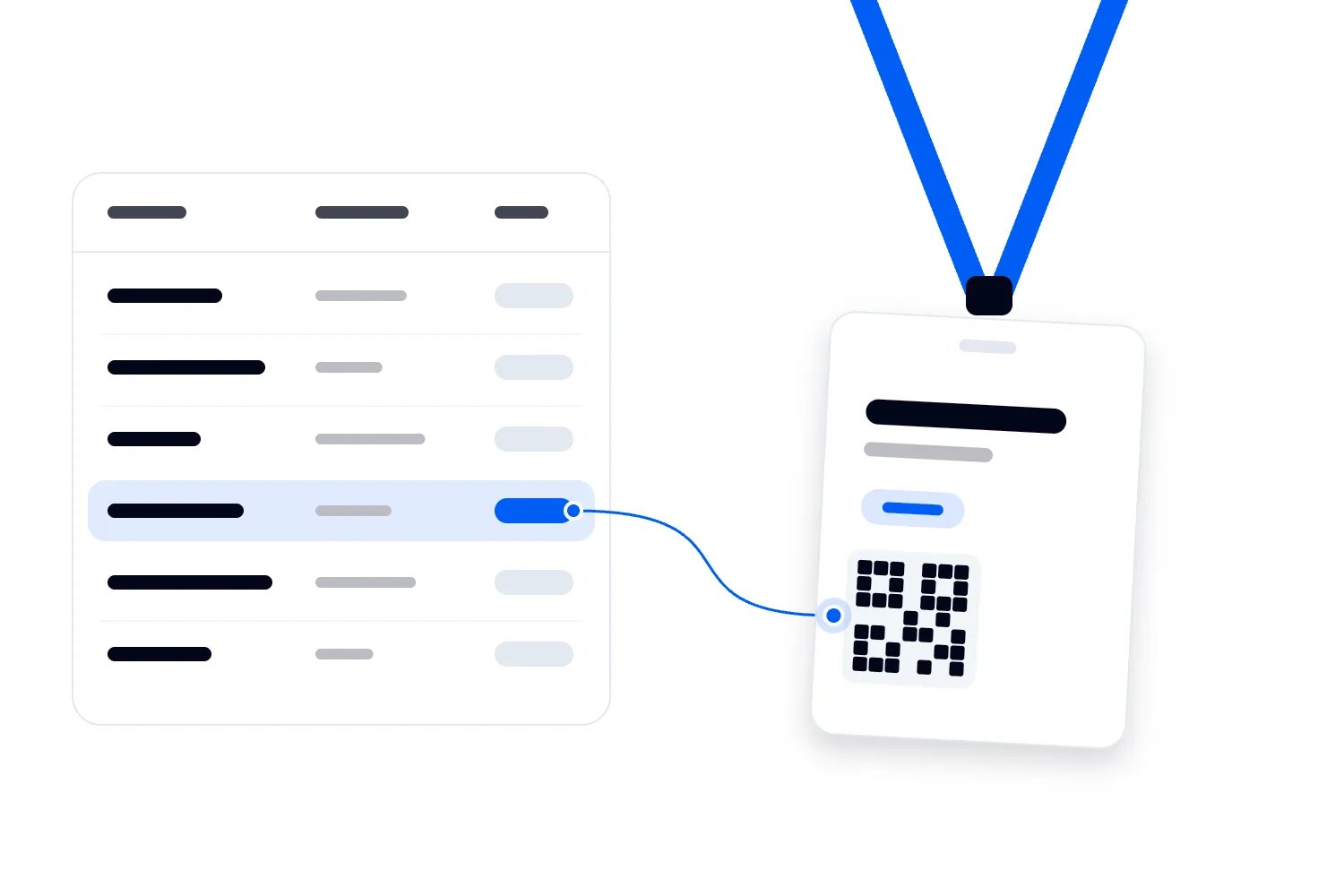
Prepare temporary credentials with a controlled sequence or another identifier your team can track. Record the identifier against the attendee's existing registration reference, the permitted access, the issue time, and the staff member who approved it. Use the same process at every desk so you can later distinguish separate attendees from duplicate issues.
Avoid creating a new attendee record just to print a replacement. That can split attendance history and make the original ticket appear unused. Work from the existing record and use the platform's supported reissue or replacement process where available. If your system cannot record the temporary credential directly, keep an approved incident register and assign someone to reconcile it.
Write enough on the temporary credential for staff to recognize its validity. That might include the event, the relevant day, an access category, and an issue reference. Choose those fields through your access plan. A temporary label should not expose payment information, personal contact details, or information staff at the door have no reason to see.
The UK's Information Commissioner's Office explains that information should be adequate, relevant, and limited to what is necessary for its purpose. For an outage register, that supports a practical approach: connect the temporary issue to a booking reference, restrict access to the register, and avoid copying an entire attendee profile onto paper.
Keep blank credentials and the register under staff control. A pile of signed blank passes on an unattended desk defeats the checking you just preserved. Count unused stock when shifts change and collect spoiled badges. If a temporary pass goes missing, follow the agreed lost credential process rather than issuing an unrecorded replacement that leaves both copies in circulation.
Tell attendees what happens next
People can cope with a delay better when they understand their next step. Give staff a short explanation they can repeat accurately. For example, tell an attendee that their admission has been checked, their temporary credential permits the relevant areas, and they can collect a replacement at the named help point when printing resumes.
Only use that wording when each statement is true. If admission has not been verified, say the team is checking it. If a temporary credential excludes a paid workshop until the room supervisor confirms eligibility, explain that restriction before the attendee reaches the room. Sending someone away with vague reassurance simply moves the argument to another member of staff.
Avoid promising a repair time your technician has not established. Tell attendees when the next update will come and where they can get it. If the incident affects an opening session, involve the programme lead so the registration team knows whether timings will change. Nobody should promise a delayed keynote without authority from the person running it.
For people who have not arrived, a concise event update can prevent another wave of confusion. Loopyah's attendee email tools support event updates to ticket holders. Use the relevant operational message, explaining the entrance or collection arrangements that have actually changed. Onsite signs and staff still matter because people already travelling may never see the email.
Give sponsors and exhibitors a separate explanation when temporary badges affect their equipment. Say what can and cannot work, and who owns the workaround. An attendee should not have to explain your printer outage at every booth. Keep any alternative contact collection voluntary and use the organizer's approved consent process instead of treating attendance as permission for marketing.
Let the technician isolate the fault
Once arrivals have a managed process, the technical owner can work without a queue watching every attempt. Capture the printer model, error message, affected station, last successful badge, and recent changes. Have the correct manufacturer's instructions available. Different printer models use different stock, ribbon systems, connections, and recovery procedures, so a remembered fix from another event may be irrelevant.
Start with checks the manufacturer permits for normal operation. Confirm that the printer has power, its cover is closed, and the selected printer matches the station. Check that the correct stock is loaded as instructed. If the device reports a jam or an open cover, follow that model's documented procedure rather than pulling material through the mechanism by force.
Zebra's ZD421 setup and support guidance explains that media settings must match the actual supplies, and distinguishes direct thermal models from models that need ribbon. That distinction matters when someone reaches for a spare consumable. Use the manual for your exact printer; a ribbon change is not a universal answer to a blank badge.
Where the manufacturer supports a local test or configuration print, use it to help narrow the investigation. A successful device test shows that the printer can produce that test output. It does not prove that your event application, connection, template, or attendee job works. Continue through the full workflow before telling the registration lead the station is ready.
If a local test fails, keep investigating the device and its documented errors. If it succeeds but the application sends nothing, inspect the selected connection and print queue with the relevant support instructions. Change one thing at a time and record the result. Otherwise, a recovered station tells you very little about what fixed it or whether another desk needs the same action.
Stop repeated print requests creating duplicate badges
When nothing prints, the natural response is to press the button again. Ask staff to stop doing that until the technician has checked pending jobs. A queue can hold requests that later print together, leaving several valid looking credentials for the same person. Set aside unexpected output and match it to the incident register before distributing anything.
Microsoft's guidance on stuck print jobs in Windows explains how pending tasks can prevent later jobs from printing. If your station uses Windows, follow the relevant instructions with your technical owner. The useful operational lesson is to check pending work before sending more jobs, while keeping a record of any jobs you cancel.
Do not clear every waiting request and assume colleagues will remember who needs a badge. Establish which attendees already received temporary credentials, which are still waiting, and which badges printed but were never collected. That list becomes your recovery work. It also stops staff asking the same attendee to complete registration again because their badge request disappeared.
Keep test badges, misprints, and abandoned credentials away from the public collection area. A badge with the right colour but the wrong name can still cause a problem if staff recognize access by colour alone. Dispose of or invalidate that output through the agreed procedure, taking account of any personal information or scannable identifier it contains.
Avoid factory resets, firmware changes, or driver replacements in the live arrival area unless the authorized technician and supplier determine that the action is necessary. Those changes may alter working settings and take time to reverse. Your immediate objective is a dependable operating station. Major repairs can wait until the event has another approved way to handle arrivals.
Use a spare only after testing the whole route
A spare printer helps when it is compatible, configured, and reachable from the check-in station. An unopened box is still a setup task. Confirm the power supply, stock, connection, driver requirements, badge dimensions, and template before relying on it. Label the equipment so staff can identify the printer they should select without guessing among similar device names.
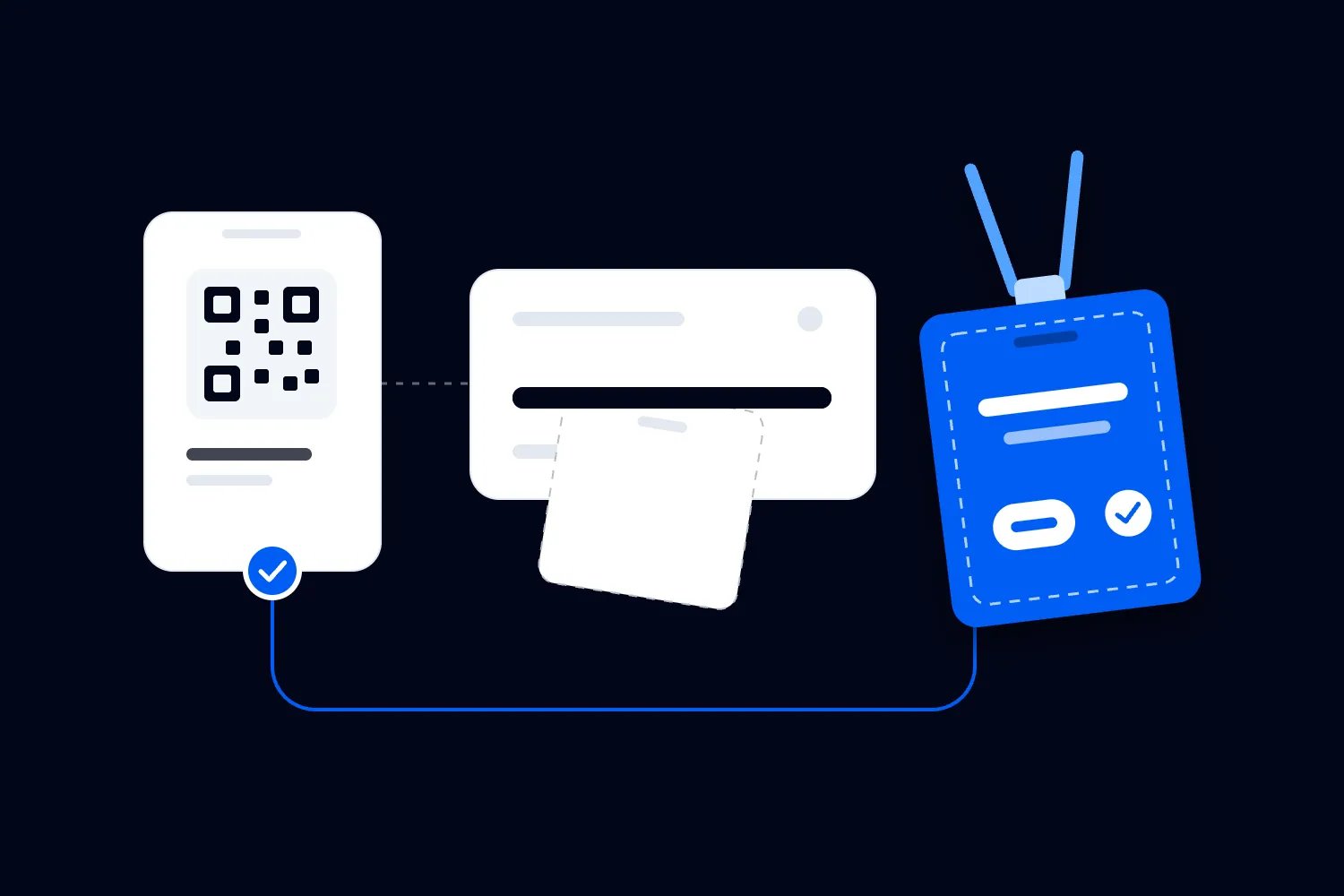
Print a test credential using an approved test record or the supplier's test procedure. Inspect the name, ticket category, date, and any access marker your event uses. Where a barcode or QR code has an operational purpose, test it with the actual reader and intended action. A code that looks sharp on paper may still contain the wrong reference.
Ask the registration lead to confirm the whole handoff. The record should remain correct, the print should correspond to the intended attendee, and access staff should recognize the resulting credential. Check what happens when the same attendee asks for another copy. Replacement behavior matters just as much as the first successful print when your team is recovering from an outage.
If the failed and spare printers depend on the same broken network or application, changing the hardware may achieve nothing. Ask the supplier which alternative connections are supported and test them during preparation. Never assume that connecting a cable bypasses every network dependency, or that an application can work offline because a printer has a USB port.
Keep the temporary process available while the spare handles a small controlled return to service. Watch for clipped text, incorrect stock alignment, unexpected duplicate output, or errors after several jobs. A single successful badge is encouraging, but the queue manager needs evidence that people can complete the actual process before redirecting the full arrival flow.
Bring printing back without creating another rush
The technician confirms technical recovery; the registration lead decides how attendees return to normal service. Tell staff which station is active, which temporary procedure still applies, and where replacements will be issued. Keep the original entrance instructions in place until queue staff can explain the new route consistently. Conflicting directions can waste the capacity you have just recovered.
Prioritize anyone whose temporary credential prevents them using a service they paid for. Someone who cannot enter their booked workshop needs attention before someone who simply prefers a printed name badge. Coordinate with room supervisors, and do not upgrade access to make the queue easier. You are restoring the original entitlement, including its limits.
Offer replacement collection at a managed desk or an agreed quieter period where that is practical. Avoid an announcement that sends every temporary badge holder to registration simultaneously. If you notify people by group or booking reference, protect their personal information. Staff can call the next person forward without reading payment details or private registration answers aloud.
Exchange or invalidate temporary credentials according to the access plan. Some conferences will collect the temporary pass when the permanent one is issued. Others may need a different supported replacement method. Record the outcome so staff know which credential remains acceptable, particularly for re-entry and later conference days. Never assume issuing a new badge automatically disables an earlier printed code.
Continue watching the waiting area after printing restarts. The Health and Safety Executive recommends monitoring queues, entrances, and other potential crowd bottlenecks to identify problems early. A functioning printer does not mean the queue has cleared, and a replacement desk can become congested even while ordinary arrivals are moving comfortably.
Reconcile the records before calling the incident closed
Assign a named person to compare temporary credential issues with the admission record and replacement log. Check for missing references, duplicate credentials, unresolved access restrictions, and people recorded as absent despite being admitted. Follow your system's supported correction process and retain an explanation for changes. Do not silently rewrite attendance to make totals agree with an estimate.
Keep attendance and badge production separate when reviewing the numbers. A replacement badge is not another attendee. A printed badge does not prove someone entered the venue, and an admitted attendee may still be carrying a temporary pass. Decide which record supports your actual attendance report before sharing figures with sponsors or using them for future planning.
Where your conference uses session access, check those exceptions too. Your conference session registration arrangements should explain how a person's booking relates to the rooms they can enter. During an outage, staff may have recorded legitimate workshop entry separately. Reconcile that information before sending session follow-up or making claims about room attendance.
Ask exhibitors whether the outage affected the promised lead collection process, then document the specific effect. Avoid estimating missed leads from the number of temporary badges. You do not know which attendees would have visited a booth or chosen to share details. Agree any remedy against the sponsorship commitment and the evidence you actually have.
Collect paper registers and remove temporary exports from shared devices through your approved retention process. Preserve the incident details needed for review without leaving attendee lists in equipment cases. Confirm that remaining temporary credentials no longer grant unintended access after the relevant day. Closing the technical support ticket does not complete these operational tasks.
Decide your switching point before doors open
A common mistake is waiting for a confident repair estimate before changing the arrival process. Your technician may need more investigation, while the queue keeps growing. Agree in advance who can activate temporary credentials and which conditions trigger that decision. Use the venue's safe waiting capacity, observed arrival flow, and the availability of a verified admission route.
The trigger should describe something staff can recognize. For example, your plan might activate the approved fallback when no working station can issue the required credential and the waiting area reaches its agreed limit. That is an operational choice for your conference, not an industry standard. Record it with the venue so colleagues understand the same condition.
Also decide who may pause entry. A registration supervisor should have a clear escalation route when verification fails, credentials cannot be controlled, or the waiting area becomes unsafe. Explain the distinction during briefing. Switching away from badge printing can be sensible; dropping admission checks because the queue is uncomfortable changes who can enter a paid event.
Keep the decision visible to other teams. Room supervisors need to know when temporary passes become valid, and security needs to know when that instruction changes. Use the communication channel agreed for operations and ask supervisors to acknowledge it. An instruction sent to a busy group chat is not proof that the entrance team received it.
Work through a difficult arrival before it happens
Imagine a delegate arriving with a conference pass and a separately booked workshop. Registration can verify both bookings, but the printer is down. The approved temporary credential shows conference access, while workshop eligibility remains in the booking system. Staff record the issue and explain how the workshop entrance will check that additional booking.
Now imagine the workshop desk cannot access its booking list. The temporary conference pass cannot answer the missing question. The room supervisor follows the agreed exception process, contacting the authorized person who can verify workshop eligibility. They preserve any room capacity restrictions. A printer outage should not leave the workshop team deciding access from the attendee's confidence or seniority.
Later, the printer recovers and the delegate requests a replacement. The help desk finds the original issue record, prints the appropriate badge through the supported process, and deals with the temporary pass as instructed. If the person has already collected a replacement elsewhere, staff investigate that record before issuing another credential. They do not solve the uncertainty by starting a new registration.
This example exposes the preparation you actually need. Confirm which team can check each entitlement, how they communicate when a device fails, and what the attendee can do while the question is resolved. Include that route in the briefing. A spare printer cannot correct an access policy that different teams interpret differently.
Review the cost without inventing a loss figure
After the event, collect the costs you can establish. Record extra staff hours, replacement stock, supplier callout charges, and any remedies you agreed with affected customers. Separate charges you would have incurred anyway from additional spending caused by the incident. That makes the review useful when deciding whether to hire spare equipment next time.
Ask what attendees actually missed. A late badge collection might have had little effect if verified delegates entered the conference normally. A workshop booking that someone could not use deserves a different response. Check the booking terms and the documented incident before agreeing a remedy. Do not multiply the whole queue by the ticket price and call it lost revenue.
Use the timing record to improve staffing and supplier arrangements. Note when the fault appeared, when the lead activated the temporary process, when a tested station resumed work, and when outstanding credentials were resolved. These observations help you see whether the longest delay came from hardware, authorization, communication, or recovery. They are records from your event, not a performance benchmark.
Then make a specific purchasing decision. You might need a configured spare, more compatible consumables, supplier support during arrivals, or clearer authority for the registration supervisor. Compare the proposed expense with the failure it addresses. Buying more printers will not fix a shared application problem, and paying for technical support will not automatically teach room staff to accept temporary credentials.
Before signing the next equipment order, ask the supplier to demonstrate failure and recovery using your badge stock and workflow. Confirm who answers during your actual arrival window and what the service agreement covers. Put those answers in the event plan so the colleague running the desk can use them without searching through a sales conversation.
Keep the supplier contact details with the equipment, including the model and hire reference. Check that the registration lead can reach that contact from the venue. If support needs photographs of an error or sample output, remove attendee details before sharing them through the supplier's approved channel. Explain what you already tested.
Rehearse the failure before your next conference
Arrange a rehearsal with the people who will work registration, security, and technical support. Stop a printer through an approved test method and ask the team to continue processing test attendees. Watch who notices, who makes the decision, and how quickly the queue gets a clear instruction. You are testing the handoffs as much as the equipment.
Include a ticket that cannot be admitted, a person with restricted workshop access, a replacement request, and an attendee who needs assistance. Confirm staff can handle those cases without opening wider access or collecting unnecessary information. Then restore printing and reconcile the test records. A fallback that only works for the easiest attendee is still incomplete.
Check the physical supplies during that rehearsal. Blank credentials need suitable holders, readable pens or labels, a controlled issue method, and a place for staff to record them. Keep the supplies where the registration lead can reach them without leaving the desk unattended. Decide what happens if the outage continues beyond the opening rush or into the next day.
For badge formats and print preparation, review your conference badge design decisions before you order stock. Confirm that the temporary credential preserves the access information staff genuinely use. Ask the equipment supplier to show your team the permitted recovery actions and escalation route, using the exact hardware and consumables booked for the event.
Before doors open, walk the route yourself with a test ticket and the agreed temporary pass. Check what the desk records, what the attendee hears, and what happens at the room entrance. If a team member has to guess whether that person belongs there, resolve the instruction with the access lead while the lobby is still empty.

Author: By the Loopyah Content Team
The Loopyah Content Team shares expert insights, practical guides, and industry updates to help event organizers create unforgettable experiences and stay ahead in the event planning world.