· 15 min read
Best project management software for event planners
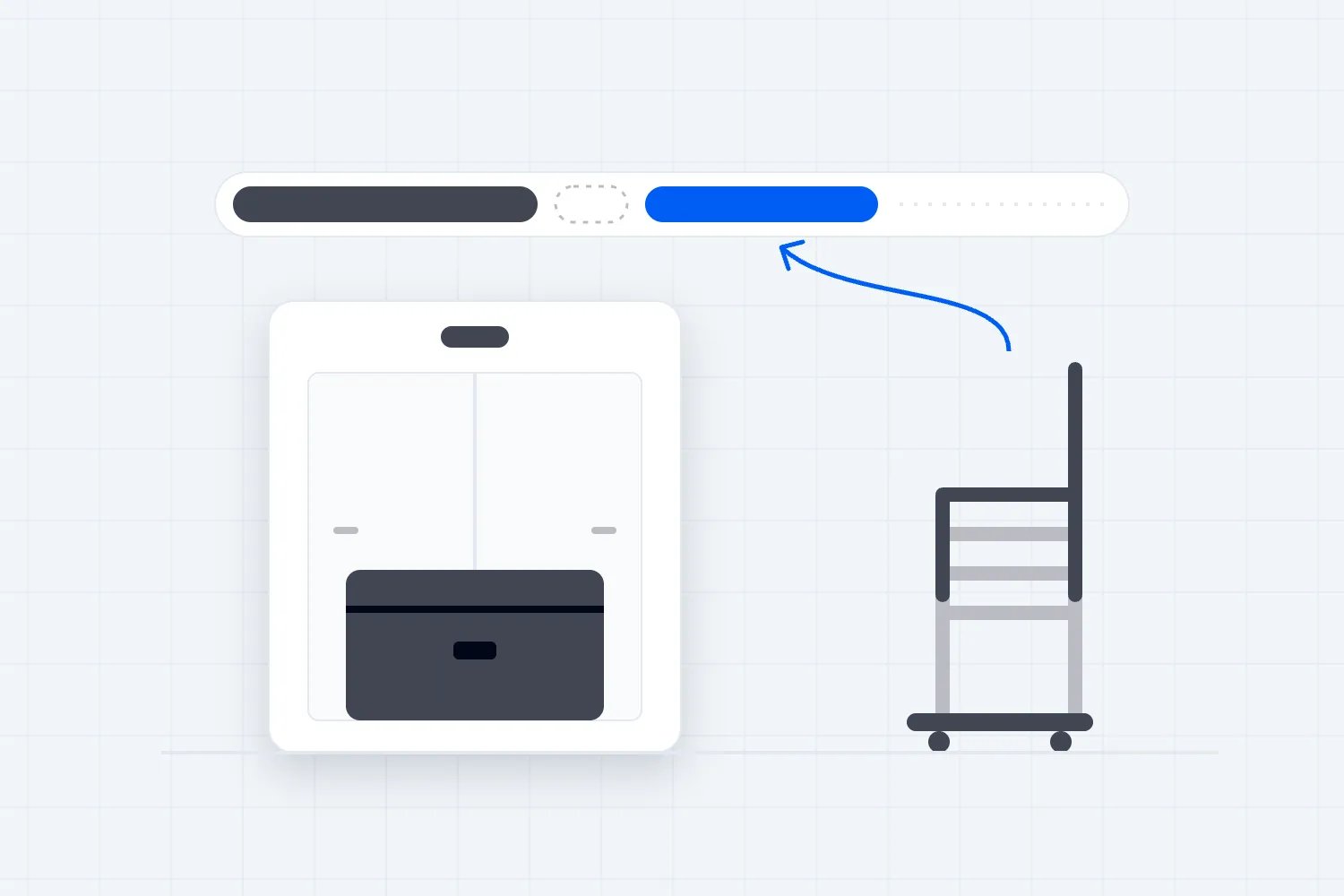
Your print supplier needs the final layout. The venue hasn't approved it, the producer is chasing an answer, and the designer thinks the job is finished. A shared task list helps only if it shows that connection.
The best project management software for event planners depends on the work you need to control. We'd shortlist Asana for connected deadlines, ClickUp for configurable production workflows, monday.com for shared status boards, Teamwork.com for client production projects, and Trello for straightforward handoffs. This guide compares those choices for businesses running paid, ticketed events, including the paid plans and freelancer access rules that affect your actual bill.
Compare the tools at a glance
Prices and plan features checked on 4 November 2026. These are monthly equivalents with annual billing, before applicable taxes. Prices are in US dollars except Teamwork.com, where we quote the euro price displayed on its official homepage. They aren't currency-adjusted comparisons. Seat minimums, bundles and temporary offers can change the checkout total.
Tool | Best-fit event situation | Relevant annual-billing plan | Main limitation |
|---|---|---|---|
Production deadlines depend on other teams finishing work | Starter: US$10.99/user/month | Portfolio resource management needs Advanced | |
You want forms, custom fields and Gantt charts together | Core: US$9/user/month current offer; US$12 regular price displayed | Guest permissions and automation limits need checking | |
Departments need a common event status board | Pro: US$19/seat/month listed | Seat groups and AI-credit bundles affect the total | |
You produce client events and track delivery time | Basics: EUR9.99/user/month | Workload planning and time budgets need Accelerate | |
A small team needs clear cards, owners and checklists | Standard: US$5/user/month | Calendar and Timeline views need Premium |
The plans differ because the jobs differ. Trello Standard can be enough for a familiar event checklist. It isn't a like-for-like substitute for the dependency planning in Asana Starter or the broader controls in monday.com Pro.
How we selected these tools
We researched official pricing pages and help documentation. These are editorial recommendations based on documented capabilities, rather than claims that we tested each product at an event. The examples below are suggested workflows, not customer case studies.
We looked for clear task ownership, connected deadlines, ways to reuse an event plan, and controlled access for suppliers or freelancers. We also checked whether the plan being priced includes the capability being recommended. A free board and a paid scheduling system answer different questions.
The scope is preparation and production work: venue approvals, supplier handoffs, artwork and responsibilities across repeated events. If you're still choosing how to organize that work, our guide to Gantt charts and task boards for event teams explains when each view helps. Here, the decision is which product and plan to shortlist.
1. Asana
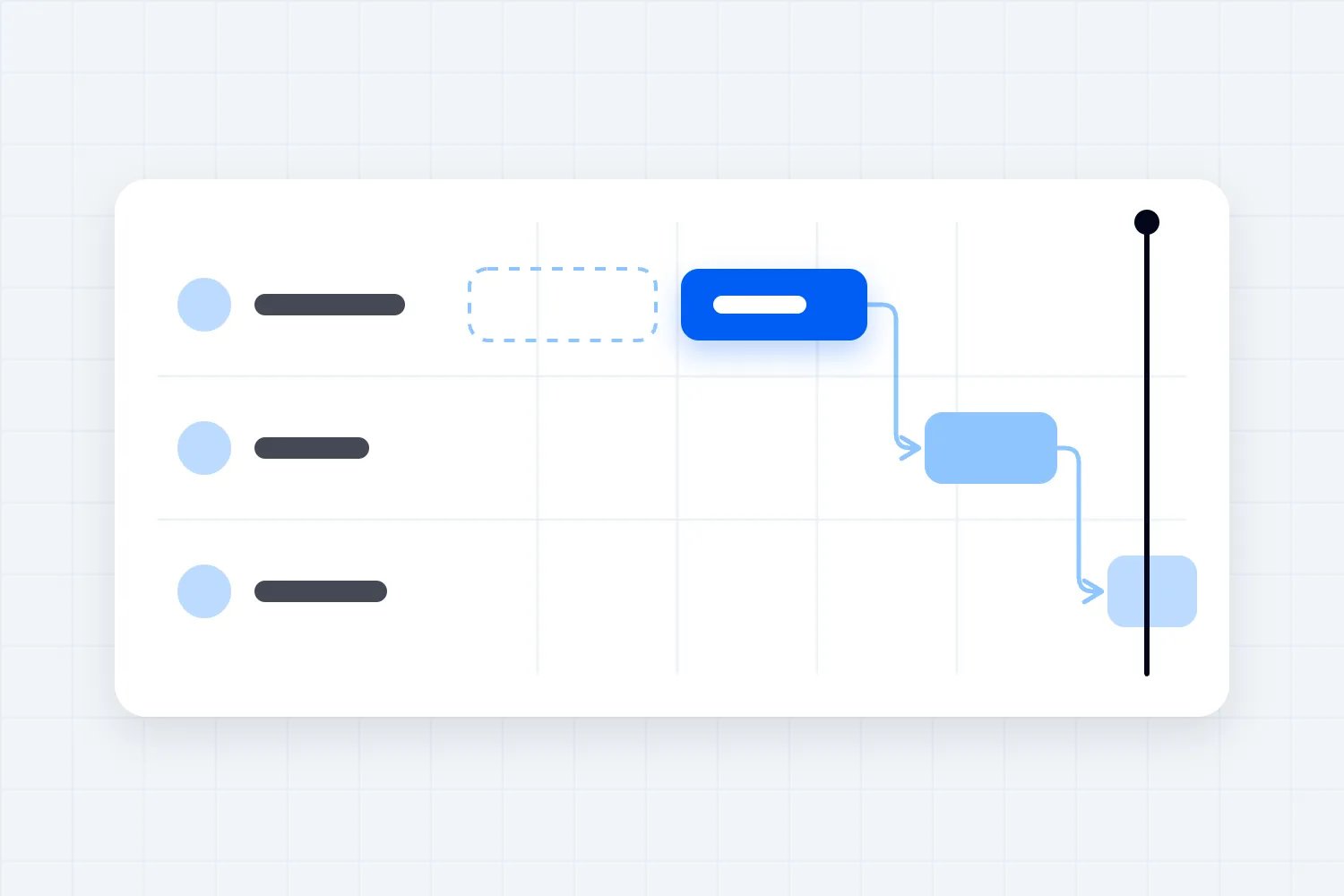
Asana is our first shortlist for a producer who needs to see how one late decision affects other people's deadlines. Its appeal is the connection between tasks, their owners and the schedule, particularly when you repeat a recognizable event format.
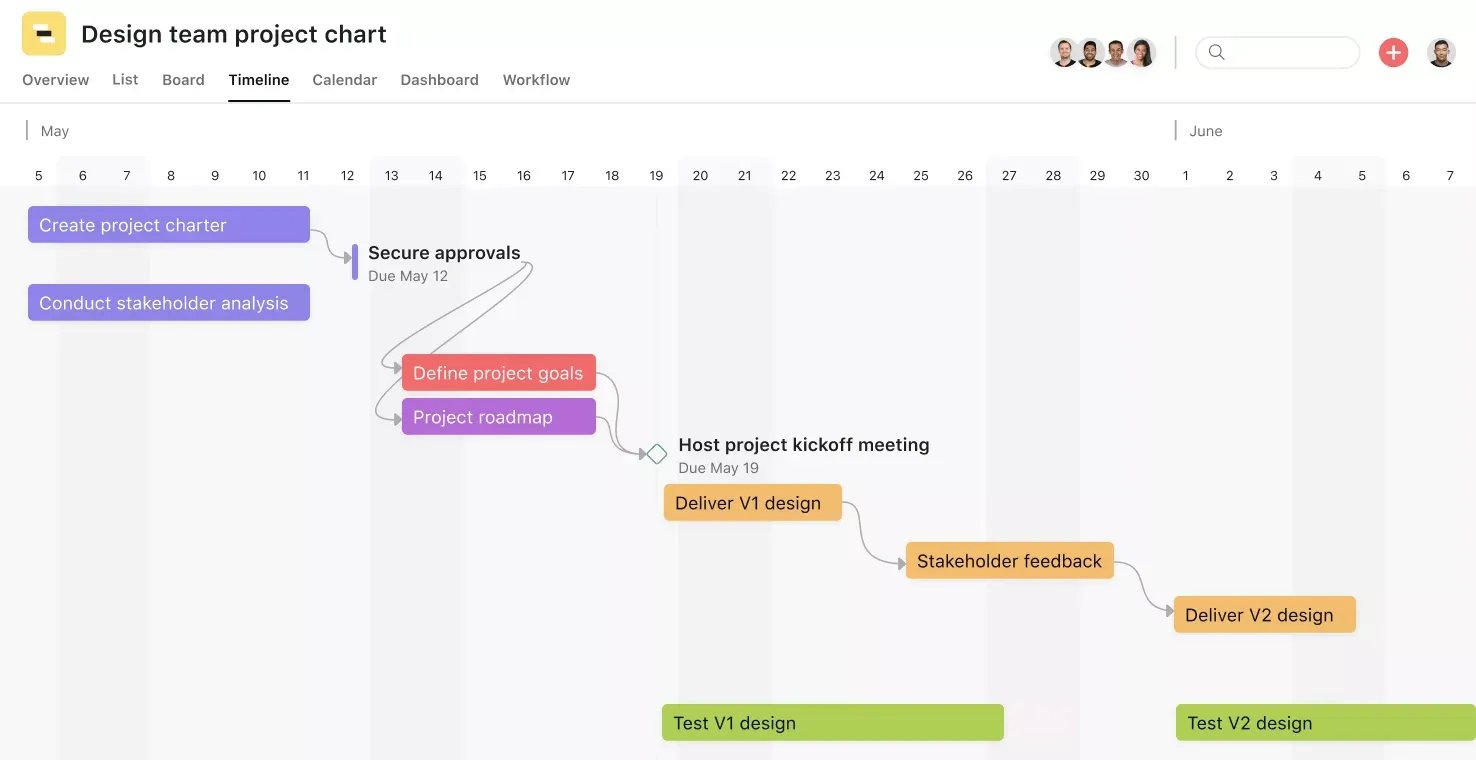
Asana's pricing page lists Starter at US$10.99 per user per month billed annually, or US$13.49 on monthly billing. Starter includes Timeline and Gantt views, custom project templates, forms and custom fields. Personal is free for two users, so don't build a larger team's budget around older free-plan allowances.
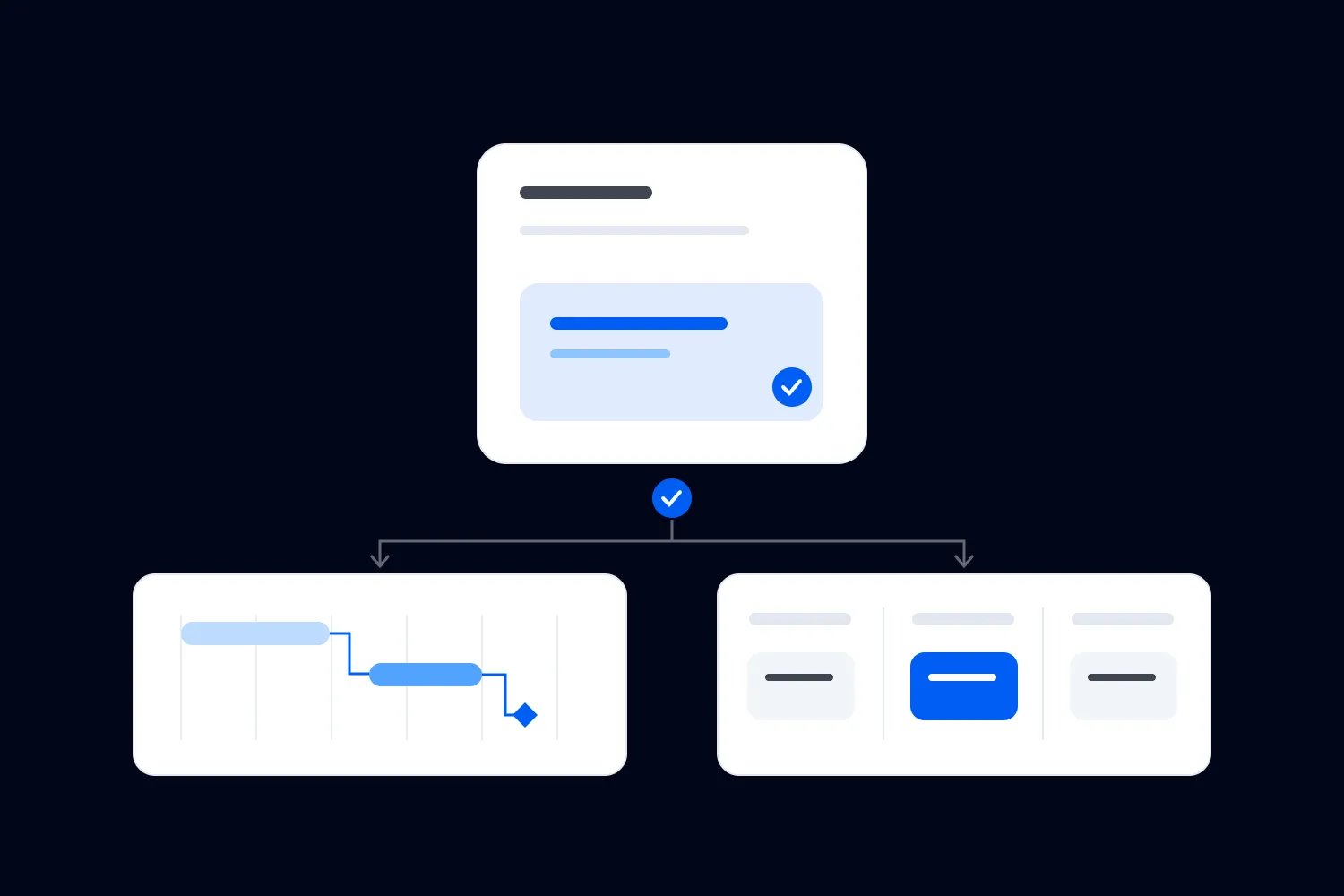
Take the venue-layout problem. Give the approval task a named owner and connect the artwork task to it. The producer can then review the approval alongside the work waiting for it. Write what approval means in the task itself, such as confirmation of the agreed layout version, so a completed checkbox represents a usable decision.
For your next event, Asana's project templates support relative dates. You can schedule preparation around the new project's start or due date instead of copying last season's dates unchanged. Supplier commitments still need confirming; a template can't promise their availability.
External access is another reason to consider it. Asana's guest rules allow genuine external partners into an organization without counting them as paid members. Membership depends on the company email domain, and employees must have the appropriate subscriptions. A freelancer's guest access isn't permission to treat your whole seasonal workforce as free users.
Choose Asana if the main frustration is discovering blocked work too late. If you mainly need a few visible jobs moving through a board, Trello may be sufficient with less structure to maintain.
2. ClickUp
ClickUp is worth shortlisting when your event team wants to configure its own production workflow. Forms, custom fields and Gantt charts can support the same work, but somebody needs to decide how the workspace is organized and keep that arrangement understandable.
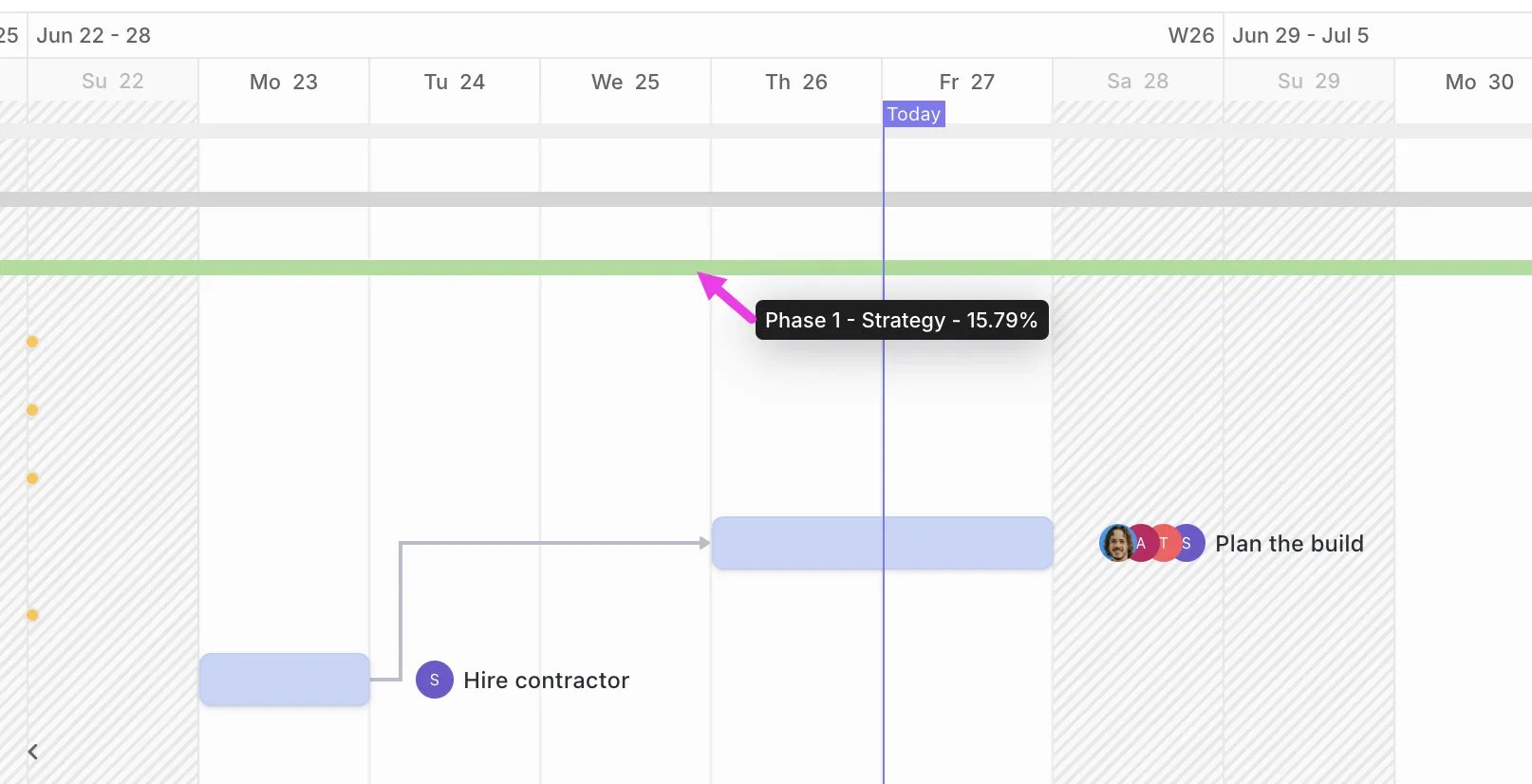
ClickUp's pricing page currently shows Core at US$9 per user per month billed yearly, with US$12 displayed as the regular price. Treat US$9 as the offer checked on the date above. Core includes unlimited Gantt charts and forms, custom fields, and a monthly allowance of 1,000 automations. Free Forever has 60MB storage and limited access to some advanced features.
For example, you could give each production task a supplier field, an approval status and its required delivery date. A request form could capture an equipment change and create work for the producer to assess. Agree the fields before building separate lists for every department; otherwise the same supplier decision can acquire several conflicting records.
ClickUp documents automatic dependency rescheduling. With the relevant settings enabled, changing a blocking task's dates can shift dependent tasks. Its help page also warns that rescheduling from Gantt view affects only visible tasks and their dependencies. During a trial, include work across your actual lists and filters, then check what moves.
That matters when a venue approval arrives late. A revised artwork date may be reasonable, while the printer's final acceptance deadline remains fixed. Assign someone to review the consequence instead of accepting every shifted date as a new supplier commitment.
Read the guest billing rules before inviting the production roster. Paid plans include an allowance of permission-controlled guests; exceeding it can add a paid member seat automatically. ClickUp also notes that workspaces are transitioning between plans, so existing customers should check their actual subscription. Core's flexibility is useful when your team will maintain it; Asana is a sensible alternative when connected task handoffs are the main requirement.
3. monday.com
monday.com is a good shortlist when several departments need to report progress in the same format. A shared board can make venue decisions, production tasks and marketing approvals easier to review together, provided everyone agrees what each status means.
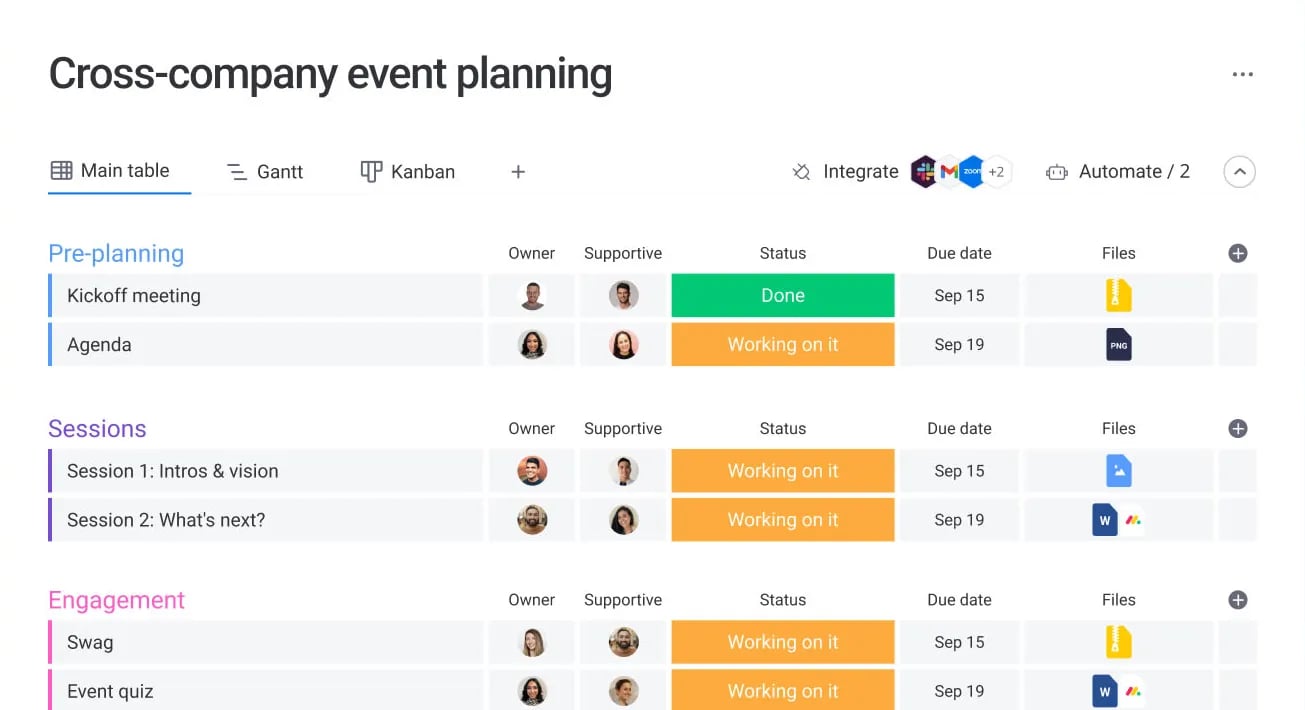
For the work-management product, monday.com's pricing page lists Pro at US$19 per seat per month billed annually. Pro includes dependency-related advanced columns, private boards and time tracking. Standard is listed at US$12 and includes Timeline and Gantt views, but has lower automation allowances. The page also displays AI-credit bundles and promotional offsets, so confirm the full recurring total for your seat count. The Free plan allows up to two seats.
You could organize an event board around work packages such as room layout, signage production and technical delivery. Add an owner, deadline and agreed status to each. Keep "awaiting venue approval" separate from "ready for print" so marketing doesn't mistake completed design work for an approved production file.
The advantage is consistency across departments. It depends on your setup, though. If each producer invents different status labels for each event, a shared board will still require explanation. Start with a small set your team can use without translating them during a meeting.
Budget the seats carefully. According to monday.com's subscription rules, paid plans start at three seats and then use groups of five. Four internal users need five seats; six need ten. That makes the displayed per-seat rate an incomplete cost comparison for a growing seasonal team.
Its guest pricing also differs by plan. Pro allows unlimited guests, while Standard counts guests toward billing in groups. Check whether each person qualifies as an external guest and can access the right board. We would shortlist Pro for the workflow described here, then compare its full quote with Asana before committing.
4. Teamwork.com
Teamwork.com has a more specific fit: an event production business delivering work for clients and needing to understand the time spent delivering it. That can include a business running its own ticketed events alongside commissioned production projects. The client-work structure matters less if you only need an internal checklist.
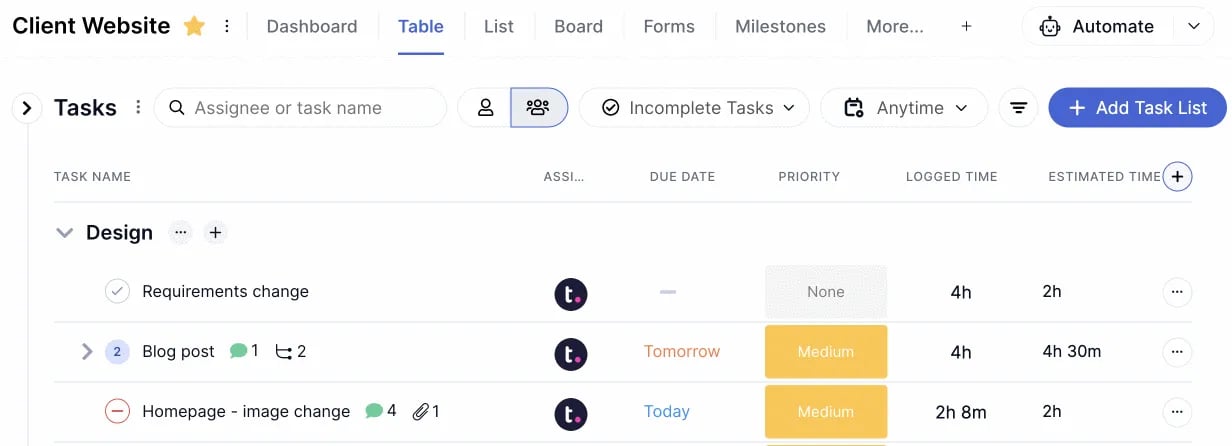
Teamwork.com's homepage displays Basics at EUR9.99 per user per month billed yearly and Accelerate at EUR24.99. We use that explicit euro display here; confirm your local currency and minimum paid-user commitment in the quote. Its pricing page lists a 14-day trial and a Free plan limited to five users and five projects.
The current plan comparison includes dependencies, milestones and time tracking, with unlimited project templates on Basics. Suppose your team delivers a paid conference for a client. You could reuse the preparation plan, assign the supplier handoffs and log the time spent on revisions. After delivery, that record helps you discuss whether next year's production fee covers the work required.
Keep the distinction between recorded hours and event profit clear. Logging time doesn't establish the full cost of the event, and Basics doesn't include the higher plans' financial budgeting and profitability controls. If resource capacity is the buying reason, trial the plan that actually includes it.
The user-license rules are particularly relevant to production suppliers. Client users and collaborators are free, with different permissions. Client users can join up to five active projects. Collaborators can complete assigned tasks and comment, but cannot log time or create tasks.
That means a supplier who only confirms a handoff may need different access from a freelance producer managing the job. Test both roles. Teamwork.com is a useful candidate when client delivery and effort tracking justify its structure; for a team focused mainly on its own event deadlines, we'd start with Asana or Trello.
5. Trello
Trello is our shortlist for a small team that needs to see what is ready, in progress and waiting for somebody else. Cards and checklists suit a familiar event format where the preparation sequence is manageable and everyone needs a clear next action.
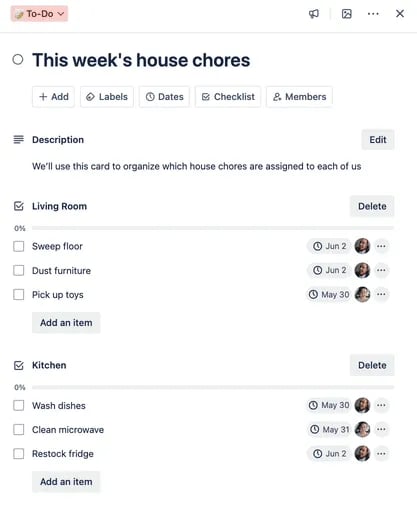
Trello's pricing page lists Standard at US$5 per user per month billed annually, or US$6 monthly. It includes unlimited boards, custom fields and advanced checklists. Premium costs US$10 annually or US$12.50 monthly and adds Calendar, Timeline and other views. Free allows up to ten collaborators and ten boards per Workspace.
For a recurring paid workshop, create cards for work such as venue confirmation, equipment preparation and signage. A signage card could hold the current brief and checklist items for approval, artwork delivery and print collection. Atlassian's advanced checklist documentation explains how individual items can have their own assignee and due date.
That gives the producer more useful information than a single "signage done" checkbox. It still needs a sensible level of detail. When the print deadline depends on a venue decision affecting several other jobs, we'd compare Asana or ClickUp's documented dependency workflow rather than assuming a board alone will expose every consequence.
Pay attention to how you divide events into boards. Trello's billing FAQ says a guest on more than one board in the same paid Workspace becomes a billable Multi-Board Guest. A freelancer helping with several events may therefore change the cost even if they never become an internal Workspace member. The rule is linked on the pricing page above.
Trello makes sense when the board itself answers your daily questions. Before moving to Premium for extra views, identify the decision those views need to support. A more detailed display won't resolve unclear ownership or an approval nobody has agreed to give.
Which should you choose?
Start with Asana if your biggest problem is understanding which deadlines depend on another team. Choose ClickUp when you also want to configure request forms and detailed production records, and have someone willing to maintain the workspace.
Shortlist monday.com when departments need consistent shared reporting and the full Pro quote makes sense for your team. Look at Teamwork.com when client production work and delivery time are central to the buying decision. For a small team with a familiar preparation routine, Trello is a reasonable place to start.
You may already have one of these tools. Before migrating, check whether a clearer template and access setup in the current subscription would solve the problem. Moving an unclear plan into another product gives the team more setup work without resolving who approves the layout.
Try a late venue-layout change before buying
Use a small sample from your event planning checklist. The following is an illustrative buying test, not a promise that every tool automates every step:
Add the venue-layout approval, artwork delivery and print deadline. Give each a real role and state what counts as complete.
Invite someone with the access a supplier would receive. Ask them to find their task, report a delay and attach the revised file. Check what else they can see.
Move the layout approval later. Examine what the tool changes automatically, what it only flags, and what the producer must review manually. Keep the printer's agreed deadline fixed unless the printer accepts a change.
Create the next event from the proposed template or copy process. Check dates, old assignees, completed work and supplier details before treating it as usable.
Price the actual users and permissions needed for both events, including any seat groups, paid guests and features supplied only during the trial.
Ask a team member who didn't build the trial to explain what is waiting and who acts next. If they need the producer to interpret every status, simplify the plan before adding more automation.
For delivery-day timings, your team also needs an agreed production schedule for setup and load-out. Check that the project plan and that schedule use the same confirmed supplier commitments. A task marked complete isn't enough evidence that a vehicle can access the venue at the required time.
Buying questions event teams should ask
Can free project management software be enough?
Yes, if its limits fit the people and work involved. Trello Free, for example, may cover a small team's board, while Asana Personal's current allowance is only two users. Use the limits in the reviews above to narrow the options, then trial the plan you expect to keep.
Be careful when a trial exposes paid scheduling views or permissions. Write down which features your team used and confirm their ongoing plan before you build the next event around them. Free access during setup doesn't establish the season's cost.
Can freelancers and suppliers use it without paid seats?
Sometimes. The answer depends on the vendor's definition of a guest, the permissions needed and the number of projects or boards involved. Reading a brief, confirming a task and managing a production plan can require different roles.
Give the vendor your actual roster and describe what each person must do. Ask for the cost with all those roles active at once, and what changes when a freelancer joins another event. The guest rules in these reviews are a reason to investigate the bill before inviting everyone.
Should this replace your ticketing platform?
For this shortlist, the reason to buy is control of preparation tasks and supplier handoffs. Keep live ticketing records in the platform that manages those transactions. Loopyah's event software connects ticket orders with customer records and check-in, so the producer doesn't need to maintain a parallel buyer list in a project board.
Use a project task for the operational work, such as checking the approved layout before signage goes to print. Keep it linked to the relevant brief or record, and decide who confirms that the work is ready. Any connection between a shortlisted tool and your ticketing system needs its own verification; this guide doesn't establish an integration.
Suggest a tool or send a correction. Include the event workflow it supports, the relevant plan and official evidence for the claim. Suggestions inform our review; they don't guarantee inclusion or a particular position.

Author: By the Loopyah Content Team
The Loopyah Content Team shares expert insights, practical guides, and industry updates to help event organizers create unforgettable experiences and stay ahead in the event planning world.