· 21 min read
Gantt chart or task board: how should your event team plan work?
Your ticket launch is next week. The designer is waiting for the programme, the programme lead is waiting for a speaker, and the person approving everything is working on another event. Everyone has a task list. You still can't tell whether you'll be ready.
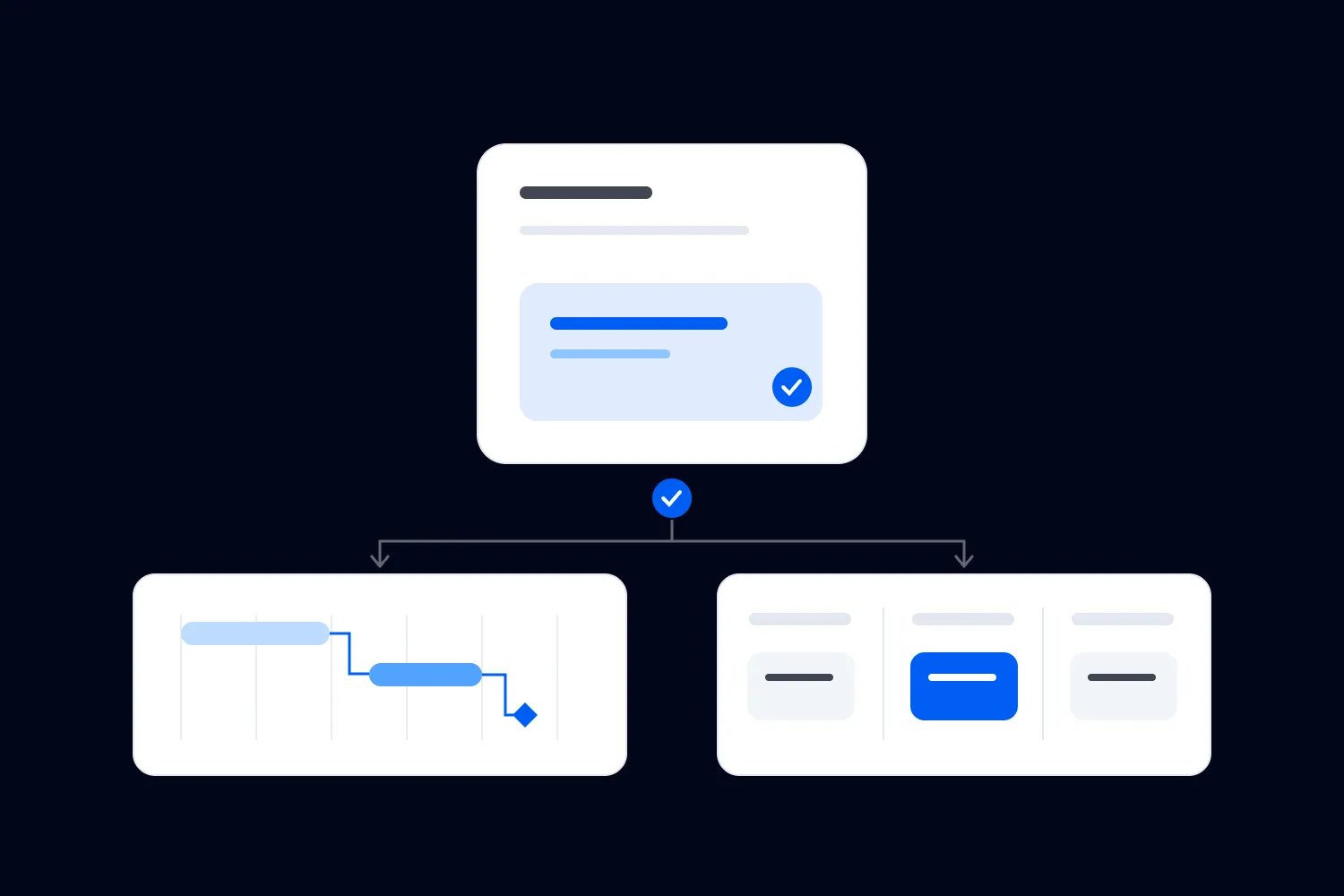
For event project management, use a Gantt chart when you need to understand dates, dependencies and shared resources across the plan. Use a task board when you need to see who is doing what, what's waiting and what needs attention next. When both problems keep coming up, use both views of the same work, with one agreed record behind them.
The choice depends on the decisions your team struggles to make. A small paid workshop might need a board and a handful of confirmed deadlines. A conference with several suppliers, approval stages and a fixed setup window usually needs a schedule that shows how those commitments connect. Either approach can fail if nobody updates it or knows what finished means.
Let's work through that choice, build a usable version of each and follow a fictional conference team through a late change. The people, deadlines and working arrangements in the example are invented to explain the method. They aren't industry benchmarks or a staffing recommendation.
Start with the question your current plan can't answer
Before choosing a format, think about the last delay your team discovered too late. What information would have helped you spot it earlier?
If the answer is "we didn't know the venue layout was holding up ticket quantities", you need clearer dependencies. A dependency means one task needs something from another before it can proceed. If the answer is "everyone thought someone else was chasing the layout", you need clearer ownership. You might need both, but they are different problems.
There's another common situation: the team starts plenty of work and finishes very little. Artwork waits for approval, supplier questions wait for a decision, and new requests keep arriving. More detailed dates won't automatically remove that queue. You need to see where work is accumulating and help the person or team holding it up.
Start with your event planning checklist to identify the work. Then ask which tasks affect another person's ability to deliver, which deadlines come from outside your team and where decisions regularly get stuck. That gives you a reason for the view you choose.
Don't judge by team size alone. Three people producing a technically complicated event can have more scheduling constraints than a larger team repeating a familiar format. Look at the commitments, shared people and uncertainty in the actual event.
What a Gantt chart helps you see
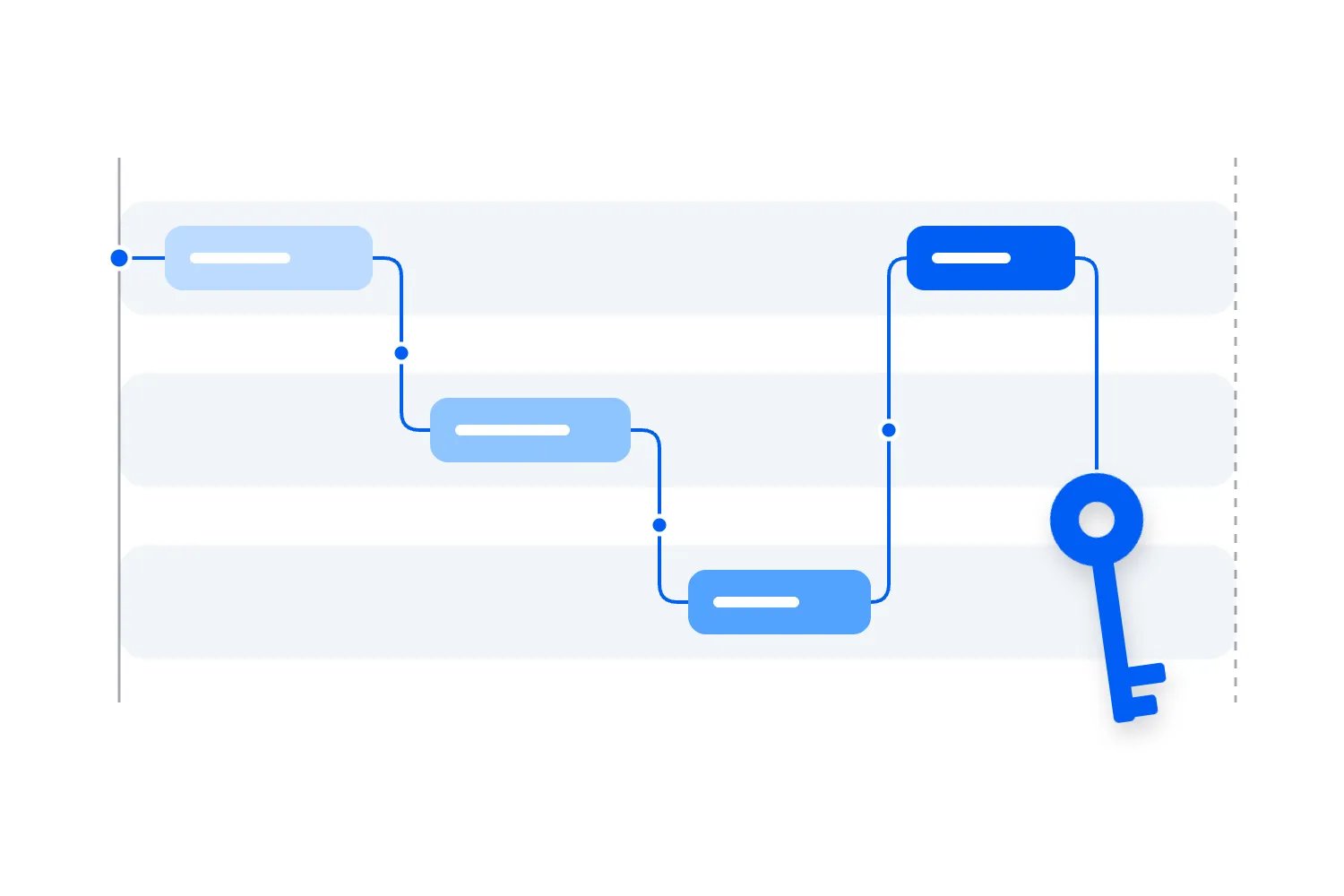
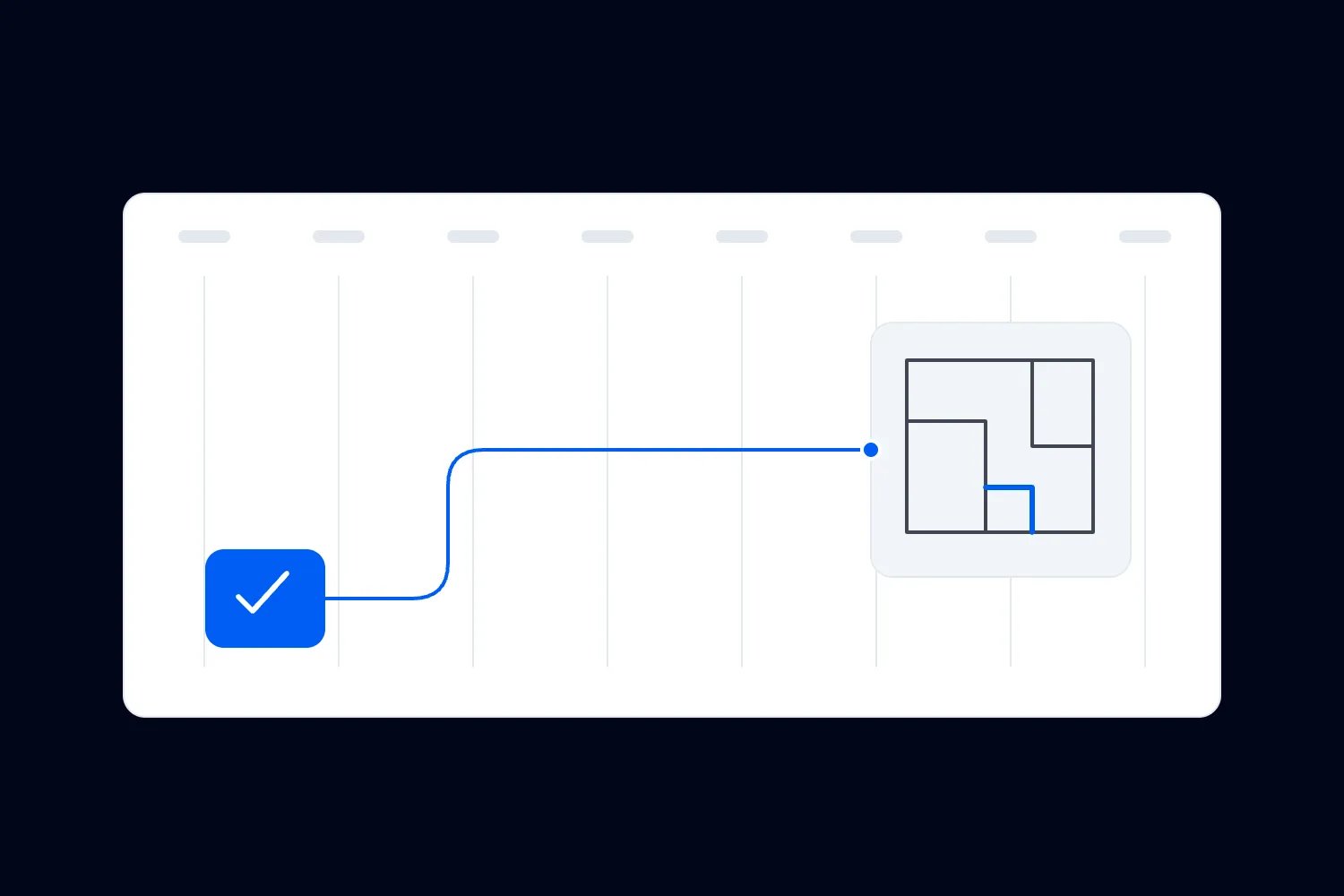
A Gantt chart places activities against a calendar, usually as horizontal bars showing their planned start and finish. The Association for Project Management's explanation of Gantt charts describes how they show timing, dependencies and ownership. For an event team, that makes the relationship between preparation and a fixed opening date easier to discuss.
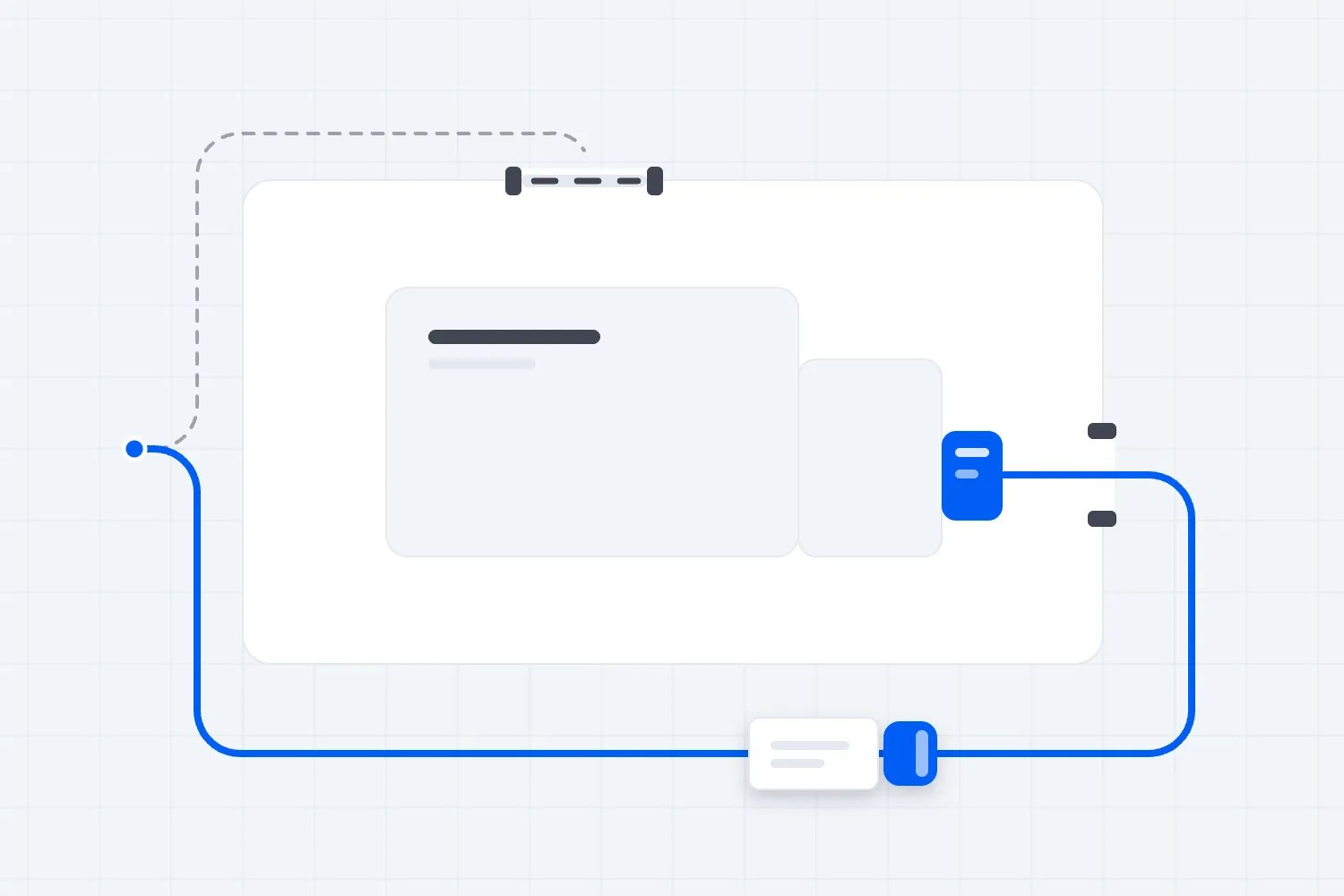
Imagine the ticket page needs the approved programme and the agreed room layout. Marketing then needs the checked page before it sends the launch email. A schedule can show those handoffs together. When the layout approval moves, you can examine the work affected and ask whether the launch forecast still holds.
A drawing of bars doesn't calculate that answer by itself. You need realistic durations, correct links between tasks and an understanding of available people and access. Some scheduling software calculates the effects of changes. If you're using a spreadsheet, someone has to check them. Attractive dates don't make an untested plan achievable.
A Gantt chart is particularly useful when you are agreeing commitments with people outside your organisation. Your print supplier needs final files by a particular date. Your venue offers a particular access window. Your technical supplier needs approved requirements before confirming equipment. Put those conditions into the schedule while you can still change the arrangements.
It also helps you see work you have scheduled simultaneously without the resources to do it. If the same producer must approve ticket information and attend a venue inspection, overlapping bars may conceal a conflict. Ask who will actually perform each activity, and when that person is available.
Keep the distinction between a forecast and a promise clear. A supplier's unconfirmed estimate belongs in the plan as an assumption to resolve. It should become a commitment only when the relevant person has accepted the work, timing and conditions.
What a task board helps you see
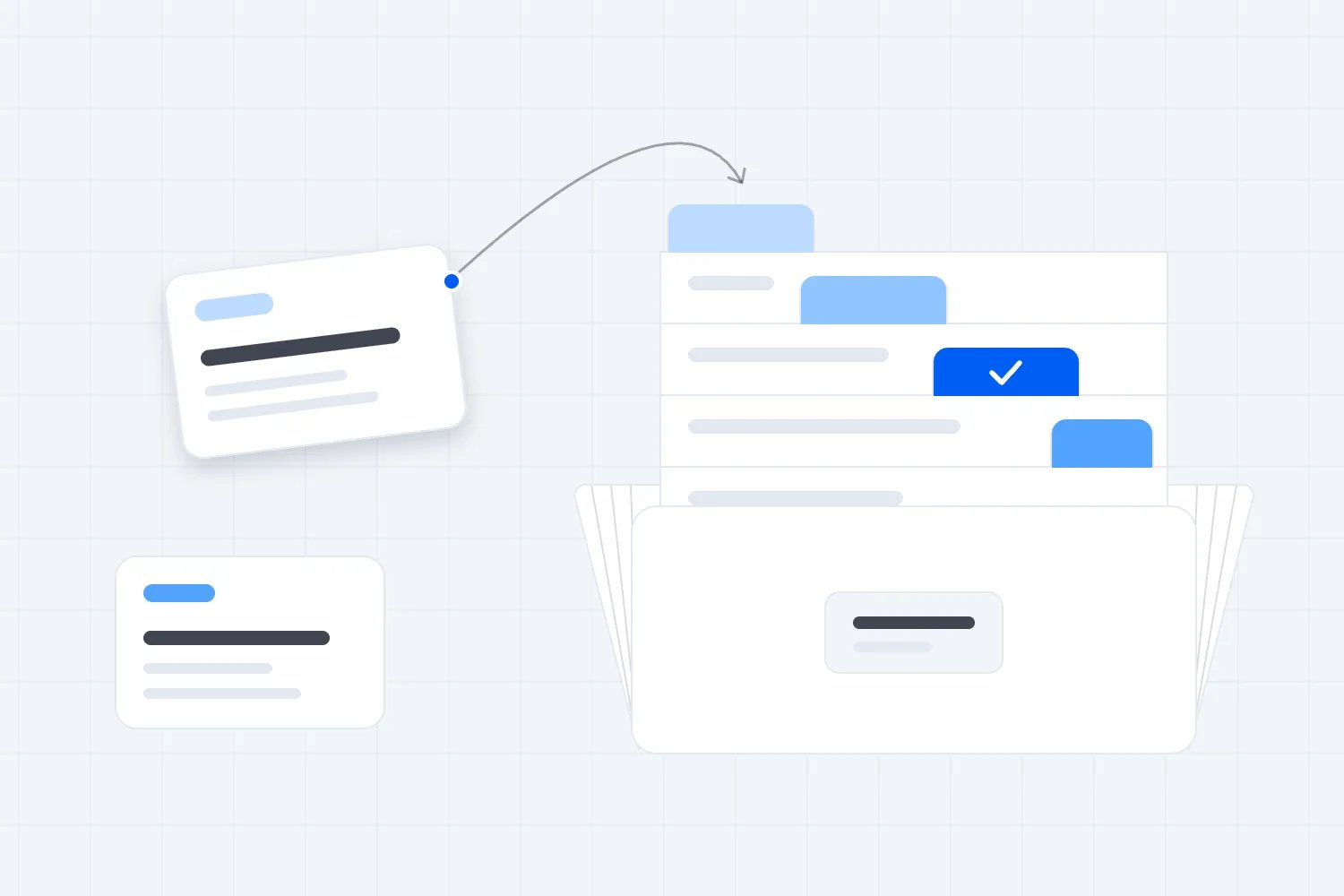
A task board groups work by its current state. Your columns might be Ready, Doing, Awaiting approval and Done. Each card describes one piece of work, its owner and the information needed to complete it. At a glance, the team can see which jobs have started and where they are waiting.
You can add deadlines and dependency links to cards. A board doesn't prevent you from planning dates. Its main advantage is how clearly it shows the current work and the next action. The difficulty comes when a collection of individually plausible deadlines hides an impossible sequence across several departments.
Kanban is a fuller way of managing work than moving cards between columns. The May 2025 Kanban Guide includes defining the workflow, controlling work in progress, actively managing items and improving how work moves. If you're using a simple task board, call it that. You don't need to claim a formal method to organise your event well.
For a marketing team, the useful discovery may be that most campaign materials are ready but waiting for one reviewer. Starting more materials won't make the launch happen sooner. Someone needs to review the existing work, delegate the decision or reduce what must be approved before launch.
A board also makes new requests easier to consider without quietly adding them to today's commitments. Put a proposed sponsor interview in the upcoming work. Decide whether it is approved, what it would replace and who has time to deliver it before anybody starts.
That flexibility doesn't remove the event date. A task can move easily between columns while its deadline becomes less achievable. Keep the deadlines visible, and review anything that could affect a public promise or a supplier commitment.
Choose the smallest approach that answers your real questions
For a familiar recurring event, start with a task board if most work can proceed independently and the important deadlines are easy to check together. You may need only a short list of milestones alongside it, such as ticket launch, final supplier confirmation and doors opening.
Choose a Gantt chart as your main planning view when the order of preparation matters across several teams. It becomes more useful when external lead times, shared resources or restricted access leave you little room to rearrange work. You'll still need somewhere to record current questions and decisions against each activity.
Use both when the producer needs to assess the event's overall readiness while departments need a practical view of their current tasks. This works best when changing a task updates the same underlying record in both views. If the tools don't support that, decide exactly which information each view owns and who keeps the connection current.
Avoid maintaining two complete copies because different people prefer different layouts. If one copy says the programme is approved and another says it needs changes, the team has to investigate its own planning system before it can continue working.
You can test the choice with three actual questions. Can you identify the next decision holding up work? Can you see what a late task affects? Can the person responsible find and update their task without asking the producer to explain the file? If your chosen approach answers those reliably, you have enough to begin.
Build the work record before arranging the view
Write tasks as results someone can check. "Manage speakers" is an area of responsibility. "Confirm the final session title with the speaker" is work with a finish condition. Splitting the broad heading helps you schedule the right handoff and assign it to a person who can finish it.
Keep a stable task reference when several teams will refer to the same work. Something simple such as P12 is enough. If the wording changes from "approve layout" to "approve revised layout", the reference lets the team follow the decision without confusing it with a new task.
For each task, record the following information in whatever format your team uses:
The result required, written so another person can recognise completion.
One owner responsible for progressing it and reporting problems.
Any person who must approve the result before other work uses it.
The work or information needed before it can start.
The planned deadline, current status and latest realistic finish forecast.
A link to the relevant working file, approval or supplier confirmation.
One owner doesn't mean one person does all the work. It means the team knows who to ask about its progress. That owner may coordinate several contributors. They also need a clear route to someone who can decide when cost, scope or timing has to change.
Separate approval from ownership. A designer might own producing the launch artwork while the producer approves the programme details. Assigning the designer responsibility for an approval they cannot provide leaves the task permanently unfinished for the wrong reason.
Keep private commercial information where the right people can access it. A crew member may need the supplier's confirmed arrival without needing the supplier's full contract. Link or summarise the relevant condition instead of copying everything into an openly shared card.
Set up a Gantt chart your suppliers can accept
Start with the event's confirmed constraints: public dates, venue access, required submissions and supplier deadlines. Mark a milestone as a specific event or decision, such as "ticket launch approved". A milestone marks a point in time; the work leading to it needs its own duration.
Ask the people doing that work how long it needs under the actual conditions. Does the printer's estimate start when you submit files or when it accepts them? Does the venue review layouts on particular days? Does the supplier need complete requirements before quoting? Those answers change the sequence.
The U.S. Government Accountability Office's Schedule Assessment Guide explains why a reliable schedule needs to connect work, timing and resources, and why delays can affect cost. Its setting is government programmes. The useful principle for your event is to test the assumptions behind the dates before treating them as a delivery plan.
Link tasks where a genuine dependency exists. Don't connect every row into a single chain merely because it appears next in your list. A supplier quote and draft attendee information may proceed at the same time if neither needs the other's output and the necessary people are available.
Check shared resources separately. Two activities might have no technical dependency while still needing the same venue room, approver or loading route. A plan that ignores those conflicts can look feasible until people try to carry it out.
Agree who maintains the schedule and how owners report changes. Preserve the approved plan so you can compare it with the current forecast. Moving the original deadline every time something slips removes the evidence you need to understand what changed and decide what to do.
Set up a board that reveals waiting work
Begin with a few states that match how your team actually works. Ready means the required information is available and someone can begin. Doing means work has started. Awaiting approval means a named person needs to review the result. Done means the agreed finish condition has been met.
You may need a waiting-for-supplier state if external responses are a recurring part of the work. Add it when it helps you manage those responses. Don't add a separate column for every possible reason for a delay. A visible blocked marker with a specific explanation can be easier to maintain.
Keep blocked work visible after it starts. If a card moves from Doing to Waiting, it is still unfinished work your team has committed to deliver. Hiding it in an upcoming-work column makes the active workload look smaller and encourages people to start more tasks than they can complete.
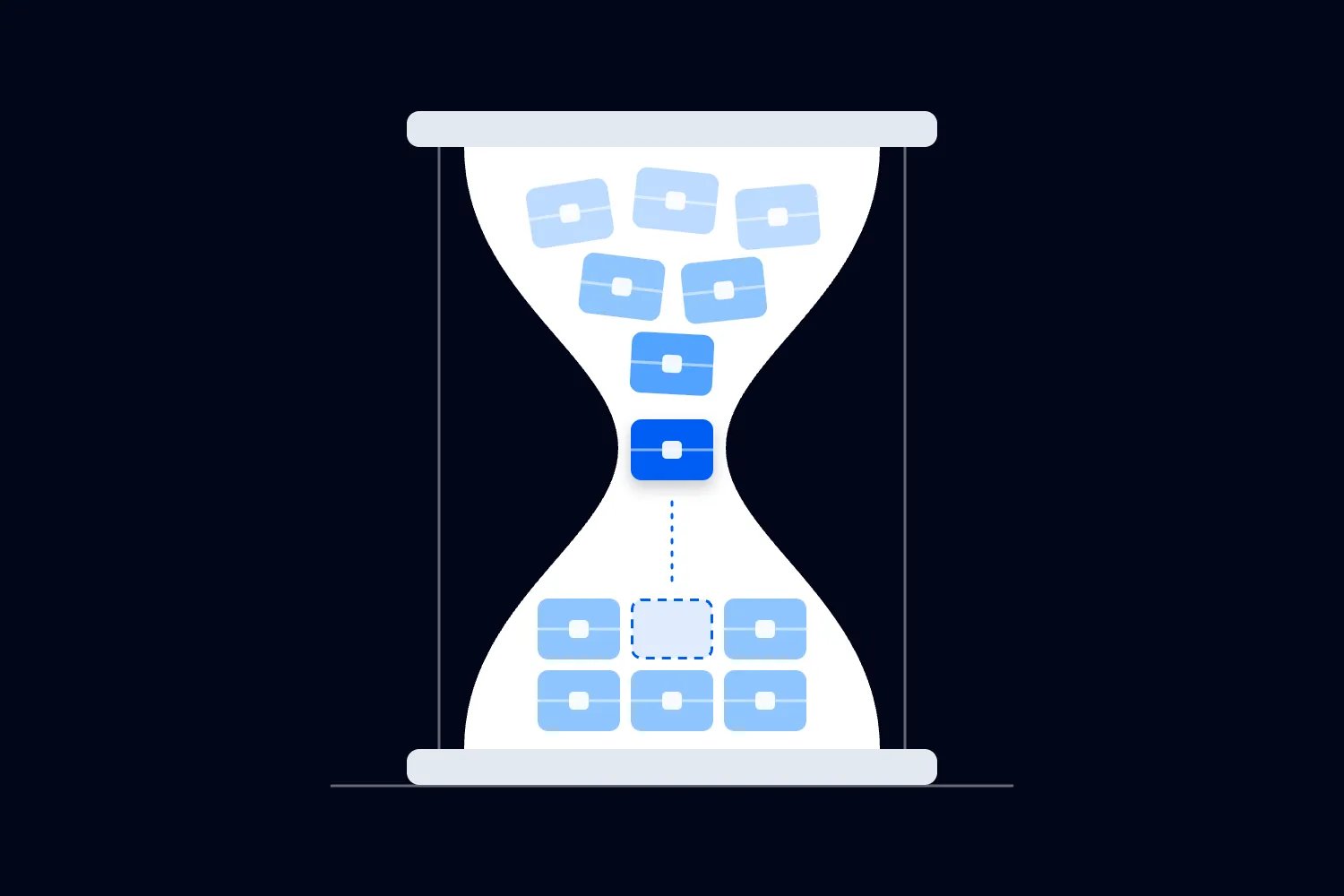
Agree a practical limit on how much work the team starts together, based on its capacity. The purpose is to finish important work and expose constraints. It isn't a universal number of cards per person. A short proofreading task and a complex supplier negotiation consume different kinds of attention.
Write the next action on a blocked card. "Waiting for venue" is incomplete. "Rosa to ask the venue manager for revised access hours before Tuesday's supplier call" tells you who acts and when. Also record the event consequence if that answer doesn't arrive.
Keep urgent work exceptional and explicit. When an unplanned buyer-facing error needs immediate correction, explain who has authorised it and which planned work pauses. Calling every request urgent prevents the board from helping anyone choose.
Follow one conference team through the choice
Our fictional team is preparing a paid, one-day conference. Sam produces it, Rosa handles programme coordination, and Jo manages ticketing and attendee communication. External suppliers provide production and printing. The team wants tickets on sale six weeks before the event.
The ticket launch needs an approved programme summary, confirmed ticket inventory and a checked purchase experience. Printed arrival signs come later. Speaker slides are later still. Those tasks all matter, but they don't all belong in the launch approval.
Sam creates a schedule for the main commitments and dependencies. Rosa needs the programme summary approved before Jo finalises the event page. Jo can prepare the page structure earlier, but cannot sign off the final version until the approved details arrive. The schedule distinguishes preparation from final approval instead of pretending the whole task starts at once.
The department board shows what is happening now. Rosa has a card for the programme summary with the draft linked and the outstanding speaker decision named. Jo has a card for checking the ticket purchase. That card can become Ready only when the necessary ticket details and page version are available.
Sam doesn't place every email and file correction on the overall schedule. Those details remain in the task record. The schedule shows work whose timing or resource use affects another commitment. This keeps the overall discussion readable while preserving the detail the owners need.
Both views use the same task references and completion conditions. When Rosa records approval, Jo can see which programme version is safe to use. Sam can check whether the next scheduled work can proceed. Nobody needs to interpret a vague message saying that the programme is basically done.
Respond when the programme changes before launch
Two working days before the planned launch, a speaker asks to change their session. Rosa records the proposed change and explains which public details it affects. She doesn't overwrite the approved programme while Sam is still deciding whether to accept it.
First, Sam asks whether the change affects the offer buyers will see. A corrected job title may need a straightforward edit and check. A replacement session with a different subject could alter the description, campaign materials and audience expectations. The planning response should match the actual consequence.
APM's change control guidance describes recording proposed changes, evaluating their effects and deciding whether to approve, reject or defer them. Applied here, Sam needs a decision about the request, the affected work and any extra cost before the team commits to revising everything.
If Sam approves the change, Rosa updates the programme record and identifies the new version. Jo checks the event page and the launch message against it. The designer receives the revised approved wording. Sam assesses whether those changes and checks fit before the launch milestone with the people actually available.
The board makes the outstanding approvals visible. The schedule helps Sam assess the effect on the launch. Neither view justifies skipping a buyer-facing check because the original date looks inconvenient to move.
Suppose the team can update the event page before launch but an optional announcement graphic needs longer. Sam might approve a launch using the checked materials already available, with the extra graphic following later. That decision works only if the launch remains accurate and the people responsible accept the revised scope. Moving a card alone doesn't establish approval.
When a task depends on an external reply, agree how you will follow up before it becomes urgent. Record the contact, the promised response and the latest useful decision time. If nobody replies, the owner should know which alternative to investigate and who can approve it. That preparation helps you respond to silence without repeatedly moving a deadline and hoping the same request produces a different answer next time.
Make review meetings about decisions
Open the current plan before the meeting and ask owners to update material changes. Then start with work that is blocked, late or needed by someone else soon. Reading every completed task aloud uses time without resolving the risks ahead.
For a board review, look at the work closest to completion. Can someone approve it, answer the outstanding question or help finish it? Then consider whether the team has capacity to start anything new. That order reduces the temptation to respond to every delay by creating another task.
For the schedule review, check the next commitments against current forecasts and resource availability. Ask what has changed since the last accepted plan and which later activities depend on it. A date that still fits mathematically may fail because the relevant supplier is booked elsewhere.
Choose a review frequency that matches how quickly the plan changes and how soon decisions are needed. Early preparation might allow a longer interval. The final approach to the event may need more frequent coordination. Don't copy a meeting timetable without checking whether it catches problems in time.
End each unresolved issue with an owner, an agreed next action and a time for the next decision. If a problem needs the venue or a supplier, include the relevant person before treating an internal answer as confirmed. Record decisions against the work so people who missed the meeting can follow them.
Keep ticket operations connected to preparation
Your planning record should show who approves ticket quantities, checks public information and confirms operational readiness. The ticketing platform should remain the place you manage ticket orders and access. Copying individual transactions into a project board creates another record to reconcile without helping the team decide what happens next.
With Loopyah ticketing, you can add admins and door staff to an event without sharing your login. Door staff can have check-in access for scanning QR tickets on their phones. Assigning those roles resolves the practical access task; the board can record who checks that the right people have the access they need.
Don't mark the entire admission plan complete because accounts exist. The lead still needs to confirm positions, equipment arrangements, exception handling and the briefing. Link the checked operational instructions to the preparation task. That way, someone reviewing readiness can find what the team will actually follow.
Use our event team briefing template when turning those arrangements into instructions for the shift. The project plan gets the briefing prepared and checked. The briefing tells the people working the event what to do at their position and how to get help.
Change how you coordinate once site work begins
A planning board can remain useful onsite for non-urgent follow-up, but it shouldn't become a reason to delay an operational message. Someone controlling a work area needs to hear about a relevant change through the agreed site communication procedure. They may be nowhere near the project file.
The Health and Safety Executive in Great Britain says that once physical site activity begins, organisers need to focus on managing and monitoring operations. Its guidance also addresses coordination between contractors. Use the appropriate local requirements and competent advice for your event; a project view doesn't establish permission to undertake specialist work.
Keep the production schedule, operational plans and current instructions consistent. If a delivery arrives late, the responsible leads need to assess the actual work, access and safety conditions. Moving a bar to a new time is a record of a decision, not a substitute for the people authorised to make it.
HSE's safety communication principles include choosing suitable communication methods and providing relevant information before work starts. For your team, that means confirming important changes have reached the affected people, rather than assuming a notification proves they understood the instruction.
Check what a scheduling change costs
Before accepting a revised deadline, ask which commercial commitments change with it. A later artwork approval might trigger a different print service. A longer venue call might require additional staffing. The task owner should identify the consequence and refer it to the person authorised to agree the spend.
Keep that discussion specific. Ask the supplier what changes, the additional amount, when approval is required and whether another workable option exists. A general instruction to catch up doesn't establish who has accepted an extra charge. Record the approved decision with the affected task and update the working budget through its normal process.
There may also be a cost to waiting. If your ticket launch moves, you lose part of the selling period you planned. That doesn't prove a particular number of lost sales. You can still assess what changes in the campaign, which partner commitments need renegotiation and whether the revised offer remains commercially sensible.
For the fictional conference, Sam compares the actual options before approving the speaker change. Revising an optional graphic after launch may be acceptable. Paying for rush production might be justified if a required item cannot otherwise arrive. Either decision needs a named approver and a confirmed arrangement, rather than an optimistic note on the schedule.
Avoid counting completed tasks as a measure of commercial readiness. Finishing several small administrative jobs doesn't compensate for an unresolved ticket offer or unavailable venue access. Review the unfinished commitments that prevent you selling or delivering what buyers were promised, even when the completion percentage looks encouraging.
Adapt the plan when you run several events
A reusable template saves preparation time, but copied dates and owners need checking for each edition. Your usual supplier may be unavailable. A venue may offer different access. A sponsor package may add work you didn't have last time. Confirm those conditions before the copied plan becomes the current commitment.
Label tasks with the event and edition so a person working across several shows can identify the right files. Keep each event's deadlines visible while reviewing shared people and commitments together. Jo may be able to prepare two ticket pages during the week, but that doesn't mean she can check both launches at the same time.
Where the team uses one board across events, filter it by event without losing sight of the combined workload. Where each event has its own board, somebody still needs to check the shared commitments. Otherwise, every individual event can appear reasonably staffed while the same producer is expected in several places.
Don't copy confidential contracts or attendee details into the template. Retain the instructions and task structure, then link the current authorised records for each event. Review access when contractors join or leave so the useful planning history doesn't become unnecessary access to other events.
After a few editions, compare repeated estimates with what actually happened. Separate time spent doing the work from time spent waiting for information or approval. If a task regularly waits on a venue decision, adding more production hours won't resolve the cause. Agree an earlier decision point with the venue and check whether that improves the next edition.
Improve the method after the event
Keep the final task records and actual timings long enough to understand the problems. Ask whether a late task took longer than expected, started without the information it needed or waited for a decision. Those causes require different changes to the next plan.
If approval queues caused most delays, simplify approvals or confirm reviewer availability earlier. If shared access repeatedly changed the schedule, involve the venue and suppliers sooner. If owners didn't update tasks, find out whether the system was difficult to use, duplicated another record or lacked a clear reporting expectation.
Keep the parts that helped people make decisions and remove the fields nobody used. Before planning your next event, take one real handoff from this one and enter it into your proposed format. Confirm that both people can find the deadline, the required result and the current version. That is a useful test of whether your team can work with the plan.

Author: By the Loopyah Content Team
The Loopyah Content Team shares expert insights, practical guides, and industry updates to help event organizers create unforgettable experiences and stay ahead in the event planning world.