· 21 min read
One-way or two-way event integrations: which do you need?
You've connected your ticketing platform to your customer database. New buyers appear, purchase records arrive, and your marketing team can finally stop asking for another export. Then somebody asks whether contact changes should go back to ticketing too. It sounds reasonable. If the systems are connected, shouldn't they agree?
They should agree about the information your team needs. That doesn't mean both systems should be allowed to change everything. A marketing assistant correcting a company name is one thing. An old customer record changing the email address attached to a valid ticket is another. Both might arrive through the same connection.
Choose a one-way integration when information needs to travel to another system for reporting or follow-up, while the original system remains responsible for changes. Choose two-way integration when people genuinely need to make approved changes in both systems. Even then, decide which details can travel back and who has the final say.
When choosing a one-way or two-way event integration, ask what your team needs to send back, and why. We'll work through that decision using paid events, where a mistaken update can affect a buyer, a campaign or admission at the door. You don't need to write code to make these choices. You do need your supplier to explain what the connection will actually do.
What the two directions actually mean
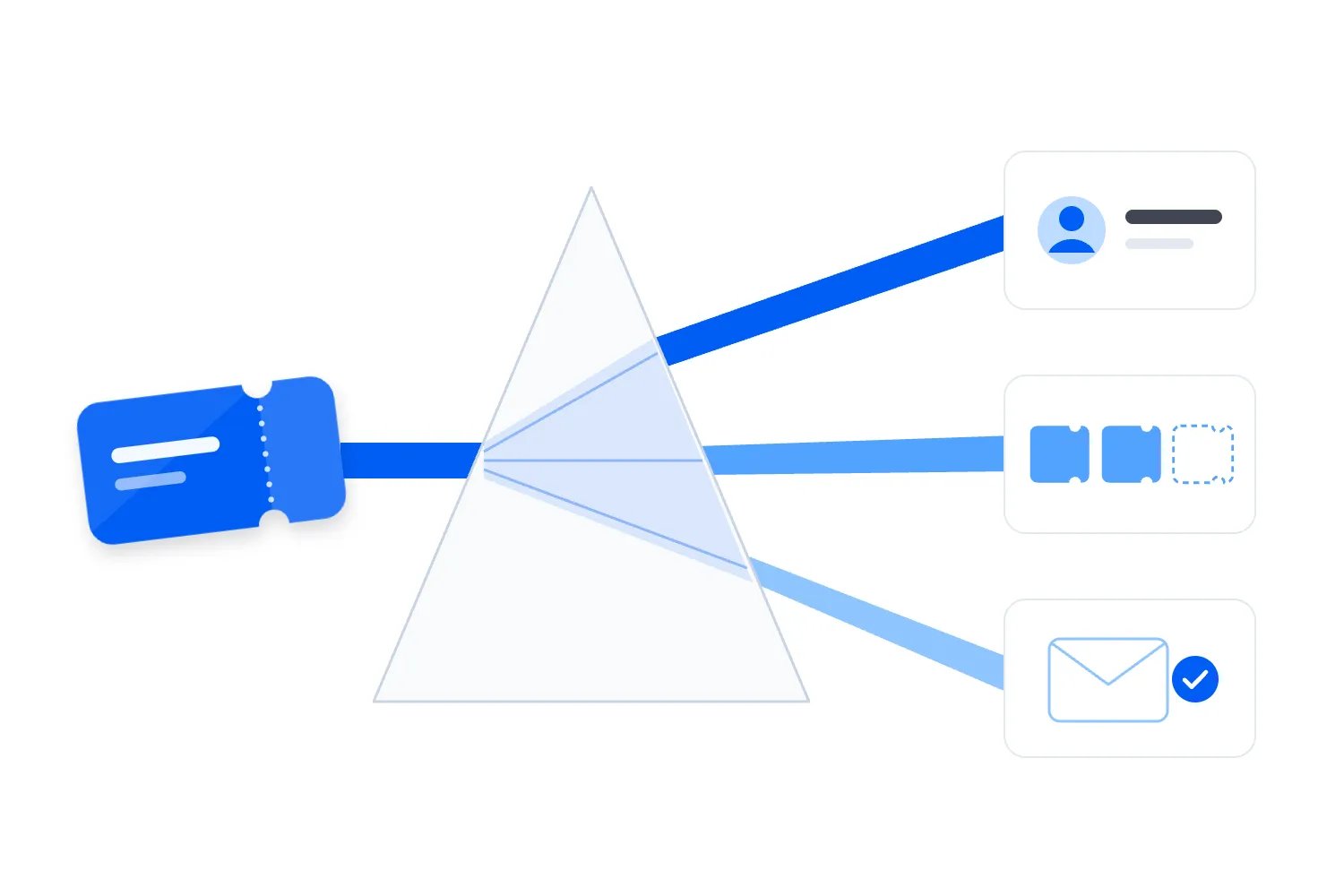
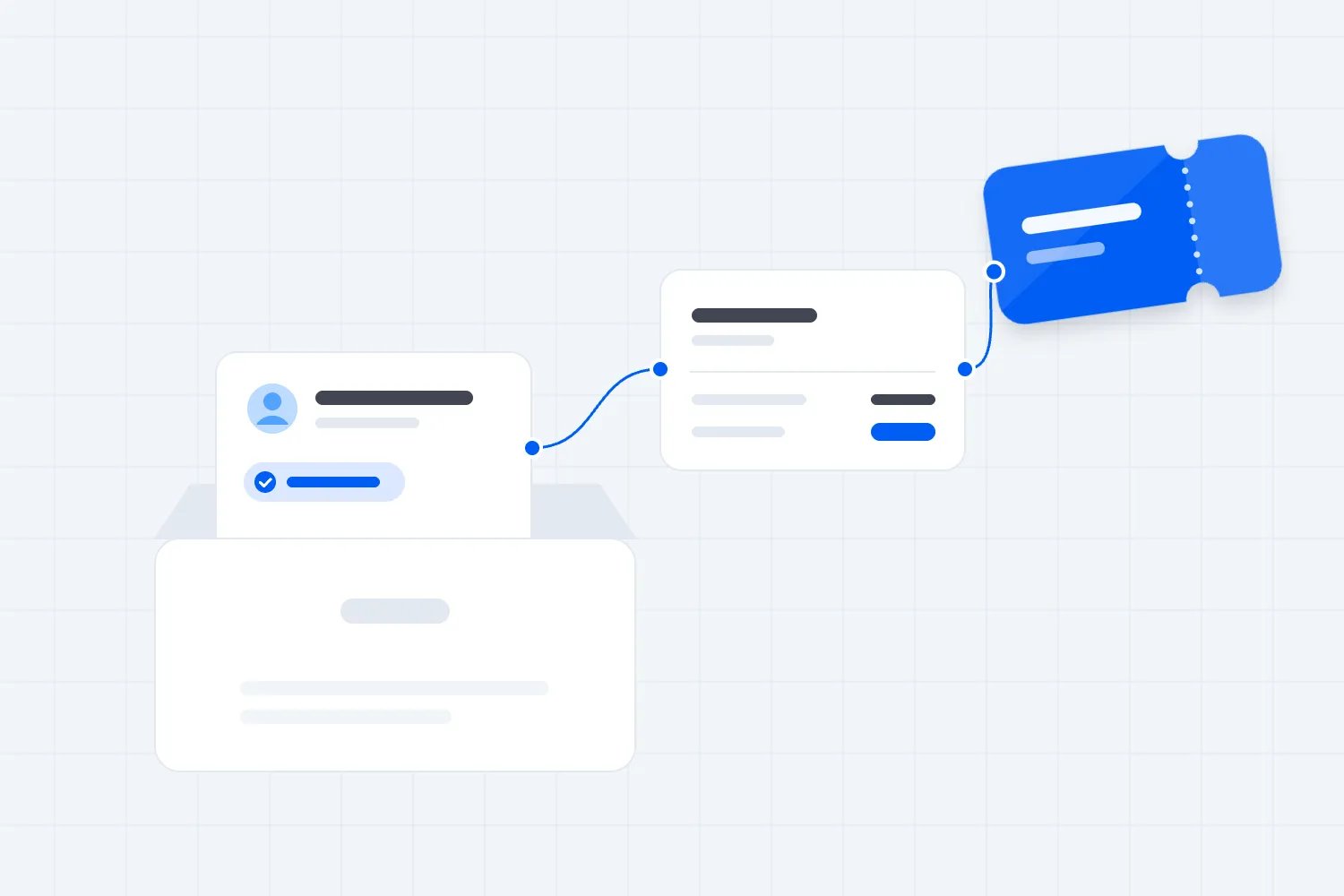
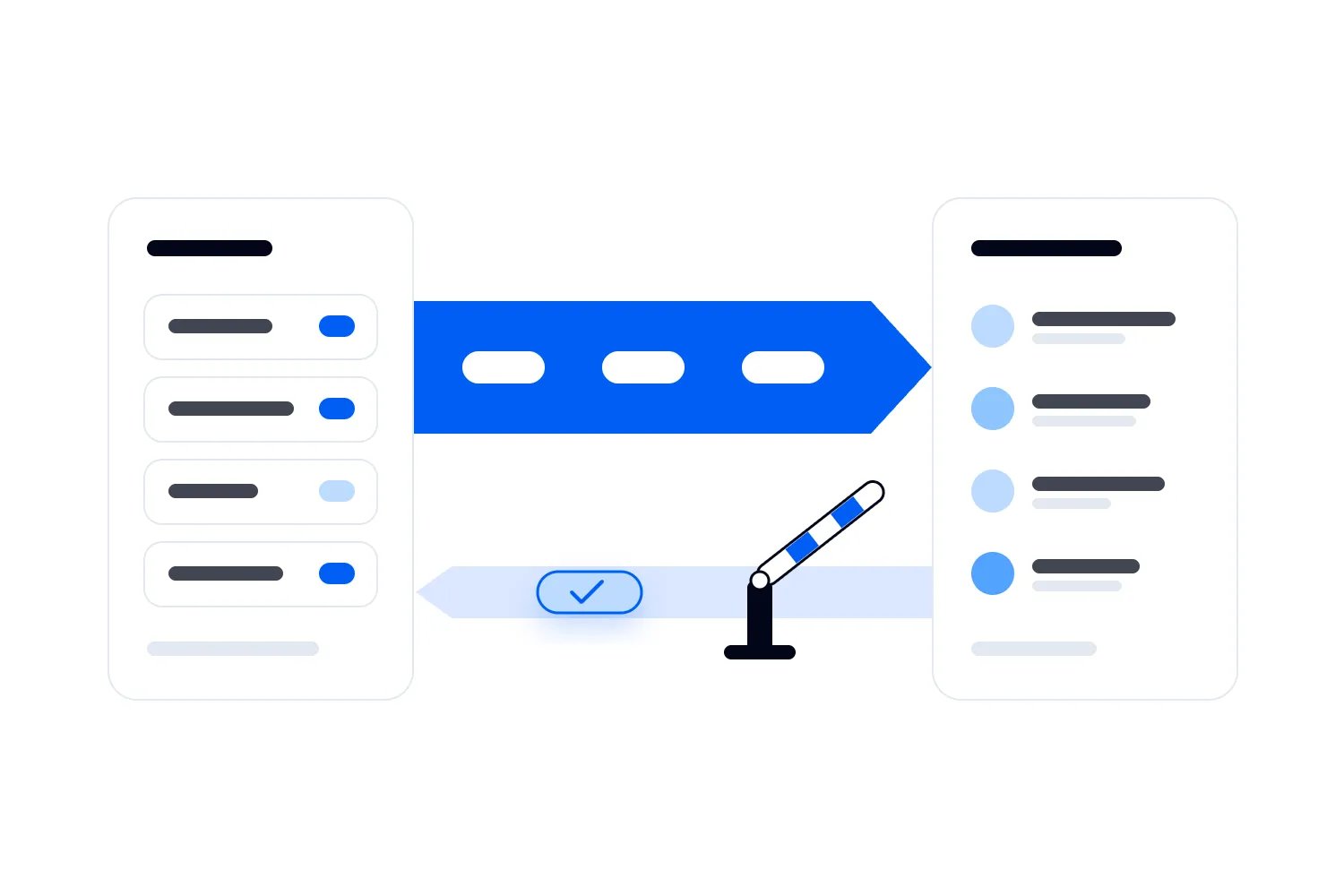
A one-way connection sends information from one system to another. Your event platform might send completed purchases to a customer relationship management system, usually called a CRM. Your marketing team sees who bought, but editing the copied purchase in the CRM doesn't change the original order. The original order still controls what the buyer owns.
One-way doesn't mean a single export. The connection can keep sending new purchases and later changes. A cancellation, refund or attendance update can all travel in the same direction. Whether those changes arrive automatically depends on the particular connection, so ask about each one. A connection that only creates contacts may never update them afterwards.
A two-way connection also allows selected information to return. Your customer team might correct an attendee's contact details in the CRM and send that correction to the event platform. Meanwhile, the event platform sends purchase and attendance information back. The systems exchange information, but the permitted changes can differ in each direction.
That last point matters. Two-way doesn't have to mean that every detail is editable everywhere. You can send purchases out and allow approved contact corrections back, while preventing the CRM from changing refunds or ticket validity. Ask suppliers to describe those permissions separately. The label alone tells you very little about the control you'll have.
If you're still deciding what a customer database should do for your events, start with our event management CRM guide. This article assumes you have a particular job to connect. Choosing the direction becomes much easier once you can name the job and the people doing it.
Start with the task your team keeps repeating
Before you compare connection options, watch somebody do the work. Suppose your marketing coordinator downloads last weekend's buyer list, removes people who already purchased the next event, then prepares a campaign. Their problem is access to current purchase information. Nothing in that task requires marketing to change orders in the ticketing system.
A one-way connection may handle that job perfectly well. Purchases and relevant changes travel out, the campaign uses the latest accepted information, and staff correct order problems where the orders live. Adding a return journey would create permissions and testing work without improving that campaign. More movement would give you more to maintain.
Now consider a customer service team that works entirely in a shared customer system. Attendees regularly contact them to correct details needed by the event team. If staff must open another application and repeat every approved correction, a controlled return journey may remove real work. The case depends on which corrections the event platform can safely accept.
Write down the repeated action before asking for two-way sync. For example, staff need approved name corrections to reach the admission record without entering them twice. That's specific enough to demonstrate. A request to keep everything aligned isn't. It leaves the supplier to guess what happens when two people disagree or one system contains older information.
Also check whether the job already works inside your event platform. If staff can use the existing buyer records and campaign tools, a separate connection may add little. You still need a clear process for customer corrections, but you shouldn't buy ongoing integration work simply because two-way sounds more complete.
When one-way is enough
One-way is a strong choice when the receiving team needs to read information and act on it elsewhere. Marketing can use purchase history to choose a relevant audience. Finance can review sales in a reporting tool. A producer can view attendance after the event. None of those uses automatically requires changing the underlying ticket order.
The important qualification is that the copied information must stay useful. If marketing sees the original purchase but never receives the cancellation, the direction isn't the main problem. The connection is missing a required update. Ask whether the supplier sends changes to existing records, which changes it supports and how failed deliveries become visible.
Consider an illustrative paid workshop. The event platform manages bookings and refunds. A separate customer database stores those booking details for future marketing. A buyer cancels, and the event platform sends the changed booking status out. Marketing can stop treating that person as a confirmed attendee without being able to issue refunds from the customer database.
That arrangement gives each team what it needs. Customer service still processes the actual cancellation through the approved booking process. The marketing copy follows the confirmed result. Nobody has to make the same commercial decision twice. If somebody changes a copied status manually, the team should understand that it doesn't cancel the ticket.
Choose one-way deliberately and describe the limits to staff. Put a link to the original order in the receiving system if the connection supports it. Explain where corrections belong. Otherwise people may spend time editing a copy that gets replaced at the next update, then assume the integration has lost their work.
When a return journey is worth the work
Two-way becomes useful when another team has a legitimate reason to originate changes that the event operation needs. A customer service department may verify a correction through its usual support process. A commercial team may approve a hospitality entitlement. If the event team must receive that decision, sending it back can remove repeated entry and missed handovers.
But separate an instruction from a completed fact. Approving somebody for hospitality doesn't necessarily issue a ticket. Marking a customer as eligible for an upgrade doesn't prove that payment, capacity and admission have been handled. Decide whether the returning information is a request for action or confirmation of an action already completed through an authorized process.
A controlled return can be narrow. You might allow a verified company name correction and an event service note to travel back while keeping purchases read-only. That is still a useful two-way arrangement. You don't need to open every detail to justify the connection, and you can expand later when another repeated task supports the effort.
Ask the supplier to show the whole task using a test attendee. Who starts the change? What checks happen before it returns? Where does the receiving team see success or refusal? A demonstration that ends when somebody presses save doesn't establish that the correct attendee record changed or that the event team received the result.
The return journey is worth buying when it removes enough repeated work or prevents a specific costly mistake. Name that benefit in your own operation. If nobody can explain what staff will stop doing, keep the return permissions closed until there's a clearer reason to open them.
Decide which system controls each detail
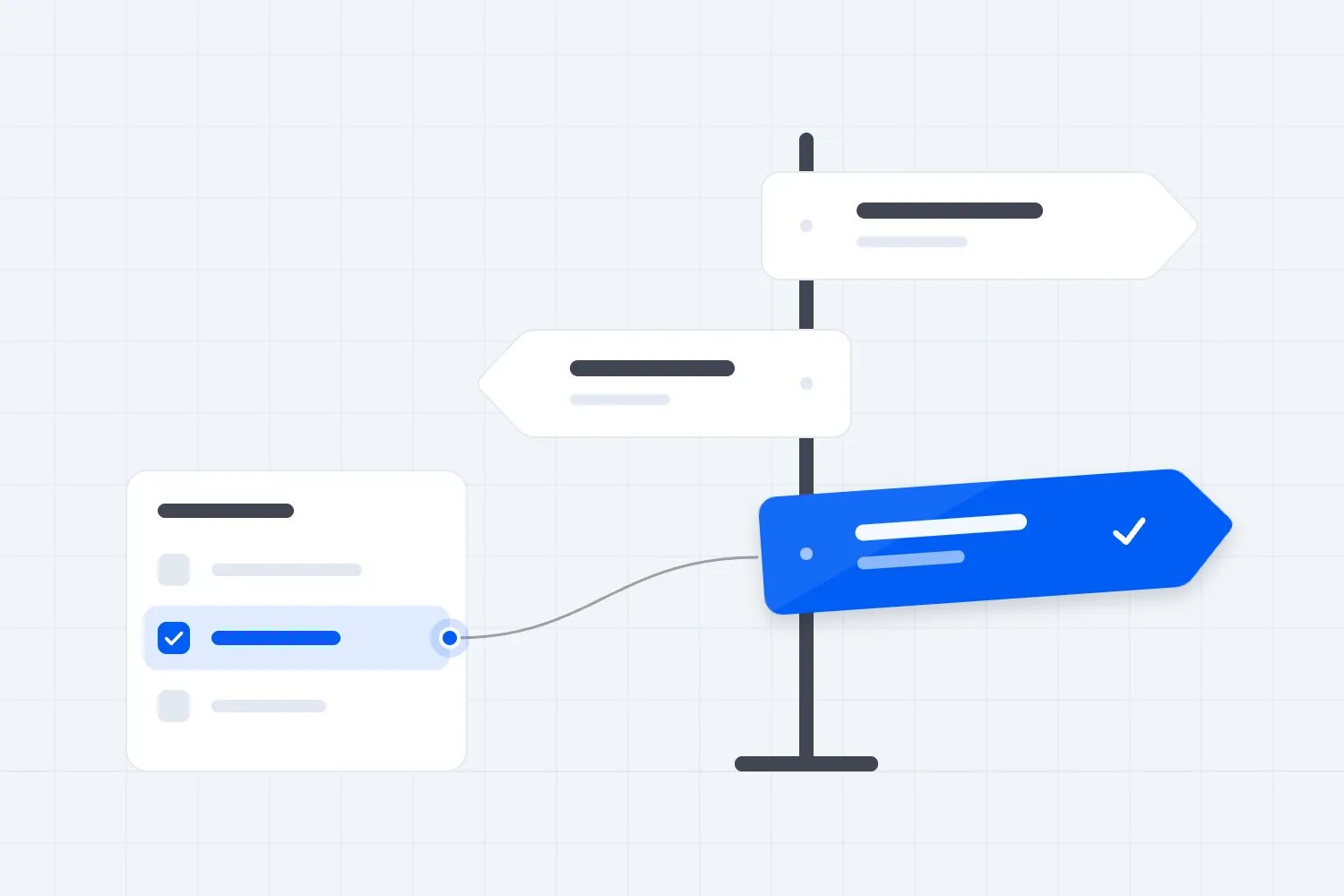
The first thing you want to do is agree where each important decision belongs. The event platform might control whether an order is paid and which tickets remain valid. The customer database might control the account manager assigned to a business buyer. Those responsibilities can stay separate even when the systems exchange information continuously.
Don't appoint one application as the authority for every detail just because it contains the fullest customer record. A contact can have a correct company name and an outdated booking status. The useful rule is more specific. Payment status follows the confirmed payment process. Attendance follows the admission process. A customer relationship note follows the team authorized to maintain it.
Write that rule in language staff can use. Say that order cancellations must start in the booking system, and that changing the CRM's copied status won't cancel a booking. Say that verified company corrections can start in customer service. Include what staff should do when they find the wrong value in a place they cannot edit.
Some details need approval before another system accepts them. An email correction can affect ticket delivery and how records match. A change to an attendee's access requirement can affect service delivery. Decide who verifies these requests and what evidence they need. A connection should carry an approved decision, rather than quietly turning any editable box into permission.
Your supplier can turn those rules into settings or implementation work. You remain responsible for explaining the operational consequence. If staff can't tell which application controls a disputed detail, the connection has an unresolved management decision. Sending changes faster will make that confusion spread faster too.
What happens when two people change the same record?
Picture your customer service team correcting an attendee's email while another colleague fixes the same record in ticketing. Both people may have good reasons. If each system sends its copy across, which address remains? A two-way proposal needs a clear answer before you rely on it for a live event.
A rule that accepts the latest arriving update is easy to describe and can be wrong. The latest delivery may contain an older change that was delayed. Even the latest edit may come from somebody who didn't verify the customer's request. Speed doesn't establish authority, so start with the responsibility you agreed for that detail.
For some changes, the right response is to refuse the overwrite and ask someone to review it. The internet standard RFC 9110 describes conditional updates that prevent accidental overwriting of another person's work. Ask your supplier whether the connection can detect that a record changed after it was read. Your operational requirement is to preserve the newer approved correction and show the disagreement.
You don't need a manual review for every harmless difference. A supplier can often apply the agreed owner rule automatically. But sensitive disagreements deserve a visible exception. If staff must choose between two delivery addresses, show both values, where they came from and which change has already affected the buyer. Then record the decision.
Also decide what happens to the rejected update. Does it disappear, remain waiting or keep trying? Repeated attempts shouldn't undo the human decision later. Ask for a demonstration in which both systems change the same test detail before either receives the other's update. Review the final records and the explanation staff receive.
Stop the same change bouncing back and forth
A return connection can accidentally treat its own work as a new instruction. Ticketing sends a name correction to the customer database. That database saves it and announces that the contact changed. The return connection sends the correction back. If every save creates another update, the systems can keep sending work that nobody requested.
The supplier should be able to distinguish a genuine new change from a copy of a change already handled. It should also avoid repeatedly saving an unchanged value. You don't need to specify the code. Ask what prevents a received update from starting the same round trip again, and have the team demonstrate the result.
Duplicate delivery is a related problem. A system may send an update again because it didn't receive confirmation that the first attempt succeeded. Stripe's webhook documentation explains that deliveries can repeat and arrive out of order. That's a useful warning about integration behavior, rather than a promise about your particular supplier. Ask how your connection handles both conditions.
In your test, resend the same purchase notification. The expected outcome is the same purchase record, without another buyer, ticket or welcome message. Then resend a contact correction. It should remain one correction. Check the activities the update starts as well as the visible record. A clean contact page can hide repeated emails.
Agree what staff will see when the connection ignores a repeat. They need enough information to confirm the original update succeeded, without mistaking every harmless repeat for a failure. The practical goal is that one customer action produces the intended business result once, even when the delivery mechanism tries again.
Direction and speed are separate choices
A one-way connection can send changes promptly. A two-way connection can run on a schedule. The number of directions doesn't tell you how current either system will be when somebody makes a decision. Ask about timing for each permitted update and decide how much delay the actual task can tolerate.
For a post-event report, a later scheduled update may be fine. For removing cancelled attendees from a message about tonight's admission, the acceptable delay is different. Describe the deadline in relation to the work. Marketing needs cancellation information before approving the audience. Door staff need the valid admission record when the buyer presents a ticket.
Microsoft's guidance on systems that exchange event notifications explains that separate services can temporarily hold different information. In organizer terms, one screen can show the new value while another still shows the old one. Ask your supplier how staff can recognize that situation and which screen they should trust while the update is pending.
Avoid turning a copied customer record into the final admission check simply because it looks current most of the time. Use the agreed admission process and test the conditions your venue will face. Our event check-in app guide covers the broader door operation. Here, the decision is whether a delayed copy is suitable for the task you're assigning it.
Before an important send or event opening, check for unfinished updates that affect that action. A general connection status may say the service is running while particular records are still waiting. Ask for the oldest waiting change and any unresolved failures relevant to your event, so staff know whether they can proceed.
Plan for the day the connection stops
An integration needs an outage plan even if the supplier calls it automatic. The customer database may be unavailable, an account permission may expire or a changed setting may stop a particular update. Decide which work can continue in the original system and which work must pause until the receiving copy catches up.
If purchases can continue safely in ticketing, a customer database outage shouldn't force staff to invent a second order list. Keep selling through the approved process and track the missing updates. If a return update controls a service decision, staff need a temporary approval process. Write that process before the event, including who can authorize exceptions.
Ask how long failed updates remain available and what happens when automatic attempts end. Amazon EventBridge's retry documentation shows why this matters. Its retries have limits, and failed notifications can be dropped after those limits unless a separate holding mechanism is configured. Your supplier may use something else. You still need its actual retention and recovery rules.
Recovery needs its own check. Sending the waiting changes after an outage should update the right records without repeating completed actions. It should also respect later cancellations and corrections. Ask the supplier to demonstrate a purchase followed by a cancellation while the destination is unavailable, then show what the destination contains after service returns.
Also agree who receives the failure notice when the owner is away. During an event, that may be the duty manager rather than the marketing coordinator. Include the supplier's support route and the information staff should provide, so they can report the affected booking without sharing unnecessary customer details.
Finally, name the person who checks recovery. Restoring a connection doesn't prove that every missing record arrived. Compare the relevant purchases, cancellations and failures with the original system. Keep campaigns or service actions paused where unresolved differences could affect customers. Resume when the responsible person can explain what's current and what still needs attention.
Keep return permissions narrower than staff access
A colleague may need to view purchase history without being allowed to change a ticket. The connection needs the same discipline. Access to a customer record shouldn't automatically grant permission to alter every detail inside it. Returning changes makes this more important because another application can now affect the event operation.
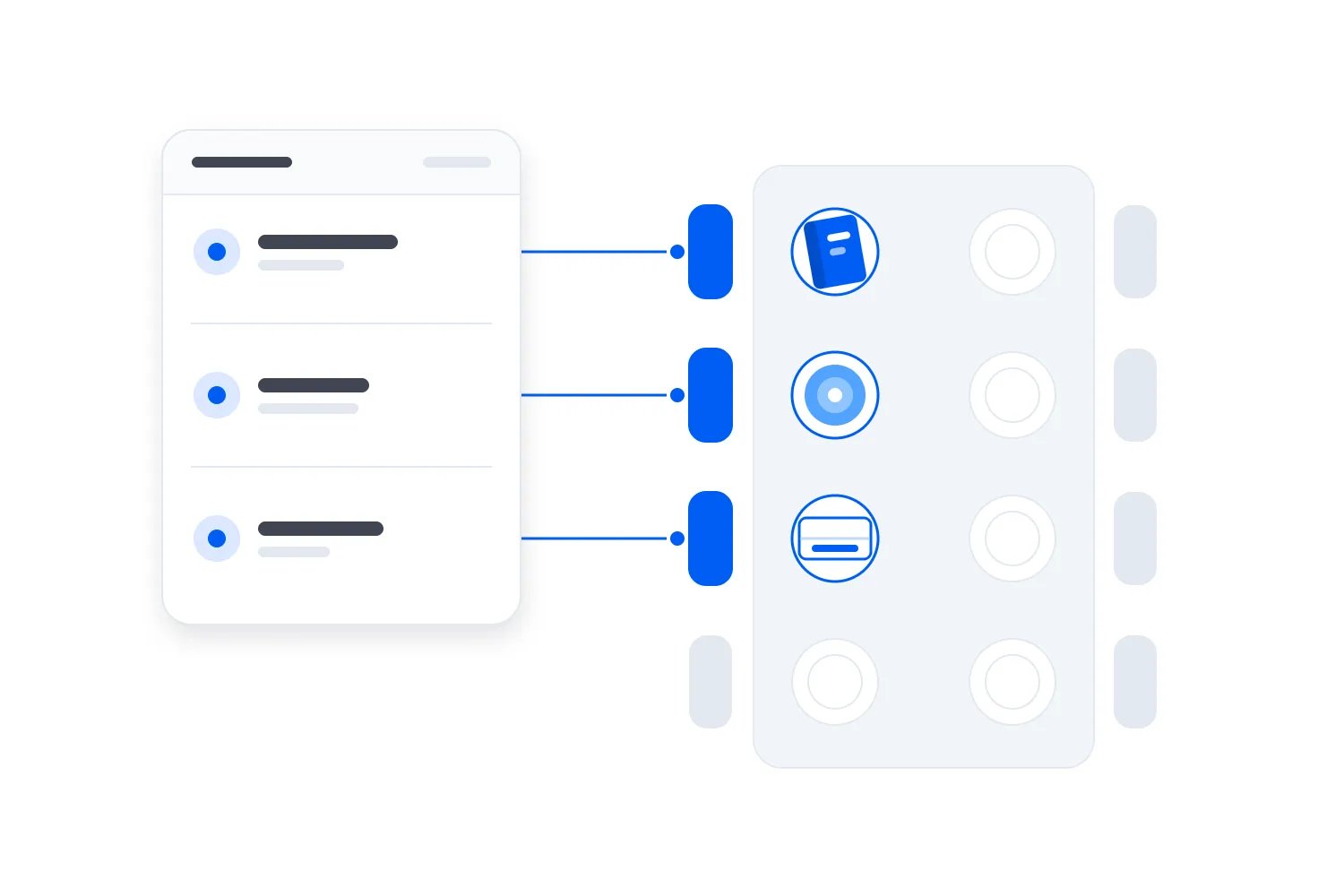
OWASP's guidance on protecting individual record details recommends allowing only the properties a user should change and returning only the information the task requires. Translate that into your brief. Specify the details the connection can read, the details it can update and the events or accounts it can access. Ask the supplier to enforce those limits.
For example, a company name correction doesn't require permission to change ticket validity. A reporting connection may need purchase totals without internal customer service notes. Keep sensitive service information out of general marketing records unless there's a defined need and appropriate access. A broader connection can expose information to people who never needed it.
Marketing permission deserves a separate decision. A purchase, a name correction and permission to receive promotions are different facts. Don't let a returning contact update replace an unsubscribe simply because an older record says yes. Our event email marketing consent guide explains the checkout decisions. Ask the person responsible for privacy to approve the rules for your markets and communication types.
Include departure and supplier changes in the plan. Someone must remove access when the person or service no longer needs it. Ask how to stop return updates independently if they cause trouble. You may want purchases to keep flowing into reports while you investigate the correction process that sends information back.
Ask for a demonstration you can actually approve
A supplier showing a new contact appear on another screen has demonstrated only part of the connection. Ask for the changes that matter after purchase. Use test records and agree the expected result before the demonstration. Your team should judge the business outcome, including any email, ticket or service action the update starts.
Create a paid booking through the test process. Confirm the receiving system shows the intended purchase once and doesn't invent another attendee when the buyer purchases again.
Cancel that booking through the approved process. Confirm the copied record changes and that a later delayed purchase update cannot restore the cancelled booking as active.
Make an allowed return correction. Confirm the right attendee changes, the permitted details update and unrelated order information remains untouched.
Attempt a prohibited return change. Confirm the destination refuses it and staff can see what happened without treating the refusal as a successful correction.
Change the same sensitive detail in both systems. Confirm the agreed owner or review process resolves the disagreement and preserves the decision afterwards.
Interrupt the connection, restore it and resend completed updates. Confirm missing changes arrive, repeated deliveries don't repeat customer actions and staff can identify anything still unresolved.
Ask your marketing and event operations colleagues to watch the parts they will use. A supplier may consider an update successful because it reached the destination, while marketing still sees an unusable audience or door staff see the wrong admission status. Resolve that difference before launch. Record the accepted behavior, the settings involved and the person approving each important exception.
Follow one booking through the whole decision
Imagine a recurring paid conference with a customer service team and a separate marketing team. This is an illustrative setup, not a customer case study. The conference sells through its event platform. Marketing wants purchase history in its customer database so it can distinguish previous buyers from people who have already booked the next conference.
Start by sending confirmed booking information out. Include the supported changes marketing needs, such as cancellations. Marketing can use that copy for its campaign decisions. It doesn't need to change admission or refund records, so the connection doesn't need permission to send those changes back. That remains true even if staff spend most of their day in the customer database.
Now an attendee asks customer service to correct their badge name. The team verifies the request in its support system. If the event operation repeatedly misses these corrections, a permitted return update may help. Limit that return to the accepted correction. The customer's ticket type and payment status should continue to follow the booking process.
Then the attendee transfers their booking to another person. Don't assume the same name correction process covers it. A transfer can change who holds the right to attend and who receives event information. Staff should use the approved transfer process, and the connection should copy its confirmed outcome. Expanding a simple correction permission to cover transfers would hide a different operational decision.
The conference therefore has information moving both ways, with different responsibilities on each journey. That's a defensible two-way arrangement. If badge corrections happen rarely and staff can handle them reliably in the event platform, the same conference may reasonably keep the connection one-way instead.
Start small enough to see a wrong update
Before switching on return changes for every event, choose a manageable test with the teams who will use it. Keep automated customer messages paused while you inspect the results. Agree who can stop the connection, which direction they can stop and where staff will continue working if the test fails.
Take a copy of the relevant starting records through the supplier's approved process. You need enough history to investigate what changed, with appropriate access for the people checking it. Don't promise that reversing an integration will undo every consequence. A corrected contact value can be restored, but an email already sent to the wrong address cannot be unsent.
Work through ordinary purchases before introducing the permitted return updates. Then check the awkward cases your team actually handles, including late cancellations and changes made during an outage. Compare the final records with the accepted decisions. When something differs, fix the rule or the connection before adding more events.
Keep the written permissions with your operating instructions. New staff need to know where a correction starts, and a replacement supplier needs the same decisions. Otherwise a later change can quietly reopen permissions your team deliberately restricted. Review those permissions when the process changes, before asking staff to rely on them again.
Make the ongoing work part of the price
The quoted connection fee won't tell you everything you'll spend. Somebody must review failures, explain unexpected changes and test the connection when either application changes. A two-way arrangement adds return permissions and disagreements to that work. Ask who handles those responsibilities and whether support includes investigating records in both systems.
Use your actual staff process to compare the options. Estimate how often staff repeat the proposed return task and how long it takes. Then ask what work remains after automation. A correction that still requires approval may save repeated entry while leaving verification with your team. That's a valid benefit, but it shouldn't be priced as removing the entire task.
Include the consequence of mistakes. An incorrect company label may be inconvenient. An incorrect admission status can put staff in a difficult conversation with a paying buyer. Judge the connection against the specific decisions it can affect. A cheap return connection with poor controls can create support work precisely when your event team is busiest.
Appoint someone to review the arrangement after the first event and whenever responsibilities change. Check whether staff actually use the permitted return updates, how many fail and whether anybody keeps a separate list to compensate. That list may reveal a missing requirement. It may also show that the supposedly essential return journey isn't helping the team.
Before the next event, take one real task and write the permitted journey in plain words. Name where it starts, which details travel, who may change them and what happens if the destination disagrees. Start with one-way when that completes the job. Add a controlled return only when your team can show the work it removes and approve what it can change.

Author: By the Loopyah Content Team
The Loopyah Content Team shares expert insights, practical guides, and industry updates to help event organizers create unforgettable experiences and stay ahead in the event planning world.