· 21 min read
Can you sell event tickets using PayPal alone?
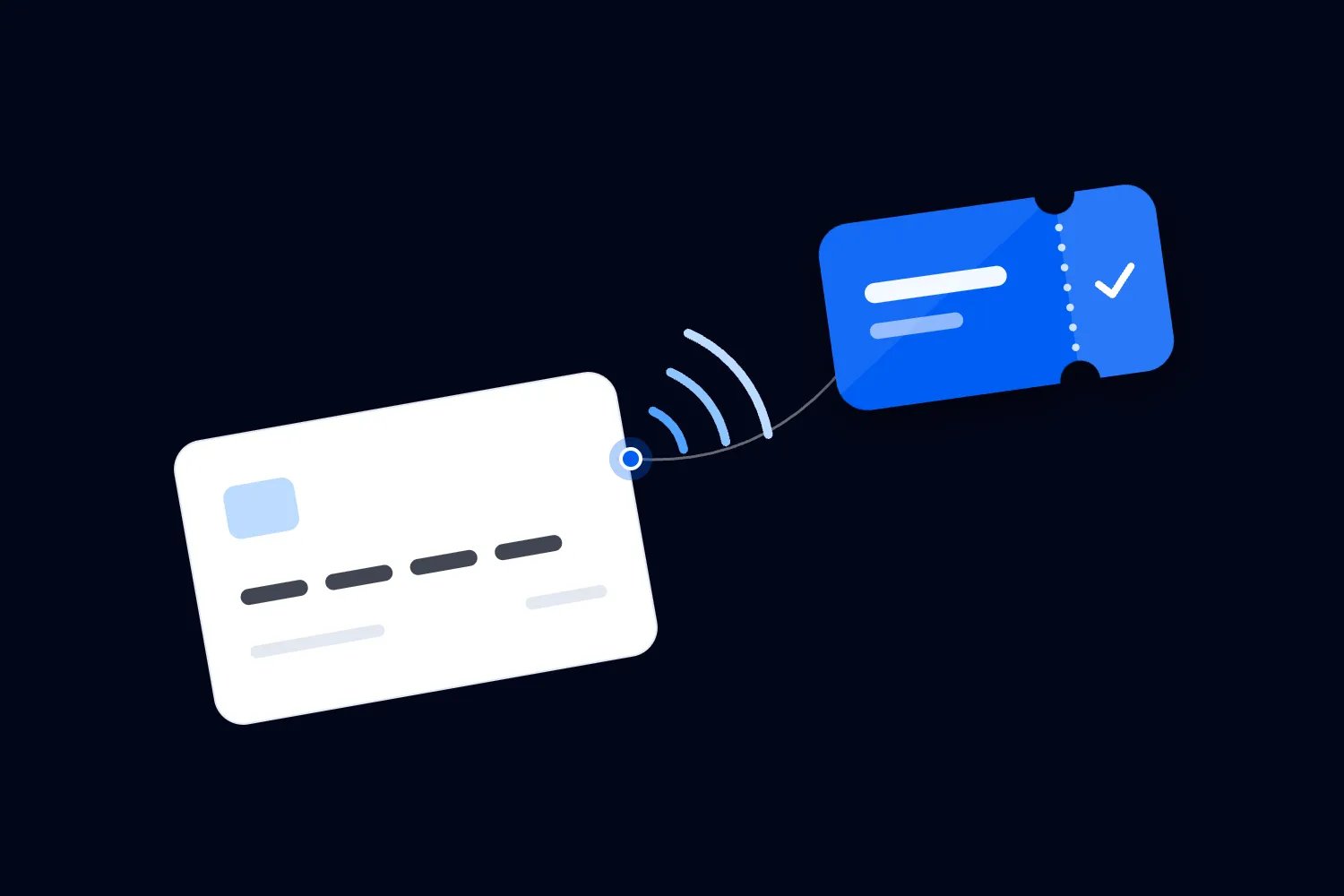
You can sell event tickets using PayPal. Its payment links let you collect event fees without building a checkout, and current tools include quantities, variants and inventory. For a paid event, though, you still need a reliable way to turn each purchase into the right number of admissions, deliver those admissions and check people in.
That's the part to work out before sharing the payment link. Imagine someone buys four places, forwards the receipt to a friend and later asks to cancel one. Your payment record needs to connect to three valid places, the cancelled place and a door list your team can understand. A receipt on somebody's phone won't explain all that by itself.
For a small, simple event, you may decide to manage those jobs manually. For a recurring event business, I would usually choose ticketing that handles the purchase and admission together. The useful comparison is the complete cost of running the event, including the time you spend fixing orders and getting people through the door.
What PayPal can handle today
Start with the current product, because old advice about PayPal misses some useful changes. PayPal's payment link instructions describe a business account setup with a fixed price or a customer chosen amount, plus quantity, variants and inventory options. You can share the resulting link through your website, email or social posts.
You can describe what someone is buying, configure available options and use the inventory controls available to your account. Open those tools and check what they actually let you control. Then decide which parts of the purchase they cover and which admission jobs you still need somebody to perform.
The question for an organizer is how those controls relate to admission. A product quantity might represent places at one workshop. A variant might represent a date or price option. You must still establish whether all the options that use the same room draw from the same overall limit and what happens when someone changes an order.
A payment link also has advantages when you need a simple way to collect money. You don't have to build the payment page yourself. The buyer follows a recognizable payment process, and your business gets a transaction record. Those are useful capabilities. They don't remove the need to decide who gets in and under what conditions.
This article uses US PayPal documentation checked on 16 October 2026. Available products, payment methods, charges and account requirements can vary by market. Use the pages for your account's country when you set up the real event, especially if you sell in a different currency or expect overseas buyers.
Decide what counts as a ticket
The first thing you want to do is describe the admission you are selling. Write down the event, date, time, ticket type, quantity and anything the holder must show or meet at entry. Your payment description, confirmation and door record should all refer to that same offer.
For a general admission workshop, the offer might be one adult place at the Saturday afternoon session, including materials. For a concert, it might be admission to the standing area, with an age restriction. These examples need different information, even if both use one price and the same payment provider.
Then decide how the buyer receives proof of admission. You could operate a named list, issue individual references or use a ticketing system that creates scannable tickets. Whatever you choose, the person at the door needs an authoritative record that tells them whether this particular admission remains valid and whether somebody has already used it.
A transaction ID can help you find a purchase. Treating that ID as four independent tickets creates problems when the group arrives separately. If you use one reference for a group, staff need a dependable way to reduce the remaining admission count each time someone enters. Otherwise the same receipt can be presented repeatedly.
Avoid calling the payment receipt a ticket unless your published entry process really accepts it and your records support that decision. Tell buyers precisely what they will receive and what they must bring. If you promise individual tickets, issue individual tickets rather than asking buyers to explain a shared payment at the entrance.
Our guide to ticketing versus registration explains the wider choice. Here, the practical test is whether your chosen process can identify every admission attached to a payment, including any places that later change.
Keep buyers, orders and attendees separate
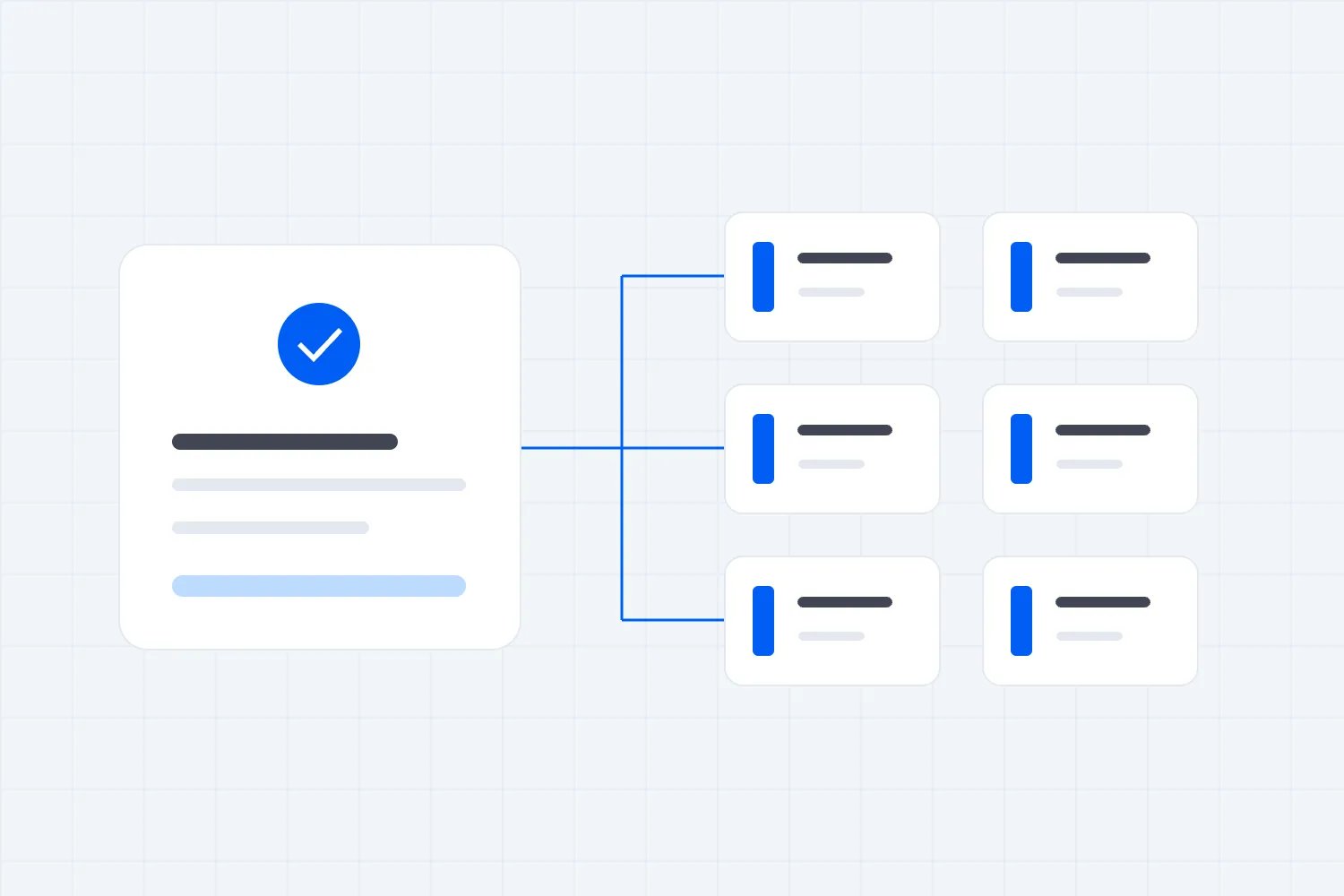
One buyer can place one order for several people. The name and email on the payment can belong to the person paying, while the people attending have different names and arrive at different times. Your records should reflect that relationship without making every guest repeat the purchase process.
Consider a fictional workshop with 60 available places at $40 each. A company books six places in one payment. The transaction total is $240, but that doesn't mean one attendee has registered. It means one purchase needs to produce six admissions. You may collect attendee names now, or allow the buyer to supply them later.
Choose based on what the event requires. If you need a named certificate for each person, names matter before the session. If you only need to admit six people to a standing show, collecting a lengthy form for every guest may add work without improving the event. Ask for information you will actually use.
For a manual process, keep the payment reference on the order and connect each admission to that order. Record the event and ticket type too. A payer's name alone is a poor matching method because people share names, companies pay for staff and some customers use a different email address for payment.
Make one person responsible for unresolved purchases. If a payment arrives without enough information, contact the buyer and record the question against the order. Don't quietly guess a date or ticket type because the amount looks right. That guess becomes an argument when someone arrives for a different session.
Use a separate status for an order you are still checking. Someone on your team should be able to see that money was received but admission has not yet been confirmed. Otherwise a colleague may issue another confirmation while the first person is still trying to establish what the customer bought.
Test capacity across every route to purchase
Inventory controls are useful only when they represent the capacity you actually have available. Your room may have a permitted attendance limit, while your sellable allocation also needs to account for staff arrangements, reserved places, access requirements and any other approved holds. Confirm those details with the venue before setting quantities.
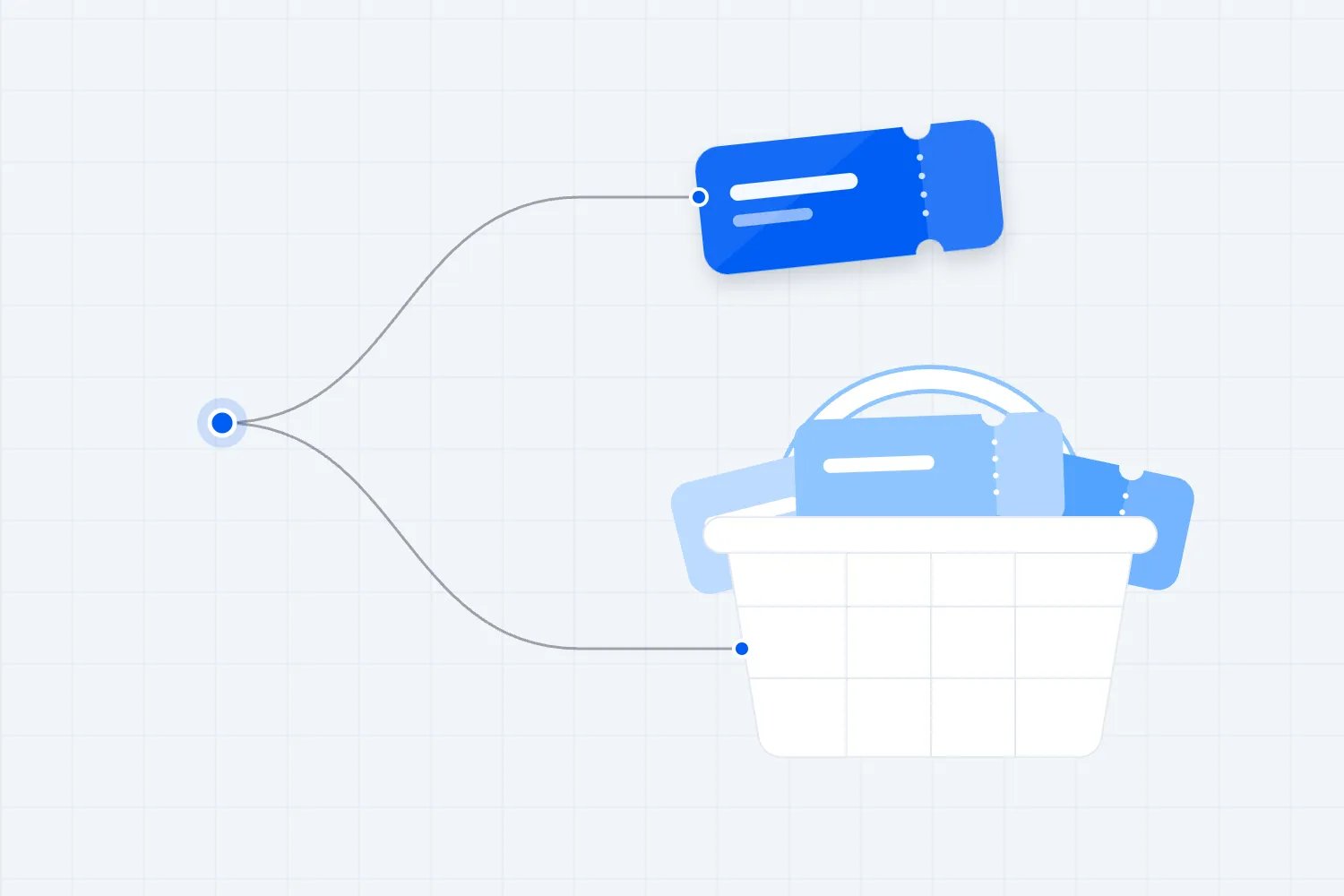
Using the workshop example, suppose you reserve four of the 60 places for invited guests. That leaves 56 paid places available initially. If you offer early and standard prices, those releases must still fit inside the same 56 places. Two separately configured products can create a problem if each is allowed to sell the full allocation.
Check the actual behavior of your setup. Does buying one variant reduce the shared remaining total? Can two buyers both complete payment for the final available place? When do abandoned or pending purchases stop reserving stock? A screen that displays a quantity cannot answer those questions without a purchase test.
Keep sales through email, the website and social posts connected to the same availability. If you also accept bookings by invoice or telephone, record those allocations before releasing more places online. An offline promise uses capacity even when the money has not reached your account yet.
Decide what happens after a refund. Returning money may not automatically put a place back on sale in every arrangement. Conversely, you may want to keep that place unavailable until the buyer's admission is cancelled and your records agree. Test that sequence rather than assuming the payment and capacity controls move together.
Reserved seating adds another requirement. A total stock count does not identify which seat a person bought or prevent somebody else receiving that exact seat. If your offer includes seat selection, use a system that manages seat availability and admission together. Don't sell specific seats from a general quantity and allocate them later without telling buyers.
Build the confirmation around arrival
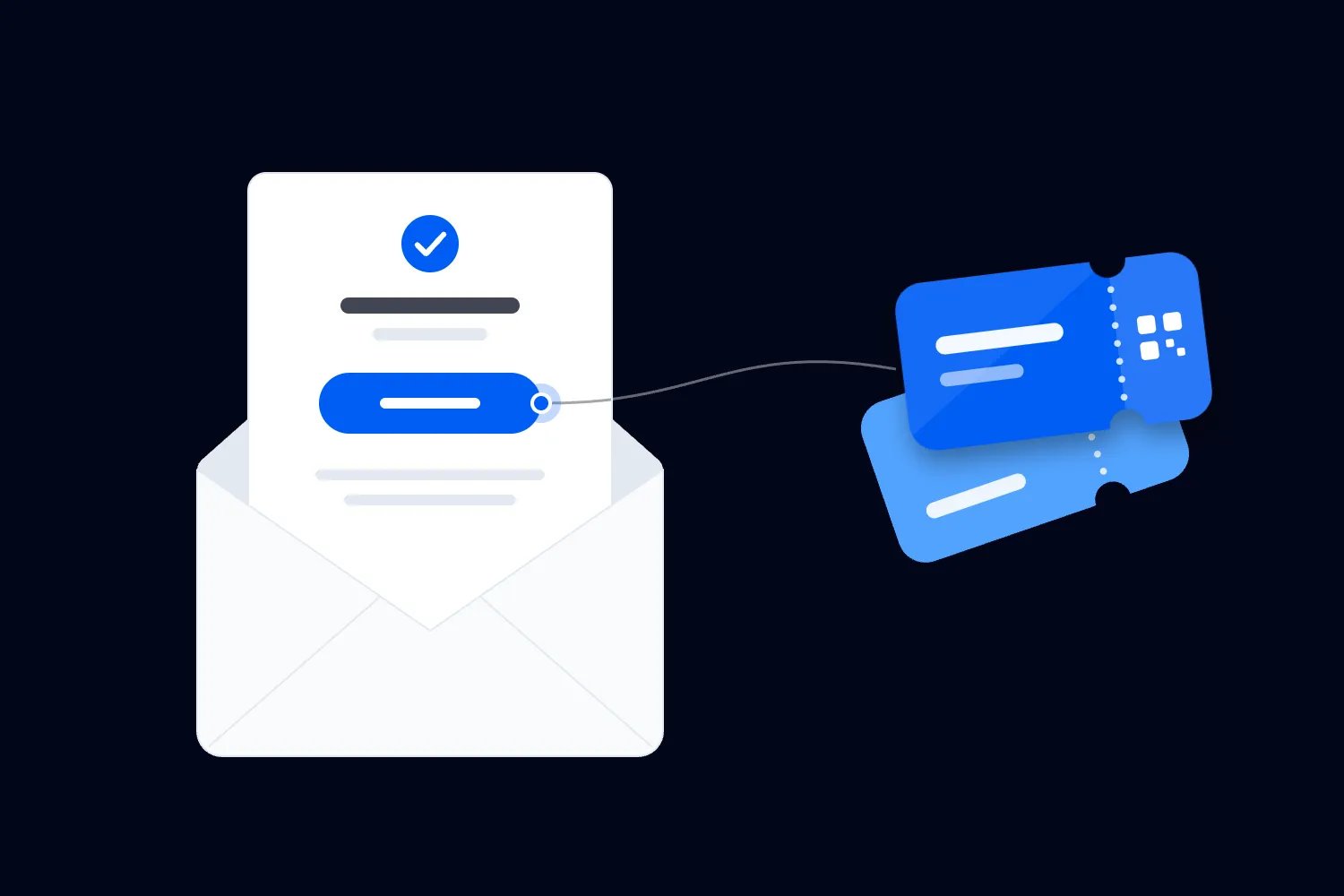
The buyer has paid. Now they need to know whether the booking is complete, how many people can attend and what happens next. Send that information through the same process you intend to use for every real customer, including customers who close the payment page before returning to your website.
A useful confirmation names the event and session, lists the admission quantity and ticket type, and explains the entry method. Include the venue address or online access instructions when appropriate, the arrival time and a contact for order problems. Make the distinction between doors opening and the programme starting clear.
If you issue named admissions, explain whether the buyer can change a guest's name and how to request it. If groups can arrive separately, describe what each person needs. These are everyday questions. Answering them in the confirmation reduces the number of individual messages you have to handle during the event week.
For a manual process, set a confirmation timeframe you can meet. If somebody buys on Friday night and you don't process orders until Monday, they should know before paying. Stop accepting last minute purchases when you can no longer turn them into confirmed admissions reliably, or move to a process that completes the job automatically.
Check delivery as well as content. Send a test to someone outside your business and ask them to find the admission details on a phone. An attractive email that omits the session date or hides the reference below a long introduction still creates work at the door.
If the event is on your existing website, our guide to selling tickets on your own site covers the page and checkout arrangement. Choose the payment route after establishing how the completed purchase reaches the attendee and your entry team.
Count complimentary places in the same capacity
Complimentary admissions don't generate a payment, so a list built exclusively from transactions cannot show the entire expected audience. You need a way to add invited guests and record who approved them. Otherwise the paid sales report can look comfortably below capacity while the room is already fully allocated.
Use the same admission records for paid and complimentary places where possible. Record the ticket type, quantity, guest name if required and the remaining status. A complimentary ticket should be recognizable to staff without needing a separate message from the promoter as proof.
Be specific about what the invitation includes. One complimentary admission for a reviewer doesn't automatically include a companion, a paid workshop or access to a restricted area. Confirm those details when issuing it. Staff shouldn't have to negotiate the scope of an invitation while other guests wait behind the person presenting it.
In the workshop example, four complimentary places plus 56 paid places fill the original allocation of 60. If one invited guest declines, you can decide whether to release that place for sale. Record the cancellation first so the old invitation and the new paid admission cannot both remain valid.
A spreadsheet can hold those records, but several people editing separate copies will quickly disagree. Use one maintained list and a clear cut off for changes before the door copy is prepared. After that point, any authorized additions need to reach the entry team through an agreed process.
Also keep complimentary attendance separate in your financial review. Sixty people attending doesn't mean 60 paid tickets were sold. Recording the difference helps you understand average revenue per attendee and whether the invitations served their purpose, without treating legitimate guests as missing sales.
Give invitations an expiry when you need a definite answer before releasing the final places. Explain that deadline to the guest when you send the invitation. If a promoter promises another guest a place, require the same approval and recording process. A message sent privately to one staff member won't update the allocation everybody else is using.
Make partial refunds change admission too
A refund has two consequences for an event. Money goes back to the buyer, and some or all of the admission they purchased may cease to be valid. Connect those actions explicitly. If you only update the payment, an old confirmation can still appear on the door list.
Say the company that bought six workshop places cancels two under your published policy. The original $240 order becomes four valid admissions and an $80 refund in this fictional example. Record which two admissions were cancelled, send the updated confirmation and decide whether those two places should return to available stock.
Keep an explanation when the refund amount differs from the value of cancelled places. You might issue a goodwill payment without cancelling admission, for example. Staff need to see that distinction rather than infer ticket validity from the net amount left on a payment record.
PayPal's US refund guidance says sellers can issue full or partial refunds within 180 days of the payment date. It also says the original fees paid to receive a goods or services payment are not returned. Check your market's current terms when calculating the real cost.
That payment facility doesn't define your event's refund obligations. Publish a clear policy consistent with applicable rules and follow it. If you sell far ahead of the date, check the payment provider's available refund route before you need it. A long sales period can make the timing relevant.
For postponements and cancellations, prepare the communication before changing a large number of orders. Tell buyers what happened, what their options are and how to reach you. Keep the decision and the resulting admissions consistent across your records so the door team doesn't inherit old dates or cancelled references.
Give the door team a record they can trust
The door is where a loose payment process becomes visible to customers. Your team needs a current list of valid admissions, a way to record entry and a clear route for exceptions. Give them that before the first guest arrives, with a short rehearsal using realistic order problems.
A payment screenshot can help someone explain their problem. It should prompt a lookup in your authoritative records. It cannot establish that the admission remains valid, hasn't been refunded or hasn't already been used. Ask staff to find the order and resolve its status through the agreed process.
Include group arrivals in the rehearsal. If six people share an order and two arrive first, staff need to mark two admissions used while leaving four available. If someone else later presents the same confirmation, the record must show how many places remain. Counting payments won't tell you that.
Keep only the information door staff need in their working view. They may need names, references, ticket types and admission statuses. They don't need your whole payment history or unrestricted access to your business account. Assign a supervisor who can resolve payment questions without passing your login around.
Plan for the connectivity available at the venue. If your entry method depends on an online list, test it where staff will actually stand. Decide how to record entries during an outage and how to combine those records afterwards. An exported list is useful only if everyone understands which copy is current.
Write down who can approve an exception and whether that approval uses a remaining place. A guest admitted while their order is checked still occupies capacity. Your supervisor needs to account for that decision, particularly when the event is full and another person may claim the same admission.
Compare costs using real orders
A payment fee tells you what it costs to receive money. Your event also needs admission delivery, changes, support and check in. Compare the total arrangement using the number of orders, the number of tickets per order and the work your team actually performs.
Don't compare a per transaction charge with a per ticket charge as if they were the same. Four tickets in one payment may attract one fixed transaction component, while a ticketing service may charge for each ticket. Taxes, currency conversion and other applicable charges can also change the result.
PayPal's US merchant fee schedule lists different rates by payment product and method. Read the entry that applies to your setup instead of copying a familiar rate from an unrelated payment type. Record the date, market and currency beside the estimate so someone can check it later.
Then measure administration. If you spend time matching payments, sending admissions and correcting guest details, include that labor in the comparison. Use a timed trial with several different orders. A straightforward purchase and an order needing a partial refund require different amounts of attention.
Your own time has a cost even when you don't pay yourself an hourly wage. You could be using it to fill the remaining places, confirm production details or support buyers. Estimate that cost honestly, while recognizing that a simple manual arrangement can still be reasonable for a genuinely limited requirement.
Keep refunds in the budget too. The money returned to customers and any retained processing fees affect what remains available for event costs. Our event budget guide helps you place those assumptions alongside the venue, staffing and production commitments instead of assessing checkout in isolation.
Check cash availability and dispute records
Ticket revenue collected before the event may need to fund deposits well before you deliver the experience. Check when money will actually be available to withdraw. A completed sale and available cash are different things, particularly when an account or its selling pattern is new.
PayPal's US explanation of payment holds identifies new accounts, unusual sales patterns and higher risk items among possible reasons. It includes event tickets in its examples. That doesn't mean every event payment will be held, but it does make assumed instant availability a poor basis for a deposit deadline.
Keep a cash plan that can tolerate the conditions relevant to your account. Ask the provider about a large presale before committing to payments you can only cover if every dollar becomes available immediately. Build the plan around confirmed terms and your own funds, rather than an assumed release date.
Keep evidence of what you sold and delivered. Save the offer, the buyer's order, the confirmation sent, relevant changes and the admission record. If there is a complaint, you want to establish the actual sequence without reconstructing it from several inboxes after the event.
PayPal's US Seller Protection terms allow eligible intangible goods and services subject to specific requirements. Coverage depends on the transaction and claim, with evidence requirements and exclusions. Don't assume that issuing a ticket or scanning someone in guarantees that every later dispute will be covered.
Use the terms that apply to your account and retain the records they require. Good event records also help you answer ordinary customer questions. A buyer who cannot find their confirmation should receive a useful answer quickly, without being treated as a suspected fraudster because your records are difficult to search.
If you automate the connection, own the difficult cases
You may decide to connect PayPal to a form, an email service and a guest list. That can remove repetitive work, but somebody still needs to maintain the connection and investigate failures. Ask what happens when one service accepts the payment and another fails to create the admission.
For a custom connection, give the developer a clear acceptance test. A confirmed payment should generate the correct admissions once, even if the payment notification arrives more than once. A pending payment should follow a defined rule. A refund should reach whoever controls the affected tickets. You don't need to write the software to insist that these situations work.
PayPal's webhook documentation lists separate notifications for payment events, including completed captures, pending captures and refunds. These notifications can support an automated process. The ticket creation, record matching and handling of failed steps still need an implementation that somebody tests and supports.
Have the developer show you a failed delivery and the recovery process. You should be able to find paid orders without admissions, resolve them and avoid issuing duplicates. Agree who receives failure alerts during the sales period and on event day. An automation that fails silently can create more uncertainty than a manual process with a visible queue.
Moving bookings without charging customers twice
If you have already collected payments before choosing ticketing, start by reconciling those existing orders. Establish the valid admission quantity for each buyer after refunds and changes. Include complimentary places and any confirmed bookings that were accepted outside PayPal. This becomes the opening record for the new arrangement.
Ask your ticketing provider how it supports admissions for orders paid elsewhere. Confirm whether those records can be created, what they cost and how they appear to staff. Don't assume every platform imports them or that importing a contact also creates a valid ticket.
Close the old purchase route when the new one opens, then check payments around the changeover. Tell existing buyers which confirmation to use and whether their old reference remains valid. Avoid asking them to buy again unless you have a deliberate refund and replacement process. Finally, reconcile the admissions issued against the bookings you started with before releasing more capacity.
When a manual PayPal setup makes sense
A manual arrangement can be workable when the offer is simple, you control the sales routes and somebody has enough time to maintain admission records. The useful question is whether you can deliver the process reliably under the conditions of your event. There isn't a universal attendee count that answers that.
A small workshop with one session and a stable guest list is easier to manage than a similarly sized show with several prices, separate group arrivals and constant changes. Repeat frequency matters too. A task you can tolerate once may become expensive when repeated across a full calendar.
Before launching, run a trial that includes a normal purchase, a group order, a declined payment, a duplicate message and a partial refund. Add a complimentary place and check someone in. Ask another staff member to complete the process using your instructions, without you filling in missing information from memory.
If that trial produces unresolved questions, fix them before sending traffic. You might simplify the offer or move to ticketing that handles the missing work. Buying more advertising while confirmation and admission remain uncertain only increases the number of customers you may have to contact manually.
Use commercial payment tools for commercial sales. PayPal distinguishes goods and services purchases from personal transfers. Asking ticket buyers to use friends and family to avoid a selling fee is an unsuitable starting point for an event business and changes the protections associated with their payment.
If you choose the manual route, document who does each job and when. That includes checking new payments, confirming admissions, approving changes and preparing the final door list. The setup should continue working when the person who created it is busy producing the event.
When connected ticketing is the better choice
For recurring paid events, I would usually put admission management in the same system as ticket purchase. You should be able to sell a place, send its ticket and recognize that ticket at the door without rebuilding the relationship between those steps for every order.
With Loopyah ticketing, ticket types, quantities and check in belong to the event workflow. You can give door staff team access without sharing your account login. Those capabilities address the specific work we've discussed, especially when the person handling entry wasn't the person who handled the sale.
Choose a provider by testing your actual event requirements. Bring a group purchase, a complimentary admission and a refund scenario to the demonstration. Ask the provider to show what the buyer receives and what staff see afterwards. A feature list is less useful than watching the order remain understandable after it changes.
If accepting PayPal itself is a requirement, check explicitly whether your ticketing provider accepts it for your country and account before choosing that provider. Ask to see the buyer's payment options in a working checkout. Choose an arrangement that covers both your admission requirements and the payment methods your buyers need.
Start with your next event's most awkward order. Follow it through payment, confirmation, a change and entry. When everyone involved can explain what remains valid and where to find it, you have a process you can sell with confidence.

Author: By the Loopyah Content Team
The Loopyah Content Team shares expert insights, practical guides, and industry updates to help event organizers create unforgettable experiences and stay ahead in the event planning world.