· 21 min read
How to add a bookable VR experience to a paid event
You've found a VR experience that would fit your event. The demo looks good, the supplier has headsets, and you can imagine people talking about it afterwards. Then comes the less exciting question. How many of your paying attendees will actually get a turn?
That's where you should start. Add VR as a defined experience with a tested capacity, a clear booking promise and someone responsible for running it. Decide what buyers receive before you advertise it, then build the staffing, space and price around delivering that promise.
A bookable attraction can work well at a consumer expo, cultural festival or paid conference. It can also disappoint people who bought an upgrade and spent their break waiting for a headset. This guide walks through the decisions that make the difference, including the supplier questions worth asking before you pay a deposit.
Decide what the experience adds to your event
The first thing you want to do is describe the experience without using the words virtual reality. Are people exploring a reconstructed historical location, trying a driving simulation, making something together or watching a story that connects to your programme? If you can't explain the attraction that way, you probably haven't chosen the content yet.
For a paid consumer event, I'd choose a short, complete experience over an impressive demonstration that needs lengthy explanation. Attendees should understand what they're booking and finish with a satisfying result. A tutorial followed by an abrupt stop can feel like an advert for a product they never got to use.
Think about who will participate, too. A specialist gaming audience and people trying a headset for the first time need different introductions. The booking description should make that difference clear. Don't sell something as beginner friendly because the supplier can complete it quickly. Watch a genuine beginner use it.
Our guide to experiential events covers the broader choice of activities. Here, the question is whether one particular VR experience deserves the money, floor space and attendee time it needs. Those resources have other uses at your event.
Choose a primary reason for adding it. You might want a paid upgrade, an activity that supports the event's theme or a sponsor funded benefit. That choice determines what success means. An included attraction doesn't need to make a separate profit, but you should still know its cost and who gets access.
Test the content before choosing the equipment
Ask the supplier to demonstrate the content, headset and operating mode they intend to bring. A recording of another installation won't tell you whether this version works for your audience. Include the introduction, fitting, play, exit and reset in the demonstration.
Pay attention to what participants have to learn. Some experiences start as soon as the headset is fitted. Others require controller practice, calibration or several menus. That preparation may be worthwhile, but it belongs in the appointment length. Buyers won't care that the game itself only takes a few minutes if their booked time disappears into setup.
Try the experience seated if the supplier says seated participation is supported. Ask what changes, whether the participant can reach every control and whether the content still makes sense. A chair in the demonstration area doesn't establish that the software works well for someone who needs to remain seated.
Content suitability deserves its own discussion. Sudden movement, heights, flashing imagery, loud sound and demanding physical actions may affect whether someone wants to take part. Ask for the relevant warnings and comfort information, then explain the actual experience before purchase. Avoid promising that everyone will find it comfortable.
Meta's Quest Safety Center explains how comfort ratings relate to movement and disorienting effects. It also advises regular breaks and following device instructions. Use the current guidance for the actual hardware and content you hire. A short appointment isn't a substitute for that guidance, and a rating isn't a guarantee for every participant.
Ask whether you can preview the content again if the supplier changes software before event day. A replacement game can change the space, accessibility and supervision requirements along with the entertainment. Approve substitutions deliberately rather than discovering them when the equipment arrives.
Before committing, ask how the experience ends. Some software returns neatly to a starting screen. Other content carries on until an operator intervenes. If you sell a complete story or challenge, agree a natural ending that fits the appointment. Cutting people off halfway through a race because the next booking is waiting changes what you're selling.
Also test what spectators can see. A shared screen can help friends understand the experience and make waiting more enjoyable. It can also show a participant's name, messages or account menus if the installation is poorly configured. Check the whole display sequence, including the moments before and after play.
Calculate capacity using the whole appointment
Count usable stations, not the number of headsets in the delivery case. A headset charging in a cupboard isn't serving anyone. Neither is a station waiting for a technician, a missing controller or an occupied shared briefing area. Capacity depends on the complete operation working together.
Here's an illustrative calculation, using invented timings rather than a manufacturer recommendation. Suppose four stations run independently. You allow ten minutes for each appointment, including briefing, fitting, play, exit and the required reset. Each station has six appointments an hour, giving twenty four appointments across the installation.
If you plan five service hours, that arithmetic produces one hundred and twenty appointments before any planned closures or other deductions. It doesn't mean you should immediately sell one hundred and twenty bookings. Check whether breaks, battery changes, technical checks and cleaning can genuinely happen within that arrangement.
Run repeated trials with the people who will operate the attraction. Time the slower handovers as well as the smooth ones. If appointments regularly exceed the proposed length, adjust the schedule or simplify the experience before selling it. You cannot recover lost time by quietly removing the part buyers paid to enjoy.
Group experiences need a different calculation. If several participants must start together, one late arrival can delay the whole group. Shared briefing, a common game server or one operator fitting every headset may limit starts even when spare devices exist. Model the actual sequence rather than multiplying a single player estimate.
Keep some appointments unavailable until the test gives you confidence. The size of that reserve should follow your trial and recovery plan, not an invented industry percentage. Release it later if the operation proves reliable. It's easier to sell another appointment than explain why a confirmed one never existed.
Return to the fictional four station example when considering a breakdown. Losing one station removes six appointments from each remaining full service hour under the invented ten minute schedule. If the fault lasts for two full hours, twelve planned appointments are affected. You need to know whether they can move into genuinely unused capacity, not assume the remaining operators will somehow fit them in.
You could protect some unbooked appointments, shorten the selling period or agree an equivalent replacement unit with the supplier. Each choice has a cost. Choose the arrangement before publishing availability, and make sure the person changing the booking list knows when capacity has actually been restored.
Choose who can book, and what admission includes
There are several honest ways to offer VR. You can include a reserved turn in a particular ticket, sell it separately to event ticket holders or make it a free optional booking. What causes trouble is describing one arrangement while operating another.
If general admission only allows people to request an available appointment, say so. Promoting VR prominently as an included benefit can create an expectation that everyone will get access. A small quantity of optional turns may be perfectly reasonable, but buyers need that information while deciding whether the main ticket is worth purchasing.
For a paid upgrade, describe the experience, appointment length, arrival requirement and any participation restrictions before checkout. Explain whether event admission is also required. A buyer shouldn't discover at the attraction that the upgrade they purchased doesn't admit them to the venue.
Keep group bookings explicit. One appointment might cover one person, one pair or a fixed group, depending on the content. Say which. If friends buy separately, explain whether you can place them together. Don't promise joint play when your supplier is delivering independent experiences with no shared session.
Loopyah's ticket selling tools let organizers create ticket types and publish event details. Use the ticket name and description to make the purchase clear. A separately managed VR booking still needs its own confirmed process for allocating appointments and checking participation. Ticket sales alone don't establish that a specific headset is available at a specific time.
Before opening sales, make a test purchase and follow the information a buyer receives. Ask someone outside the organizing team to explain what they've bought. If they can't tell you when to arrive, where to go and whether they have a guaranteed turn, improve the wording before adding more promotion.
Set participation rules with the supplier before a family audience buys tickets. Hardware requirements, account rules and content age ratings can differ, and the rules may vary by country. Confirm the current conditions for this exact installation. Don't borrow an age limit from another event or treat an adult's permission as an automatic exception.
Where younger participants are permitted, explain supervision and any required parent or guardian involvement beforehand. Your host needs a practical way to check eligibility without collecting unnecessary personal information. If someone can't participate, they should find that out before paying for the upgrade or travelling specifically to use it.
Check the economics before setting the upgrade price
Ask for an itemized quote that covers delivery, setup, operation and removal. Establish whether technical support stays on site, how much service time is included and what happens if the event runs late. A low equipment hire price can become expensive once you add the people needed to use it.
Include your own costs. The attraction may require additional power distribution, a dedicated room, queue staff, furniture, connectivity or overnight storage. You might also lose sellable exhibition space. Put these costs into the event budget so they don't disappear because different suppliers invoice them.
For a paid upgrade, calculate the amount you retain from each completed sale after applicable payment costs, taxes and any supplier share. Use the treatment appropriate to your event, with your accountant where needed. Divide the costs you need to recover by that retained amount to estimate the bookings required.
Use a fictional example in US dollars. If the costs you want the attraction to cover are one thousand two hundred dollars, and each booking contributes fifteen dollars after the relevant deductions, you need eighty bookings to cover those costs. That calculation isn't a suggested price or a forecast of demand.
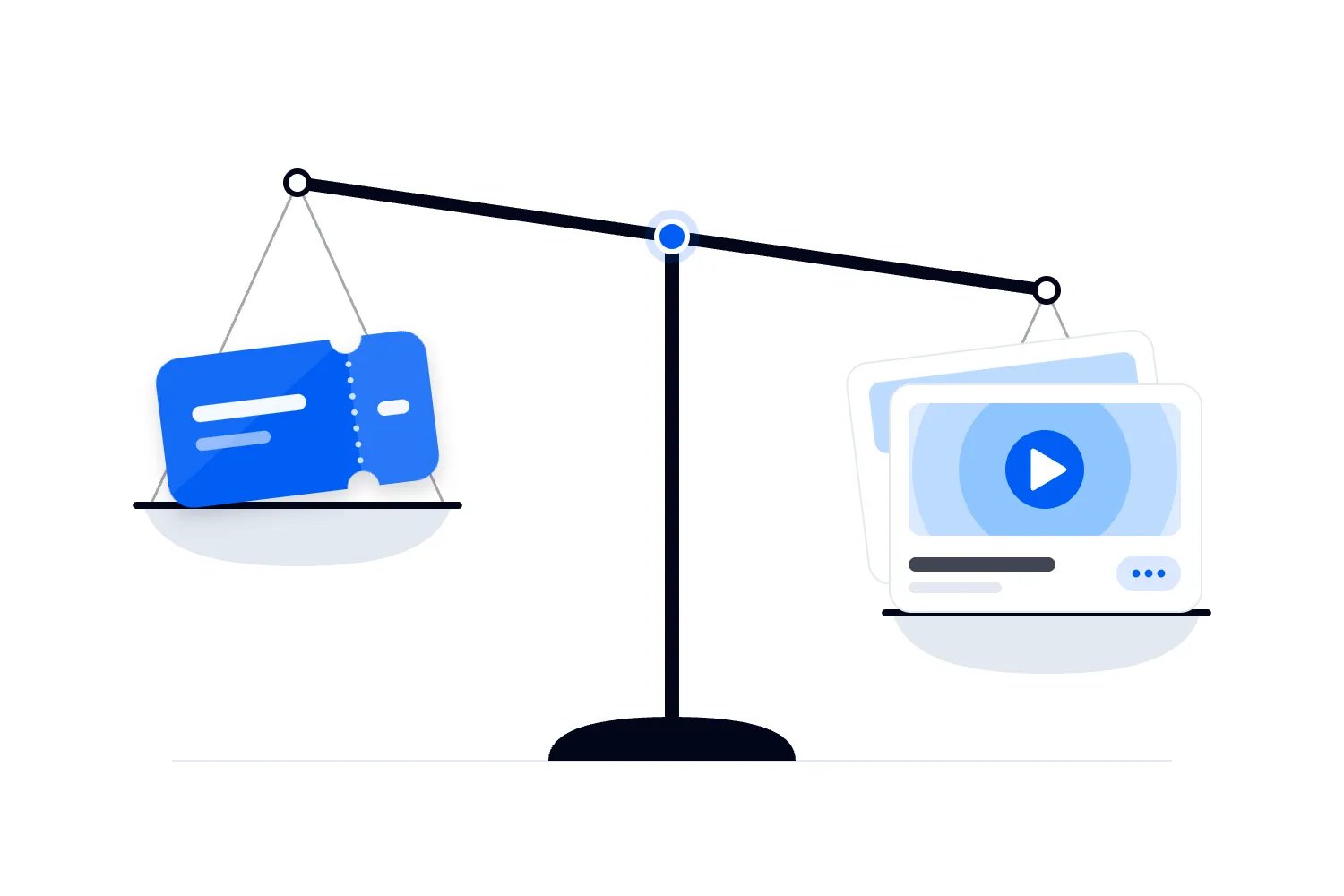
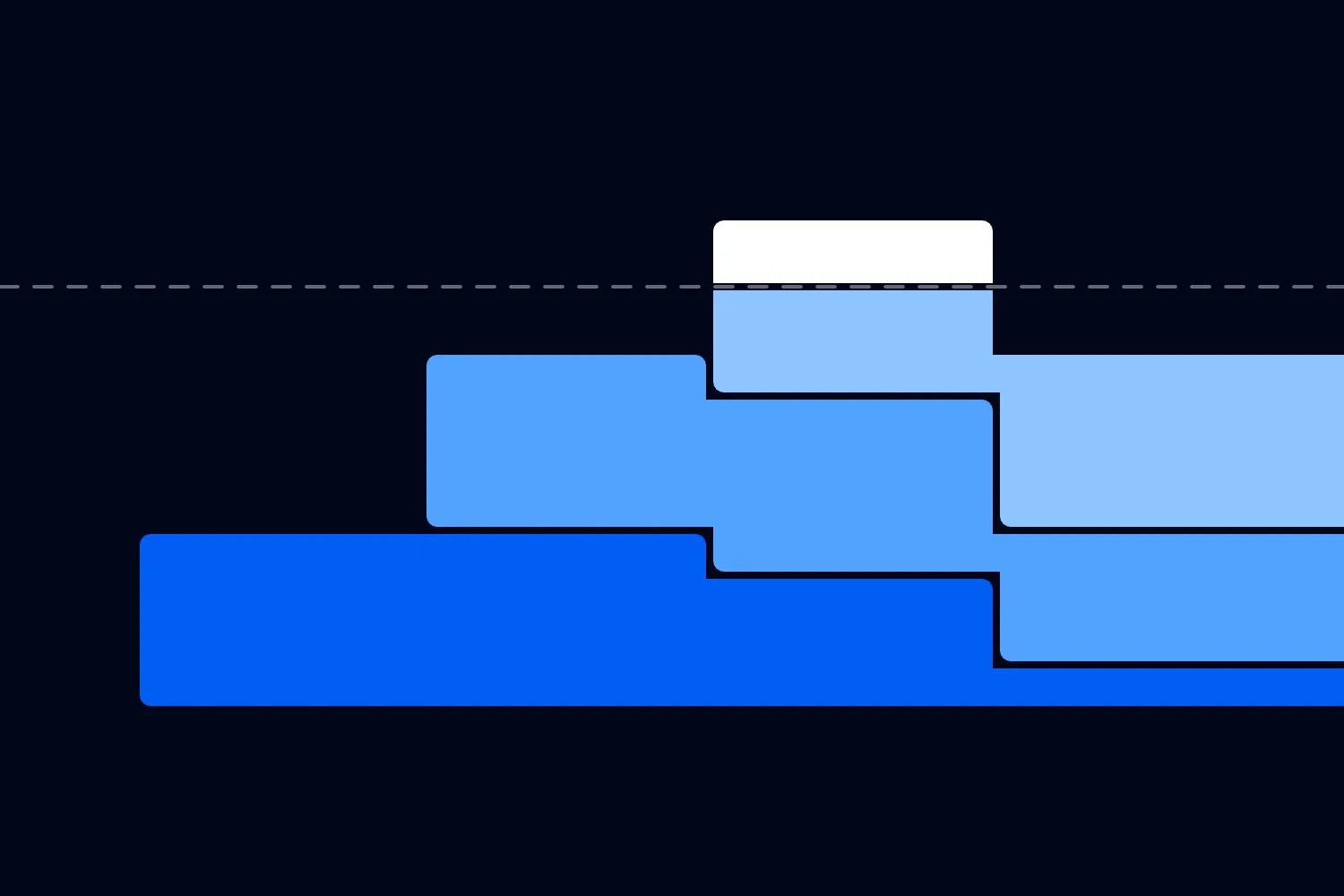
Now compare eighty with the appointments you can responsibly offer and the number you expect people to buy. If you only have seventy sellable appointments, the example cannot work as priced, even with every appointment sold. If you have more capacity, you still need evidence that buyers want it.
| Label | Bookings |
|---|---|
| Available | 70 |
| Break-even | 80 |
For a sponsor funded installation, agree what the sponsor receives and who pays if participation is lower than hoped. Keep sponsor income separate from speculative ticket uplift. You can justify an attraction as part of the event experience, but don't call it profitable by adding sales you can't reasonably attribute to it.
If you're uncertain whether attendees will pay separately, test the offer before committing to a large installation. Describe the real experience and price to your existing audience, and distinguish expressions of interest from actual purchases. Someone saying a demo looks fun hasn't promised to buy an upgrade. Ask what else they would give up during the event to attend it.
For an included attraction, estimate cost per completed participant afterwards. That won't capture every benefit, but it makes the spending visible. Compare it with the experience you delivered and the people you couldn't accommodate. High participation alone doesn't establish that the attraction improved the event.
Hire a supplier who can run a public installation
A supplier's job extends beyond delivering working headsets. Ask who operates the installation, what those people are trained to do and how they handle a participant who wants to stop. Request a written description of the space and technical requirements before confirming the venue location.
Commercial permissions need checking across the equipment, software and content. Buying a consumer game doesn't establish that you can charge the public to use it. Valve's SteamVR enterprise guidance distinguishes public installations from internal business use. The permission that fits an internal demonstration may not fit a ticketed attraction.
Ask the supplier to confirm that its proposed setup has the necessary rights for your event, including any public display of the experience. Get that confirmation in the agreement. If you're commissioning branded content, clarify who can use the finished work afterwards and whether future events need another licence.
Agree what happens when a station fails. Will the supplier bring a ready replacement, repair it while the remaining stations operate or reduce capacity? A spare headset only helps when it can run the approved content and be put into service by someone who knows how.
Confirm insurance responsibilities with the supplier and your own adviser. Describe the actual activity, including movement, participants and any paid access. A certificate attached to an email doesn't answer every coverage question. The agreed operating conditions should also match how the attraction will run on site.
Finally, assign a named organizer contact and a supplier lead. Give them a route to make decisions about delays, replacement content and cancellations. An equipment operator shouldn't have to negotiate commercial compensation with an upset buyer while other participants are waiting to start.
Compare supplier quotes against the same service. A staffed installation with licensed content, replacement equipment and technical support isn't directly comparable to a box of hired headsets. Ask each supplier to price the arrangement you actually need, including the same service hours. Otherwise the apparent saving may simply be work you've unknowingly agreed to do yourself.
Document who accepts the installation after setup. That person should see the approved content running, check the delivered station count and confirm that the operating area matches the agreed plan. If something is missing, resolve it before attendees arrive. A delivery signature shouldn't be the only evidence that the attraction is ready.
Put the attraction where it can operate properly
Start with the supplier's requirements for the chosen experience. Include the participant's activity area, the necessary separation from other people and space for staff to assist. A headset's boundary feature doesn't replace an appropriate physical setup or someone keeping spectators out of the activity area.
Walk the location with the venue and supplier. Look at door openings, columns, low fixtures and equipment that could obstruct movement. Check whether someone stepping out of the experience could enter a busy walkway. Keep bags, drinks and loose furniture away from the activity area, with somewhere suitable for participants to leave belongings.
The queue needs space as well. In Great Britain, HSE's guidance on crowd controls inside venues identifies attractions that obstruct pedestrian routes as a congestion risk. Plan for people watching, friends waiting and the arrival of the next appointments. Those people occupy real floor space even though they aren't wearing headsets.
Ask about lighting and tracking under event conditions. The supplier should test the actual installation rather than assume that a successful office demonstration settles it. Sound from a nearby stage can also make instructions difficult to hear. If participants need headphones, staff still need an agreed way to get their attention.
Check power and connectivity before the event opens. Establish which functions work offline, what needs a live connection and what happens when that connection drops. Keep required logins, updates and downloads out of the attendee appointment wherever the approved system allows. Test the fallback instead of accepting an assurance that connectivity probably won't matter.
Agree a safe shutdown and evacuation process with the venue. Operators need to alert participants, help them remove equipment and follow the event's emergency arrangements. Include the attraction in the event staff briefing, so nearby staff know who controls it and where to direct questions.
Make accessibility part of choosing the experience
Ask what someone actually has to see, hear and do to participate. Standing, turning, gripping controllers, reaching above shoulder height or reading small text may each create a barrier. A generic statement that the attraction is accessible tells a potential buyer very little.
W3C's XR Accessibility User Requirements discusses needs such as different input methods and interactions that don't depend on particular physical movements. Use those questions when evaluating the experience with the supplier. The document is a useful guide to user needs, rather than proof that a particular installation meets every attendee's needs.
Publish the supported options you have tested. Describe seated play, available captions, assistance and any relevant physical requirements in concrete terms. If a participant can use their own wheelchair, confirm the practical arrangement. Don't assume they can or want to transfer to a supplier's chair.
Provide a way to ask questions before booking without requiring people to explain a condition publicly. The person answering should have access to the actual content requirements and supplier, not just the promotional description. Record the agreed adjustment with only the information staff need to deliver it.
Think about someone who wants the event experience but can't use this attraction. A screen showing another person's play may be enjoyable, yet it won't automatically provide an equivalent experience. Consider another activity, an appropriate booking option or a refund arrangement, depending on what you have sold. Explain the option without pretending the activities are identical.
Protect time for agreed assistance in the appointment plan. If fitting or communication takes longer, staff should know how to provide it without pressuring the participant. The solution may involve a different appointment or operating arrangement. Work it out with the person and supplier before promising it.
Build cleaning and supervision into every handover
Ask for the cleaning procedure for every shared component. The headset exterior, face interface, lenses, controllers and straps may need different treatment. Staff should have the approved materials ready and know which components they must never wipe with a particular product.
VIVE's equipment cleaning guide distinguishes cleaning methods for surfaces and sensitive components. Its recommendations aren't instructions for every brand or model. Get the current manufacturer procedure for your hired equipment and follow the cleaning product's directions where it is approved for that use.
Time the full procedure, including any required contact and drying time. Disposable covers don't automatically replace cleaning the shared equipment. If the supplier's quoted turnover assumes staff can wipe everything instantly, challenge the schedule. Hygiene time is part of delivering the booking, even when attendees don't see it.
Separate equipment awaiting cleaning from equipment ready for use. That can be a simple arrangement, but it must remain obvious when the queue gets busy. Keep enough supplies available for the whole service period and assign someone to replace them before staff run out.
Supervision should match the installation and supplier's risk assessment. Don't assume one operator can safely monitor several participants while fitting another headset and dealing with bookings. Watch the trial with those competing jobs in mind. Add a queue or booking host when administrative work would distract operators from participants.
Give participants a clear way to stop and tell them they can use it immediately. Staff should follow the device warnings and event welfare process if someone becomes uncomfortable. They shouldn't diagnose a condition or encourage someone to continue because their appointment is almost over. Make sure the exit is calm and assistance is available when needed.
Keep accounts and participant information under control
Agree whose accounts the installation uses and what participants can access. A public demonstration should have a deliberate setup that fits the service and its permissions. Don't hand over a personal headset with purchases, private messages or account settings exposed. Ask the supplier to show how an operator returns the equipment to its approved starting state.
Check whether the experience records voices, movement, images or other participant information. Establish what is collected, why it is needed and who receives it. Explain relevant collection before participation and involve your privacy adviser where appropriate. A sponsor's interest in attendee details doesn't automatically make that collection necessary for playing the game.
Keep photography and filming separate from running the attraction. If you want reactions for future promotion, use your event's appropriate permission process and make refusal practical. Someone wearing a headset may not notice a camera or understand what is being recorded. Operators should also know how to remove participant details from any public score display where that is required.
Manage appointments without building another long queue
A reservation is useful because people can enjoy the rest of your event until their turn. Don't require them to join a long physical queue well before the appointment unless that requirement is genuinely necessary and clearly stated. Otherwise you've sold a booking that offers little advantage over waiting.
Set an arrival window that fits the tested briefing process. Explain what happens if someone arrives late and when an unclaimed appointment can be released. Apply that rule consistently, with a named person able to resolve exceptions. Staff improvising different grace periods can create arguments between people who followed the instructions.
A standby list can fill unused appointments, but don't promise a standby participant a turn until capacity exists. Tell them how they will be contacted and how quickly they need to return. Offer an alternative to a phone notification where someone needs it. Keep the standby process manageable for the staff available.
Treat interruptions as a scheduling problem straight away. If a station stops working, stop selling the affected capacity and check which confirmed bookings are at risk. Moving everyone a few minutes later may eventually push appointments into the headline session or beyond the attraction's closing time.
Give the host a current booking list and a clear way to mark participation. Keep one agreed record so an appointment isn't sold twice by separate teams. If the booking system fails, a prepared offline list can preserve existing reservations, but new sales need a controlled process that prevents conflicting allocations.
Plan appointment times against the wider event agenda. People shouldn't need to miss the main performance to use an attraction promoted as part of their ticket. If a clash is unavoidable, disclose it while they choose their appointment rather than leaving the host to explain it on arrival.
Rehearse failure, then decide what to release for sale
Run a rehearsal that includes a late arrival, a participant stopping early and a station going out of service. Ask the host to explain the options using the information they'll actually have. You'll quickly see whether the plan depends on an organizer making every small decision.
Agree the response to cancellation before taking money. Buyers should know what happens if the attraction cannot run, and staff should know who can authorize the applicable remedy. Keep the terms consistent with local consumer requirements and the way you've packaged admission. Don't promise a replacement experience you haven't secured.
During the event, record completed appointments, no shows, interruptions and requests you couldn't accommodate. Ask participants whether the description matched what they experienced. A full booking list can hide disappointed buyers, while empty appointments may reveal poor directions or badly chosen times rather than weak interest.
Separate no shows from equipment failures in your records. They call for different changes. Repeated no shows might justify better reminders or different appointment times. A device failure needs a technical or supplier response. Recording both simply as unused capacity hides the reason revenue and participation fell short. Keep cancellation reasons equally clear so the review can lead to a specific decision.
Ask the host what buyers repeatedly misunderstood. Those questions often reveal wording you should change before selling again. Use the actual misunderstandings rather than adding another long set of instructions that nobody reads.
Review the attraction's actual cost and retained revenue afterwards, alongside the operational results. Before booking it again, identify the change that would make the next event work better. That might be a simpler introduction, different content, more supervision or fewer appointments sold. Keep the promise you can deliver at the centre of that decision. Confirm the revised operating plan before taking the next booking.

Author: By the Loopyah Content Team
The Loopyah Content Team shares expert insights, practical guides, and industry updates to help event organizers create unforgettable experiences and stay ahead in the event planning world.