· 21 min read
When does Snapchat make sense for event promotion?
Snapchat makes sense for event promotion when enough of your likely ticket buyers use it, you can reach them in the area your event serves, and you have a believable way to turn their attention into paid orders. Start with evidence before you add another channel to your week. A younger audience helps explain why Snapchat might be worth testing, but age alone doesn't tell you whether it will sell tickets for your event.
So you're planning a paid event, ticket sales need a push, and someone suggests Snapchat. Maybe an artist uses it. Maybe your regulars keep sharing clips there. That's a useful starting point. Now you need to work out whether those people can attend, whether your content gives them a reason to buy, and whether the sales can cover the work and ad spend.
This guide walks through checking your audience, choosing organic content or paid ads, building the ticket purchase journey, and running a test with a clear spending limit. It also covers what to do with the result, including when to leave Snapchat alone and put your time somewhere else.
Check who can actually buy and attend
The first thing you want to do is look at your buyers rather than a platform's headline audience size. Where do they live? Which events did they buy? What price did they pay? Are they old enough to enter your venue? Those answers describe the people your promotion needs to reach.
Ask some recent buyers whether they use Snapchat and whether they follow local events there. Keep the question neutral. You're trying to understand how they make plans, so ask what first brought your event to their attention and how they finally decided to buy. Someone might discover you through an artist's Snap, discuss the night with friends, and purchase through an email later.
That conversation is more useful than asking whether they like your proposed campaign. Most people can imagine liking an entertaining video. Fewer can explain how that video fits the way they choose a night out. Ask about their last actual purchase and you'll get closer to the behavior you need.
Pew Research Center's 2025 survey of U.S. adults found that younger adults stand out in their use of Snapchat. The survey covered 5,022 adults between February and June 2025. That's useful audience context for a U.S. event, but it doesn't establish demand in your city or apply automatically to another country.
For a local music night, you want evidence that eligible people nearby use Snapchat to follow artists or arrange outings. For a specialist paid workshop, you need evidence from that particular buyer group. Don't rule either event in or out because of its category. The buyer's habits and your ability to reach them should make the decision.
Make the location match the event
Someone can love your video and still live too far away to attend. This is where event promotion differs from selling a product you can ship anywhere. Start with the places your existing audience travels from, then decide whether your next event gives people a reason to travel further.
Snapchat's current location targeting guidance says targeting includes people living, working, or recently in a location. Treat that as a location signal, rather than a promise that everyone reached lives nearby or can attend on your date. A visitor who enjoyed your city last week may now be home elsewhere.
Check the location options and estimated audience in Ads Manager for your campaign. An estimate is a planning aid, not a count of available ticket buyers. Your event's admission age, audience interests, travel distance, and price narrow the commercial opportunity further.
For organic content, location needs to appear in the content itself. Say the city, show the venue, and include the event date early enough that viewers can understand the offer. A wonderful clip with no location can attract an audience you cannot sell to. You then have a busy account and the same empty seats.
Think about practical travel too. A late finishing event with limited transport serves a different area from a daytime event beside a major station. Explain the details that make attendance possible, rather than simply drawing a larger advertising area. If buyers regularly ask how to get home, that belongs in your promotion and on the event page.
A destination festival may justify a wider audience. A weekly venue night usually needs repeatable local demand. Use your own attendance patterns to decide which you're running.
Choose the job before the format
Snapchat can help people discover an event, give interested people more confidence, or remind them to purchase. Those are different jobs. Choose the one you need before deciding what to post or which advertising option to buy.
If people don't know your event exists, show what the ticket gets them and who the experience suits. If they're interested but uncertain, answer the question holding them back. That might be the music, the seating, the arrival process, or whether they can come on their own. If they're ready to buy, make the next step obvious and show the current offer accurately.
Your account doesn't have to do every job at once. An artist's audience may already understand the event and only need the venue and ticket link. A new event brand may need to show the experience before a purchase message makes sense. Copying the same sales post into both situations ignores what each audience already knows.
Give Snapchat a place in your wider event marketing timeline. Work backwards from the on-sale date, the price changes you have actually planned, and the event itself. Leave room to learn from a test while tickets are still available. Starting a new paid channel just before doors open gives you very little room to fix anything.
Also choose a result you can observe. For a ticket sales campaign, paid orders matter. For an initial audience check, relevant profile visits and local enquiries can help you decide whether to continue. Keep those stages separate when reporting back to your team. Early interest can justify another test, but it doesn't cover your venue bill.
Use a Public Profile for a recurring audience
Snapchat's Public Profiles guide describes a permanent business presence with Public Stories, Spotlight content, Highlights, and content insights. Use that permanent home when you expect the audience to care about more than one announcement. A recurring event series or venue has a stronger reason to maintain it than an isolated campaign with no follow-up.
Make the profile easy to recognize. Use the name people see on your tickets, explain the kind of events you run, and give them the relevant website link. If your organization runs very different events, think about whether one audience would reasonably want updates about all of them. A profile that keeps changing its purpose makes subscribing less useful.
Public Stories can carry updates for people interested in your event. Spotlight gives you another place to share videos that may introduce the event to people who don't already know you. Highlights let you retain useful material on the profile. These are opportunities to distribute content, not guarantees that local buyers will see it.
Build the account around questions you already hear. What does the room look like? What happens between doors opening and the headline act? What do people get with the upgraded ticket? Show enough for a first-time buyer to picture attending, then explain where to check the full details.
Look at the available insights to learn which material people watch and respond to. Then compare that interest with enquiries, visits to the ticket page, and orders where you can identify the source. Don't assume the most watched post is your best sales message. Sometimes a practical answer attracts fewer viewers and gives the right people the confidence to purchase.
Give people something worth sending to friends
A paid event often involves a group decision. One person finds it, another asks about price, and somebody wants to know where it is. Your content should make that conversation easier. Think about what a viewer would need to send to a friend before they could agree on going.
Show a real moment that explains the appeal, then include the information that makes it a plan. For a dance night, that might be a clear sample of the music alongside the city and date. For a hands-on workshop, show what participants actually make and explain who the session suits. The content should earn its attention through the event itself.
You can be informal without being unclear. A phone recording of the host explaining the night may carry more useful information than a polished montage. But a dark clip with inaudible speech doesn't become good because it looks casual. View it on a phone and ask whether someone unfamiliar with the event would understand what they're being invited to buy.
Don't hide the commercial details until the very end. A viewer who cannot attend on the date isn't a promising buyer, however long they watch. Including the place and timing helps people qualify themselves, and saves you answering avoidable questions.
Use real scarcity and real deadlines. If an early ticket release is almost gone, check the available quantity before posting. If the next release has a different price, make sure your ticket page reflects the change when it happens. Repeating an old discount after it closes gives interested people a frustrating first experience.
Finally, leave room for personality. Let the host explain why they booked that performer or chose that venue. Specific enthusiasm sounds like a person who cares about the event. A string of superlatives could promote any night in any city.
Use partners who reach the right people
A performer, host, or local creator may already have the audience you're trying to reach. That can make a partnership a better first step than growing an account from scratch. Ask for evidence about where their audience is and whether it matches your event's admission rules. A large following elsewhere doesn't help a local ticket target.
Agree on what they will publish, when it will appear, and which event details must be accurate. Give them enough freedom to explain the event in their own voice. Their audience follows them for a reason, and a rigid advertisement can waste that relationship. Your job is to make sure their version describes the experience honestly.
Decide how you will assess the partnership before agreeing to the fee. Where supported, use a distinct ticket link and compare paid sales with the partnership cost. Include complimentary tickets, production time, and any agreed commission. Don't invent a sales guarantee from a creator's view count.
Ask how they handle advertising disclosures and check the rules that apply to the campaign. Keep the agreed wording, dates, and reporting expectations in writing so neither side has to guess afterwards. Our event influencer marketing guide covers the wider partnership decision.
If a partner brings local interest but little measurable purchasing, ask what buyers still need to know. You may need a clearer price, stronger event description, or a follow-up message. Treat that as a question to investigate before booking the same promotion again and expecting a different result from unchanged content.
Make the content workload honest
Organic posting has a cost even when the account is free. Someone has to capture footage, get permission to use it, edit it, check the details, publish it, and answer questions. Decide who does that work before adding Snapchat to your plan.
You may already have suitable material from rehearsals, venue visits, previous events, or performer announcements. Start there. Adapt it for the channel and the particular audience rather than building an expensive production before you know anyone will respond. Check music and footage rights instead of assuming that a clip usable elsewhere is cleared for an advertisement.
Give the content owner enough access and information to do the job. They need the latest ticket release, admission rules, event schedule, and person to contact when details change. If every update needs to pass through several people, apparently simple organic content can become slow and costly.
Agree on a manageable publishing rhythm based on the material you can actually produce. There is no universal posting schedule that turns every event into a success. An account full of repeated posters may take less work, but it gives people little reason to keep watching.
Track the time spent during your trial. If the same person could email interested past buyers or improve a campaign already selling tickets, that alternative matters. You are choosing how to use a limited marketing team, even when that team is just you.
After the event, keep the useful material and record what it answered. A clip explaining the entrance may help the next edition. A price announcement may become inaccurate immediately. Building a useful library reduces repeat work, provided someone checks every detail before publishing it again.
Start paid promotion with a direct ticket journey
If organic distribution cannot reach enough likely buyers, a paid test may be worth considering. Start with an advertisement that can send people to the relevant ticket page, and keep the offer simple enough that the viewer understands it quickly.
Snapchat's Single Image or Video ads documentation describes a full-screen mobile advertisement that can include a website attachment. That's a practical starting format for testing an event offer. It lets you show the experience and provide a next step without first paying to build an interactive effect.
Prepare a small set of genuinely different messages. One might show the performance people are buying. Another might answer a common hesitation about attending. Keep the event, ticket offer, and destination consistent so you can learn something from the comparison. Changing everything at once makes it hard to know why one ad worked better.
Choose the campaign objective that matches what you can measure. A campaign seeking website visits gives you information about visits. It doesn't establish that Snapchat can find paying buyers at a profitable cost. If you can reliably send purchase events and the campaign supports purchase optimization, that is a closer match to the ticket sales question.
Check the available options in your account before promising a campaign to the team. Objectives, formats, and targeting can depend on the market, audience, and event category. Make sure the advertisement accurately describes admission restrictions and that the destination is ready to take orders.
For the wider decision about where to spend, compare Snapchat against your other options using the same ticket sales standard. Our guide to the best ad platform for ticket sales helps you make that comparison without choosing a channel simply because it is fashionable.
Keep targeting and admission restrictions together
Snapchat's audience targeting page describes location and demographic options, interest audiences, and custom audiences built from sources such as profile engagement or website events. Those tools can help refine a paid campaign, subject to their availability and the permissions required for your data.
Start with the admission rules and the geography. Then decide whether extra targeting reflects something you know about likely buyers. Too many guesses can leave you with a small audience that sounds precise but excludes people who would enjoy the event. An interest label also doesn't tell you whether someone can afford your ticket or is free that evening.
Be especially careful when your intended audience includes minors. Snapchat's current privacy and targeting guidance limits targeting and purchase optimization for users aged 13 to 17 in the EU, Norway, UK, and Switzerland. Country rules differ, so check account access and advertising eligibility in your market. Don't build a purchase campaign around targeting or optimization options those rules remove.
For an adult-only event, set the permitted audience correctly and make the entry requirement clear. Advertising age selection does not replace checks at the door. For an event admitting younger people, review the current rules for the market and the specific campaign before spending.
Customer lists require another check. Having someone's email because they bought a ticket doesn't automatically authorize uploading it to an advertising platform. Use only data you are allowed to use for that purpose, and follow your applicable consent requirements.
If the targeting you need isn't available, change the plan. A campaign that cannot reach or measure the audience you serve is a poor use of your ticket selling window.
Make buying as straightforward as watching
Imagine someone sees the ad while chatting with friends. They open the ticket link, find the date, pick a ticket, and try to pay. Throughout that journey, every missing detail gives them another reason to put the decision off.
Send them to the specific event or relevant ticket offer. A general homepage adds work when the ad has already explained which event they want. The destination should agree with the advertisement on the venue, date, current price, and what the ticket includes. Show the payable total clearly before they commit.
Test the journey on a phone, starting from the actual link you plan to publish. Can you read the details without zooming? Is the ticket type still available? Does payment work? Can you find the confirmation? Ask someone unfamiliar with your event to try it too. You already know where everything is, so your own test can miss confusing instructions.
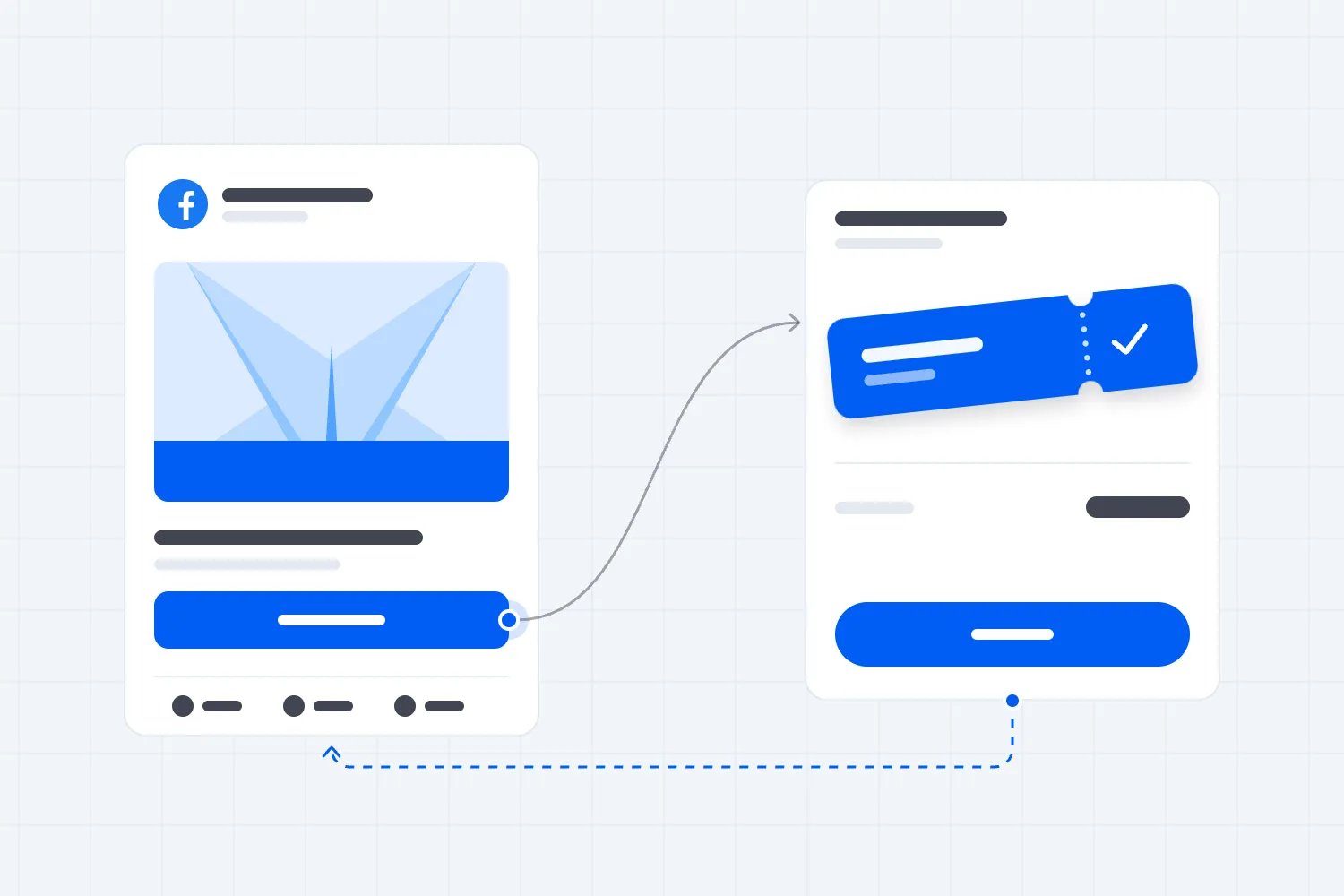
With Loopyah's ticket selling tools, buyers can choose a ticket, pay without creating an account, and receive a confirmation linking to their QR tickets. That keeps the purchase tied to the event you're promoting. You still need to make the offer clear and check the complete journey before directing paid traffic to it.
Avoid treating a discount as the first fix for a weak journey. If people cannot understand the date or finish paying, a cheaper ticket doesn't resolve the problem. Check the experience first, then judge whether price is the actual hesitation.
Also make the page useful for the friend who receives the link later. They may never have seen your video. The event description needs to stand on its own and give them enough information to decide.
Know which sales you can actually measure
Snapchat describes the Snap Pixel as website code that records actions such as page views and purchases. Its Conversions API sends events through a server connection. Those options depend on access to the relevant website or a supported integration, and they still need correct setup and appropriate data permissions.
Check your ticket provider's actual support before planning purchase optimization. Being able to install code on your own homepage doesn't mean you can measure the completed order on a hosted ticket checkout. Ask which events are supported, where they happen, and how you can verify them. Don't assume every ticket link comes with Snapchat purchase tracking.
Use distinct campaign links where your ticketing and analytics tools support them. Check that the labels survive the journey to the event page. A dedicated promotional code can provide another signal if it makes commercial sense, but shared codes and links will not identify every buyer perfectly.
Compare advertising reports with paid orders and account for refunds. A person can see an ad on Snapchat, click another channel later, and buy. Several platforms may each take credit under their own reporting rules. Don't add their claimed purchases together and call the total extra tickets sold.
Record what each number means. Are you counting orders or tickets? Are you including purchases after someone viewed an ad without clicking? What reporting period are you comparing? Agree on those definitions before assessing performance so a changed dashboard setting doesn't look like a sudden improvement.
Where purchase tracking is incomplete, say so. You may still learn whether a local audience responds and visits the page. That can support a next step, but it is weaker evidence than verified orders at an acceptable cost. Give the campaign only the credit your evidence supports.
Set the economics before the spending limit
Work out how much an extra sale can afford to cost you. Start with the money you retain from the ticket, then subtract costs that rise when another person attends. You also need enough left to contribute to the fixed event costs and the profit you're aiming for.
Here's a hypothetical example, not a Snapchat benchmark. Suppose a ticket leaves you $30 after ticket fees and costs that increase with attendance. You want $20 of that to contribute to the venue, performers, other fixed costs, and profit. That leaves $10 per additional ticket for marketing. The allowable amount comes from your event budget, rather than someone else's cost per click.
Keep orders and tickets consistent. An order containing several tickets may afford a higher marketing cost than a single-ticket order. Don't compare a cost per order with a limit calculated per ticket and assume the campaign is losing money. Check the tickets actually sold and the amount retained on each.
Now include production and management. In the same hypothetical example, a $200 advertising test plus $100 of content work costs $300. At a $10 marketing allowance per extra ticket, it needs 30 additional tickets to meet that allowance. If only $200 of media spending appears in your report, the result will look better than the full cost deserves.
This calculation doesn't prove which sales were caused by the campaign. Use verified source information where available and avoid crediting Snapchat for every purchase during the test. For a recurring event, compare against your usual sales pattern too, while recognizing that changes in the lineup or date can affect demand.
Set a total loss you can afford before launching. That protects the rest of your promotion if the test disappoints.
Run a test you can make a decision from
Choose one event with enough selling time left, a clear audience, and a purchase journey you've checked. Write down the question you're testing, the audience, the offer, the spending ceiling, and the result that would justify continuing.
For example, you might test whether Snapchat can bring eligible local buyers to a recurring music night at a cost your budget allows. That's specific enough to guide the advertisement and review. A goal such as getting more exposure leaves you with very little basis for choosing what to do next.
Launch with a manageable number of messages and check for obvious problems early. A broken link, wrong location, or unavailable ticket needs an immediate correction. If the setup is working, resist changing every setting after a quiet afternoon. Purchases take time, and a tiny sample won't tell you which message is best.
Give the test room within your event schedule, but keep the spending ceiling firm. The platform's learning process doesn't change what your business can afford. If your budget cannot fund a useful test before the event, choose a cheaper audience check or postpone Snapchat until another edition.
At review, look at the whole journey. Relevant people watching but never visiting may mean the offer or next step is unclear. Visits without purchases can point to the event page, price, audience fit, or a tracking problem. Confirm the obvious facts before rewriting all the content.
If verified sales meet your cost limit, increase spending cautiously and keep watching the result. More budget doesn't guarantee the same buyers or cost. If the evidence stays weak at your agreed limit, stop. Record what you learned so the next event doesn't pay to repeat the same experiment.
Leave old geofilter advice behind
Older Snapchat event marketing guides often recommend buying an On-Demand Geofilter around your venue. Snapchat's own support notice says support ended on February 10, 2023, and existing On-Demand Geofilter ads stopped delivering on March 31, 2023. Don't build your current plan around that old buying process.
An interactive Lens may suit a separately funded creative idea, but it isn't a requirement for promoting paid tickets. Start with the audience and purchase question. Spend on an effect only when you can explain what it adds, how people will find it, and how you will judge its value.
If Snapchat doesn't earn its place, use the channels you can already manage well. Loopyah's attendee email tools let you reach eligible past buyers and see ticket sales from campaigns. Our AI Ads Agent supports Meta, Google, and TikTok. Its current advertised network support does not include Snapchat.
Snapchat deserves a test when reachable buyers, useful content, a working ticket journey, and affordable economics line up. Keep it when the evidence supports more investment. Otherwise, put your time and money into the activity most likely to fill your next event profitably.

Author: By the Loopyah Content Team
The Loopyah Content Team shares expert insights, practical guides, and industry updates to help event organizers create unforgettable experiences and stay ahead in the event planning world.