· 21 min read
Payment gateway, processor and ticketing platform: who does what?
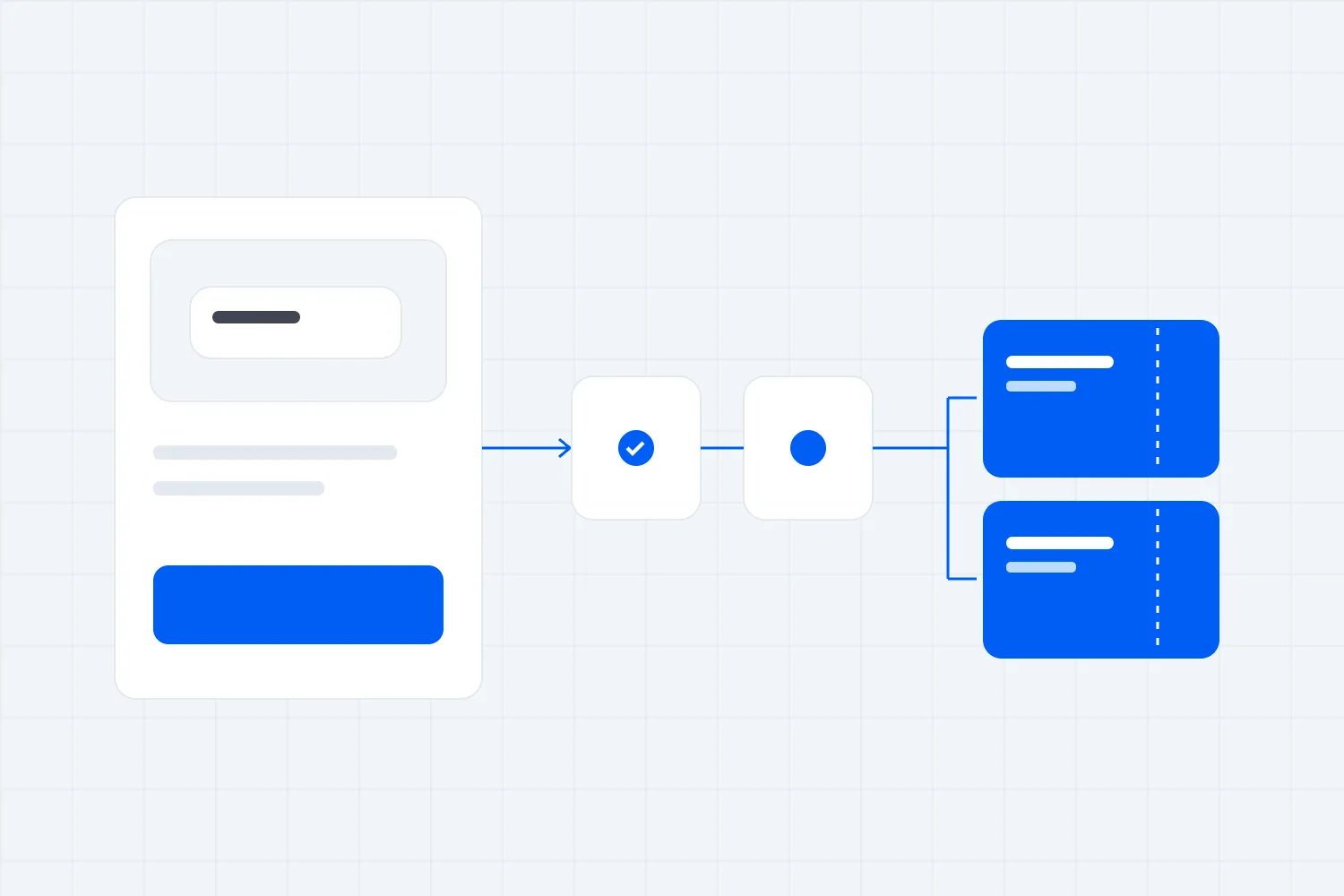
You're comparing ways to sell tickets, and everyone seems to use the same payment words differently. One provider includes processing. Another asks you to connect an account. Someone else offers a gateway. Before you compare prices, you need to know which business is doing which job, especially when a payment succeeds but the buyer never receives a ticket.
A payment gateway passes payment information into the payment system. A processor handles the technical communication needed to process the transaction. Your ticketing platform manages what the customer bought and the admission that follows. A company can provide several of these services, so counting logos won't tell you how the arrangement works.
For an event business, the useful question is who takes responsibility for the complete purchase. You want a buyer to pay once, receive the correct tickets and reach someone who can fix a problem. You also want clear agreements about the money, the records and the work your own team must do. Here's how to separate those responsibilities before committing to a setup.
Start with the jobs, then identify the businesses
Imagine a customer buying two places at your next paid workshop. They select a date, enter their details, approve a card payment and receive their tickets. The experience feels like one purchase. Behind it, different systems may manage available places, payment information, bank approval, order confirmation and admission.
Your ticketing platform should know which workshop they chose, how many places they bought and whether those places remain valid. It also needs a dependable relationship between the order and its payment. That relationship matters when someone closes their browser early, asks for a partial refund or arrives separately from the person who paid.
The gateway has a narrower technical job. It receives the payment information through the checkout arrangement and sends the request onward. A gateway can connect to a processor supplied by another business. It can also be part of a broader payment service, with the distinctions hidden behind one account and one dashboard.
The processor handles payment messages between the relevant participants. For card payments, those participants include the merchant side of the arrangement, the card network and the buyer's card issuer. It helps carry the request and response through the system. Calling a company your processor doesn't establish that it also sells tickets, controls your event inventory or answers attendee questions.
These definitions help you ask better questions, but providers don't all sell services under identical labels. Ask each one to describe its actual role in your proposed arrangement. If the answer is that its partner handles something, get the partner's name and ask how your team reaches the person responsible when that part fails.
Write the answer beside the job rather than beside the logo. One company may occupy several lines. Another may appear only as a background provider you never contact directly. Either arrangement can work. What matters is whether you can explain the purchase clearly and whether the contracts support that explanation.
Where the acquiring bank and issuing bank fit
The issuing bank is on the buyer's side. It issued their payment card and normally decides whether to approve the transaction, subject to the applicable network arrangements. Your ticketing support team cannot simply order that bank to accept a declined purchase. It can investigate what happened and help the buyer find an appropriate next step.
The acquirer is on the merchant side. It provides the acquiring relationship through which the business accepts card payments, directly or through a broader payment arrangement. The processor and acquirer can be different businesses, even when your sales contact uses the terms casually. You should understand who provides each role without needing to become a payments engineer.
Visa's guidance on choosing an acquirer tells merchants to make sure the contract clearly identifies the acquirer and that the acquirer understands the business. For events, that understanding should include advance sales. Taking money for a show months away creates a different delivery timetable from selling something the customer receives immediately.
Explain your actual business when opening the account. Describe what you sell, where you operate, how far ahead you sell and the scale of the planned launch. Include unusual arrangements such as multiple event brands or partners receiving different shares. You want the provider assessing the business you intend to run, with accurate information available before orders arrive.
The card network connects participants and sets rules for transactions on its network. It isn't your ticketing customer service department. The bank account where your business receives money is another part of the arrangement, and it shouldn't be confused with the payment acceptance service itself. A familiar bank name appearing somewhere in the process doesn't explain the entire relationship.
You don't need a separate contract with every participant in order to sell tickets. You do need to know which agreement governs your business and which provider represents you in the payment process. Ask your contact to explain that using your own legal business name, account and event, rather than giving you a generic diagram.
Follow one ticket purchase through the system
Start before the customer clicks pay. Your ticketing system needs to establish what they are buying and whether it is available. If the workshop has a remaining place, the checkout process needs a defined way to manage that availability while the buyer completes payment. Ask how pending and abandoned purchases affect it.
Then the payment request moves through the gateway and processing arrangement toward the card issuer. The issuer returns a response. An approval is authorization to proceed under the relevant conditions. It doesn't mean your business bank account has already received spendable money, and it doesn't prove that the ticketing system has created the correct admission.
Visa's acceptance documentation distinguishes authorization from capture, with capture initiating clearing and settlement for a previously approved authorization. Providers may combine these steps in the checkout experience. You should still ask what payment state the platform requires before it confirms an order and issues tickets.
The payment result must reach the order system reliably. A buyer might complete the bank's approval step and close the browser before returning to the event page. Your provider should explain how it establishes the payment result independently of that return visit and what happens if the confirmation message arrives late.
Next, the ticketing platform completes the order and delivers the admissions through its stated process. That means the correct event, date, ticket type and quantity. A successful card payment for two places must connect to two usable admissions, with a reference your staff can find. The buyer shouldn't need to understand the payment infrastructure to obtain what they purchased.
Later, funds move through the relevant settlement and payout arrangements. Those arrangements determine when money becomes available and reaches your business. Our separate guide to planning event cash flow explains how to plan around receipts and bills. Here, establish who controls each step and which agreement explains the timing before putting dates in your forecast.
A bundled service can still involve several agreements
A combined ticketing and payment experience can be convenient. You configure the event, complete the required account information and use one checkout for ticket sales. That can save your team from maintaining a separate payment integration. The convenience is real, provided you understand what the service includes and where your responsibilities begin.
A bundle doesn't automatically mean the ticketing company performs every regulated or technical payment function itself. It may use payment partners. You may accept separate payment terms during onboarding, even though the account setup happens inside the ticketing product. Read those terms as part of the arrangement you're buying, not as an unrelated technical formality.
Conversely, connecting your own payment account doesn't automatically give you control over every payment setting. The platform may determine which payment methods it supports, which transactions it creates and how refunds are initiated. Your provider account may expose other controls that don't update the ticket order. Confirm the supported operating process before using them.
Ask for a written explanation of the commercial arrangement. Which business provides ticketing? Which provides payment services? Which legal entity is the seller to the customer? Who receives funds initially, who can instruct refunds and who is responsible for losses under the agreements? A short clear answer is more useful than a list of partner badges.
The merchant of record is the seller legally responsible for the customer transaction, including the relevant payment obligations. A gateway or processor doesn't automatically take that role. If a provider offers to be the merchant of record, establish which responsibilities it takes for refunds, disputes and taxes under your contract and local rules. Don't infer the answer from the checkout branding.
The right setup depends on how much control you need and how much responsibility your team can support. A separate account can be useful when your business needs it, but maintaining more accounts is work. A bundled service can reduce that work, but your team still needs access to the information and support needed to run the event.
A payment method is another choice within the arrangement
A buyer choosing a digital wallet is choosing how to present payment at checkout. That choice doesn't replace the ticketing job. Your business still needs the order, the right admissions and a way to handle changes. Ask which payment methods the proposed checkout supports for your market, rather than assuming every method offered by an underlying provider is available through its ticketing integration.
The distinction becomes useful when someone tells you to add a particular payment method. Establish the customer problem first. Are buyers asking for it, struggling to enter details or unable to complete the available authentication? Then ask your provider what it supports and how the method behaves through the entire purchase. A method that works differently for refunds or confirmation needs instructions your team understands.
Also separate the buyer's payment currency from the currency your business receives. Confirm both with the provider if you sell across markets. Ask where any conversion appears and which party answers a question about it. You don't have to offer every possible option. You do need to describe the available purchase accurately and avoid promising a payment route your actual checkout doesn't provide.
Decide who fixes each purchase problem
Before choosing a setup, take a few ordinary failures into the sales conversation. A buyer says they were charged twice. Another has no ticket. Someone's payment is pending and the final workshop places are selling. Ask the provider to walk through the investigation, including the first support contact and the records that contact can inspect.
For a missing ticket, your staff should start with the order and its payment status. The payment may have failed, remained unresolved or succeeded while delivery failed. Those cases call for different actions. Issuing another ticket immediately can create duplicate admissions, while asking someone to pay again can create a second charge if the first payment is still completing.
For an apparent duplicate charge, establish whether the records show two completed payments or a different combination of payment states. Ask who can verify that distinction and how the buyer will receive the explanation. Your support team should use approved account tools and references rather than asking the customer to send full card details.
The same principle applies during a launch. If payments stop completing, someone needs to distinguish a checkout problem, a payment service problem and issuer declines. Your team may need to pause promotion or explain an interruption while the technical investigation continues. Decide who can make those decisions and who receives incident information from the provider.
A single support contact can be useful when it takes ownership across partners. Several specialist contacts can also work when the handoff is clear. The problem is a support arrangement where everyone confirms their own component is fine and nobody checks whether the customer received a valid ticket. Ask who stays responsible until that customer problem is resolved.
Keep an operating record with the support route, account references and people authorized to act. Review it before major ticket releases and make it available to the staff covering buyer enquiries. It should let someone start the correct investigation without borrowing the founder's login or searching through old onboarding messages.
Refunds change both money and admission
A refund begins with a decision about the customer's order. Your event team establishes what the buyer is entitled to under the offer, policy and applicable rules. The payment arrangement then provides the mechanism for returning money. Those are related responsibilities, and neither one should be left to assumptions about what the other system will do.
Suppose the workshop buyer cancels one of their two places. Your team needs to identify the admission being cancelled, approve the correct refund and confirm the remaining booking. Depending on the system, the refund process may update all those records together or require additional actions. Ask the provider to demonstrate the supported process for your setup.
A refund issued directly in a payment dashboard may not automatically cancel the ticket. A ticket cancelled in an event dashboard may not automatically return the payment. Don't assume either behavior. Establish which interface your staff should use, which actions it completes and which exceptions require someone to check both records afterwards.
The payment provider's terms determine how it funds refunds and treats its charges. Your ticketing agreement may add other conditions or charges. Ask who bears those costs and where they appear. For this role comparison, you don't need an elaborate fee model. You need a clear answer about which business charges for which service and who can explain a deduction.
Cancellation of the whole event makes that division especially important. Who authorizes the refund run, who supplies the necessary funds and who sends the buyer communication? What happens if the account doesn't have enough available money? Get the actual procedure while choosing the service, when there's time to understand it without customers waiting.
Keep the buyer's confirmation consistent with the completed action. If a refund remains in progress, say that accurately. If only part of the order changed, show what remains valid. Our guide to writing an event refund policy covers the policy itself. Your payment setup must let your team carry out that policy and explain the outcome.
Fraud checks and disputes need clear ownership
Payment security involves several decisions. The platform may offer checkout checks, the payment service may assess risk and the issuer may require authentication or decline a transaction. Ask which controls your team can configure and which provider controls the others. A claim that a checkout is secure doesn't explain how an individual disputed purchase will be handled.
EMVCo explains 3-D Secure as a way for merchants and issuers to exchange information and authenticate people making online card purchases. It can involve an additional challenge, such as confirming through the buyer's bank. Treat that as a payment authentication process, separate from establishing the person's admission to your event.
Authentication also doesn't tell your door team which session someone booked. A perfectly legitimate cardholder can buy tickets for another person. Keep payer identity, attendee information and entry requirements clear in your operating process. Collect the information the event actually needs and explain any identity requirement before purchase, rather than improvising a rule at check-in.
A chargeback is a dispute handled through the card payment system. It differs from a refund your business initiates. Mastercard's merchant guidance explains that merchants typically receive notification through their acquirer and must provide relevant evidence by the specified deadline. Your particular service may manage that interaction through its own account interface.
Find out who receives the notification, who prepares the response and who submits it. Your payment provider may understand the payment record, while your event business holds the event description, customer correspondence and admission evidence. Those records need to reach the person submitting the response. Ask about access and deadlines before your team needs to use the process.
Also ask who carries the financial adjustment and any dispute charge under the agreement. A provider helping you submit evidence doesn't necessarily take the loss. Avoid treating a feature called dispute management as a promise that every dispute will be won or funded by someone else. Read the actual allocation of responsibility.
Outsourcing payments doesn't remove your security responsibilities
You generally don't want your event staff collecting card details by email or keeping them in an order spreadsheet. Use the supported checkout and payment tools. If a customer needs help, guide them through those tools or use an approved alternative, rather than creating a manual card handling process because it seems quicker.
The PCI Security Standards Council's outsourcing guidance says merchants still have responsibilities when a third party handles all payment processing. It identifies provider compliance, written responsibilities and ongoing monitoring among the things merchants must address. The exact requirements depend on your arrangement and the organization managing your compliance obligations.
Ask the provider which responsibilities apply to your account and integration. A hosted payment page, an embedded checkout and a custom implementation can involve different arrangements. Don't copy another organizer's compliance answer simply because you use the same brand. Ask for the documentation relevant to the service you're actually using and have the appropriate person review it.
Access controls matter in everyday operations too. Someone who needs to resend tickets doesn't necessarily need authority to change the payout bank account. Someone approving refunds may need different permissions from a temporary door worker. Review what the platform and payment account each allow, then give staff the access their work requires.
Think about the people who will still have access after the event. Remove access for departing staff and temporary contractors through the supported tools. Keep business ownership and recovery details current so a lost phone or former employee doesn't prevent the business from responding to customer problems. Assign responsibility for both the ticketing account and the payment account if they are separate.
Your aim is a process the team can follow under pressure. People should know where to find an order, which information they may request and how to escalate a payment problem. Clear roles reduce the temptation to share passwords, collect unnecessary financial information or invent a workaround while a buyer waits.
Compare control, workload and the real cost
Once the responsibilities are clear, compare what each arrangement asks your business to do. A separate gateway or processor contract may offer controls your team values. It may also create another bill, another support relationship and another set of account tasks. Include those jobs when deciding whether the arrangement improves your event business.
Use the same event requirements for every provider. Describe your ticket types, launch pattern, expected buyer markets and sales channels. Ask how the service handles your real purchase process, including a group order and a partial refund. A generic online payment demonstration can't establish that the ticketing and payment records will stay consistent for your event.
Compare charges on the same basis. Ask whether the quoted ticketing fee includes payment processing, whether charges apply per ticket or per transaction and how exceptional activity is charged. Don't add a processing estimate to an inclusive price or compare an incomplete processing quote with a complete ticketing service. Keep the assumptions next to the quote.
Loopyah's current ticketing service publishes a paid ticket fee that includes card processing. It also describes ticket types and guest checkout within the ticketing experience. Those are useful things to check when you want payment connected to the ticket order. Confirm the current terms for your market and account before deciding how they fit your business.
We'd rather you judge that connection through a complete order than through a payment badge. Can your staff find the purchase, understand what remains valid and resolve the buyer's problem through the supported process? That's where the convenience becomes useful. It reduces the work between receiving money and delivering the admission you sold.
Keep the commercial questions separate from claims the provider hasn't made. A published inclusive fee doesn't establish that the provider takes every contractual liability, supports every payment method or guarantees acceptance of every card. Ask the specific question and keep the written answer with the agreement you use to make the decision.
Check what happens when you change providers
Choosing a setup also means understanding how you would leave it. An event business can have tickets already sold for future dates while it starts selling a new programme. Changing the ticketing platform or payment relationship during that period affects more than the next checkout. You need to support the customers who bought through the earlier arrangement until their orders and any later obligations are resolved.
Ask what you can export and what the export actually contains. A buyer list may help with communication but omit individual ticket validity, payment references or outstanding refund information. Request a sample and have the people responsible for customer service and finance check it. Don't assume the word data export means every record your business might need is included.
An exported list also doesn't mean you can move stored payment credentials to another service yourself. Ask the providers about any supported transfer process and restrictions before planning around one. Keep sensitive payment information inside approved systems. For most event teams, the immediate priority is retaining an accurate record of existing orders and access to the tools needed to support them.
If you're moving an event with existing bookings, decide how those tickets remain valid. Will the old system continue to handle admission, or will the new provider support a controlled replacement process? Tell buyers clearly if their entry instructions change. Test that process with the door team so two systems don't accidentally treat the same booking as two separate admissions.
Closing an account can also affect your ability to issue refunds, receive notifications or retrieve records. Ask what remains available, for how long and at what cost under the agreement. Keep a named business contact responsible for the old arrangement. Finishing a migration doesn't finish the customer obligations attached to the purchases already made.
Write down the answer your team will use
By this point, you should be able to produce a short explanation of your arrangement without repeating the provider's marketing copy. Name the ticketing company, payment service and acquiring relationship where disclosed. State which business sells to the customer and which agreements apply. Then name the person in your business responsible for keeping those records current.
Add the operating instructions that follow from those agreements. Identify where staff issue refunds, where they inspect unresolved payments and where they report a customer who paid but received no ticket. Include the contact that owns an unresolved case across the services involved. Your team needs enough detail to act, without having to interpret commercial terms during a busy launch.
If a provider can't answer one of those questions, keep it open in your comparison. Ask for clarification before treating the arrangement as ready. You may accept a limitation because the service suits the event, but it should be a deliberate choice. An unanswered responsibility becomes your team's problem when a buyer needs help.
Choose the arrangement your team can operate
Consider two fictional offers. Both connect a card payment to ticket delivery. Provider A includes payment services within its ticketing arrangement and gives the organizer one support contact for purchase problems. Provider B connects to the organizer's separate payment account. Its ticketing support handles orders, while payment investigations go to the payment provider.
A workshop operator with one part-time administrator might prefer A. When a customer pays but receives no ticket, that administrator can report the order to one team that coordinates the investigation. The operator still needs to understand the agreements and its own obligations. The practical advantage is having a confirmed support process that fits the time available.
Now imagine a larger event business whose finance team already runs an approved payment account. It needs that account's reporting and has staff able to investigate payment cases. B may suit it better, provided the integration supports the necessary controls and the two support teams have a workable handoff. The extra responsibility has an identified owner inside the business.
Neither offer is automatically better because of the number of providers involved. In both cases, complete the same purchase test and verify how the platform handles a missing ticket and partial refund. Then check the written responsibilities against the work your staff can actually perform. Choose the service whose demonstrated process matches your business.

Author: By the Loopyah Content Team
The Loopyah Content Team shares expert insights, practical guides, and industry updates to help event organizers create unforgettable experiences and stay ahead in the event planning world.