· 28 min read
How do you recover when ticket data stops syncing to your CRM?
Your ticketing report says people are buying. Your customer relationship management system, or CRM, says they aren't. A reminder is due to go out, a colleague has already downloaded an audience, and someone suggests reconnecting the account and carrying on.
Reconnect it, if that's the right fix. But don't assume that restores the bookings and changes your CRM missed while the connection was down. You need to find the affected records, restore missing purchases, correct outdated details and check the audiences that depend on them before you resume.
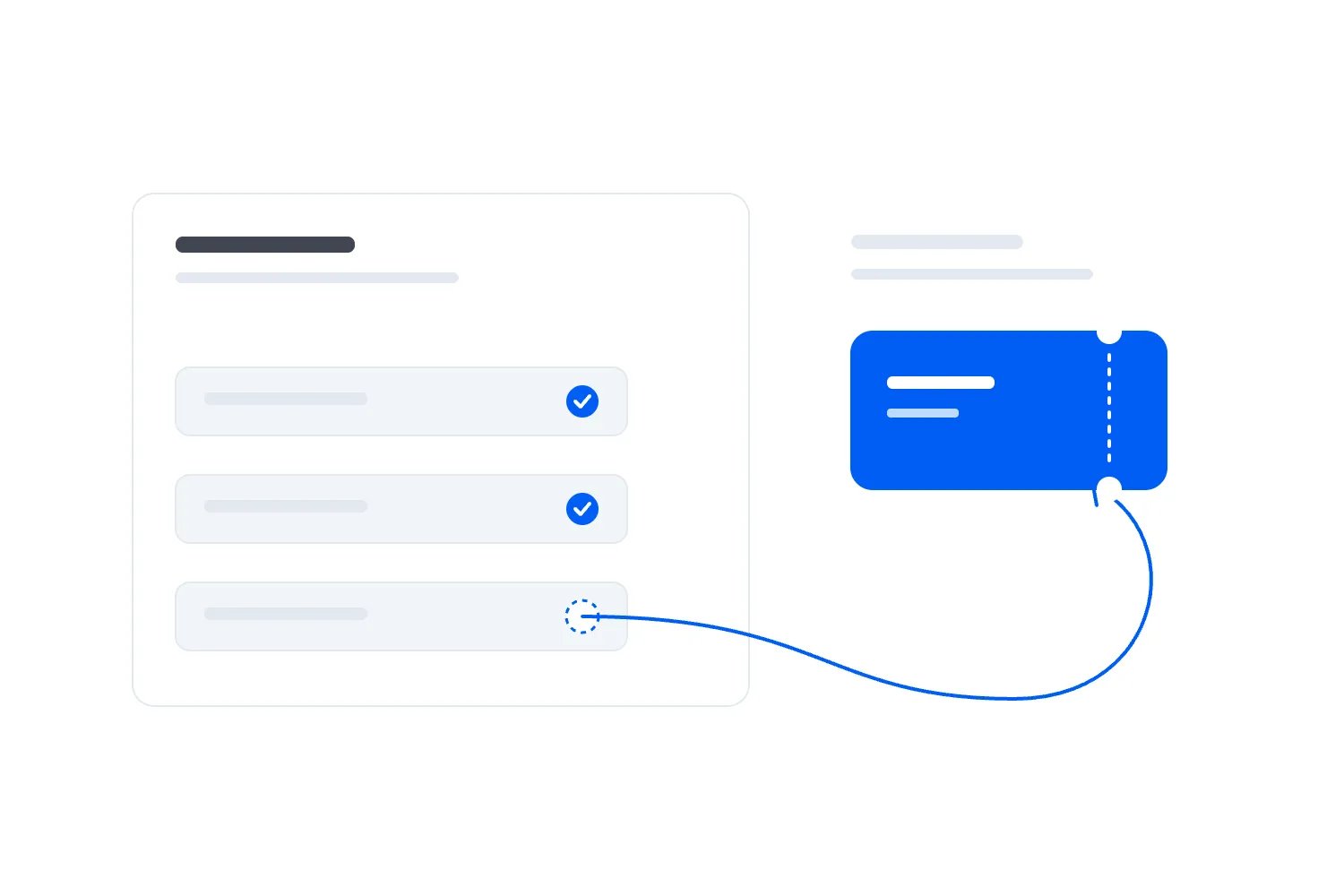
The first thing you want to do is stop the failure causing another problem. Hold the campaigns that use uncertain data, keep the original booking service running where it's working, and appoint someone to coordinate recovery. Then follow a known purchase through the connection until you can show where the information stopped or became wrong.
This guide walks through that process for a paid event business. We'll use an invented workshop example to explain the records, decisions and checks involved. You don't need to write the integration code yourself. You do need a recovery plan that your technical provider, marketing colleague and event team can understand together.
Protect the customer experience before changing the connection
Start with what could reach the wrong person today. An acquisition email might offer tickets to someone who has already bought. An arrival reminder might miss a recent buyer. A refund might be complete in ticketing while the CRM still treats the cancelled ticket as valid. Those problems need different responses, even if the same broken connection caused them.
Ask marketing to hold the sends and automated actions that depend on the uncertain records. Include audiences already downloaded or handed to another tool. Pausing a scheduled campaign in one place won't recall a file someone imported elsewhere. Give each affected campaign an owner who can confirm its actual status.
Be specific about the hold. You might pause a workshop reminder built from the CRM's attendee list while keeping an unrelated campaign running. You might also need to pause sales tasks, advertising audience updates or messages triggered by newly created contacts. List the affected uses instead of announcing that all marketing is broken.
Don't stop ticket sales simply because a downstream copy is late. Check whether customers can still pay, receive their tickets and retrieve their booking. If those services work and current admission records remain reliable, the CRM incident may be containable without closing checkout. If payment or ticket delivery is also failing, assess that separately and give it immediate attention.
The same distinction applies at the door. Staff should use the verified admission system for entry, according to your event procedure. A CRM label saying customer doesn't establish that a person holds a valid ticket for this particular performance. Don't replace working check-in with a hurried customer export just because the export is easier to open.
Tell support what they can safely say. They may be able to verify purchases in ticketing while the CRM catches up. Give them that route, the person handling exceptions, and the next update time. Customers shouldn't have to understand your software connections to find out whether their booking exists.
Name one recovery owner, even if several suppliers are involved. That person records decisions, coordinates changes and checks whether the business can resume. The technical team can own the repair. Marketing can own recipient checks. Leaving overall responsibility between them makes it easy for each person to declare their own part finished too early.
Work out what has actually stopped
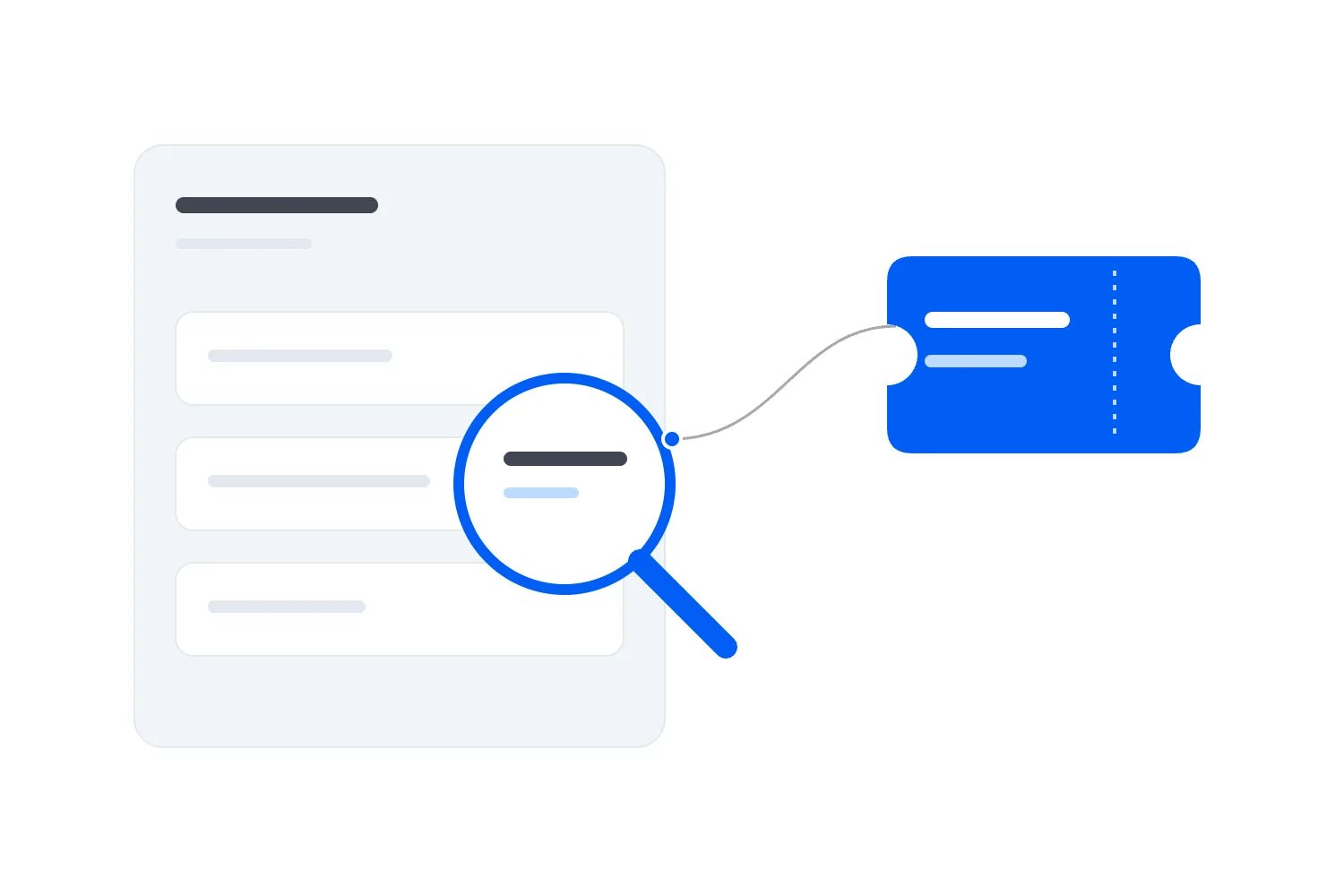
A missing CRM contact doesn't automatically mean the ticketing platform failed to send the booking. Information might have left ticketing, reached the connecting service, and then failed when that service tried to update the CRM. Or it might be present in the CRM but excluded by a filter. Start with evidence from a real affected booking.
Ask for its event, order and ticket references, purchase time and expected destination. An identifier is the reference a system gives a particular record. Preserve it exactly. Looking for a familiar customer name is less reliable because the buyer may already have a contact, may have booked for someone else, or may use a different address.
Follow that record through each supported stage: the original booking, the transfer attempt, the receiving process, and the destination record. If the connection uses a webhook, that's an automatic message sent when something changes. Other connections collect changes periodically or import files. Your provider should identify which process you're investigating before suggesting a fix.
GitHub's webhook troubleshooting guide distinguishes an event with no attempted delivery from an unsuccessful delivery and recommends checking receiving logs too. That's a useful diagnostic approach. GitHub's specific settings apply to GitHub; your ticketing connection needs its own documented checks.
A successful delivery response is evidence about one step. It doesn't, by itself, demonstrate that the correct CRM contact, order relationship and campaign exclusion now exist. Ask the provider to open the destination record and show the result. If work is processed later, check whether it is still waiting or has failed after receipt.
Watch for partial failures. New contacts may arrive while purchases against existing contacts fail. Standard tickets may sync while a recently added ticket type doesn't. One event may work while another uses a different connection or account. A few successful records shouldn't end the investigation if the original complaint concerned a different route.
Write a plain description of the confirmed fault. For example: "New paid orders reached the connecting service, but the CRM rejected records missing the newly required event field." Keep possible causes separate. An expired account connection, a changed field and a supplier outage are different claims, and the evidence should determine which one you record.
Establish the affected period, including older records that changed
Find the last record you can demonstrate arrived correctly and the first one you can demonstrate failed. Record the time zone used by each system. "It stopped this morning" isn't precise enough when the ticketing report, connection log and CRM display times differently.
Don't take the first error message as the guaranteed beginning. An earlier record may have disappeared without producing the same error, or only one category of records may have failed at first. Inspect a reasonable period before the apparent start, using the volume and pattern of your own bookings to decide how far back to look.
Likewise, the latest successful test doesn't establish the end of the affected period. Other records may still be waiting. Agree a comparison cutoff: the point in time at which you'll compare the source records with the CRM. Keep new activity after that point identifiable so it doesn't make every count change while you investigate.
Include records updated during the period, even when their original purchase happened earlier. A buyer who booked last month may have received a refund today. A ticket holder may have changed their email address. Searching only for orders created since the outage would miss both changes and leave the CRM confidently out of date.
For each relevant type of change, ask where the latest reliable record lives. Ticketing may establish current ticket validity. The payment record may establish whether a refund completed. The email tool may hold the latest unsubscribe. There's no reason to treat a single export as authoritative for every field just because it is convenient to download.
Suppose our fictional business, Harbour Classes, discovers failures between 09:00 and 11:00 UTC on 14 June 2027. The team checks records from 08:45 through an agreed 11:15 cutoff to examine the boundaries. Those times are invented investigation choices, not recommended intervals. Earlier purchases updated within that window are included too.
Keep uncertainty visible. If you can prove that failures began by 09:00 but can't yet establish whether they began earlier, say so. Your recovery can expand as evidence improves. Calling a guessed period complete risks releasing the exact audience whose missing records nobody thought to check.
Preserve what you need to investigate and repair
Before changing mappings or importing replacements, keep an authorised record of the relevant settings, source data and destination values. You need to know what was there before the repair, both to investigate the cause and to reverse an incorrect change. Use the secure storage and access rules your business already maintains for customer information.
Record the source system, event, filters, cutoff and extraction time for each file or report. Keep the original separate from the version prepared for recovery. If someone removes a column or corrects a format, that working copy should be distinguishable from the source. A colleague should be able to repeat the comparison without relying on your memory.
Take particular care with the fields the repair will overwrite. A full CRM backup may be appropriate in some setups; a supported export of the affected records and settings may be enough in others. Ask your administrator what the platform can restore and what an import would leave untouched. Don't promise a reversal until someone has checked how it would work.
Limit the information you copy into the incident notes. Order references, affected field names, times and error summaries may be sufficient for coordination. Avoid filling a shared chat with customer records to make the problem easier to explain. Give authorised technical staff secure access to the detail they actually need.
OWASP's logging guidance recommends recording enough context to investigate an action while excluding information such as access tokens, passwords and payment card data. Apply that restraint to your incident evidence too. You can identify a failed transfer without copying its credentials into a support ticket.
Preserve settings before trying the familiar quick fixes. Disconnecting and reconnecting an account may change access, filters or processing behaviour. It may be necessary, but ask what will happen to waiting records and whether the connection will start again from an earlier point. Record the answer before someone clicks through the setup screen.
Also note changes made during the incident. If your team edits the mapping, the supplier repairs access and marketing manually corrects contacts at the same time, the final records may be difficult to explain. Coordinate those actions through the recovery owner and record their timing. Otherwise, a later import can undo a correction that another colleague just completed.
Compare orders and ticket states before counting customers
Your CRM might have fewer contacts than your ticketing system has orders, and still be correct. An existing buyer can place another order without creating a new person. A group buyer can purchase several tickets in one transaction. Check each kind of record against its own expected destination rather than trying to make unrelated totals agree.
For Harbour Classes, imagine that 12 paid orders in the comparison period contain 18 tickets at $50 each. All figures in this example are invented and in USD. There are no discounts, taxes or additional fees in the calculation. Gross ticket charges are $900. Three orders come from existing CRM contacts; nine come from new buyers, each with a distinct address in this simplified example. We'll check this set separately from older orders updated during the outage.
At the comparison cutoff, one of those orders has a completed $50 refund and one cancelled ticket. The source therefore shows 18 tickets originally issued, 17 still valid, and $850 of ticket charges after that refund. A separate transfer changes the holder of another ticket. It doesn't add a sale or change the amount paid.
The CRM initially contains nine of the orders and 14 originally issued tickets, representing $700 of gross charges. Three missing orders contain the other four tickets and $200. The refund belongs to an order already present in the CRM, but its update hasn't arrived. The holder update is missing too. Simply importing the missing purchases would restore $900 of gross charges while leaving the current amount and admission status wrong.
Make a recovery list by stable order and ticket references. Separate missing records, existing records with wrong values, repeated copies and records needing human review. Include the expected correction and the evidence behind it. Some rows may require an order to be created; others need a status or relationship repaired without creating anything new.
Don't use matching totals as your only proof. One missing $50 ticket and one extra $50 copy cancel each other in the sum. You'll report the right money while addressing the wrong people. Compare the actual reference lists and important states as well as the aggregate amounts.
If the original definitions are unclear, resolve that before preparing the import. Our guide to sharing ticketing, CRM and email data explains the relationships between people, orders, tickets and permissions. For recovery, use those definitions to decide exactly what the destination should contain at the agreed cutoff.
Choose a repair method that matches the missing information
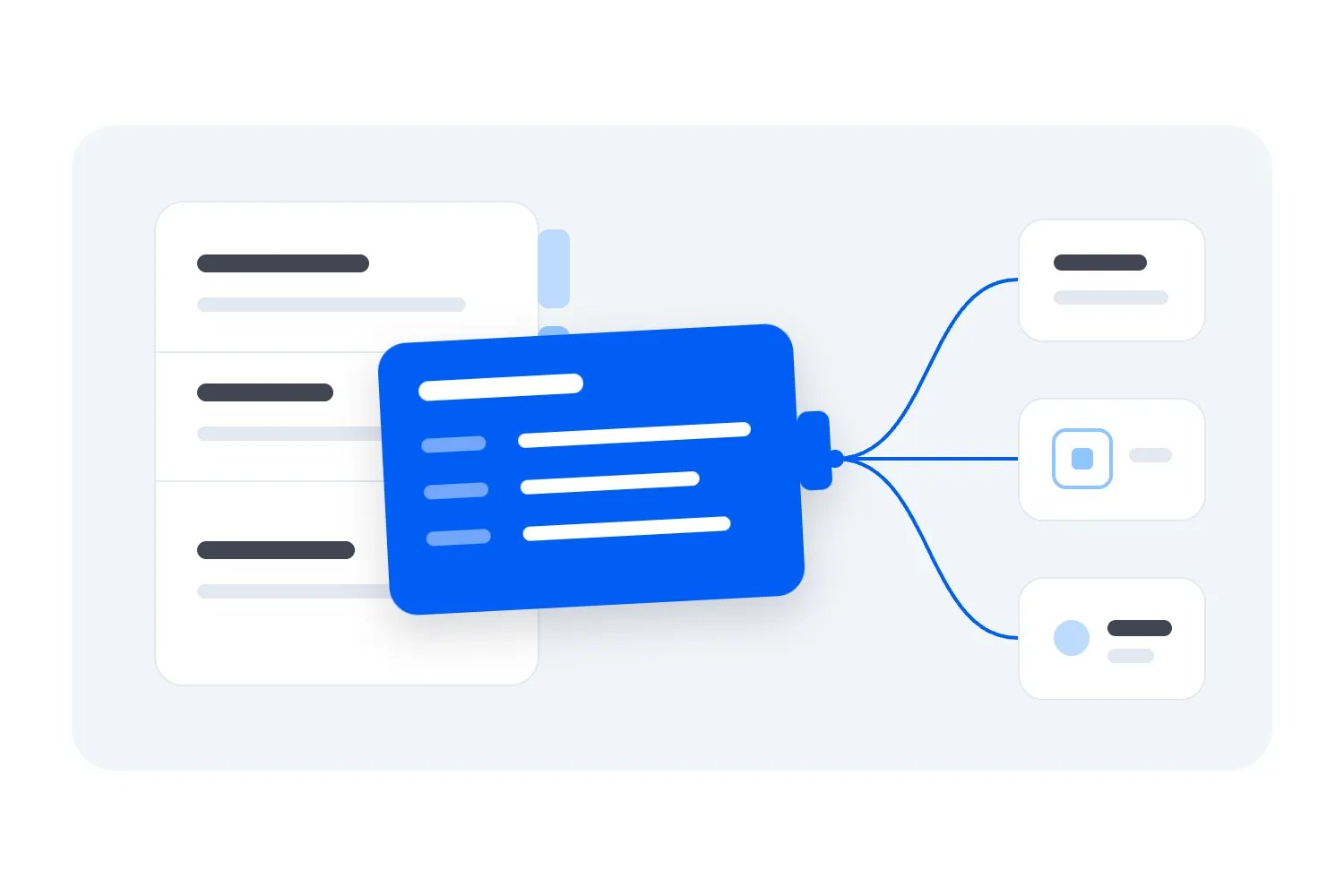
Ask your provider to compare two possible recovery approaches. One reprocesses the original change messages through the supported connection. The other updates the destination from verified source records. You may need both, but someone must explain which records each approach covers and how they avoid repeating one another's work.
Reprocessing can help when the original messages still exist and your connection knows how to handle them safely. Ask about the provider's retention period, the supported recovery route and whether automatic retries are still running. Don't assume every failed message remains available indefinitely or that pressing retry reaches every missing record.
Stripe's guidance on processing undelivered events warns that manual recovery can overlap with automatic retries and must guard against processing the same event twice. That documents Stripe's behaviour, not a universal CRM feature. Your provider needs to demonstrate the equivalent protection for your actual connection.
A current source update can be useful when the destination needs today's correct position rather than every historical message. For example, an existing ticket may need its current cancelled status and current holder checked. The repair must preserve whatever history and relationships the CRM requires; replacing a record with a few current fields isn't always enough.
Ask whether you also need activity history. Restoring a buyer's current spending total doesn't necessarily restore the date of the purchase, the completed refund entry or the event association used in reporting. Agree which information the business needs and which the recovery method can restore. Record any limitation instead of letting a complete-looking contact profile conceal it.
Avoid replaying an old purchase in a way that reinstates a ticket cancelled later. Stripe's webhook documentation explains that event delivery order isn't guaranteed and duplicate deliveries can occur. For your repair, ask the implementation team how older messages are prevented from overwriting later verified changes. A timestamp alone isn't proof that their method handles every conflict.
Don't let an emergency import become an unsupported integration project. If your systems offer a documented recovery or import route, use it with the agreed matching rules. If they don't, have the responsible provider prepare a controlled repair. Copying rows into a new automation that nobody has tested can create a second source of errors while the first is still being investigated.
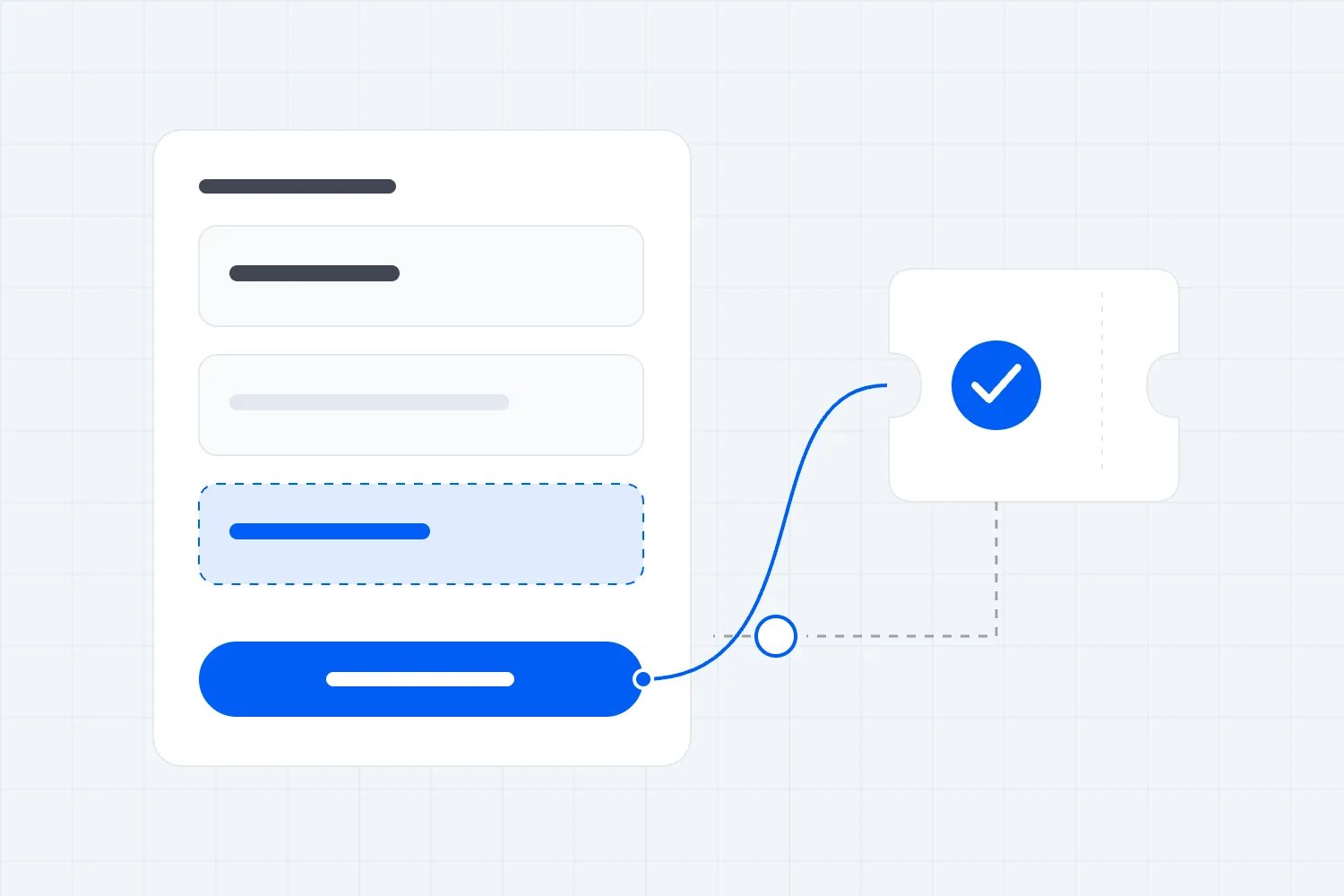
Test a small repair before releasing the full set
Pick a small group that represents the failure, rather than choosing only the easiest records. Include a missing order, a purchase by an existing customer and a record with a later change. In our workshop example, you'd also want the refunded ticket and the transferred ticket represented in the checks, whether or not they fit in the first import batch.
Agree what each test should do before running it. A missing order should appear once with the correct tickets and buyer relationship. An existing buyer should keep their contact history. The completed refund should reduce the chosen financial amount once. The cancelled ticket should remain invalid. A transfer should update the holder without moving the purchase to a different buyer.
Keep customer-facing actions held while you run the repair. Creating an old order in the CRM today might satisfy a rule that sends a welcome email or assigns a sales task. Your administrator should check the actual workflow behaviour, including whether historical dates affect it. Don't assume an import is silent simply because nobody pressed send.
Repeat a supported test safely under the provider's supervision. The purpose is to show that receiving the same source record again doesn't create another order, duplicate spending or repeat an email. Ask for the result at the destination and in any connected actions. The absence of an error message isn't enough.
Check the fields that should remain unchanged. A recovery file may contain old contact details or empty values. Import settings might overwrite a corrected email address, remove a useful company relationship or clear a field that wasn't part of the incident. Limit the update to the information you have authorised and verified.
Then inspect the import or processing report. Read rejected rows and warnings, even if the system calls the job complete. Some jobs finish after skipping the records that need attention. Keep those references on the recovery list, give each an owner, and don't count them as restored until their destination values have been checked.
Once the sample behaves correctly, apply the same approved method to the remaining records in controlled batches appropriate to your system. Record what each batch attempted and what it changed. If the result differs from the sample, stop and investigate before continuing. A smaller repair that you can explain is more useful than a full import whose effects nobody can trace.
Handle fresh bookings while the historical repair runs
Your event doesn't necessarily stop selling while the CRM is being repaired. That means the team needs a clear way to distinguish the comparison period, the historical repair and new activity arriving after the cutoff. Otherwise, an apparent mismatch may just be a booking made while you were adding up the earlier list.
Ask the technical owner to describe how live processing and recovery interact. They may keep the live connection receiving records while historical updates run through the same supported process. They may temporarily hold a destination workflow while preserving incoming work for later processing. The implementation depends on the system, but losing new bookings in the gap isn't an acceptable recovery plan.
Keep the 11:15 cutoff in the Harbour Classes example fixed for the original comparison. If the live connection resumes later, check records created and updated between that cutoff and resumption too. That is a second, explicitly identified interval. Don't move the original cutoff every time someone refreshes the sales report and then wonder why the repair never balances.
Check records that change during recovery. A customer could cancel after the first source extract, or correct their address before you apply the repair. Your provider needs a way to detect those newer changes and preserve the correct final position. A file that was accurate when downloaded may be out of date by the time it is imported.
Use a final comparison after the historical work catches up. Confirm that the agreed earlier records are correct, then follow the later records through to the destination. Keep any unresolved cases outside campaigns whose selection depends on them. If the connection can't safely handle concurrent changes, agree a controlled alternative with the provider rather than improvising edits in two places.
A temporary manual process needs the same discipline. Name who updates which records, where they record completed work and when the normal connection takes over. Remove or retire that process deliberately afterwards. Two colleagues maintaining separate copies after recovery can reintroduce the disagreement you just spent the morning fixing.
Recheck email permission and the audience about to receive a message
A recovered contact isn't automatically eligible for a campaign. An old purchase file may predate an unsubscribe. A customer may have supplied an address for booking administration without choosing promotions. The repair needs to preserve the latest applicable permission and exclusion records, including changes made in the email tool while ticketing data was delayed.
For UK audiences, the ICO's electronic mail marketing guidance explains consent and the conditional existing-customer exception for an organisation's own similar offers. It also requires an opt-out route. The guidance is under review following legislative changes; check the current rules for your situation. A successful data import doesn't establish marketing permission.
Start with the campaign you paused. What makes somebody a recipient? What should exclude them? If the message asks people to buy a ticket, verify the current-buyer exclusion. If it's arrival information, verify the correct event and current ticket status. If it's a future event promotion, verify the relevant permission and suppression rules too.
Rebuild the audience after the repair using current, verified records. Don't reuse the file exported before the incident simply because the scheduled send is late. Check whether your email tool evaluates a saved audience at send time or retains an earlier selection. Your administrator should demonstrate what this specific campaign will use.
For Harbour Classes, inspect a current buyer who should leave the acquisition audience, the cancelled ticket holder who should leave an admission-based reminder, and a transferred ticket whose current holder needs the appropriate event information. Keep the buyer's purchase relationship separate. A transfer doesn't automatically make the new holder the person who paid.
Review what already went out. If someone received an unnecessary sales offer, decide whether a correction would help or merely add another email. If someone missed essential arrival information, prioritise getting the correct details to them through your verified event communication route. The remedy should address what the customer actually experienced.
If you work in Loopyah, attendee email tools distinguish event updates from promotions and remove opt-outs from promotional recipients. Use that built-in handling for the messages it supports. It doesn't establish that a separate CRM has been repaired, and you still need to choose the right event, audience and message.
Avoid solving uncertainty by subscribing everyone again and asking them to opt out later. Keep unresolved permission cases out of promotions until the responsible person can establish their eligibility. That is a separate decision from sending necessary information about a booking the customer already holds.
Prove recovery before calling the incident closed
Go back to the original complaint and demonstrate that it no longer applies. If a buyer's second order failed to appear, show that order on the existing contact. If refunds stopped updating, show the correct refund and ticket status. A new test purchase proves only the route it exercised at the time you ran it.
For the fictional comparison, the restored records should show all 12 original paid orders and all 18 originally issued tickets, with 17 currently valid. Gross charges remain $900; subtracting the completed $50 refund leaves $850 on the stated basis. The transferred ticket has its current holder, and the original buyer still owns the purchase history.
These are separate checks. You could get the $850 amount right while leaving the cancelled ticket valid. You could restore all 12 orders while linking one to the wrong customer. Confirm references, relationships and important values together. Keep an explanation for every difference between the source and destination rather than adjusting a total to make it match.
Check the new activity too. Follow the records after the comparison cutoff through the resumed process, including changes to earlier purchases. Look at the oldest outstanding work and the rejected items, not only the most recent success. A steadily growing backlog means the connection is still falling behind even if individual bookings appear.
For personal data within the UK rules, the ICO's accuracy guidance calls for reasonable steps to correct inaccurate or misleading information and to make its source and status clear. That guidance also carries a notice that it is under review. Keep unresolved records labelled and assigned rather than presenting them as verified customer facts.
Marketing should approve its rebuilt audiences separately from the technical repair. Support should know where to verify remaining exceptions. Finance should understand any report that stayed provisional during the incident. The recovery owner can then record which uses are safe to resume and which still have restrictions.
Choose an observation period that covers your actual processing cycle and relevant activity. There isn't one universal number of minutes that proves an event integration is healthy. A connection that collects changes periodically needs a different check from one that usually sends them immediately. Agree the period and evidence with the provider, then record what happened during it.
What if some records cannot be recovered?
Sometimes the original messages are no longer available, the source export omits a needed change, or two records disagree without enough evidence to resolve them. Don't fill those gaps with whatever makes the report balance. Record the specific missing fact and decide which business uses can continue without it.
Suppose Harbour Classes can verify a ticket's current validity in the admission system but cannot yet reconstruct its transfer history in the CRM. The event team may still have a reliable basis for admitting its current holder. A report about which customer originally introduced that attendee would remain uncertain. Treating both questions as blocked, or both as solved, ignores what you actually know.
For each unresolved case, write down what is verified, what remains unknown, who will investigate and which action depends on the answer. Keep a route back to the source evidence. You might hold one contact out of a promotion without withholding necessary booking information, provided the appropriate recipient and communication route are established.
If a provider cannot restore historical changes, ask whether another authorised source can establish the required current position. A completed payment record, a supported ticket history or an existing customer-service record may help with a particular fact. Check its meaning and date. A bank payout alone won't identify every ticket holder or establish who agreed to marketing.
Contact the customer only when their input is necessary and useful. Don't ask every buyer to resend their confirmation because your CRM copy is incomplete. If you need to resolve a specific booking, use your normal verification process, explain the information you need and avoid requesting payment credentials or unrelated personal details.
Be equally careful about undoing a bad repair. If an import created duplicate orders, deleting all contacts created that day could remove genuine new buyers too. Use the recorded repair references and supported reversal process to identify what changed. Ask the administrator to check newer activity before restoring old values. A reversal can overwrite legitimate updates just as an import can.
The commercial impact also needs evidence. Missing CRM records are not automatically lost ticket sales. If checkout worked, those purchases may already be secure. Separate confirmed extra staff work, communications that actually went wrong and any directly evidenced financial loss. Keep possible future effects, such as weaker repeat sales, clearly identified as uncertain rather than presenting them as money already lost.
You can estimate the cost of handling the incident using actual staff time and agreed cost rates, but say what the calculation includes. Staff time used for repair is different from an additional cash payment to a supplier. Recording both can help you judge the connection's maintenance burden without pretending they are identical expenses.
Agree the consequence of leaving an exception unresolved. A historical reporting discrepancy may wait for a scheduled review. An uncertain recipient for tomorrow's essential arrival message needs an earlier decision and a verified alternative route. Priority should follow the event deadline and customer consequence, rather than whichever record is easiest to correct.
When you report progress, give the unresolved cases their own status. "Live processing restored; historical repair checked except for the listed transfer records" is more useful than saying either everything failed or everything is fixed. Name who will close those exceptions and when the team will hear from them again.
Keep a recovery record your team can actually use
You don't need a long incident report while tickets are still selling. You need a shared record that distinguishes confirmed facts, decisions and unfinished work. Start with the fields below and keep customer details in the authorised systems or secure evidence files they refer to.
Incident and owner: the event or events affected, the person coordinating recovery, the technical owner and the marketing owner.
Business impact: the campaigns, reports, customer messages or operational decisions that depended on the uncertain data.
Affected period: the last verified success, first verified failure, comparison cutoff, time zones and remaining uncertainty about the boundaries.
Evidence: references to the original source extracts, destination snapshot, relevant settings and error records, with their filters and extraction times.
Repair decision: the supported method, records and fields it will change, matching rules, actions held, reversal method and person approving it.
Results: attempted, restored, rejected and unresolved references, plus checks of current states, relationships, amounts and campaign eligibility.
Resumption: the uses released, the person approving each release, observation evidence and the next check for any remaining exception.
For Harbour Classes, a useful status update might read: "New bookings are reaching the CRM again. We are checking the three missing orders and the changes to existing tickets before releasing the workshop campaign. Ticket sales and booking support remain available. Marketing will receive the next update at the agreed review time."
Notice what that tells colleagues. It separates restored live processing from unfinished historical work, names the decision still on hold and explains what continues working. You don't need to speculate about lost revenue or announce a complete fix before the evidence supports either claim.
When the repair completes, replace the provisional update with the verified result. Include unresolved exceptions if there are any. An incident can be contained while a small group remains under review, provided those records stay out of the uses that would mishandle them and someone owns their resolution.
Keep supplier communications equally specific. Give them a failing reference, expected result, actual result and relevant times through the appropriate secure route. Ask what evidence will demonstrate recovery. "The sync is broken" invites a connection-status screenshot; a precise failed purchase gives them a record to trace.
Fix the cause and decide whether this connection is worth keeping
After recovery, review why the failure happened and why your team discovered it when they did. Separate those questions. A field change may have caused rejected records, while a missing alert allowed the problem to continue. Fixing the field doesn't improve detection next time.
Agree an owner for connection access, field changes and routine checks. Decide who reviews rejected records and who responds when no updates arrive during a period when the source shows activity. A quiet event can legitimately have no new bookings. Monitoring should distinguish that from a busy checkout whose CRM has stopped changing.
Use several signals appropriate to the connection: outstanding work, rejected updates, time since the last verified destination change and source records with no matching result. Ask your provider which are available through supported tools. A green account connection is useful, but it doesn't tell you whether yesterday's refund or today's group order was represented correctly.
Add the failure you experienced to your acceptance checks before the next material change. If an existing buyer's second order was the problem, test that case. If a new ticket category failed, test the next category before selling it. Our guide to cleaning ticket and attendance data can help with the comparisons used to verify those results.
Then ask whether every handoff is still necessary. Loopyah's event CRM keeps ticket buyers as contacts across events, including purchase history and email permission. If your external connection exists only to maintain another buyer list for repeat event emails, review whether the built-in customer records already cover the job. Verify your actual requirements before paying to maintain the same information twice.
You may still need a separate CRM for company relationships, sponsorship sales or other work outside ticketing. Keep the connection if it supports a clear business requirement, and fund its maintenance as part of that requirement. Our guide to event integration setup costs explains why ownership, testing and ongoing work belong in the decision.
Before you close the recovery record, put a name and due date against the cause fix and the detection improvement. Keep the original failing example so the team can prove both changes worked. Then release the next campaign from a freshly checked audience, with the people responsible able to explain why its recipients are correct.

Author: By the Loopyah Content Team
The Loopyah Content Team shares expert insights, practical guides, and industry updates to help event organizers create unforgettable experiences and stay ahead in the event planning world.