· 25 min read
Customer support for event businesses: how should you run it?
Someone's trying to buy four tickets, but their payment keeps failing and the early-bird price ends tonight. Someone else has paid and can't find the confirmation email. Another customer is standing outside the venue, holding a ticket that won't scan. In Loopyah's 2026 survey of 500 US consumers, 41% named unclear details as a reason an event doesn't feel worth it before buying a ticket. Whatever it is, customer support can literally make or break your event and event business.
Bad customer support is bad events business. An unanswered question can interrupt a purchase. A missing ticket can turn a paying customer into a queue at the door. A refund request that keeps bouncing between inboxes uses staff time and leaves your buyers wondering whether anyone is dealing with it.
But every support request will most likely require different answers, from different people, on very different timescales. Good customer support for event businesses starts with that distinction. Today, AI can help with repeat questions and routine work once those arrangements are clear. It can also help with more complex support requests in a more autonomous way.
This guide explains how to organize your support work, decide what to automate, and find the right customer support software for your events operation. It also covers practical response examples, and a worked cost calculation. The aim is a service your team can actually deliver through a busy event weekend.
Plan support around the customer's deadline
An event has a start time. That makes its support operation different from a business where the same problem can usually be fixed tomorrow.
Start by identifying when an answer stops being useful. Before purchase, that might be the end of a ticket release. For a customer travelling to the venue, it might be departure time. At the entrance, it could be the start of the performance. A general promise to reply within a working day tells you very little about whether those people get help in time.
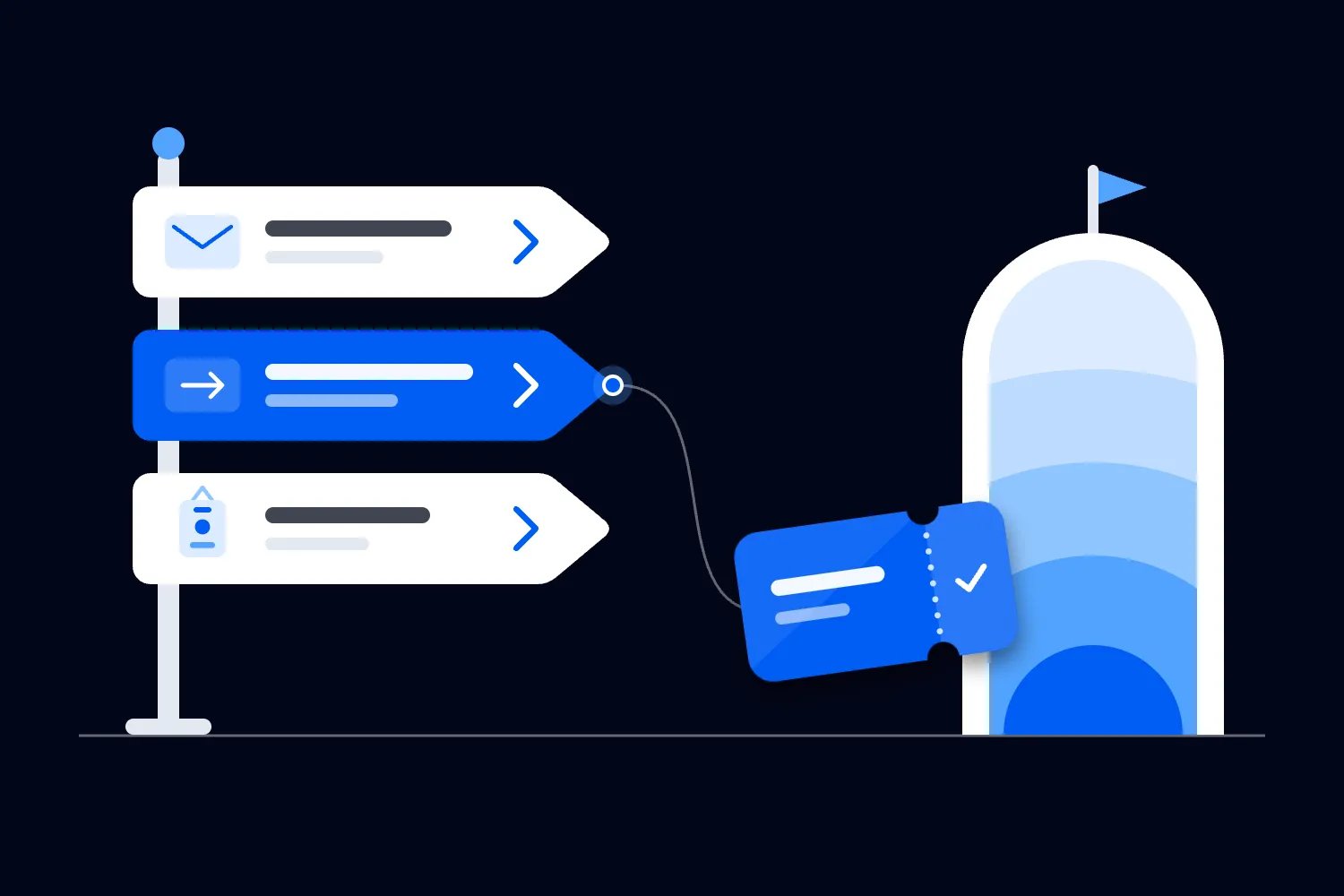
Use those deadlines to arrange coverage. During an ordinary sales week, published support hours and a monitored inbox may be enough. On a major release day, someone needs to watch questions that prevent purchases. During arrivals, a named person needs authority to investigate booking and entry problems while the rest of the team keeps admitting people.
The same message can change priority as the event approaches. "I can't find my ticket" next month can follow your normal booking process. "I can't find my ticket and the show starts soon" needs the arrival support route. Store the event and session against each request so staff can see that difference without another round of questions.
Publish the hours, contact method and event-day help location together. Include the venue's time zone where customers may be travelling. If live chat closes before doors open, say where people should go afterwards. A customer shouldn't have to discover your staffing arrangements by sending a message that nobody sees.
Choose response targets after checking who can meet them. Staff need enough time to investigate, take breaks and hand over work. A promise that depends on the producer checking their phone between stage cues is likely to fail at exactly the wrong moment.
Prevent the questions your ticketing and communications can answer
Before buying another support tool, follow your own purchase and arrival instructions on a phone. Ask a few people in your team to do the same. Can they tell what the ticket includes, find the booking confirmation, and identify the correct entrance?
Repeated questions often identify missing information. If customers keep asking whether the evening session is included, explain the ticket's entitlement where they choose it. If they confuse doors with the performance time, put both times in the arrival message. Answering each person faster still leaves the confusing page in place for the next buyer.
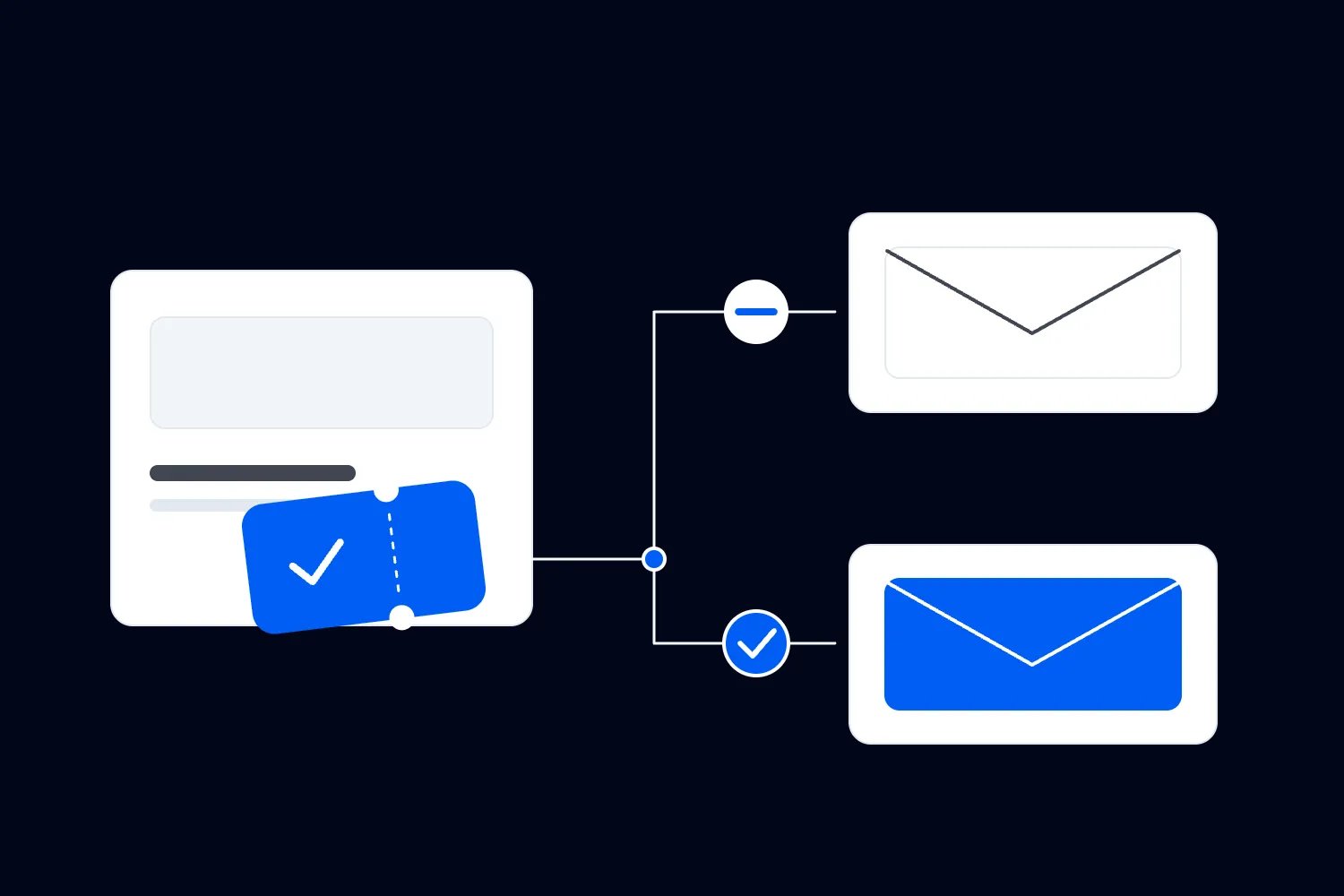
Use the ticketing functions you already have. With Loopyah's ticket checkout, the confirmation email links to the buyer's QR tickets. Your arrival instructions can tell customers where to find that confirmation, rather than making everyone contact your team for a ticket attachment.
Important event changes also require proactive measures. Someone who already bought a ticket may have no reason to revisit your website or open a chatbot. If the entrance changes, tell the affected ticket holders, update the public information, and brief the staff who will meet them.
Loopyah's attendee email tools support event updates to ticket holders and test sends before delivery. Your team still confirms the new arrangement and writes the message. Keep an essential arrival update focused on the event the customer has paid for, so the instruction is easy to find.
There is a useful order here. Correct the information where the confusion begins, tell people who already relied on the old version, then update saved replies and any automated assistant. Otherwise, your support tools can keep repeating an answer you have already changed elsewhere.
Our guide to building an event customer support knowledge base covers writing and maintaining the answers. The operating plan should identify who approves them, who updates them during a change, and who takes over when the published answer doesn't resolve a particular booking.
Choose contact channels your team can actually cover
Email works well when a request needs a written record and can wait for investigation. Website chat can help a buyer clarify something while choosing tickets. A staffed support point at the venue gives arriving customers somewhere to go when their phone, account or ticket isn't working. Choose according to the job and your coverage.
Social messages need an arrangement too. If customers ask booking questions under your posts or in direct messages, decide who monitors them and how those requests reach the support owner. Move private booking details into the appropriate private process, while acknowledging the public question where a response is useful.
You don't need to offer every channel. You do need to account for the ones customers already use. Publishing a support address won't stop people replying to a confirmation or messaging the account that promoted the event. Check those routes before tickets go on sale and make the next step clear wherever a request can arrive.
When a customer contacts several channels about the same issue, connect the conversations where your tools and verification process allow it. Staff should check for an existing case before starting another refund review. Tell the customer which conversation will carry updates so they have a reason to stop chasing through every available route.
Keep a usable alternative for someone who can't use the preferred channel. Test the support page and contact method on a phone, with keyboard navigation and the accessibility tools your audience uses. At the venue, make the help location identifiable without requiring a working phone. For individual access arrangements, give the customer a private way to reach someone who can confirm the venue's actual provision.
Assign every request type an owner who owns it
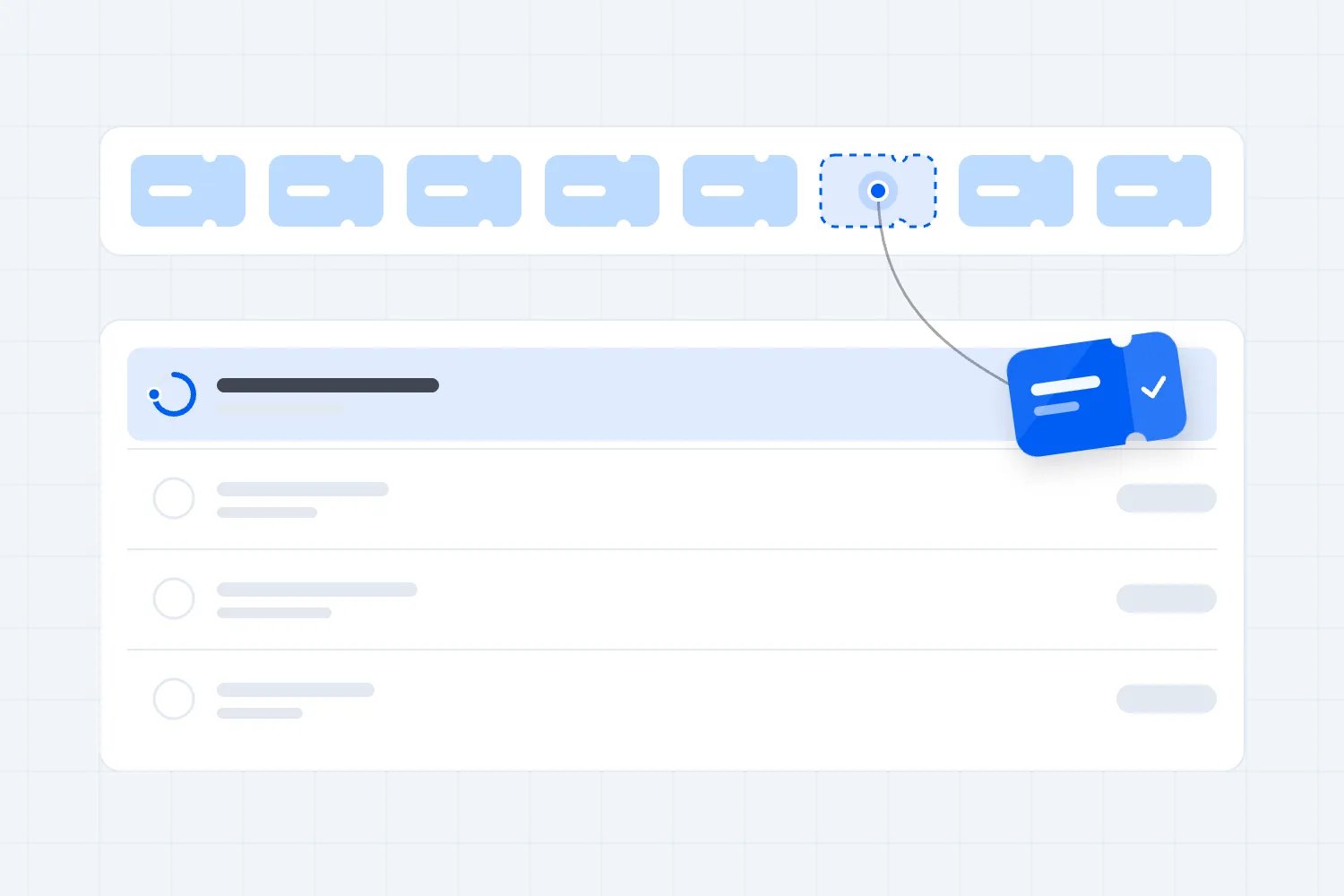
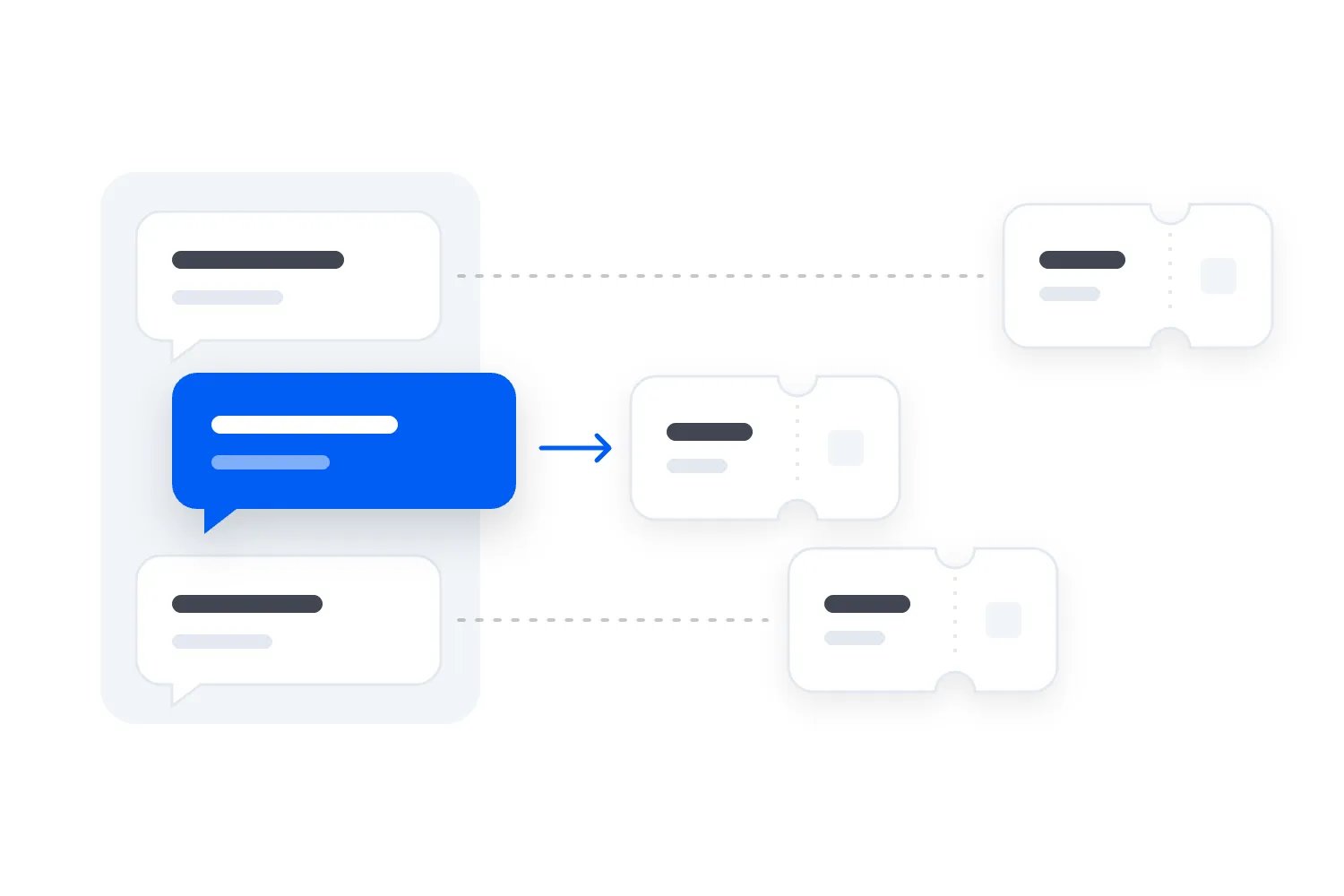
A small team can begin with a shared inbox. A larger operation may need a help desk that turns messages into assigned cases. Either way, everyone should be able to see who is handling a request and what must happen next.
Opening a message isn't the same as owning it. Neither is forwarding it to a supplier. If a buyer reports a payment problem and your ticketing provider needs to investigate, someone in your business should keep the customer updated while that investigation continues.
For each unresolved request, keep the event and session, a short description of the issue, the assigned person, the next action and the time of the next update. Add a booking reference when it is needed, through your private support process. Keep sensitive case details out of a general team chat.
Use statuses that describe the actual work. A case might be waiting for the customer, waiting for a supplier, awaiting a manager's decision or ready for the next shift. Staff should be able to tell why a case is still open without reading the whole conversation.
Agree decision rights before the event. A support colleague may explain the published refund process, while a manager approves an exception. A door supervisor may resolve an entry mismatch within the event's rules. A venue lead confirms whether a proposed access arrangement is physically available. Software can route those decisions; the business still has to assign them.
At a shift change, review the cases whose deadlines fall before the next handover. "Still waiting on the venue" is incomplete. The incoming colleague needs the question sent, the person contacted, the response needed, and what the customer has already been promised.
Prioritize requests by consequence, then by arrival time
Read requests according to what happens if they wait. Message length, channel and a customer's persistence are poor substitutes for that judgment.
For ordinary event support, use a small set of routes:
Immediate safety concerns go to the event's approved on-site response arrangements. An unattended inbox cannot provide that service.
Problems preventing imminent entry go to the arrival support team or door supervisor.
Questions preventing a purchase or a time-sensitive booking change go to the colleague who can resolve them before the relevant deadline.
General information and non-urgent follow-up stay in the ordinary queue, with a clear response expectation.
Within each route, take older unresolved cases seriously and watch promises that are about to expire. If a request changes category, move it. A booking issue reported yesterday can become an imminent entry problem today.
What this looks like during arrivals
Consider an illustrative paid workshop. The support inbox contains a question about next month's programme, a complaint from last week's customer, and a message from someone outside whose booking is under a friend's email address.
The colleague covering arrivals takes the booking problem first. They follow the event's private verification process, check the relevant booking and involve the door supervisor if the record needs a decision. They keep the customer away from the main scanning queue while that happens, using the support point agreed with the venue.
The complaint still has an owner and a promised update. The programme question stays with the normal support colleague. You haven't abandoned those people; you have assigned work according to when each response is needed.
Loopyah supports QR scanning and attendee search for check-in, including manual check-in. That gives authorized door staff a practical way to look up an attendee when scanning isn't enough. Staff must still confirm the correct person, booking and admission entitlement before changing an entry record.
If the arrival colleague is overwhelmed, use the backup you named beforehand. During a busy period, the person deciding whether to call for help should see the queue and unresolved entry cases. A weekly average response time won't reveal that the people outside are running out of time.
Handle a last-minute change as one shared problem
Consider another illustrative situation. Shortly before a paid evening event, the venue confirms that the usual entrance is unavailable. Ticket holders start asking where to go. Some have already left home; others are forwarding an old arrival email to friends.
The venue lead first confirms the usable entrance, the route to it and the implications for access arrangements. The communications owner then updates the event information and sends the confirmed instruction to affected ticket holders. The support lead updates saved replies and any automated answer, while the door supervisor briefs staff and arranges directions at the venue.
Those jobs can happen alongside one another once the arrangement is confirmed. Make the shared instruction easy for each team to find, with the event, affected session and approval time attached. If a detail is unresolved, record who is deciding it and when the next update is due. That keeps a colleague's helpful guess from becoming the public answer.
Now divide incoming messages according to what they need. Most customers may only need the new entrance. Someone who cannot use the replacement route needs an individual arrangement confirmed by the venue. A customer requesting a refund needs the relevant decision process. Give those cases their own owners instead of treating every message as another directions question.
During the change, have the support lead review what people are still asking. Repeated confusion about the street name may mean the message needs a clearer map reference. People reporting that the new entrance is closed need an immediate check with the venue, even if the approved text says otherwise. Written instructions must be checked against what is actually happening.
When the rush ends, close the shared incident only after the outstanding individual cases have owners and next actions. Keep a short record of the confirmed change and communications sent. At the next review, examine why the entrance became unavailable and whether you could have identified the issue before customers travelled. Faster replies are useful; preventing a repeat has a different value.
Write replies that explain what happens next
Good replies combine a useful answer with a clear next action. Warmth matters, but a customer should also know whether their problem is solved, what information you need, and when they will hear from you again.
Use the following as adaptable examples. Replace every bracketed field, confirm the event's actual process, and send booking details privately.
Missing ticket
"Search the email account used for your booking for [confirmation sender or subject]. Your confirmation includes [the actual ticket-access method]. If you still can't find it, reply here with your order reference if you have it and the event date. We'll guide you through our booking checks. If you're already at the venue, visit [staffed support location], open from [time]."
This gives the customer a reasonable first step and an alternative when that step fails. Avoid repeatedly sending the same instruction once they have told you it hasn't worked. A mistyped address or a group booking needs investigation.
Refund request awaiting a decision
"We've received your refund request for [event and date]. [Named role] is reviewing it under [the policy or relevant exception process]. We'll update you by [specific date and time], even if the review is still open. You don't need to start another request while we check it."
Receiving a request, approving it and returning the money are separate events. Tell the customer which one has happened. Only confirm a refund amount or processing status after checking the actual record. If another team controls the payment, explain that dependency without sending the customer away to restart the conversation.
Confirmed event change
"The entrance for [event] has changed to [confirmed entrance and address]. This applies to [affected session or ticket group]. [Explain what happens to existing tickets]. Use [current arrival instructions]. If this creates a problem with your access arrangements, contact [staffed route] so we can confirm what is available."
The strongest part of that message is the confirmed instruction. Leave out unapproved workarounds, guessed refund options and vague reassurance. If a detail is still being decided, say what is known and when the next update will come.
Complaint after the event
"I'm sorry [specific part of the experience] fell short of what you were told to expect. We're checking [the relevant records or arrangement] with [responsible role]. We'll update you by [date and time] with what we found and the next step. If you have [specific information genuinely needed], you can send it privately in this conversation."
Follow through on that investigation. Compare the complaint with the offer the customer bought and the event team's record, then explain the decision in ordinary language. If the business agrees a remedy, name who will complete it and how you will confirm that it happened. Keep the complaint open while an agreed action remains outstanding.
Save the reusable parts of these replies in your support tool. Keep the checks beside them for staff, with private instructions clearly separated from the text the customer receives. Review the completed message before sending; a saved reply can be wrong for the customer's session even when its wording is correct.
Where AI customer support helps event businesses
AI is worth considering when the team repeatedly handles questions with reliable answers, or spends substantial time sorting and summarizing requests. Start with work you can inspect and correct easily.
An assistant can explain approved ticket inclusions, locate published arrival information or help a customer choose the right support route. Staff-facing AI can draft a reply, summarize a long conversation or suggest which team should handle it. Review those suggestions against the customer's actual event and booking.
The distinction that matters is what the tool is allowed to do. Answering a question from public event information needs different controls from showing a booking, changing a ticket or issuing money. A fluent answer doesn't establish that any of those actions occurred.
For an initial deployment, separate the work like this:
Public information can be answered from approved material, with a route to staff when the answer is missing or disputed.
Booking-specific questions require appropriate identity and access checks before records are shown.
Changes to tickets or payments require a supported connection, explicit rules and a reliable record of what happened.
Exceptions and sensitive situations go to the authorized person, with the conversation included so the customer can continue where they left off.
The point is to expand automation deliberately. You may eventually automate a routine booking change with clear eligibility and a tested connection. Start by proving that the system identifies the correct booking and handles a failed action honestly. Otherwise, it may tell a customer their ticket has changed while the admission system still expects the original.
Give customers an obvious way to request a person. Test what happens outside staffed hours, and whether urgent event-day messages reach the people currently working. A bot that answers overnight provides overnight answers. It doesn't establish overnight human coverage.
Our guide to deciding whether to use an attendee support chatbot covers the narrower pilot decision. For the wider support operation, the question is whether automation helps your team finish the customer's task before its deadline.
Intercom, Zendesk or Freshdesk: what should an event business compare?
These are established customer support platforms worth evaluating when your current process struggles with volume, ownership or automation. Your ticketing platform remains responsible for the booking and admission records that job may depend on.
Loopyah provides ticketing, customer records and attendee communications. A dedicated help desk can organize the support conversations around that work and add AI assistance. A vendor's general integration capabilities do not establish that it has a ready-made Loopyah connection. Ask for that specific demonstration before buying.
The capabilities below were checked against vendor documentation on 29 October 2026. The suggested fit is our editorial judgment, based on the work described. Confirm current plans, channel coverage and charges with each provider.
Intercom with Fin: evaluate the conversation and handover
Intercom's Fin deployment guide describes configurable escalation guidance, testing with customer questions and routing through workflows. This makes it worth evaluating when you want AI-assisted conversations on your event website, with staff taking over when needed.
Give it a question that changes urgency mid-conversation. A customer starts by asking where to find a ticket, then says they are outside the venue. Does the conversation reach the arrival team with its history, or continue through the normal information flow? Check that the automated assistant stops intervening after the handover.
If you need booking-specific answers, Intercom also documents data connectors for reading or updating external systems. That introduces implementation and verification work. Ask who builds the connection, which records it can access, and how it prevents someone from requesting another customer's booking.
Zendesk: evaluate assignment and complex case handling
Zendesk's AI agent documentation describes answers grounded in knowledge sources, procedures, authorized actions and integrations. Put it on the shortlist when you need to coordinate support across multiple events, teams or decision-makers, and can maintain the corresponding setup.
Test a refund case that requires a manager's decision and a ticketing-provider investigation. Can a colleague see who owns the next action, the customer's event deadline and the update already promised? Can the next shift continue without asking the buyer to explain everything again?
Zendesk's developer documentation also describes external-system integration and escalation with context. Have the provider show those capabilities using your proposed process. A demonstration of a generic order lookup doesn't prove that a group booking, transferred ticket or cancelled session will behave correctly.
Freshdesk with Freddy AI: evaluate routine support and review work
Freshdesk's Freddy AI testing guide describes testing against knowledge sources, inspecting responses and reviewing the source used for an answer. Evaluate it when you want to organize routine customer requests and introduce automation you can test against your own event questions.
Include similar questions from different editions of the same event. For example, last month's venue allowed bags, while the next venue has a different policy. Check which answer the assistant uses, how staff identify an error, and how they correct the source before more customers receive it.
Confirm the exact Freshdesk or Freshdesk Omni configuration being quoted, the channels it covers, and the AI features included. Product names and an attractive starting subscription are insufficient evidence that the proposed setup will handle your event's busiest period.
Across all three, ask what temporary staff can see and do. An event business may need extra support colleagues for a launch or arrival period without granting permanent access to past customer cases. Include account setup, training, shift handover and access removal in the proposed process, along with any additional seat charges. The tool has to fit the team you will have on the day.
Run the same tasks through every candidate
Avoid choosing a winner from presentation quality. Give each provider the same anonymized questions and the same expected outcomes. Alongside routine FAQs, include a group booking, a customer asking for a person, an outdated arrival instruction, a failed record lookup, and a request that needs managerial approval.
Ask the demonstrator to show the resulting staff case and booking record as well as the customer conversation. Record what worked, what required configuration, what required custom development, and what the tool couldn't complete. Include the people who will use the software during the event in that review.
For a small operation with manageable demand, a shared inbox and clear responsibilities may remain the better choice. The useful purchase is the one that fixes an observed problem at a cost the event business can carry.
Connect booking data only where it improves the job
Support staff may need to know which event a customer booked, whether payment completed, and which ticket remains valid. They rarely need unrestricted access to every customer record to answer a single question.
Begin with the task. For a missing-ticket enquiry, define the approved verification and recovery process. For a refund enquiry, decide what status staff need to see and who can authorize the next action. Then identify the minimum information the support tool needs.
Loopyah's event CRM keeps buyer records across events, including purchase history and email permission. That is useful customer context within Loopyah. Showing it inside another support platform requires a separately verified connection and appropriate access controls; don't assume that happens because both products have a customer database.
Ask what happens when the connection fails. The customer should receive an honest statement that the record couldn't be checked, followed by a useful staff route. A cached answer from an earlier booking can be worse than no answer if the ticket was transferred or refunded afterwards.
Also separate reading from changing. Staff may be able to view a booking without being able to issue a refund. An assistant may explain transfer rules without being allowed to change the ticket holder. Agree those permissions with the people accountable for admissions and money, then test them with safe test records.
Avoid testing payment-changing actions against real customer bookings. Get the provider to explain its test environment and how an action is confirmed, logged and checked for duplicates if a request is retried. Your team needs to distinguish "the change was requested" from "the change completed."
Budget for the whole support operation
Price the process you will actually run. Include the support subscription, any AI usage charges, setup, connections, training, answer maintenance, supervision and staff covering exceptions. Ask for a quote based on both an ordinary sales month and a busy event month.
Here is an illustrative calculation using invented inputs, not a vendor quote or an industry benchmark. Suppose your team receives 600 routine enquiries across an event cycle, each taking five minutes of staff work. That is 50 hours. At an assumed staff cost of $30 an hour, including employment overhead, the work costs $1,500.
Now suppose a pilot genuinely resolves 240 of those enquiries without subsequent staff handling. The remaining 360 still take five minutes each, or 30 hours. Maintaining answers and reviewing automation adds eight hours, bringing staff work to 38 hours. At the same assumed rate, that costs $1,140. Add a hypothetical $250 software charge and the total becomes $1,390.
Under those assumptions, the recurring saving is $110 per event cycle. If initial setup takes another ten staff hours, its $300 cost makes the first cycle $190 more expensive than the manual process. The comparison excludes exceptional enquiries and event-day cover because this example assumes those costs stay the same in both options.
Replace every input with your records. In particular, check how long the remaining enquiries take. If automation handles the easy questions, the remaining cases may require more investigation than the original average. Also include any customer who returns through another channel after the assistant supposedly resolved their request.
Saved hours become a cash saving only when you can reduce an expense. If the same salaried colleague works the same hours, automation may release time for production or sales work without reducing payroll. That can still justify the purchase; describe the benefit accurately.
Avoid adding assumed ticket sales to make a weak calculation look profitable. If faster support appears to recover purchases, track completed orders and the circumstances before claiming an effect. A question answered before checkout is useful, but it doesn't establish that the customer would otherwise have abandoned the purchase.
Measure whether customers finish the task
Your dashboard should reveal unresolved problems before reporting how quickly messages were sent. An automated acknowledgement can make first response time look excellent while the actual request waits all weekend.
Track the time to a useful response separately from the time to the first acknowledgement. A useful response either answers the question or moves the case forward with a specific action. For urgent arrival cases, also check whether the customer received help before their session began.
Review repeat contact about the same issue, reopened cases, promises missed and cases still unresolved when their deadline passed. Break these down by event phase. Pre-sale questions, arrival problems and post-event complaints have different consequences and shouldn't disappear into one average.
For AI, inspect a sample of claimed resolutions. Did the answer match the correct event? Was the customer sent to another channel? Did a staff member quietly fix the issue later? Keep the limits of your measurement visible when you cannot connect conversations across channels.
Compare events using the same measure. Questions per booking can help you investigate repeated purchase confusion, while entry issues per attendee may suit arrival reviews. A group booking covers several attendees, so those rates answer different questions. State which one you used and compare similar event types before deciding that performance improved.
Finish the review with a specific operational change. Correct the ticket description causing inclusion questions. Add arrival cover where queues formed. Change the handover that stranded refund requests. A rising count of automated conversations is interesting only if customers get better outcomes for the work and money involved.
Put the plan into practice before your next event
Start with a completed event and review the requests your team actually received. Separate unclear information, routine questions, individual booking problems and cases needing a decision. Pick the recurring problem with the clearest consequence for customers and staff.
For the next event, correct the relevant page or message first. Assign an owner and backup for unresolved cases, publish the available support routes, and confirm the event-day handover with the venue and door team. Give staff the authority and system access their assigned job requires.
Then test the whole task as a customer. Ask a pre-purchase question, find a ticket, request a booking review, arrive without a working QR code, and contact support after normal hours. Check the reply, the staff assignment and the final result. Include someone who didn't help build the process so they can expose assumptions your team stopped noticing.
If AI or a new help desk is part of the plan, introduce it to a limited set of questions while staff remain available. Keep a named person responsible for reviewing answers and pausing automation when it gives outdated information or fails to hand over. Rehearse the alternative contact route before you need it.
Choose the tool after that exercise. You will know which questions should disappear through clearer information, which work needs automation, and which decisions require people at the event. Ask a provider to demonstrate those exact tasks, with the staffing and full cost needed to deliver them.

Author: By the Loopyah Content Team
The Loopyah Content Team shares expert insights, practical guides, and industry updates to help event organizers create unforgettable experiences and stay ahead in the event planning world.