· 21 min read
How to choose a venue for a hybrid event
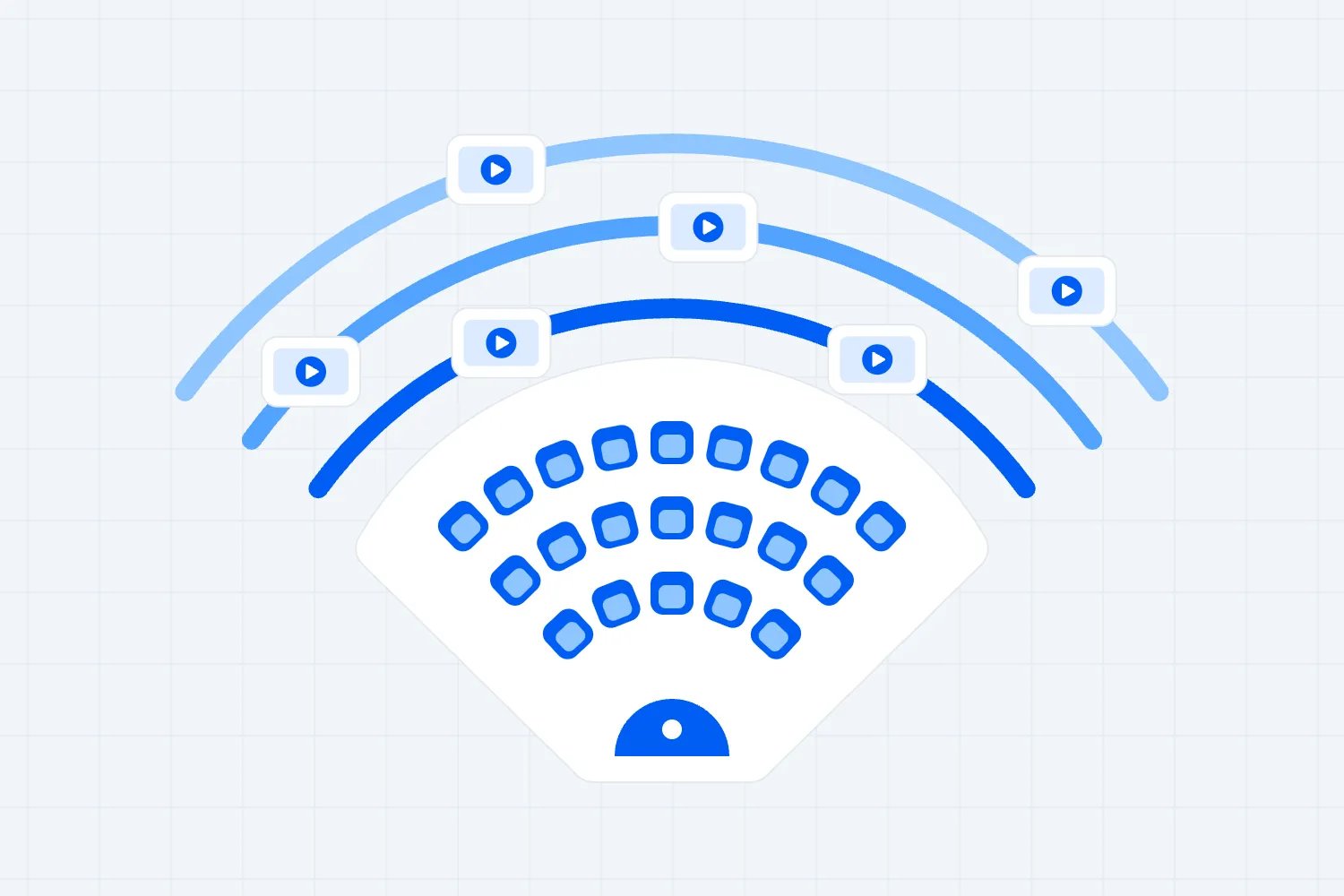
Choose a hybrid event venue by testing whether the actual room can deliver the experience you're selling to both audiences. Start with availability and rough costs, then check sound, camera positions, reliable upload connectivity, accessibility and production access before your final comparison. A lovely room with vague technical promises is a risky booking.
So you've found a venue you like. The location works, the photos look great and the sales manager says they've done hybrid events before. Now what? You need to find out what that means for your event, with your programme, your crew and people paying to watch online.
This guide walks you through the brief, room inspection, technical tests, comparable quotes and final booking decision. It's for paid conferences, workshops, talks and other events where the physical venue also has to support a live online audience.
Start with what each ticket actually buys
First, write down the experience that your ticket buyers are buying. Not the equipment you'd like to hire. The experience.
An online ticket might buy access to the main stage, a moderated question session and recordings afterwards. Your physical ticket might include those sessions plus workshops, lunch and face-to-face conversations. Those are different offers. You don't have to make them identical, but you do have to make each worth paying for.
The venue decision follows that promise. A main-stage broadcast needs a room you can film and hear clearly. A workshop with remote participation needs microphones that capture questions, screens that let people see remote contributors and a host who can manage the conversation. Broadcasting several rooms at once means several production setups. Calling all of these arrangements "hybrid" hides the work.
Write a short brief before approaching venues. Include the event date, public opening hours, estimated physical attendance, rooms needed, sessions available online, expected remote speakers, audience questions, captioning requirements and whether you'll record. Add your setup and rehearsal requirements. State which figures are confirmed and which are planning assumptions.
Ask yourself where the two audiences interact. If online buyers can ask questions, how do those questions reach the stage? If remote speakers join a panel, can they hear the moderator and the other panellists? If physical attendees join an online breakout from their phones, where do they sit without several devices feeding sound into the room?
This is where a simpler programme often wins. You might broadcast one well-produced stage and keep the hands-on workshops physical. That's a clear offer. Promising every room to everyone, then discovering you can't afford to deliver it, leaves you with an expensive correction.
Name the people responsible for each audience. The stage manager can manage what's happening in the room. An online host can welcome remote buyers, explain breaks and handle questions. Don't assume one person can watch the broadcast, troubleshoot access and cue a speaker at the same time.
Bring this brief to the site visit. When a venue says it can host your hybrid event, you now have something specific to test against. You're asking whether it can deliver your programme, rather than whether it owns a camera.
Inspect the room with the production layout in place
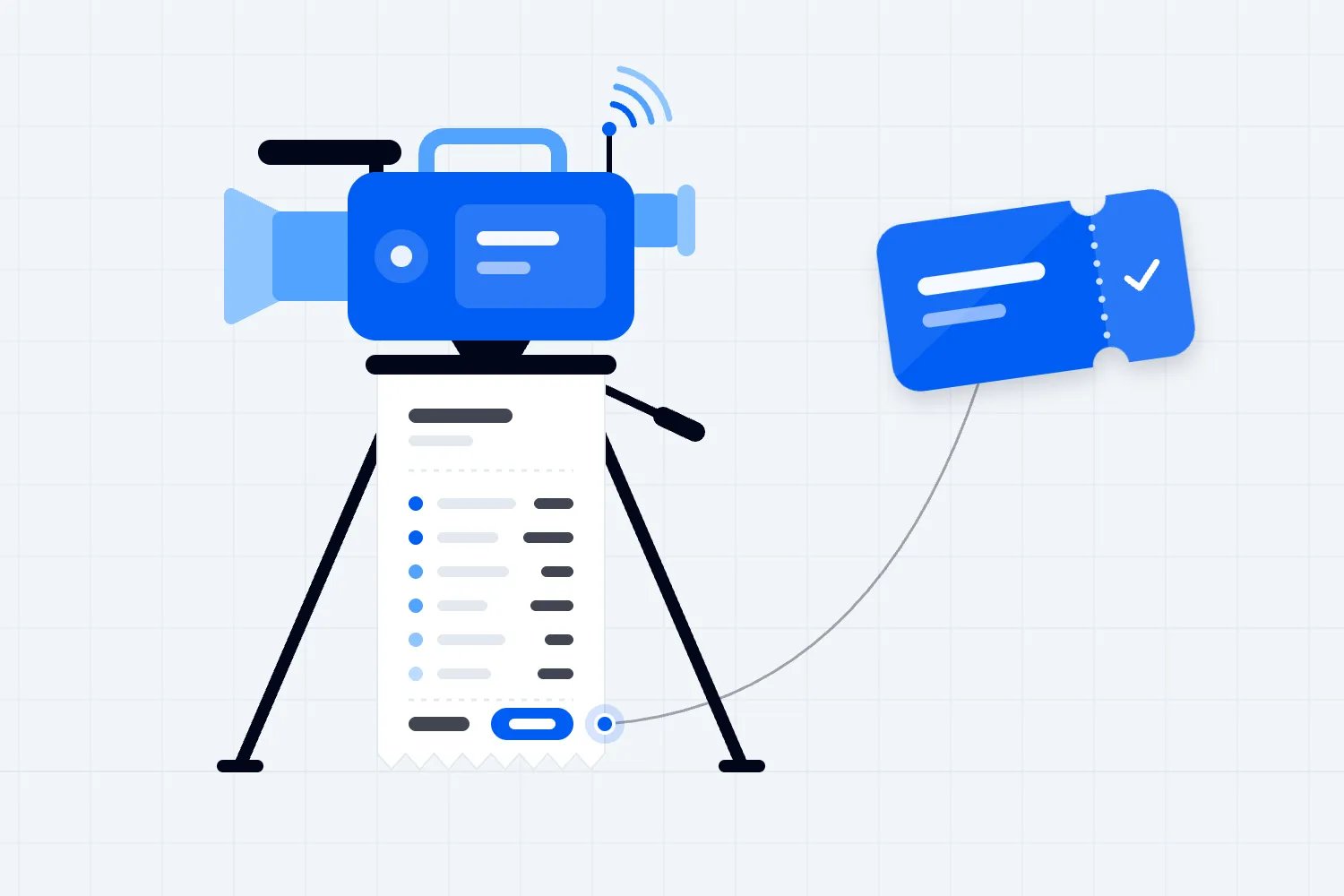
The brochure capacity is a starting point. The room you can actually sell is the one left after you put in the stage, cameras, equipment, crew positions, access routes and any other space your programme requires.
Ask for a floor plan and draw the proposed layout with the venue and your production lead. Mark the stage, audience seating, camera positions, control desk, microphones, screens and cables. Include registration, catering and queues outside the room. A production desk that fits only by blocking the entrance doesn't fit.
You need someone who can turn the event brief into a workable room plan, then explain what it costs. If you haven't selected your production supplier yet, bring an independent technical lead to the shortlisted venues before signing.
Check what every camera can see. A camera at the back may lose the speaker whenever someone stands up. A side position may show the speaker's back when they turn to the audience. A low ceiling may limit lighting. A column can remove an entire camera angle. These problems are easier to find on a walk-through than in a venue photo.
Look through the proposed camera view while someone stands on stage and moves around. Can you frame a seated panel? Can you show a demonstration without a crew member walking into the shot? Does a bright window behind the speaker make their face hard to see? Ask how the lighting changes during the hours you'll be broadcasting.
Then take the physical audience's seats. Can people see the stage around the cameras? Will the camera operator stand in front of them? Can wheelchair users choose useful viewing positions? Are screens visible without twisting sideways throughout the session? The online experience shouldn't come at the expense of the people in the room.
Ask the venue to confirm the safe permitted occupancy for your final layout. Don't calculate it by subtracting chairs from a brochure number and treating the result as approval. The UK Health and Safety Executive's crowd management guidance considers arrival, movement and departure as part of managing crowds safely. Use the applicable local requirements and the venue's competent advice for your event.
The practical commercial question is how many physical tickets that approved plan leaves you able to sell. If production takes away seats you counted on, update the sales plan before you commit. Our event logistics guide helps connect that room plan with arrival, supplier access and the rest of the event.
Test sound before getting excited about cameras
People can follow a talk with an ordinary camera picture. They can't follow it if the speaker sounds distant, the questions disappear or a remote panellist keeps hearing their own voice come back.
Ask your production lead to demonstrate the sound that online buyers will receive. This is different from standing in the room and deciding that the speakers sound fine. Put someone outside the venue on the receiving end, wearing headphones, and have them listen to the actual feed.
Start with the main speaker. Try the microphone you'll use, with the speaker standing and moving as they would during the session. Then test a seated panel, a remote speaker and a question from the audience. If a person speaks without a microphone, can the online audience hear them? Usually the solution is to provide and use a microphone, not ask the broadcast operator to rescue distant sound.
Listen with ventilation on and neighbouring rooms in use where possible. A quiet empty room during a sales tour can behave very differently when catering starts, doors open and the room next door plays music. Ask which other events could share the building and whether their timetable overlaps yours.
Shure's guide to microphone and speaker placement explains why placement and the room's acoustic conditions matter. For your booking, turn that into a demonstration. Can the proposed microphones pick up the intended speakers clearly without collecting too much room noise?
Ask specifically how remote speakers will hear the room. The audio sent back to a remote speaker should avoid sending their own voice back to them. Your supplier may call this "mix-minus". You don't need to configure it yourself. You do need the supplier to demonstrate that the remote speaker hears the moderator clearly without a distracting echo.
Check every piece of content that makes sound. Presentation clips, walk-on music and a remote speaker's video may take different routes through the system. Something that plays through the room speakers might be missing from the broadcast. Ask the supplier to test the actual content route, including the rights needed to broadcast or record it.
Get a clear answer on who operates the sound during the event. Installed equipment is useful, but equipment without someone responsible for it is an incomplete quote. Name the operator, their hours and who covers breaks. If the venue provides them, find out whether they'll also be assigned to another room.
If sound needs work, price the fix before shortlisting the venue. Extra microphones, acoustic treatment or a different speaker setup might solve the problem. They might also remove the savings that attracted you to the room. You want the true price now.
Ask for an internet test that matches the event
"We have fast Wi-Fi" doesn't tell you whether the room can carry your live broadcast. Ask about the upload connection, who else shares it, how the production equipment connects and what happens when it stops working.
Uploading is sending your event out to the platform. Downloading is receiving content. A venue can have a good download speed and still offer a poor upload connection. Get both figures, but let your production lead specify the upload requirement for the chosen platform, video settings and simultaneous streams.
Avoid copying a single internet speed from a blog and treating it as a universal minimum. YouTube's live encoder settings guidance varies its recommendations by video resolution, frame rate and encoding format, and recommends testing upload capacity. Your supplier should use the current requirements of the service you're actually using.
Ask for a wired connection at the production desk. Confirm whether it's reserved for production or shared with attendee Wi-Fi, venue offices and other events. Find out who can approve network changes, how long that takes and whether someone with the right access will be present during your broadcast.
Run the test in the actual room, through the actual outlet or connection you expect to use. A speed test in reception proves little about the production position upstairs. If the venue promises a dedicated connection, ask what is dedicated, what remains shared and how they will confirm the agreed arrangement on event day.
Your technical lead should run a representative stream and a remote-speaker call. They should check whether the picture freezes, speech breaks up or the connection changes over time. Test presentation sharing and any simultaneous broadcasts your programme needs. Record the setup and results so the venue and supplier agree on what passed.
A backup matters only if it can carry the event and someone knows how to switch to it. Ask whether it uses a genuinely different connection. Two outlets connected to the same failing service aren't two independent routes. A mobile connection also needs testing in the room under realistic conditions, rather than a promise that someone can use their phone.
Agree on what happens during an interruption. Will the team display a holding message? Can the room continue while the broadcast reconnects? Who tells remote buyers what's happening? Will a local recording preserve the session? A recording helps you deliver material afterwards, but it doesn't replace the live access you sold.
Ask the venue to put the connection, support hours and test arrangements in its proposal. A salesperson's confidence isn't the same thing as a technical commitment. If the venue won't let you test the connection or won't identify who supports it, keep looking.
Check accessibility across the whole experience
A venue can have a step-free front door and still fail the event you want to run. Follow the actual routes attendees, speakers and crew will use. Check the arrival point, registration, meeting rooms, toilets, stage access, quiet space and emergency arrangements with the venue.
Ask about the route a speaker uses to reach the stage. An accessible audience area doesn't solve a stage that a booked speaker cannot reach. Check whether any temporary ramp, lift or layout change needs arranging, who supplies it and what it costs. Avoid leaving those details until speaker rehearsals.
The W3C checklist for accessible events covers physical, remote and hybrid formats. Use it to shape questions about access, communication and materials, rather than accepting "accessible venue" as a complete answer.
Online access needs its own test. Can a ticket holder reach the session using a keyboard? Can they see captions while following the slides? Can they hear the speaker and access the materials? Ask the streaming supplier to demonstrate the journey, and provide a clear way for buyers to tell you what they need before the event.
W3C's guidance on accessible remote meetings explains that accessibility depends on the platform, the shared content and how the meeting is hosted. That matters for venue selection because the room must support the services you plan to use. Captioners need usable audio, and interpreters need an appropriate position and production arrangement.
Don't treat screen sharing as the only way to distribute materials. Give attendees access to suitable presentation files where you have permission. Brief speakers on describing visual information aloud and using readable slides. Those tasks belong in your production plan even when the venue doesn't supply the online platform.
Keep cable routes, camera positions and control desks out of accessible circulation space. Recheck the plan after production suppliers add equipment. A layout approved during the first visit can change when someone brings another camera or adds a monitor.
State what you can provide accurately on the event page. If there's a limitation, explain it clearly and offer a contact for questions. You want buyers to make an informed choice, and you want time to resolve requests properly. Surprise access problems at the door are much harder to fix.
Compare the full delivered quote
Once a venue passes the essential tests, compare what it costs to deliver your brief there. The room hire price alone won't answer that question.
Ask every shortlisted venue and production supplier to price the same programme, hours and responsibilities. Include setup, rehearsal, public opening, broadcast finish and removal. Specify the rooms, equipment, technicians, connectivity, accessibility services and recordings you need. Otherwise one supplier can appear cheaper simply by quoting less of the event.
Get the inclusions and exclusions in writing. Ask about compulsory in-house suppliers, outside-supplier charges, equipment delivery, rigging, storage, cleaning, security, power, internet provision and technician overtime. If you must buy catering through the venue, include the relevant commitment when comparing options.
Here's an illustrative comparison, invented to show the method rather than represent market rates. Venue A quotes $4,000 for room hire, $1,000 for its connection, $5,000 for production and $1,000 for setup access. Its total is $11,000. Venue B quotes $6,000, $500, $3,000 and $500 for the same categories. Its total is $10,000.
Venue A has the cheaper room. Venue B has the cheaper delivered proposal. Before choosing B, confirm both quotes cover the same equipment, crew hours, tests and support. A lower total is useful only when the included service can deliver the same promise.
Keep the comparison short enough to use. Put included costs in the same categories, then list meaningful exclusions underneath. Mark unresolved charges as unresolved. Don't enter zero because a venue hasn't answered the question yet.
Include the effect on sellable capacity. A cheaper room that leaves you fewer approved seats may produce a worse event result. Likewise, a larger room you don't expect to fill adds cost without automatically adding revenue. Use the capacity you can realistically sell, not a hopeful maximum.
Separate refundable deposits from event costs when assessing cash requirements. Note payment dates, cancellation terms and any charges that depend on attendance. You'll need enough cash to make the booking payments, even if the event eventually covers its costs. Our guide to negotiating venue deals can help with the commercial discussion once the scope is clear.
Check setup time, staff and the contract
A venue that works technically can still be the wrong booking if you can't get into it early enough. Ask when your crew can enter, when deliveries can arrive and when you must leave. Get the exact access hours in writing.
Build a setup plan with the supplier before agreeing to those hours. The crew may need to unload equipment, install cameras, route cables, set lighting, test sound, connect the broadcast and rehearse speakers. None of that should rely on attendees being late.
Ask what happens if another event occupies the room immediately before yours. Can the venue guarantee a clear handover? Who resets the furniture? Where does your equipment wait? If your rehearsal room becomes a storage area, the agreed plan has changed.
Check the loading route, not just the public entrance. Can equipment fit through the doors and lift? Are there booking rules for delivery vehicles? Is someone needed to operate access gates? These are practical questions that can change crew hours and costs.
Name the support people you need during the event. That might include the venue duty manager, network technician, sound operator and broadcast lead. Record contact details, coverage hours and who has authority to fix a problem. A support number that reaches an unattended office won't help during the opening session.
Review the proposed contract with the brief beside it. Confirm the specific rooms, approved layout, access hours, technical inclusions, supplier restrictions, test arrangements and charges. Identify what happens if the agreed room becomes unavailable or a promised service isn't supplied. Have a qualified adviser check material terms where needed.
If filming or recording requires permission, agree it before booking. Ask about venue restrictions, background artwork, performers and music, then arrange the relevant rights with the appropriate people. The venue's permission to use the room doesn't automatically settle every right connected to your programme.
Get approval before assuming you'll leave equipment overnight. Confirm security, storage and responsibility for loss or damage. If the team must remove and rebuild everything between event days, include those hours in the production quote. Cheap overnight room access can become expensive if it doesn't cover the setup you need.
Check the end of the programme as carefully as the start. If an online question session runs after the physical closing time, you still need the room, crew and connection. Confirm whether the venue will allow that extension and what it costs. Alternatively, set a programme that finishes within the booked hours and brief the moderator to keep it there. You don't want the last paying viewers watching a session while the venue starts packing away their broadcast.
Run a rehearsal before the booking becomes hard to change
The most useful final check is a short version of the real event. Seek a representative technical test before committing where feasible, then agree a full production rehearsal before the event. Suppliers may charge for testing or require a provisional booking. Record those costs and cancellation terms rather than assuming a complete rehearsal is free before signing.
Choose the hardest session to deliver. For a hybrid panel, test a physical moderator, physical panellists, a remote contributor, shared slides and questions from both audiences. For a demonstration, test the detail online buyers need to see. Use the planned equipment and positions wherever possible.
Have one reviewer in the room and another outside the venue. The remote reviewer should use the audience route, rather than a private production preview. Ask them to join, find captions, watch the presentation and submit a question. Ask the physical reviewer to check sightlines, sound and movement around the cameras.
Test an interruption on purpose with your technical team. Switch the agreed backup connection, replace a microphone or reconnect a remote speaker. You're checking whether people understand their responsibilities and whether the recovery works. Don't disconnect venue systems without the venue's agreement.
Record every unresolved issue in plain words. "Audience questions missing online" is useful. "Audio issue" isn't. Add who fixes it, what they will change and when you'll retest. If the fix changes the layout or needs extra equipment, update the quote and approved plan too.
Keep a copy of the agreed results with your event documents. A passed rehearsal doesn't guarantee nothing will go wrong, but it gives your team a shared reference. On event day, they can confirm the room and setup match what they tested.
If the venue can't support a requirement you sold, change the venue or change the offer before taking more bookings. Don't hide a limitation by calling it a production detail. For a paying online attendee, missing questions or an unreadable demonstration changes the experience they bought.
Send the same questions to every shortlisted venue
A written request makes the shortlist easier to manage. You can send your brief with a short covering message, then ask each venue to answer the same questions against the proposed room. Keep the replies together so you can compare them without relying on memory from separate tours.
You might write: "We're planning a paid event with a physical audience and live online access. Please price the attached programme and confirm the room, production layout, access hours and support arrangements. We need a technical visit before confirming the booking. Please identify any requirement you cannot provide, any compulsory suppliers and every charge excluded from your proposal."
Then ask for specific answers:
Which room is included, and can we inspect that room rather than a similar one?
What physical capacity can the venue approve with our stage, cameras, production desk and access routes?
Who supplies and operates the microphones, room sound, cameras, lighting and broadcast equipment?
What production internet connection is available, who shares it and who supports it during the event?
Can our supplier test the planned stream, remote speakers and backup connection before we commit?
What other activity could affect noise, access or connectivity during our booked hours?
Which accessibility arrangements are included, and which need separate booking or equipment?
What are the setup, rehearsal and removal hours, and what does extra access cost?
What restrictions apply to filming, outside suppliers, loading, storage and overnight equipment?
Which costs or commitments change if attendance, room layout or the programme changes?
You're giving the sales manager the information they need to involve the right colleagues and return a useful offer. A good venue may need its technical team to answer some questions. The warning sign is repeated reassurance without anyone agreeing to demonstrate the arrangement.
After the visit, send your understanding back. "We understand the quoted connection is reserved for our production desk during these hours, and your technician will attend the test and opening session." Ask the venue to correct anything you misunderstood. It gives you a clearer record than notes saying that someone mentioned good internet.
Keep alternatives open until the essential answers arrive. Ask how long the venue can hold the date and whether that hold has a cost or creates an obligation. Don't assume a provisional conversation reserves the room, and don't confuse an unpaid hold with a signed booking.
If a venue offers another room late in the process, treat it as a new technical decision. The replacement may have different sound, windows, camera positions and connectivity. Ask for a new plan and repeat the relevant tests. A room of the same advertised size doesn't automatically deliver the same broadcast.
Choose the venue you can deliver confidently
Make the final decision in two passes. First, reject any room with an unresolved essential requirement. Then compare the suitable venues on full cost, approved physical capacity, location, audience experience and the terms you can actually work with.
You can use a simple rating sheet for preferences such as travel convenience or room atmosphere. Keep failed essentials separate. A beautiful foyer shouldn't earn enough points to cancel out an unusable broadcast connection.
Before tickets go on sale, match the approved physical capacity to what you offer. Loopyah's ticketing tools let you create ticket types and manage their releases. Use clear names and descriptions for what each offer includes. Your streaming supplier still needs to provide and test the online access arrangement.
Tell physical buyers where to arrive and remote buyers how to join. Check the instructions against the final programme, time zone and support plan. When the venue or session plan changes, update the affected buyers as well as the public event page.
Keep the online joining instructions separate from the physical arrival instructions. A remote buyer shouldn't have to work out whether a parking note applies to them, while someone attending in person shouldn't mistake a stream link for their admission ticket. Ask a colleague to follow each route as if they had just bought. That small check can reveal confusing wording before your support inbox fills up.
The best hybrid event venue is the one that can deliver your actual programme, with clear responsibilities and a price your event can support. Start with the ticket promise, test the room, compare complete quotes and rehearse the difficult parts. Then book with evidence you can use, rather than a promise you have to hope is true.

Author: By the Loopyah Content Team
The Loopyah Content Team shares expert insights, practical guides, and industry updates to help event organizers create unforgettable experiences and stay ahead in the event planning world.