· 21 min read
How do you make event Wi-Fi safe and reliable?
Your venue says Wi-Fi is included. Then the admissions manager asks whether the scanners will stay connected, exhibitors want to run demonstrations, and your attendees expect to open their tickets in the queue. Suddenly, "included" doesn't tell you very much.
For a paid event, you need to specify what people must be able to do, where they'll do it, and which services take priority when the building gets busy. Event Wi-Fi security also needs a clear separation between public access and the systems your team uses. Ask the supplier to demonstrate that arrangement before you accept it.
You don't need to become a network engineer. You do need enough detail to buy a service that supports the event you're selling, rather than discover its limits after doors open. Start with the work your connection has to support. Equipment comes later.
Start with the jobs people need to complete
Walk through the event as an attendee, a staff member and an exhibitor. At each point, ask what needs an internet connection and what happens if that connection disappears. Opening a programme and approving an admission exception have different consequences when they fail.
Write down the tasks. Your entry team may need to validate tickets and look up orders. An exhibitor may need a live product demonstration. Attendees may need translation, accessible information or participation tools. Ask each service provider which parts depend on a connection, including login and recovery after an interruption.
Be especially careful with the word "offline". Some applications support particular tasks without a connection, but that doesn't establish how they handle updates, duplicate activity across devices or restored service. Get the relevant provider's documented process and rehearse it. Don't let a venue salesperson answer on the application's behalf.
Now decide what your ticket promise requires. A paid workshop where everyone uses an online tool has a different Wi-Fi requirement from a seated performance where guests only want to send messages during the interval. Describe that difference in the brief, because the supplier can't infer it from attendance.
Record the cost of interruption in practical terms. Would a failure delay entry, stop a paid activity or interrupt an exhibitor benefit you've sold? Would it merely inconvenience someone uploading a photo? This helps you protect essential work when you have to choose where to spend.
Include the service hours. Staff may need connectivity during setup and settlement, well outside public opening times. If the quote covers only the advertised event, you could lose support while you're still selling at the door or resolving buyer queries. Put those hours in writing before comparing suppliers.
Plan for devices in each place, at each busy moment
A headcount tells the supplier how many people you expect. It doesn't say how many devices will connect at once or where they'll gather. Someone may carry a phone and laptop, while another attendee never joins your network. Staff equipment and exhibitor devices add separate demand.
Ask for a planning sheet organised by location and programme period. Include admissions, the main room, workshops, exhibition areas and any overflow space. Note which users move between them. A quiet foyer can become your busiest wireless area when a session ends and everyone opens their phone.
Use expected activity to explain the demand. Reading an email, uploading media and joining an interactive workshop make different requests of the connection. Your supplier should turn those requirements into a design and explain its assumptions. Avoid choosing a fixed amount of bandwidth per attendee without considering what your programme asks them to do.
Concurrency means the number of devices using the service at the same time. Ask the supplier to state the concurrency it is designing for in each zone, and how it arrived there. Keep expected connected devices separate from devices actively transferring data. Those assumptions should be visible in the proposal.
Cisco's wireless design guide for large public networks treats event networks as a distinct engineering problem, including concentrated users, movement and device compatibility. That's a useful reason to request an event-specific plan rather than accept the venue's ordinary office arrangement.
Be honest about uncertainty. If you don't know how many attendees will join, ask the supplier to propose a working assumption and an option for greater demand. You're buying a plan with stated limits. A confident answer without assumptions doesn't help you decide whether those limits fit your event.
Check coverage and capacity separately
Coverage means a device can receive and use the wireless signal in a location. Capacity means the service can support the expected activity there. Seeing the network name on a phone proves neither that your application works nor that the room can handle a crowd.
Ask the supplier to survey the actual event layout. An access point is the device that provides the local wireless connection. Its position matters, as do the structures around it. Send the latest floor plan, including temporary walls, stages, exhibitor stands and the places staff will work.
Don't accept a survey of an empty room as a complete answer about the finished event. Ask what will change once production equipment, furniture and people arrive. The supplier should explain the limits of its assessment and identify the checks it will repeat after installation.
Include awkward working positions. Your entry team may operate outside the main entrance, customer service may use a side room, and exhibitors may demonstrate products at the back of their stands. A test beside the venue office doesn't approve those locations. Mark each essential position on the plan.
Ask how the proposal handles simultaneous activity in neighbouring spaces. Another event can share building infrastructure even when it has a different room booking. You need to know which resources your service shares and what the venue is committing to provide during your hours.
Keep equipment selection with the qualified supplier. More access points aren't automatically a better answer, and you shouldn't move them to improve the room's appearance without checking the effect. Ask for an explanation of the proposed locations, permission requirements and any unresolved installation constraints. Resolve those constraints before paying for a design the venue won't allow.
Separate staff operations from guest access
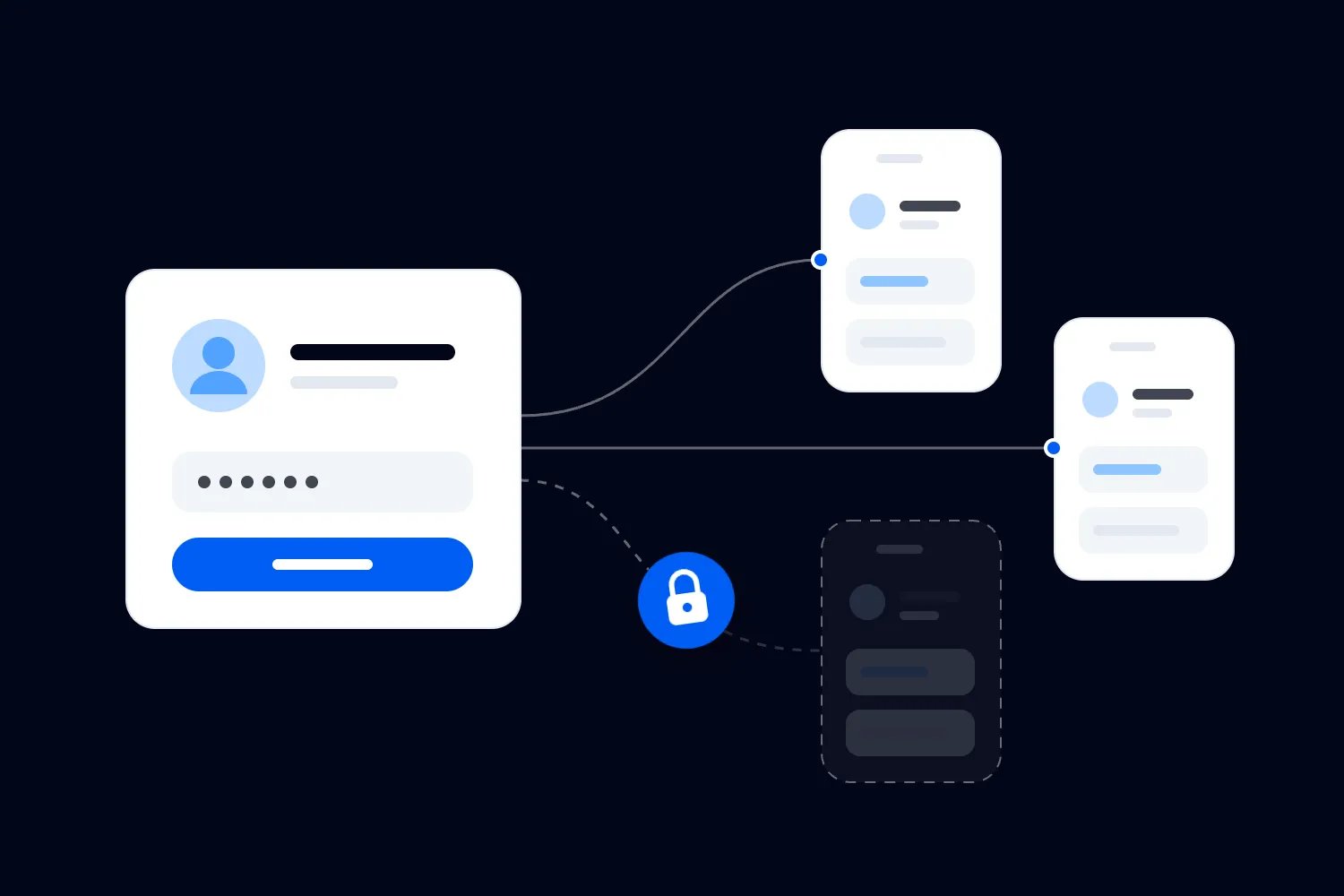
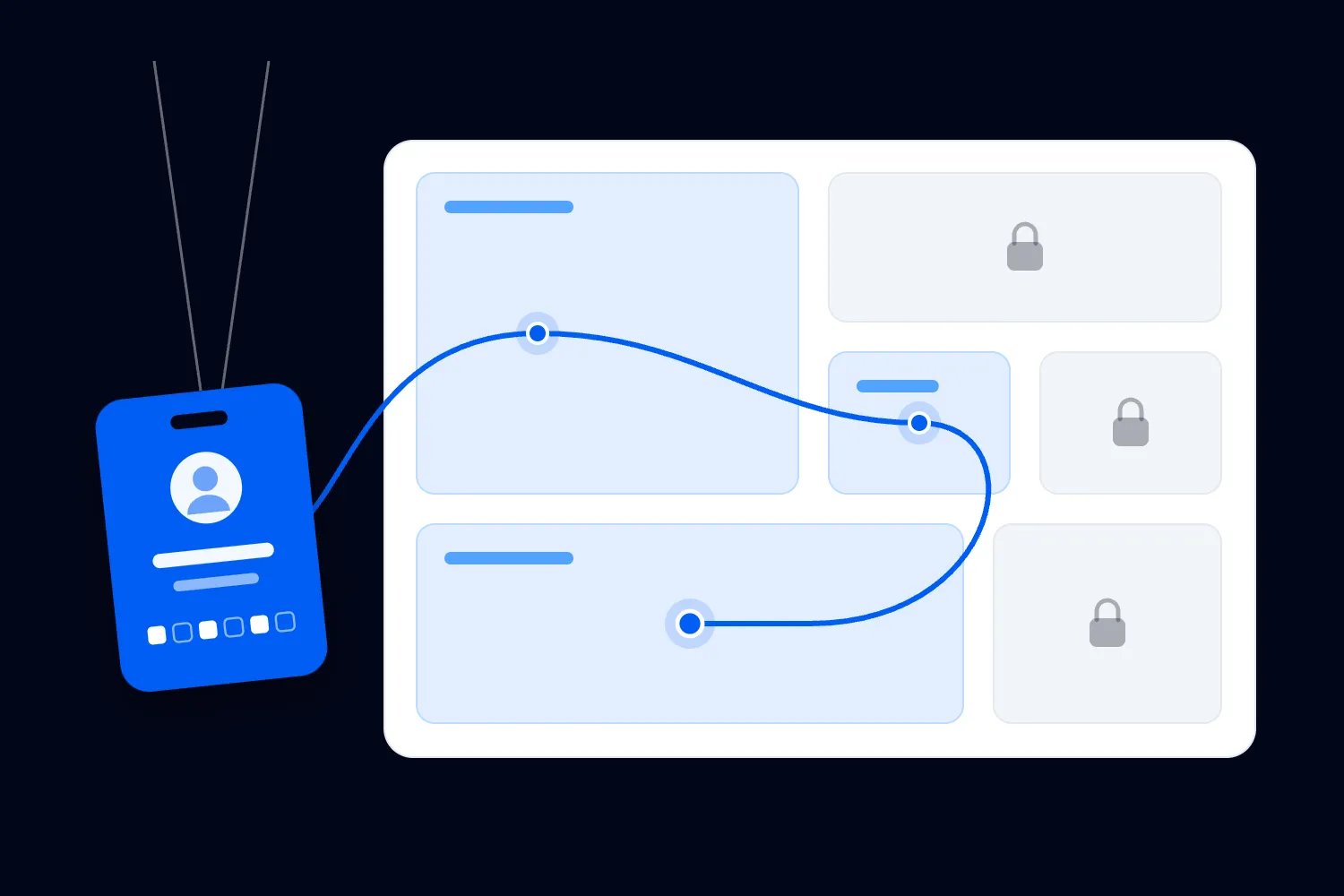
Attendees need a way onto the internet. They don't need access to your staff devices, network administration or internal systems. Ask for separation that the supplier can describe and test, including what traffic is permitted between groups.
The National Cyber Security Centre's guidance on preventing lateral movement recommends separating systems that don't need to communicate. Lateral movement means an attacker using access to one system to reach others. For an event, this supports keeping untrusted guest devices away from operational systems.
A different Wi-Fi name alone doesn't prove separation. The name, technically called an SSID, is what users select in their device settings. Ask the supplier what prevents someone connected to the guest service from reaching staff equipment or management controls. Request a demonstration with authorised test devices.
You may hear the term VLAN. It means a logical division within a network, allowing shared equipment to carry separate groups of traffic. The useful question is what access rules the supplier applies between those groups. Knowing the acronym isn't evidence that the intended restriction exists.
Discuss whether guest devices should also be prevented from contacting one another. This is often called client isolation. Identify exceptions in advance, such as a demonstration that genuinely needs devices to communicate locally. An exhibitor's unexpected requirement shouldn't lead someone to remove protections across the entire audience network.
Payment equipment deserves its own conversation with the payment provider and venue IT. Ask for their current requirements and confirm who implements them. A staff Wi-Fi password doesn't establish payment compliance. Nor should an event organiser invent a payment network design from a general article. Record the approved arrangement and the provider responsible for confirming it.
Choose secure access that your devices can use
Encryption scrambles information so that someone intercepting it cannot simply read it. Authentication checks whether a user or device is allowed to connect. Your supplier should explain both, along with how staff obtain access and how that access ends.
Apple's recommended Wi-Fi security settings favour WPA3 Personal, with WPA2/WPA3 Transitional available for older-device compatibility. These are security modes for joining a wireless network. Its guidance rejects obsolete modes such as WEP and TKIP. Ask the supplier to justify the mode chosen for your actual equipment.
Don't turn that guidance into a universal specification for every event network. Staff systems with individual identities may use a different arrangement from public guest access. What matters is that the supplier documents the protection, compatibility and remaining risks for each group, then checks the real devices you'll use.
A shared staff password is easy to distribute and easy to forward. Ask whether individual or device-specific access is practical for your event. Consider how a late replacement joins, how you remove a lost device, and whether removing one person's access disconnects everybody else. Your crew needs a manageable process during the show.
Treat network administration as a separate responsibility. The people who can change settings need appropriate accounts and a controlled way to retrieve them. The operations team usually needs an escalation contact rather than the administrator password. Keep credentials out of public signage, widely shared documents and exhibitor packs.
For guests, keep the joining instructions straightforward. If access requires a web page, ask how that page behaves on common phones and with assistive technology. Test the steps in the venue. A connection that starts with a confusing sign-in process creates a support queue before anybody reaches your event programme.
Protect devices and accounts as well as Wi-Fi
Your network can be well configured while a staff tablet remains unlocked on a counter. Event Wi-Fi security includes the equipment and accounts used on it. Decide who supplies devices, who prepares them, and who can authorise a replacement during the event.
The NCSC's device protection guide for small organisations recommends access controls, current software and supported devices. Apply that to hired tablets and personal phones used for event work too. Confirm the devices are ready early enough to test the actual apps after updates.
Make an issue-and-return record for shared equipment. Identify which team has each device, what it is authorised to do and whom to contact if it disappears. Agree how the responsible person locks or disables access after a loss. That decision is much easier before a queue forms.
Ask application providers about account permissions and additional login protection. Multifactor authentication means proving your identity with more than a password, such as an authenticator app. Make sure the authorised person can complete the login during the event. An account tied to an absent colleague's phone can stop an otherwise prepared team.
Be precise about what public Wi-Fi does and doesn't imply. The FTC's current guidance on public Wi-Fi safety explains that encrypted websites protect information in transit, while a scam website can still misuse information you submit. A secure connection doesn't establish that a destination is trustworthy.
Train staff to use the approved service and report unexpected login pages or security warnings. Publish the exact guest network name through your official event information. If someone reports a similar-looking network, send the details to the network lead. Frontline staff shouldn't investigate it by entering credentials or asking attendees to experiment.
Make guest access useful without collecting unnecessary data
Decide what you want guest Wi-Fi to provide before adding a marketing form. For many events, the useful outcome is simply that ticket holders can get online. Requiring another registration can add friction to a service they reasonably expected to use while attending.
Ask the supplier which information it collects, why it collects it and who receives it. Include connection logs and any optional analytics, not only the fields people can see. Ask who handles a request about that information after the event and when records are removed.
Where personal data is collected, the UK's Information Commissioner's Office explains the need to provide clear information in its privacy notice guidance. Check the requirements that apply to your event's location and audience. The practical starting point is knowing what your supplier actually does.
Keep an optional marketing choice understandable. Don't let a sponsor's desire for leads determine the entire joining process without reviewing the attendee experience and applicable rules. If sponsorship includes a branded welcome page, define the branding, data arrangements and access experience separately in the agreement.
Test the welcome page on a device that hasn't joined before. Can the user understand the terms, find the privacy information and complete the process without leaving the page to fetch something online? Does the session expire midway through a workshop? These are practical service questions as well as privacy questions.
Have a support option for people who can't complete the standard process. Staff should know where to direct them and which information to request. Avoid collecting passwords or screenshots containing personal information when a device type, location and description of the error will let the supplier begin investigating.
Send suppliers a brief they can price
The strongest buying question is, "Can you deliver these tasks in these places under these conditions?" Send the same brief to each supplier. Otherwise, the cheapest quote may cover a smaller service and leave you paying for missing work later.
Include the event layout and programme, expected users and devices by zone, critical applications, staff and guest separation, service hours and known installation restrictions. Ask suppliers to identify anything they cannot support. Our venue RFP template explains how to compare proposals against a shared set of requirements.
Request a named technical owner, installation schedule, testing appointment and event-day support arrangement. Ask who handles the internet connection into the building, the wireless equipment and any third-party guest portal. If separate companies own those parts, find out who coordinates a fault that crosses their responsibilities.
Ask each bidder to state what is shared, what is reserved, and what its promises mean. "Dedicated" can describe different parts of a service. Have the bidder identify the specific connection or resources it means, the performance commitment, and any dependencies that still serve other customers.
Price the complete service. Include surveys, cabling, power arrangements, equipment, installation access, support hours, removal and any charges for changes. Check whether the venue requires an approved contractor or charges another fee for using an external supplier. These restrictions can change which proposal is commercially sensible.
Require a written acceptance process. Acceptance means the evidence you'll use to decide that the supplier has delivered the agreed service. The criteria should describe successful tasks and measured limits appropriate to your event, with a remedy if they fail. Agree them while you're buying, when there is still time to change the plan.
What a useful event Wi-Fi brief looks like
Imagine you're planning a paid conference with a main room, an exhibition area and a workshop space. This is a planning example, not a claim about a real event. The workshop asks attendees to complete an online exercise, while exhibitors have paid for space to demonstrate their products.
Your brief should explain that workshop connectivity is part of the purchased experience. Ask the supplier to design for the expected devices in that room during the exercise, while the exhibition remains active elsewhere. If it prices only a building-wide attendance figure, you haven't established that it understands the concentration of demand.
At admissions, specify the staff equipment and the places where it will operate. Include any queue outside the doors if you intend to help buyers retrieve tickets there. State that staff access must remain separate from guest access, with the required applications available through the agreed controls.
For exhibitors, ask which demonstrations need a connection and which need devices to communicate with each other. Put exceptions through the supplier before installation. A demonstration that works from a prepared recording may need a different service from one that depends on a remote system throughout the day.
Finally, describe guest access as a service with its own joining process and support. Ask what happens when the expected audience joins during the break while staff continue working. The proposal should explain which commitments remain protected and what the supplier can change if demand exceeds its assumption.
The UK government's guidance on sharing wireless networks discusses separating user groups and managing competing bandwidth demands. It's workplace guidance, rather than an event specification, but the distinction is useful here. Your supplier should explain how shared infrastructure supports different user needs without treating all access as equivalent.
You can send that brief before you know the right hardware. It describes the service you need and asks the supplier to take responsibility for the technical design. Once the supplier responds, ask it to walk you through a busy programme transition using its proposed arrangement.
Make the exhibitor deadline explicit too. Ask exhibitors to submit connection requirements before the supplier finalises its design, and explain how late requests are assessed and charged. This protects both sides. The exhibitor can budget for a suitable service, while your team avoids promising an untested connection during setup. If an exhibitor brings unexpected equipment, route the request to the technical lead before anyone connects it to the approved network or changes the arrangement that other exhibitors depend on.
Test the service through the work it must support
Start with the installed arrangement and representative devices. Connect staff equipment using the actual access process, then perform the tasks it will handle. Include login, order lookup, ordinary admission and the exception process your team has agreed. Use test records that won't expose buyer information.
Repeat that work at each essential position. Move a device along the route a staff member will actually take. If the device changes its connection as it moves, the supplier should check whether the application continues working. Record the result in terms the admissions manager can recognise.
Test guest joining separately. Use devices that haven't connected before, check the instructions and try the programme activities that require access. Include the busiest planned room layout. A successful connection on the supplier's laptop doesn't approve the variety of devices attendees will bring.
Ask the supplier to run an authorised capacity test against the agreed design. That test should reflect the expected mix of work and identify what it cannot reproduce before the audience arrives. Agree the timing with the venue so testing doesn't disrupt another event. Keep the limitations in the acceptance record.
The security checks need evidence too. Have the supplier demonstrate that a guest test device cannot reach protected operational services, and that staff equipment can reach what it needs. Investigate failures through the authorised technical lead. Don't solve an application problem by casually switching off restrictions across the network.
If you're broadcasting, treat that production connection as a separate acceptance item. Our guide to testing internet before streaming an event covers the broadcast rehearsal and recovery process. Guest Wi-Fi passing its tests doesn't approve a stream, and a successful stream doesn't prove your admissions area has usable wireless coverage.
Resolve failed tests before the decision deadline
Agree how much time you'll leave between installation, acceptance and doors opening. That gap must allow a realistic fix. A test immediately before opening may identify a problem when your only remaining option is to manage disappointed buyers. Work backwards from the changes a supplier might actually need to make.
If a zone fails, ask for the diagnosis, proposed remedy and retest appointment. Your choices could include correcting configuration, relocating equipment with permission, adding an approved wired connection or changing how an activity runs. Have the supplier explain which option addresses the observed problem and what it costs.
Be careful when a proposed fix changes the event you've sold. Moving an online exercise to a handout may keep a workshop running, but you need to decide whether it still delivers the advertised value. The technical supplier can restore connectivity; it cannot approve a change to your ticket promise.
Record conditional acceptance precisely. If the service passes only with a particular layout or device, name that condition and tell the people who can change it. Don't let a room reset or a last-minute equipment swap quietly invalidate the arrangement your test approved.
If the required service remains unproven at your deadline, make the event decision openly. Choose the funded remedy, an acceptable programme change or another viable delivery arrangement. Keep the unresolved requirement visible until someone with the right authority has accepted its consequences.
Agree what happens when service gets worse
Something can fail despite a sensible design. The useful question is whether the right person notices, understands the effect and acts while there is still time to protect the event. Set that responsibility before your technical supplier leaves the site.
Name the person monitoring the network and the person receiving operational reports. They may be different people. Your admissions lead can recognise that lookups are failing without knowing why. They need a direct route to someone who can inspect the network and coordinate with the application provider.
Agree the triggers for action. These should relate to the jobs you identified earlier and the supplier's technical observations. If staff operations are deteriorating, who can authorise restrictions on optional guest activity? What warning does the guest support team receive? Avoid forcing frontline staff to negotiate priorities during a failure.
Ask what each backup actually covers. Another wireless name on the same equipment doesn't protect against that equipment losing power. A mobile connection introduces its own coverage and demand limits. Have the supplier explain shared dependencies and demonstrate the backup with the critical workflow it is intended to support.
Prepare instructions for continuing safely while a system is unavailable. Your ticketing and payment providers should confirm which recovery steps they support. Record who may approve exceptions and how the team reconciles activity afterwards. Don't improvise admissions or payment handling in ways that undermine your own access rules or provider requirements.
Put the response into your event contingency plan. Include the technical contact, decision owner, staff instructions and attendee communication route. The network supplier needs to restore service; your event team needs to manage the people affected while that work happens.
Run the day with a named owner and a usable record
Before doors open, confirm that the accepted setup still exists. Check essential positions, approved network names, staff access and the support contact. Ask whether room changes or another booking have altered the arrangement since testing. Recheck any changed part before declaring it ready.
Brief staff on the tasks they should try and the observations to report. "The order lookup fails at the outside entrance, but works at customer service" helps a technician narrow the problem. "Wi-Fi is rubbish" expresses the frustration without explaining where to start. Keep reporting short enough for a busy team to use.
Record incident times, locations, affected work and actions taken. Don't include account passwords or buyer details in an open group chat. If a supplier needs sensitive information to investigate, use the agreed support route. An incident record should help resolve the problem without distributing information to people who don't need it.
Keep attendees informed when a failure affects something you've promised. Say which service is affected, what they should do and where the next update will appear. Don't promise a recovery time until the technical lead has a basis for it. Customer-facing staff need the same approved information.
After the event, review the supplier's report against the work you bought. Which zones struggled? Did the response arrive in time? Were the limitations expected, or did the supplier deliver less than agreed? Use those answers when renewing the venue or supplier contract. A headline speed result won't answer them.
After settlement and any agreed follow-up work, close temporary access. Ask the supplier to remove event-specific permissions, confirm what happens to hired-device accounts and explain which records it retains. If another event follows immediately, your credentials and your equipment should not become its working arrangement by accident.
Check the removal plan before leaving the venue. Someone needs to return devices, collect installed equipment and confirm who can still access your event systems. Include that person in the handover. The last crew member packing a van shouldn't have to guess which tablet contains an active staff session.
Before the next booking, update the brief with what you learned and ask the supplier to confirm the changes. Your approval should identify the event, layout, critical tasks, tested arrangement and named support owner. When those details are clear, "Wi-Fi included" becomes a service you can assess and hold someone responsible for delivering.

Author: By the Loopyah Content Team
The Loopyah Content Team shares expert insights, practical guides, and industry updates to help event organizers create unforgettable experiences and stay ahead in the event planning world.