· 27 min read
How to plan backup power for ticketing, payments and show control

Your entrance team still has charged phones, but tickets have stopped scanning. The payment screen won't finish a sale. Inside, the show computer is running while the equipment it controls has gone dark. Those are different failures, and buying another battery won't necessarily solve any of them.
Plan event backup power around the services you need to preserve. Decide what can stop, what must continue and how long recovery can take. Then ask the venue and qualified technical suppliers to design, price and test the arrangement, including every connection each service depends on.
For a paid event, the useful result is a team that knows whether it can admit someone, complete a sale or resume a session after a power interruption. This guide explains how to specify that result, check the supplier's proposal and rehearse the response. There's a working brief you can copy, plus examples of recovery time and cost. The example figures are invented to explain the decisions, not equipment recommendations or industry benchmarks.
Start with what the event must still be able to do
Before asking about generators or batteries, write down the activities that would be affected by losing power. Start at the entrance and follow an attendee through the event. They may need ticket validation, an accessibility service, a payment, a readable presentation and clear instructions if the programme stops.
Then walk through the staff's work. Your event control team needs to receive reports and contact the people responding. A technician may need to save a session, stop playback or restore an agreed setting. Door supervisors need reliable information about admissions. These jobs can depend on equipment in several different rooms.
Write each requirement as something a person can check. "Entrance staff can validate the ticket and record the admission" is useful. "Ticketing has backup" leaves unanswered whether staff can reach the system, identify duplicates or share updated information between entrances. The first description helps a supplier investigate the whole service.
Give each activity an owner and an operating period. Registration might begin before the main technical crew arrives. Payments might continue after the closing session. A breakdown supervisor may still need communications once the show equipment is switched off. Your plan has to cover those hours, including who is available to respond.
Some services are essential to safe operation. Emergency lighting, alarms, medical provision and other safety arrangements need their own specialist assessment and applicable local requirements. Get the venue and relevant safety specialists to identify those obligations first. Your commercial backup list must respect them, and must never be treated as permission to keep operating when safe conditions have been lost.
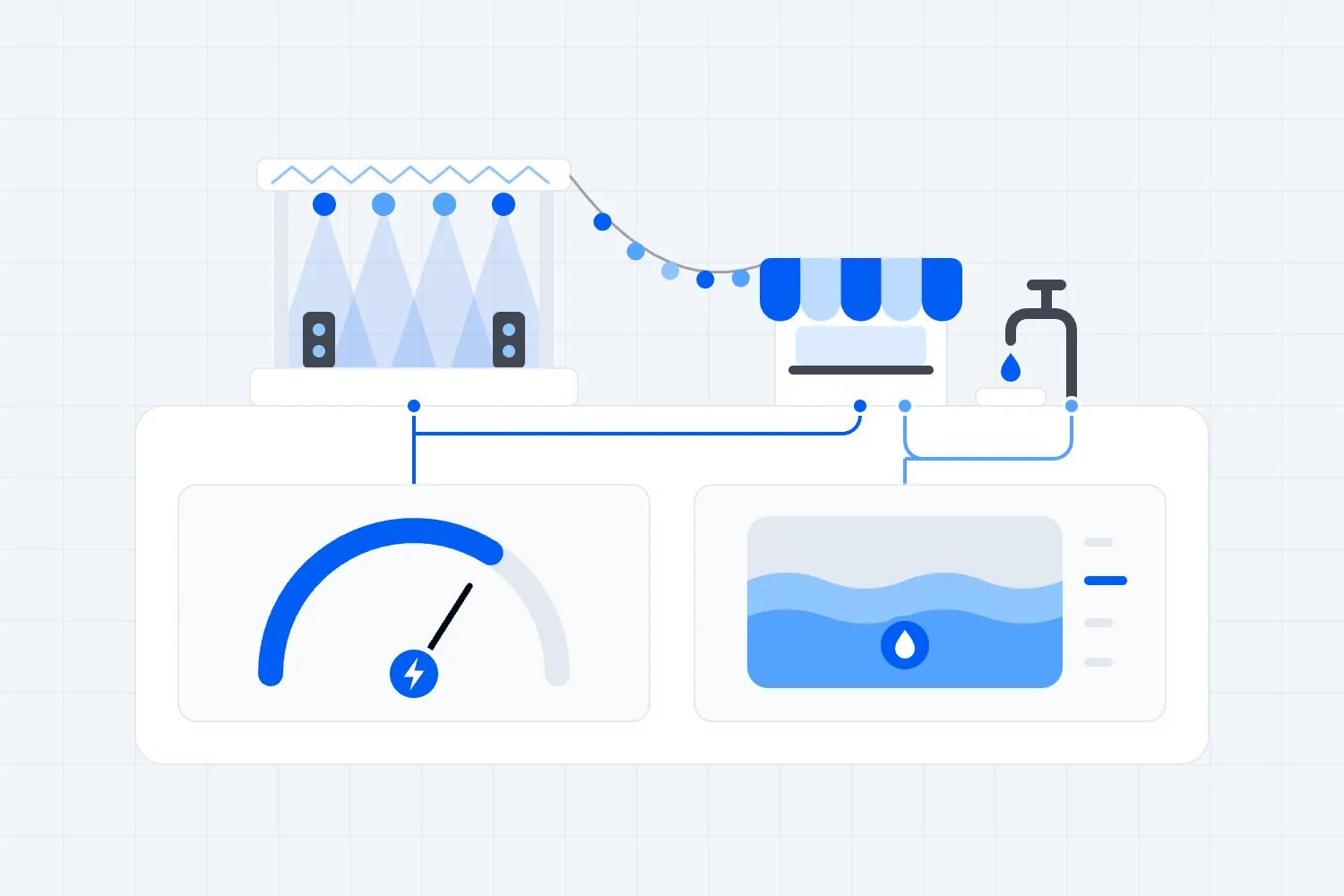
The wider site survey, distribution and utility demand belong in your outdoor event power and water plan. Here, the question is narrower. When the normal supply fails, which actual services survive, which stop, and what happens next?
Agree how much interruption each service can tolerate
"Backup power" can mean equipment that keeps running through an interruption, or equipment that becomes available after someone responds. Those are very different things to buy. Ask the supplier to describe the interruption at the device and the effect on the activity you're protecting.
A short loss of power might restart a network device. The supply could be restored before staff notice, while the device is still reconnecting. Equally, a computer might remain on its internal battery but lose the external equipment it needs. Measure the time until the service is usable again, rather than stopping the clock when electricity returns.
For each service, decide whether a pause is acceptable and what staff do during it. You may be able to pause new merchandise sales while the supervisor confirms payment status. A registration pause could create a queue that needs active management. Neither decision can be made properly without considering the entrance layout and the people already waiting.
Some equipment may need a continuous supply to avoid an unacceptable interruption. Have the responsible specialist confirm that requirement and the proposed solution. Don't describe a laptop, control console or safety system as protected simply because a supplier has included a battery somewhere in the quote.
Set a separate requirement for how long the fallback must operate. A system that bridges a brief supply change serves a different purpose from one intended to support an extended interruption. Agree whether the aim is continued service, an orderly pause or a controlled shutdown. That choice determines what needs powering and what the team needs to practise.
Avoid choosing a runtime because the number sounds reassuring. Work back from the response you can actually provide. How will someone notice the failure? Can the right person reach the equipment? What checks are needed before it is usable? If the fallback cannot cover that sequence with an agreed allowance, the plan needs changing.
Check the whole chain behind ticketing and payments
Take one working ticket scan and ask what made it possible. There is the phone or scanner, the app, the staff account, the ticket information and whatever connection the setup requires. That connection may depend on venue Wi-Fi equipment and an incoming internet service. A charged handheld device only answers one part of the question.
Ask the venue's network contact to identify which local devices serve your entrances and what power arrangement supports them. Don't assume a Wi-Fi access point is backed up because the building's central network equipment is. Confirm the actual route serving the location where your team will work.
Make the same check for payment. Depending on the setup, a sale may involve a phone, a reader, a sales application and a connection to the payment service. Ask the supplier to explain the dependencies in the arrangement you're buying. An unrelated demonstration on a different device doesn't establish how your checkout will behave.
Put the dependencies on the same sheet as the service. For example, the main entrance's ticket validation might depend on a named staff device and a particular network connection. Record who provides each part and who confirms that the complete arrangement works. If one part is unconfirmed, leave the service marked unconfirmed too.
Look for shared failure points. Two entrances using different phones may still depend on the same local network equipment. Two technical suppliers may both be expecting the venue to provide the same outlet. Ask your specialists whether a proposed alternative actually avoids the fault you're planning for. A second device can be useful without being an independent fallback.
Our event Wi-Fi guide covers network planning in more detail. For this brief, keep the question practical. If the normal power supply stops, which parts of the agreed connection stay available, and has someone checked the resulting service from the actual entrance?
Decide what a battery, a UPS and a generator are doing
A device's internal battery can keep that device running for a limited period. It doesn't automatically protect anything connected to it. A laptop may continue displaying slides on its own screen while the room's display has lost power. Staff need to understand that limitation before they report that the presentation is still working.
A UPS, short for uninterruptible power supply, provides backup power to connected equipment. Its suitability depends on the equipment, the required interruption performance and the operating time under the actual load. The load is the power demand of the connected equipment. Let the technical supplier select a suitable unit and explain its limits.
Schneider Electric's guidance on UPS selection and runtime distinguishes supply compatibility, transfer behaviour and sizing. It also explains that runtime changes with connected load and directs buyers to the particular unit's runtime information. A power rating on the front of a unit doesn't tell you how many minutes your event setup will remain usable.
A generator can provide another source of electricity, but the way it is installed and brought into service matters. Ask the electrical contractor whether the proposed arrangement involves an interruption, who controls the change and which equipment receives power afterwards. A spare machine awaiting connection isn't a promise that your payment terminal will continue a transaction.
These options can support different parts of the same plan. The supplier might propose a short-duration arrangement for selected equipment while another approved supply becomes available. Ask them to describe the full sequence and test it with the people responsible for the connected systems. Don't assemble that sequence yourself from separate hire descriptions.
Also ask what the proposal doesn't protect against. It might address loss of the normal supply without addressing a failed device, a damaged connection or an unavailable remote service. Keep those limitations visible. Otherwise staff may spend the interruption waiting for backup power to solve a problem it was never designed to fix.
Find out what the venue means by backup
If the venue says it has backup power, ask its technical representative which services that includes. The answer may be entirely appropriate for the building while leaving your temporary registration desk outside the arrangement. Get confirmation for the locations and equipment in your brief, rather than relying on a general statement in a hire brochure.
Ask what happens during the change of supply. Will any of your connected equipment lose power, and will someone have to restore it? Then bring the relevant equipment supplier into the conversation. The venue can explain its supply arrangement, but your network or production supplier needs to confirm how its own equipment behaves under those conditions.
Check whether other activity shares the proposed provision. A conference venue might have another event operating at the same time. Ask the venue to confirm what is committed to your event and who approves changes. You need the agreed service, without assuming that equipment elsewhere in the building is available for you to use.
Also confirm the operating hours and access rules. A technical representative available during the conference day may leave before evening sales finish. A locked service room may be accessible only to authorised venue staff. Put the actual attendance and access arrangements into the response plan, so nobody is promising a recovery that depends on an absent person.
Record any venue restrictions before booking temporary equipment. There may be an approval process, limits on where equipment can be placed or conditions affecting delivery and removal. Give those conditions to your suppliers while they still have time to propose a suitable arrangement. The final acceptance should cover the installed solution, including work provided by the venue.
Keep electrical design with qualified specialists
Your job is to explain the service, the timetable and the consequence of losing it. The qualified electrical contractor decides how the supply should be selected, installed, protected and checked. Give them equipment information from the actual suppliers, plus a current venue layout and the operating hours.
The Health and Safety Executive's electrical safety guidance for events identifies demand, emergency supplies, generator use, environmental conditions and cable routes as planning considerations. This is Great Britain guidance. Have your contractor confirm the current requirements and standards that apply at your location, including any venue approval needed for temporary equipment.
Ask for a clear account of what the venue provides and what the temporary supplier provides. Who supplies power to the network equipment? Who can authorise access to the relevant room? Who checks the proposed backup arrangement against the venue's existing installation? Resolve those questions before separate suppliers arrive with incompatible assumptions.
Generator location also needs professional review. The US Consumer Product Safety Commission's carbon monoxide guidance warns that portable generators must be used outdoors, away from homes, with exhaust directed away. Its household advice isn't a layout design for an event. Have the supplier assess your actual site, occupied structures, ventilation openings and public access.
Keep staff instructions within their role. They can report a warning, keep attendees away from a problem and contact the authorised responder. They shouldn't improvise connections, move installed power equipment or repeatedly reset something that has stopped working. Put the contact and escalation route where a supervisor can find it without entering a restricted technical area.
If the event changes location, adds equipment or moves an entrance, return the change to the relevant specialists. An arrangement accepted for the original layout may need review. Protecting the agreed equipment list also means refusing casual additions to its supply until the contractor has approved them.
Protect admissions without losing track of who entered
Ticket validation and safe admission are related jobs, but they aren't identical. A device can show a valid ticket while entry is paused for another reason. Your entrance supervisor needs the event control instructions as well as a working check-in system. Make clear who can stop admissions and who can authorise resuming them.
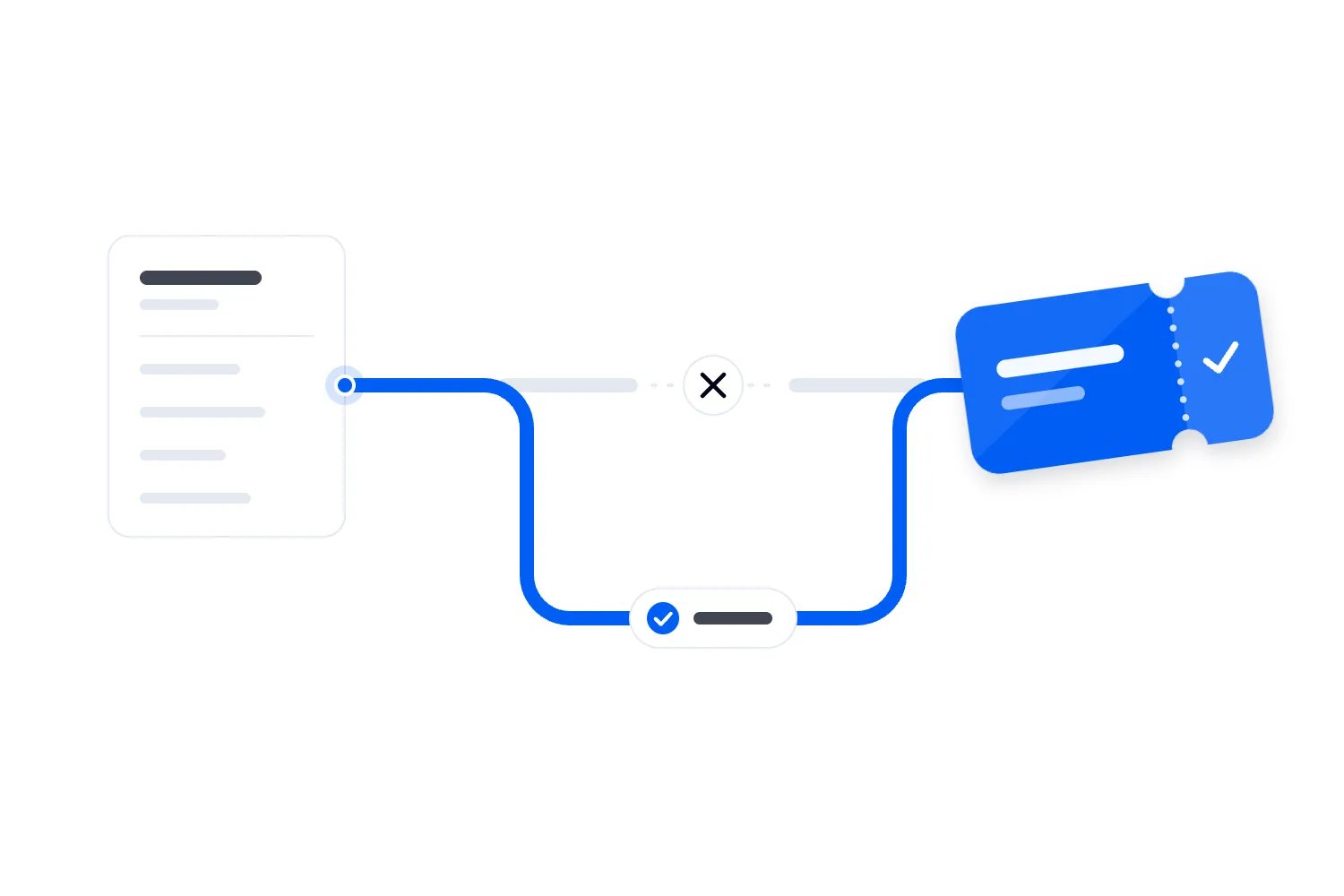
Loopyah's ticketing tools let door staff scan QR tickets using their phones, with access limited to check-in. Plan charged devices and an approved charging arrangement around the shifts you've assigned. Test the app on those phones at the entrance, using the connection staff will actually have during their shift.
Check the current product instructions and ask support about any behaviour your fallback depends on. A staff member finding an attendee by name inside an app is still using that app. It doesn't establish that the same action will work without a connection, or that separate entrances can share changes during an interruption.
If an alternative admission method is proposed, agree what it can verify and how admissions are recorded. Consider later purchases, cancellations, resales, duplicate tickets and different entitlements. Ask how the method handles changes made after its information was prepared. Don't quietly trade accurate validation for an apparently moving queue.
For a small event, a controlled pause may be more manageable than an untested alternative. For another event, pausing creates a serious problem at the entrance. Decide with the people responsible for crowd management and ticket operations, then rehearse the chosen response. Keep any personal information used for a fallback restricted to the people who need it.
Brief staff on the words they'll use. They need to explain a temporary pause without promising an opening time nobody has confirmed. Place someone where they can communicate with the waiting audience and receive updated instructions. Our check-in staffing guide helps you plan those jobs alongside the people validating tickets.
Treat offline payments as a separate decision
Power, connectivity and payment authorisation are separate conditions. A powered terminal can still be unable to reach the payment service. An offline collection feature, where supported, can behave differently from an approved online payment. The team needs to know exactly what result the screen is showing.
Stripe's offline payment documentation explains that supported offline transactions are collected before authorisation is attempted after reconnection. It says the user assumes the associated decline and tamper risks. This describes Stripe's documented arrangements, not a promise that your particular event app, reader or integration supports offline collection.
Before relying on such a feature, get the provider to confirm the exact device, software, account configuration and permitted use. Ask what staff see when a payment is stored, what happens if it is later declined and who monitors outstanding transactions. Decide who accepts the financial exposure before the doors open.
Have a separate rule for an uncertain transaction. If a customer has tapped and the screen stops responding, staff shouldn't immediately ask for another payment through a different device. Follow the provider's process for checking the transaction's status. Tell the supervisor when the result is uncertain and give the customer a clear explanation of what happens next.
If the tested plan requires sales to pause, state that plainly. Identify the person who controls the pause and the person who confirms payment service has returned. Changing to cash also needs an agreed operational arrangement, including permissions, receipts, security and reconciliation. It isn't an automatic solution every supervisor can introduce independently.
Keep a record of affected sales using the approved process, without writing down card details. After recovery, reconcile uncertain or stored transactions before closing the sales record. A queue disappearing doesn't prove that the money has arrived, and a battery warning isn't the right moment to invent your transaction policy.
Define what show control can do during an interruption
Show control means the equipment and people coordinating live cues, such as starting a video or changing a lighting state. Its power requirement depends on what you need it to do when other equipment fails. Preserving the operator's computer may help retain a session without allowing the audience-facing programme to continue.
Ask the technical lead to identify the connected equipment required for each essential action. Can the operator still communicate with the stage? Does the required output reach its destination? Can the crew hold the programme in an agreed state? The answer has to account for the actual system, including devices supplied by another company.
Separate ordinary programme recovery from the event's emergency response. The HSE's guidance on incidents and emergencies calls for defined responsibilities, agreed show-stop arrangements and tested communications. It also says restarting needs consultation with the relevant people and confirmation that staff and services are ready. Apply the locally agreed emergency plan at your event.
For programme recovery, give the operator an agreed point to resume. A presentation might restart from a named slide once the speaker is ready. A film may need to restart from its beginning or be omitted through an authorised programme change. Some cues must never repeat automatically. The relevant specialist should define the safe behaviour of the equipment they control.
Ask how files and current settings are protected, and how the technician confirms the right version after restoration. Saving a file is useful, but a saved file on the wrong machine won't help the crew reach it. Include that handover in rehearsal, especially when several operators share the control position.
The production brief should record who owns those decisions and who speaks to the presenter. The power supplier restores its service; the production lead coordinates the consequences for the programme. Make sure both parties know the point at which responsibility passes between them.
Check battery bridging time and complete service recovery separately
Here's a fictional timing example for a non-safety service that the event has agreed can pause. The event lead sets an eighteen-minute limit for restoring it under the agreed operating plan. That is a service recovery limit, not a battery runtime specification. The electrical contractor must separately confirm how long the protected equipment needs battery support before another supply takes over.
The team's rehearsal takes five minutes from the interruption to the alternative supply taking over. The technical operator then needs four minutes to restore the required service, followed by three minutes for the responsible leads to check it. The complete response takes twelve minutes, leaving six minutes within the example's eighteen-minute service recovery limit.
In this sequence, the equipment that stays on battery needs support through the five minutes before the alternative supply takes over, with whatever allowance the specialist requires. It doesn't necessarily remain on battery for all twelve minutes. The other seven minutes still matter to the event because the service isn't ready for staff to use.
Now suppose the responder cannot reach the supply area promptly. The first part takes fourteen minutes instead of five. If battery support is confirmed adequate for that longer interval, and the same four-minute restoration and three-minute check still apply, the response takes twenty-one minutes. That exceeds the service recovery limit by three minutes. If the battery cannot bridge fourteen minutes, the supplier must also reassess the resulting equipment interruption and recovery.
Resolve the cause with the responsible people. They might change access, provide appropriate onsite cover, revise the technical proposal or agree an earlier controlled pause. Don't simply change the number on the plan. If the response time is an assumption, label it as an assumption until the proposed arrangement has been demonstrated.
Include restoration after a brief interruption as well as a prolonged one. People often think about the first change of supply and forget the return. Ask the supplier how the system returns to its normal arrangement, who controls that operation and whether the services need checking again. Agree that sequence before anyone announces a restart.
Give suppliers a brief they can answer
Put the backup requirements into the same production process as the rest of the job. Send a current version to the venue, electrical contractor, network provider and production supplier, with the sections relevant to each. Ask one named lead to coordinate the responses so a requirement doesn't disappear between quotes.
Use the following fields for each service. Leave an answer marked unresolved until the responsible party confirms it. Your first draft can describe what the event needs; the accepted version must also record what has actually been agreed and who will deliver it.
Service and location, including the entrance, sales point, room or control position it supports.
Operating hours, including setup, checks, public use, closing and any later staff use.
What staff must still be able to do after the normal supply fails.
Equipment and connection dependencies, with the provider responsible for each part.
Acceptable interruption and required fallback duration, confirmed with the relevant specialists.
Proposed supply arrangement, its limitations and any actions needed before it becomes available.
Detection, notification and response arrangements, including the named person on duty.
Agreed service check, the person witnessing it and the evidence retained.
Pause, shutdown and restart authority, linked to the applicable event procedures.
Price, exclusions, change process, unresolved conditions and final approval.
For example, an entrance service might require authorised staff to validate the correct ticket and record admission through the agreed system. Its dependencies could include staff phones, the local connection and access to current ticket information. The supplier response must explain how those conditions are maintained or what approved pause applies when they aren't.
A show-control entry could instead require retaining the current session and communicating a programme hold. It should state which outputs are expected to continue and which are not. That gives the production team something more precise to confirm than a general statement that the control desk has a UPS.
Ask suppliers to describe exclusions in ordinary words. "Network by others" needs the actual responsible provider. "Generator backup available" needs an activation and operating arrangement. "Client to provide power" needs agreement with the venue or contractor. Resolve these before you compare prices, because the excluded work can be the part that makes the service usable.
Keep the detailed electrical design and specialist records with their owners. Your operating brief points to those records and states what staff can rely on. Copying technical details you don't understand into a supervisor's checklist can create confidence without giving them a usable instruction.
Compare the full cost of the agreed service
Price the installation, testing and response cover alongside the equipment. A battery hire price can exclude delivery, setup, a venue access charge or someone attending the acceptance test. Ask which party invoices each item and which hours the quote assumes. The cheapest initial line may leave you buying the missing work later.
Here's a fictional USD budget for additional commercial service continuity at an event where the required safety provisions are already separately specified. Equipment costs $420, installation and testing $280, technical cover $360, transport $140 and a venue charge $100. Those items total $1,300. They aren't market rates or a quote for any particular system.
Suppose the event expects to sell 300 paid tickets and keep $80 per ticket after ticket-related fees and taxes. That gives $24,000. A further $15 of event cost for each sold ticket totals $4,500. With $16,000 of other fixed event costs, the example has $3,500 left before the additional backup package.
Adding the $1,300 package reduces that amount to $2,200. These are simplified planning figures, excluding business overhead, financing and income tax. The calculation shows what the proposal does to this event budget. It doesn't predict sales, establish the value of avoided disruption or prove that the package pays for itself.
If the figure is too high, ask suppliers to price a simpler service requirement that still meets the event's obligations. You might accept a controlled pause for new merchandise sales while retaining a different arrangement for admissions. The tradeoff must be explicit and workable. Mandatory safety provision isn't an optional saving to balance a commercial forecast.
Avoid justifying the purchase by treating every possible lost sale as certain. Some attendees may wait, some may leave, and the event may have other consequences beyond sales. Without reliable evidence, you can't convert those possibilities into a guaranteed return. You can still decide that a tested response is necessary to deliver the event you've sold.
Rehearse the service, with a controlled test plan
Book time for acceptance checks before public entry and before the team needs the service for real. Agree the test method with the venue and qualified suppliers. They decide how any interruption is safely simulated and what must remain untouched. Don't pull a supply or interrupt safety equipment to see what happens.
Use the devices, applications and connections intended for the event. Have a trained staff member perform the actual task while the relevant specialist observes. A unit switching to battery proves a narrower point than a successful ticket check or a usable control action. Your record should identify which result was demonstrated.
For admissions, use the provider's approved test method and confirm the expected ticket result, staff access and admission record. Include an exception the door team might really face, such as the need to refer an uncertain result to the supervisor. Keep the test separate from live attendee records unless the provider has specified an appropriate process.
For payments, follow the payment provider's testing instructions. Confirm what the screen shows during a connection interruption and how staff distinguish approved, pending and failed outcomes. Agree any legitimate test transaction and its reconciliation with the responsible person. Don't experiment with live customer cards while discovering how the fallback works.
For show control, ask the technical lead to demonstrate the agreed hold and recovery sequence with the relevant operators. Check the information reaching the stage and the person making the restart decision. A technician knowing their own equipment is useful; the rehearsal establishes whether everyone receives the information needed to act together.
Record the conditions of the test, including the equipment connected, relevant settings, battery state reported by the supplier and the time taken. Ask the supplier how the test affects readiness and charging before the event. A successful rehearsal doesn't remove the need to restore the equipment to its agreed starting condition.
Include one rehearsal where the technical fallback works but the service check fails. For example, the agreed supply is available, yet the entrance device can't reach the current ticket information. The supervisor should continue the agreed pause and report the failed check. This tests whether the team follows the service requirement when an equipment indicator appears reassuring.
Finish each check with a clear result. Ready means the agreed requirement has been demonstrated under the recorded conditions. Unresolved means a named person must correct or clarify something before acceptance. If a restriction is accepted, state how it changes the event's operation and who has approved that decision.
Plan for another interruption before everything has recovered
Ask the supplier what happens if power fails again before batteries have returned to their required starting condition. The first successful response doesn't establish how much support remains for another one. Have the responsible specialist define how readiness is checked, who receives that information and what operating restriction applies while recovery is incomplete.
That question matters after a rehearsal too. If the test uses battery capacity, your installation schedule needs the supplier's recovery arrangements before public operation. Don't book the test at the last available moment and assume the equipment is immediately ready for the same event again. Confirm the condition the supplier requires and the time or alternative provision needed to reach it.
Give the supervisor an instruction for reduced readiness. They may need to keep a service paused or use a different arrangement already approved for the event. They shouldn't estimate remaining operating time from a reassuring battery icon. The specialist provides the technical assessment; the authorised event lead decides what that means for the programme or admissions.
For a multi-day event, include overnight responsibility. Establish who monitors or checks equipment, who has access and how the opening team receives confirmation of readiness. A delivery crew collecting equipment early, or a cleaning team moving a device, can change tomorrow's setup. Make the handover specific enough that those changes are reported before the next opening check.
Make the failure instructions usable during a busy shift
The final staff instruction should be short enough to use while someone is asking why the queue has stopped. Put the detailed supplier brief behind it. The front page needs the service affected, the immediate staff action, the contact to call and the authority required to restart.
Write different instructions for different symptoms. A phone reporting low battery is different from several devices losing a connection. A payment with an uncertain result is different from a device that hasn't started a sale. Staff don't need to diagnose the electrical fault, but they do need to report what they can actually see.
Give the supervisor a way to report the time, location and scope of the problem. Is it one sales point or every entrance? Are staff receiving a connection error, a blank screen or a payment message? That information helps the responsible technical people investigate without turning public-facing staff into improvised technicians.
Agree how updates reach the team if their usual communication tool is affected. The alternative has to be available to the people using it, including staff working away from event control. Test that contact route during briefing. A backup number stored only on an unavailable device isn't much use to the person expected to call it.
Set a decision point for continuing the pause, changing the operating arrangement or escalating through the emergency plan. The responsible leads should define that point for the event's circumstances. Staff mustn't keep extending an informal wait because somebody says the supplier is nearly ready. They need a current instruction from the person authorised to make it.
Control changes after the test and finish the handover
Once the arrangement is accepted, tell staff which equipment is approved to use it. A spare outlet isn't an invitation to add a phone charger, printer or sponsor display. Extra equipment can change the conditions the supplier assessed. Send requests through the named lead and have the appropriate specialist confirm the effect.
Review staffing changes too. If the qualified responder leaves before door sales finish, the written response time may no longer be achievable. If an entrance moves, the tested connection may no longer serve it. Treat those changes as reasons to revisit the service requirement and acceptance, rather than simply updating a location label.
At shift handover, the outgoing supervisor explains current restrictions, warnings, unresolved transactions and any equipment changes. The incoming supervisor confirms the contact route and pause instructions. Include charging and equipment return in that handover, so the next team receives devices in the condition the plan assumes.
After an interruption, record what actually failed, what continued and how long each stage took. Separate electrical restoration from service restoration and permission to resume. That distinction helps you see whether the problem was the supply, access, device recovery or a missing operational decision. It also gives suppliers a specific issue to address.
Close payment and admissions records through the agreed reconciliation process, and review any programme promises affected by the pause. Keep evidence needed for supplier discussions and your event review. Avoid recording an outage as resolved while financial exceptions or attendee follow-up remain assigned to nobody.
Before approving the final proposal, ask each lead to explain their part of the same failure scenario. The venue confirms access and its services. The technical suppliers explain the accepted fallback and limits. Your supervisors explain what they stop, what they tell attendees and who authorises resuming. Record any missing answer with its owner and deadline, then confirm the accepted version with everyone who will operate it.

Author: By the Loopyah Content Team
The Loopyah Content Team shares expert insights, practical guides, and industry updates to help event organizers create unforgettable experiences and stay ahead in the event planning world.