· 21 min read
How to manage exhibitor services and supplier orders

Manage exhibitor services by giving every order a named owner, a confirmed specification, a supplier reference, a deadline and a clear payer. Track it until someone checks the service on the stand, then match the final invoice to what you approved and received.
So you've sold the exhibition space. Now an exhibitor wants power for a coffee machine, another needs a wired connection, and someone has sent their furniture request to your sales team. Meanwhile, the supplier's cheaper ordering window closes tomorrow. This is where a profitable exhibition starts paying for decisions nobody remembers making.
The problem usually starts before anyone arrives at the venue. A package says electricity is included without explaining what that means. An order gets submitted without a stand plan. A supplier changes the price, but the exhibitor thinks their original quote still applies. Your team promises to sort it out, and your budget picks up the difference.
You can prevent much of this with a clear ordering process. This guide covers what belongs in the exhibitor manual, how to control supplier orders and deadlines, what to check during delivery, and how to close the accounts without a week of invoice arguments.
Decide what you sold before you open ordering
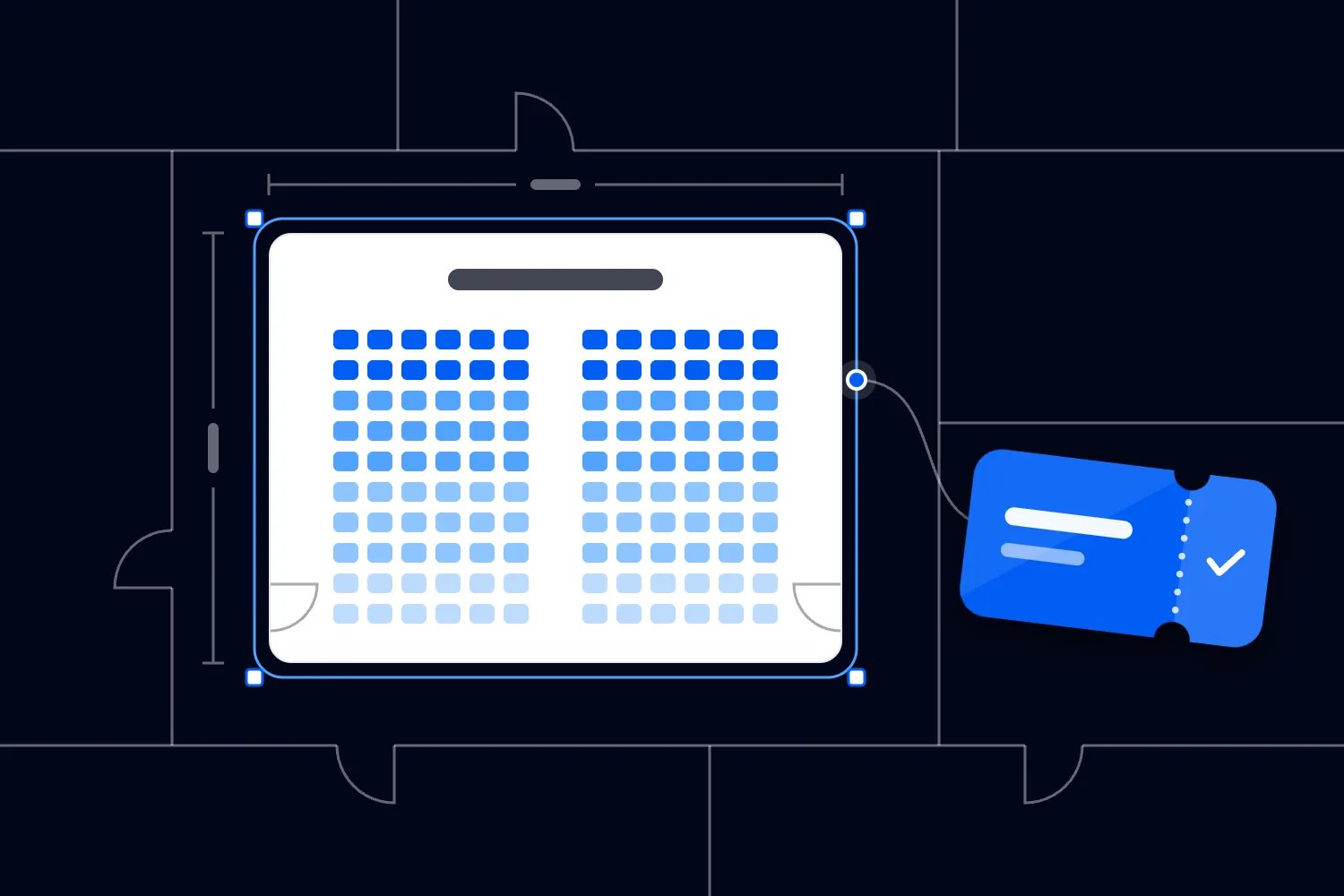
The first thing you want to do is check the stand package against the delivery plan. What did the exhibitor actually buy? Write down the physical space, furniture, power, connectivity, cleaning and passes that come with it. Then confirm who will supply each item and what it costs you.
Be specific enough that two people would order the same thing. A table needs a size. A power supply needs its agreed specification and position. Internet needs a description of the service and its intended use. "Basic services included" gives your team an argument to settle later.
Separate an included allowance from unlimited use. If a package includes a particular electrical connection, say how exhibitors request extra capacity and who approves it. If cleaning covers the aisle, explain whether it covers the stand. Don't let exhibitors discover an exclusion after they've unpacked.
You also need to distinguish an exhibitor package from a sponsorship package. A sponsor may receive booth space as a benefit, but that doesn't automatically include every service they want. Record the stand entitlement beside the sponsorship agreement so your delivery team can see what the brand was promised.
For paid events, Loopyah's sponsorship packages can list perks such as booth space, set quantities and require approval before a brand pays. Use those agreed benefits to brief your operations team. Supplier purchasing, stand drawings and electrical approval still need their own process.
Read the contract wording with your sales lead before issuing the manual. If sales has promised something the supplier cannot deliver, resolve it now. You may need to change the package, obtain another quote or absorb a known cost. An uncomfortable conversation now beats an improvised promise during setup.
Give every service a clear ordering route
Exhibitors should know where to order without having to ask you. For each service, name the provider, link the approved ordering route, explain what information they need, and identify who pays. Put the support contact beside the service, not at the back of a long document.
There are usually several routes. Your company buys the included stand package. An exhibitor buys optional furniture directly from a supplier. The venue handles a restricted service. A stand builder orders on the exhibitor's behalf. These routes can coexist, but the same item shouldn't appear payable through two of them.
Check the venue's rules before offering supplier choice. McCormick Place, for example, says it is the exclusive provider of internet and telecommunications services. That is a venue-specific requirement. Ask your own venue which services it reserves and which contractors exhibitors can appoint.
When exhibitors buy directly, your job is to coordinate the event requirements and exceptions. You shouldn't create another payment request for the same order. Ask the supplier what confirmation they can share with you and what requires the exhibitor's permission. Collect enough information to deliver the show without copying unnecessary billing details.
When you buy and recharge a service, decide the commercial terms before taking orders. State whether your charge includes administration, tax and delivery. Explain when payment is due, how cancellation works and whether the price can change. Get finance to approve the wording and invoicing route.
Give exhibitors one help address for questions about the process. Behind that address, route technical questions to the right supplier. Your sales manager shouldn't guess which electrical connection a machine needs. Their useful answer is who can approve it and what information that person requires.
Build an order record people can trust
Use the supplier's ordering system when it already captures the information and confirms fulfilment. A second spreadsheet shouldn't force exhibitors to submit the same request again. Your event record should show what matters across suppliers, especially anything that changes the floor plan, shared capacity, setup sequence or organiser's costs.
For a small exhibition, a shared register may be enough. For a larger show, you may need dedicated exhibitor ordering software and supplier access. Choose the tool after you decide which information must move between people. Buying software won't fix an unclear approval process.
Each record should include the exhibitor's business name, stand number, requester's contact, service description and delivery position. Add the supplier, supplier order number, quote version, agreed amount, currency, tax treatment, payer and approval evidence. Record the required installation time and any dependencies.
Track meaningful stages. "Requested" means someone asked. "Awaiting information" means a missing detail blocks progress. "Accepted by supplier" means the supplier confirmed the order. "Paid" means the required payment cleared. "Installed" means the item arrived or the connection was fitted. "Checked" means the intended user verified it works.
These stages answer different questions. A paid order can still lack installation details. An installed internet line can still fail the exhibitor's demonstration. Don't mark either one complete because finance has a receipt. The person who needs the service should know what completion means.
Keep documents linked to the record instead of burying them in separate email threads. Store the accepted drawing, the quote and approval, then any authorised changes. Make the current version obvious. If a stand moves, the revised service position needs to reach the supplier, not just your floor plan designer.
Name one organiser contact who maintains the overall record. Service owners confirm their own information, and finance confirms costs and payment. Limit editing access so a sales colleague cannot accidentally replace an accepted specification while answering a question. Keep personal information available only to people who need it.
Agree supplier reporting before orders begin
Ask each supplier what you will receive during ordering and delivery. You need a useful view of accepted orders, incomplete requests, missed payments where these block delivery, and changes affecting the show. Agree the reporting frequency and the contact who can resolve discrepancies. Avoid discovering at setup that their order list differs from yours.
Check how stand numbers travel through the process. An exhibitor may trade under one name, pay under another company and use a contractor with a third name. The stand number ties those records together, but it must match the current floor plan. Tell suppliers how you will communicate a reassignment and who acknowledges it.
Agree a final review with the supplier before their installation team arrives. Compare included services against optional orders so you catch duplicates. Identify stands with no confirmed service where the planned activity needs one. Ask the exhibitor about the gap rather than assuming silence means they don't need anything.
Capacity matters when you choose the supplier. Ask how they handle peak installation periods, replacement equipment and support during opening hours. Get clear answers about what happens if an order arrives incomplete or a requested item becomes unavailable. The cheapest quote is a poor choice when the supplier cannot meet the delivery schedule your event requires.
A useful record reads like this. Stand B12; two chairs; exhibitor pays; supplier order reference F104; accepted quote linked; delivery position marked on approved plan; installation due before stand handover; exhibitor contact checks quantity and condition. Add the actual deadline and named organiser owner. Anyone picking up that record should know what arrives, who pays and what still needs checking.
Plan deadlines backwards from installation
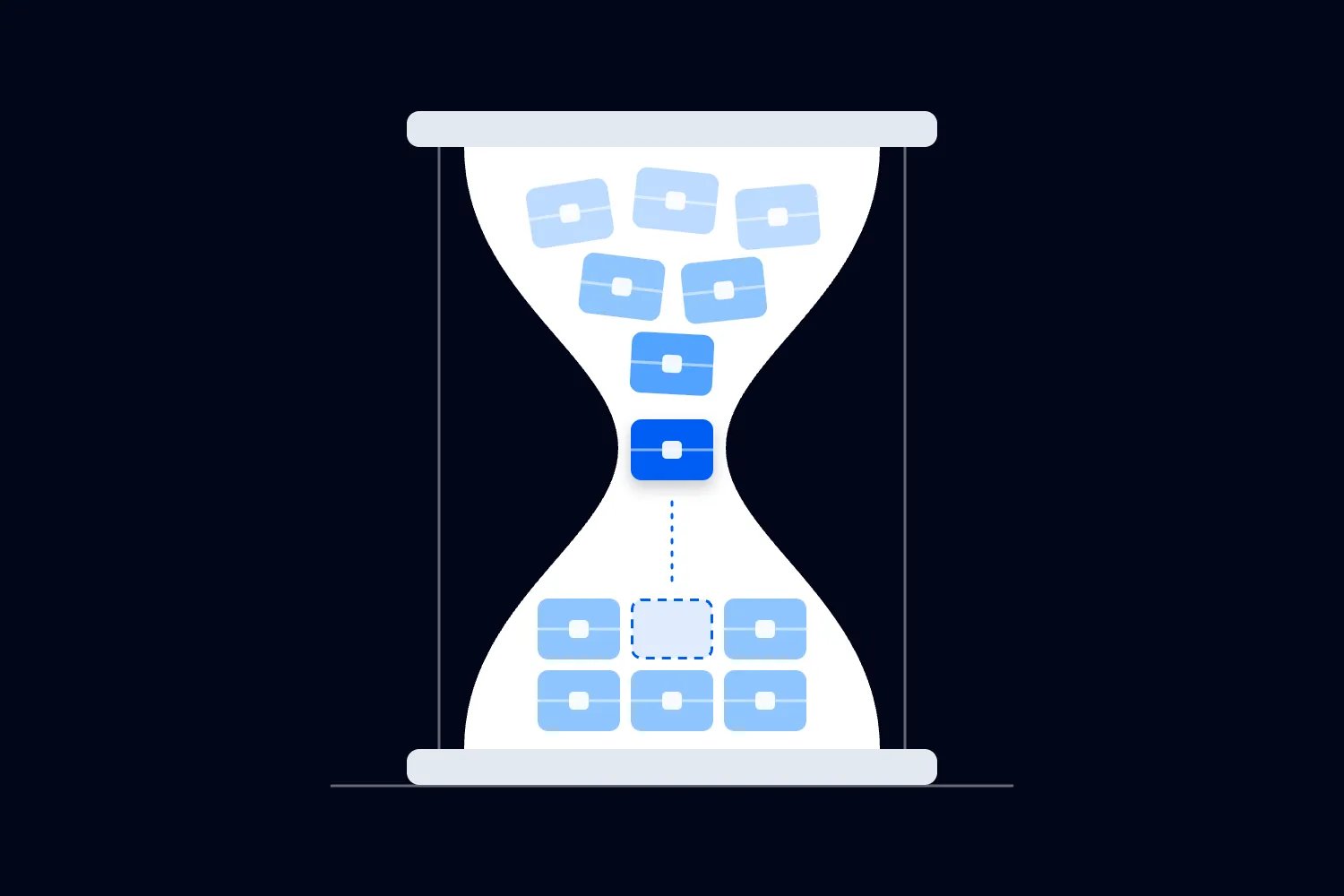
A deadline has a reason. The supplier may need time to reserve equipment, plan labour, review drawings, manufacture graphics or receive payment. Ask what actually happens after an order arrives. Then give exhibitors a date that leaves you time to correct incomplete submissions before the supplier's cutoff.
Put the date, time and timezone beside each order route. Say whether it is a discount deadline, a final ordering deadline, an approval deadline or a cancellation deadline. "All forms due Friday" hides the difference between a higher price and a service that will no longer be available.
Use the first day of the venue tenancy where the supplier's terms use that date. The public opening date may be several days later. Excel London bases its published service cancellation windows on the first day of event tenancy. Copying those windows against opening day would mislead your exhibitors.
Build your calendar around confirmed supplier terms. A sensible sequence is technical information first, internal review next, exhibitor authorisation after that, then supplier acceptance and any required payment. Leave time for questions at each point. Your team cannot review drawings that arrive after the order closes.
Here is an illustrative schedule, not a recommended lead time for every exhibition. Suppose installation starts on Monday. Your supplier requires accepted drawings and payment the previous Monday. You ask exhibitors for drawings the Monday before that, review them midweek and seek approval by Friday. That gives you a chance to fix an incomplete request.
Reminders should identify the missing action. "Your power order lacks a marked stand plan" is useful. "Please complete your forms" makes the exhibitor search for the problem. Where the supplier already sends order reminders, agree who handles follow-up so exhibitors don't receive conflicting instructions.
Review late requests individually. Can the supplier deliver safely? What will it cost? Does it affect another stand or the installation sequence? A late fee alone doesn't answer those questions. Confirm feasibility before accepting payment, and tell the exhibitor when a request cannot be met.
Make supplier prices and changes visible
Get a written quote with enough detail to compare it against the order. Ask about minimum charges, delivery, installation, removal, storage, overtime and any work that depends on the final stand design. A cheap equipment line can sit above an expensive labour bill.
Confirm how long the quote is valid and what holds the price. Does the supplier need a complete order, an approved drawing, a deposit or full payment? The deadline should describe the actual requirement. An exhibitor who emailed a request before the cutoff may still miss the rate if required information arrived later.
Don't treat a price estimate as an accepted order. Label estimates clearly, tell the exhibitor what remains unknown, and agree who can approve the final amount. If the supplier charges by measured weight or time, explain how that measurement will be recorded and what the exhibitor can check.
When a price changes, record the reason before you ask anyone to pay. A larger stand, changed power requirement, late submission and supplier correction are different situations. Send the revised specification and amount to the authorised buyer. Keep their approval with the order before releasing extra work.
Use a worked example to make the cost clear. Suppose an optional service costs $600 before the deadline and $750 afterwards. Those are invented teaching figures, excluding tax. Across twelve identical orders, the totals are $7,200 and $9,000. The $1,800 difference is what the late ordering decision costs in this example.
That difference belongs to whoever your terms identify as the payer. If exhibitors order directly, it is their supplier charge. If you promise a fixed package price and miss your purchasing deadline, your own margin may take the hit. Don't quietly spread that cost across unrelated exhibitors.
You may choose to absorb a change to protect a customer relationship. That's a business decision, so record the amount, reason and approver. Otherwise your team will repeat the concession without knowing what it costs. Review these exceptions after the event before you price the next edition.
Collect technical details before confirming utilities
A power request needs more than "one socket". Ask exhibitors for their equipment information, operating hours, required positions and anything the supplier asks them to provide. Send that information to the appointed technical team. Let qualified people decide the correct supply and installation.
The UK's Health and Safety Executive says organisers, contractors and other users must take reasonable steps to keep event electrical installations and equipment safe. Its electrical safety guidance covers power requirements, cable routing and environmental conditions. Apply the requirements of your own location with your venue and competent electrical contractor.
Ask whether any equipment must run overnight. A refrigerator, charging station or demonstration machine may need a different operating schedule from stand lighting. Record the agreed supply hours so an exhibitor doesn't assume the service continues after the exhibition closes. Confirm who authorises shutdown and reconnection.
Internet deserves the same attention. Ask what the exhibitor will do with it, how many devices they expect to connect and whether a demonstration depends on a particular connection. The venue's technical team can assess the request. Free visitor Wi-Fi should not become your promise for a business-critical demonstration.
For water, drainage, compressed air or other utilities, get the supplier's required specifications and approval process. Record connection positions on the accepted drawing. A delivery team shouldn't discover during installation that a pipe crosses an access route or that the stand layout leaves no room for the connection.
Technical approval and payment are separate. A paid order doesn't approve a machine, and a safe installation doesn't settle the invoice. Keep both visible. If the exhibitor changes equipment after approval, send the change back to the technical team before assuming the original service will still work.
At the final briefing, identify the stands with services that affect installation sequencing. Your floor manager needs to know which work must happen before flooring, furniture or machinery blocks access. Ask the suppliers to confirm the order of work together, rather than letting each crew plan around its own arrival.
Treat freight as several services
An exhibitor says their shipment is booked. That doesn't tell you who will unload it, move it to the stand, store empty packaging or collect it afterwards. Separate transport to the venue from handling inside the venue. Then identify who is responsible for each stage.
Ask the official logistics provider for receiving instructions and permitted delivery windows. Share the correct address, stand identification, booking route and contact details with exhibitors. Confirm any restrictions on vehicle access or unloading. A courier delivering to the street address is not proof that goods reached the stand.
Record what the shipment contains and whether it needs special handling. Equipment dimensions and weight matter where they affect access, storage or lifting. Ask the appointed contractor what documents they need. The organiser shouldn't improvise a lifting plan or advise exhibitors to work around venue restrictions.
For international shipments, tell exhibitors to arrange the necessary customs support with their freight provider. Agree who is responsible for duties, documentation and return shipping. Avoid promising that the organiser will resolve clearance problems unless you've explicitly bought that service and know what it covers.
Empty crates need a plan too. Who labels and stores them? When can exhibitors retrieve them? How will that fit the breakdown schedule? A stand can finish packing late because its empty packaging is inaccessible, even when the outbound vehicle arrived exactly on time.
Before the show opens, check that the exhibitor can identify each delivery and report missing items. Keep delivery evidence with the order. If a supplier signs for goods on the exhibitor's behalf, make the handover arrangement clear. Photograph a damaged package where appropriate and follow the supplier's reporting process promptly.
For breakdown, confirm outbound collection details before exhibitors leave. Record the carrier, collection window, required paperwork and person responsible for packed goods. Your floor manager needs a route for abandoned items and missed collections. Waiting until the hall must be empty makes every remaining decision more expensive.
Review approvals before work reaches the floor
An order can be commercially accepted while its design still needs approval. Separate the exhibitor's permission to spend from technical permission to build or install. Make both requirements clear in the manual and in the order status. Neither team should assume the other has cleared the request.
List the submissions your venue and contractors require for the actual stand. These may include drawings, contractor details, insurance evidence, risk information and equipment specifications. Ask the responsible reviewer to define what is necessary. Don't collect a stack of documents nobody will read or approve.
The HSE's guidance on managing an event calls for coordination across work activities, including setup and breakdown. It explains that coordination doesn't make the organiser responsible for every contractor's technical work. You still need a safe overall programme, shared information and appropriate monitoring.
Give each submission an owner and a decision date. If the reviewer rejects it, tell the exhibitor what needs changing. "Not approved" without a reason creates another round of guessing. Keep the approved version accessible to the people installing the service and checking the stand.
Changes after approval need another look when they affect safety, capacity or other orders. Moving a hanging sign, enlarging a stand or changing a machine can affect more than the exhibitor making the request. Ask the responsible technical reviewer which changes require resubmission and communicate that rule upfront.
Keep commercial urgency out of technical decisions. A sponsor who paid more shouldn't receive permission to bypass a requirement. Your sales team can help the exhibitor find an acceptable alternative, but the competent reviewer must decide whether the proposed work can proceed.
Check delivery with the exhibitor
On installation day, your record becomes a working list for the floor team. Give them the current stand plan, supplier contacts, agreed installation times and unresolved exceptions. Brief them on which services remain incomplete. A neat report saying every request was submitted won't help them find a missing connection.
Agree what evidence confirms each service. Furniture may need a quantity and condition check. Internet may need a test with the exhibitor's intended device. Electrical services need the appointed contractor's relevant checks and handover. Your operations team should verify delivery without pretending to replace technical inspection.
Let the exhibitor nominate someone who can check the stand. Record when that person will arrive and how to contact them. If they aren't present, agree who may accept delivery and what still requires their confirmation. A signature from someone walking past isn't much use in an invoice dispute.
For each problem, log the stand, service, supplier reference, issue, time reported and owner. Add the next action and expected response. Prioritise anything affecting safe work or the exhibitor's ability to operate. A missing stool and an unsafe installation should not sit in the same undifferentiated queue.
Keep one person responsible for explaining progress to the exhibitor. The supplier can solve the technical problem while your contact manages the conversation. Tell the exhibitor what has been confirmed, what remains uncertain and when you'll update them. Guessing a completion time creates another promise to break.
Keep the service desk from becoming an open wallet
Your service desk needs authority limits before the first request arrives, including requests from major sponsors. Decide who can approve extra spending, who can accept a quote on an exhibitor's behalf and when a request must go to the event lead. Publish those limits internally so staff can answer confidently.
For a paid extra, show the specification, price and payer before the supplier starts. Ask the authorised buyer to approve it through the agreed channel. Staff can help an exhibitor complete that step, but shouldn't approve a charge because the queue is getting long.
Some problems need immediate action. Follow your event's safety arrangements and escalation procedure. When urgent work creates a cost, record who instructed it and why as soon as practical. The financial record must support the operational decision without delaying necessary safety action.
Track substitutions explicitly. If the requested furniture is unavailable, confirm the proposed replacement with the exhibitor and record any price adjustment. The same applies to a changed installation position or delivery time. A supplier's solution may work technically while affecting the exhibitor's demonstration or visitor access.
Keep the desk's contact list current through breakdown. Include an alternate contact when a supplier's usual representative is unavailable. Know when teams leave site and what support remains. An unresolved issue shouldn't disappear because the person who received the original request has finished their shift.
Keep a small record of urgent replacements held on site, who controls them and how they are charged. Availability should be confirmed with suppliers beforehand. A spare item only helps when someone can authorise its use.
Reconcile the order, delivery and invoice
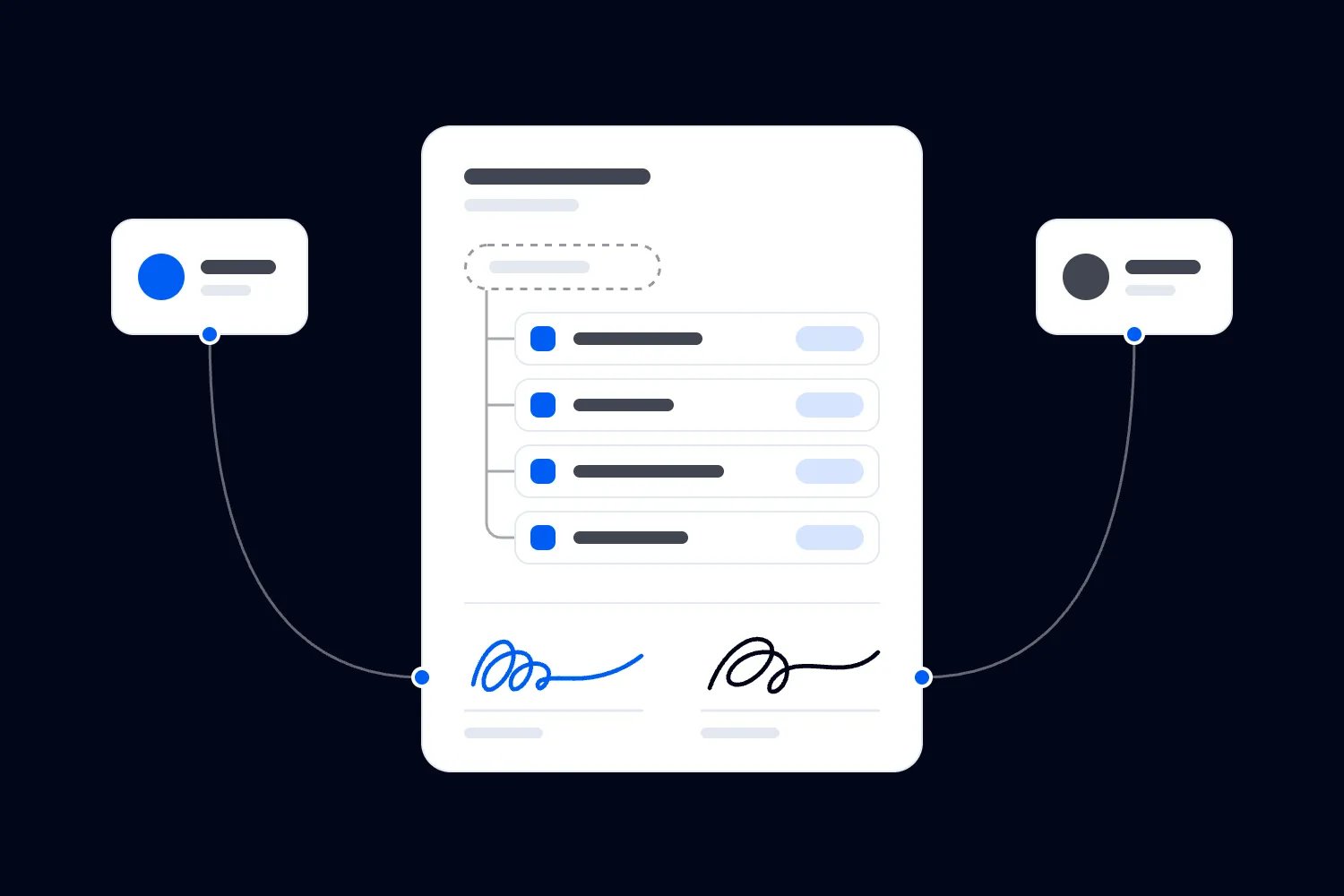
Finance should be able to follow each charge through the record. Start with the accepted order and any approved changes. Check the delivery evidence. Then compare the invoice against those items, quantities, rates and terms. This is how you catch a duplicate charge without reopening every conversation.
Separate fixed-price services from charges based on actual usage. For measured labour, handling or consumption, obtain the agreed records. Check the measurement against the supplier's charging method, including any minimums. If the method was unclear before the event, record that failure and fix the terms for next time.
Check cancellation charges against the relevant supplier agreement. A stand withdrawing doesn't automatically cancel every service booked for it. Tell suppliers promptly through their required channel and keep their response. Remove cancelled items from the delivery plan only after the responsible owner confirms what will happen.
Look for costs booked to the wrong party. An exhibitor's approved extra shouldn't become an organiser expense because the supplier used your purchase order. Equally, an item included in the package shouldn't be charged again to the exhibitor. Resolve these differences before issuing final bills.
Excel London also tells exhibitors to pre-order waste disposal and warns that waste left on site incurs a removal surcharge. Check your own venue's terms, record who left material and retain evidence. Include waste and breakdown costs in reconciliation rather than closing the accounts at public opening.
Keep disputed amounts visible until they are resolved. Record what you accept, what you dispute, the evidence and the supplier's response. Have finance handle payment decisions under the contract and local requirements. Don't mark an order settled simply because someone forwarded the invoice to accounts.
Keep exhibition delivery connected to the business
Your supplier record tells you what the exhibition costs. You also need to see what the event earns. Keep ticket revenue, stand revenue, sponsorship revenue and service charges distinct enough to understand them, then bring them together in the event budget. A busy exhibition can still lose money.
For attendee sales, Loopyah's ticketing tools handle ticket types, checkout and ticket-sales reporting. Keep those sales connected to your budget while your exhibition team manages stand orders. An attendee ticket purchase doesn't confirm that an exhibitor's utilities have been approved or installed.
If a sponsor bought booth space, reconcile the sponsorship promise with the stand entitlement and delivery record. Loopyah's sponsorship workflow lets organisers mark a deal fulfilled after delivery. Do that when you've delivered the agreed benefits, with your own operational evidence available to support the decision.
Use our exhibitor prospectus guide when describing the stand offer. The prospectus and ordering manual should agree about what comes with the space. Reliable services help exhibitors participate; a clear commercial offer tells them what they are paying for.
After the event, review which orders caused cost or delay. Was the specification missing? Did a supplier confirm too late? Did your package wording invite an extra charge? Pick the causes you can change and assign the fixes before the next prospectus goes out.
The aim is simple. Exhibitors know what they're buying, suppliers know what they're delivering, and your team knows who can authorise a change. Check that the service works, close the bill against the evidence, and carry the lesson into the next show. That's how you protect the exhibitor relationship and your margin together.

Author: By the Loopyah Content Team
The Loopyah Content Team shares expert insights, practical guides, and industry updates to help event organizers create unforgettable experiences and stay ahead in the event planning world.