· 21 min read
How to introduce official ticket resale for your event

Introduce official ticket resale by giving ticket holders one approved place to list tickets they can no longer use, and giving new buyers a clear route to those tickets. Before announcing it, check eligibility, money movement, entry and support so a completed resale leaves everyone knowing who can attend and who gets paid.
Your event has sold out. Someone's babysitter cancels, someone gets called into work, and another buyer is suddenly looking for a ticket. That sounds like an easy match. It gets less easy when the conversation moves into comments, money changes hands privately and your door team has to decide whether a screenshot means anything.
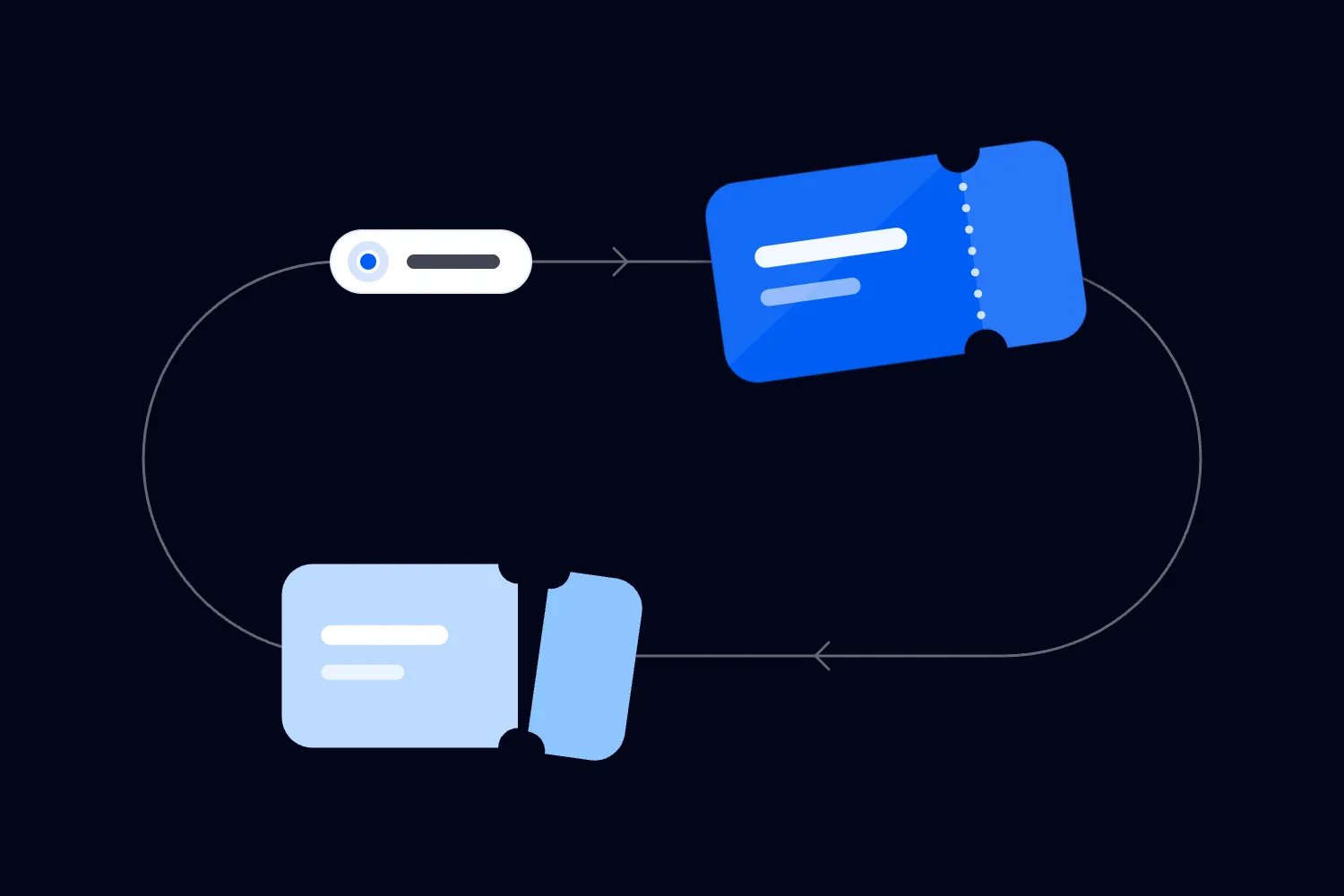
Official resale gives that exchange a process you can explain and support. Done well, it lets a ticket holder recover some money and puts their place into the hands of someone who intends to attend. Your event stays the same size. The person coming changes.
This guide walks you through choosing the rules, checking the actual resale experience, explaining it to buyers, preparing your team and measuring whether it earns its place in your event business. Start before you sell out, while you still have time to fix anything awkward.
Decide what resale should solve
The first thing you want to do is name the problem. Are buyers asking for refunds because their plans changed? Are people posting ticket offers under every announcement? Are genuine buyers unsure where to find another ticket? Each can justify an official route, but they need different messages.
For a sold-out paid event, the strongest reason is straightforward. An existing buyer no longer needs their place, another person wants it, and you can help them transact through the event's ticketing process. You avoid sending both people away to arrange something your staff cannot check later.
Resale also gives you somewhere useful to point support questions. That doesn't mean it removes every complaint. A listing might never sell. A buyer might misunderstand the queue. A refund might need investigation. Your announcement should explain the route without promising outcomes the system cannot guarantee.
Think about the commercial case separately from the emotional appeal. An unused ticket may already have paid for admission, but an attending replacement could buy food, drinks or merchandise where those sales benefit your business. Those purchases are possibilities, not money you can put into the budget before they happen.
You may also value the relationship with the person selling. Someone whose plans changed can feel much better about your event if you offer a legitimate option. Whether they buy again is something to measure over time. Don't turn that reasonable hope into a promised retention rate.
If you still have ordinary tickets available, first understand how your chosen resale process handles that situation. Some systems operate only after sellout. Resale won't fix an event people don't want to attend, and introducing it doesn't remove the need to sell the remaining primary tickets.
Keep resale separate from refunds and extra capacity
Resale means an existing ticket goes through a new sale. A refund returns money under the applicable policy or consumer rights. Those are different reasons for money to move, even when the resale process includes refunding the original buyer after the replacement purchase.
Keep those routes distinct in your FAQ. Someone saying "I can't come anymore" should see the options relevant to a change of plans. Someone saying "you cancelled the event" needs the cancellation process. Asking the second person to find a resale buyer would dodge the issue they actually raised.
For Australian events, the ACCC's guidance on selling tickets explains that cancellation and significant changes can create refund rights, depending on the circumstances. It also sets out duties for ticket sellers and resellers. Check which requirements apply to your business and transaction rather than copying a policy from another country.
Nor does resale create additional admission. If a place changes hands, you still have one place. Don't increase your available capacity because people have listed tickets, and don't treat likely absences as permission to admit extra customers. Your venue and event limits still apply.
This matters when several people have access to ticket operations. One colleague may handle refund requests while another monitors resale. Agree how they check the same ticket before taking action. A listed ticket shouldn't become a separate manual release just because somebody sees an unhappy buyer in the inbox.
Our ticket management guide covers the wider work around orders and event access. For this rollout, concentrate on the points where resale changes the order, the person attending or the money owed. You don't need to rebuild your whole ticket operation to answer those questions.
Check the official route against your event
Start with the actual event setup and current support instructions. Confirm that resale is available for your event, that you've enabled it where required, and that the tickets you intend to include qualify. A feature mentioned on a platform's website doesn't tell you every condition attached to your event.
On Loopyah, our ticketing page includes the resale queue for sold-out events. Our current terms describe organizer-enabled resale for fully booked events and tickets originally purchased through Loopyah. They also describe offering resale tickets to the waitlist in first-in-first-out order.
That's a useful connection for your operation. People who cannot attend have an official selling route, while people still looking for tickets use the event's resale queue. You don't have to pair up strangers by email or ask your team to negotiate each sale in the comments.
Confirm the details for each ticket type you sell. A standard admission ticket, a reserved seat and a package with extras may carry different obligations. Check what the replacement buyer receives, including any restrictions or benefits, before telling people that every ticket is eligible.
Pay particular attention to anything with a separate booking attached. A meal choice, accommodation reservation, workshop selection or companion arrangement may need its own handling. If the resale process doesn't explain that case, resolve it with the platform and the relevant event supplier before you include it in your announcement.
Write down what you have confirmed and what still needs an answer. Keep unresolved ticket types out of broad promises. "Eligible tickets can use official resale" is more useful than "anyone can sell any ticket" when the latter would send your team into exceptions immediately.
Check local resale requirements with someone who understands the jurisdiction where your event operates. Price restrictions, disclosure duties and special event rules can differ. The commercial decision is yours, but a pricing setting in software doesn't establish that your policy meets every applicable requirement.
Understand exactly when the seller gets their money
A ticket holder needs to know what happens when they list, when the ticket sells and when the refund reaches their payment method. These moments can be separate. If your wording blurs them, expect a support request from someone who listed yesterday and thinks you already owe them an immediate payment.
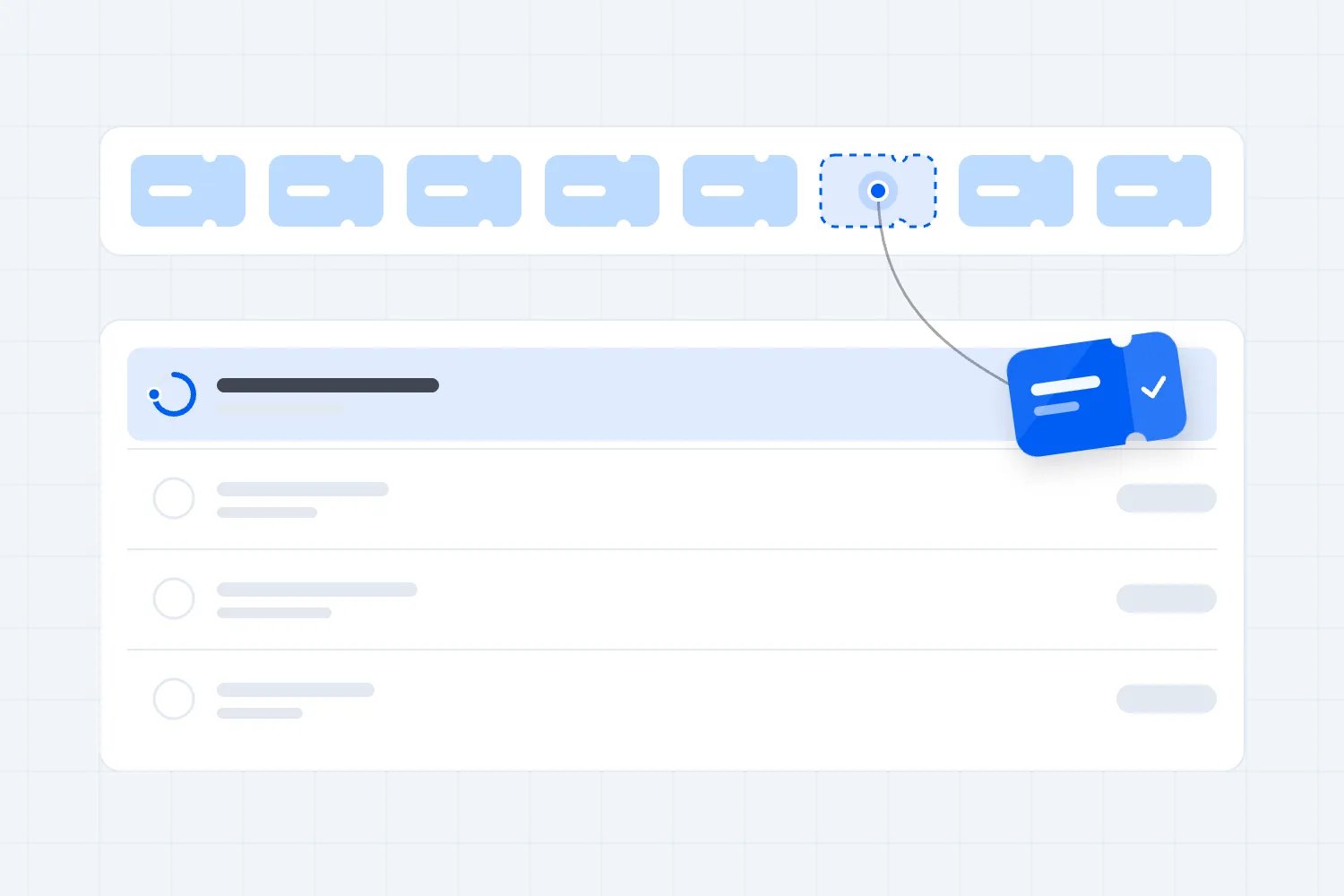
Loopyah's sell your ticket instructions tell the holder to use the mobile app, open My Tickets and select the ticket they want to sell. They see the refund details before confirming the sale request. The ticket enters the sale queue, and notification and refund processing follow once it sells.
That last part belongs in the explanation you give sellers. Listing starts the process. A completed sale triggers the refund described by the service. Don't describe listing as a guaranteed refund, and don't tell somebody their money has arrived merely because the sale notification went out.
Check the amount the seller sees, including any deductions. Loopyah's terms describe deductions and payment processing costs within the resale process. Use the current transaction details to explain the actual amount rather than borrowing a generic ticketing fee or inventing a percentage for your FAQ.
Ask how the team checks a refund that hasn't arrived. Stripe's refund documentation distinguishes refund processing, failed refunds and tracing a refund. That helps explain why an initiated refund isn't always visible in the customer's bank immediately. It doesn't establish a particular arrival date for every Loopyah resale.
Your support reply should reflect the status you can verify. Say whether the ticket is still listed, the sale has completed, or the refund needs investigation. If a payment issue is unresolved, give the person the next action and the support contact handling it. Avoid soothing guesses about their bank.
Also confirm what happens if a seller changes their mind before a sale. Can they withdraw the listing, under what conditions, and where do they do it? Publish that instruction only after checking it. Once the ticket has sold, the answer may be different, so keep those situations separate.
Explain the buyer's commitment before they join
The replacement buyer has a different concern. They want to know whether they've bought admission, joined a queue or received an opportunity to buy later. The words "join the waitlist" can describe very different processes, so don't rely on that label to do all the explaining.
Our buy a resale ticket instructions describe going to the sold-out event's ticket section and choosing Join Resale Queue for the wanted ticket type when available. The buyer completes payment to secure their place in the queue. A ticket is automatically assigned when one becomes available, with a notification.
So the message must say that joining involves payment. Calling it a free interest list would set the wrong expectation. Make the difference visible before the buyer reaches that step, particularly when your previous events used an email signup for sold-out announcements.
Then check the conditions for leaving the queue or reaching the event without receiving a ticket. Confirm the payment handling and any deadlines with the service before promoting the route. The basic joining instructions alone don't answer those questions, and your audience deserves an answer grounded in the actual process.
Be precise about quantity and ticket type. A person looking for two seats together needs different information from someone happy with a single general admission ticket. Explain only the group or seating behavior you've confirmed. Don't promise adjacent seats or a whole group arriving together because the event offers resale.
Use our sold-out event waitlist guide if you also manage other forms of returned availability. For this launch, keep the official resale queue as the route for those transactions. Offering a separate personal favor in a DM can undermine the order you've just explained publicly.
Ask somebody outside the ticket team to read the buyer explanation. Then ask what they believe their payment gives them now. If they say "a confirmed ticket" when the screen places them in a queue, fix the copy before you send traffic there.
Make the price and restrictions easy to understand
People should be able to judge the resale offer without doing detective work. Show the event and date, the ticket type, what admission includes and the applicable entry restrictions. A ticket for a different day or restricted section isn't a substitute just because the event name matches.
Explain the price using the transaction the buyer actually faces. Check mandatory charges and what the seller receives separately. Those are different amounts with different purposes. Your marketing team shouldn't assume that the refund shown to the seller is also the buyer's full checkout price.
For covered US live-event ticket sales, the FTC's fee rule FAQ says advertised prices must include mandatory charges known and calculable upfront. The guidance includes resellers, identifies limited permitted exclusions and requires final payment disclosure before payment. Check the scope for your event rather than treating every paid event as covered identically.
Even where another regime applies, avoid making the buyer's total a surprise. Review the event page, resale announcement and checkout together. If one message says "tickets for $50" and the actual required total is higher, your audience has reason to question the offer.
Keep eligibility restrictions visible alongside the resale explanation. Age limits, membership conditions and admission windows still matter to the new holder. If a benefit belongs to the original buyer personally, establish whether it changes hands before allowing the replacement buyer to expect it.
There is no need to make the FAQ sound like a contract. Link the applicable terms and state the practical consequence in plain words. "Check the ticket type and entry conditions before joining" helps someone make a decision. A paragraph of unexplained legal vocabulary usually sends them back to support.
Put the official link where buyers already look
An official resale route only helps if people find it. Put it on the event page and in the existing help section. Add it to relevant ticket holder communications and your sold-out announcement. Ask the venue and other authorized event partners to point to the same destination.
Give sellers and buyers different instructions. The seller needs the official listing process. The buyer needs the event's purchase or queue route. Sending both to a vague "resale is open" post leaves them guessing which action applies to them.
Keep the link consistent across channels. A pinned comment can point back to the event page, while the event page explains the process. That gives people a reference they can check without searching through social replies or deciding which account in the comments looks trustworthy.
Scamwatch's buying and selling advice warns that fake websites and profiles can imitate familiar businesses, and recommends checking the official organization and using the platform's secure payment route. Apply that lesson to your own distribution. Make the approved destination easy to verify from your event's existing channels.
Moderate resale comments with a consistent response. Point people to the official route, remove obvious impersonation under your channel rules and direct reports to the right support contact. Don't turn the event account into a public service that certifies individual strangers or their screenshots.
Brief partners before they publish. If an artist or sponsor says "DM us for spare tickets" while you're directing everyone to a queue, you'll have two conflicting promises. Share the approved wording and explain the reason, so they can answer a buyer without creating a parallel sale.
Announce the route with two useful messages
Once the checks pass, write the announcement for the person reading it. A seller is trying to recover money because they cannot attend. A buyer is trying to get into a sold-out event. They shouldn't have to translate a feature announcement into the next step themselves.
For Loopyah sellers, you could say, "Can't make it anymore? Eligible ticket holders can request official resale through My Tickets in the Loopyah mobile app. Check the refund details before confirming. Your ticket joins the sale queue, and the refund is processed once it sells. Listing doesn't guarantee a sale."
For buyers, try, "Still hoping to come? Check the tickets section on our event page for the official resale queue. Select the ticket type you want and read the payment and queue conditions before joining. Payment secures your queue place; a ticket is automatically assigned when one becomes available."
Add the event-specific details you have confirmed, especially any deadline, eligibility exception or queue condition that changes the reader's decision. These examples explain the basic route. They cannot substitute for an answer about leaving the queue, receiving no ticket or dealing with a package your event sells.
Choose the announcement timing around your actual opening conditions. You can explain the resale policy before sellout without saying tickets are available for resale now. Once the route opens, update the page and the channels that sent buyers there. Keep old posts accurate if their wording would now mislead someone. If you publish a closing time, include the event time zone and check that the service will stop accepting requests at that point.
Give customer support the final copy before it goes public. They need to recognize the promise customers are quoting back to them. If somebody on the team spots an unanswered question, settle it while the announcement is still a draft. That small delay can save a messy correction after people have paid.
Test the whole exchange before announcing it
A lot of event organizers miss this step because the settings look straightforward. But your buyers won't experience a setting. They'll experience a screen, a payment, a message and eventually the door. Follow that journey using the platform's supported test process or a controlled transaction agreed with support.
Start with an eligible ticket and check the seller's route. Can the holder identify the correct ticket? Are the refund details visible before confirmation? Does the resulting status distinguish a listing from a completed sale? Save the findings where the team preparing support replies can read them.
Then check the buyer journey for the same event and ticket type. Confirm what the page says before payment, what the buyer receives afterward and what changes when a ticket becomes available. Compare every message with your FAQ. Any mismatch is a reason to pause the announcement and correct the explanation.
Include unsuccessful situations. Ask how you can safely check an incomplete payment, an unavailable ticket type, an unresolved queue request and a refund that needs support. Use supported testing methods. Don't trigger unnecessary live failures or put real customers into a test they haven't agreed to join.
A payment screenshot isn't sufficient evidence of a completed exchange. Your team needs to use the ticketing record and confirmed transaction status. If payment is incomplete or uncertain, escalate through the agreed support route before promising admission or telling the seller that the ticket has sold.
Check messages on a phone. People may be buying on the way home or listing a ticket between appointments. They should find the action, understand the status and reach support without needing to open several desktop pages. Fix anything that makes a simple question unnecessarily hard to answer.
Finally, check the event access record after completion. Confirm which ticket the replacement attendee should present and how staff verify it. Don't publish claims about code changes or technical security unless the platform has confirmed them. The operational requirement is that staff can establish the current valid admission.
Prepare support and the door for exceptions
The support team needs answers to the questions that will actually arrive. "Has mine sold?" "What did I pay for?" "Where's my refund?" "Which ticket should I bring?" Write replies around the status you can check, and tell staff where to look before choosing a response.
Assign an owner for unresolved money questions and an owner for event access decisions. They might be the same person at a small event. The point is that a customer shouldn't bounce between the venue, organizer and platform because nobody agreed who follows up.
Give door staff access to the records they need through the platform's supported permissions. They shouldn't need your personal login, or a spreadsheet of private conversations, to handle a resale attendee. Test their access before show day while somebody can fix a missing permission.
Keep seller payment issues away from the main entry line when possible. A completed resale may leave a legitimate replacement attendee ready to enter while the original seller has a separate refund question. Deal with each issue using its own record instead of assuming one unresolved question invalidates everything else.
Prepare a place for access exceptions that need investigation. If a ticket doesn't validate, move the discussion out of the scanning lane and check the current order and ticket status. Staff should have a clear escalation route and know who can authorize the next action.
Collect only the personal information necessary to resolve the case. The ICO's data minimisation guidance explains this principle for UK GDPR. In practice, avoid requesting full card details or unnecessary identity documents in social messages. Use the established support process for any verification genuinely required.
Don't train staff to adjudicate resale by the confidence of the person in front of them. Someone may sincerely believe a private purchase was legitimate. Listen, check the evidence and explain the available action. Empathy helps, but the event still needs a reliable admission decision.
Plan for changes and cancellation
Before launch, ask what happens to resale activity if the event changes or is cancelled. Confirm who can stop further transactions, which audience receives updates and how the service handles money already moving. These are operational questions to settle before you need an urgent answer.
Separate people who have completed purchases from those still waiting, and original sellers from replacement holders. They may need different information. A cancelled event notice sent only to the original order email could miss the person planning to attend if the communication setup doesn't reflect the completed resale.
Keep a clear record of the current holder, original transaction, resale and any refund. That lets the responsible team investigate who paid what without relying on memory. Your cancellation process must account for the resale history rather than pretending the original purchase is the only transaction that happened.
Check any refund already in progress before issuing another payment. A seller may have started a dispute or received a resale refund while a broader event refund is being considered. Escalate uncertain cases to the platform and payment team so you don't accidentally reimburse the same obligation twice.
Use our event cancellation email guide when preparing the announcement. State what changed, what the reader should do and when they will hear more. If the handling of a resale transaction still needs investigation, say that plainly and give a concrete follow-up route.
Reconcile the money without counting the ticket twice
Resale can make a sales report look busier without adding another person to your event. Your reconciliation needs to follow the original purchase, replacement payment, seller refund and applicable costs. Looking only at gross incoming payments can make the commercial result look better than it is.
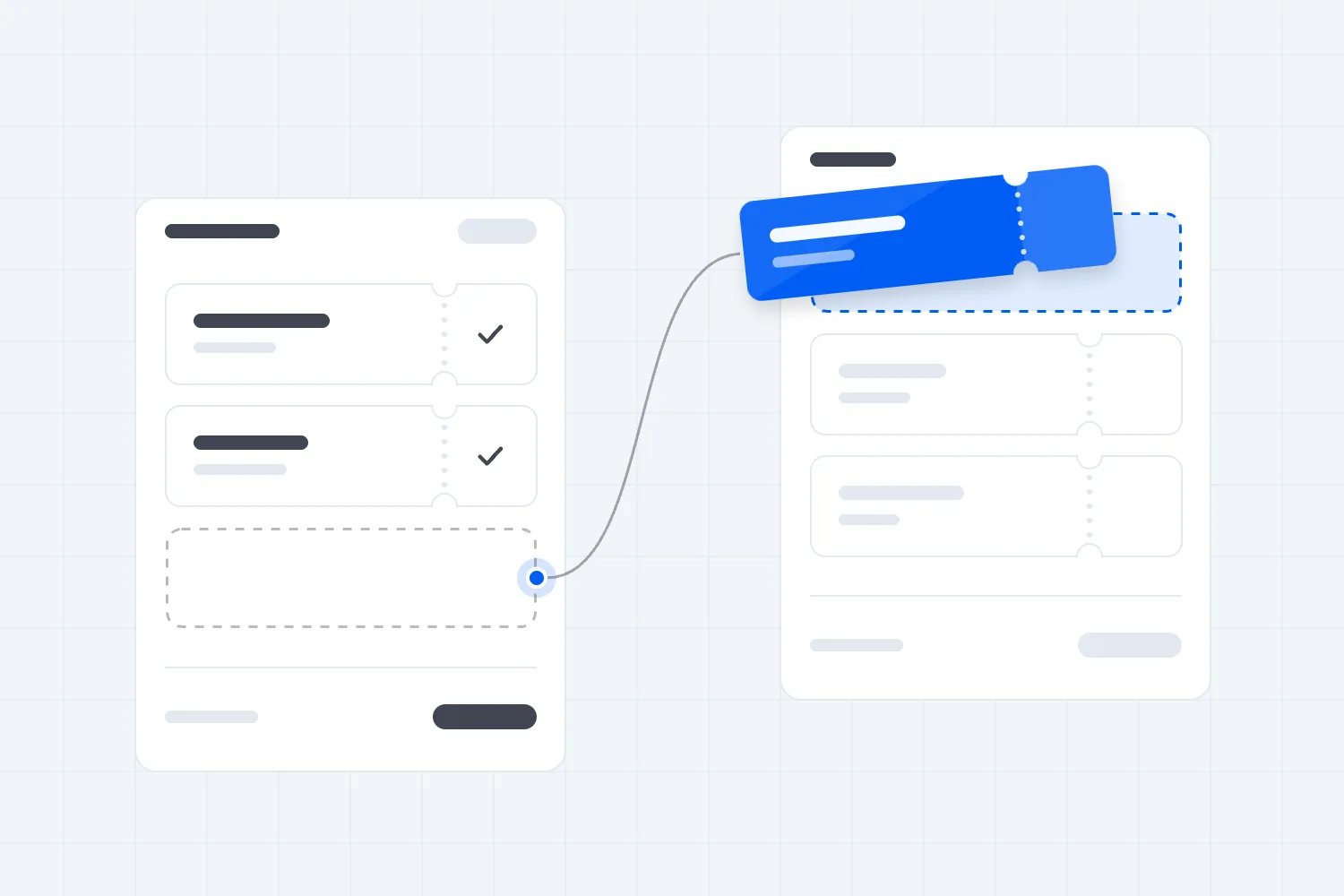
Use a fictional example with no fees or taxes, to show the counting. An original buyer pays $60. A replacement buyer later pays $60, and the original buyer receives a $60 refund. Cash received totals $120, cash refunded totals $60, and the admission still represents $60 retained for one place.
Your real settlement may include deductions and other transaction costs, so work through the actual records. Have your accountant confirm the appropriate treatment for your contracts and jurisdiction. This example explains why gross payment activity is insufficient; it isn't an accounting policy for every resale arrangement.
For operational reporting, identify completed resales separately from ordinary ticket sales. Keep the event's valid admission count distinct from the number of payment transactions. If you sold every place once and some changed hands later, the venue hasn't grown because your report contains more purchases.
Check what your business retains from resale after its costs. Include any organizer amount confirmed by the service, payment costs passed through, additional support effort and other relevant charges. Don't apply the primary ticket's margin to the whole replacement payment and call that extra profit.
Ask finance and ticket operations to review one completed exchange together. They should reach the same answer about valid admission, seller refund and retained money. If they cannot, resolve the reporting question before using resale figures in sponsor updates or your next event budget.
Judge the rollout by completed outcomes
After the event, review how many eligible tickets were listed, how many sold and what happened to the rest. Separate abandoned attempts from completed listings. A large number of people clicking the resale link doesn't prove that ticket holders recovered money or that replacements attended.
Look at completion by ticket type when the sample supports it. Singles may behave differently from reserved seats or packages. Use that difference to find a specific issue, such as unclear eligibility or limited matching demand. Avoid claiming a universal pattern from a handful of transactions.
Review support questions alongside the transactions. Repeated confusion about payment before assignment means the buyer explanation needs work. Repeated seller questions before a sale suggest you've made listing sound too final. Fix the specific message responsible first instead of adding another long FAQ nobody reads.
If your records connect a replacement ticket to check-in, review that attendance separately. Don't assume every resold ticket rescued an empty place. You don't know what the original buyer would have done without resale, so describe the result you observed rather than inventing a counterfactual revenue gain.
Then decide whether to repeat, adjust or narrow the process. Official ticket resale earns its place when eligible holders understand their options, replacements know what they're buying, staff can verify admission and finance can follow the money. Get those basics right before celebrating another sales total.

Author: By the Loopyah Content Team
The Loopyah Content Team shares expert insights, practical guides, and industry updates to help event organizers create unforgettable experiences and stay ahead in the event planning world.