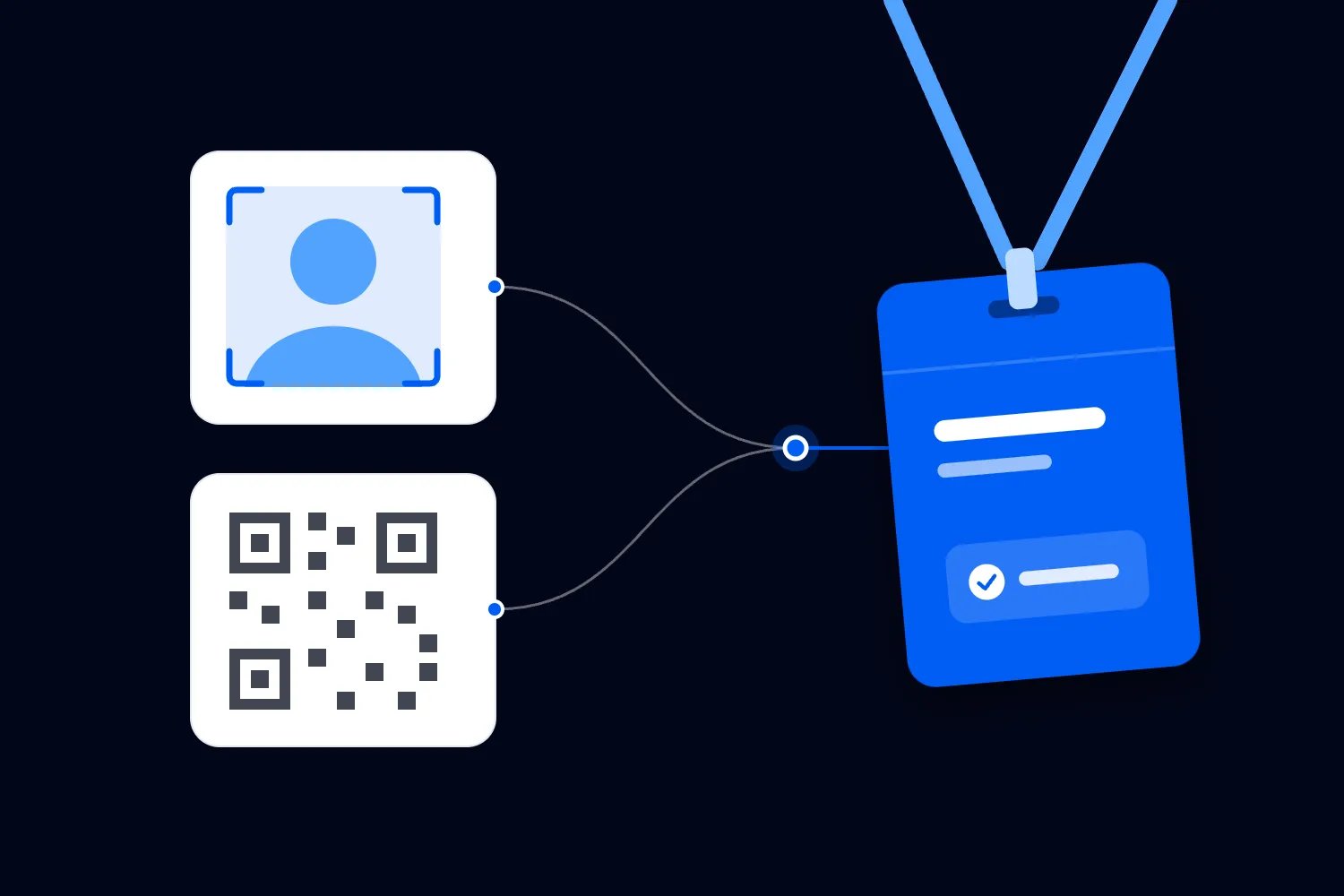
· 28 min read
Should exhibitors be allowed to use their own lead-capture tools?
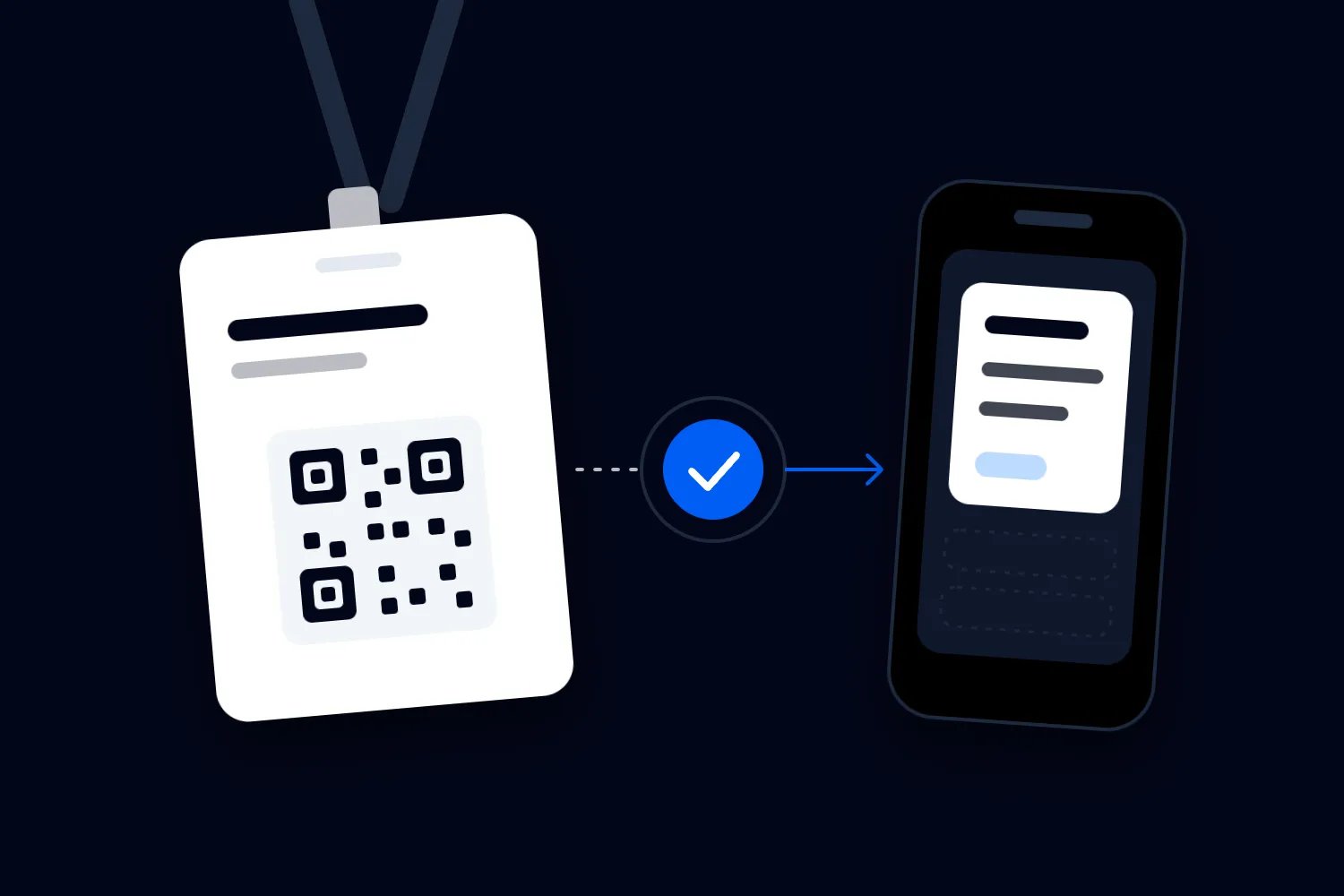
An exhibitor has booked a stand at your trade show. Their sales team already uses a lead-capture app, their company has approved it, and every contact goes into the same customer database. Then your exhibitor manual arrives and tells them to rent your scanner instead.
You might have a good reason. Your registration supplier may not support other tools, or you may have no reliable way to control what information they receive. But making exhibitors change their working process just because you've signed a scanning contract deserves a closer look.
I'd allow exhibitors to use their own capture tools where they can collect information appropriately and, if they need your registration data, connect through a supported, tested arrangement. Keep an official service for exhibitors who want it. Approve access against clear conditions instead of promising that every app will work or rejecting every alternative.
For an organizer, the interesting decision is what you're willing to provide behind the badge. Which information can another system retrieve? Who supports it? What happens when it fails? And does the price cover the work without making an ordinary exhibitor conversation unnecessarily expensive?
This guide walks through those decisions, including a worked commercial example and wording you can adapt for your exhibitor manual. It concerns access policy, rather than choosing the best scanning app or writing an integration yourself.
First, find out what the exhibitor actually wants to use
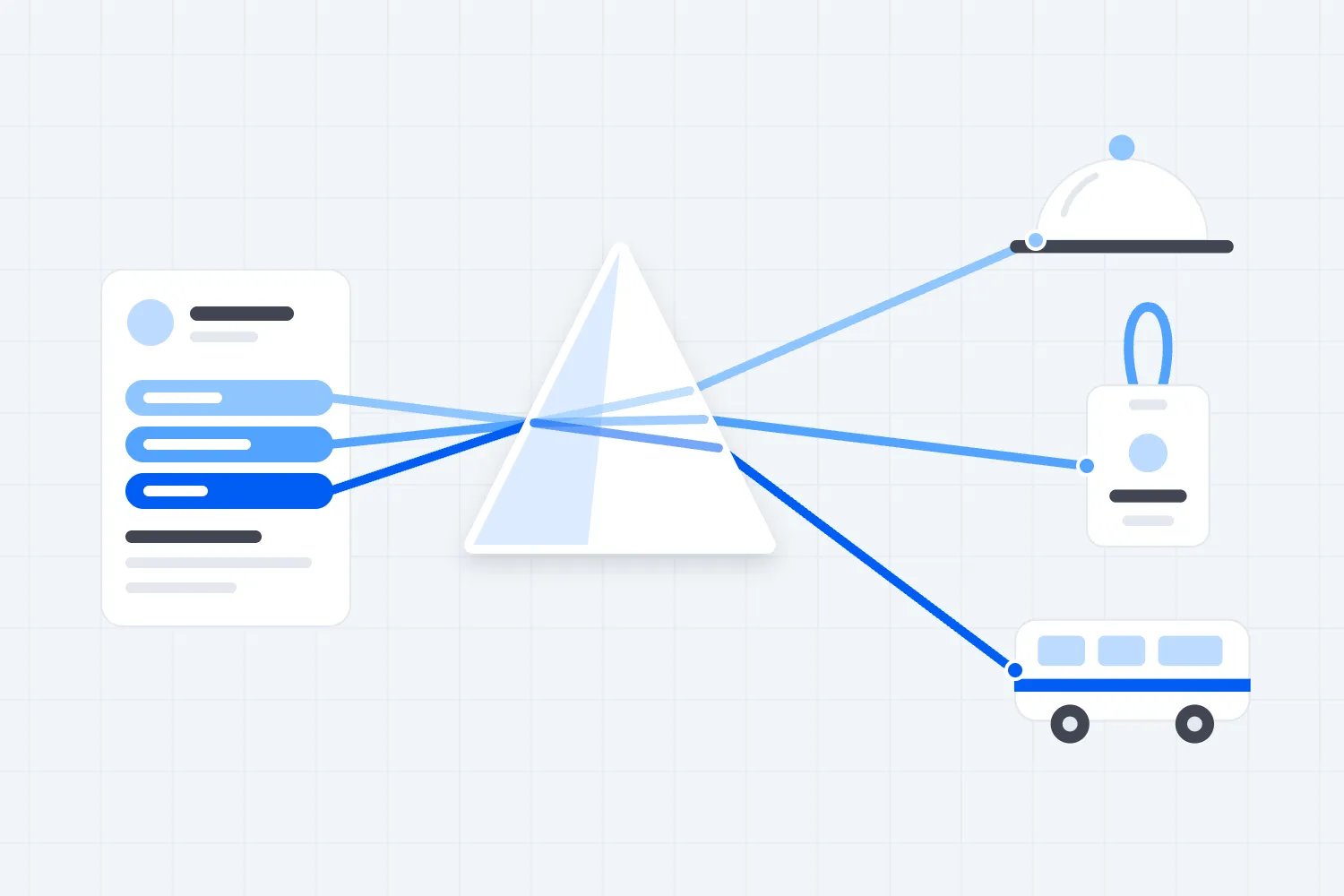
"We want to use our own scanner" can mean several different things. An exhibitor might want staff to install your official app on their own phones. Another might want to photograph business cards using its existing tool. A third expects its app to scan your event badge and retrieve the attendee's registered contact details.
Those requests create different commitments for you. A company using its own device with your official service still depends on your supplier's accounts and permissions. An independent form may collect details directly from a visitor without contacting your registration system. A badge lookup needs a supported connection to the relevant event records.
The first thing you want to do is ask the exhibitor to describe one conversation. What will the representative scan or enter? Which information should appear? Where should the completed record go? Ask for the name of the tool and the person responsible for setting it up. That is more useful than agreeing to "integration" before either party has explained the job.
Our guide to lead capture versus lead retrieval develops those differences. For this decision, keep the distinction practical. Permission to use a form is different from permission to retrieve registration information. Your policy should say which request needs technical approval and which simply needs to follow your exhibitor and privacy rules.
A small exhibitor collecting a visitor's volunteered contact details shouldn't have to complete the same integration process as a national supplier connecting several sales systems. Equally, the national supplier shouldn't receive wider attendee access because its sales team has a more elaborate process. Judge the information being exchanged and the service you must provide.
Before you answer, check whether any existing supplier agreement restricts alternative tools or charges for enabling them. Sales staff need that information before they promise an exception. A technically possible connection can still be unavailable under the agreement you actually signed.
A readable badge doesn't guarantee access to a contact
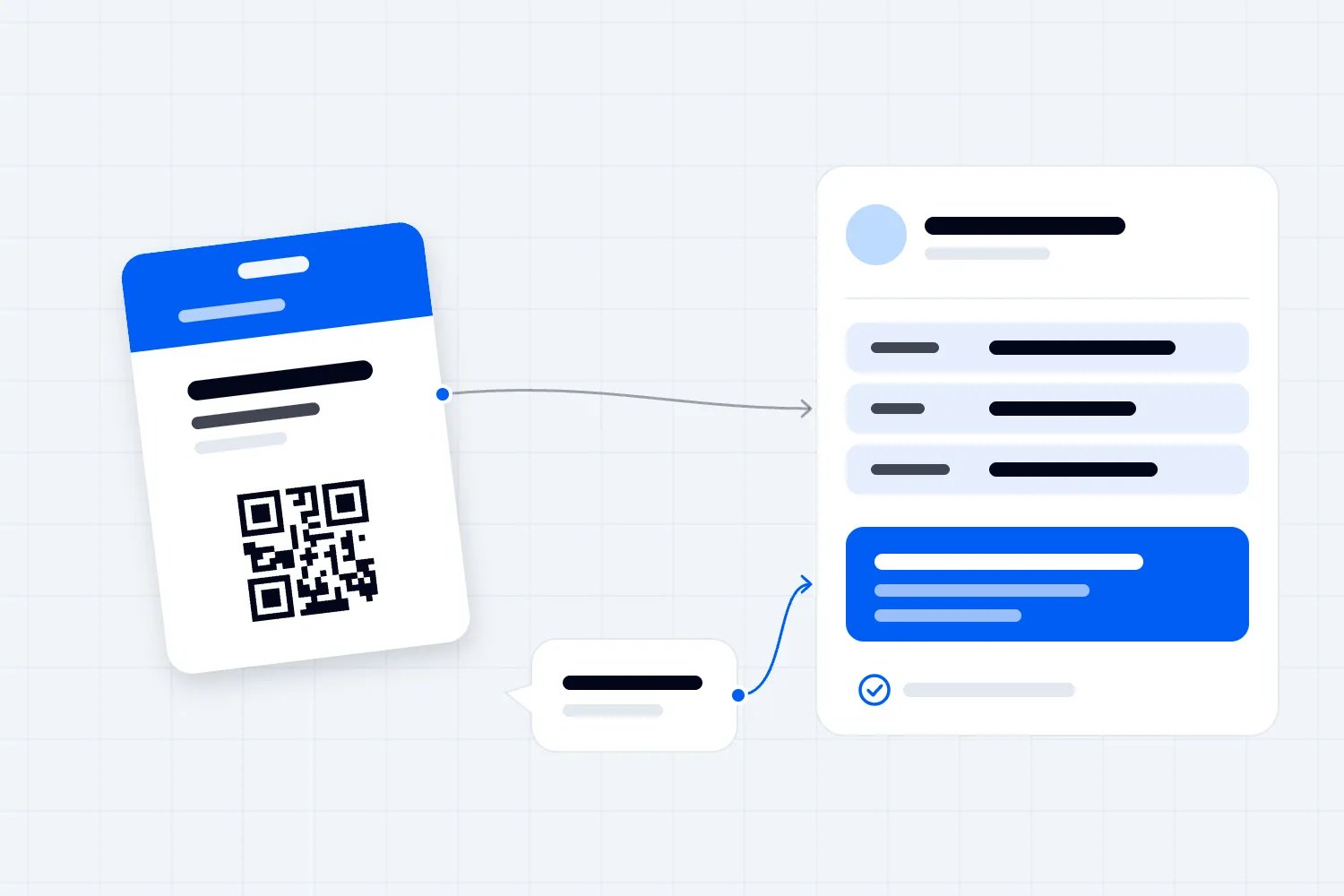
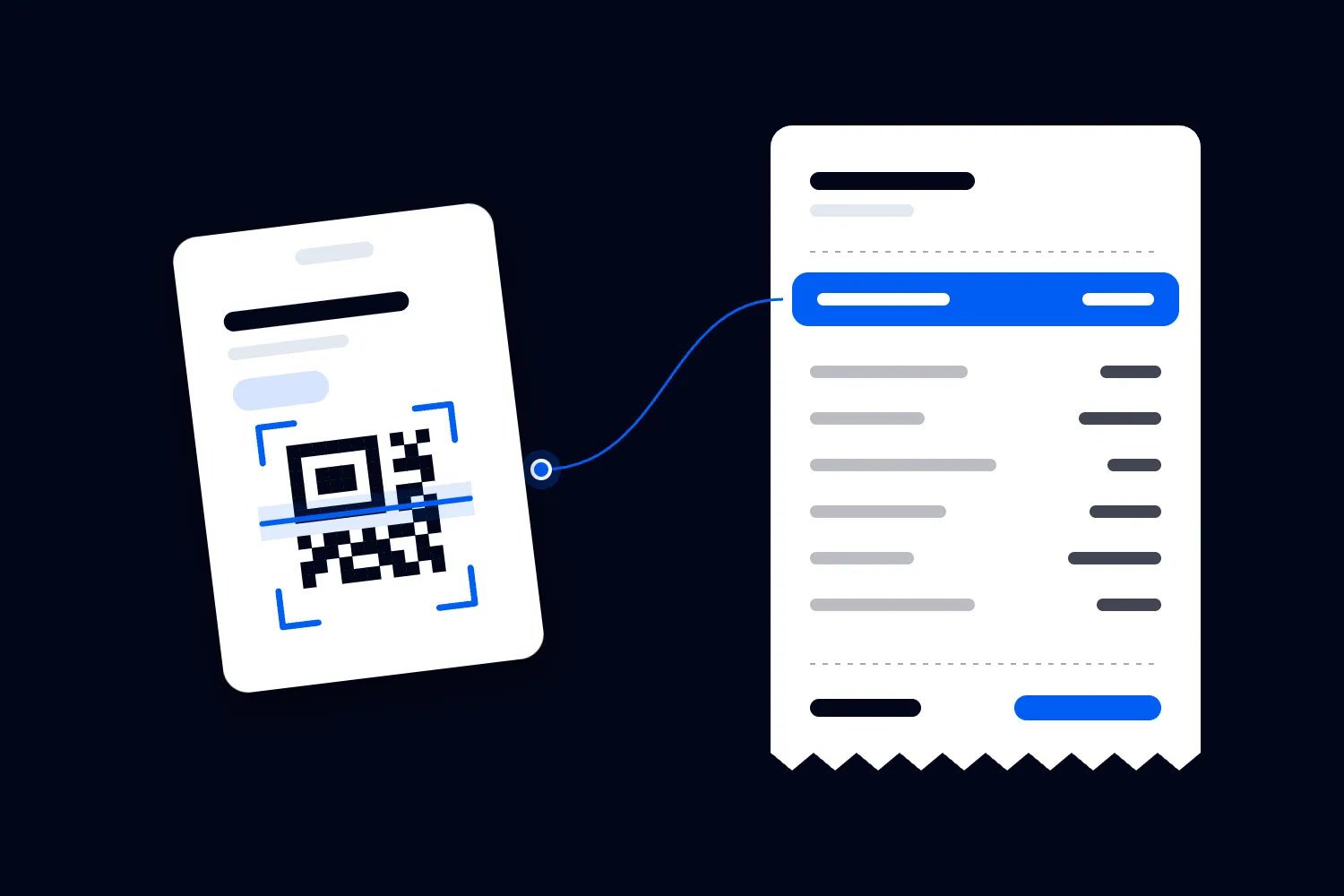
An app can read the marks printed on a badge and still have no way to retrieve a useful contact record. If the code contains an event identifier, another service must interpret it and decide what information the requesting exhibitor can receive. Reading the code is only part of that process.
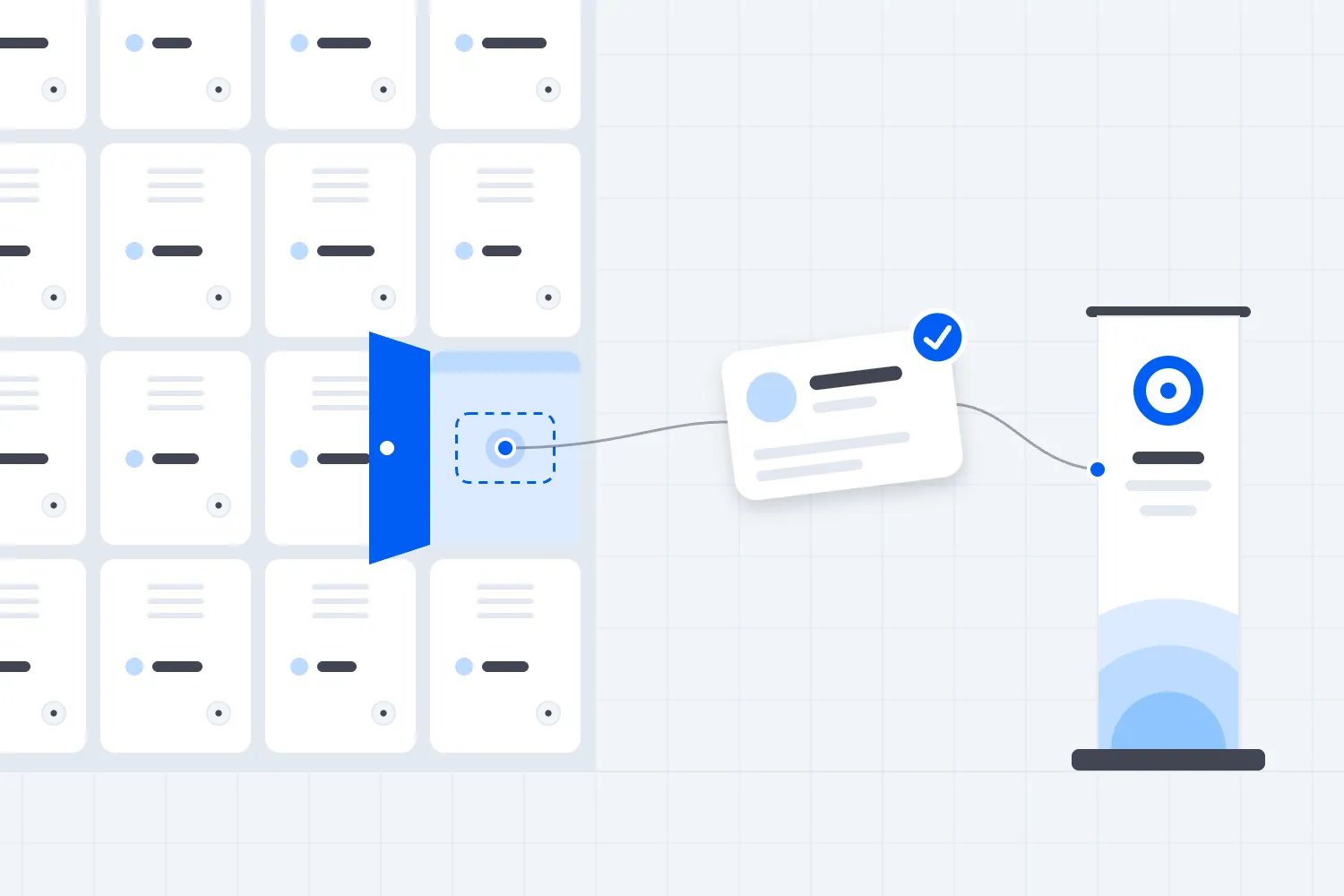
When an exhibitor asks about trade show badge API access, they want a connection between their tool and the event records. An API, short for application programming interface, is a defined way for software systems to exchange requests and information. In this context, the exhibitor's approved tool might submit a badge identifier to the event service and receive an allowed set of attendee details. The exact process depends on the supplier. Some systems support it, some don't, and implementations have different limits.
There are real organizer offers built around that distinction. The Ambulatory Surgery Center Association's lead retrieval guide describes a badge API option for exhibitors using their own systems, separately from its ordinary lead retrieval service. It says technical documentation and coordination are part of the setup. That establishes a possible service model, rather than a reason to copy its pricing or assume your supplier offers the same thing.
Ask your provider to demonstrate a badge produced through your event's actual registration process. Use a test record. Watch the exhibitor's tool read it, request the permitted details and save the result. A demonstration with an unrelated sample badge doesn't establish compatibility with your event.
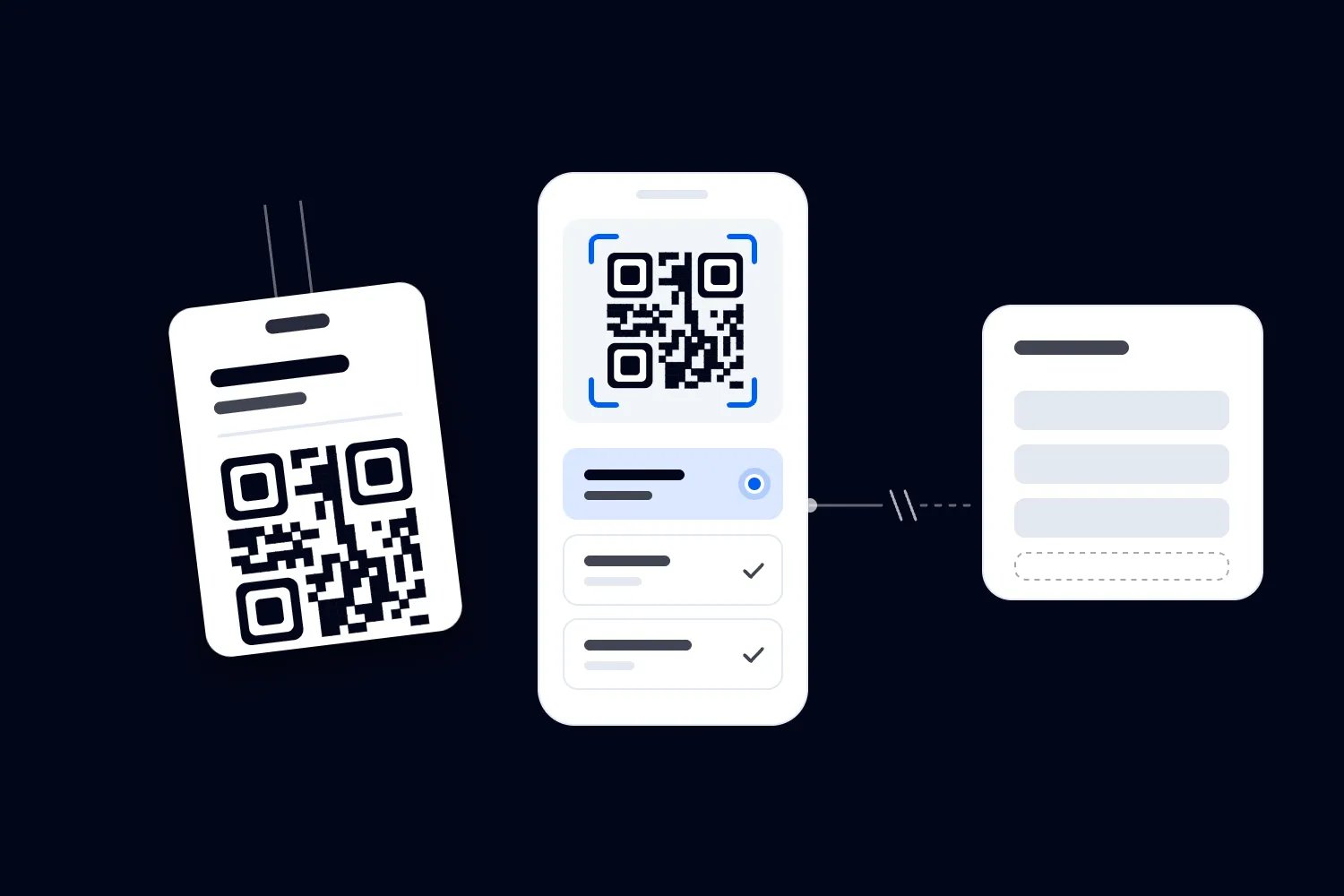
Also keep entry scanning separate. Loopyah's ticketing and check-in tools let door staff scan QR tickets from their phones with check-in access. That helps you manage admission. It doesn't establish that an exhibitor's chosen tool can retrieve attendee contact details. Verify the exhibitor connection separately before describing it as available.
Don't let the supplier conversation finish at "we have an API". Ask which service the API actually provides, whether your contract includes it and who can use it. An interface intended for your registration administrator may be entirely unsuitable for giving individual exhibitors access. You need the specific arrangement that supports the promise in your manual.
Offer choice with conditions you can actually enforce
For most business exhibitions, I'd plan around a dependable official service and a defined approval route for exhibitors who want a supported alternative. That gives a smaller stand a straightforward purchase while allowing a larger team to keep a process it already knows.
The conditions should reflect real delivery requirements. You need an identifiable exhibitor, a named setup contact, a supported method of connection, an agreed field list and a successful test before access goes live. The exhibitor needs to know the fee, deadline, support boundary and fallback before deciding whether to apply.
An approval route is useful only if someone can operate it. If every request waits for your busiest project manager to interpret a vague supplier email, the published choice will be frustrating to use. Agree who checks the request, who answers technical questions and who communicates the decision. Record the approved configuration with the booking so your floor team can find it later.
A closed official service can be a reasonable decision when your supplier has no suitable connection or your event cannot support one. Say that early and describe what independent collection exhibitors can still undertake. Don't call an unsupported connection available because you hope to resolve it before opening day.
Full freedom to connect any tool is a much larger commitment. You would need the capacity to assess unfamiliar suppliers and support more variations than you can predict. A smaller organizer may do better by approving a limited set of tested arrangements for the first edition, with a clear route for considering another tool next time.
Avoid claiming that either an open or closed arrangement is automatically secure. Access controls, actual data flows and supplier practices determine the risk. A closed service with shared administrator passwords still creates problems. A carefully restricted external connection may be workable. Ask for evidence of the controls that apply to your event, rather than treating the model's name as reassurance.
Decide what another tool may receive
Start with a written description of the contact exchange you intend to support. For example, an exhibitor representative speaks to a visitor who requests product information, uses the approved tool and receives specified registration details for that interaction. That is much narrower than giving the exhibitor a directory of everyone attending.
The UK Information Commissioner's Office explains in its data sharing advice that organizations need a lawful basis, should share necessary information securely and should consider what people have been told. It also recommends agreements that explain what happens to shared information. This is UK guidance, and the ICO flags that it is under review following legislative changes. Have your actual arrangement checked for the jurisdictions involved.
For planning, ask your privacy reviewer and supplier to agree the fields for the intended interaction. A visitor's name, relevant business contact details and organization may be enough for a particular show. Payment information and private service requests shouldn't appear just because those fields exist in registration. If a field has no clear purpose in the exhibitor exchange, challenge its inclusion.
Our guide to control of exhibitor lead data covers the wider responsibility questions. Here, the practical output you need is an approved field list that matches what the connected tool actually receives. Keep a sample response with the setup record, using invented people rather than real attendee information.
Agree what blank fields mean. The attendee may have left a question unanswered, the event may never have asked it, or the sharing policy may exclude it. Those are different from a broken connection. If exhibitors expect a telephone number that registration doesn't collect, you need to correct the expectation before they buy access.
Think about exhibitors sharing a stand too. A purchase by one company shouldn't silently give every co-exhibitor the same contact access. Identify which business receives the information and how its representatives are authorized. If the arrangement changes after booking, review it before adding users to the account.
Keep a contact request distinct from wider marketing
An attendee asking for a specification sheet gives the exhibitor a clear next action. It doesn't settle every question about adding that person to an ongoing campaign. The app needs to retain the context that allows the exhibitor to make the appropriate decision later.
The ICO's business-to-business marketing guidance explains that UK rules differ by communication method and recipient, including distinctions between corporate subscribers and sole traders. Personal data rules still apply to named business contacts. The guidance is under review. Avoid universal statements that a badge scan supplies consent or that business contact details fall outside privacy rules.
Ask the exhibitor to show how its tool records a specific request separately from any marketing choice. In a test conversation, a visitor might request a quotation but decline a separate newsletter option. Read the resulting record in the receiving sales system. If both actions become one field called "consent", nobody can reliably tell what happened.
This is a useful place to ask about default automation. Does creating a contact immediately start an email sequence? Does it assign a task to a representative? Does an empty permission field get treated as agreement? Your organizer policy cannot make the exhibitor's downstream system lawful, but it can require an accurate description of the intended use before you enable the connection.
Give booth staff words they can use naturally. They should be able to explain which company receives the details and what information the visitor has requested. They also need a way to continue the conversation when someone declines a scan. Pressuring a visitor to share information as the price of hearing a product explanation is a poor experience regardless of which app the exhibitor uses.
Don't ask your registration desk to approve every exhibitor's marketing campaign. Set the access conditions, provide the relevant attendee information and assign the review to someone competent to assess it. The exhibitor remains responsible for its own activity under the applicable rules. Make those responsibilities explicit in the agreement rather than hiding them in a technical setup email.
Ask for proof that access stays within the right account
A connection needs to recognize who is making a request and whether that account is entitled to the requested information. A valid login alone doesn't prove every requested record is appropriate. Ask your technical provider to demonstrate the restrictions using separate test exhibitors and test events.
OWASP, the software security foundation, describes the danger of missing record-level permission checks in its guidance on broken object-level authorization. In plain language, software must check access to the particular record being requested. A difficult-to-guess identifier doesn't replace that check. Use this as a question for your technical provider, rather than an instruction to test a live service yourself.
For your acceptance meeting, prepare fictional companies North Workshop and South Workshop. Ask the provider to show that North's approved connection cannot read South's saved conversations or use another event's access. Then ask what prevents a connection from retrieving registrations without the authorized interaction your policy requires. The demonstration should cover the actual permissions, rather than a screen saying access is restricted.
Remember that possession of a badge code doesn't prove a conversation happened. Someone could photograph a badge or submit a stored identifier later. Ask what your supplier can record, validate and investigate. If it cannot independently prove physical interaction, don't sell that assurance. Staff rules and technical controls need to describe their limits honestly.
You also need a way to suspend a particular exhibitor connection without disabling every stand. Establish who can do that, how they recognize the correct account and who authorizes restoration. Run that administrative action in the test environment. Finding the right person to disable access shouldn't depend on an unanswered email to the supplier's sales contact.
Separate credentials also make support more practical. If several companies share one access key, a problem with one becomes harder to isolate. Ask the supplier how it issues and withdraws access for each approved company, and how replacement credentials reach the right contact. Those are reasonable procurement questions even if you never see the underlying software.
Work out who pays for the choice
Allowing an exhibitor to use its own app doesn't necessarily eliminate your costs. The registration supplier may charge to enable the service. Your team may spend time checking applications, coordinating tests and supporting access. Another supplier may still charge a fixed event fee even when fewer exhibitors use its official app.
Start with the existing contract. Identify what you pay regardless of uptake, what changes for each approved exhibitor and what work remains with your team. Don't count an avoided scanner rental as a saving unless you can actually remove that rental from the bill. The same applies to staff time already committed for the whole exhibition.
Here's an invented planning example in US dollars. It illustrates the additional economics of offering approved connections, rather than quoting supplier prices or predicting exhibitor demand. Assume the official service remains available, with its existing costs already funded elsewhere in the event budget. Those unchanged costs are excluded from this comparison.
You expect 12 exhibitors to buy approved external access at $300 each. Additional eventwide setup costs $1,200. The supplier charges $60 per participating exhibitor, and you allocate two additional support hours per exhibitor at $30 an hour. These amounts include any purchase taxes assumed in this example; income tax and financing are excluded.
Revenue is $3,600. The additional cost is $1,200 plus $720 in supplier charges and $720 in support, making $2,640. That leaves $960 after the modelled additional costs. This is contribution from the access offer, before the rest of the event's costs. It isn't the exhibition's profit.
Under these assumptions, each participating exhibitor contributes $180 toward the setup cost before that fixed amount is recovered. Six buyers would leave a $120 shortfall. Seven would leave $60. Twelve produce the $960 above. You need at least seven whole purchases to cover these particular costs, provided the fee and support assumptions hold.
Now change the support assumption. If each of the 12 exhibitors needs four hours rather than two, support costs $1,440. Total additional cost becomes $3,360 and contribution falls to $240. You still collect the same access fees. The extra work consumes most of the amount you expected to retain.
This is why I'd avoid pricing access by comparing it only with last year's scanner rental. Get the delivery estimate first, then decide whether a separate fee, an included allowance or a limited pilot makes sense. Our lead retrieval pricing guide considers the wider booth package decision. Keep that package choice separate from the extra cost of supporting an alternative connection.
If staff are salaried and have spare capacity, the support allocation in this example may not create a new payroll payment. It still uses their time. Show the resource cost and additional cash requirement separately in your own budget, so you can see whether a financially modest offer is practical for the team delivering it.
Publish a support boundary exhibitors can understand
Your exhibitor doesn't care which supplier caused a failed lookup while a visitor is waiting. They need a clear first contact. Give them one route for reporting the problem, then let the agreed support process identify who should fix it.
Write down the boundary in ordinary terms. The event's registration provider might handle badge recognition and the permitted contact response. The exhibitor's vendor might handle its app, field mapping and delivery into the exhibitor's customer database. Your team might confirm the booking and approved access. Confirm those assignments with the parties before placing them in the manual.
A customer relationship management system, often called a CRM, is the database an exhibitor uses to manage prospects and customers. If a record reaches the capture tool correctly but goes to the wrong salesperson in that database, the exhibitor's own setup may need fixing. Your floor team should know where to send the issue without pretending it can administer that system.
Require a named technical contact who will be available during the test and agreed event support hours. A generic support address may be enough for ordinary questions but unsuitable for a time-sensitive fault. Ask how the exhibitor reaches that person if staff cannot log in to the app containing the help link.
Your provider should also explain how it protects service capacity. OWASP's guidance on unrestricted resource consumption identifies the availability and cost problems caused by poorly limited requests. For procurement, ask about request limits, peak demand and what happens when a tool retries failed lookups. The supplier should explain the behavior and limits it supports.
Don't invent a universal number of requests per second for your manual. Agree a limit against the actual service and expected use. The exhibitor's vendor needs to know how to pause or retry without losing records or repeatedly submitting the same work. Test that behavior with the provider's permission in its designated environment.
Specify the support hours and any additional charge for work outside them. If a vendor expects you to diagnose its custom connection overnight before the show, you need that expectation in the scope and price. A short boundary agreed early is kinder to everyone than a broad promise followed by a refusal when the problem occurs.
Make approval depend on a realistic test
Ask for a complete test before final approval. Someone using an ordinary exhibitor account should capture a test contact, add the conversation details, send the record to the receiving system and find it there. The supplier's administrator doing everything on a demonstration laptop doesn't show how booth staff will work.
Use your exhibitor onboarding checklist to connect approval with the people attending. The person buying access may never work the stand. You need the setup contact to confirm that the actual representatives have the right accounts and know which tool they are using.
Prepare a short set of fictional interactions rather than a large document nobody rehearses. Include a normal contact request, a visitor who declines an optional marketing choice, a missing field and the same visitor speaking to another representative. Check the final records. Two separate requests shouldn't become an unexplained duplicate or overwrite each other without the exhibitor understanding the behavior.
Include a registration correction and a replacement badge. Ask which details appear after the correction and how the previous identifier behaves. If the supported service cannot update immediately, record the limitation and assess whether it is acceptable for your event. Don't let staff discover the delay while trying to resolve a visitor's concern at the stand.
Test loss of connectivity too. The app may save a badge identifier while waiting for a connection, or it may require live access to retrieve anything. Those are different promises. Ask staff to show which records are pending and what happens when the connection returns. If the service doesn't support offline collection, prepare another approved route rather than labelling it offline-capable.
End with an access closure test. Can the supplier stop new requests at the agreed time? Can the exhibitor still obtain records it is entitled to retain through the agreed route? Disabling an API does not erase copies already sent to another system. The retention and deletion arrangements need their own process.
Keep the result with the exhibitor booking. Record the tool, tested configuration, outcome and unresolved conditions. If the vendor changes its setup afterwards, decide whether the change requires another test. Otherwise an approval for one working arrangement can quietly become approval for something nobody has examined.
Consider a fictional approval decision for North Workshop, the test exhibitor introduced earlier. Its chosen app retrieves the allowed name, company and email fields correctly. The representative adds a request for an equipment specification. The contact arrives in the company's sales database, but the note containing the requested specification does not.
That is a failed test of the intended workflow even though the badge lookup succeeded. Record the result precisely. The event provider returned the approved information; North's vendor now needs to fix the transfer of conversation notes. Keep the connection awaiting final approval while the exhibitor decides whether to correct the setup or use the confirmed official fallback.
After the vendor changes the transfer, repeat the complete conversation test and inspect the receiving record. Don't approve it from an email saying the mapping is fixed. If it now preserves the request and the other agreed checks have passed, record approval for that configuration. If the deadline arrives first, follow the published late-approval policy and payment terms.
This makes the decision understandable to the buyer. You aren't requiring it to adopt your preferred app. You are asking it to demonstrate that the service it intends to use can complete the job, within the access and delivery conditions everyone agreed. The supplier assignments also tell the exhibitor where the remaining work belongs.
Check the exhibitor's setup across several shows
An exhibitor may use the same app at your event and another exhibition the following week. That familiarity can save its team work, but you still need your edition's records to remain identifiable. Ask how the tool labels the event, stand and capture date before it sends anything to the company's central database.
A returning visitor makes a useful test. Create a fictional contact who already exists in the exhibitor's test database from another show. Capture a new request at your event and inspect the result. Can the sales team distinguish the earlier conversation from this one? Does the new event overwrite the source of the original contact? The right behavior depends on the exhibitor's process, but both parties should understand it before approval.
The event label matters to you commercially too. If an exhibitor later reports that your show produced no useful enquiries, you want it to be able to find the conversations associated with your edition. That doesn't mean you need access to its private sales pipeline. Ask it to test its own attribution rather than requiring the company to disclose all the business it does afterwards.
Agree how corrections travel after transfer. Suppose a visitor asks the event team to correct an email address after an exhibitor has already retrieved it. Does the supported connection send updates, require another approved lookup or provide a separate correction route? Ask the supplier to explain what it can do. Don't promise automatic correction in external systems unless that behavior has been confirmed.
The same applies when an exhibitor changes its own vendor. Approval for one receiving system doesn't automatically describe the data flow into its replacement. Require the exhibitor to notify the named contact before changing the approved arrangement. Keep the review proportionate to what changed, while checking any new company that receives the information.
Finally, ask how the exhibitor separates your event access from access it holds elsewhere. Its tool may keep several event connections active. The setup contact should be able to confirm which account and credentials belong to your edition, remove the correct access at closure and leave unrelated events alone. That makes the final shutdown easier to verify and reduces avoidable confusion when the same representatives move straight to another show.
Give exhibitors a short, usable access policy
Your published policy should help a booth buyer make a decision without reading the technical documentation. Put it where they assess the package, then include the detailed setup instructions after approval. Don't wait until the final exhibitor email to reveal a condition that affects their budget or preferred tool.
The following is an original planning template, not finished legal terms. Replace every bracketed item with confirmed event details and have the relevant supplier and privacy reviewer check it. Remove any option your event cannot actually deliver.
Suggested exhibitor manual wording
Exhibitors may use their own tools to collect contact information directly from visitors, subject to our exhibitor rules and the applicable privacy and marketing requirements. This does not include automatic access to the event's registration records.
To retrieve registration details through an event badge, request approval for a supported connection by [application date]. Send [event contact] the tool name, vendor contact, receiving company and proposed use. We will confirm whether the requested arrangement is supported before you purchase access. An application is not an approval.
Approved access costs [fee and tax treatment] and covers [scope]. It provides [approved fields] through [supported method] for [eligible interactions]. It does not provide the full attendee database, another exhibitor's records or access to unrelated events.
Your connection must complete the agreed test by [test deadline]. The tested setup must match the one your team uses at the event. Contact us before changing the vendor, receiving company or approved use. We will confirm whether another review is required.
The event provider supports [badge lookup and access scope] during [hours and time zone]. Your chosen vendor supports [app and receiving-system scope]. Report problems first through [contact route]. You must nominate a technical contact available during the agreed setup and event periods.
If the connection cannot be approved or stops working, the available fallback is [confirmed service and conditions]. Its price and user allowance are [details]. Do not assume your chosen app can retrieve badge information until approval and testing are complete.
Access begins [date and time] and closes [date and time, with time zone]. Any additional period for approved delayed requests is [conditions]. The separate arrangements for retained records, corrections, complaints and deletion are [terms reference]. We may suspend access under [agreed grounds and process].
Check the policy against the purchase
Now ask someone outside the project to price a normal exhibitor booking using that wording. Can they tell which service is included, whether the connection costs extra and what happens if approval fails? If they can't, resolve the ambiguity before you attach the policy to a booth contract.
Give your sales team the same answer. An account manager shouldn't promise unrestricted access in a sponsor negotiation while the manual describes a limited field set. Record any approved variation with its delivery cost and tell the people operating the service. A larger commercial booking can justify more support, but it doesn't make an unsuitable data arrangement acceptable.
Decide what happens when approval is late or refused
The deadline needs a reason. Your supplier may need time to assess a tool, issue access and complete a test. Work back from those tasks and leave time for the exhibitor to adopt the fallback. A deadline copied from another event can be too early to be useful or too late to protect delivery.
Be clear about what happens when an exhibitor applies after it. You might accept a request only if the supplier can complete the same checks without disrupting other work. Or you might close applications and direct late buyers to the official service. Either can be reasonable if you explain it before people rely on an exception.
For a refused request, give the specific reason and available next step. The supplier may have no supported connection, the tool may have failed a test, or the proposed data use may not match the event's agreed conditions. Those are different problems. A vague "security reasons" response gives the exhibitor no way to assess whether another supported approach would work.
Keep any remedy consistent with the purchase terms. If you sold access conditional on approval, state how payment is handled when approval doesn't happen. If your team already promised compatibility without checking it, investigate that commitment rather than pointing the buyer to a later disclaimer. The commercial response depends on the agreed terms and applicable rules.
Make the fallback something exhibitors can actually obtain. If the official app needs advance user setup or a separate payment, allow time for both. Don't describe a last-minute rescue that depends on an unconfirmed device rental or an account only one absent administrator can activate.
The same discipline applies to sponsors. Decide who can approve an exception, what evidence is still required and who pays for extra supplier work. Keeping those decisions recorded prevents a late sales promise from becoming an undocumented technical commitment for your delivery team.
Run the first edition with a clear incident plan
Before opening, give the support desk a list of approved exhibitors, their tools, technical contacts and access status. Keep credentials out of that general list. Staff need to identify the arrangement and reach the right person, rather than see secret keys they have no reason to use.
When something fails, separate a local app problem from a wider badge lookup problem. Try the agreed diagnostic process using test data where possible. Record the time, affected account, observed error and action taken. Don't circulate screenshots full of attendee details through a large event chat just to make the report more specific.
For suspected unauthorized access, stop the affected connection under the agreed incident procedure and involve the responsible technical and privacy leads. They need to assess the facts and any reporting obligations. Your floor team shouldn't improvise a legal conclusion or promise that disabling the account has removed information already transferred.
Use the fallback you rehearsed. A representative can tell a visitor that the lookup is unavailable and offer the approved direct collection route if appropriate. That is more honest than repeatedly scanning a badge while saying the details are safely stored when nobody has checked what happened.
Take care when restoring access. Confirm the cause, test the fix and identify any pending records before processing resumes. A vendor retrying everything may create duplicate work. A tool reporting success may still have records waiting to reach the exhibitor's database. Verify the recovery through the completed record, then tell the affected exhibitor what has been confirmed.
When the event ends, close access as agreed and complete any approved recovery work. Ask exhibitors to confirm they can retrieve the records due to them before the relevant deadline. Keep the technical incident review separate from claims about sales results. A working connection can show that the service delivered records; it cannot establish that those records became customers.
Use the pilot to make the next decision
After the first edition, compare the number of applications with approved connections, active exhibitors, support hours and actual costs. Note why requests failed or exhibitors chose the official option. A low uptake might mean little demand, an unattractive fee or a process that took too much effort. The count alone won't tell you which.
Ask the people using the tools whether the arrangement helped them record conversations and continue the agreed follow-up. Ask your team which problems required intervention. You want to understand whether offering choice improved the service enough to justify its cost, without inventing a renewal benefit you haven't measured.
For your next supplier discussion, bring the actual exceptions. Perhaps several exhibitors needed the same unsupported tool. Perhaps the official fallback solved nearly every problem. Perhaps the access fee covered the supplier bill but left your team doing unpaid setup work. Each finding suggests a different change to the offer.
My starting position would still be to allow a workable choice. Keep direct collection distinct from registration access, require a tested route for the latter and publish the full conditions before exhibitors book. If your present provider can't deliver that route, explain the limitation and make it a requirement for the next procurement decision.
Before opening applications, have your sales lead, delivery lead and supplier walk through one exhibitor request together. Confirm the field list, price, test, support contact and fallback using the written offer. Once those answers match, you have something an exhibitor can buy and your team can deliver.

Author: By the Loopyah Content Team
The Loopyah Content Team shares expert insights, practical guides, and industry updates to help event organizers create unforgettable experiences and stay ahead in the event planning world.