· 21 min read
How to secure ticketing accounts when several people manage an event
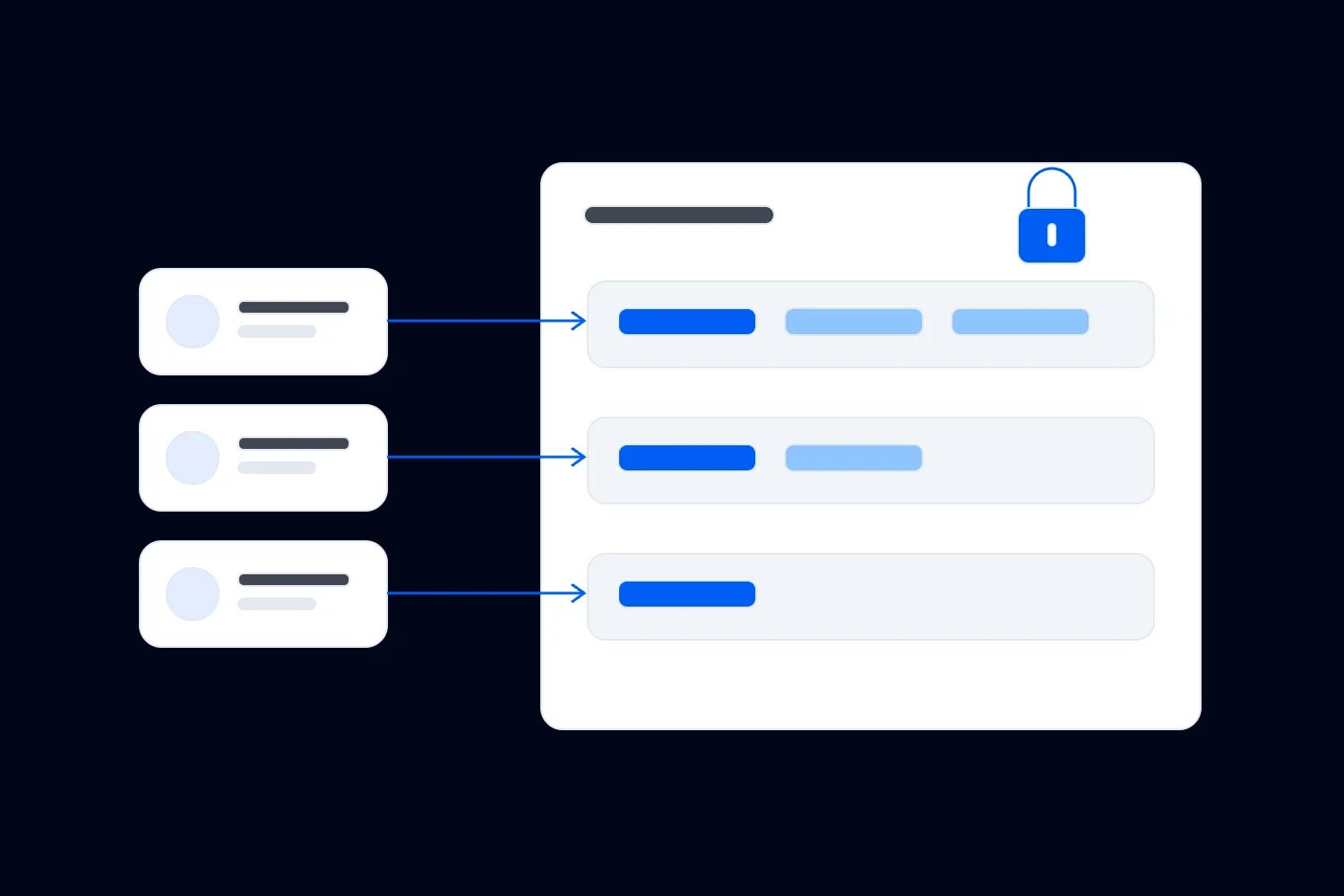
Your door supervisor needs to scan tickets. The producer needs to update the running details. Someone else is answering refund requests. If the answer to all of those jobs is "I'll send you my login," your ticketing account is carrying more risk than it needs to.
Secure team access starts with a separate login for each person, permissions that match their work, and stronger sign-in protection wherever the service supports it. You also need a way to recover access when the usual account owner is unavailable. Otherwise, the first lost phone or late staff replacement can undo the arrangement you spent time setting up.
The aim is to let your team run the event without giving everyone the ability to change everything. A person checking tickets shouldn't need your payout settings to do their shift. And you shouldn't have to stand beside the entrance approving every login while the rest of the event needs you.
Here's how to set that up, including the awkward parts that tend to surface just before doors open. The examples below are hypothetical event operations, rather than reports of particular breaches or customer results.
Start with what each person actually needs to do
Before inviting anyone, walk through the jobs inside your ticketing account. Include the work that happens before the event and during settlement, as well as the obvious activity at the door. Updating ticket quantities, issuing refunds, downloading buyer information and changing the payout account have very different consequences if somebody makes a mistake.
Don't start by asking who you trust. You probably trust your producer and your door supervisor. Ask which decisions they are responsible for, which information those decisions require, and what they should refer to somebody else. Trust doesn't make a full attendee export useful to a person whose job is scanning tickets.
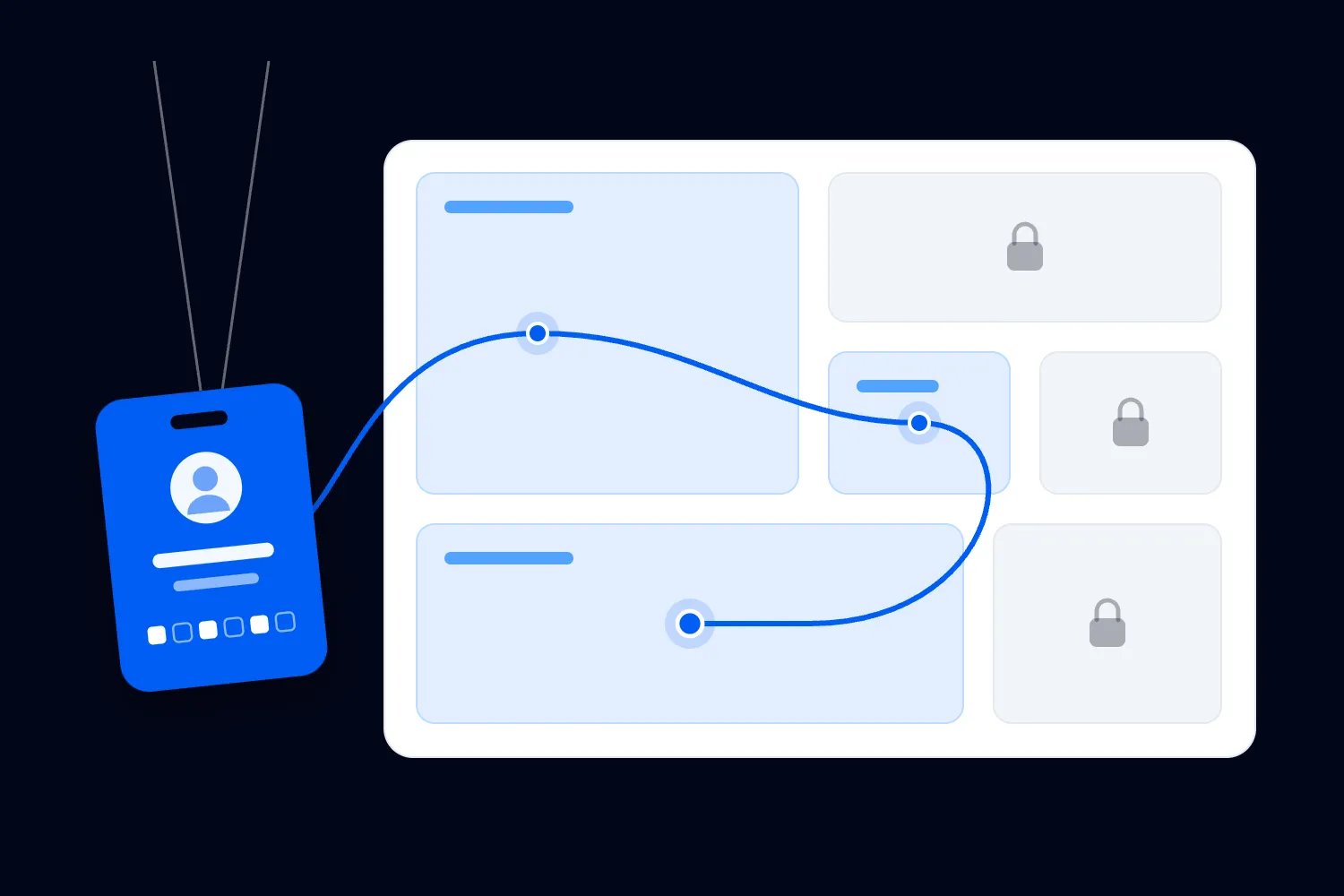
For a hypothetical concert, your producer might need to edit event information and manage ticket releases. Your box office lead might need to find orders and handle agreed refund exceptions. Door staff need to check the ticket presented and follow your entry procedure. The person handling finance needs the information required for settlement. Write those jobs down before choosing account roles.
Then compare the jobs with the permissions the platform actually provides. Role names are only a starting point. An "event manager" role might allow more than you expect, while another platform's similarly named role might exclude a task you need. Check the current permission description and, where possible, test the role using an authorised team account.
If the available role is broader than the job, decide whether the extra access is acceptable. You might keep a sensitive action with the owner and ask staff to refer requests. You might find another supported way to provide the information. Don't hand over a broader login simply because the narrower arrangement takes a conversation to organise.
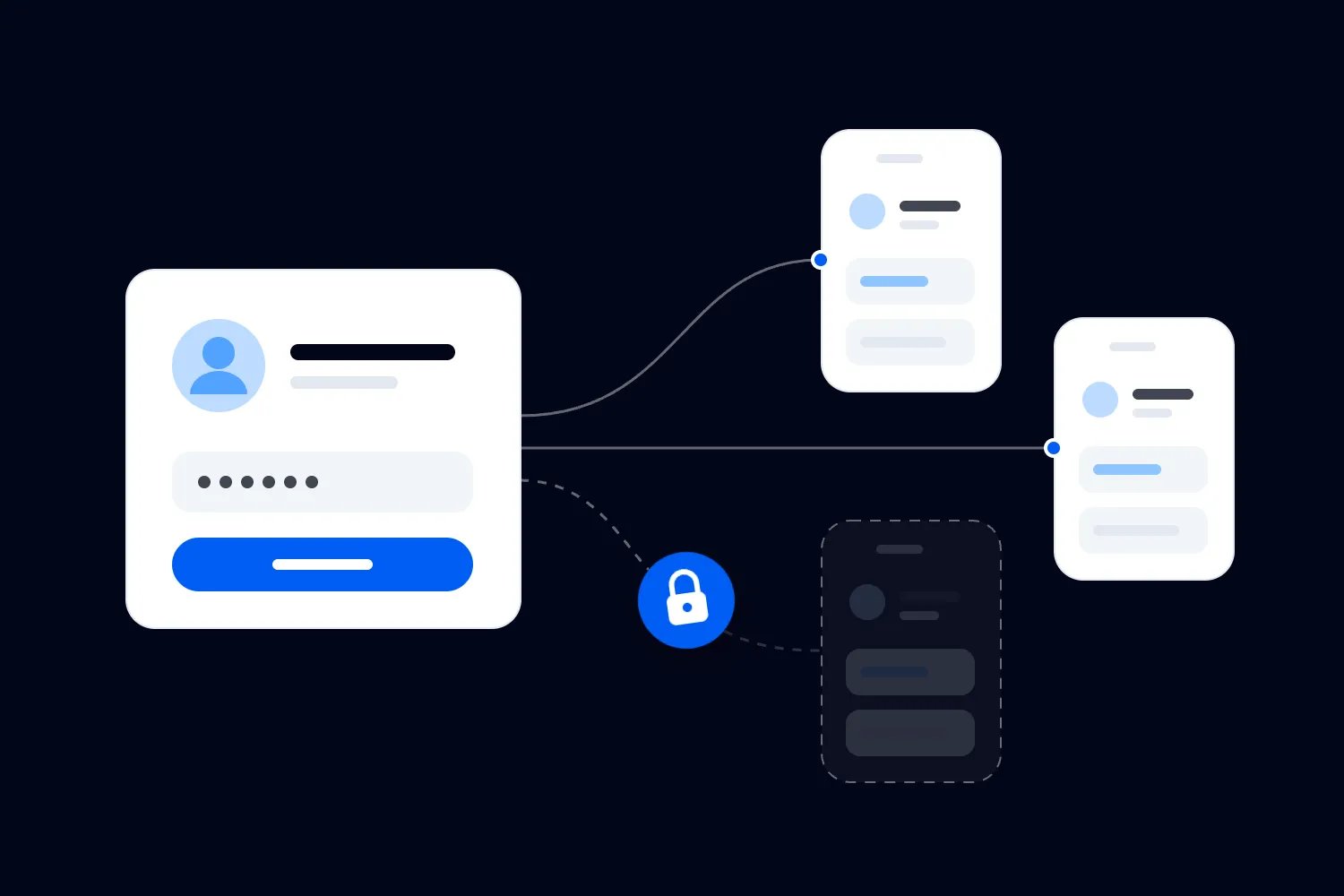
Replace the shared owner login with named accounts
A shared login makes a busy shift feel simpler. Everyone knows the password, so anyone can step in. The difficulty comes later, when you need to know who can still use it or whether an unexpected change came from a legitimate member of the team.
Separate accounts let you grant and remove access person by person. They also let you check the activity associated with a particular user when the service records it. That isn't proof of who physically held a device, and some services provide limited activity records. It still gives you a more useful starting point than an account used by the entire production crew.
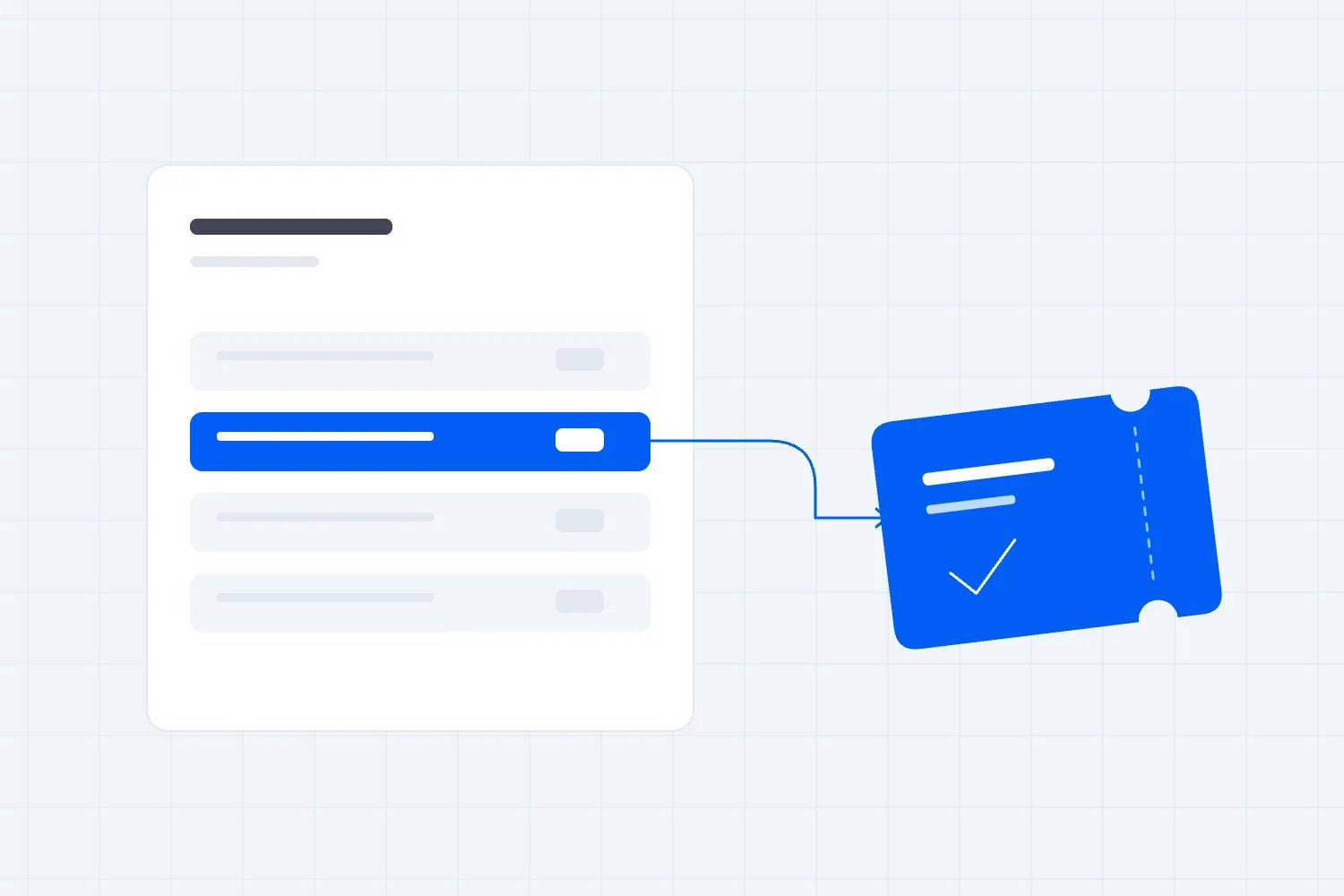
In Loopyah's ticketing tools, you can add admins and door staff to an event without sharing your login. Door staff can have check-in access and scan tickets from their own phones. That directly solves the common situation where an organiser shares the main account just to get another person working at the entrance.
Send each invitation to the intended person's confirmed email address. Explain what they should expect to receive and who to contact if it doesn't arrive. Ask them to complete the invitation before their shift. An invitation still sitting in an inbox doesn't mean the person can open the right event when they arrive.
Avoid inviting a generic address used by changing agency staff if the platform expects an individual account. Ask the agency to identify the people working the event and agree how replacements will be authorised. When an individual changes, issue the appropriate invitation rather than forwarding an existing person's access.
Keep a short record of who has access, which event it covers, who approved it and when it should be reviewed. This record should contain account identifiers and responsibilities, never passwords or recovery codes. Use the platform's own team list for the current permissions, so you aren't maintaining a competing version that quietly falls out of date.
Keep control of the owner account
Your owner account deserves particular attention because other safeguards may depend on it. Someone with enough authority could invite another administrator or change who has access. A secure account used by the wrong person can still cause a very real problem.
Decide who is accountable for the event account on behalf of the business. Confirm the registered email address, where security alerts go, and how ownership can be recovered or transferred through the provider's supported process. If a contractor created the account, settle those questions while the working relationship is current.
For a small business, the owner may be the founder. That doesn't mean every task has to wait for the founder. Delegate the operational work through named accounts, and keep the decisions that require ownership with the right person. Where the service permits a backup administrator, choose someone who understands the responsibility rather than adding every senior colleague.
There's a useful distinction here. A backup administrator may be able to keep ordinary work moving without being able to replace the owner. Check which actions remain restricted. If the owner alone can approve a critical change, your continuity plan needs the provider's recovery route as well as another person on the roster.
Loopyah's event management software describes separate team accounts and role-based access, with only the owner able to make someone else an admin. Plan around the permissions available to your actual account. Don't assume that adding an admin automatically resolves every ownership or recovery question.
Keep the account registered to a business-controlled email arrangement where the provider permits it. If an individual address is required, document how the business will handle that person's departure. The important question is whether the business can prove its authority and follow the supported recovery process, rather than whether everyone knows the login.
Turn on stronger sign-in protection before event week
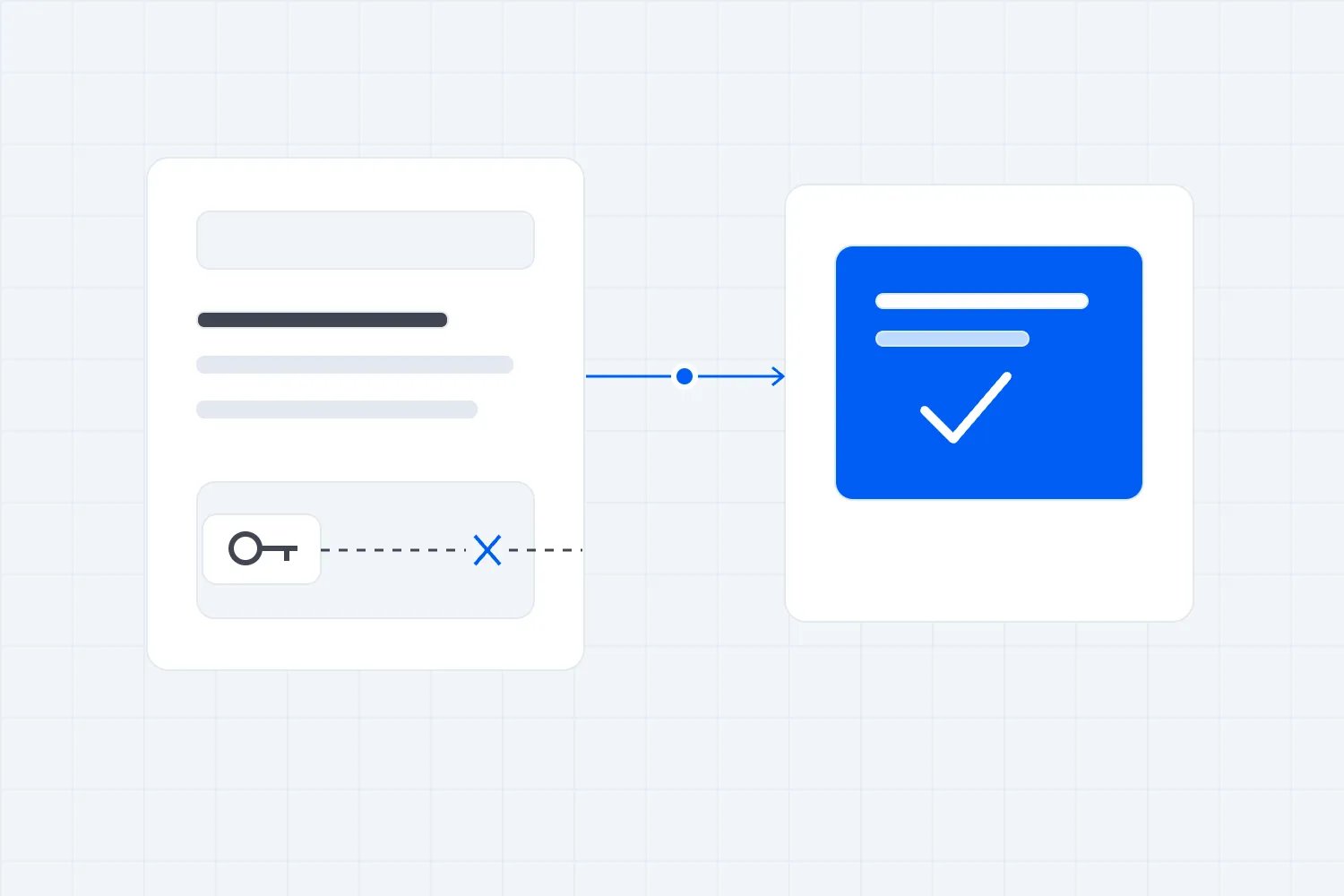
A password checks something the person knows. Multifactor authentication, often called MFA or two-factor authentication, adds another way to verify the person signing in. Depending on the service, that might involve an authenticator app, a security key or another supported method.
CISA recommends using multifactor authentication and aiming for a method that resists phishing. Phishing is a deceptive message or website that tries to get someone to reveal information or approve an action. Some login methods are better at resisting that deception than a code that somebody can copy into a fake page.
Where a service offers passkeys, review how they work for your business devices and recovery arrangements. A passkey lets you sign in using a supported device or security key instead of typing a password. The NCSC recommends enabling passkeys for important business accounts where available. Support varies, so check the provider's current instructions rather than assuming every event tool offers the same options.
Start with the owner account and the email account that can recover it, then cover other people with sensitive access. If your chosen platform lets an administrator require MFA, check that the requirement covers the intended users. If it doesn't, explain the required setup to each person and confirm completion using whatever verification the service supports.
Make the setup part of joining the team. Someone should complete it while they can ask questions and test a normal login. Telling casual staff to configure an unfamiliar authentication method while an entrance queue is growing creates pressure to find a shortcut.
Avoid routing every login approval to the owner's phone. That makes the owner a permanent help desk and encourages people to ask for codes through messages. Each named user should use the authentication arrangement supported for their own account. Keep the owner's recovery material restricted to the people authorised to recover that account.
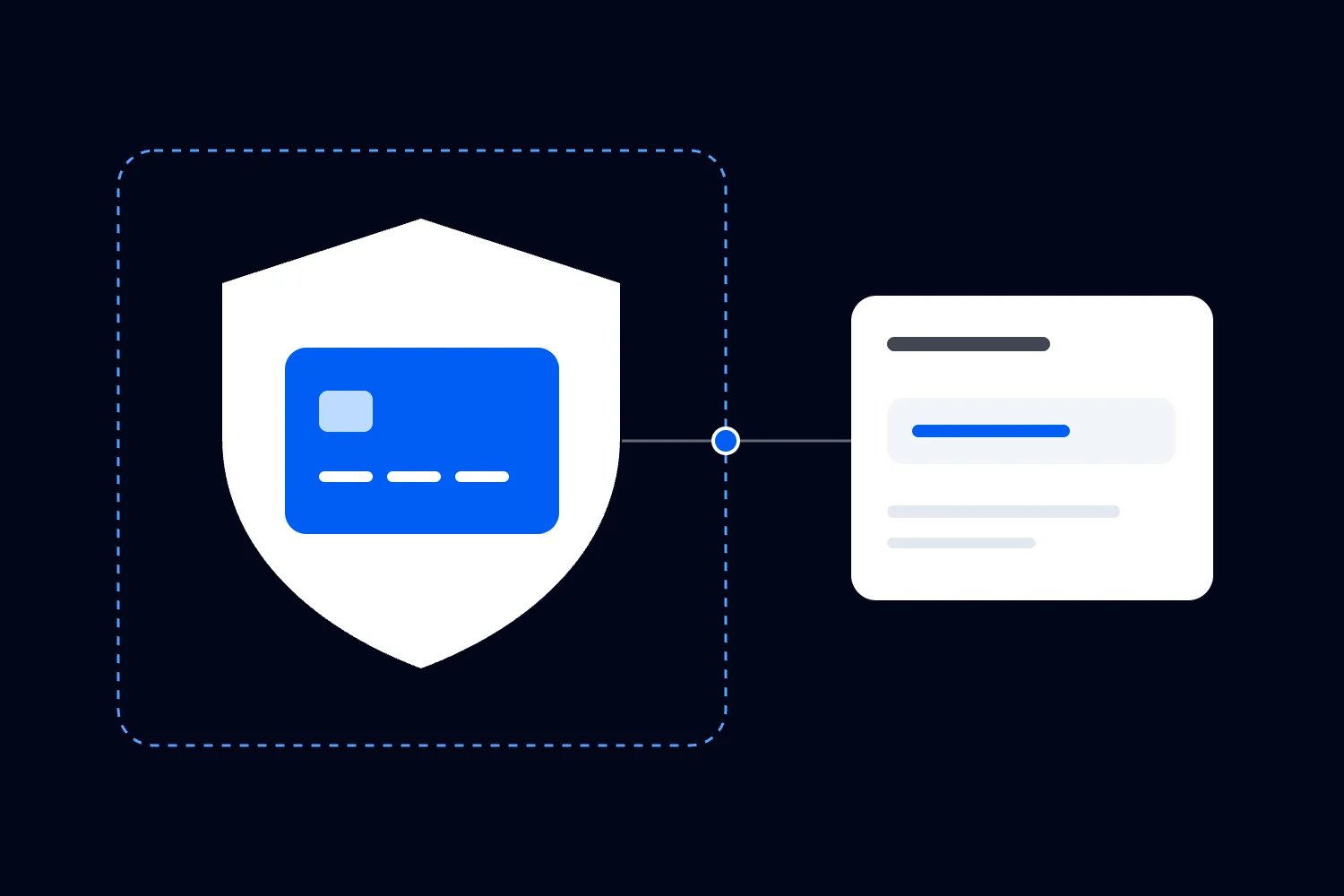
Protect the inbox that can reset the account
A ticketing account can be well protected while its recovery inbox is easy to access. That matters because the inbox may receive password reset links, team invitations and warnings about account changes. Treat the recovery route as part of the account you are protecting.
The NCSC's guidance on securing business email recommends protecting it with strong login security. For your event business, check who can read the relevant mailbox and who can change its settings. A shared customer service inbox and the inbox used to recover the owner account may need different access arrangements.
If several people answer ticket enquiries, use the email service's supported delegation or shared mailbox features where appropriate. Passing around the main mailbox password creates another shared account problem. Ask your email administrator how people can answer enquiries without receiving unnecessary control of account recovery.
Check forwarding and recovery details with the person responsible for email. An old contractor's address, an unmonitored mailbox or a personal number that nobody can reach may become a problem at the worst possible time. These checks should cover the actual recovery process, rather than simply confirming that normal messages arrive.
Don't put your entire recovery plan in the inbox it is meant to recover. Keep the provider's official support route and the business's account ownership information available to authorised people through another protected route. That information helps them start recovery; it shouldn't expose the secrets needed to take control.
If a security alert arrives, open the service through its normal app or a saved address and check there. Our guide to protecting an event business from phishing scams covers suspicious account warnings and sensitive requests in more detail. Here, the setup decision is to make sure genuine alerts reach someone who can act.
Use a password manager where passwords remain necessary
You may still have services that require passwords. Use a different strong password for each one, stored in an appropriate password manager. Reusing the ticketing password for email, social accounts or a supplier portal makes a problem with one service relevant to the others.
Choose the arrangement for the business you actually run. A founder working alone needs something different from a venue with permanent staff and rotating contractors. Check how users join, who can recover access to the manager, and how the business would continue if its usual administrator became unavailable.
The NCSC's password manager buyer guidance recommends understanding recovery and administrative access when choosing a product. Don't stop at whether it can generate a complicated password. Ask whether it lets you give the right person access without opening every account the business holds.
A password manager doesn't replace named accounts when the ticketing service provides them. Use individual invitations for individual work. Where a legacy tool genuinely requires a shared credential, use the manager's supported business sharing controls, restrict the people who receive it and document the exception.
Keep passwords out of production schedules, supplier briefs and staff group chats. Those documents and conversations often get forwarded to people whose involvement changes during the event. Deleting the original message later doesn't tell you where every copy went.
Also check the computer used to open the password manager. Saving credentials in a shared browser profile can expose accounts to the next person using that profile. Use an appropriate separate device login or approved session arrangement, lock it when you leave, and follow your business's device policy.
Plan recovery without making everyday access broader
Consider a realistic problem. Your account owner loses their phone while travelling to the venue. They know their password, but their usual login approval is unavailable. Your door team can still scan through their own accounts, yet a change requiring the owner's authority is waiting.
You want a supported recovery route for that situation. You don't want every staff member to have a copy of the owner's backup codes "just in case." Recovery information can grant powerful access, so decide who holds it, how it is protected and what approval is required to use it.
Check the provider's instructions for alternative authentication methods and recovery codes. Different services work differently. For example, Google's backup code instructions describe codes that can be used when the normal second step is unavailable, with each code usable once. Follow the instructions for the particular service you are securing.
Record the recovery procedure separately from the secret material. A supervisor might need to know whom to contact and where the official instructions are, without being able to retrieve the codes themselves. A person authorised to use them needs a way to reach the protected storage when the usual phone is lost.
Test the arrangement carefully while ordinary access still works. Confirm which authorised person can start recovery and whether your stored contact details are current. Avoid unnecessary live resets or experiments that could lock the business out. Where the service offers a documented recovery check, use that supported process.
Think about dependencies. If the password manager requires access to an email account, and the email recovery instructions are only inside the manager, losing one could block the other. Ask your technical adviser to help resolve that arrangement. The practical test is whether an authorised person can follow the recovery instructions with the missing device genuinely unavailable.
Make event-day access work on the devices people will use
A successful login on the office laptop doesn't prove that your door supervisor is ready. Before the event, ask each person to open the right account on the device they intend to use and check the event they are assigned to. Confirm that the necessary function is available without increasing their permissions.
For the door team, test an authorised sample check-in through the supported procedure. For the box office lead, check that they can find an order and understand which exceptions they can approve. Don't test by changing real payout settings or issuing an unnecessary refund. Choose checks that confirm access without creating work you have to reverse.
Agree a minimum device standard for people working with event accounts. That should cover a screen lock, supported software and current updates, along with a clear reporting route for a missing phone. The NCSC's small organisation device guidance explains why protecting and updating the device belongs alongside account protection.
If staff use personal phones, be clear about what your business expects and what support you provide. Don't assume a casual worker can install unfamiliar software, supply unlimited mobile data or lend their unlocked phone to the next shift. Resolve those practical limits when you book the staff.
If someone cannot meet the agreed device requirements, arrange suitable equipment before assigning the shift. Confirm who sets it up, who carries it and where it goes when work finishes.
Shared business devices need a handover too. Know which account is signed in, who has custody and how the session is closed or transferred through the supported process. A note saying "tablet at box office" doesn't tell you whether the owner account is still open on it.
Put the access problem contact into the shift briefing. A worker who cannot sign in should know who can invite them or fix a role. That person should have the authority to help and be reachable while the organiser is busy elsewhere.
Set rules for urgent changes and temporary cover
The risky moment often sounds ordinary. A replacement arrives at the door and says the agency sent them. A producer asks for admin access because somebody is unavailable. A message says the owner approved a new payout account. Urgency is a reason to use the agreed route quickly, rather than invent a new one.
For a staff replacement, confirm the person with the supervisor or agency contact already held for the booking. Establish the job, issue the appropriate named invitation and check that it works. If identity or authority cannot be confirmed, refer the decision to the person responsible instead of sharing an existing login.
For broader permissions, ask what exact action is blocked. A staff member who only needs a sales figure may be able to receive an approved report. Someone who needs to make a sensitive change may need an authorised colleague to perform it. Understanding the job can avoid giving permanent admin access to solve a temporary problem.
Keep changes to bank details and payment procedures subject to independent verification. The FBI's business email compromise guidance advises verifying changes in account details or payment procedures with the person making the request. Use an established contact method, rather than one supplied in the message requesting the change.
Where the software doesn't provide separate approval controls, make the business's approval procedure clear and record the decision. Don't describe an informal second check as a platform-enforced safeguard. Staff need to understand which protection the system provides and which depends on their action.
Record temporary access with the reason and review point. Remove it when the job ends through the supported account controls. Full staff and supplier offboarding needs its own process, but you can prevent access from becoming permanent by deciding its intended end when you grant it.
Notice changes that deserve attention
You don't need someone watching a dashboard throughout the show. You do need to know where security alerts arrive and which changes the account owner should review. Start with the activity the platform actually records, including any available notifications about sign-ins, users or account settings.
Look for events that don't match the plan. An unexpected administrator invitation, changed recovery details or a payout destination nobody approved deserves attention. A refund may be entirely legitimate, but a person who wasn't authorised to issue it should still prompt a permissions review.
Agree who checks alerts during busy periods and who covers their absence. If the alert mailbox is unmonitored all weekend, switching on notifications hasn't created a useful response. Keep responsibility with someone who can contact the owner or provider and explain what changed.
When an alert appears, verify it in the account through the normal app or website. Then compare it with the approved change. Ask the named user about unfamiliar activity through an established contact route. Don't circulate a screenshot containing recovery details or attendee information to the entire crew.
Be careful with conclusions. A strange location label might need investigation rather than an immediate accusation. A familiar device name doesn't prove that everything is safe. Use the provider's records and technical help to establish what happened, and keep the operational decisions tied to confirmed information.
For recurring events, review the access arrangement before the next on sale or staffing change. Check new responsibilities as well as old users. A person who still works for you may have moved into a role that no longer needs access to attendee records or financial settings.
Walk through a replacement shift before opening
Imagine you're running a Saturday evening show with an owner, a producer, a box office lead and a small door team. On Friday, the agency tells you one scanner cannot work. Their replacement has never worked your event and will arrive shortly before the first ticket holders.
Start the handover then. The agency's established contact confirms the replacement's name and email address. Your door supervisor confirms the assignment. The person authorised to manage access sends an individual invitation for the right event and asks the replacement to complete it before travelling. Nobody forwards the absent worker's invitation or copies the owner's password into the agency conversation.
The replacement opens the app on their own phone and discovers the event isn't visible. That's useful information on Friday. Your access manager can check the account address and assignment while the venue is quiet. On Saturday, the same problem would compete with bag checks, ticket enquiries and a queue outside.
Now suppose the replacement can open the event but cannot approve a disputed ticket. That may be exactly the right restriction. The supervisor handles exceptions through the agreed entry policy. You don't need to turn every scanner into an administrator so they can solve an unusual order problem without help.
At the briefing, the supervisor explains how to contact the box office lead and what information to pass over. An order reference may help locate a booking, but staff should use the approved procedure to establish entitlement. Account permission and admission authority are connected decisions, and both need to be clear to the person standing at the entrance.
Later, the owner's phone runs out of battery. The door team continues working through their assigned accounts. The producer can still perform the operational work their role allows. A decision reserved for the owner waits for the supported access route, unless a previously authorised alternative exists. One flat battery hasn't required everyone else to borrow a login.
After the shift, the access manager reviews the temporary invitation at the agreed point. Any outstanding work gets a named owner. This example doesn't require a new security department. It requires the people already running the event to settle identity, responsibility and recovery before those decisions become urgent.
Check the limitations before choosing a platform
If you're choosing ticketing software, ask for a demonstration of team access using the jobs you listed. Have the provider show a door worker's view, an operational administrator's view and the owner controls. Ask which information each can export, which changes they can make and what remains restricted.
Then ask about stronger login methods, account recovery and ending access on an already signed-in device. Find out which controls you can use directly and which require support. A Saturday event needs an answer about Saturday support, including the actual service commitment rather than an assumption that someone will be available.
Where a capability is missing, assess the consequence for your event. An account with only a public event description poses a different operational problem from one that can change payment settings. You may accept a limitation with a documented procedure, or decide the tool doesn't suit your team. Make that decision before selling tickets commits the business to the setup.
Keep the distinction between a demonstrated control and a future promise clear in your buying notes. Ask the provider to confirm anything unresolved in writing, with the relevant plan and account type. Your staff briefing should describe what works now, because that's the version your crew will use when the doors open.
Respond quickly if an account may be compromised
Make it easy for someone to say, "I approved a login I didn't request," or, "I entered my password on the wrong page." The first response should get the facts to the person who can act. Blaming the worker while the account remains exposed only delays useful action.
Use a trusted device and the provider's official recovery process. The NCSC's account recovery guidance covers regaining control, changing credentials and checking account access. Ask the provider or your technical adviser which sessions, authentication methods and connected applications need review. Don't assume a password change has ended every existing session.
Record what happened and when, preserve the relevant messages, and check whether account settings, user access, attendee information or payments were affected. If money may have moved fraudulently, contact the relevant financial institution immediately. Keep sensitive evidence restricted to the people handling the incident.
Decide separately whether the event can continue safely. Your door team may have independent accounts that remain usable, while the owner account needs investigation. That doesn't automatically make continued operation safe, but it gives the responsible people a specific situation to assess instead of assuming every activity has stopped.
After control is restored, confirm the recovery details and intended team permissions. Remove unauthorised access and have the relevant specialists assess any data exposure or reporting duties. Before your next event, fix the part of the process that allowed the problem, whether that was an overbroad role, an untested recovery route or a rushed invitation. Start with the owner account and one actual staff job, then test that the safer arrangement still lets that person do their work.

Author: By the Loopyah Content Team
The Loopyah Content Team shares expert insights, practical guides, and industry updates to help event organizers create unforgettable experiences and stay ahead in the event planning world.