· 21 min read
How to import a large attendee list without creating duplicate tickets
Someone sends you the final attendee spreadsheet. Then another file arrives with a few corrections. Meanwhile, tickets are still selling, a company has swapped two delegates, and your registration manager wants to know whether it's safe to upload everything again.
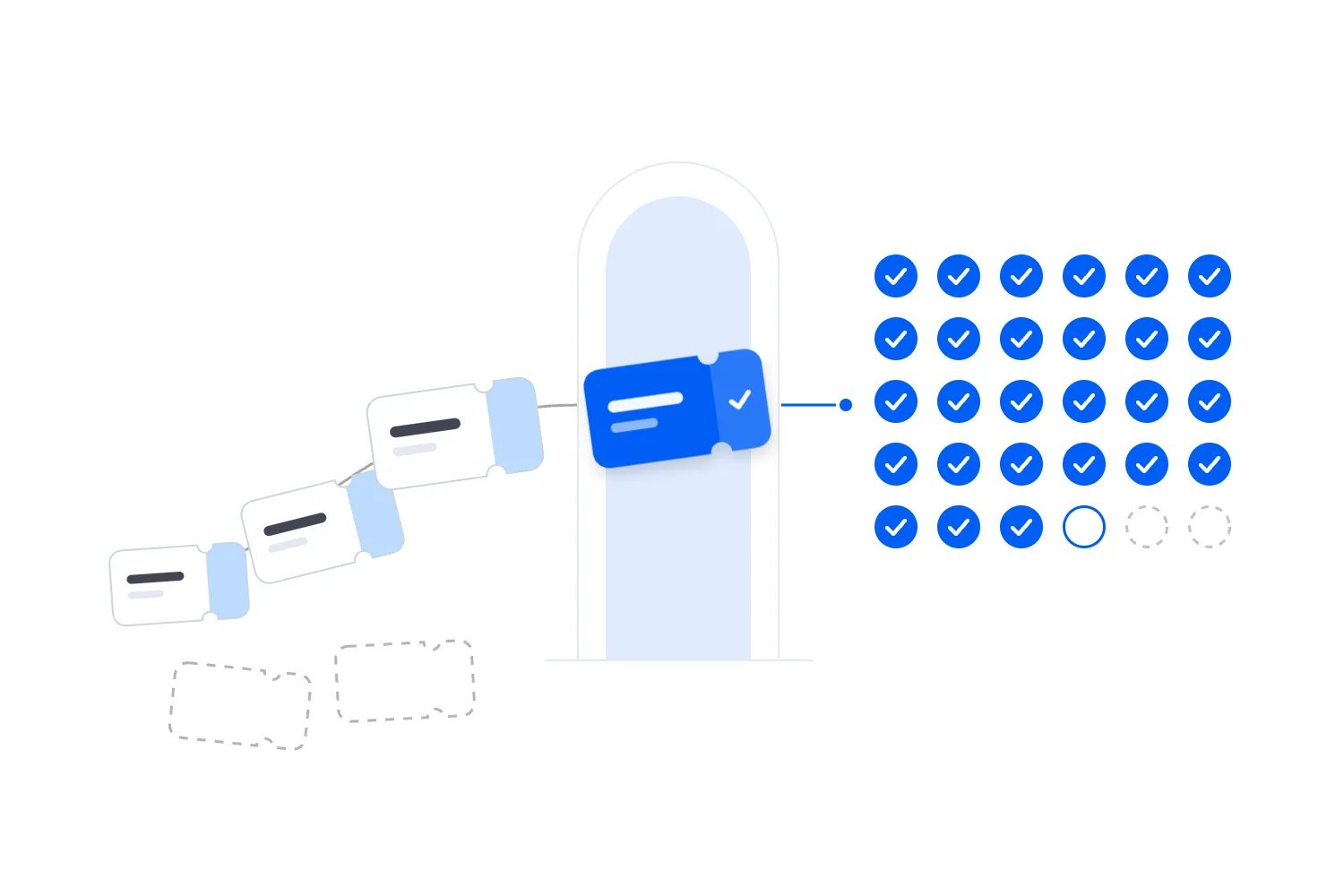
A bulk attendee import is safe when you know what each row represents, how it matches an existing record, and what the receiving system will do with it. Agree those rules before you upload, test them on a small sample, then reconcile the saved results against your source. Uploading the same file twice should never be your first way of finding out how duplicates work.
This matters because a contact, an order and a ticket are different things. Bringing someone's email into a contact list doesn't give them admission. Creating another ticket for an existing attendee can change capacity, access and the number of valid entry codes in circulation. Here's how to manage the import without leaving your door team to untangle it.
Decide whether you're importing contacts or admission
The first thing you want to do is name the job. Are you moving your marketing contacts, adding people who have already paid elsewhere, registering a sponsor's guests, or correcting records that already exist? Those jobs may use similar spreadsheets, but they need different outcomes.
For a contact import, you're usually adding or updating information about a person. For an admission import, you're establishing that someone holds a particular valid admission entitlement at a particular event. You may also need the original order relationship, payment history, ticket status and entry credential. A name and an email don't carry all of that.
Ask the platform to confirm what the import actually creates. A successful contact upload can leave you with no tickets at all. An attendee upload might issue complimentary admissions rather than transfer paid purchases. Neither outcome is automatically wrong, but either becomes expensive when your sales report or scanning plan assumes something else happened.
Keep the commercial record honest. If someone paid through another system, preserve the connection to that transaction rather than inventing a second payment in the receiving platform. Confirm how imported admissions appear in revenue reports and where refunds will be handled. Your finance team should be able to explain the ticket without treating a spreadsheet value as evidence that money moved.
This is also where you check product fit. Loopyah's event email marketing supports importing contacts from a CSV with column mapping and a failure file. That establishes a contact-import capability. It doesn't establish that the same upload migrates paid tickets, preserves another platform's entry codes or transfers its payment history. Verify the admission workflow separately before choosing it for that job.
If you're moving a live event, get those answers before announcing the move. Buyers shouldn't have to work out which confirmation still counts while your team discovers what was imported.
Give every admission a reliable reference
A duplicate rule needs something more dependable than a familiar name. Use the original identifier for the individual ticket or registration wherever the receiving workflow supports it. Keep the original system and event alongside that identifier, since different systems or events may reuse the same numbers.
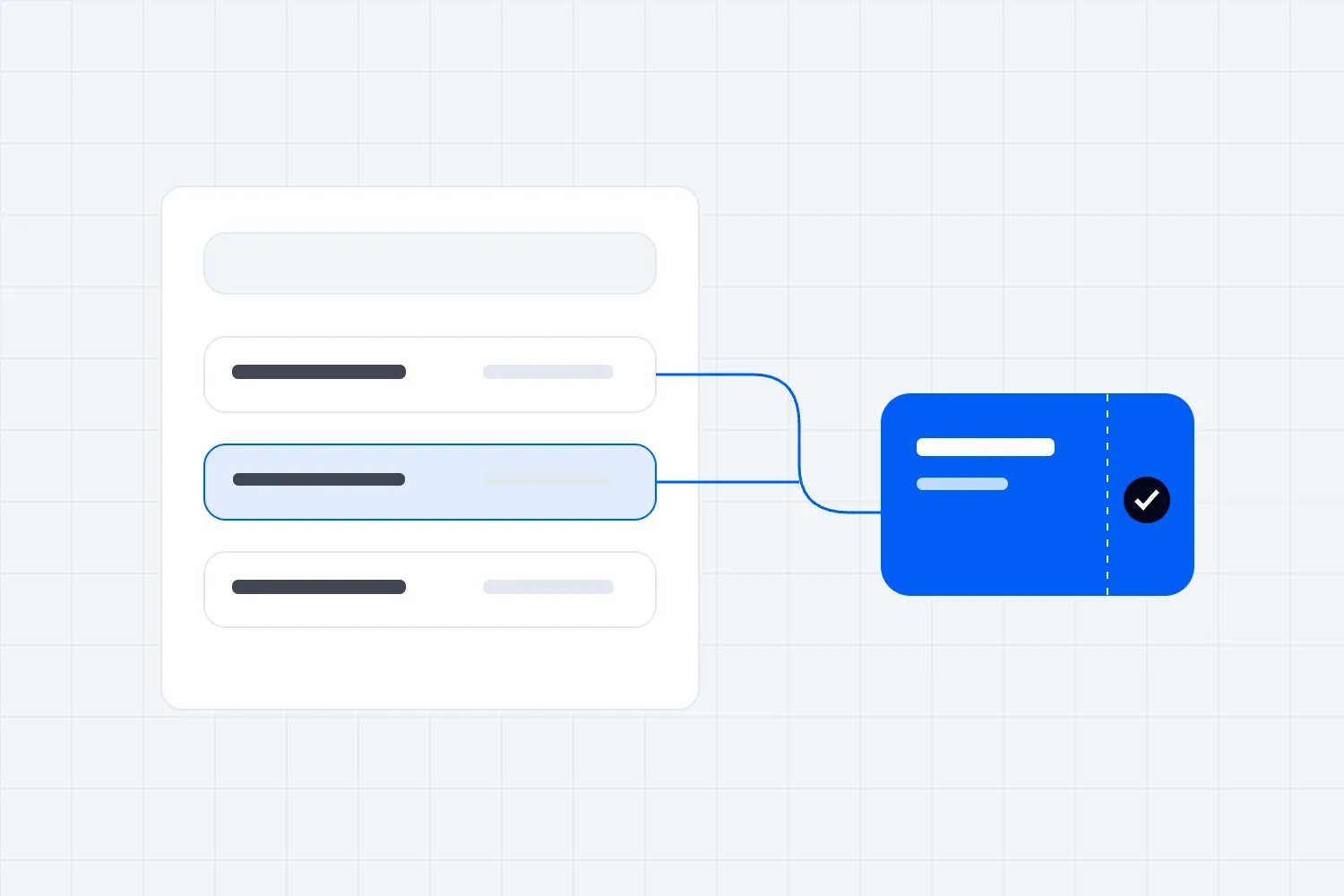
Find out whether your source file provides an order identifier, a ticket identifier or both. One company order can contain several admissions. Matching only on its order number could merge legitimate delegates. Equally, matching every row as a new ticket can issue several admissions for one unchanged booking when you repeat the upload.
Email is useful for finding possible matches, but it's a poor substitute for a ticket reference. An assistant may book for a whole team using one address. A parent may hold tickets for several family members. A delegate might have a conference pass and a separately purchased workshop. Repeated email addresses can be perfectly legitimate.
Names are even less conclusive. Two people can share a name, and the same person may shorten theirs between registrations. Use similarities to ask a question, then inspect the booking and entitlement before merging anything. Our guide to conference group registration explains why the buyer and each delegate need separate treatment.
If the source has no stable admission references, ask its owner for a better export. When that isn't possible, agree a documented matching method with the receiving platform and review uncertain cases manually. A row number identifies a position in a file, not necessarily the same admission in tomorrow's reordered export.
Keep a record connecting the old reference to the new one. That lets support find the imported ticket when a buyer quotes their original confirmation. It also gives you a way to investigate a missing admission without searching by name and hoping there is only one result.
Agree the duplicate rules before touching the full list
There are several different problems hiding behind the word duplicate. The exact same ticket may appear twice in one file. A ticket may already exist in the receiving system. A real person may hold two valid tickets. You need a rule for each case, because deleting repeated-looking rows won't distinguish them.
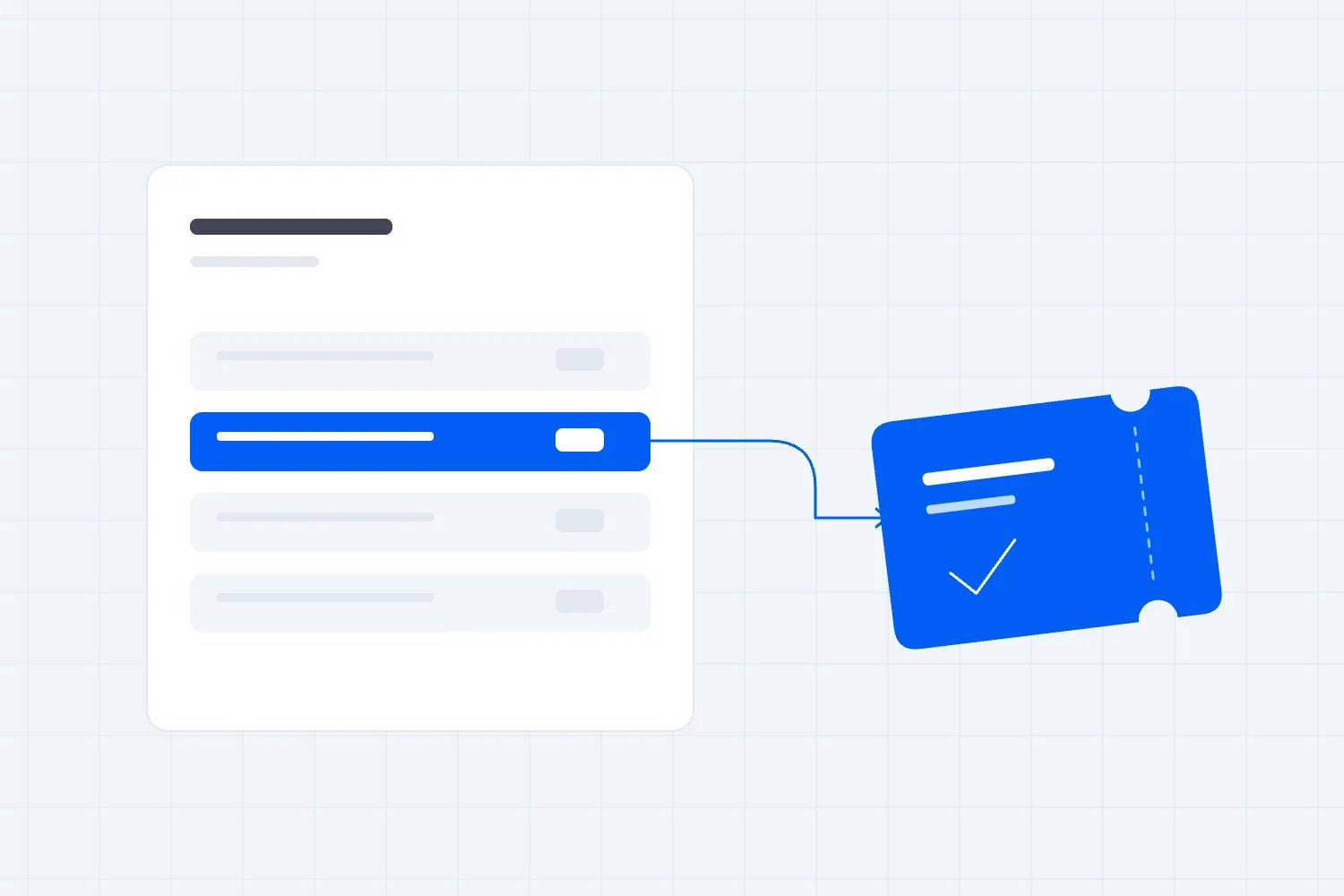
Start by asking how the import handles an exact match. Does it skip the row, reject it, update the existing record or create another record? Then ask which fields it uses to decide. Get a concrete answer for the workflow you're using, rather than relying on a general promise that the software handles duplicates.
For an unchanged admission that already exists, your intended result is usually no additional ticket. For a genuine correction, you may want to update a specific existing record. For a second legitimate entitlement, you need to keep both. The platform's available controls determine how you carry those intentions out.
Agree how blank values behave too. A correction file with an empty company field might leave the current value alone or erase it. A blank status might apply a default you didn't intend. If the import updates records, test those cases before someone sends a partial file labelled final corrections.
Treat conflicts as questions for a named person. Suppose the same source ticket appears once as active and once as cancelled. Don't let file order decide which status survives. Check the source booking history, identify the current record, and document why it wins. Otherwise, sorting a spreadsheet differently could change who gets through the door.
Put the rules in a short handover that the person running the upload can use. They should know which records can proceed automatically and which must wait. If your platform cannot support the rule safely, change the workflow before uploading. Manual review of uncertain rows is cheaper than issuing admissions you later have to withdraw.
Before approving an automatic update, decide who can change each field. A ticket buyer may be allowed to replace a delegate's name, while only your registration manager can change the admission type. An import shouldn't turn a delegate correction into an unapproved upgrade because both values happened to arrive in the same file.
Also separate duplicate records from duplicate purchases. If a buyer really bought twice by mistake, you have a customer-service and payment decision to resolve. Combining rows doesn't refund them, and cancelling a ticket without following the payment process can leave them charged for admission they can no longer use. Keep that case out of routine file cleanup.
For records that require a decision, retain the source reference, the conflicting values and the person who can confirm the answer. Your operator doesn't need a sprawling spreadsheet of guesses. They need a manageable set of unresolved questions that can be checked against the current booking before the next upload.
Prepare a file that preserves the original information
Take a fresh export, record its time and time zone, and keep an unchanged copy with restricted access. Make the upload file from a working copy. That gives you something to compare against if a field changes during preparation or the receiving system interprets it differently.
Use the receiving platform's current template. Map each source column to the field it actually means. Buyer email belongs in a buyer field if one is available; it shouldn't quietly become every delegate's personal address. A ticket category should map to the intended admission type, rather than whichever label happens to look closest.
Treat identifiers as text when preparing them in a spreadsheet. Microsoft explains that Excel can remove leading zeros and convert long numbers in its guidance on preserving codes and large numbers. A code that still looks approximately right may no longer match the original ticket. Check the underlying saved value, not just its display.
Check names with accents, apostrophes and non-Latin characters in the preview and the saved test records. Confirm the required file encoding and delimiter with the platform. A spreadsheet opening neatly on your computer doesn't prove the importer reads it the same way.
Commas inside a company name or line breaks inside an answer can shift information into the wrong columns when a file is malformed. The RFC Editor's description of common CSV formatting explains how quoted fields preserve those characters. Use a proper export and the receiving tool's preview rather than trying to fix complicated CSV quoting by hand.
Remove columns the import doesn't need. Private support notes, payment-card information and historical exports don't belong in an upload simply because they were available. The UK's Information Commissioner's Office describes data minimisation as keeping information adequate, relevant and limited to the purpose. Apply that thinking to every field you send.
For broader preparation before badge printing, use our conference registration data cleanup guide. Here, the extra question is what the upload will create or change in the admission system.
Pay particular attention to dates and status labels when mapping fields. A purchase date tells you when someone booked; it doesn't tell you whether their admission is still active. Likewise, paid, confirmed and checked in may describe different things in different systems. Ask what each source value means and how the receiving field uses it before accepting an automatic match.
If a ticket covers several days, preserve the actual dates and access rules rather than reducing it to a generic conference pass. Test the resulting record against the event timetable. Your import can contain the right person and a valid code while still giving them access on the wrong day, which is exactly the kind of mistake a simple total won't catch.
Preserve consent without turning every attendee into a subscriber
Permission to administer someone's ticket and permission to market your next event are different questions. Keep the original marketing status and the evidence behind it. If the source doesn't record a permission, leave the uncertainty visible instead of changing everyone to subscribed so the file will import.
Ask for the source of the permission, when it was obtained, which organizer it covered, what the person agreed to receive and any later withdrawal. Keep the evidence in an appropriate restricted record, even if the receiving system only has room for the current status. The field tells your team what to do; the evidence explains why.
For UK individual subscribers, the ICO's electronic mail marketing guidance says unsolicited marketing generally needs consent or the applicable soft opt-in conditions. For the products-and-services soft opt-in, those conditions include collecting the details directly during a sale or negotiations, with the required opt-out opportunities. Importing a file doesn't create permission that was missing before.
Keep existing unsubscribes and other restrictions when combining lists. If one file says someone agreed to marketing and a later record shows they withdrew, don't restore the older status because that row came from a larger export. Check dates and provenance, then preserve the current restriction.
Be careful with lists supplied by sponsors or group bookers. A company buying delegates' tickets doesn't automatically establish that every delegate agreed to your marketing. Likewise, an event partner describing its list as opted in doesn't tell you whether that permission covers your organization and intended use. Resolve that before a promotional send.
Operational messages need their own review. Send people the information they need about an admission they actually hold, and keep unrelated promotions out of those messages. Loopyah's email workflow distinguishes event updates from promotions and handles opt-outs for promotional sends. Accurate source records still matter when you bring an existing list into it.
Plan the changeover while sales and substitutions continue
A file describes a moment in time. Your event keeps changing after the export. If you ignore that gap, a perfectly executed upload can still omit new buyers or restore a ticket that somebody cancelled while you were working.
Choose a changeover window and name the system that remains responsible for each kind of change during it. Confirm how new sales, refunds, transfers and delegate substitutions will reach the receiving system. If the workflow supports an initial import followed by a final set of changes, test that process too. Don't assume a second full upload acts like a safe update.
For a busy event, a short controlled pause may be easier than keeping two systems synchronized manually. Whether that's acceptable depends on the sales volume and the tools available. Agree it with the people responsible for ticket sales and support, including what buyers will see while the change happens.
Avoid processing the same booking in both systems during the overlap. A refund handled in the old platform needs to result in the right admission status wherever you now check people in. A substitution needs to reach the attendee record that will produce the actual entry credential. Decide who checks those connections before the move.
Tell suppliers which system will provide the final attendee information. The badge printer, session host and access-control team shouldn't independently choose between old and new exports. Use one agreed current record for admission, with clearly identified copies for specific operational jobs.
Keep a fallback plan that your team can actually use. If the final import doesn't reconcile, can you continue admitting against the original system? If new credentials have already gone out, how will staff identify which remain valid? Resolve that before the changeover rather than writing a plan after buyers have received conflicting instructions.
Test the awkward cases, not just the easy rows
A useful test includes the records most likely to expose a bad assumption. A list of uncomplicated individual purchases may upload beautifully while telling you nothing about group bookings, cancellations or repeated runs.
Use a sandbox or preview where available. If the only supported test creates real records, agree a controlled method with the platform and use authorized test details. Keep notifications off where the workflow allows it, and understand how to remove the test admissions afterward. Don't casually send test tickets to real buyers.
Include a group booking with shared buyer details, a person with more than one valid entitlement, a cancelled ticket and a record already present in the receiving system. Add a correction that changes a name without changing the admission. Include the formatting cases your real file contains, rather than testing only plain English names.
Inspect the saved records after the test. Are the ticket type and access correct? Did the original reference survive? Did a blank field erase something useful? Did the import create an order, a contact or an admission? A preview can help you spot mistakes, but the saved result tells you what actually happened.
Then test the repeat behavior using the supported method. The goal is to prove that retrying an unchanged record won't issue another ticket. Ask the platform to demonstrate this if its interface doesn't let you verify it safely. A vague confirmation that repeated uploads are fine isn't enough for a live event.
For automated imports, your developer may mention idempotency, which means a repeated request doesn't perform the same action again. Stripe explains that principle in its documentation on safely retrying requests. That is an example of the mechanism, not proof that your ticket importer implements it. Check the specific import service and its limits.
Run batches you can trace and reconcile
When the test passes, split the production job only as the platform supports. Smaller batches can make errors easier to isolate, but arbitrary splitting creates another risk if the same admission appears in several files. Define the batches using stable source references and check that they don't overlap.
Record the filename, export time, batch purpose and the person running it. Keep the import job reference if the platform provides one. You want to be able to answer which upload created or changed a particular admission without asking everyone to remember what happened yesterday.
Before each upload, record what you expect it to do. Count the rows submitted, the admissions you expect to create, the records you expect to update and anything deliberately excluded. These are different measures. A file containing corrections should not be judged solely by how many new tickets appear afterward.
After the import finishes, read its result report and inspect the receiving system. Separate successful creations, updates, unchanged matches, rejected rows and records awaiting review, using the categories the tool actually provides. Save the report alongside the source and the agreed decisions.
Don't equate a green completion message with a complete attendee list. A job can finish after rejecting some rows, or create the right number of records with the wrong admission types. Check totals by ticket category and status, then verify individual source-to-destination matches for the cases that matter.
If the system's report doesn't make these outcomes clear, stop before the next batch and ask support to help reconcile them. Running more files on top of an unexplained result makes recovery harder. Your standard should be that every submitted admission has an understood outcome, not that every upload button eventually turns green.
Make the sign-off specific to the job. The person approving the result should be able to state which event it covers, which source export was used and whether anything remains unresolved. That is more useful than a message saying the attendee import is done, especially when several events are moving at once.
A shared progress note also prevents overlapping work. If somebody is correcting the first batch while another teammate prepares a fresh full export, they need to know which admissions already exist. Otherwise, each person can follow their own file carefully and still create conflicting outcomes together. Assign one person to coordinate the sequence, even when others help resolve individual records.
Reconcile tickets, access and money separately
Here's a hypothetical example. Your source contains 1,000 active admissions. You identify 40 that already exist correctly in the receiving system, so you expect 960 new admissions and 40 unchanged matches. After the job, you should be able to account for all 1,000 source admissions individually.
Suppose the result shows 950 creations, 40 unchanged matches and 10 rejected rows. The job has explained the source total, but it hasn't completed the migration. Resolve those rejected records before telling the door manager that everyone is ready. A fully accounted-for failure is still work to finish.
| Label | Admissions |
|---|---|
| Created | 950 |
| Kept | 40 |
| Failed | 10 |
Illustrative counts from the fictional 1,000-admission example above: Kept means unchanged matches; Failed means rejected rows. The 10 rejected admissions still need resolution; an explained total does not mean the migration is complete.
Now suppose the system reports 960 creations and 40 matches. That sounds right, but you still need to check what it created. If workshop access became general admission or cancelled credentials remain usable elsewhere, the total alone won't reveal the problem. Compare the fields that determine the attendee's actual experience.
Treat money as a separate reconciliation. An imported paid admission may represent revenue collected in the original platform, while the receiving system records no new payment. That can be correct. What matters is that your reporting doesn't count the same purchase twice, hide outstanding balances or suggest that a complimentary ticket produced ticket revenue.
Check capacity too. Confirm how imported admissions affect the event's remaining inventory and any limited sessions or reserved areas. Don't assume a manual import obeys the same limits as public checkout. Ask the platform what happens when an import would exceed an allocation, then inspect the saved result.
Finish with the people who will use the records. Have the registration manager find a delegate by the reference a buyer is likely to quote. Have the check-in team test a valid credential and the expected handling of an invalid one. Reconciliation is complete when the records support the operation you intended to run.
Retry failed rows without recreating successful admissions
A failed upload doesn't always mean nothing happened. The browser may time out after the platform has created some records, or a job may accept most rows and reject the rest. Before you retry, find out what the system saved.
Use the job status, result report and current attendee records to identify successful rows. Then use the platform's supported retry or correction process for the remainder. If it provides a file of failed rows, check that file against the source before resubmitting it. A report is useful evidence, but it still needs the right event and batch context.
Keep the source references unchanged through a retry unless the platform explicitly requires a different procedure. Inventing new identifiers just to get past a duplicate warning can make an existing admission look new. If the warning is wrong, resolve the mismatch rather than hiding it with a renamed row.
Correct the cause of rejection as narrowly as possible. If a ticket category was mapped incorrectly, fix the mapping. If an address is missing, get the information from the responsible person rather than fabricating it. A dummy address may let the file pass while leaving the buyer unable to receive their ticket.
If the import issued duplicate credentials, stop further sends and agree the recovery with the platform. Identify the admission that should remain valid, revoke the unintended one through the supported workflow, and confirm what the buyer needs to use. Deleting a contact doesn't necessarily invalidate a ticket already issued to it.
Keep support involved when buyers have already seen the mistake. They need to know whether old confirmations still work, whether another email is coming and how to find the correct record. Quietly fixing the spreadsheet won't answer the attendee who arrives holding the wrong code.
Handle late changes through the current booking
Once the import is signed off, close the working file to routine edits. A late substitution should happen through the system now responsible for the ticket, using its supported change process. Editing the name in yesterday's upload sheet doesn't update the admission the door team will scan.
Tell anyone still supplying lists how to submit a late change. Ask for the original admission reference and the exact correction, with an authorized contact who can confirm it. Keep new guests separate from replacements so your team doesn't accidentally issue another ticket for a person who is only taking over an existing place.
The same applies to access changes. If a delegate adds a workshop, confirm the booking and allocation before changing their record. A new line in a supplier's spreadsheet isn't enough to show the extra admission was approved. Link the change to the current ticket and follow the payment process when a charge is due.
Finally, check the copies used by suppliers. A badge file may need a corrected name, but it shouldn't become an independent record of who can attend. Send the appropriate update after the booking changes, and tell the supplier which version replaces its earlier file. This keeps a late correction from undoing the consistency you established during the import.
Release confirmations only after the records are ready
Decide before the upload when tickets and confirmation emails will go out. If the importer sends them immediately, your preparation and test need to account for that. Don't assume you can inspect everything privately and decide about notifications later.
For a migration, explain the change in terms the attendee cares about. Tell them which ticket to use, whether their booking and access remain the same, and where to get help. Avoid sending two competing sets of entry instructions without saying which one is current.
Confirm the treatment of the old credentials with both platforms and your check-in process. Reissuing a ticket in a new system doesn't by itself prove that the old one has stopped working. If both are accepted, you may have created an admission problem even when your contact list contains no duplicates.
After release, watch delivery failures and support enquiries before assuming the job is finished. Review the restricted import files under your retention policy, remove copies no longer needed, and keep the evidence required to explain the migration. Leave the door team with one current admission system and a clear way to resolve exceptions.

Author: By the Loopyah Content Team
The Loopyah Content Team shares expert insights, practical guides, and industry updates to help event organizers create unforgettable experiences and stay ahead in the event planning world.