· 21 min read
How to evaluate a venue through a virtual site visit
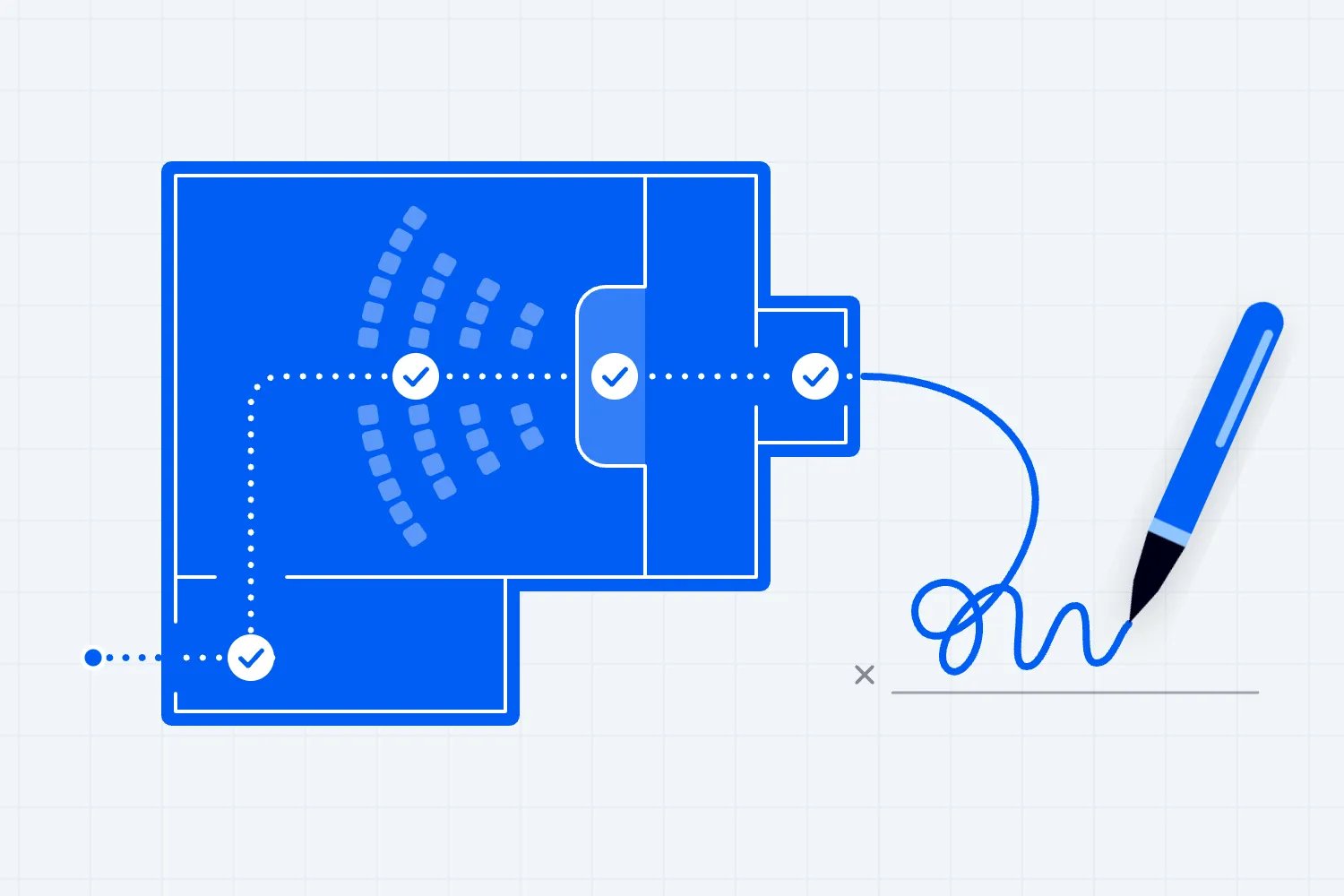
You've found a venue in another city, the date works, and the photos look promising. Before you pay for travel, you want to know whether it deserves a visit. A virtual venue site visit can answer that question well, provided you ask the venue to show how your event would actually operate.
Use the call to eliminate unsuitable spaces, inspect the routes your audience and suppliers would use, and identify what needs independent checking. Bring a current floor plan and ask for a live walk-through. Keep measurements, technical claims and contractual promises separate from what you can see on screen. Some decisions will still need someone there in person.
The useful outcome is a shorter list of uncertainties and a clear decision about the next commitment. You might reject the room, request a specific test, or arrange a focused physical visit. You shouldn't finish with a beautiful recording and the same unanswered questions you had when you booked the call.
Decide what the virtual visit needs to settle
Start with the decision you're approaching. Are you choosing between cities, narrowing a venue shortlist, or preparing to pay a deposit? Those are different jobs. A remote tour can help you reject a space whose audience entrance is on another floor. It cannot establish whether an untested production installation is safe simply because the equipment appears on camera.
Write down the conditions that would make you stop considering the venue. For a paid workshop, that could be an audience room where a column blocks the teaching screen. For a concert, it might be a performance curfew that leaves too little time for the advertised programme. Send those conditions before the call so the venue can prepare useful answers.
Then choose the questions that require seeing the building. Ask commercial questions by email first where possible. You don't need someone holding a phone in a corridor while the sales manager looks up the deposit schedule. Use the live time for continuity, scale, visibility and practical demonstrations, with the right staff available to explain what you're seeing.
Our venue RFP template helps you collect comparable written offers before the tour. Keep that process connected to the visit. If the quote includes a lobby, storage room or loading window, put those items on the route. Otherwise, you can inspect an impressive building while leaving the actual hire package unexamined.
Tell your team what the call will leave unresolved. You might expect it to establish whether a supplier visit is worthwhile, while your finance colleague assumes it clears the venue for signing. Agree the intended outcome beforehand. That prevents a quick verbal recommendation from becoming permission to spend money before the necessary checks are complete.
Ask for documents that let you question the pictures
The first thing you want to do is request the current floor plan, the proposed event layout and a list of spaces included in your hire. Ask when the plan was updated and whether any refurbishment has happened since. Put room names on your agenda using the venue's own labels so everyone knows which space you're discussing.
Get the production information your event depends on before the tour. That may include an equipment inventory, loading instructions, connectivity arrangements or restrictions on outside suppliers. You aren't approving these documents yourself if that requires specialist knowledge. You're making sure the person who can assess them has something more useful than a sales description to work with.
Ask for the capacity information relevant to your proposed arrangement. An empty room looks generous on video, especially when the camera turns slowly across it. Your stage, sponsor stands and control position will use some of that space. Ask the venue to explain which current layout supports the proposed audience and what changes would require another review.
Britain's Health and Safety Executive explains that venue capacity can be constrained by exits and audience circulation. That is why a visual impression of floor area cannot establish a safe attendance limit. Use the venue's appropriate documentation and the people responsible for the assessment. Local requirements apply wherever you are holding the event.
Keep a simple record beside each important requirement. Write what you need, what evidence you have and what is missing. For example, you may have a photograph of a goods lift but no confirmed opening dimensions. That is a useful distinction. It tells your production supplier what to request next without pretending the lift has already passed their assessment.
Choose the format for the question you're asking
A promotional video is useful for an initial impression of the room. You can see its general character and whether it suits the event you're selling. Watch it before booking the call. Then use the call to investigate the spaces, transitions and operating arrangements that the edited film doesn't show.
An interactive tour can help your team understand how rooms connect, provided you can identify when it was captured. Use it to prepare questions and orient yourself on the plan. If there are gaps between camera positions, don't assume the missing stretch is unimportant. A short omitted corridor could contain the turn your equipment cannot make.
A live phone walk-through lets you direct the visit, return to a doorway and ask someone to show a different angle. It's usually the most useful remote format once you've shortlisted a venue. The person holding the camera should be comfortable stopping and revisiting areas. You need a working conversation, with enough time to challenge something that doesn't match the documents.
For a complicated venue, arrange a screen-sharing colleague who can keep the plan visible while another person walks. Your team can follow the location and note observations without repeatedly asking where the camera is. A poor connection may still interrupt the route. Agree how you'll cover those gaps rather than treating a frozen picture as an acceptable inspection.
Ask permission before recording or taking screenshots. Agree who may receive the material and avoid filming other clients, attendees, private offices or sensitive security information. A written note and a permitted photograph may be enough. Having a recording does not improve the decision if nobody labels the room, the date and the question it was meant to answer.
Send the venue an agenda they can prepare for
A useful invitation explains the event and the walk you want to take. You could write something like this, adjusting the details to your booking. "We're considering the main hall for a paid seminar with seated presentations. We need to understand the audience route, the rear seating views and access for our production supplier before deciding whether to arrange an on-site assessment."
Continue with the preparation you need. "Please send the current plan and mark the rooms included in the offer. During the call, we'd like to follow the audience entrance through to the hall and facilities, then walk the supplier route. Please let us know which spaces won't be accessible and whether an operations colleague can join to discuss the shared corridor."
Finish by explaining the limits of the request. "Our supplier will review the technical information separately. We aren't asking the camera operator to conduct electrical checks or certify the layout. We'd like to identify any missing information during the call, then agree who will provide it and when." That wording helps the venue bring useful people instead of preparing another promotional presentation.
Adjust the agenda if the venue suggests a better way to show something. They may need separate calls because the loading area and audience room are available at different times. That can work if you keep both visits tied to the same proposed event and documents. You can still follow each route carefully without insisting that everything happen during one uninterrupted meeting.
If the venue cannot provide a live tour, ask what alternative evidence is available and decide whether it answers your current question. Dated photographs, a current plan and a local supplier's assessment may be useful together. Be explicit about what remains unseen. The format matters less than whether you have enough reliable information for the commitment you're considering.
Get the people who can answer on the call
The sales manager can explain the hire package and availability. They may need an operations colleague to explain shared access, overnight storage or an adjoining event. Ask who will attend and name the questions that need technical input. A confident answer is useful only when it comes from someone who knows the arrangement and can confirm it.
Your own team should join selectively. Bring the production lead if the event depends on unusual sound, lighting or staging. Bring the person responsible for arrivals if the venue has complicated access. You don't need every supplier on every call, but you do need their requirements before you inspect the spaces they will use.
Assign someone to take notes while another person leads the questions. Trying to follow a moving camera, read a plan and document commitments at the same time invites mistakes. The note taker should interrupt when an answer is unclear. It's much easier to confirm which loading door someone meant while they are standing beside it.
Give the camera operator practical instructions. Ask them to walk slowly, pause at changes of level and show both sides of a doorway. They should stop somewhere safe before reading a measurement or answering a long question. Don't ask them to operate machinery, open electrical equipment or enter restricted areas for a better view.
Allow the venue to say that something cannot be shown today. Another booking may prevent access, or the right technician may be absent. Record the limitation and arrange the missing evidence. A reasonable restriction is different from an unresolved requirement becoming acceptable. Your decision still depends on the answer, even when the venue has a good reason for the delay.
Follow a continuous audience route
Start outside at the arrival point your ticket holders will use. Ask the camera operator to identify the actual entrance, then follow the path towards it without skipping ahead. Look at the approach on your plan while they walk. You want to understand how someone unfamiliar with the building finds the event and what happens when they arrive early.
Ask where the queue can form and who controls that area. A lobby shown on the venue website might serve several tenants. Ask what happens if your audience arrives while the neighbouring event is leaving. The camera can show the available space, while the venue's written confirmation needs to establish whether you can use it at your event time.
Continue through the proposed ticket check into the audience room. Ask where staff would help someone with a booking problem without stopping everyone behind them. Then follow the route to the toilets, refreshments and departure point. You may discover that people leaving the room would cross the entry queue, which needs further operational planning before the layout is accepted.
Keep access for disabled attendees part of that same journey. The ADA National Network's temporary events guide discusses access across arrival, activities and supporting facilities. Use it to prepare questions, with local advice for your event. A ramp at the entrance doesn't tell you whether an attendee can reach the performance, bar or accessible toilet.
Ask the operator to show the full accessible route, including any lift or alternative entrance. Request the relevant measurements and operating arrangements separately. Video may reveal a step or a blocked doorway, but it cannot establish every clearance or gradient. If access depends on a temporary change, name who will arrange it and how its suitability will be checked.
Check whether the camera is showing your event
Ask what is happening in the building during the tour. An empty venue on a quiet morning tells you something different from a room being prepared for an evening show. Neither automatically represents your booking. Write down the conditions so your team doesn't later remember a quiet corridor as evidence about noise during a neighbouring event.
The venue should explain which doors, partitions and shared areas will be available on your date. Ask them to point to the boundary of your hire on the plan. If another event could occupy an adjoining room, find out what use is permitted there and how you would confirm the arrangement before committing.
Look for temporary furniture or production that would change your layout. A clear floor today might hold a fixed registration desk during your booking, while the chairs shown in an old tour may be hired equipment. Ask what belongs to the venue and what comes with your offer. Then have the written inventory corrected if the answer changes it.
Get the camera operator to show the room at the lighting settings you expect to use, where this can be arranged safely. Check the screen position, audience direction and daylight from windows. Treat this as a way to identify questions about glare or blackout. Your production lead may still need suitable on-site tests before confirming that the audience can see the content.
Ask what has changed since the tour assets were made and what is scheduled to change before your event. A refurbishment might improve the room while removing the loading route you intended to use. Request updated documents when those changes affect your decision. An attractive future rendering tells you little about whether construction will finish before your build begins.
Inspect views from the places you'll sell
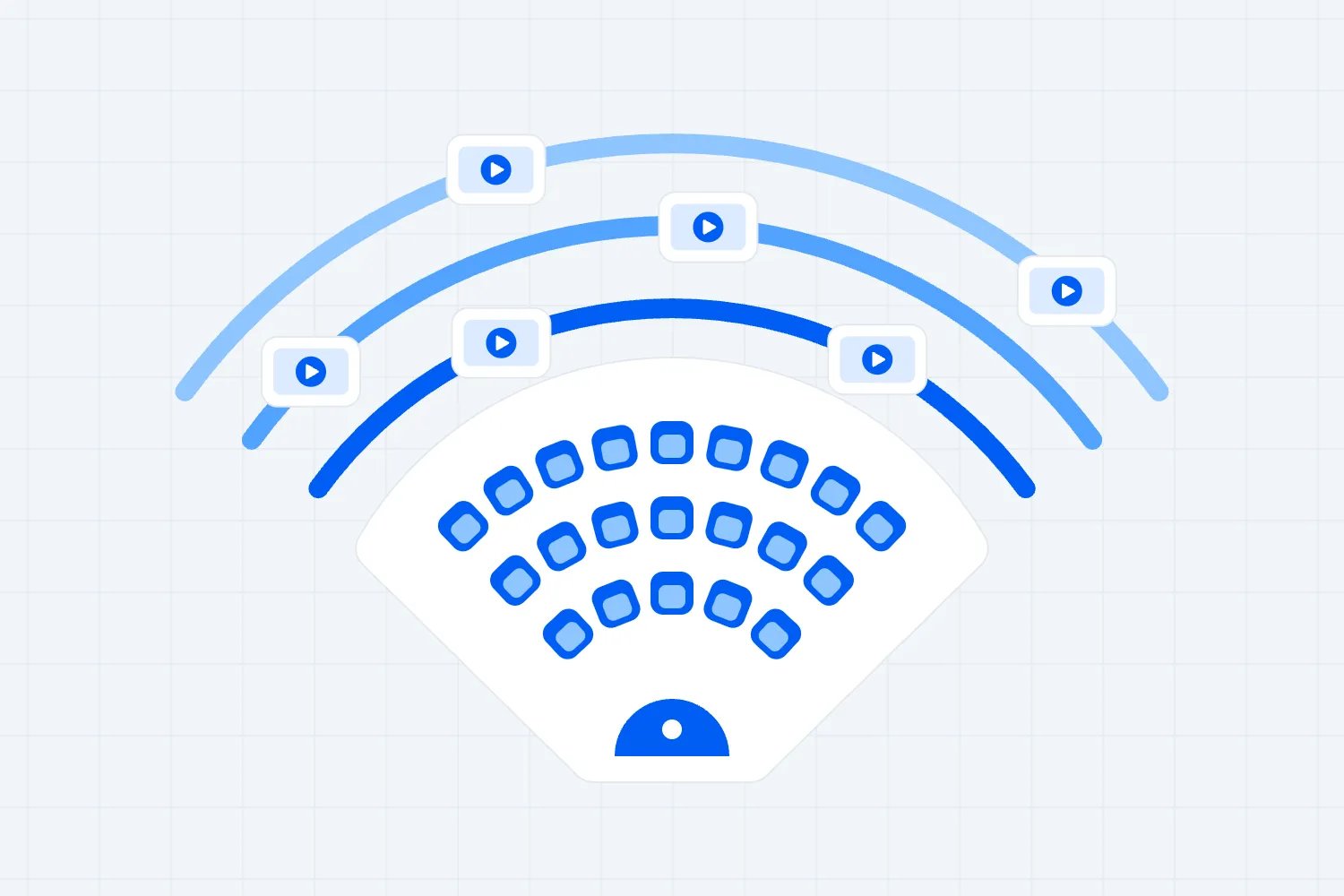
A camera in the centre of an empty room gives you a useful overview. It says much less about a seat beside a pillar or the view from the balcony. Ask the venue to walk to the positions that worry you and hold the camera at an appropriate seated height, facing the proposed performance or screen position.
Keep the camera view tied to identifiable seats or areas. Ask for the section name and row position, then note them on the plan. A photo labelled "back of room" won't help you decide which tickets to release. If the room uses temporary seating, ask for the proposed layout and recognise that the current furniture may show a different view.
Use the remote visit to find likely problems, then decide how to verify them. You might request photographs from specific seats after the stage position is marked, or ask your supplier to check the proposed screen arrangement in person. A wide camera view can make an obstruction look less significant than it feels when someone is trying to watch a performance.
Once the physical arrangement is confirmed, your ticket map should reflect the categories you're actually selling. Loopyah's seat charts let you draw sections, rows and seats, then connect categories to ticket types. That helps buyers choose their place. It depends on you supplying the correct venue layout and deciding which places should be available.
Don't release uncertain seats simply because the diagram has room for them. If a balcony sightline or production position is still being assessed, resolve that before promising a particular view. The remote tour should improve the information behind your ticket inventory. It shouldn't create confidence that the venue and production team have not yet supported.
Walk the delivery route with your supplier's dimensions
Now return to the supplier entrance and follow the equipment route continuously. Ask the venue to show the loading area, doorways, turns, lifts and final approach to the stage or installation position. Your supplier should compare the route with the actual equipment they intend to bring, including cases and handling requirements.
Measurements matter more than impressions here. Ask for the clear opening your supplier needs, rather than a guess about the size of the door. Have the venue provide measured information in a form the supplier can assess. A camera operator standing beside a doorway gives a rough sense of scale, but that is a poor basis for booking transport and crew.
Find out whether the route is shared and when it is available. A perfectly usable goods lift may already be allocated to another tenant during your build. Ask how loading slots are booked, who controls access and what happens if a delivery runs late. Your remote visit can expose the dependency before you build an impossible supplier schedule around it.
HSE's event transport guidance advises organisers to keep people and vehicles apart and plan vehicle movements. Use the walk-through to identify where those movements might meet your audience route. The venue and relevant specialists still need to agree suitable controls for the actual event. A quiet loading area during the call proves little about show day.
If equipment suitability depends on lift loads, floor loading or structural capacity, request the appropriate technical information. Don't infer it from what the camera can show. Your supplier may need a site visit or specialist advice before confirming the method. That is a useful outcome of the virtual visit because you can now arrange a specific check with a clear purpose.
Treat technical demonstrations as questions to investigate
It's tempting to ask the venue to play music and decide whether the sound system is good enough. The call's microphone, processing and your own speakers change what you hear. A remote demonstration may show where equipment is installed or reveal an obvious interruption. It cannot establish how your audience will hear the programme throughout the occupied room.
Ask your sound lead what information they need. Equipment specifications, coverage plans, restrictions and an appropriate on-site test may matter more than another video clip. HSE's event noise guidance discusses sound checks and monitoring at different audience positions. Those are physical event conditions that your laptop playback cannot measure for you.
Take the same approach to power. A camera can show where a connection is located, with permission, but it cannot confirm suitability for your supplier's equipment. Request the relevant information and have competent people assess the requirement. HSE's electrical safety guidance for entertainment venues is a useful reference for discussing responsibilities with the people providing the installation.
For connectivity, identify the tasks you need to support. Ticket operations, supplier control equipment and a live stream may require different arrangements. Ask which network or connection the venue proposes for each task, who else will use it and what support is available. The connection carrying today's tour might be entirely different from the service in your hire package.
A successful call is evidence that this call worked under these conditions. Ask your technical provider to define suitable tests for your event's devices, locations and expected use. Record what was tested and what wasn't. If the proposed solution changes after the visit, have the relevant person review it again before relying on it in the event plan.
Keep a record that survives a change of staff
Ask who can approve changes when the visit reveals a problem. A venue employee may be happy to move furniture but unable to authorise a different loading window or the use of another room. Find that out while you still have time to approach the right person. You also need someone on your side who can decide whether the proposed remedy is acceptable. Otherwise, a series of helpful conversations can continue until the booking deadline without producing an arrangement anyone has actually agreed to deliver on the day.
You may speak with one venue manager during sourcing and someone else during delivery. Write your notes so the second person can understand them without watching the whole call. Use the room name, the issue and the evidence together. "Loading looks fine" leaves them guessing. "Supplier to review the measured opening at the west service entrance" tells them which answer is still missing.
Keep dated copies of the documents you relied on, within your normal event records. If the venue sends a revised plan, ask what changed and whether it affects any earlier answer. A new drawing may move the stage or remove a storage area without anyone remembering to tell your supplier. Reviewing the change when it arrives is easier than discovering it during the build.
You don't need a complicated scoring system for this. Write the status in ordinary language. You saw the route, you're awaiting a measurement, the technician needs to assess the connection, or the venue has confirmed the room is unavailable. Each description should tell the next person what they can reasonably rely on and which decision still needs work.
Keep commercial commitments in the written offer and agreed terms. Your tour notes can identify the request, but a recording of someone saying "that should be included" is a poor substitute for an accurate hire package. Ask the venue to update the relevant document before you accept it, particularly when the answer changes staffing, equipment or access costs.
Be careful when sharing a recording with someone who missed the call. Explain its limits in the accompanying message. Tell them which spaces were unavailable, which layout the camera showed and which answers remain provisional. Otherwise, the recording can become a reassuring substitute for the very documents and specialist checks you arranged the call to request.
Turn the follow-up into a decision you can explain
After the call, send a short account of the points affecting your decision. Separate what you observed, what the venue said and what still requires confirmation. That lets the venue correct a misunderstanding before it spreads through supplier bookings. Attach only the documents and permitted screenshots needed to explain the outstanding questions.
Take a fictional paid seminar where the presentation screen is central to the product. During the tour, the rear seats appear to face it clearly, but the proposed stage hasn't been installed. You can record that observation without approving the view. Ask the production supplier to check the planned screen height and the venue to confirm the final seating arrangement.
Suppose the same tour reveals that deliveries use a service corridor shared with another event. The venue manager says access should be fine. Your follow-up should request the actual access window and who can confirm it, with a deadline before you appoint the supplier. Otherwise, the unresolved timetable may become extra crew time after you've already accepted a low room price.
Use the physical venue site visit checklist for the checks that need someone on site. Send that person the remote findings first. They should spend their visit investigating the unresolved screen view and delivery timetable, while also checking any other conditions their role requires. Repeating the sales tour without the outstanding questions wastes the preparation you've done.
Compare venues using confirmed information and visible gaps. A room with a lower hire fee can still require an expensive production change. Another may cost more while offering an arrangement your suppliers have already assessed. Don't invent a price for the uncertainty just to complete a comparison. Request the missing quote or state that the total remains unconfirmed.
Know when someone needs to go there
Arrange an in-person assessment when the unresolved condition could materially change the audience experience, safety arrangements or delivery cost. That includes uncertain access, complicated loading, unverified sightlines and production requirements that need physical testing. Choose who attends according to the question. A local technical supplier may resolve an equipment issue better than a sales colleague flying in for a general impression.
A virtual visit can sometimes be enough for an early shortlist decision, particularly when a venue clearly fails a basic requirement. Rejecting an unsuitable space does not usually need the same evidence as accepting one. If the live route shows that your required room is unavailable, you can move on without paying to inspect the rest of the building.
For a familiar venue, remote checks may also help confirm what has changed since your last event. Pull up the previous event notes and ask about those exact locations or services. Previous success is useful context, but it doesn't answer whether your new layout, audience or access timetable will work. Have the responsible people review changes that affect their arrangements.
When a physical visit cannot happen before the venue's decision deadline, explain the remaining questions to whoever authorises the commitment. Ask the venue whether a hold, inspection condition or another documented arrangement is available, and get appropriate advice about the terms. Don't quietly turn missing evidence into approval because travel is inconvenient or the date is attractive.
Your next step should name the person and the unresolved condition. Send the sound lead to assess the room, obtain the measured loading information, or decline the venue because the audience route cannot work for your event. Once those actions are clear, the virtual visit has helped you decide where to spend your time and money next.

Author: By the Loopyah Content Team
The Loopyah Content Team shares expert insights, practical guides, and industry updates to help event organizers create unforgettable experiences and stay ahead in the event planning world.