· 28 min read
How to run a ticketed LAN gaming event
Someone buys a place at your LAN event, carries a computer and monitor into the venue, and spends the first hour trying to join a game. By the time they're connected, the friends they came with have started something else. You sold a day of gaming, but a sizeable part of it has already gone on setup.
To run a ticketed LAN gaming event, start with the playing experience you can reliably provide. Choose whether players bring their own computers or use yours, have qualified suppliers plan the power and network, and allow time for arrival, installation and support. Then price the event against the number of properly equipped places you can sell.
LAN means local area network: computers connected within a place. That doesn't mean every game runs without the internet. Accounts, updates and online services can still determine whether people get to play. This guide explains how to organise a LAN party as a paid event, including a worked budget, a supplier brief and the decisions to settle before tickets go on sale.
Decide what people are paying to do together
The first thing you want to do is describe an ordinary hour at your event. Are friends playing whatever they fancy at their own desks? Is a host helping solo arrivals find teammates? Does everyone enter a scheduled competition, or can someone spend the afternoon playing casually without missing the main attraction?
Those choices change the service you need to deliver. A social LAN needs ways for people to find a game and join it. A competitive LAN needs officials, agreed settings and decisions when a connection drops. An event that promises both needs enough staff and time for each. Calling everything a tournament won't help the person who came to play with friends.
For a first edition, I'd favour a clear audience and a manageable selection of supported games. You can let players enjoy other permitted titles while explaining which ones your team will organise sessions around. Supporting a game should mean you have checked its requirements, arranged an activity and assigned someone who can help. A logo on the poster doesn't establish any of that.
Talk to likely buyers about the practical commitment. Ask what they would bring, how they would travel and which friends would come. Someone interested in an afternoon at a gaming venue may be unwilling to move a desktop computer across town. A large online group can contain plenty of people who like the idea and very few who will pay for that particular Saturday.
Write a short offer you can test in conversations. For example, you might propose a daytime, bring-your-own-computer event for adult players, with hosted team games, a reserved desk for the session and an optional competition. Explain what isn't included, such as a supplied computer or overnight access. Test that description before building a programme around it.
If the main attraction is a sequence of matches on organiser-supplied consoles, our guide to running a ticketed console gaming tournament covers that format. A LAN gathering gives a player a place to set up and stay. Your plan has to work during the hours between organised matches as well as during the final.
Choose bring-your-own computers or supplied stations
Bring your own computer, usually shortened to BYOC, moves much of the equipment provision to the player. It also gives you a room of different machines, screens, cables and software configurations. You save on supplying computers while taking on a more varied arrival and support job. Include that work in the decision before assuming BYOC is the cheaper business to operate.
Spell out the complete kit. A desktop tower alone isn't a usable station. Buyers need to know whether they bring a monitor, keyboard, mouse, headset, network cable and power leads, and what the venue supplies. If a laptop needs an adapter for a wired network connection, explain that requirement before purchase. Don't let someone discover it while carrying their equipment through check-in.
Existing organisers show how specific this can be. LAN All Night's FAQ describes its allocated desk space, power provision, equipment rules and restrictions on sleeping in the convention area. Those are that event's arrangements, checked in October 2026, rather than standards to copy. Your own information should be equally concrete about what a ticket holder receives.
Supplied stations remove the need to transport a computer, which may suit a different audience. They require you to provide compatible machines, working peripherals, accounts or permitted access arrangements, software, maintenance and replacements. The rental price is only one part of the cost. Someone has to receive the equipment, prepare it, test it and restore it for return.
Compare the complete offers. A BYOC ticket might reserve a desk throughout the event, while a supplied station might be sold for a timed session. If you mix them, state which games and activities each buyer can join. Check whether the supplied machines can actually play with the devices people bring. The same game title on two platforms doesn't establish compatibility.
Have a replacement plan before advertising supplied computers. Decide what happens when a monitor fails, a peripheral is damaged or a station can't launch the main game. A spare machine is useful only when it's prepared and someone can swap it in. State who owns that task and how you will protect the affected customer's paid session while the fault is investigated.
Verify the games and the permission to use them
Choose your supported games with the technical lead and the person organising play. Check the exact edition, platform, account requirements and current multiplayer behaviour. Establish whether players connect to a local server, an online service or a mixture of both. A game that once supported an offline LAN mode may work differently in its current release.
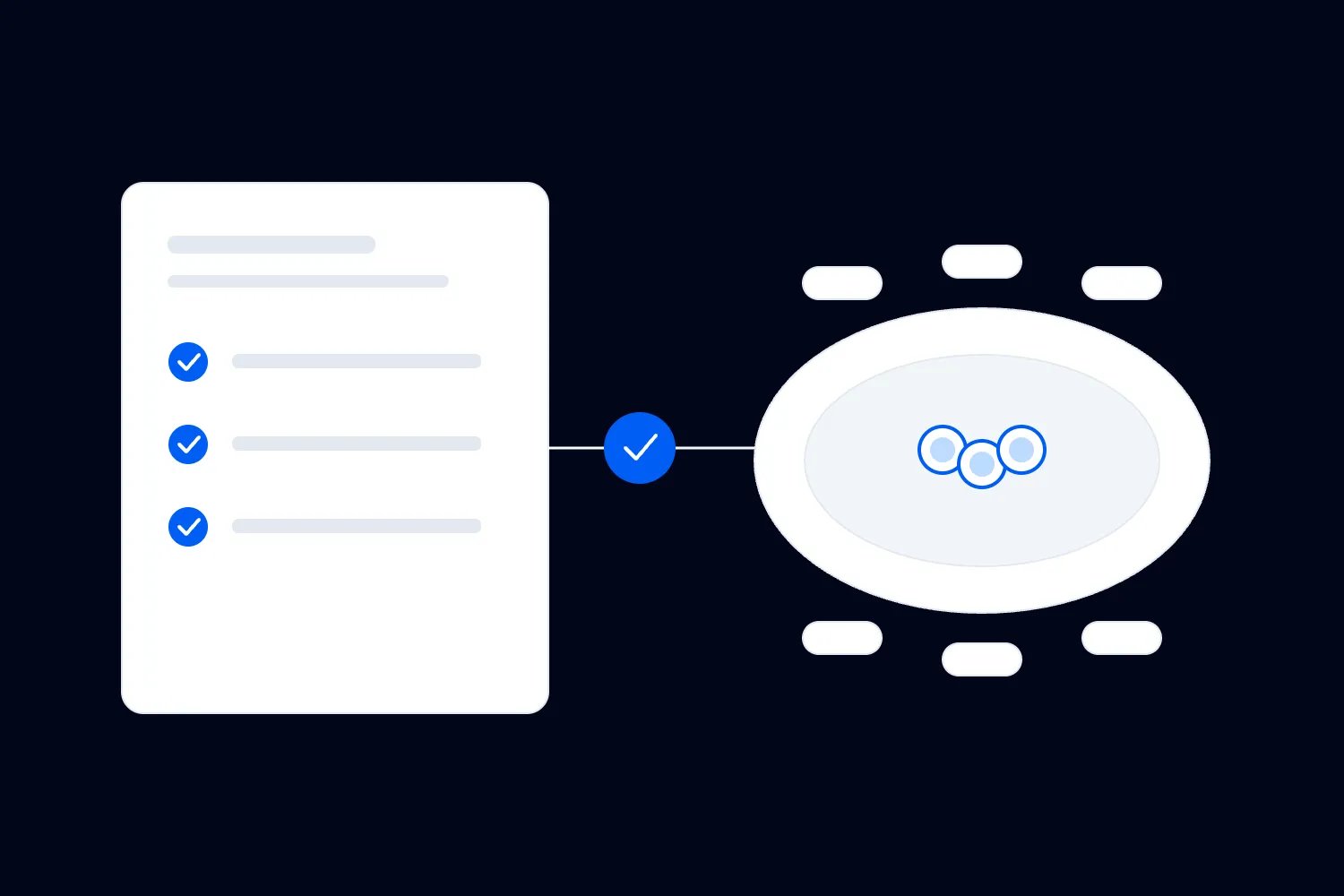
Then check the commercial arrangements. Personal ownership of a game doesn't settle whether you can supply it to paying customers, run a paid competition, use its branding or broadcast play. Verify each proposed use against the publisher's current terms for your location and organiser type. If permission requires an application, resolve that before committing to advertising built around the title.
Valve's Steam PC Café Program provides an official route for commercial use of participating Steam content in public gaming locations. It isn't permission to run every game in the Steam catalogue. If you plan supplied stations, investigate the programme's current requirements and the available commercial licences, alongside the publisher permissions relevant to your actual event.
Keep a short record for each supported title: the responsible organiser, the relevant terms or written permission, the approved activity, and any restrictions affecting tickets, prizes, sponsors or broadcasts. Record when you checked it. Someone arranging a sponsor display should be able to see whether that use is allowed without relying on a conversation the technical team had months earlier.
Use that same record to settle player preparation. Tell buyers which version they need, whether they must own a particular edition and what to install. Ask them to sign in and launch it before travelling. Account recovery, age restrictions and missing authentication devices can stop a prepared computer from joining in. Staff should never ask players to hand over passwords to solve the problem.
Recheck essential requirements near the event. A compulsory update, changed server arrangement or publisher restriction can affect the offer after launch. Assign someone to notice those changes and decide whether the event can still deliver what was sold. If you need a substitute game, explain the change and the customer's options rather than assuming any multiplayer title is an equivalent replacement.
Brief the network supplier around actual play
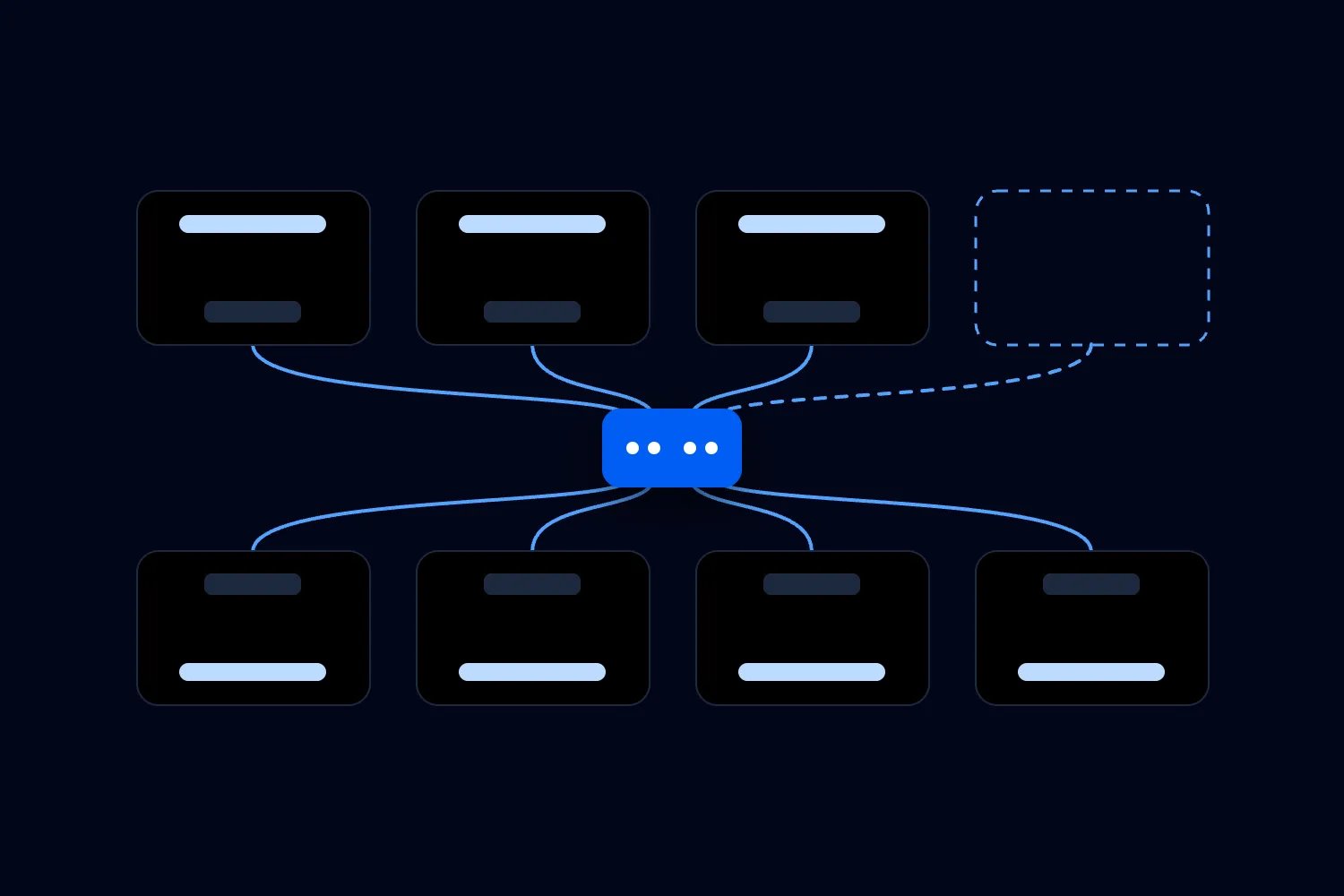
Ask the supplier to design for the games and services you have chosen. Give them the number and location of player computers, supplied stations, local servers and staff devices. Add any commentary, production or broadcast equipment. The useful starting point is what those devices must do together, at the same time, through the entire booking.
Separate the local network from the internet connection in the brief. A wired connection between a player and a local server is one part of the service. Reaching an external game server or account service is another. A large advertised internet speed doesn't prove either route will work well for your event. Ask the supplier to explain the dependencies in ordinary language.
Describe the busiest moments. At arrival, computers may sign in and check for updates together. During play, several groups may need responsive connections while somebody downloads a large patch. A final with a broadcast adds another demand. Have the supplier assess these combinations rather than averaging traffic across an otherwise quiet day. Ask which activity will be restricted first if resources become tight.
Your brief should establish where each player connects, who provides the cable and how faults are identified. Labelled desk and connection references let a player say where the problem is. Keep the supplier's management equipment out of public reach and agree how staff contact them. A network designed by one person and supported by another needs a usable handover.
Security needs some care because multiplayer games can require communication between player devices. The UK's National Cyber Security Centre recommends separating systems that don't need to communicate in its guidance on preventing lateral movement. For a LAN event, ask the supplier to permit the required game traffic while keeping players away from staff systems and network controls. That is an event-specific application of the guidance.
Don't simply apply a guest network setting that blocks every device from contacting every other device. It may prevent the activity you've sold. Equally, don't remove protection across the room to fix one game. Ask for a documented design and a test of the intended exceptions. Our event Wi-Fi security guide explains the wider supplier and staff-network questions; the LAN brief must add the specific player-to-player requirements.
Ask what happens when part of the service fails. Which games remain usable if the internet stops? Can a faulty desk connection be replaced without disconnecting a row? How will the supplier investigate a problem while play continues elsewhere? Agree support hours that include installation and departure. A service contract ending at the advertised finish can leave you unsupported during equipment removal.
Plan updates without promising instant downloads
Pre-event preparation should reduce the work needed at arrival. Send the supported game list, editions and installation instructions early enough for buyers to act. Ask them to update and launch the games shortly before attending. Then explain what to do if a required update appears on the day. There should be a named help point, not a room full of people guessing.
Local distribution can help, but it needs a tested method. Valve's local network game transfer documentation explains how eligible Steam installations and updates can transfer between computers on a local network. It also sets conditions, including transfer settings and the state of the sending computer. The feature doesn't make every launcher, add-on or account requirement local.
If your supplier proposes a content cache, ask which launchers and downloads it supports. A cache stores eligible downloaded content so it can be served locally again. Confirm what it does when a download isn't available there, and whether the planned network security permits the intended service. Someone should test a real installation through the actual arrangement before it becomes part of the arrival promise.
Avoid publishing a download completion guarantee based on dividing file size by the internet speed. Real transfers share equipment and connections, and some time goes on installation or verification. You can explain the preparation buyers need without pretending every computer behaves alike. If a player arrives with nothing installed, be honest about the support available and the time they may lose.
Define the scope of technical help. Staff might check an assigned cable, help someone find the right game session and explain published preparation steps. Repairing a player's operating system or dismantling a computer is a different service. Say where support ends, get consent before touching equipment and don't make unsafe changes to keep the programme moving. Plan spare leads and adapters only for needs you can reasonably support.
Have a competent supplier approve the power plan
Send the electrical supplier the equipment plan and the actual layout. Include player computers and monitors, supplied stations, servers, network equipment, lighting and every other connected service. Describe when people arrive and switch devices on. Establish what information the supplier needs about unusually demanding systems and how players should declare them before attending.
The Health and Safety Executive's event electrical safety guidance, for Great Britain, calls for appropriate selection, installation and maintenance of electrical equipment and consideration of power demand, layout and cable routes. Use the applicable local requirements and a competent electrical contractor for your event. A room having enough sockets doesn't establish that the proposed equipment can safely use them together.
Ask the supplier to define the permitted equipment at each desk and the approved connection arrangement. Publish those rules so players pack correctly. Somebody bringing extra mains-powered equipment can change the agreed demand. Establish a route for approval and a clear response when unapproved equipment arrives. Don't have volunteers improvise another extension to avoid an awkward conversation.
Keep the design and fault response with qualified people. Staff should know how to report a problem and which areas to keep clear; they shouldn't be resetting a repeatedly tripping supply while players reconnect the same load. Agree who can stop use, investigate and authorise a restart. An electrical fault can require a local or wider stop even when the network still works.
Power also affects furniture and circulation. Show where people sit, put bags, move chairs and carry computers. Cables need protection from feet, chair legs, equipment cases and unloading traffic. Test the finished arrangement with the venue and supplier. A tidy photograph before players arrive doesn't show whether someone can leave their desk without climbing across another person's kit.
Check ventilation and cooling with the venue using the proposed equipment and occupancy. Include the cost and operating hours of any agreed measures. Don't infer a safe electrical load or a comfortable room from a generic watts-per-player figure online. The installed equipment, building systems and local conditions determine what your event can support.
Set a sellable place count the whole plan can support
A sellable BYOC place needs a usable desk, chair, permitted power provision and working network connection. It also needs access that remains workable when the room is occupied. Count only the places approved in the final arrangement. A spare chair or an unused corner doesn't create another player place you can release when tickets sell well.
Keep different limits visible. The venue's approved occupancy covers people, including staff, guests and spectators. Your player-place limit covers the equipped positions you can deliver. Your game programme may impose another limit on a competition or hosted session. Meeting one limit doesn't prove the others are met. Ask the relevant responsible people to confirm each before configuring ticket quantities.
Here's an invented planning example used throughout the budget below. Suppose the approved layout and technical plan support 48 player desks, and you hold two of them out of sale for fault recovery. That leaves 46 paid player places. The two recovery desks still need working equipment connections; they aren't extra inventory waiting for a last-minute sales push. They can help when a desk connection fails, but moving someone won't repair a faulty computer. Spare player equipment is a separate decision, with its own cost and limits.
If an optional contest accepts 24 players, you can have 46 valid LAN tickets while limiting that activity to 24 confirmed entrants. Explain how entry works and whether places are guaranteed or allocated separately. Someone who buys the last LAN ticket shouldn't discover that the only activity they wanted filled earlier, unless that restriction was clear when they bought.
Agree how groups sit together. You might collect group preferences and assign desks, or offer a suitable reserved layout. State whether adjacency is guaranteed and when changes close. Keep accessible positions and any required companion arrangements in that process. Don't sell an access accommodation as a premium upgrade or release a protected position just because another buyer asks for it.
Build a budget that includes the people doing the work
Price the first edition using a complete cost forecast. Include the organiser's planning time, paid setup and teardown, technical support, venue access and the work needed after customers leave. Volunteers and borrowed equipment may be part of the plan, but confirm those commitments. A budget that assumes free labour indefinitely doesn't tell you whether the event can run again.
For the following fictional example, all amounts are USD. They are invented assumptions to demonstrate the calculation, not market rates or Loopyah fees. Suppose venue hire is $900, electrical provision $600, network provision and support $700, furniture $200, front-of-house, first-aid and welfare staffing $450, and organiser planning and administration $300. Marketing is $150 and insurance and other confirmed permissions cost $100.
Those costs total $3,400. Add a $200 contingency allowance for planning, making the full forecast $3,600. Assume any competition permissions are confirmed and prizes are already secured without an extra purchase cost. If either assumption changes, revise the forecast before promising the activity. For final accounts, replace the contingency allowance with actual expenditure rather than counting both as costs.
Now suppose each paid ticket leaves $90 with the organiser after the applicable transaction charges and taxes have been accounted for. This is retained ticket income, not the price displayed to buyers. Assume another $5 per paid player covers genuinely variable event costs. Each paid place then contributes $85 towards the shared $3,600 forecast.
At 40 paid places, the contribution is $3,400, leaving a $200 shortfall. At 43, it is $3,655, leaving $55. At the sellable maximum of 46, it is $3,910, leaving $310. You therefore need 43 whole paid places to cover this forecast under these assumptions. That's a demanding sales requirement for an event with only 46 sellable places.
I wouldn't treat the $310 as comfortable protection. If actual costs exceed the entire forecast, including its contingency allowance, by $400, the sold-out event makes a $90 loss. Four unsold places would reduce the contribution by $340, turning the original $310 into a $30 loss before that extra overrun. If both happen, the loss becomes $430.
Consider what supplied stations would change. Suppose you replace ten BYOC places with ten hired computers and peripherals, without changing the total sellable count. If preparing and hiring them adds a fictional $1,000, charging $80 more in retained income for each of those ten places adds only $800. Even with all ten sold, you are $200 worse off before any other changes.
That doesn't make supplied stations a bad choice. It tells you that this particular premium doesn't cover this particular addition. You might obtain a different quote, charge an amount the intended audience will pay, or change the offer. Check those decisions against demand. Reducing support to make the spreadsheet work can remove the reason someone was willing to buy the supplied place.
Keep cash timing separate. If $1,800 of deposits fall due before you have $1,000 available to pay them, you have an $800 funding gap. It isn't another expense to add to the $3,600 forecast. Confirm how you'll fund it and when ticket money becomes available. Expected sales, unsigned sponsorship and equipment somebody might lend you shouldn't be treated as cash already in the bank.
Sell the ticket people actually need
Your event page should let a buyer answer a simple question: can I turn up with what I own and enjoy this session? Say whether computers are brought or supplied, then list the supported games and service hours near the offer. Make it clear whether the ticket provides a whole-session desk, a timed supplied station, spectator admission or something else. Similar ticket names can conceal very different experiences.
A useful BYOC description names the desk provision, the equipment players bring and the hosted activities included. It also states setup access, the end of play and departure arrangements. If food, parking, competitions or overnight accommodation cost extra, say so. Somebody transporting a computer is making a larger commitment than a person arriving with a phone and an entry QR code.
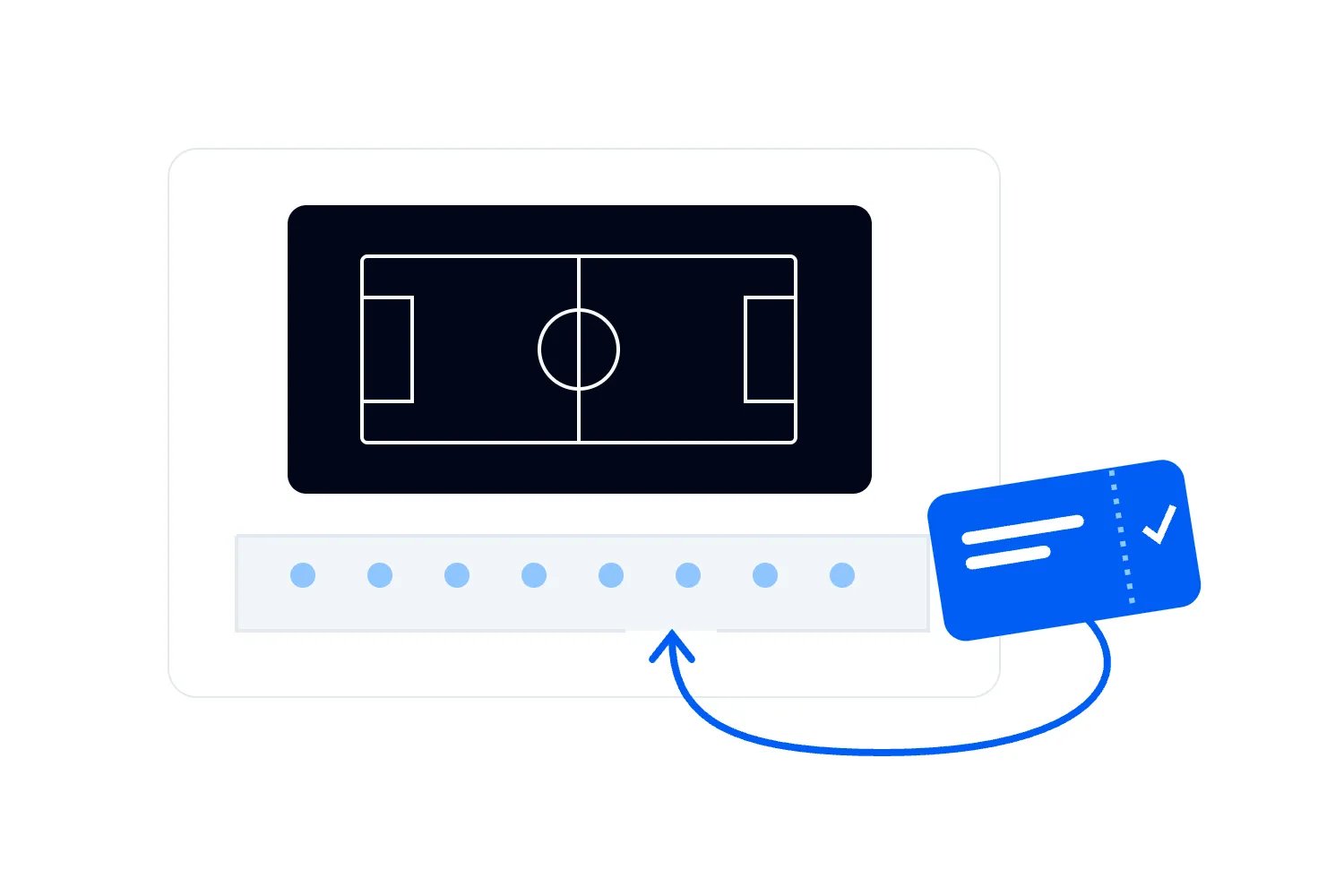
Use ticket categories to reflect genuine differences. On Loopyah's ticket-selling platform, you can create ticket types and releases with their own prices and quantities. That lets you describe the available offers clearly and control what goes on sale. Configure those quantities against the approved desk plan and confirmed activity availability; the platform can't determine your technical capacity for you.
Don't sell every release as a separate addition to the same desk stock. Check the total number of places represented by your ticket setup, including complimentary player places. If a sponsor receives a playing desk, it uses one of the equipped positions unless you have deliberately provided and approved another. A spectator who later wants to play also needs an available player place.
Treat discounts as a budget decision. In the fictional example, selling ten places with $10 less retained income reduces the sold-out result from $310 to $210, assuming everything else stays the same. That may be worthwhile if it brings forward genuine bookings, but calculate it before launching the offer. Early sales are useful only when you can still afford to deliver the event.
Write fair, specific terms for cancellation and material changes with advice appropriate to your market. The UK's Competition and Markets Authority warns about hidden terms and unfair exclusions of responsibility in its guide to writing fair customer contracts, updated in July 2026. A broad statement that all technical failures are the buyer's problem isn't a substitute for deciding what service you're selling and what you will do if you fail to provide it.
Make arrival a separate part of the programme
A LAN arrival involves moving valuable equipment, checking admission, finding a desk and getting connected. Separate the unloading route from the point where someone resolves a booking problem. Work through where a player can safely put their computer while staff check a ticket. If a vehicle must move quickly, identify who stays with the equipment and what assistance is actually available.
Send a preparation message that follows the journey in order. Tell buyers where to arrive, when setup opens, how unloading and parking work, and what they need for entry. Then explain finding the assigned desk, connecting only as directed and asking for help. Include the contact route for access requirements. Keep the latest instructions in a place staff can find without searching old conversations.
For the fictional daytime event, the preparation message could read: "Setup opens at 09:00. Hosted play begins at 10:30 and finishes at 19:30. Bring your complete computer setup and the equipment listed on your booking page, with the supported games installed and updated. Follow the unloading instructions before parking, then check in and go to your assigned desk. Ask the help team before changing any shared connections. Everyone must pack up and leave by 20:30." Add the actual address, latest setup arrival, unloading route and contact details before sending it.
Equipment identification can support your departure process. Decide which larger items you record or tag, how ownership disputes are escalated and what you tell buyers about the limits of that system. A tag can help staff match equipment to a registration. It isn't proof that theft is impossible, and it doesn't justify collecting unnecessary personal information or promising insurance cover you haven't confirmed.
Test arrival with someone carrying the kind of setup your buyers will bring. Check lifts, doors, permitted trolley routes, storage for cases and access to the desk. A person using a mobility aid may need an arrangement that differs from the default unloading route. Make the adjustment with them in advance rather than requiring an explanation in front of a queue.
For a small daytime edition, you might open setup at 09:00 and begin hosted play at 10:30. That gives a fictional 90-minute arrival window, whose suitability still needs rehearsal. If your test shows the last arrivals can't be ready, move the start, improve the process or reduce the number arriving together. Publish a latest setup arrival time that allows someone to be ready for the first hosted session. Explain what happens if they arrive later. Don't advertise that whole window as guaranteed playing time.
Give casual players a reason to stay
A LAN can be disappointing even when every connection works. Friends may stay inside their existing groups, solo players may not know how to join, and a person knocked out of the contest may have nothing organised to do. Have a host who understands the supported games and actively helps people find an appropriate session. That work deserves its own time in the staffing plan.
Publish a simple programme with enough choice to respect why people came. You might have a welcome game, a scheduled team activity and an optional competition, with open play between them. Explain the level and entry process for each. A player should be able to decline the competition and still receive the social playing experience described on the ticket page.
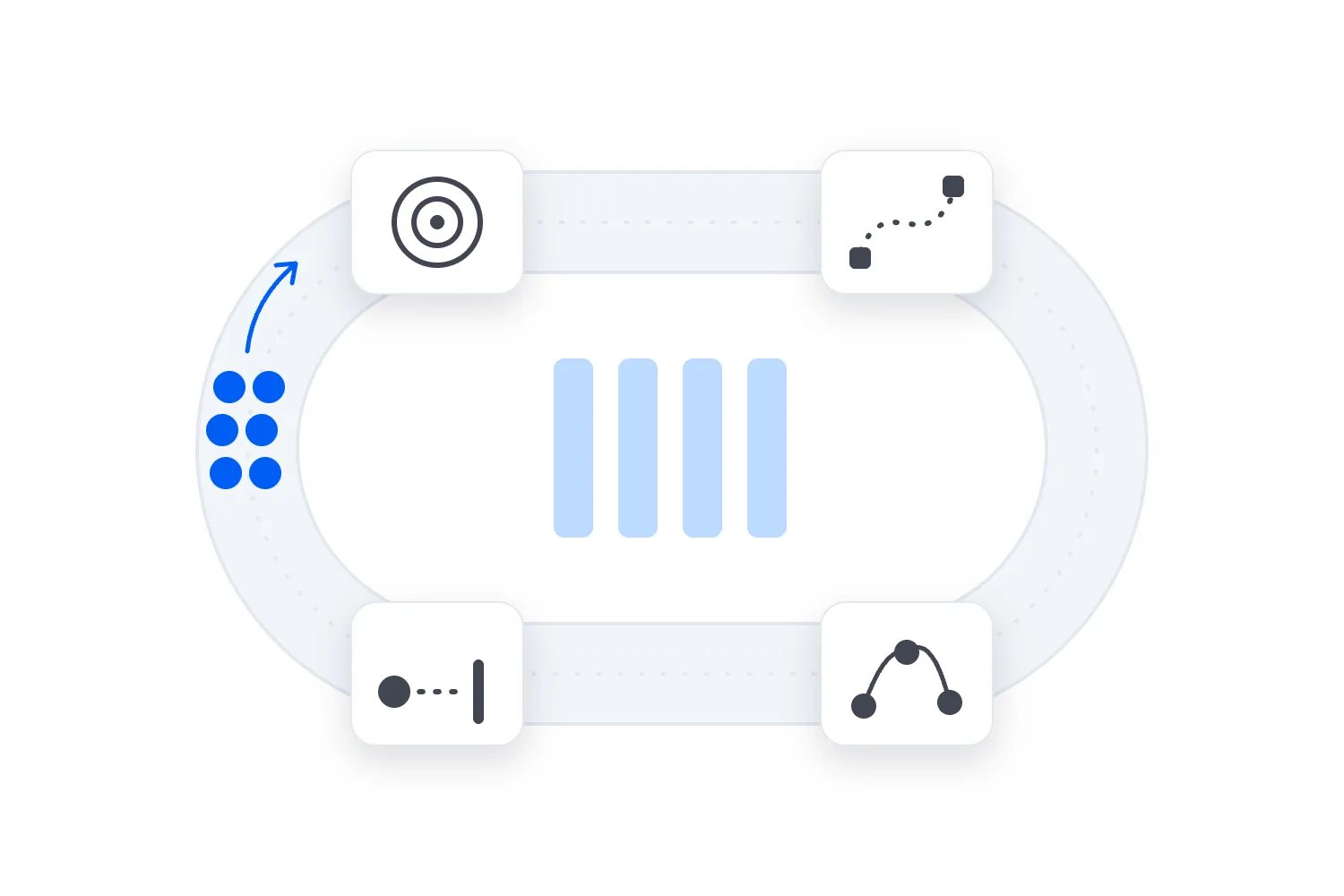
Build sessions from tested durations, including joining, team selection, briefing and result handling. Suppose a fictional activity needs 45 minutes of play and 15 minutes to organise and finish. Its block is 60 minutes. Two such blocks with a 30-minute break require 150 minutes. Putting both into a two-hour slot would leave you 30 minutes short before anything went wrong.
Use that calculation when checking the rest of the day. In the fictional 10:30 to 19:30 playing window, you have nine hours. Two hours and 30 minutes for those hosted blocks and their break leave six hours and 30 minutes for other activity. That remaining time still has to include any additional briefing, meals, competition, delays and open play you promise.
Assign competition administration separately from general technical support where simultaneous work makes that necessary. A disputed result can't always wait while the same person repairs a connection. Publish the rules for disconnects, restarts, late arrivals and complaints before entry closes. Our console tournament guide develops bracket timing; use the same discipline to keep a small optional contest from consuming the whole LAN programme.
Plan comfort, conduct and staff cover for a long session
People will need to eat, take breaks and leave their desks. Confirm drinking water, toilets, food arrangements and where eating is permitted. Keep a route for reporting a spill or damaged equipment. If the event runs late, check transport and departure conditions. A long gaming session doesn't remove your responsibility to plan the ordinary needs of the people in the room. Agree appropriate first-aid provision and emergency arrangements with competent providers and the venue, and include the agreed costs in the staffing or service budget. Staff need to know how to call for help and keep exits and emergency access clear.
State the age policy and whether anyone under the admission age can attend with a responsible adult. Check the games, venue, safeguarding arrangements and local requirements before choosing the policy. A game's rating doesn't by itself create a workable admission process. If adults accompany younger players, account for their presence, access and any seating without taking away someone else's sold desk.
Set conduct rules for in-person behaviour and the event's communication channels. Name how players report harassment, threats, discriminatory abuse or unsafe behaviour privately. Give staff an escalation route and the authority to act. A rule against bad behaviour is incomplete when a player has to confront the person involved or persuade an unbriefed volunteer that the problem deserves attention.
Cover shifts and breaks for the crew as carefully as player sessions. At opening, you may need admission staff, an equipment-route steward, a technical lead and a host at once. Later, a fault may coincide with a meal break and a competition decision. Walk through those overlaps with named people. Decide what pauses if someone is unavailable instead of silently assuming everyone can cover everything.
For a first edition, a daytime session can simplify staffing and accommodation decisions. If you choose overnight play, investigate the different venue permissions, security, sleeping arrangements, welfare and shift cover that requires. Don't add overnight access because the room is already hired. An empty timetable after midnight still leaves you responsible for an occupied event and the service you've promised.
Rehearse the failures before opening the doors
The final test needs the actual room arrangement and representative computers using the approved games. Ask the supplier to demonstrate the agreed busy-period tests, including joining sessions while other activity continues. Record what was tested, who accepted the result and any limits. A single successful match on an otherwise empty network isn't evidence for every part of the planned day.
Walk through a player fault and an event fault separately. If one computer can't connect, staff should check the assigned service and involve the player without exposing their account details. If a whole row loses service, the technical lead needs to investigate the shared cause. Decide how affected players receive an update while the rest of the room continues where appropriate.
Then rehearse an internet outage. Check which approved activities really remain available, what message the host gives and when you reassess the decision to continue. A substitute activity may be welcome, but it doesn't automatically resolve a failure to deliver the advertised experience. Agree who authorises customer remedies under the applicable terms and law. Record the disruption so decisions reflect what happened to each affected group.
Set a departure sequence too. Stop play with enough time for players to shut down, pack and remove equipment within the venue booking. Keep any identification checks, accessible departure assistance and unloading arrangements staffed until the job is finished. Suppliers should know when they may disconnect shared services. Removing infrastructure while players are still saving or packing invites avoidable disputes.
For the fictional programme, ending play at 19:30 and requiring player departure by 20:30 allows an hour for that process. If the supplier then needs another hour to remove infrastructure, venue access must continue until at least 21:30 under that assumption. Confirm the actual timings and access charge with everyone involved. Public closing time and the end of your venue bill are different times.
Use a one-page brief to make the launch decision
Bring the decisions into a short working brief before approving the event page. Someone joining the team should be able to read it and understand the offer, the limits and who can resolve a problem. Keep detailed drawings, permissions and supplier documents available behind it. The brief helps people use those documents; it doesn't replace the technical work.
Use these fields as a starting template, filling them with your event's confirmed details:
Event offer and audience, including admission ages and whether computers are brought or supplied.
Approved player places, recovery positions and separate limits for spectators, companions and competitions.
Supported games, current permissions, preparation requirements and the person responsible for rechecking them.
Venue access, player setup, playing hours, departure and supplier removal times.
Network and electrical leads, approved equipment rules, acceptance tests and fault contacts.
Arrival route, desk allocation, access arrangements, equipment handling and the limits of technical help.
Hosted sessions, competition rules, conduct reporting, welfare provision and crew break cover.
Complete forecast, retained ticket income, minimum viable sales, cash deadlines and the person approving changes.
Service-failure decisions, customer communication and the process for considering remedies.
For the fictional 46-place event, the review should make the commercial pressure obvious. You need 43 paid bookings under the stated assumptions, and even a sell-out leaves only $310. Before signing the remaining commitments, ask whether you can improve that result without weakening the experience. A different venue quote, an appropriately priced offer or confirmed net sponsorship may change the decision. Hope that everyone buys a snack won't.
Agree a sales decision date before the next major commitment becomes unavoidable. At that point, compare confirmed bookings and realistic remaining demand with the costs of continuing, reducing the event or cancelling. Our guide to deciding whether to cancel for low ticket sales explains that comparison. Keep it connected to supplier deadlines so the decision still gives you useful options.
Before launch, have someone outside the planning group read the event page and tell you what they would bring, when they would arrive and what they expect to play. Correct every mismatch with the working brief. Put tickets on sale when the buyer's version of the day matches the service your team and suppliers have agreed to deliver.

Author: By the Loopyah Content Team
The Loopyah Content Team shares expert insights, practical guides, and industry updates to help event organizers create unforgettable experiences and stay ahead in the event planning world.